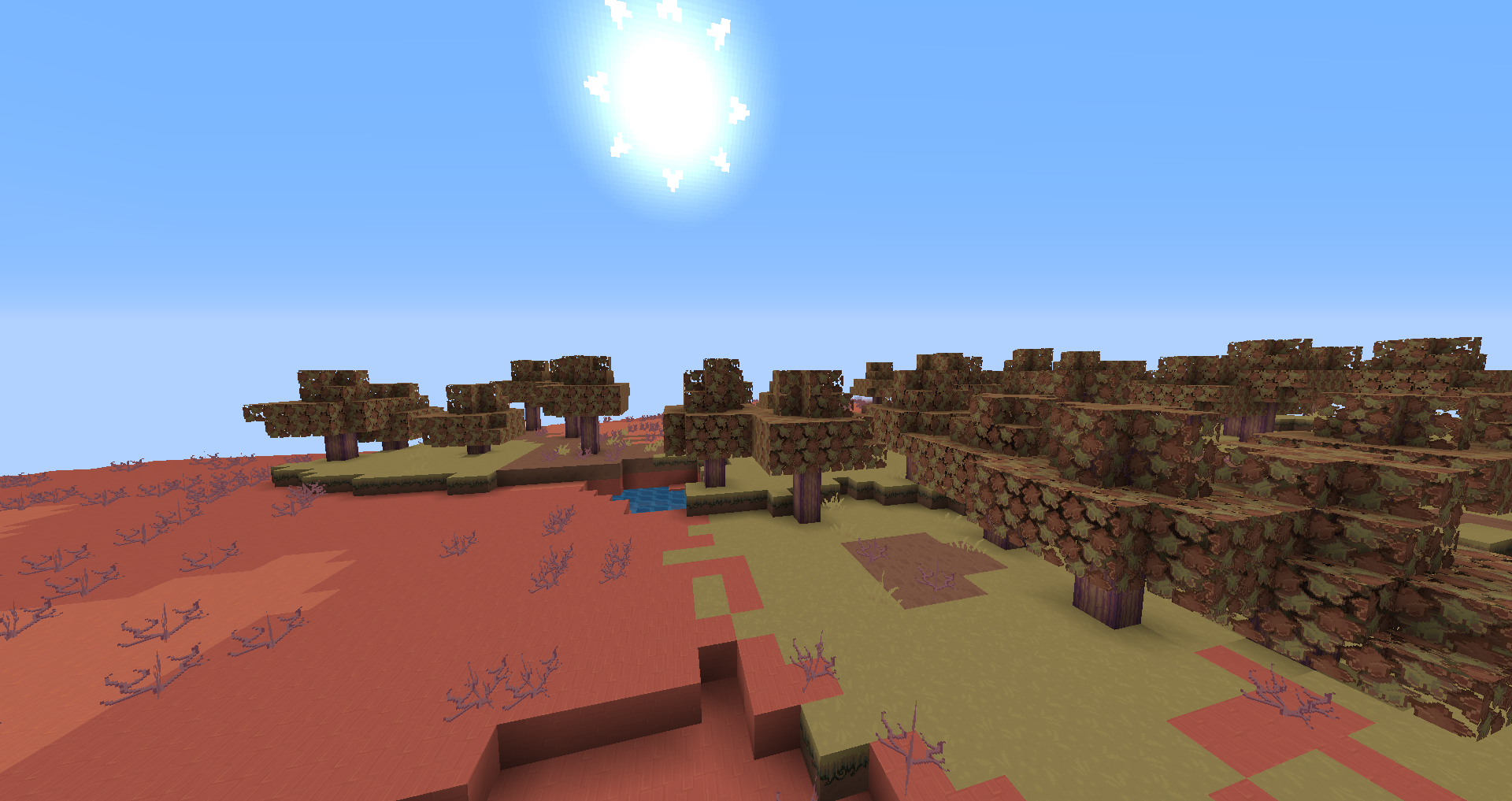
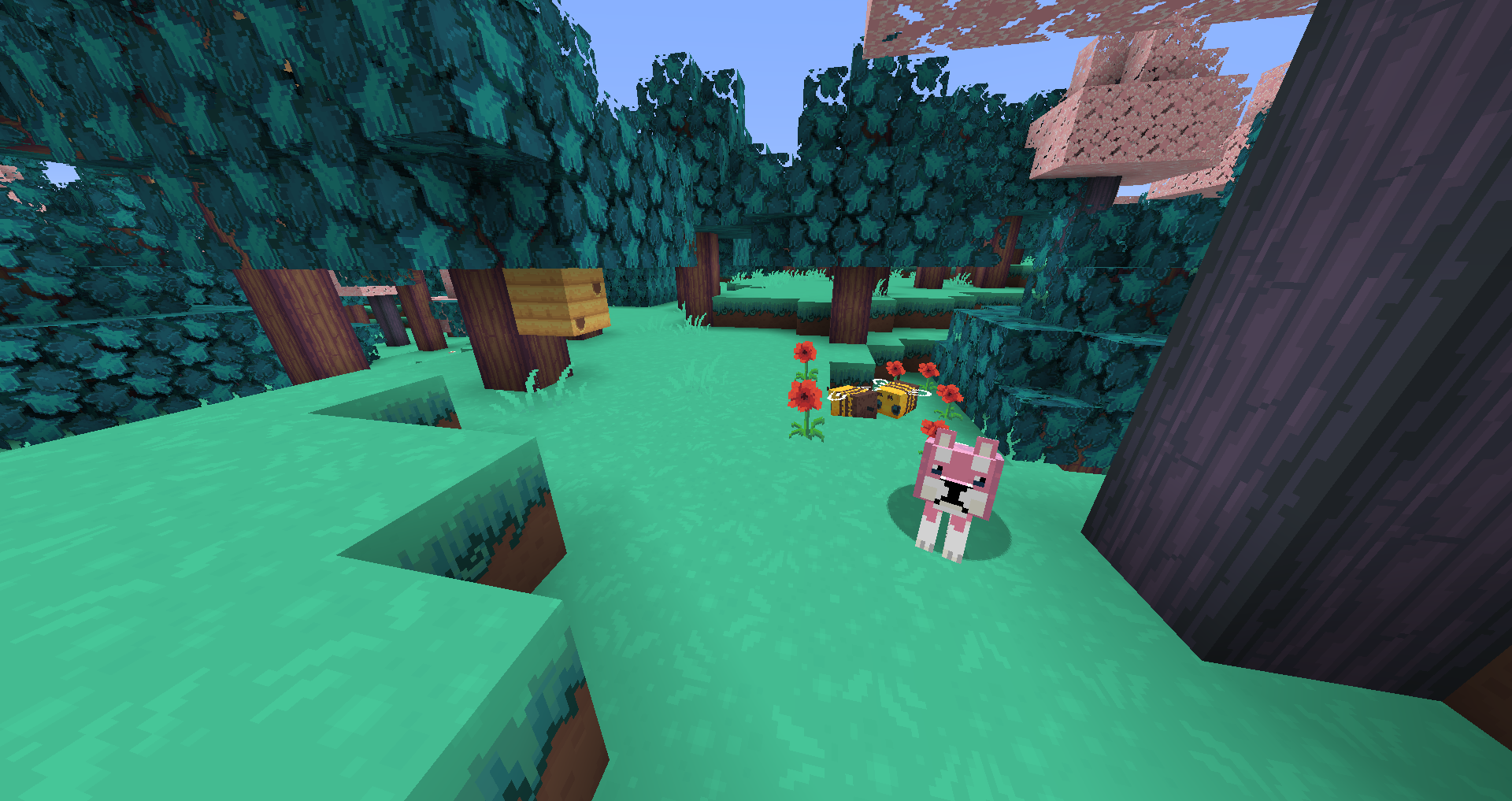
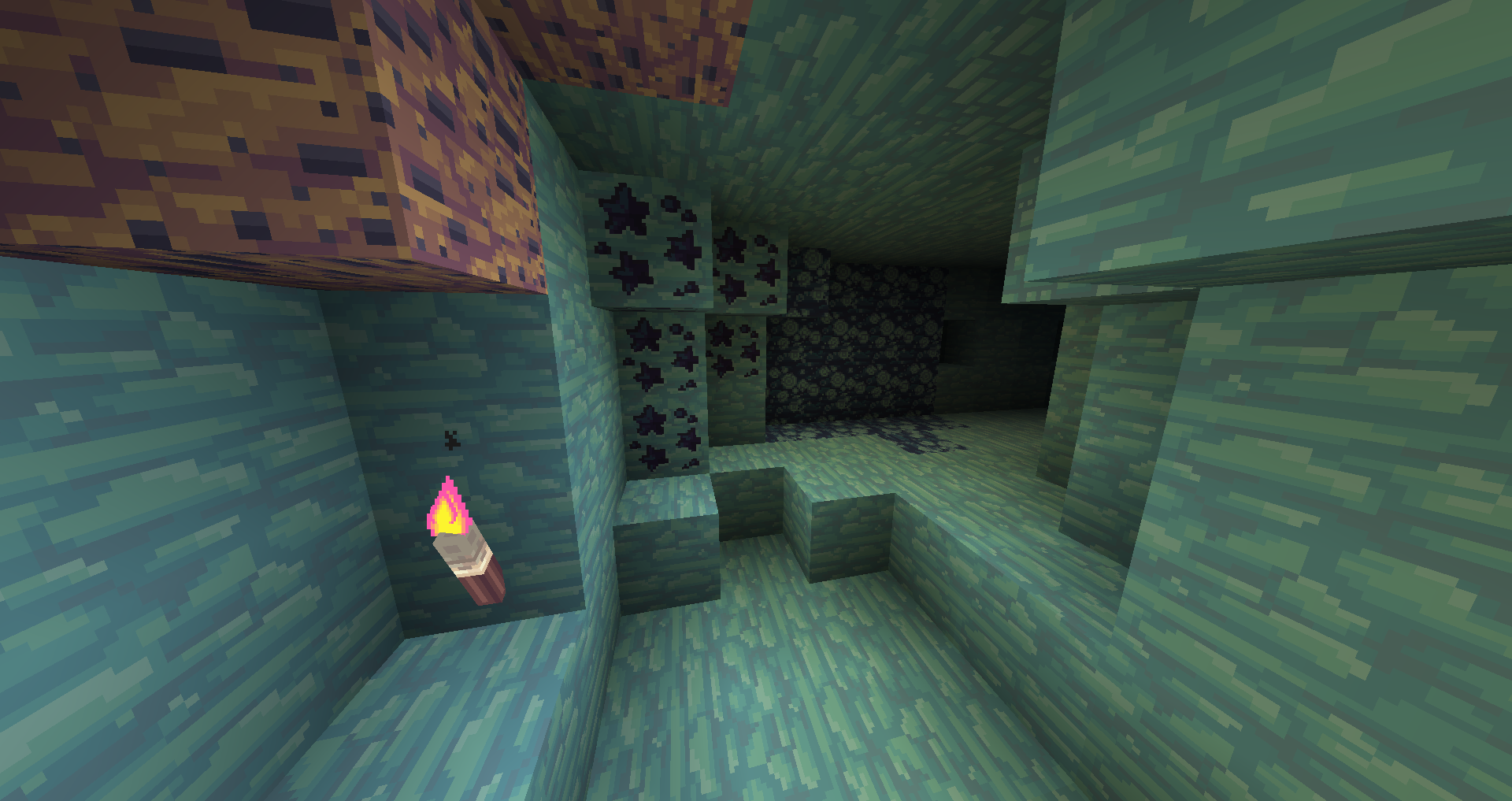
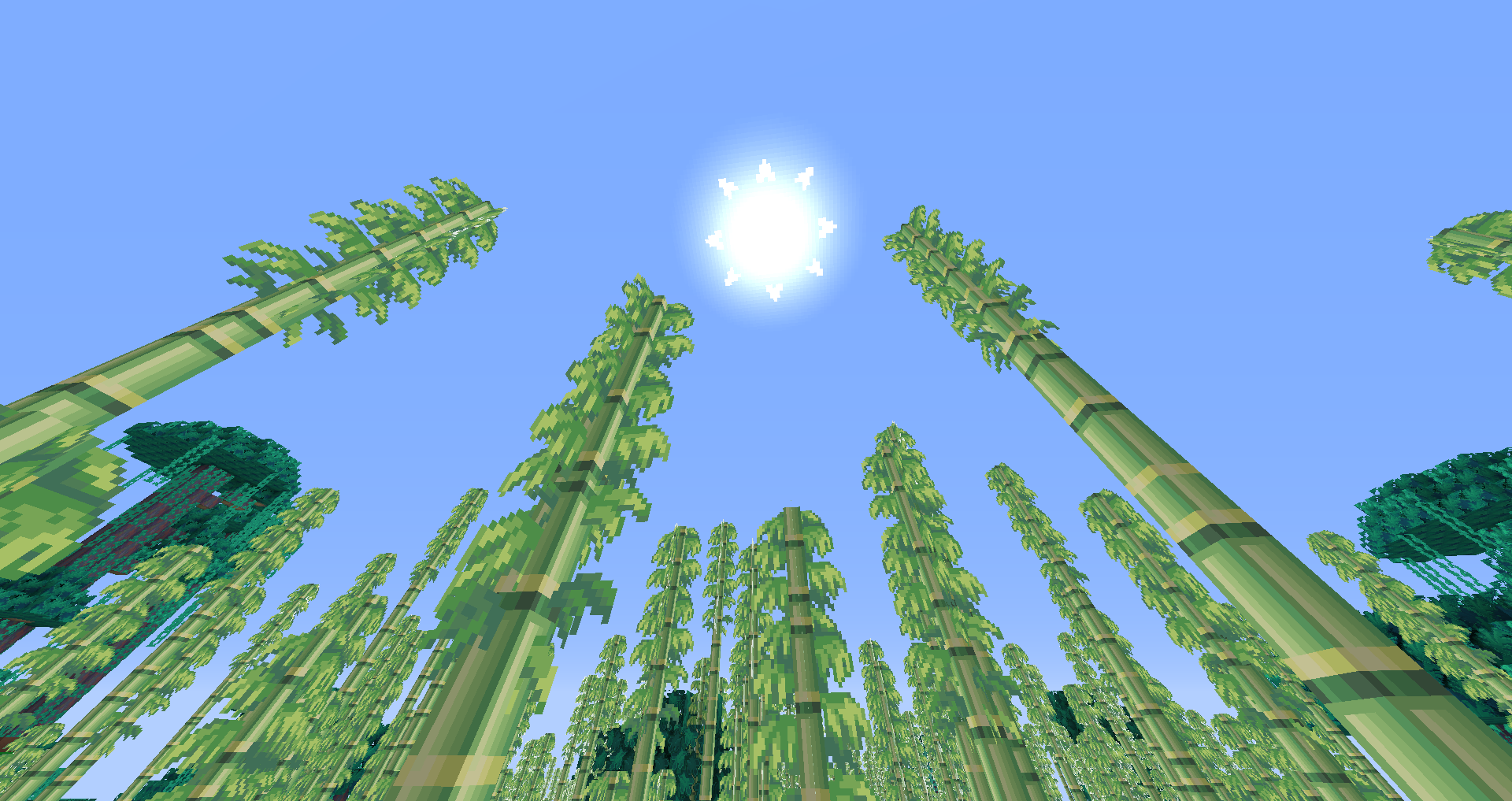
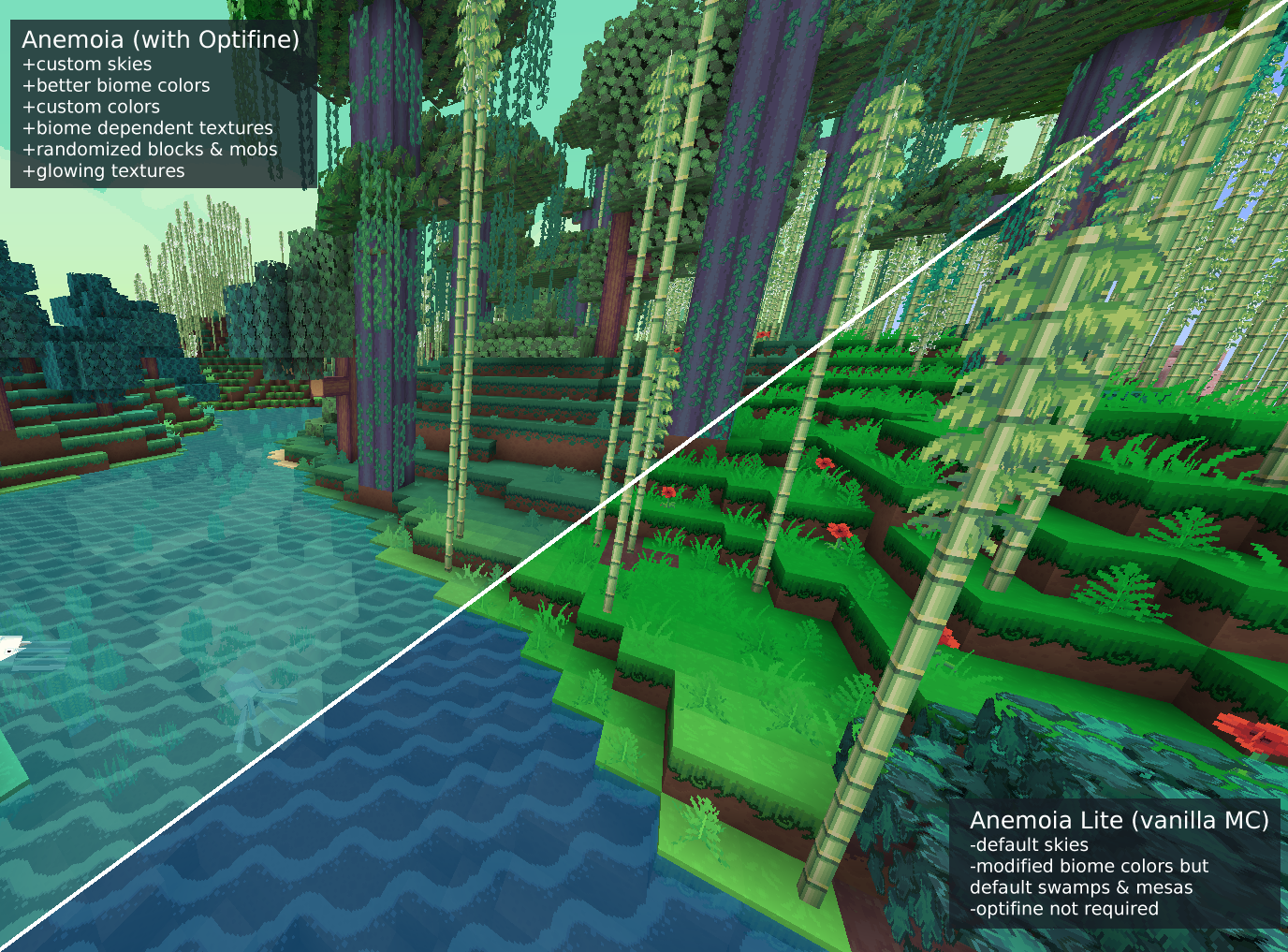
A lightweight version of Anemoia for those who can't or don't want to download Optifine. If you can use Optifine, I strongly suggest the full version of Anemoia over this one so you can experience the full variety and atmosphere of the texture pack. If you can't, well, there's this pack!
Q. What's different between Anemoia and Anemoia Lite?
Lite does not use Optifine, which is what enables some of the more complex/extensive edits to vanilla Minecraft.
The following features from Anemoia are not in the Lite version:
-Biome dependent textures (different grass in different biomes, etc)
-Better color control (custom colors for swamps/mesas/other hard-coded biomes, custom colors for water/different types of leaves)
-CTM connected textures (tops on the sugarcane, random textures on stone/podzol/mycelium/etc)
-Custom skies
-Randomized entity textures (extra horse/llama colors, alternate dog skins, camo creepers, etc)
-Emissive textures (glowing ore and redstone, glowing eyes on some animals/mobs)
-Lightmaps (purple shadows, brighter nights)
Q. Can I use this texture pack on stream/youtube/post screencaps/etc?
Absolutely! Go ahead.
Q. Can I edit this texture pack?
For private use, sure. Please don't public upload/monetize/etc your edits.