Mineuniverse
Resource Packs
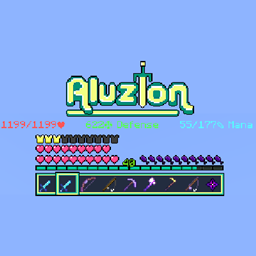
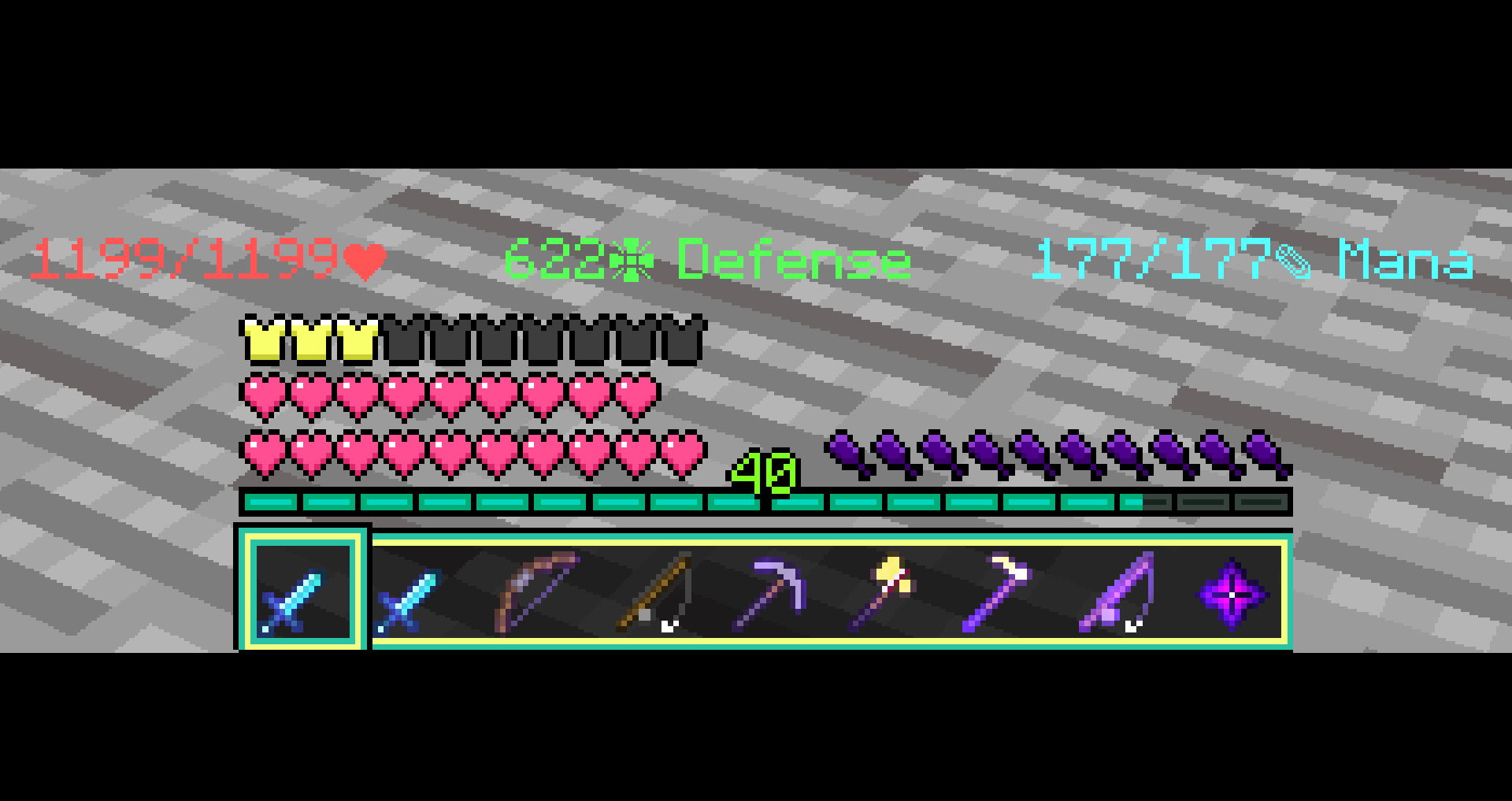
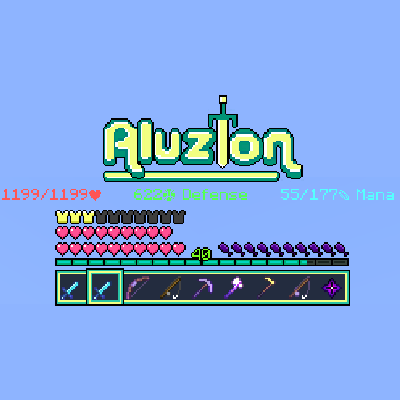
Aluzion's Default Hotbar

Aluzion's Default Hotbar

RESOURCE PACK
Cute translucent PVP hot bar
by lootylinte
Download Claim this project
4,298 downloads
0 likes
0 followers
Updated Oct 14, 2026
0 hypes
Follow0
16x Medieval Modern Traditional
Advertisement Remove ads with Premium →

Description:

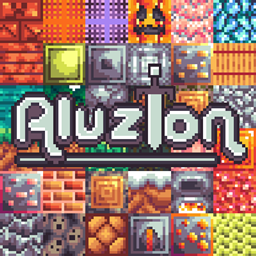
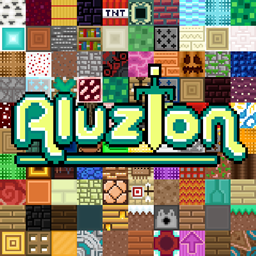
- This overlay is taken from my Minecraft texture pack: Aluzion [PVP] - Resource Packs - Minecraft - CurseForge 


Features this pack includes:

- Clean textures

- Eye catching colours

- Cartoony design

- Art style which does relate to default Minecraft

- Looks good with shaders enabled

- Optimized for PVP (e.g. shorter swords)


What are you allowed to do with this pack?

- You are allowed to take screenshots and videos.

- You are allowed to modify it as long as you do not distribute it.

- You are NOT allowed to distribute it in your own name unless you have explicit permission from me.

- Please give some form of credit to me if you post a video or pictures!

Aluzion's Default Hotbar
MC 1.16-Snapshot, 1.9.1, 1.16.3, 1.13.1, 1.9.3, 1.8.7, 1.15-Snapshot, 1.16.1, 1.10-Snapshot, 1.9.4, 1.9.2, 1.8.4, 1.14.4, 1.14.1, 1.12.1, 1.17, 1.12, 1.14.3, 1.15, 1.16, 1.13
Release 2021-03-18 Get

Requirements & install

How to use this resource pack in Minecraft
Resolution
16x
Minecraft
1.14.4 – 1.17
Install folder
.minecraft/resourcepacks

How to install resource packs

  1. Download the resource pack .zip file (do not extract it).
  2. In Minecraft open Options → Resource Packs → Open Pack Folder.
  3. Drop the .zip into the resourcepacks folder (.minecraft/resourcepacks).
  4. Move the pack to the Selected column and click Done.
Browse more: 16x resource packs 32x resource packs 64x resource packs 128x resource packs 256x resource packs 512x+ resource packs Resource Packs for 1.17 All resource packs

More from lootylinte

Advertisement Remove ads with Premium →

You Might Also Like