Mineuniverse
Resource Packs
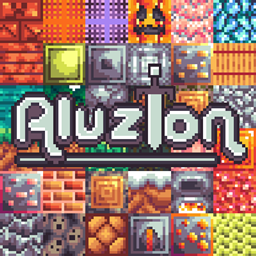
Aluzion Classic

Aluzion Classic

RESOURCE PACK
Retro, colourful texture pack - blocks, items modified.
by lootylinte
Download Claim this project
45,668 downloads
0 likes
Updated Oct 14, 2026
0 hypes
16x Medieval Miscellaneous Modern Traditional
Advertisement Remove ads with Premium →

 
Description

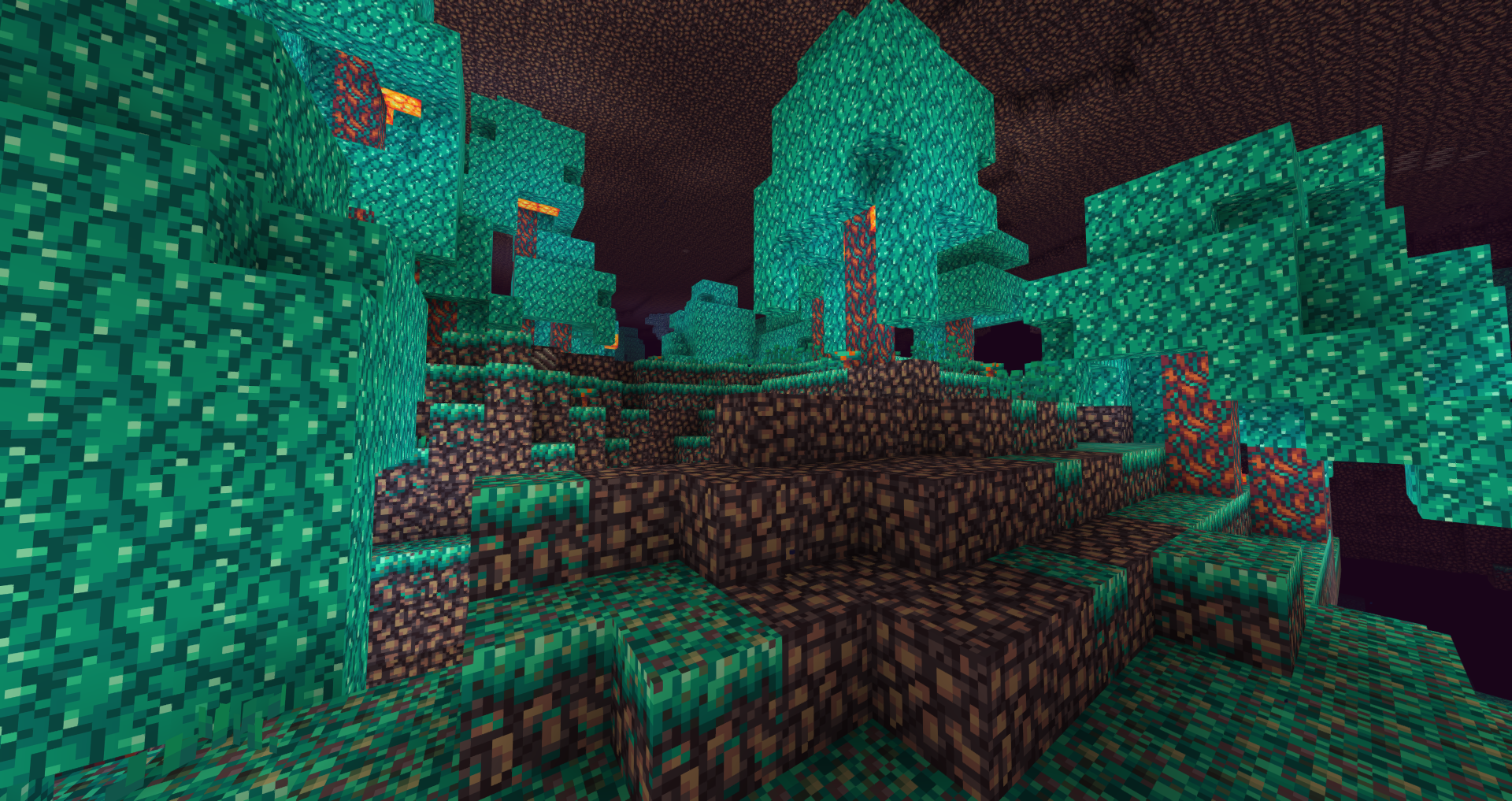
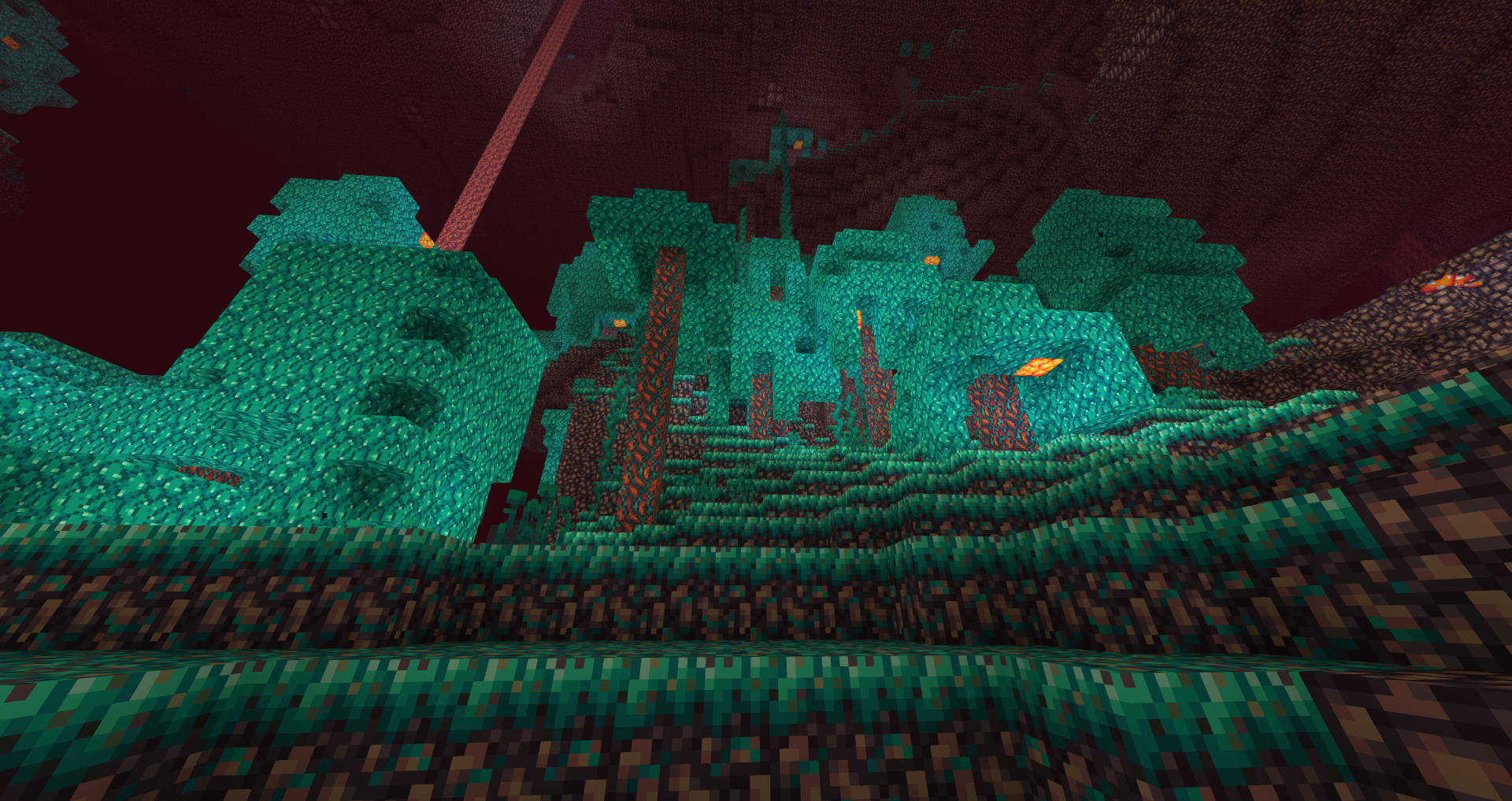
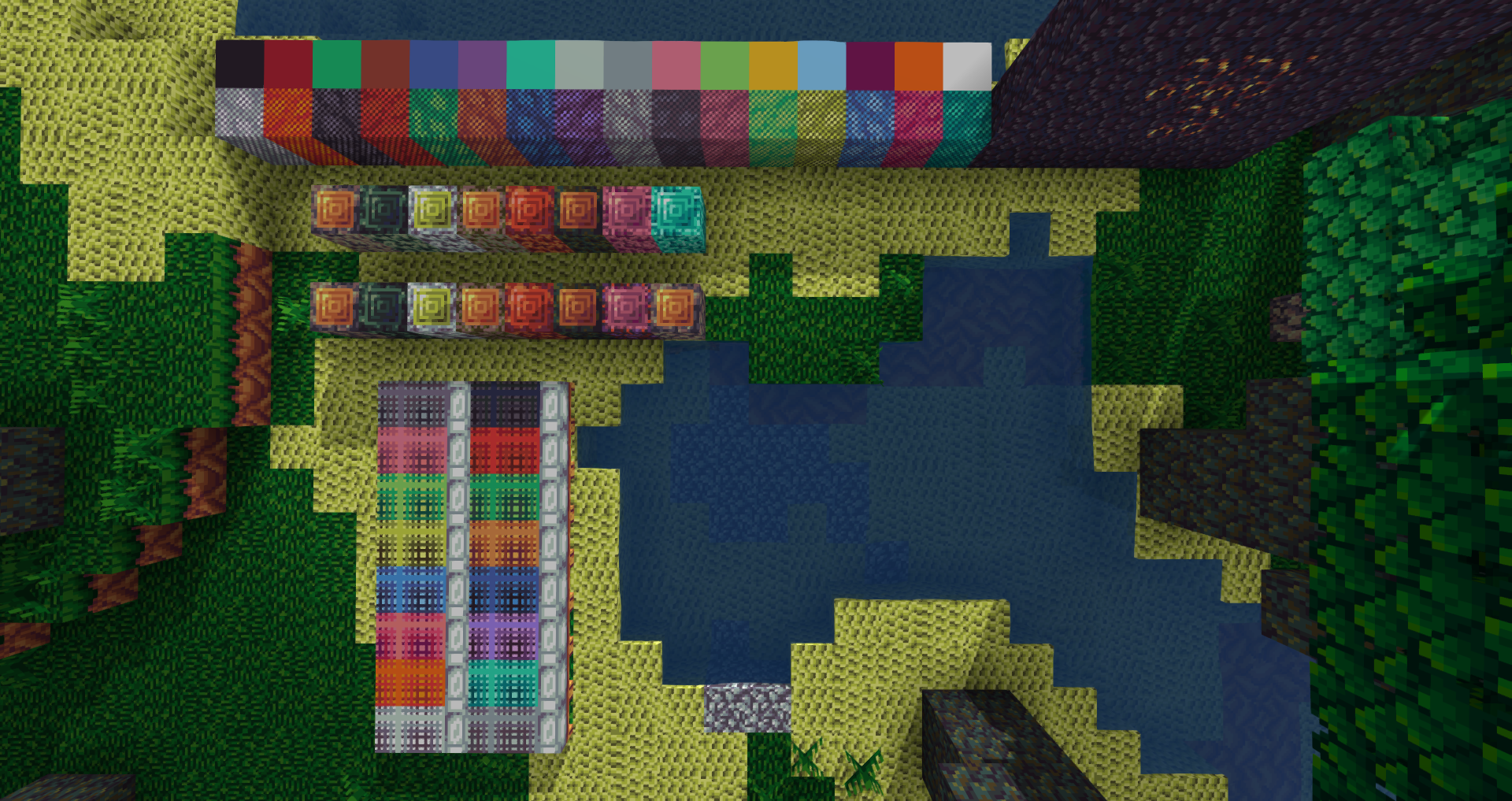
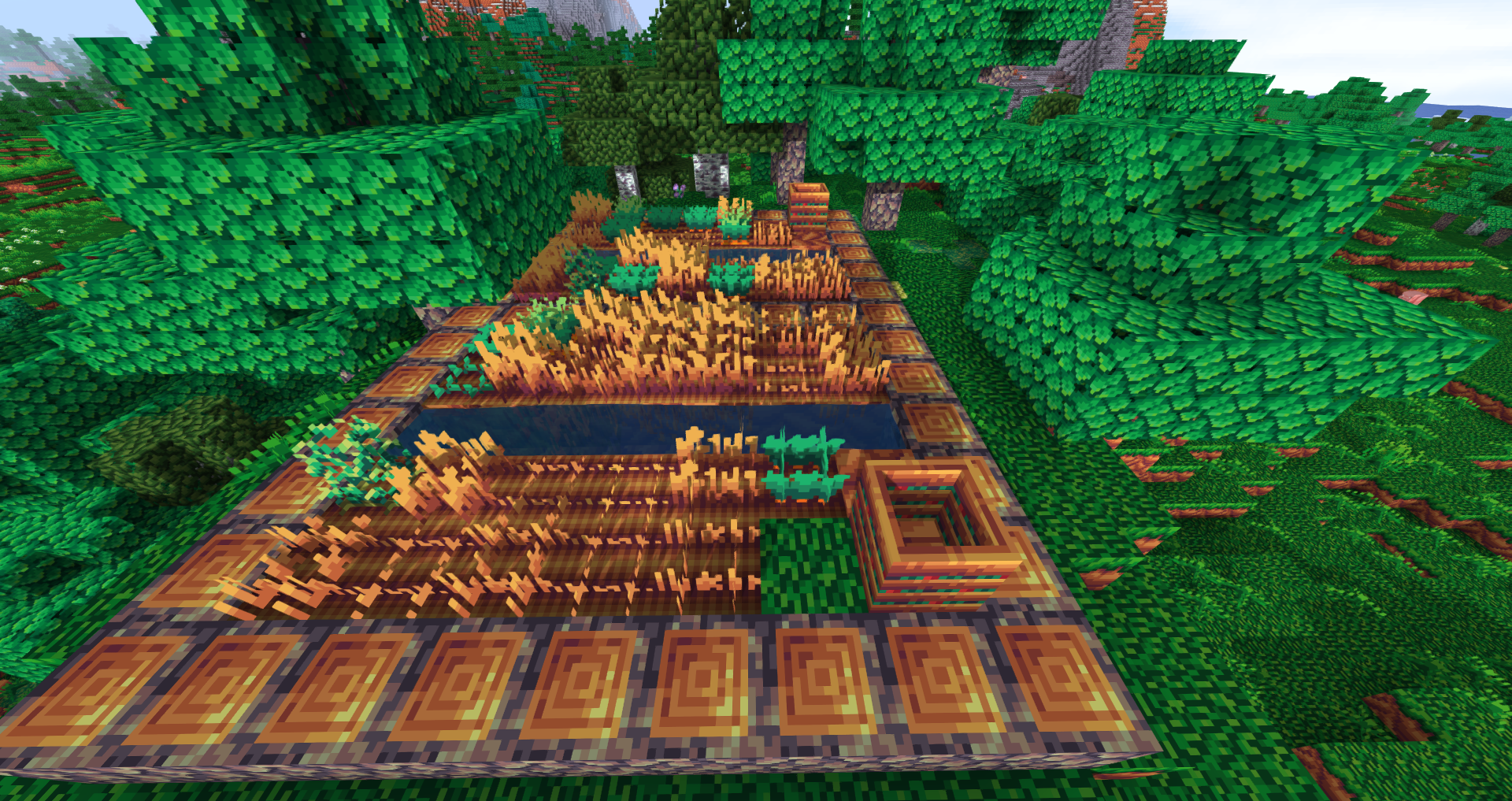
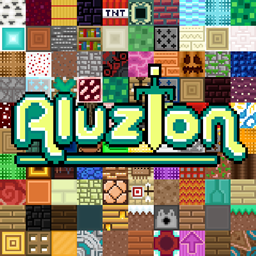
  • This pack features a retro colour palette and cartoony textures.
  • I recommend using Optifine so that you can get custom skies and connected glass.
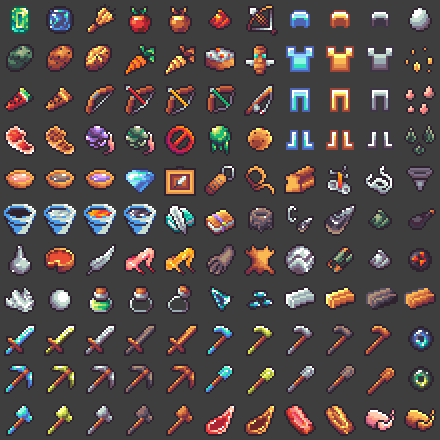
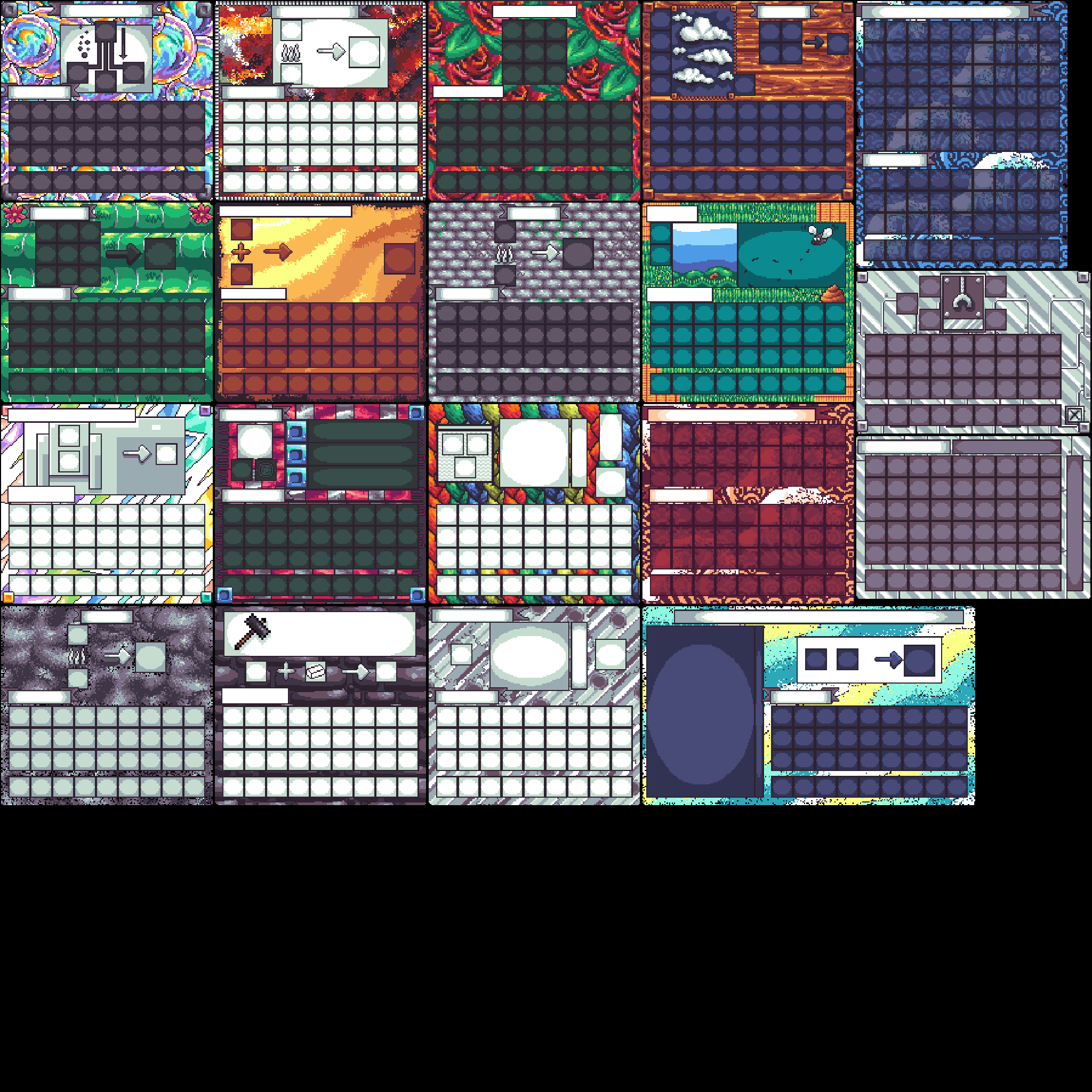
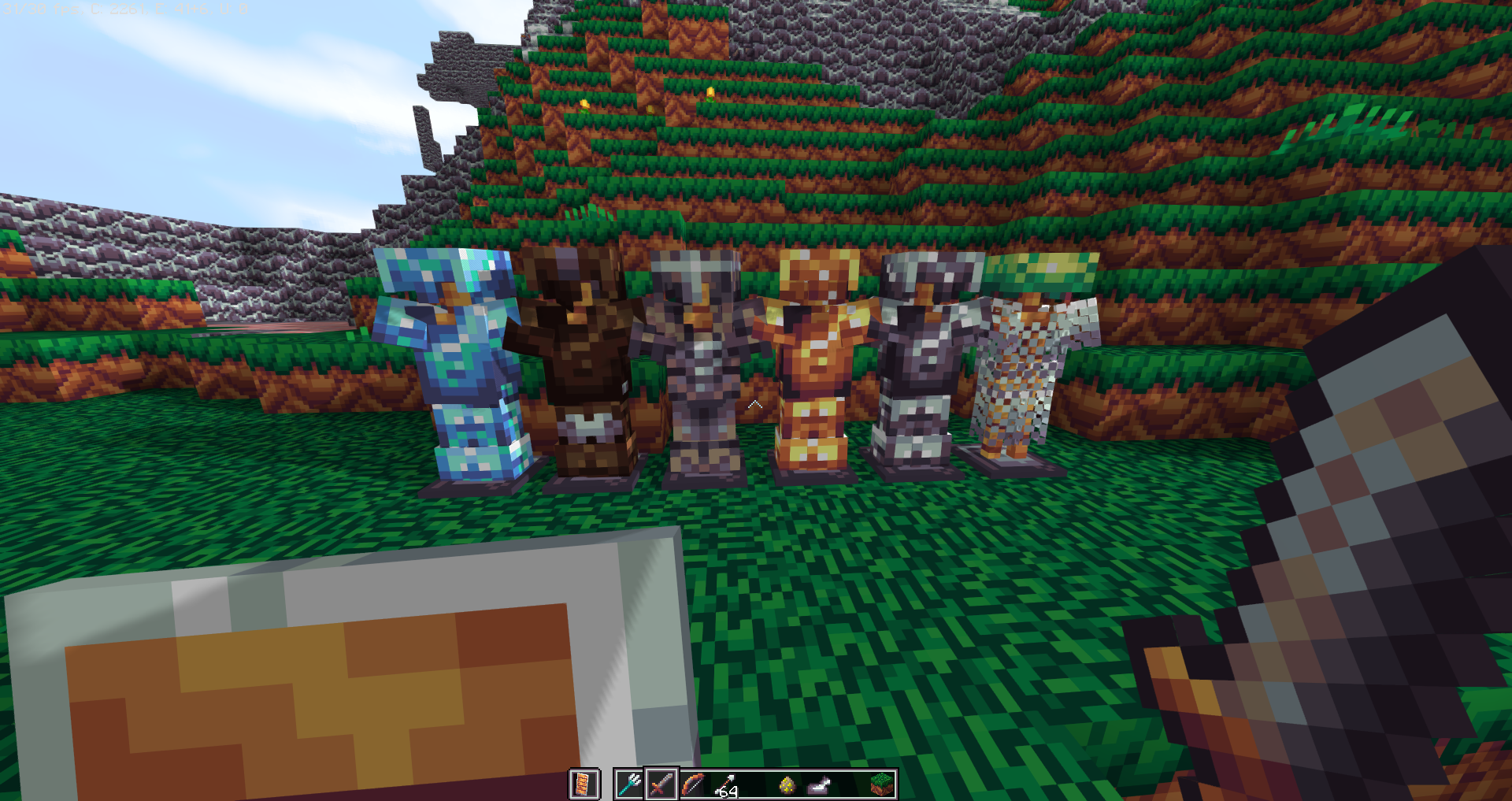
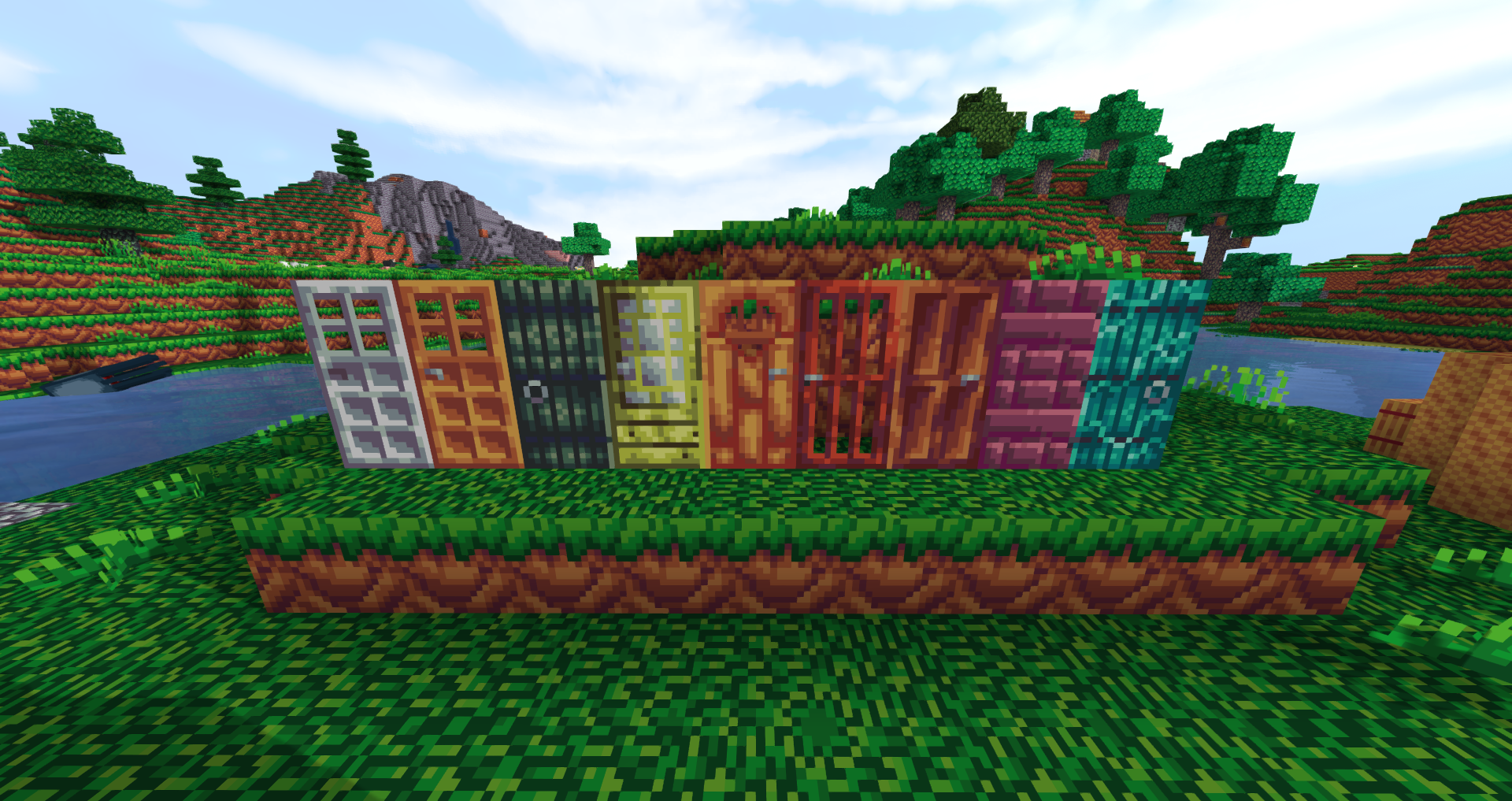
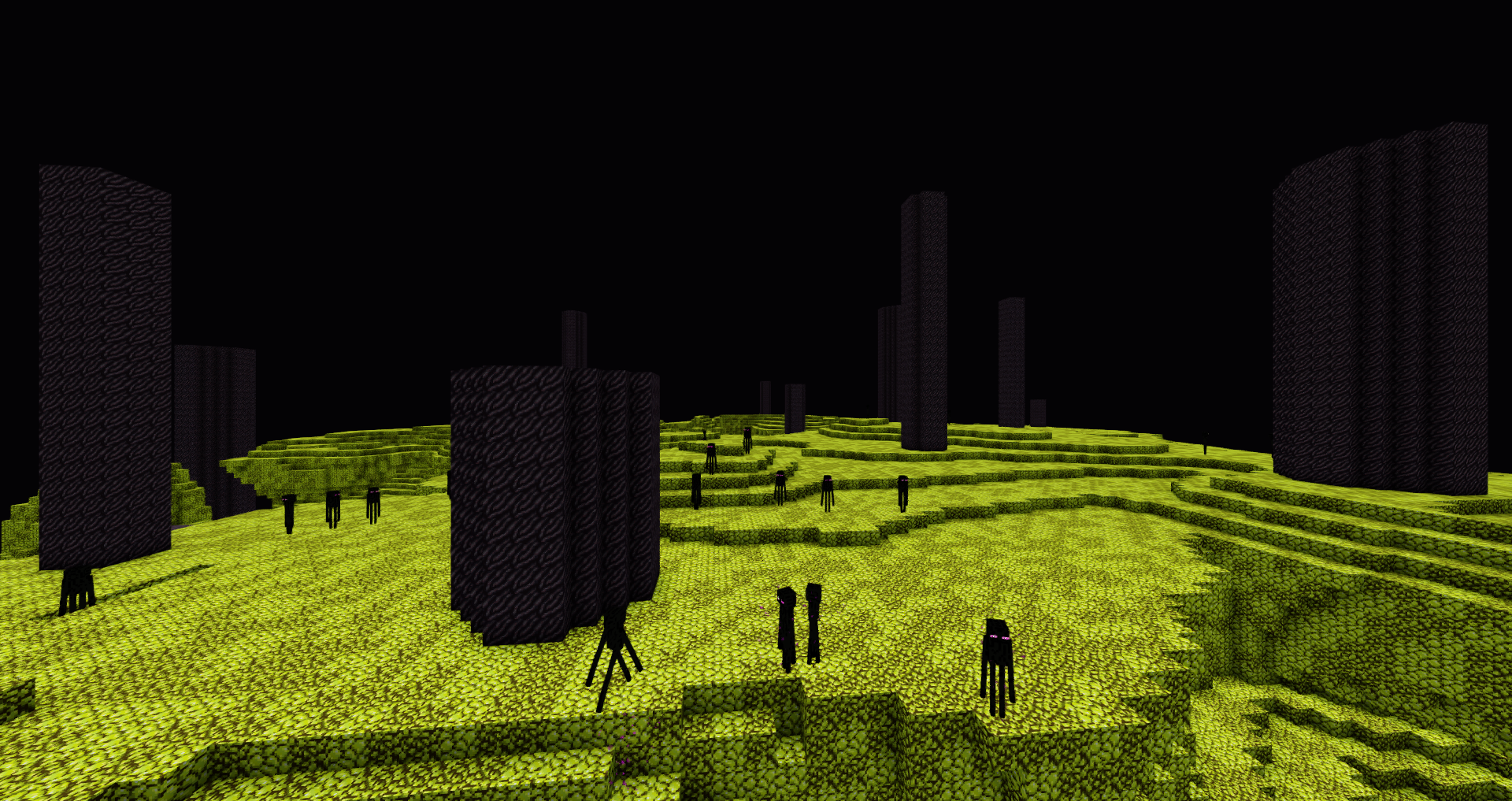
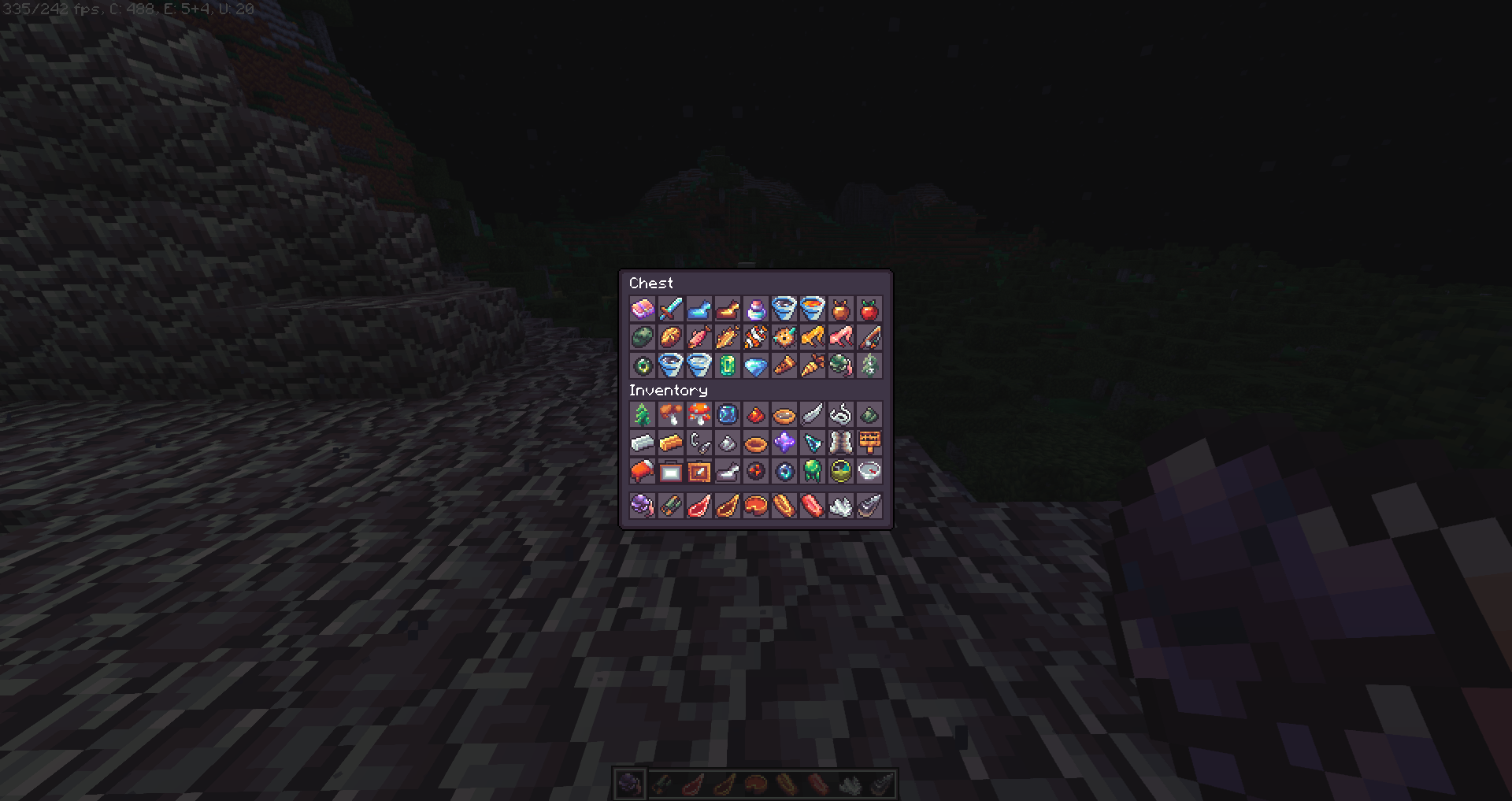
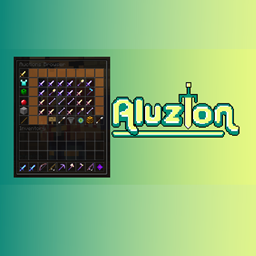
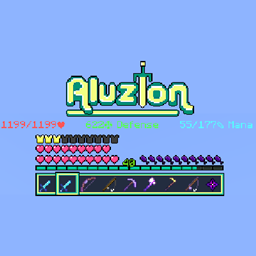
  • Items, GUIs, blocks and a few entities have been modified!
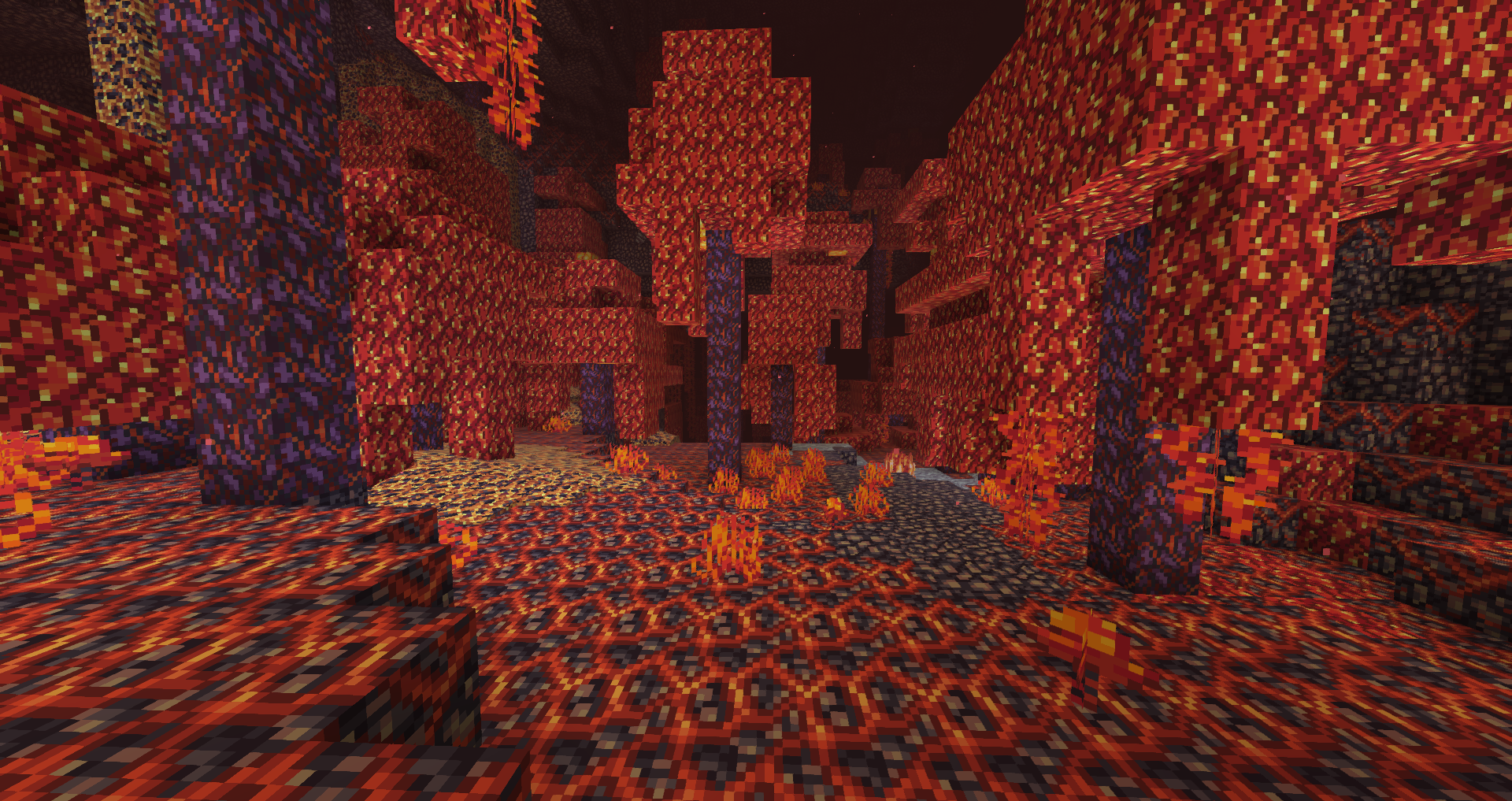
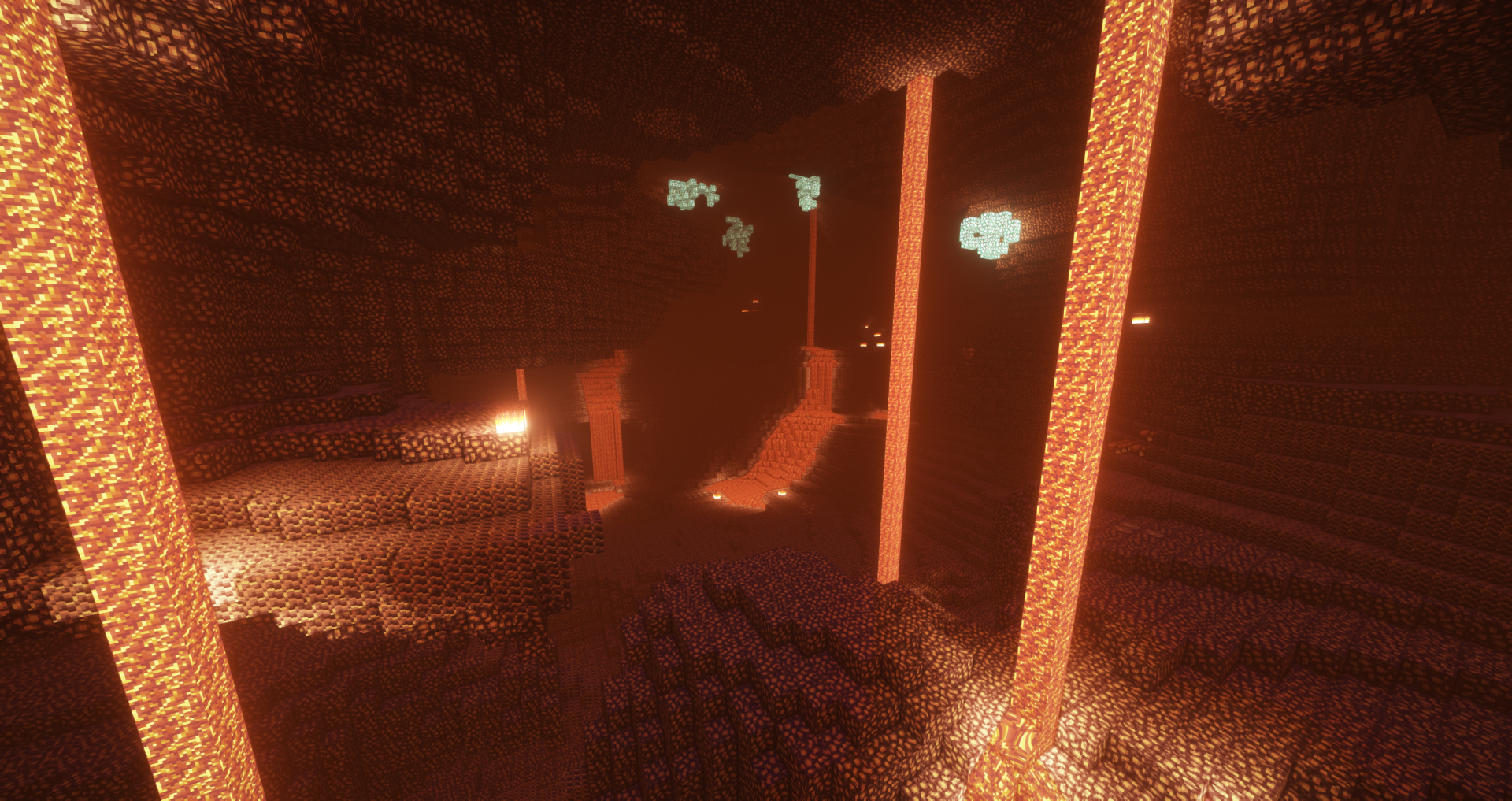
  • Glowstone is blue.
  • Netherrack is black.
  • Tools are outlined which gives them a cartoony, retro effect.
  • Custom skies and connected glass are available with Optifine.
  • There are variations with some textures (e.g. grass)
  • A cool crosshair that looks similar to this [^]
  • Smooth font made by: Fire_Fist on Planet Minecraft


Compatible

  • 1.8
  • 1.16
  • 1.17


What are you allowed to do with this pack?

  • You are allowed to take screenshots and videos.
  • You are allowed to modify it as long as you do not distribute it.
  • You are NOT allowed to distribute it in your own name unless you have explicit permission from me.
  • Please give some form of credit to me if you post a video or pictures!


Some of the items


Credit to Hypixel and Sildur's Default Shaders for my texture pack screenshots

Credit to Fire_Fist on Planet Minecraft for the free font!
Post screenshots and videos and I may add them to the description!
Expect a lot of updates because this project is relatively new.
Please feel free to post ideas for tweaks and if you notice any bugs!

Aluzion Classic 1.18 [JAVA]
MC 1.18.1, 1.18.2, 1.18, 1.18-Snapshot
Release 2022-03-06 Get

Requirements & install

How to use this resource pack in Minecraft
Resolution
16x
Minecraft
1.18-Snapshot – 1.18.2
Install folder
.minecraft/resourcepacks

How to install resource packs

  1. Download the resource pack .zip file (do not extract it).
  2. In Minecraft open Options → Resource Packs → Open Pack Folder.
  3. Drop the .zip into the resourcepacks folder (.minecraft/resourcepacks).
  4. Move the pack to the Selected column and click Done.
Browse more: 16x resource packs 32x resource packs 64x resource packs 128x resource packs 256x resource packs 512x+ resource packs Resource Packs for 1.18.2 All resource packs

More from lootylinte

Advertisement Remove ads with Premium →

You Might Also Like