Mineuniverse
Resource Packs
Alchemy cheat sheet/Ściąga alchemiczna

Alchemy cheat sheet/Ściąga alchemiczna

RESOURCE PACK
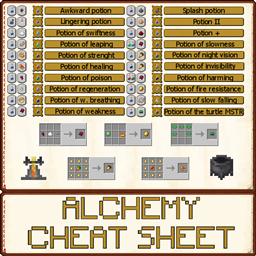
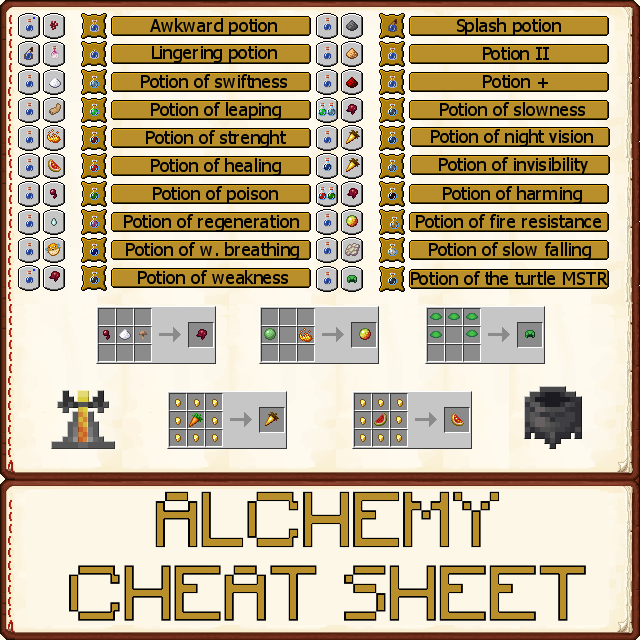
Simple alchemy cheat sheet as in game painting/Prosta ściąga alchemiczna jako obraz
by MrWurste
Download Claim this project
Add a badge to your pageLink to Alchemy cheat sheet/Ściąga alchemiczna from a README, website or forum post.
Preview: Badge

Badges update automatically and link to the resource pack page on MineUniverse.
1,602 downloads
0 likes
0 followers
Updated Oct 14, 2026
0 hypes
Follow0
512x and Higher Traditional
Advertisement Remove ads with Premium →


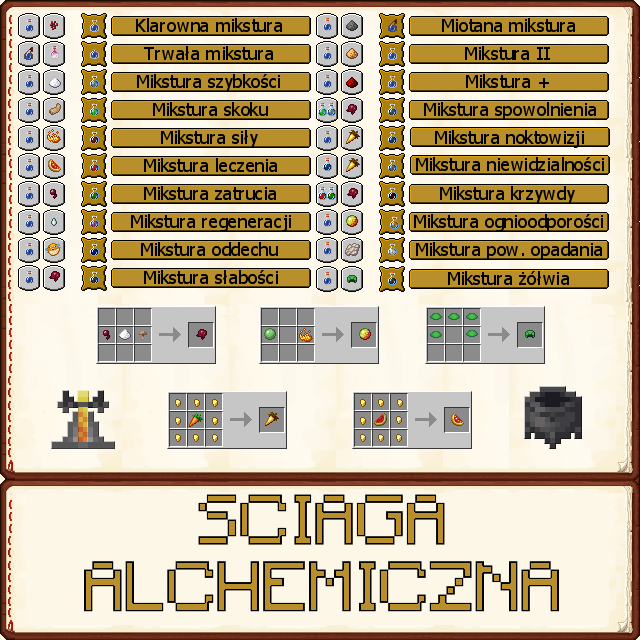
A small facilitating the creation of potions. I used this image for long time, is very helpfull, so now I want to share with you. Cheat sheet contains all potions, I think, it should work fine with older Minecraft versions. No other textures. If you see mistake or something is missing, please let me know.
I wish you a successful brew potions :D

PL: Taka małe ułatwienie tworzenia mikstur. Używam tej grafiki już od dawna, jest bardzo pomocna więc się z wami podzielę. Ściąga zawiera chyba wszystkie mikstury, bez problemu powinna działać też ze starszymi wersjami Minecraft. Żadnych innych tekstur. Jeśli widzicie błąd lub czegoś brakuje, to byłbym wdzięczny gdybyście dali znać.

Udanego ważenia mikstur :D


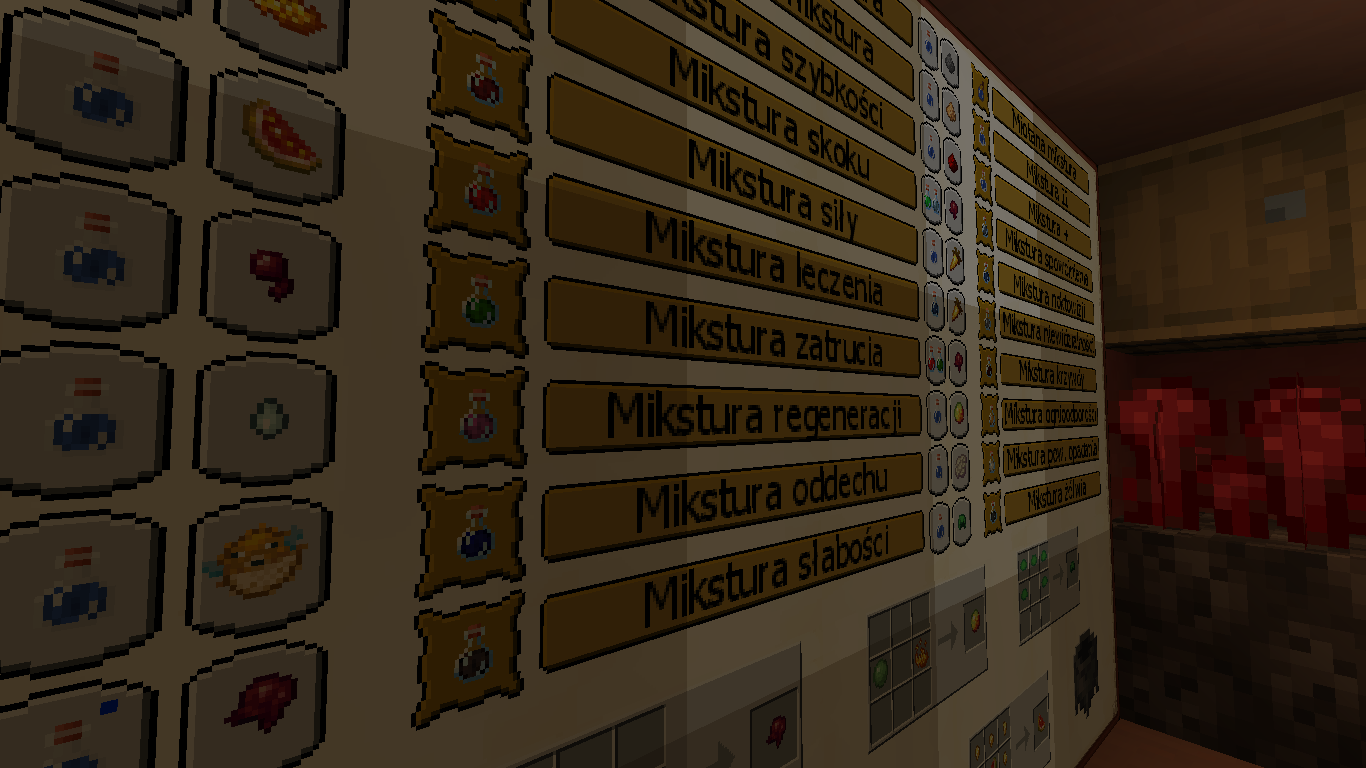
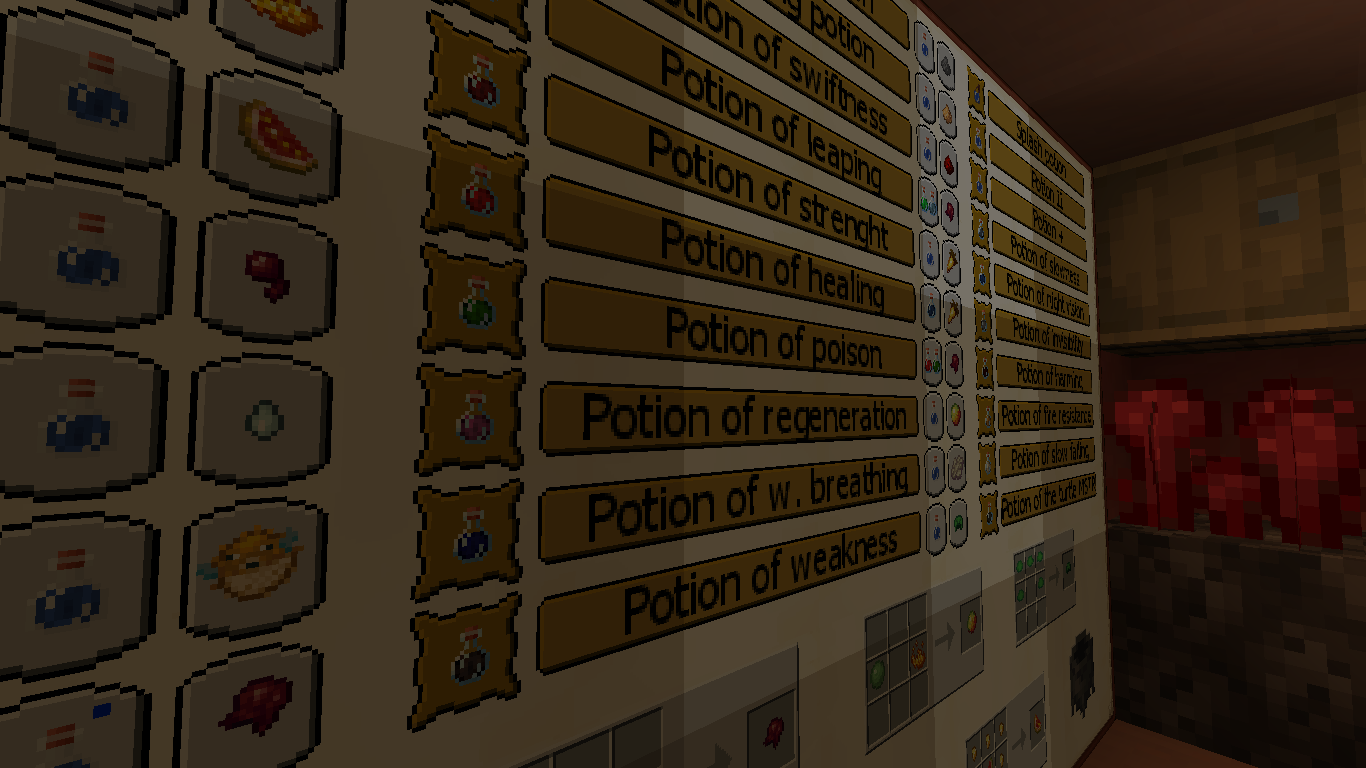
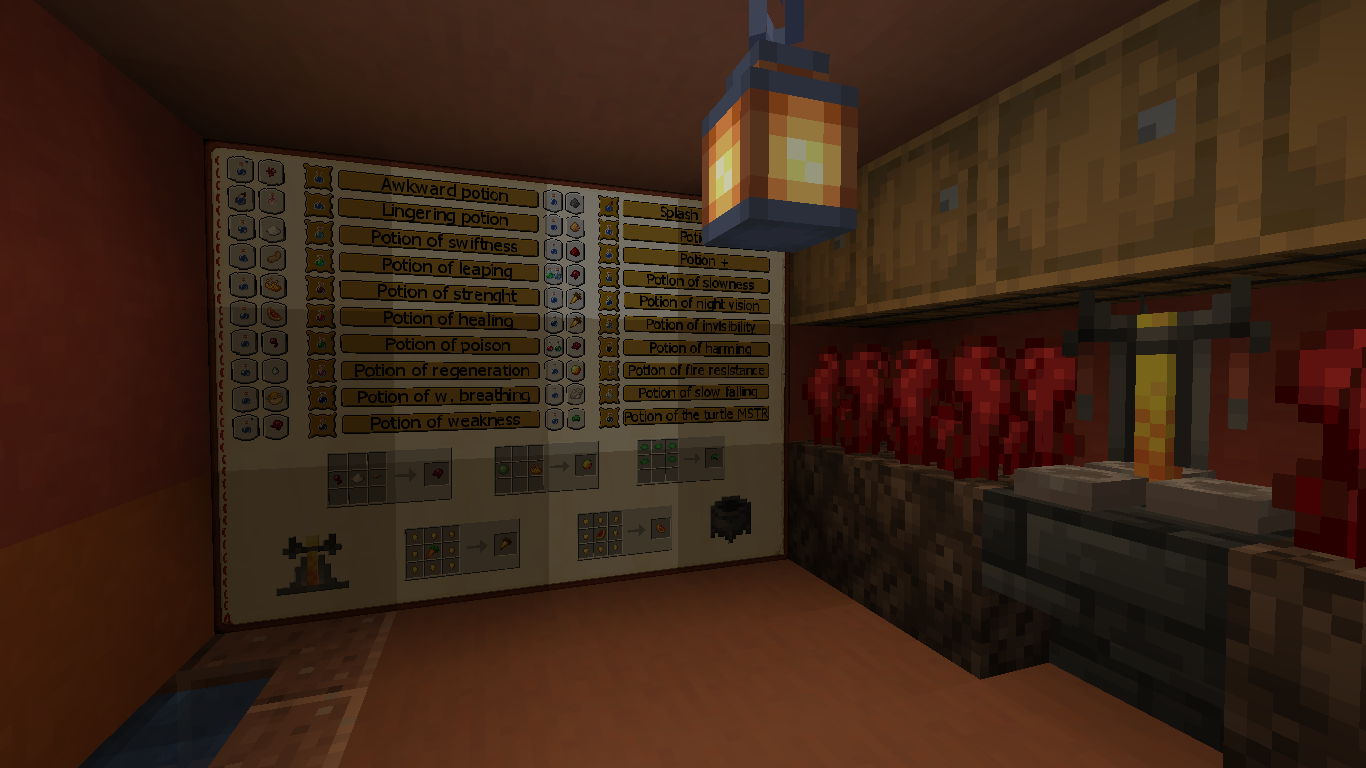
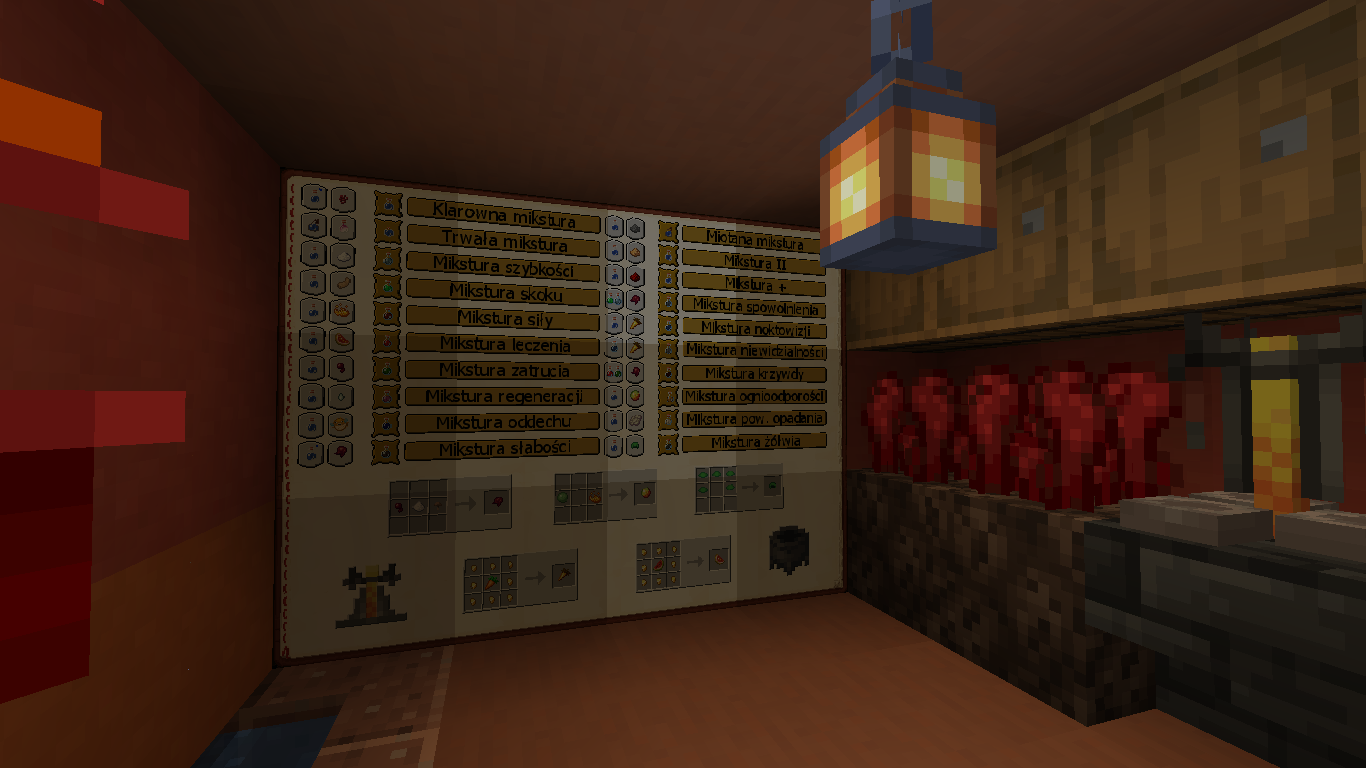
And that's how it looks in the game/A oto tak prezentuje się w akcji. 


English texture:
Polska tekstura:
Ściąga alchemiczna 1.17.zip
MC 1.16-Snapshot, 1.16.3, 1.13.1, 1.15-Snapshot, 1.16.1, 1.14.4, 1.14.1, 1.17, 1.14.3, 1.15, 1.16, 1.13, 1.16.5, 1.15.2, 1.14, 1.17-Snapshot, 1.16.4, 1.14.2, 1.16.2, 1.13-Snapshot
Release 2021-06-28 Get
Alchemy cheat sheet 1.17.zip
MC 1.16-Snapshot, 1.16.3, 1.13.1, 1.15-Snapshot, 1.16.1, 1.14.4, 1.14.1, 1.17, 1.14.3, 1.15, 1.16, 1.13, 1.16.5, 1.15.2, 1.14, 1.17-Snapshot, 1.16.4, 1.14.2, 1.16.2, 1.13-Snapshot
Release 2021-06-28 Get

Requirements & install

How to use this resource pack in Minecraft
Resolution
512x+
Minecraft
1.16 – 1.17
Install folder
.minecraft/resourcepacks

How to install resource packs

  1. Download the resource pack .zip file (do not extract it).
  2. In Minecraft open Options → Resource Packs → Open Pack Folder.
  3. Drop the .zip into the resourcepacks folder (.minecraft/resourcepacks).
  4. Move the pack to the Selected column and click Done.

512x packs need a strong GPU and at least 4 GB of RAM for Minecraft; a performance mod such as Sodium is strongly recommended.

Browse more: 16x resource packs 32x resource packs 64x resource packs 128x resource packs 256x resource packs 512x+ resource packs Resource Packs for 1.17 All resource packs
Advertisement Remove ads with Premium →

You Might Also Like