

Mineuniverse
Resource Packs
Actually 3D Workbenches

Actually 3D Workbenches

RESOURCE PACK
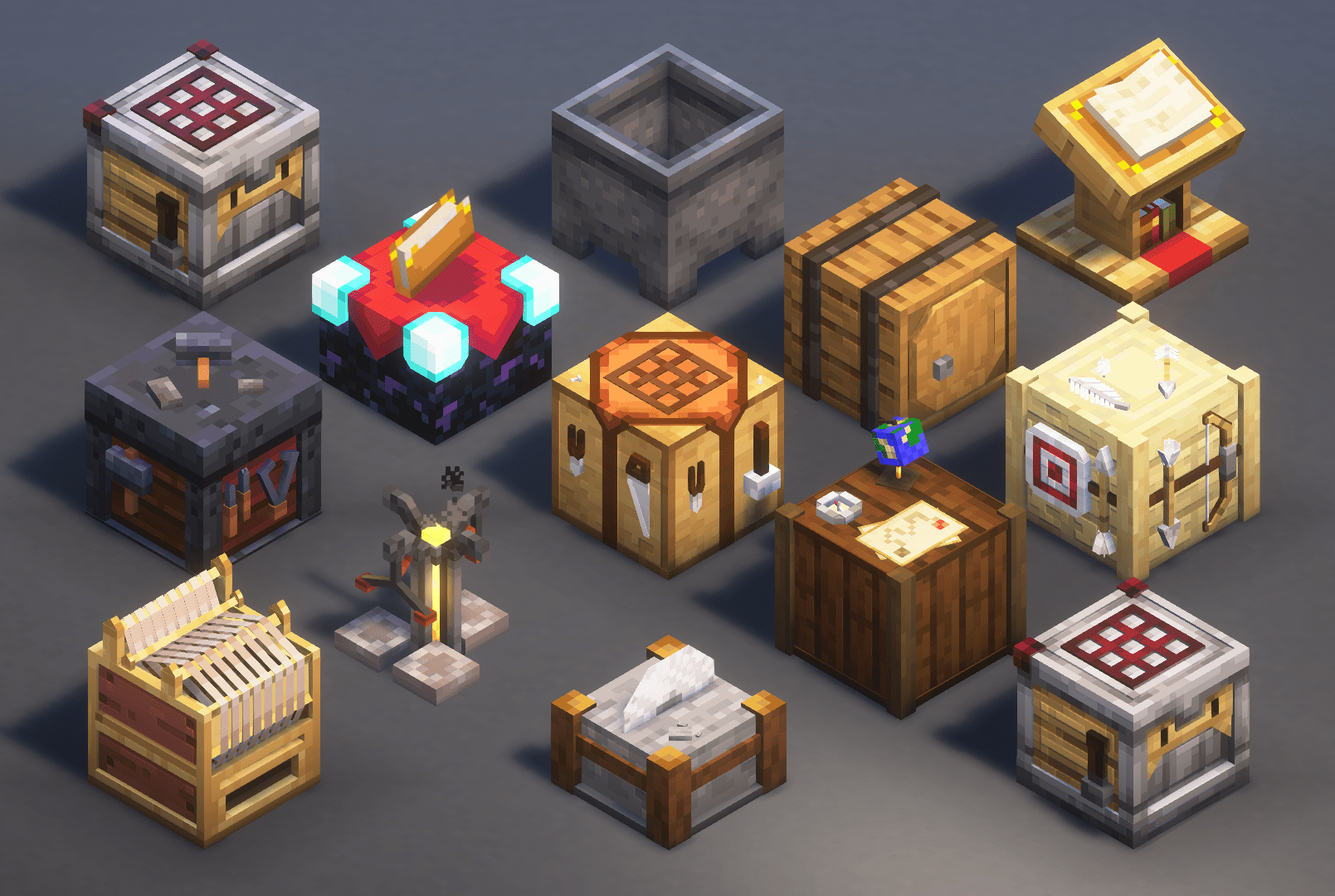
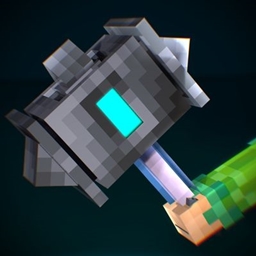
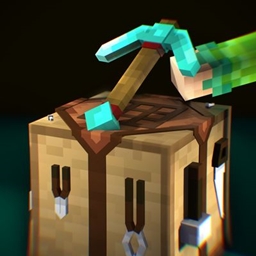
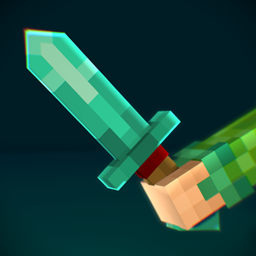
A Vanilla friendly resourcepack, which makes Workbenches in Minecraft more detailed, smoother and actually 3D! (3D Crafting Table, 3D Crafter, 3D Fletching Table, 3D Stonecutter, 3D Loom, 3D Barrel, 3D tables, etc.)
by MattCrowberry
Download Claim this project
9,242 downloads
0 likes
Updated Oct 14, 2026
0 hypes
16x
Advertisement Remove ads with Premium →

The logo


More details:

Each of the Workbenches (Crafting Table, Crafter, Smithing Table, etc.) has an actually 3D model, that's really detailed and uses the vanilla textures to be really vanilla friendly!

‎


The 3D Workbench Showcase:

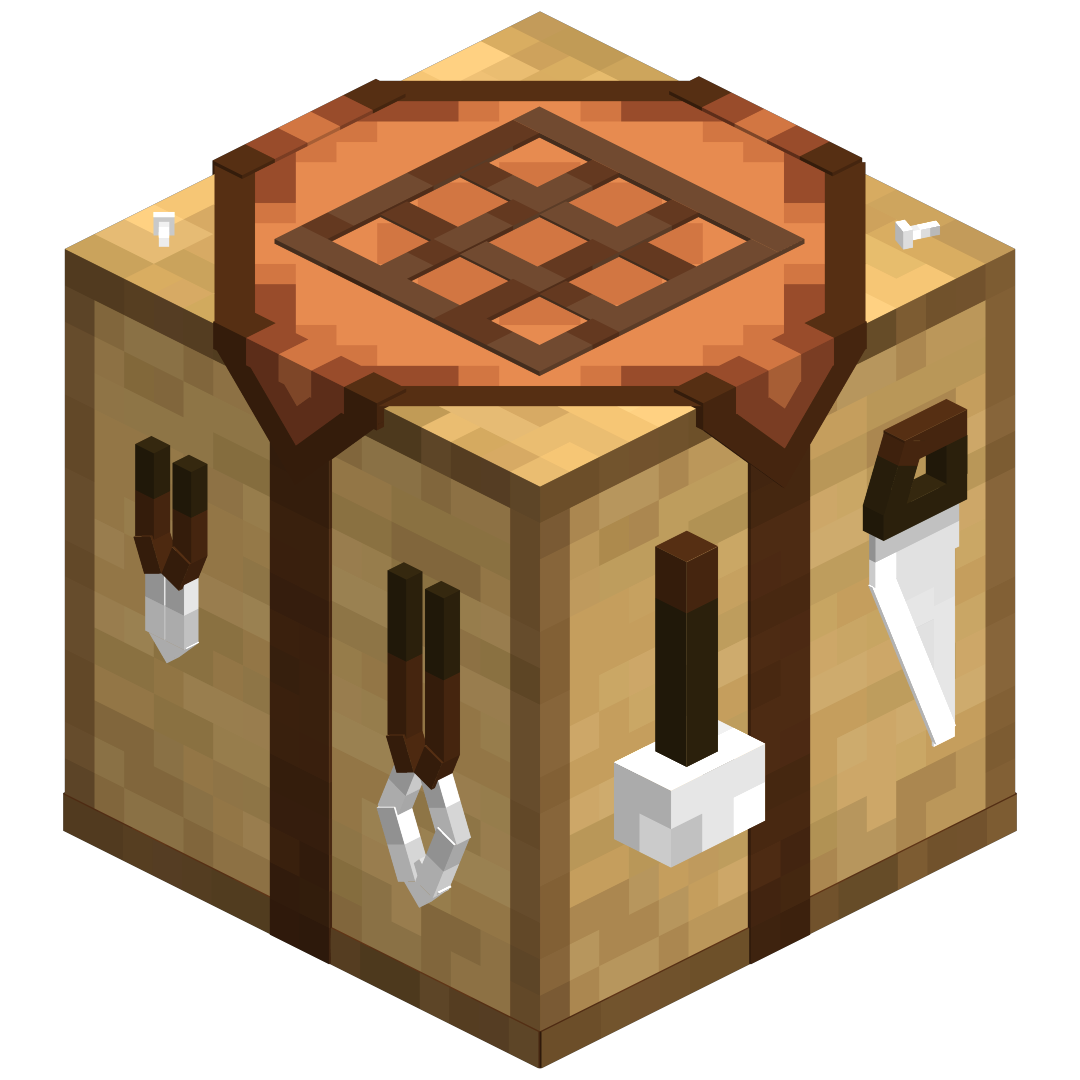
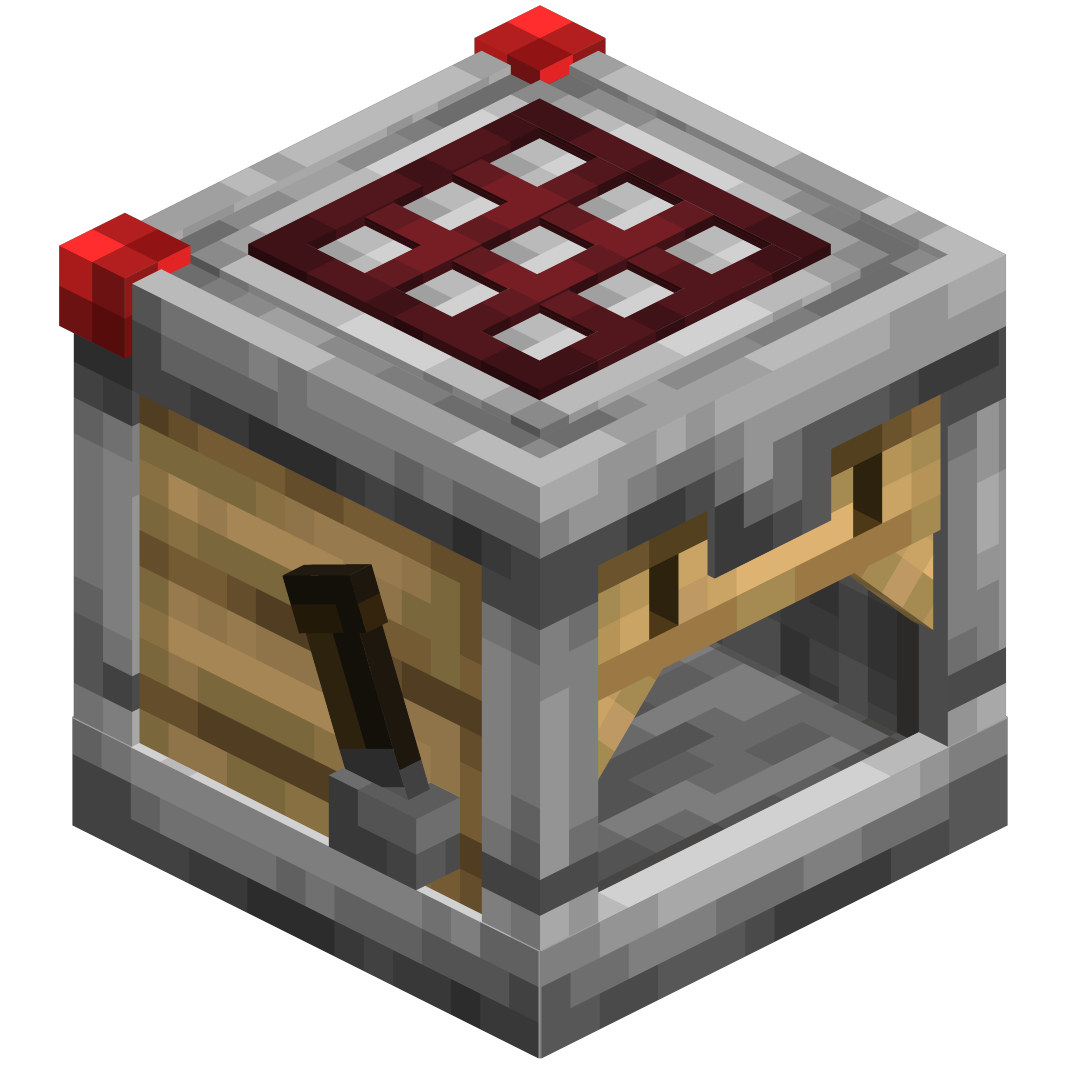
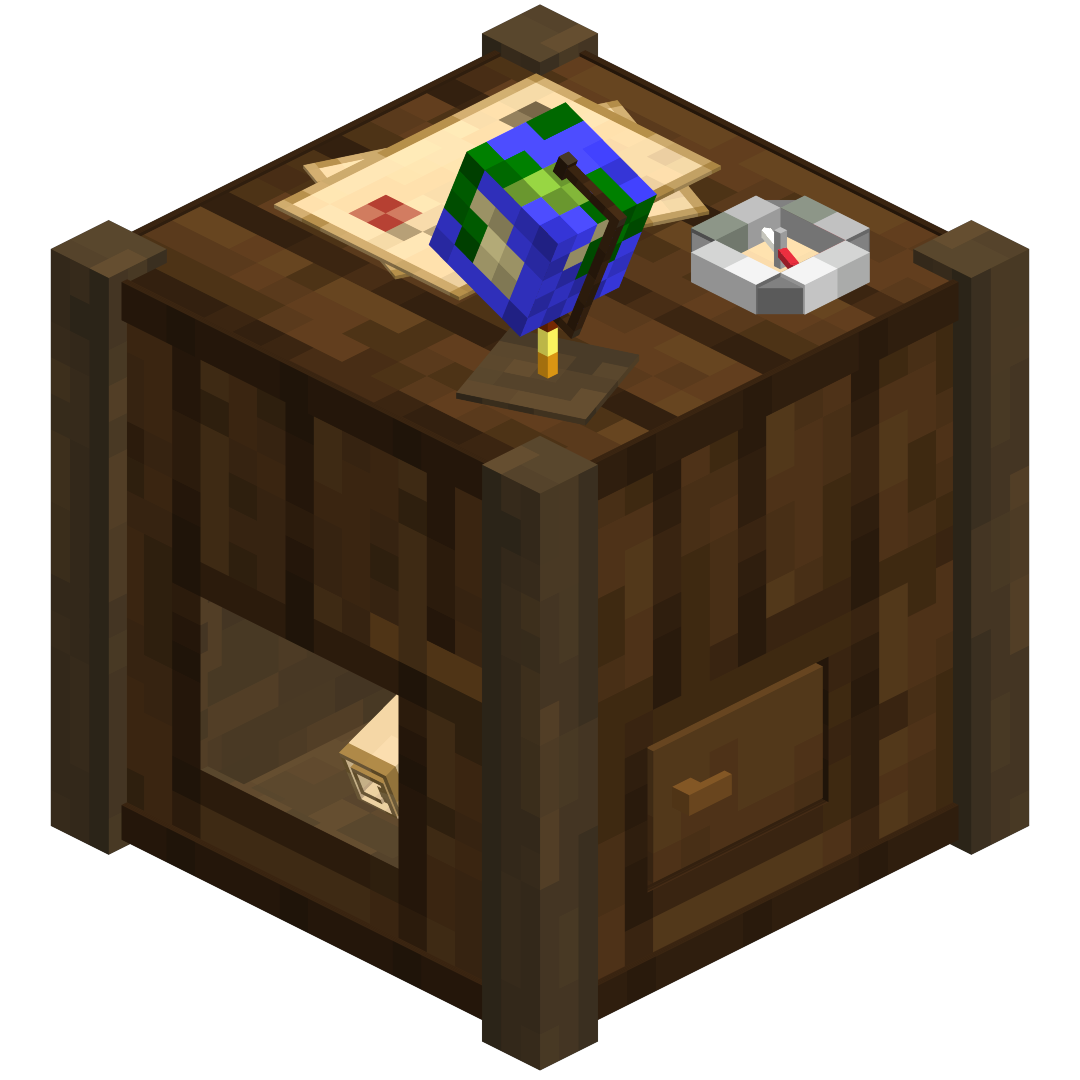
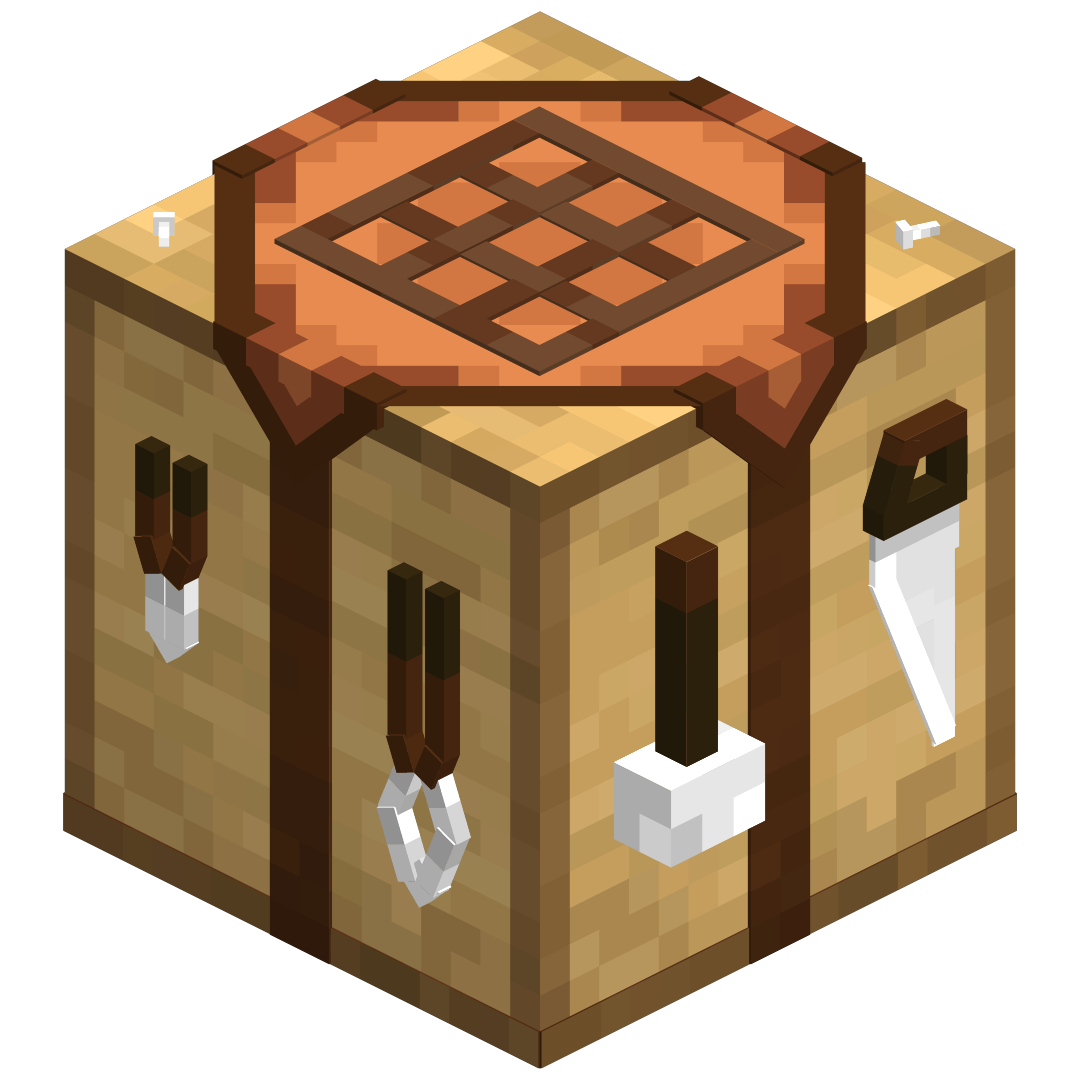
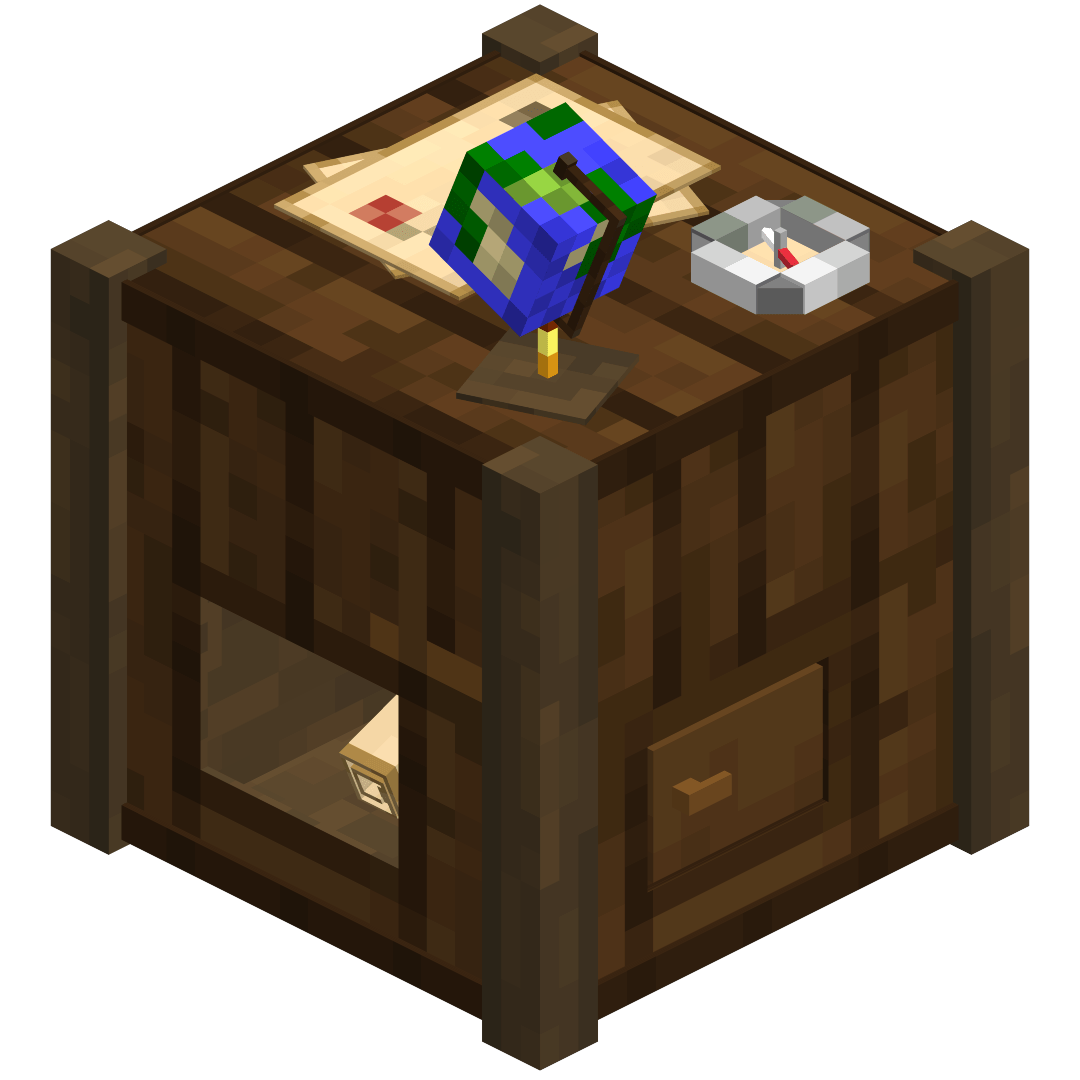
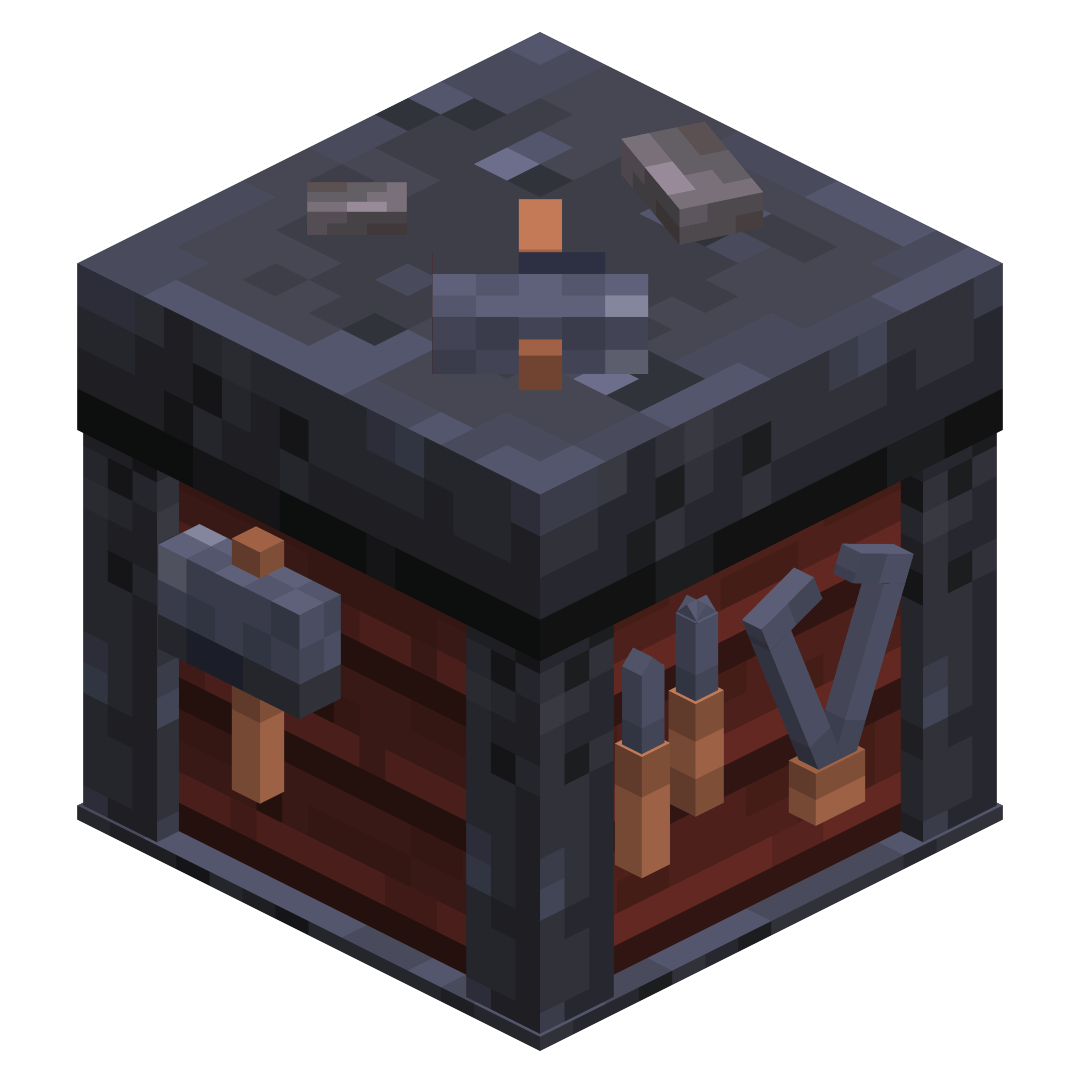
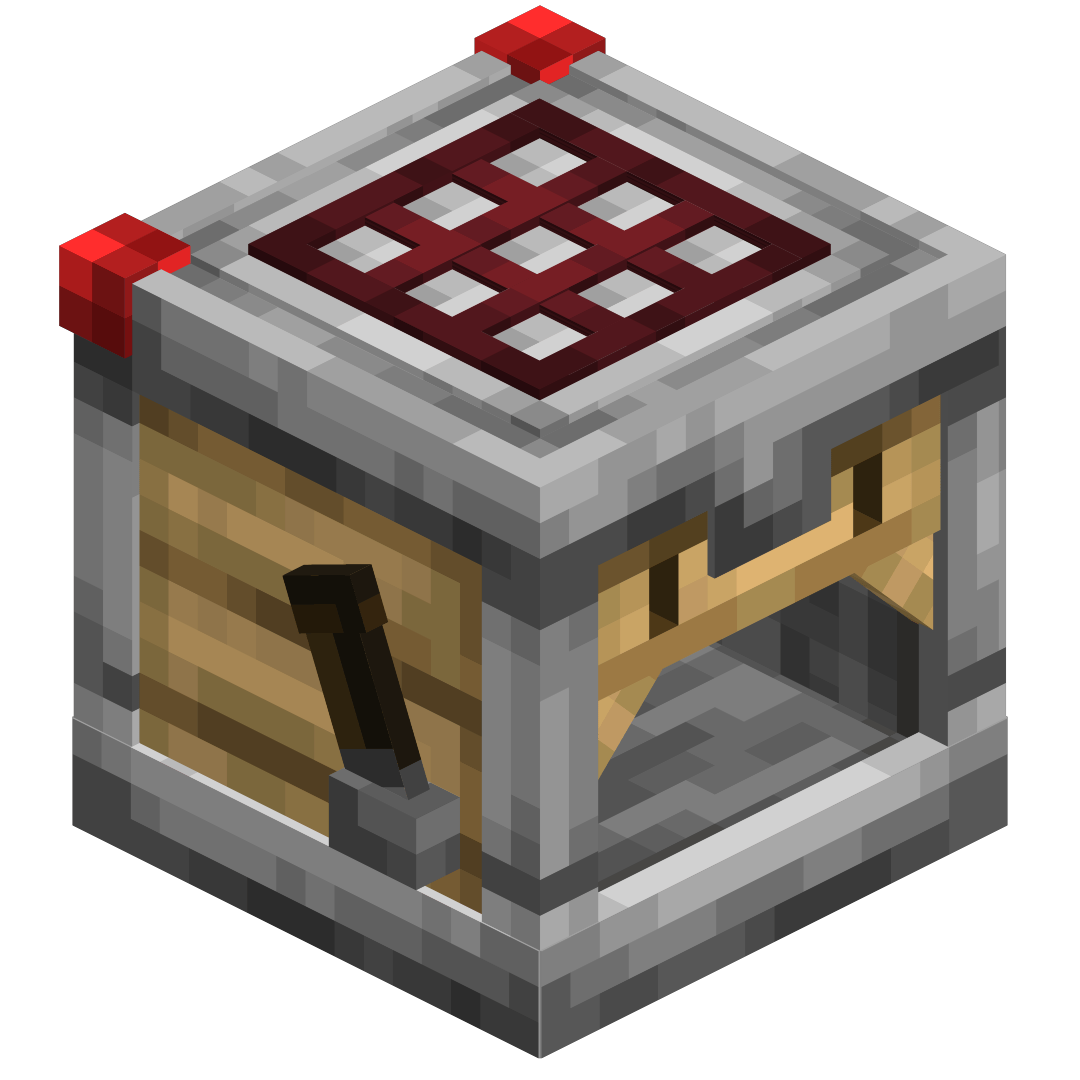
3D Crafting Table 3D Crafter 3D Cartography Table
The crafting table model showcase The Crafter model showcase The NEW Cartography Table model showcase
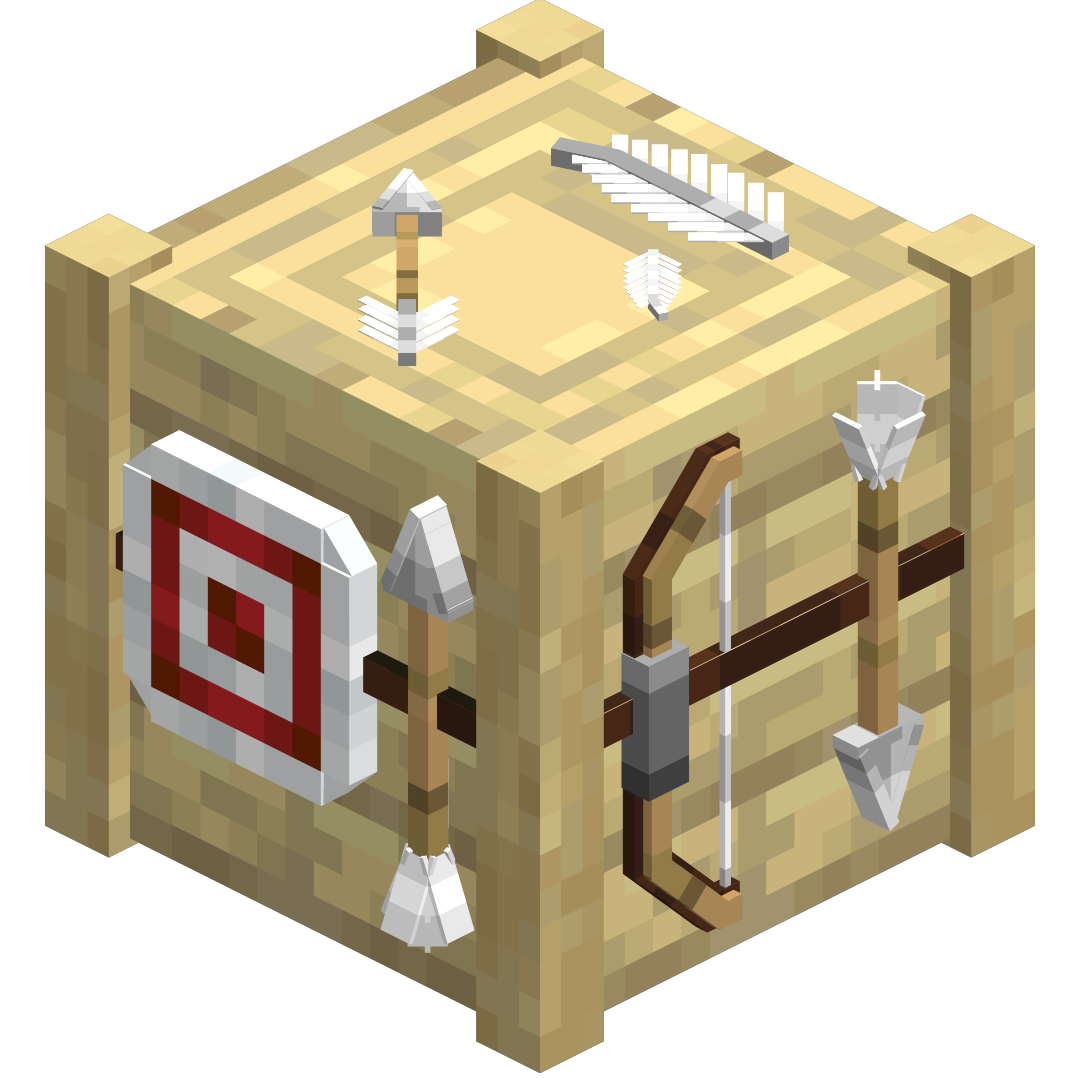
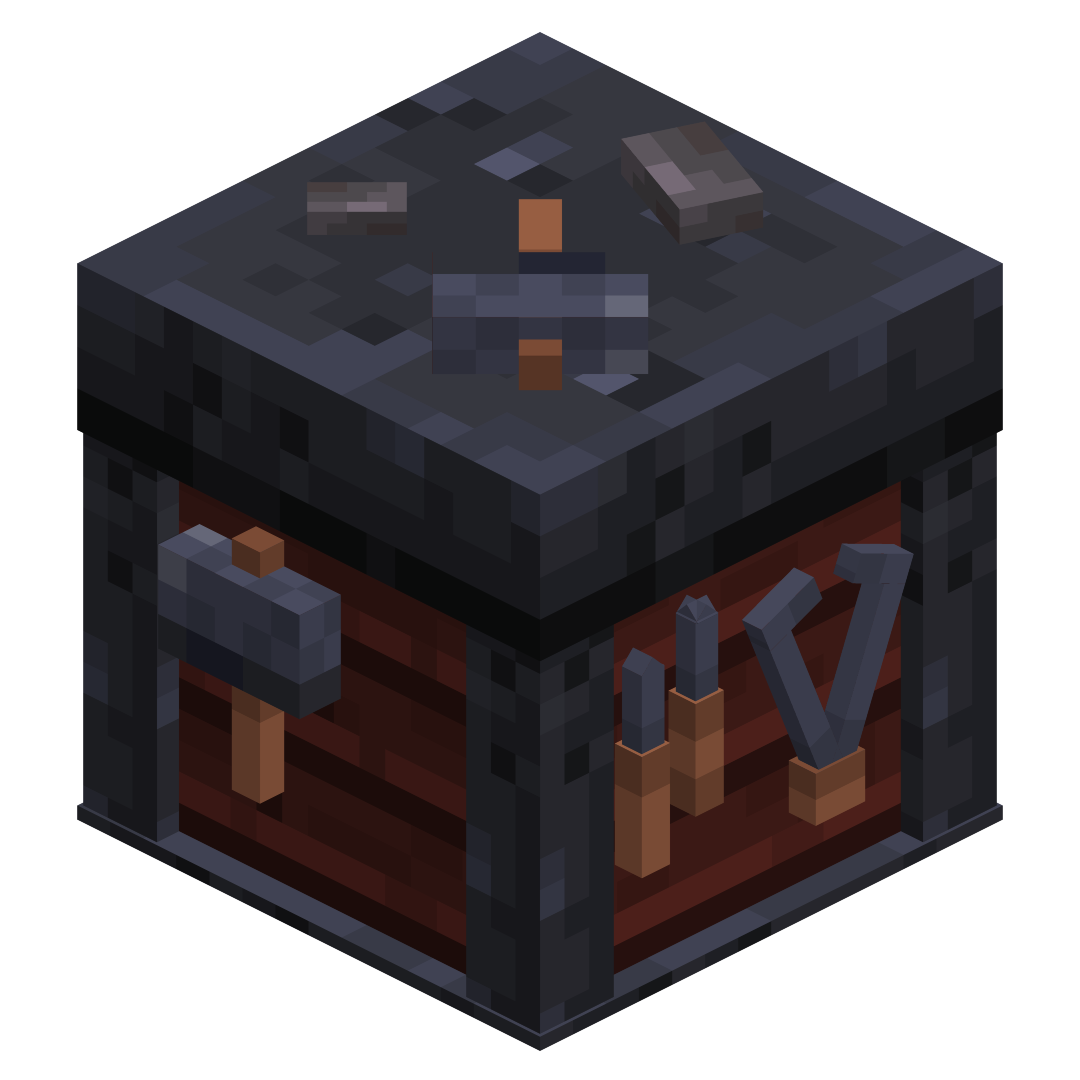
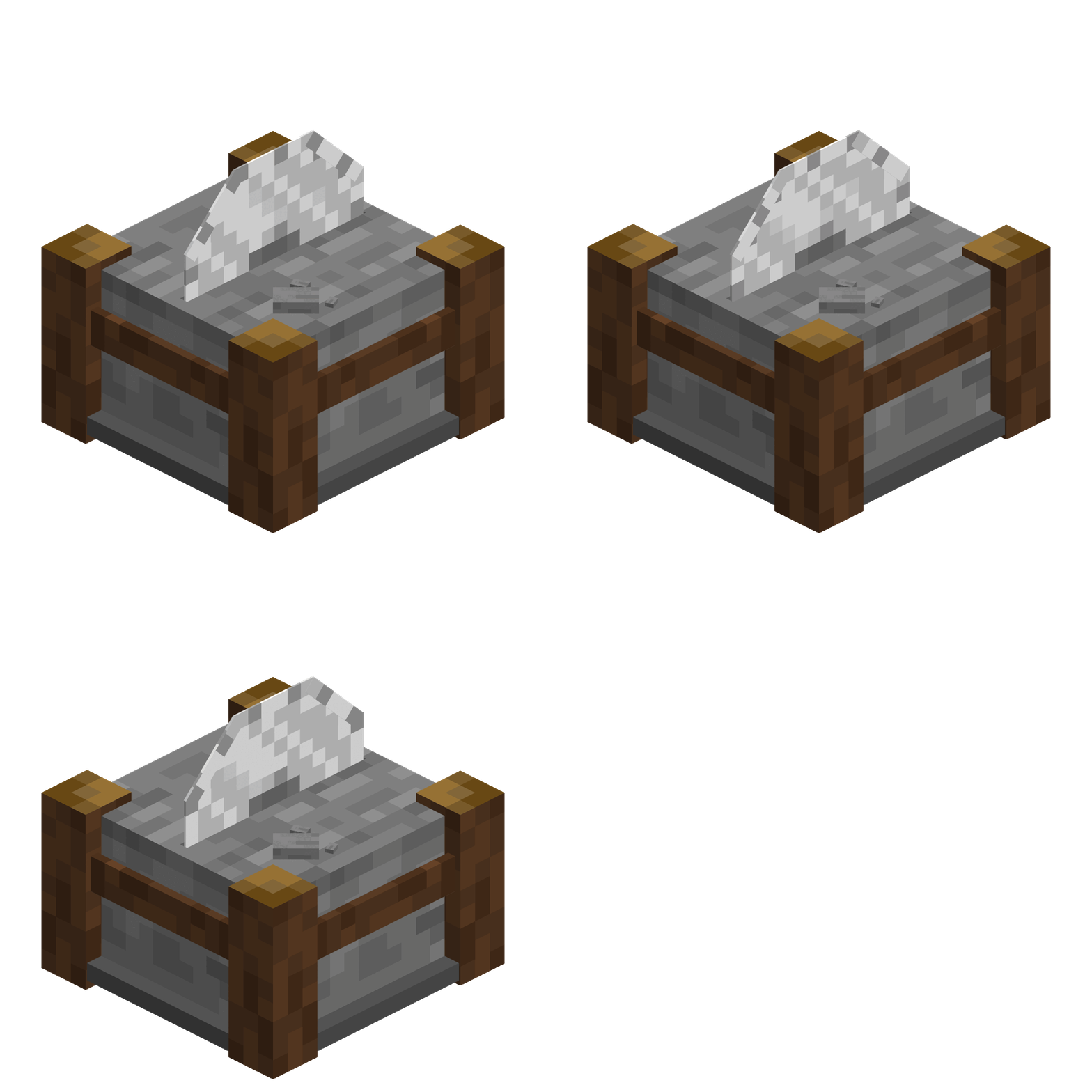
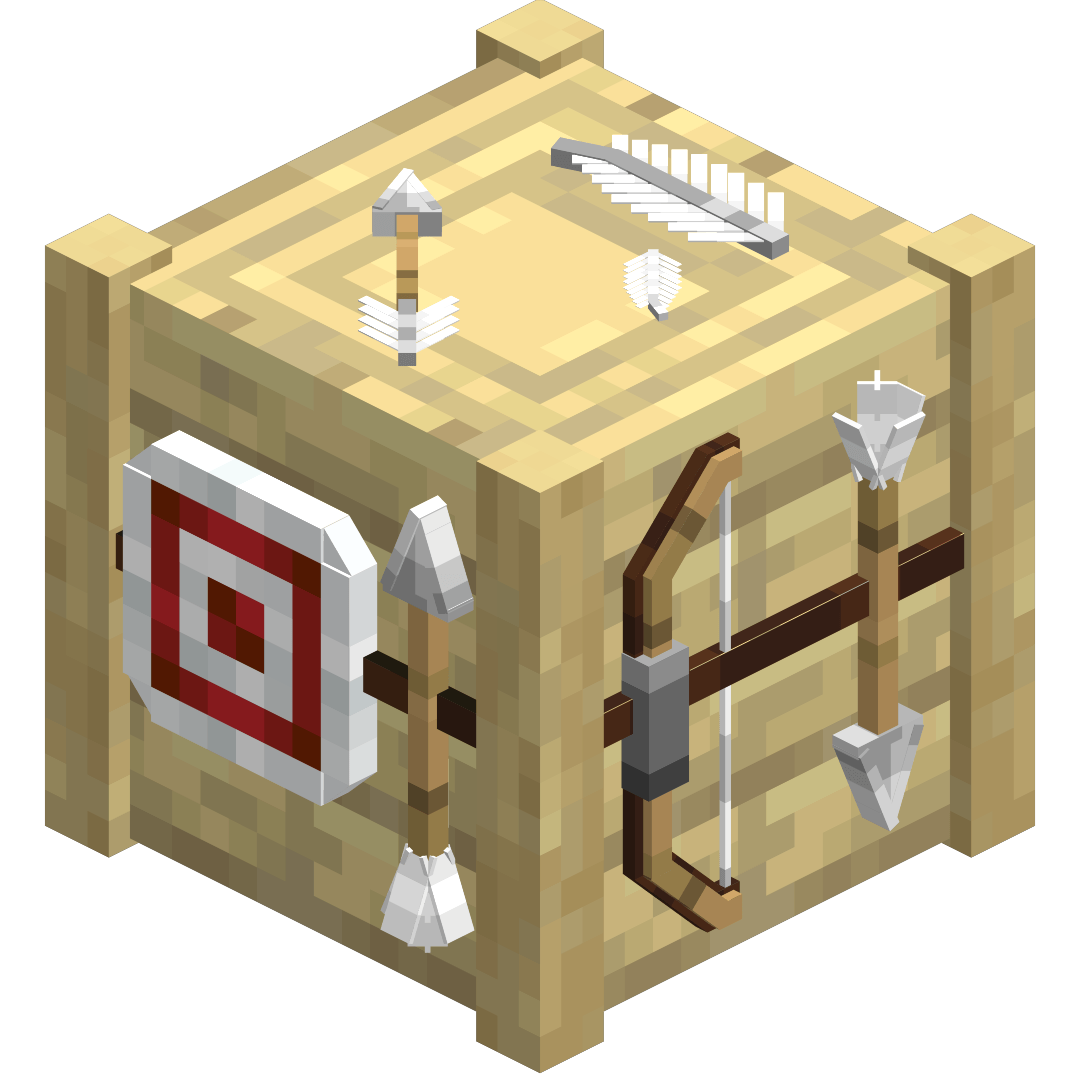
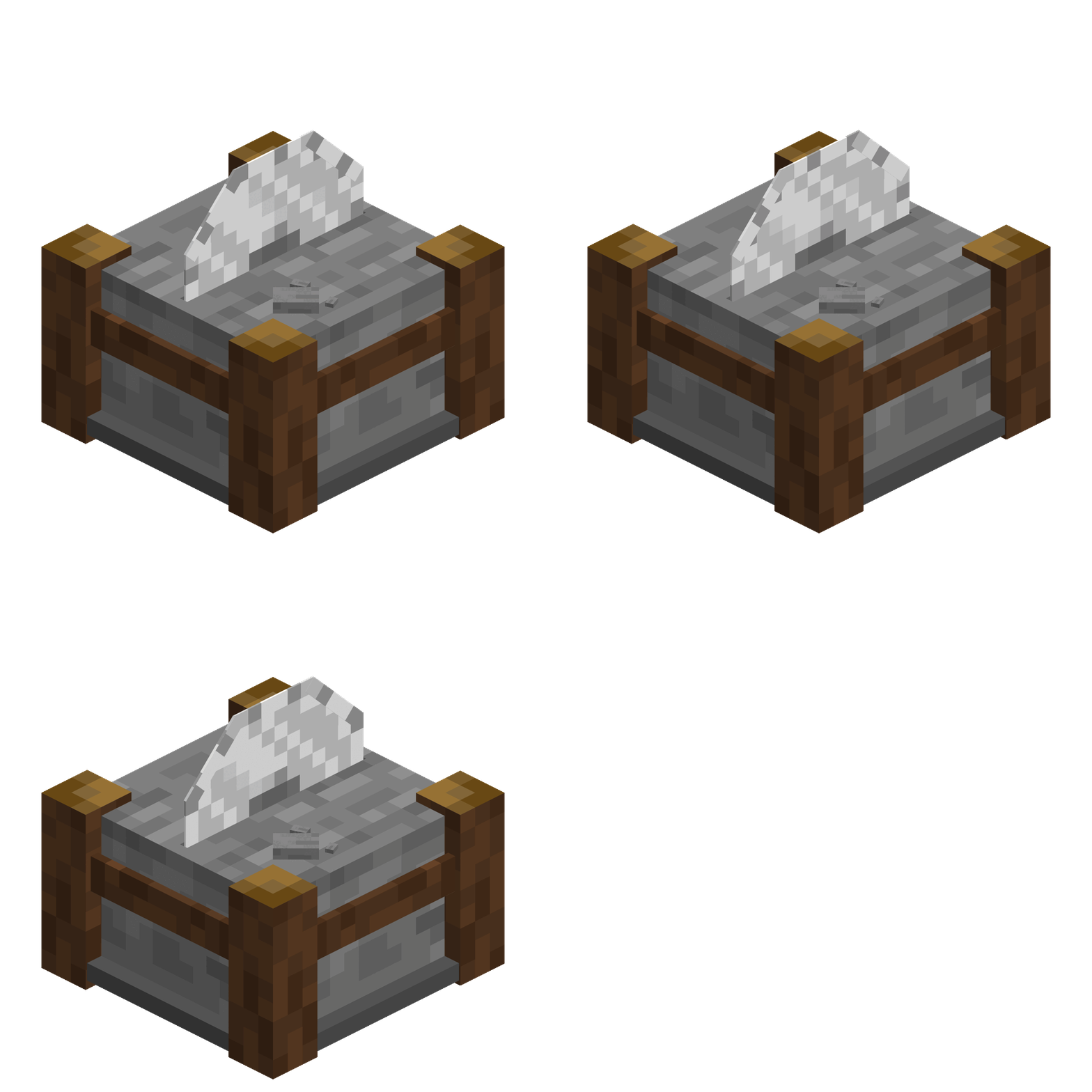
3D Fletching Table 3D Smithing Table 3D Stonecutter
The Fletching Table model showcase The smithing table model showcase The stonecutter model showcase
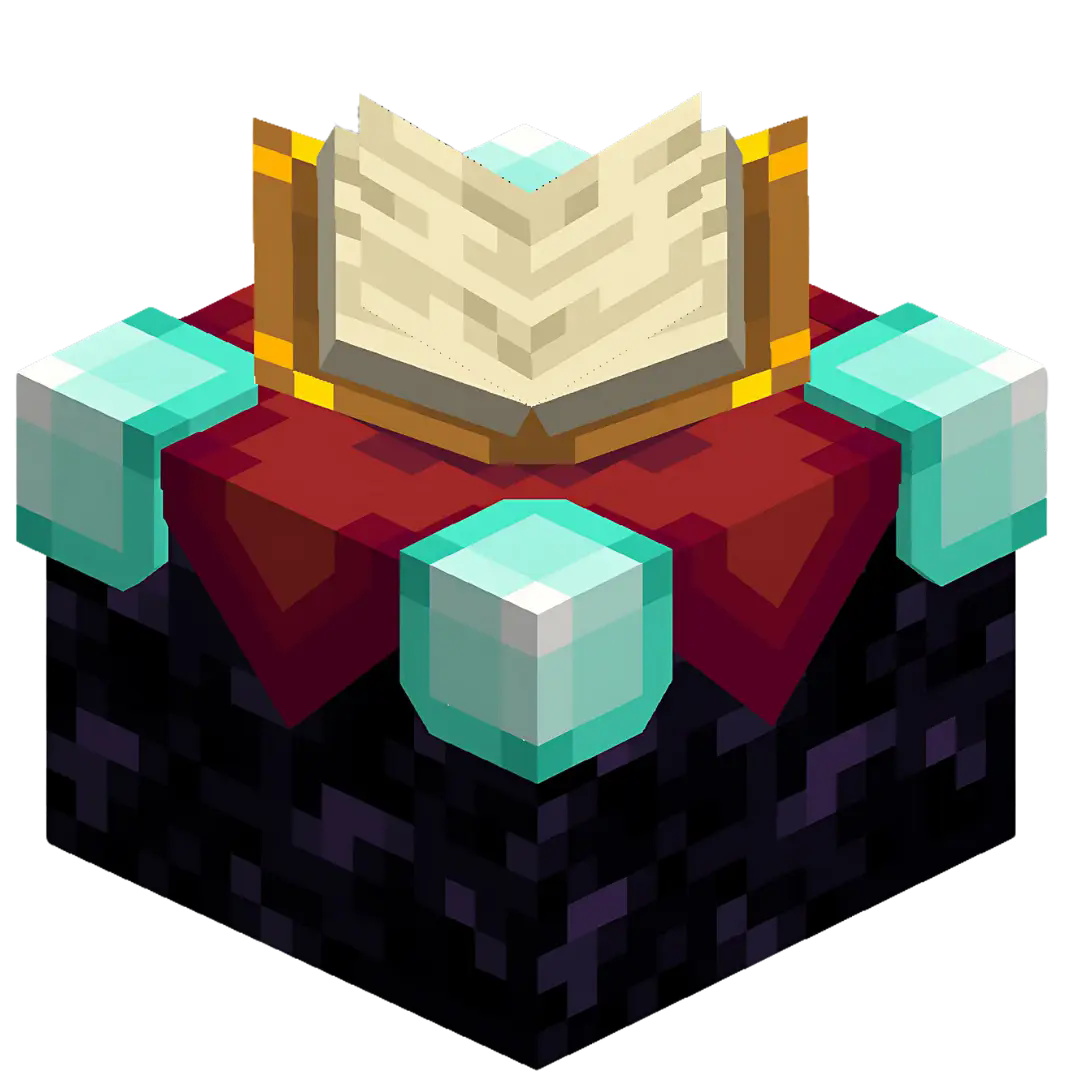
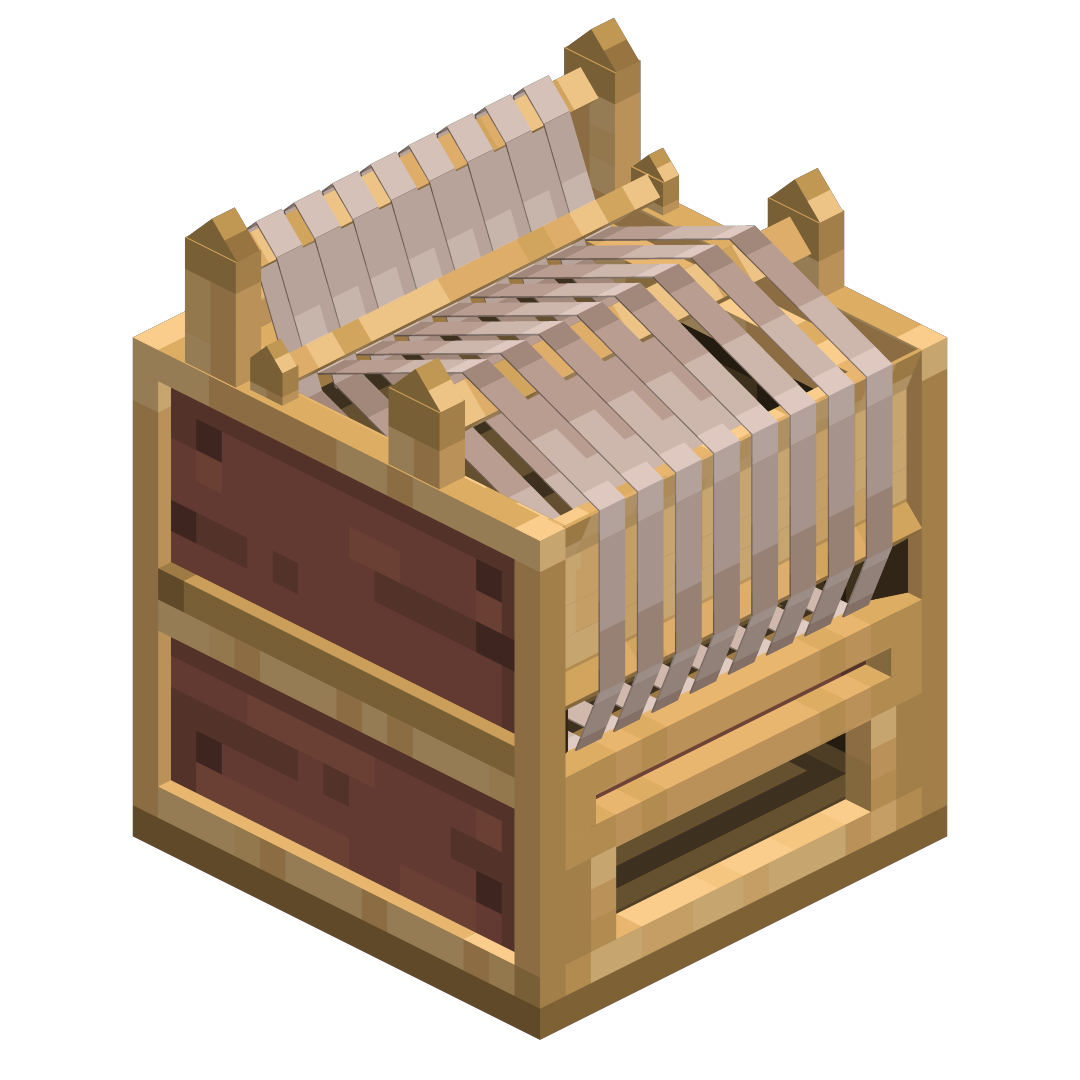
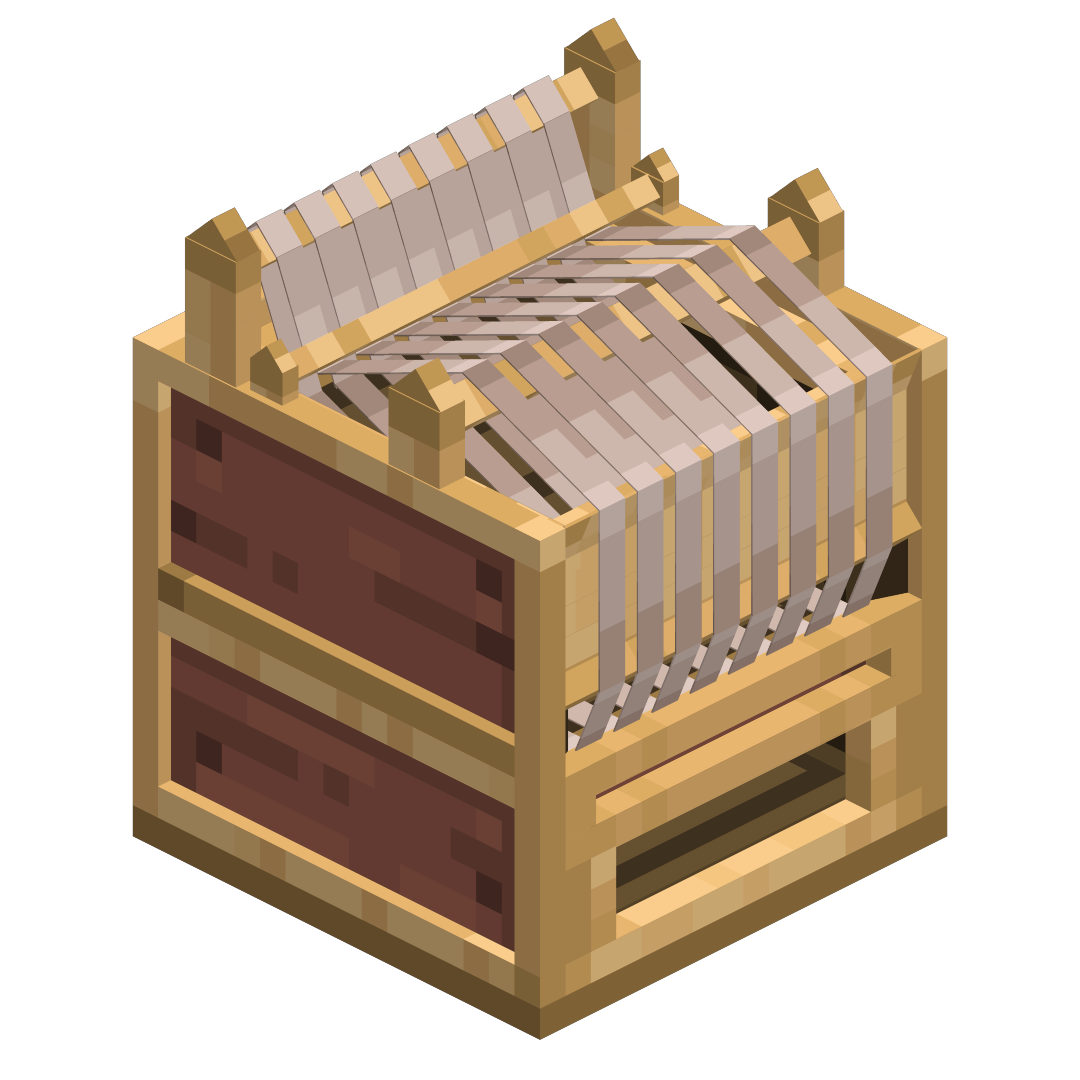
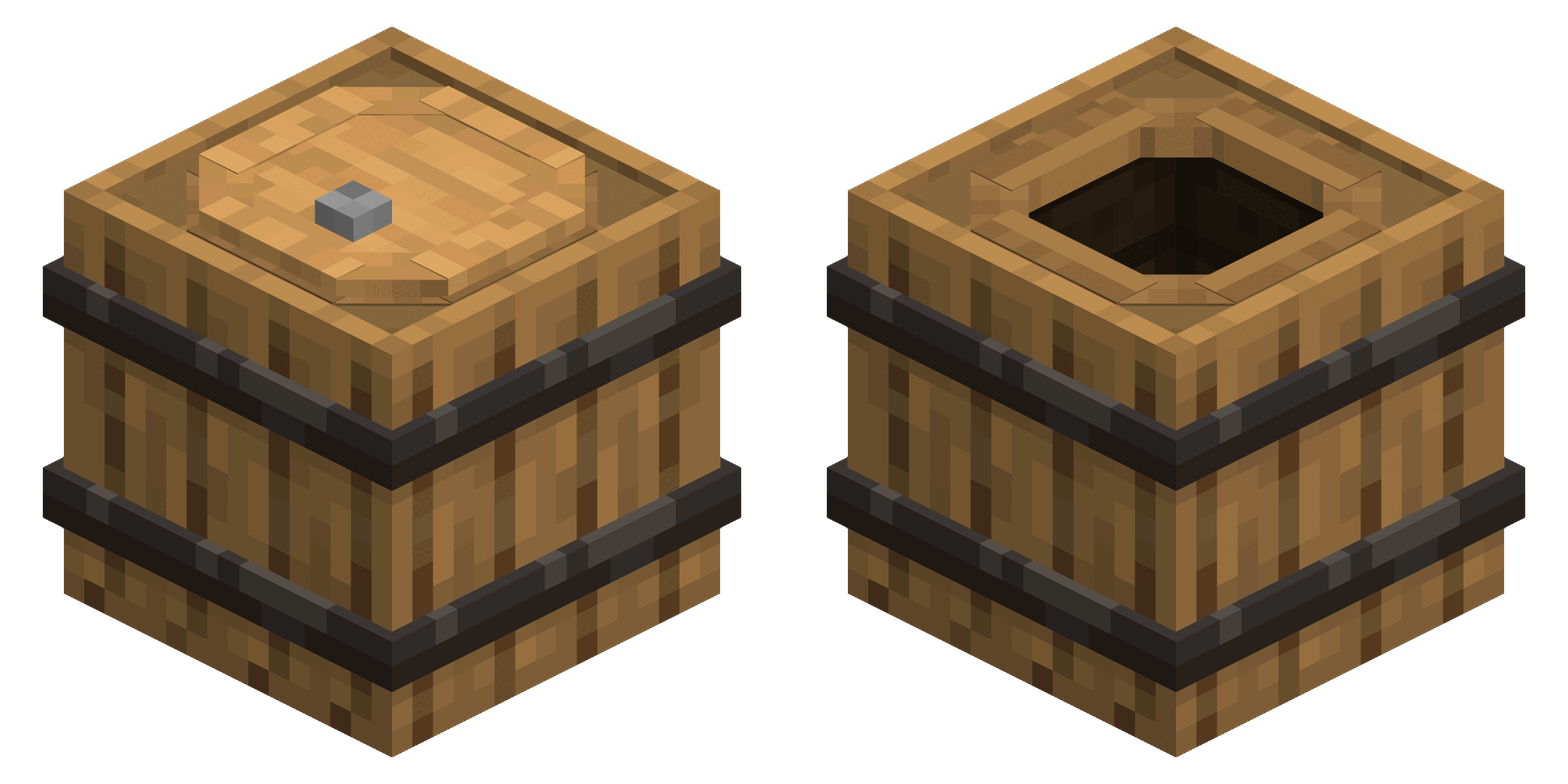
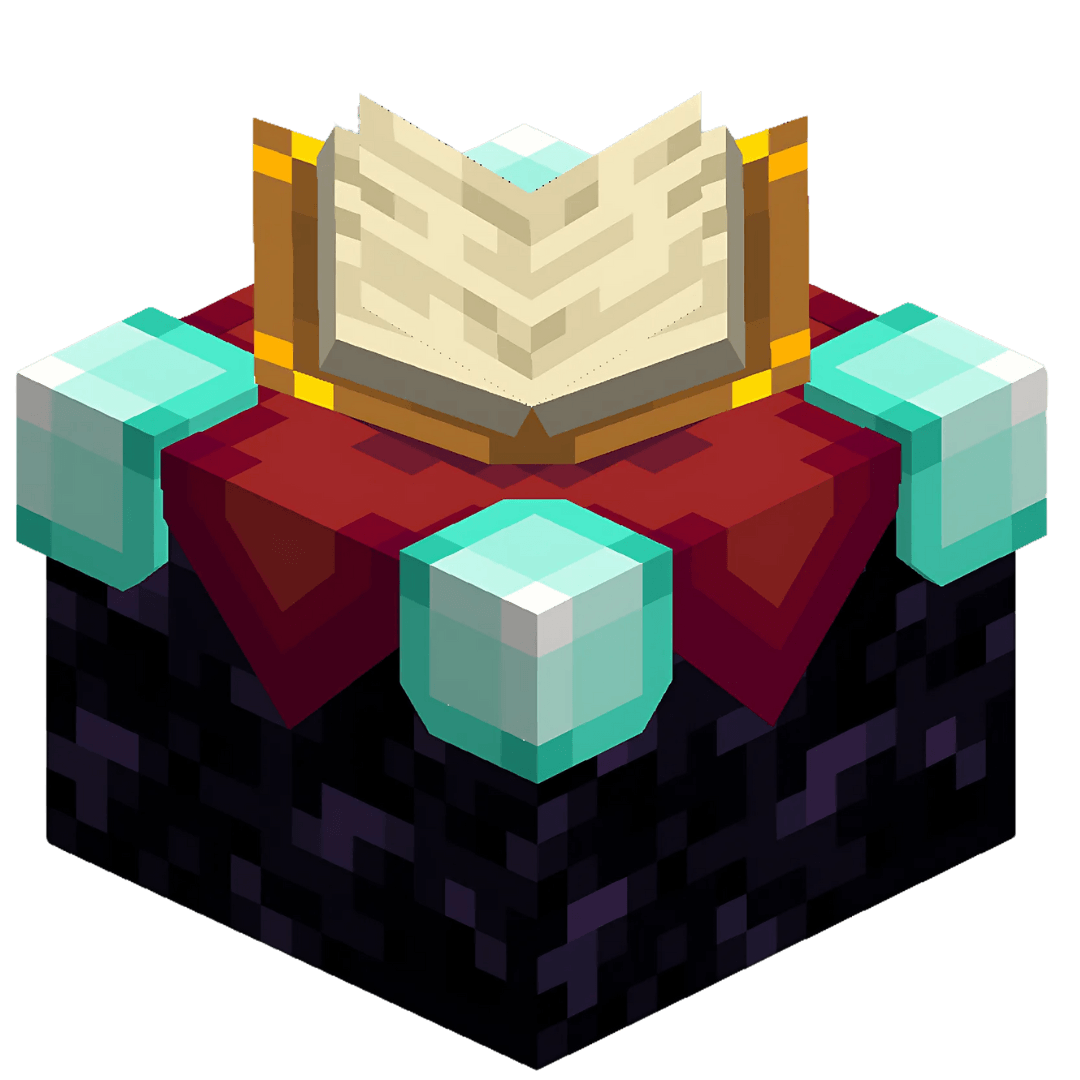
3D Enchantment Table 3D Loom 3D Barrel
The Enchantment Table model showcase The Loom model showcase The Barrel model showcase
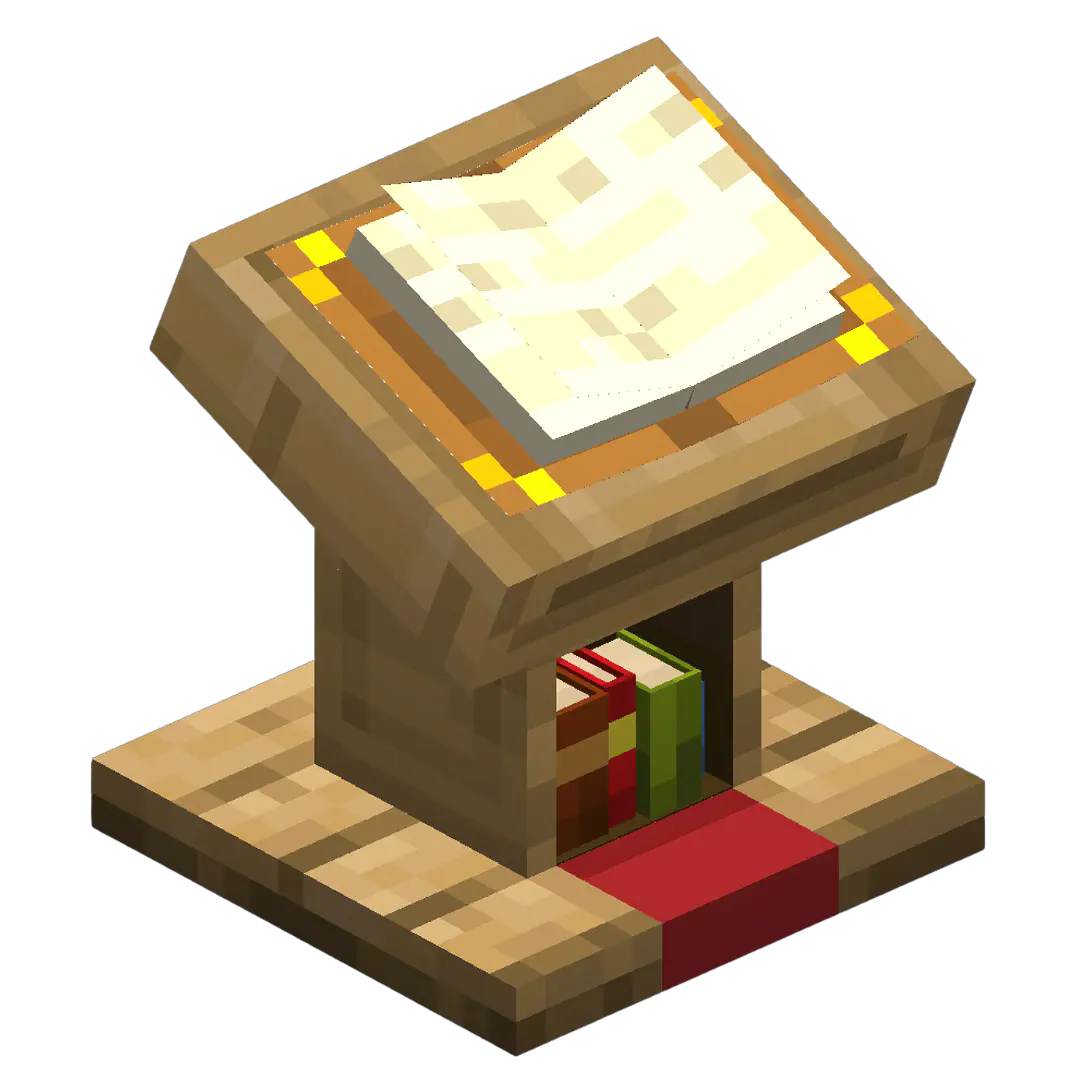
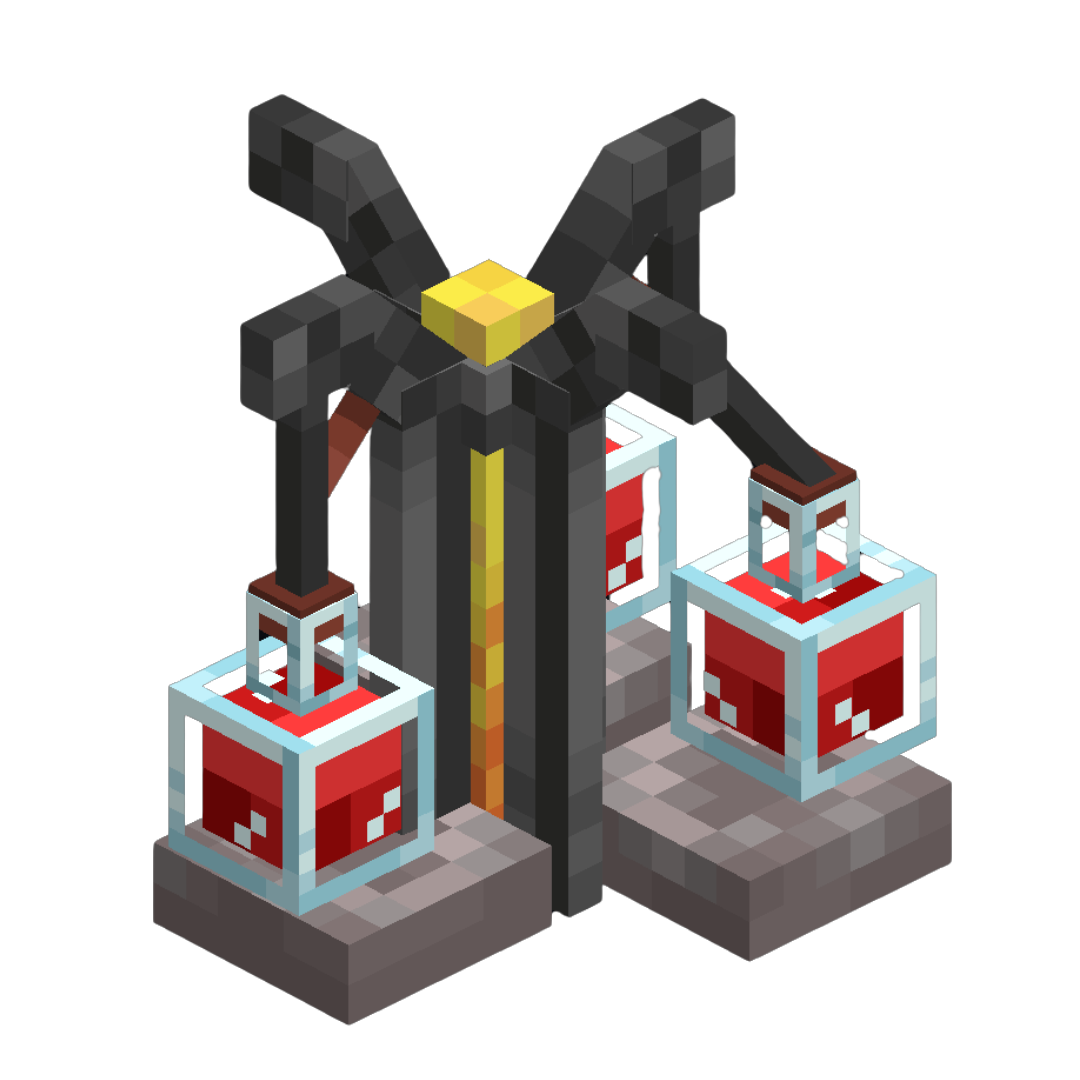
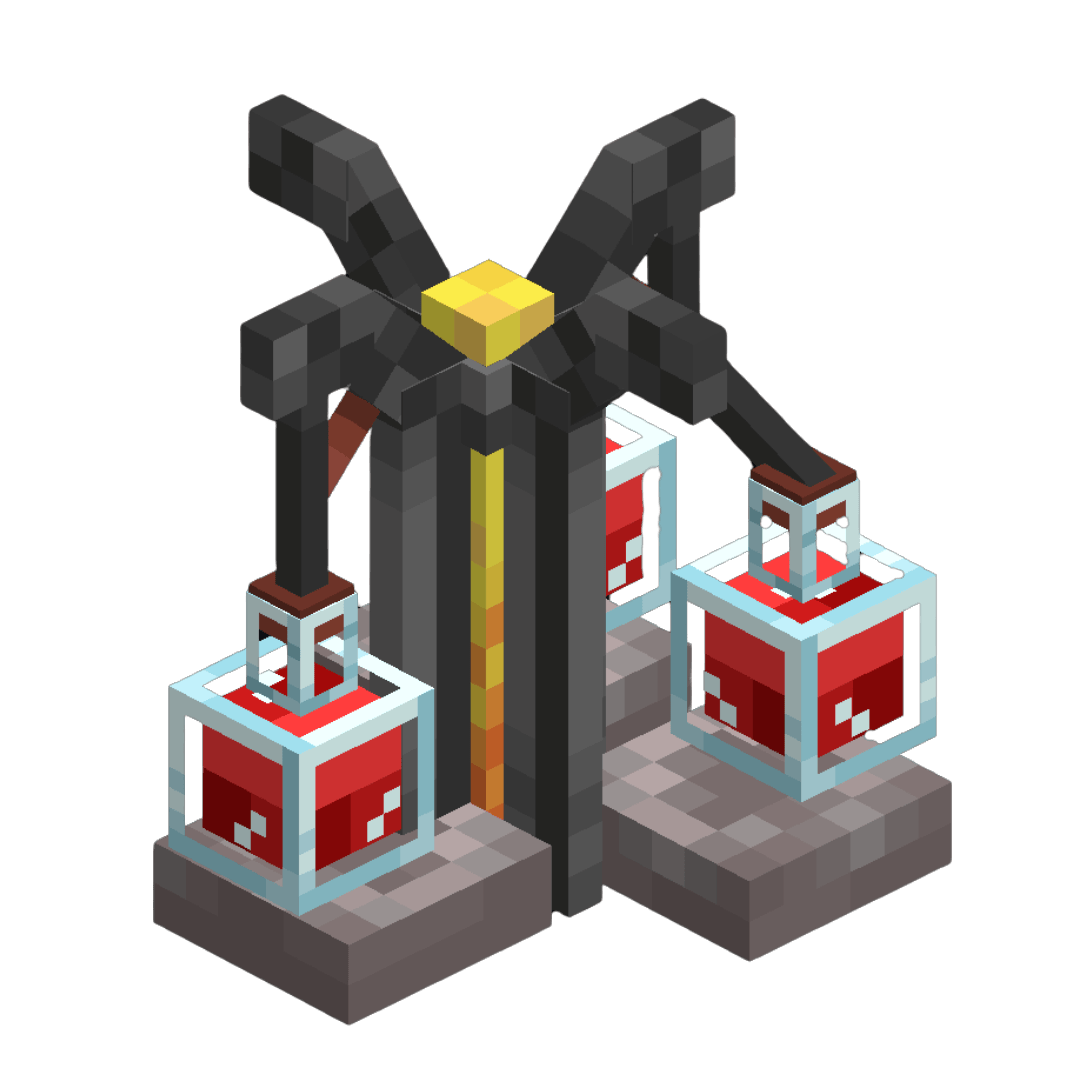
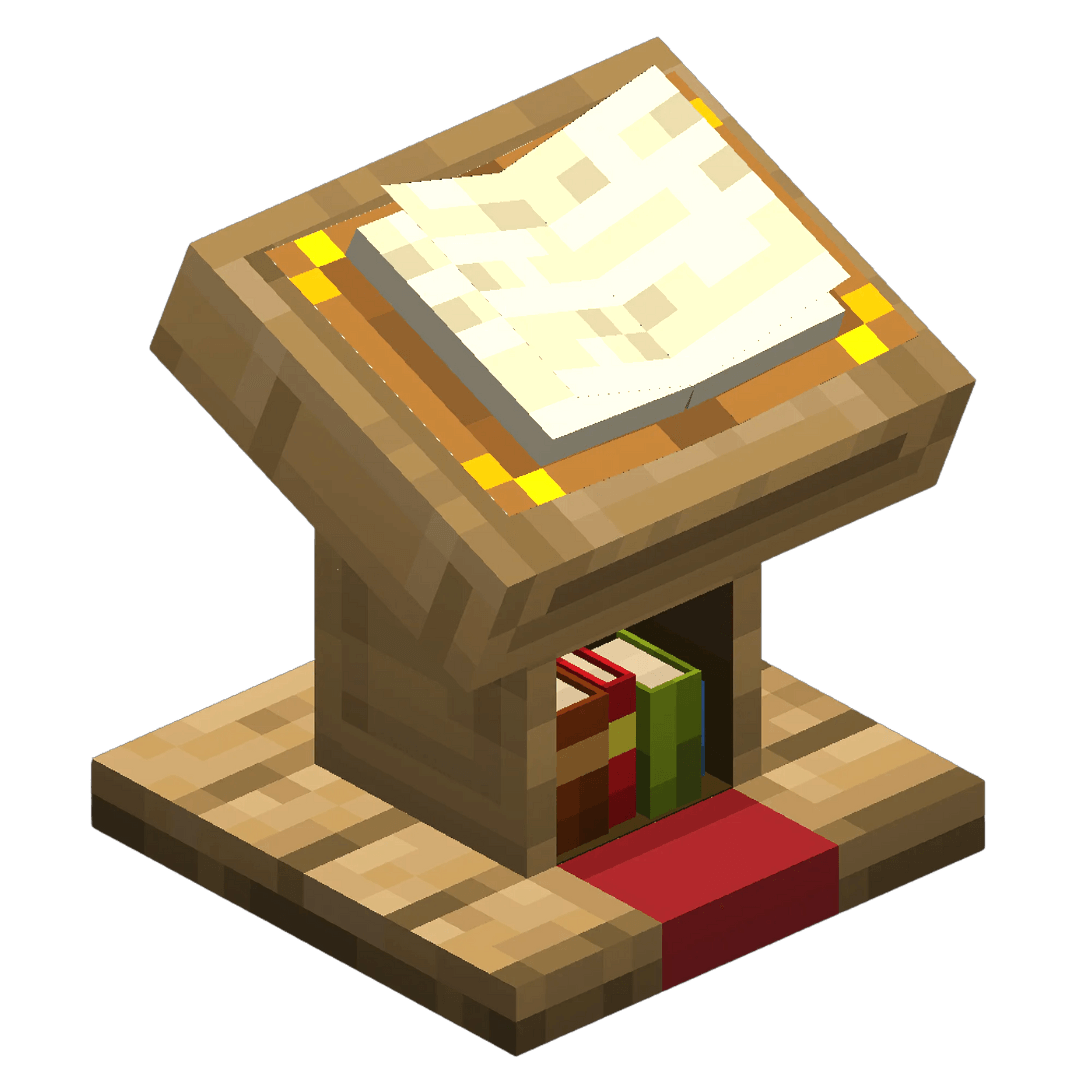
3D Lectern 3D Brewing Stand
The Lectern model showcase The Brewing Stand model showcase

See the Gallery for more images!


‎

Get more of my Actually 3D resourcepacks!

(on Modrinth)

The Future Plans:

This is the first pack of my 'Actually 3D' resourcepack collection, which will hopefully expand, adding new & detailed 3D models to existing blocks, and even items in the game! I'm planning to release each sub-pack (like: Furnaces, Workbenches, Ores, etc.) on it's own, while also adding it to the main 'Actually 3D' pack which will feature all my 'Actually 3D' resourepacks in one.


Actually 3D Workbenches v1.0
MC 1.21, 1.20.2, 1.21.8, 1.20.5, 1.21.5, 1.21.4, 1.20.1, 1.20, 1.20.6, 1.21.1, 1.21.6, 1.21.3, 1.21.7, 1.20.4, 1.20.3, 1.21.2
Release 2025-09-17 Get

Requirements & install

How to use this resource pack in Minecraft
Resolution
16x
Minecraft
1.21.1 – 1.21.8
Install folder
.minecraft/resourcepacks

How to install resource packs

  1. Download the resource pack .zip file (do not extract it).
  2. In Minecraft open Options → Resource Packs → Open Pack Folder.
  3. Drop the .zip into the resourcepacks folder (.minecraft/resourcepacks).
  4. Move the pack to the Selected column and click Done.
Browse more: 16x resource packs 32x resource packs 64x resource packs 128x resource packs 256x resource packs 512x+ resource packs Resource Packs for 1.21.8 All resource packs

More from MattCrowberry

Advertisement Remove ads with Premium →

You Might Also Like