




Mineuniverse
Resource Packs
Actually 3D Equipment! (3D Tools & Weapons)

Actually 3D Equipment! (3D Tools & Weapons)

RESOURCE PACK
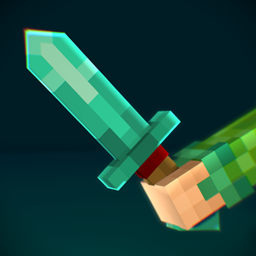
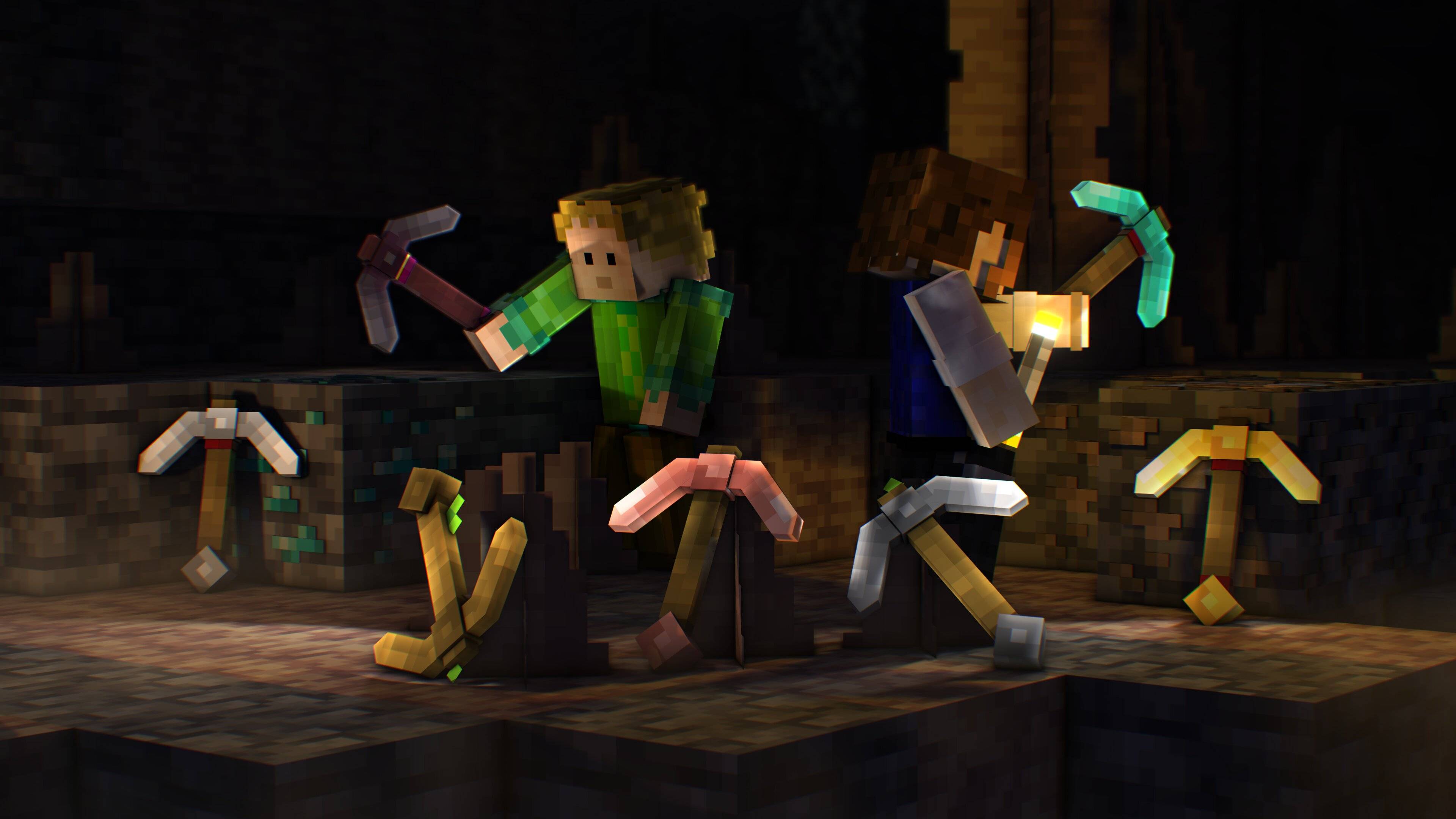
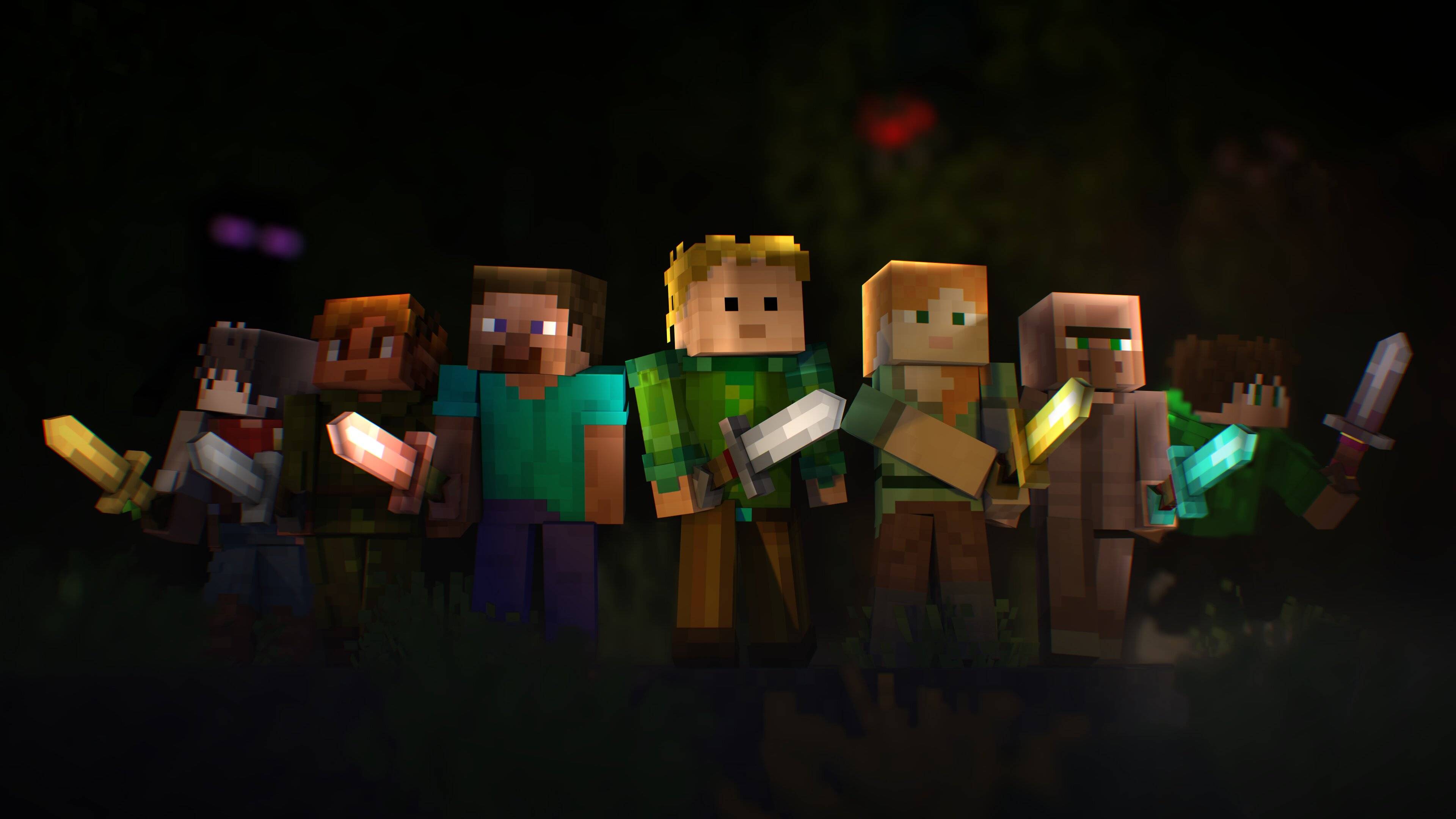
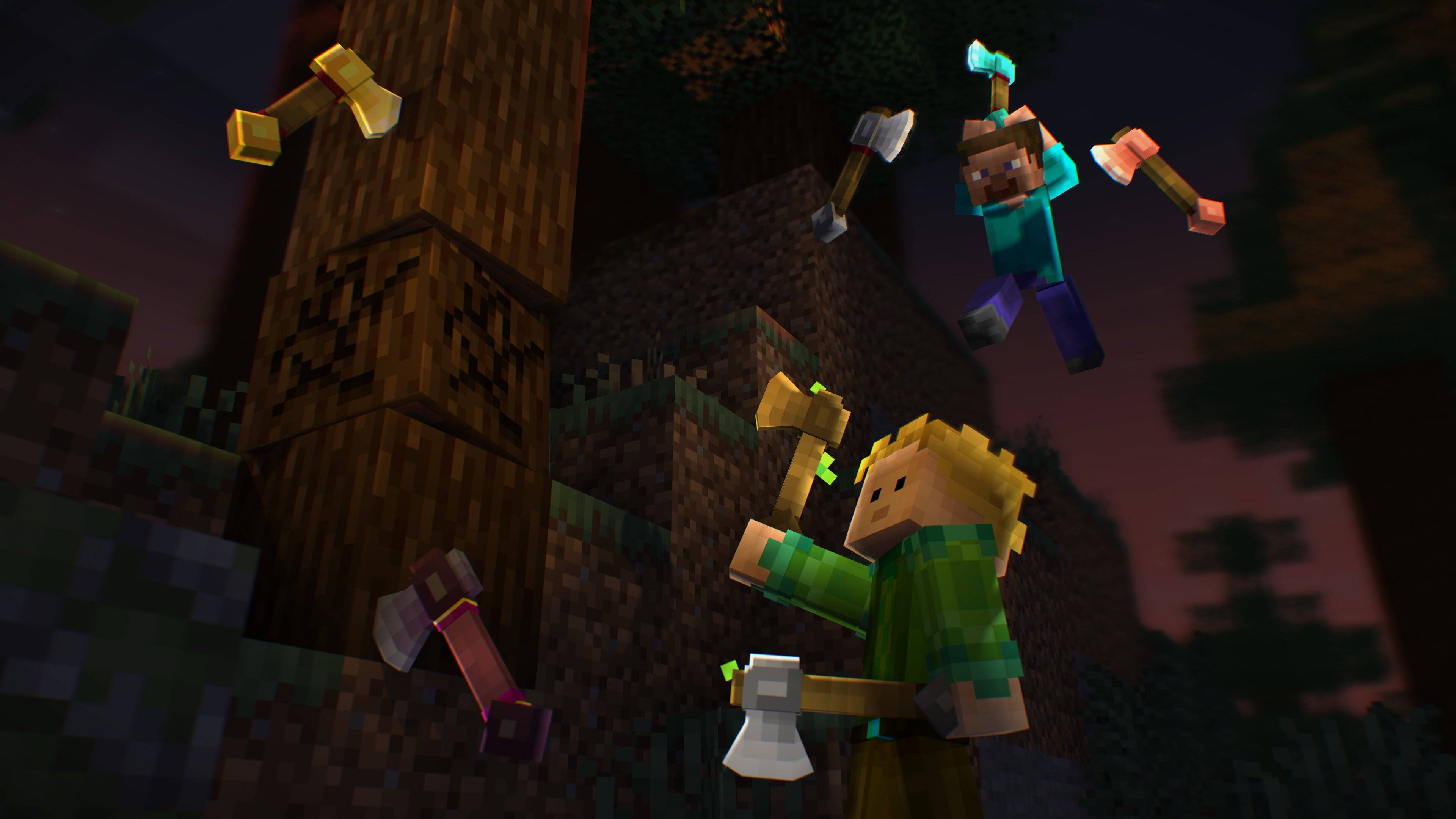
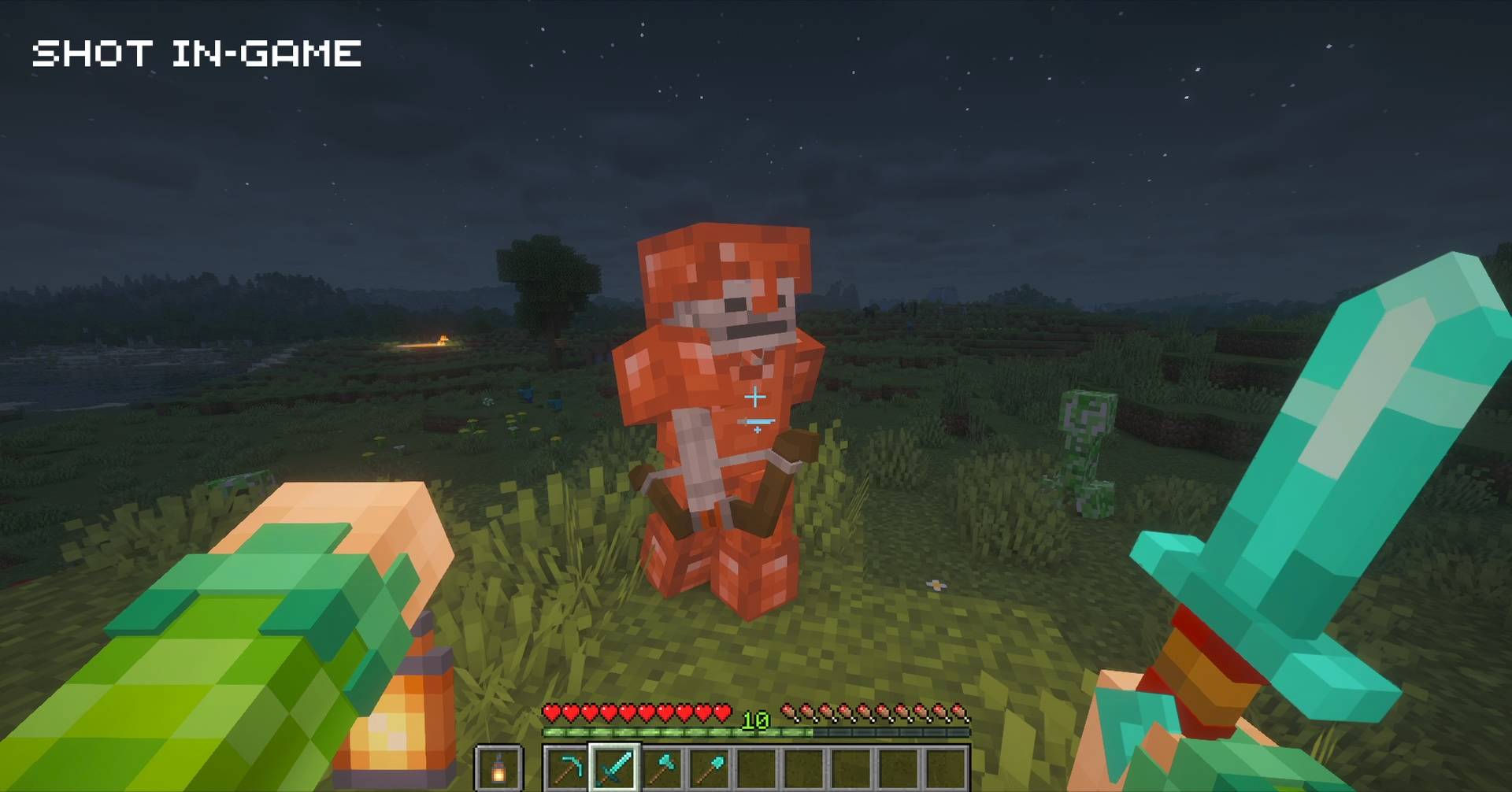
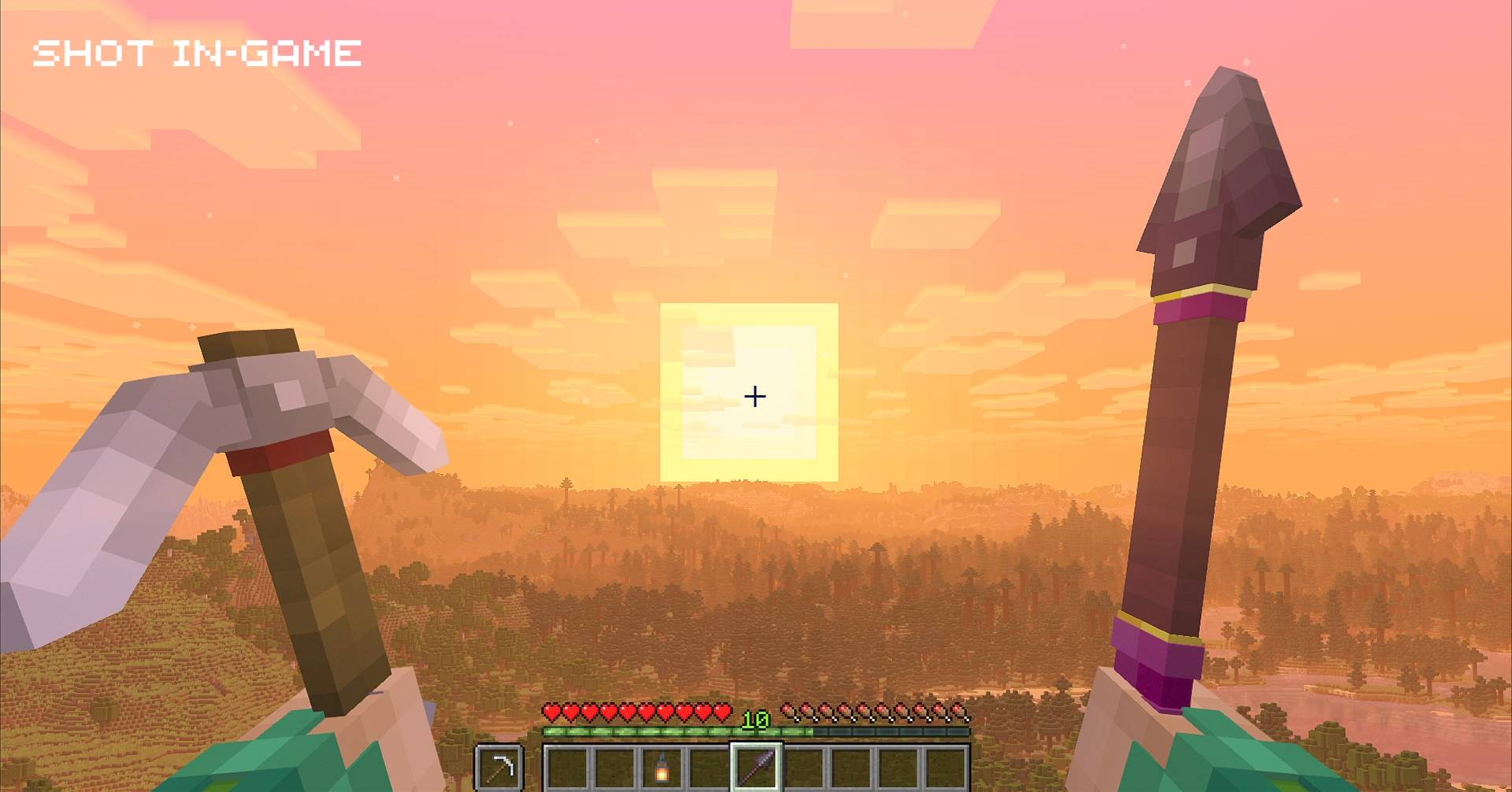
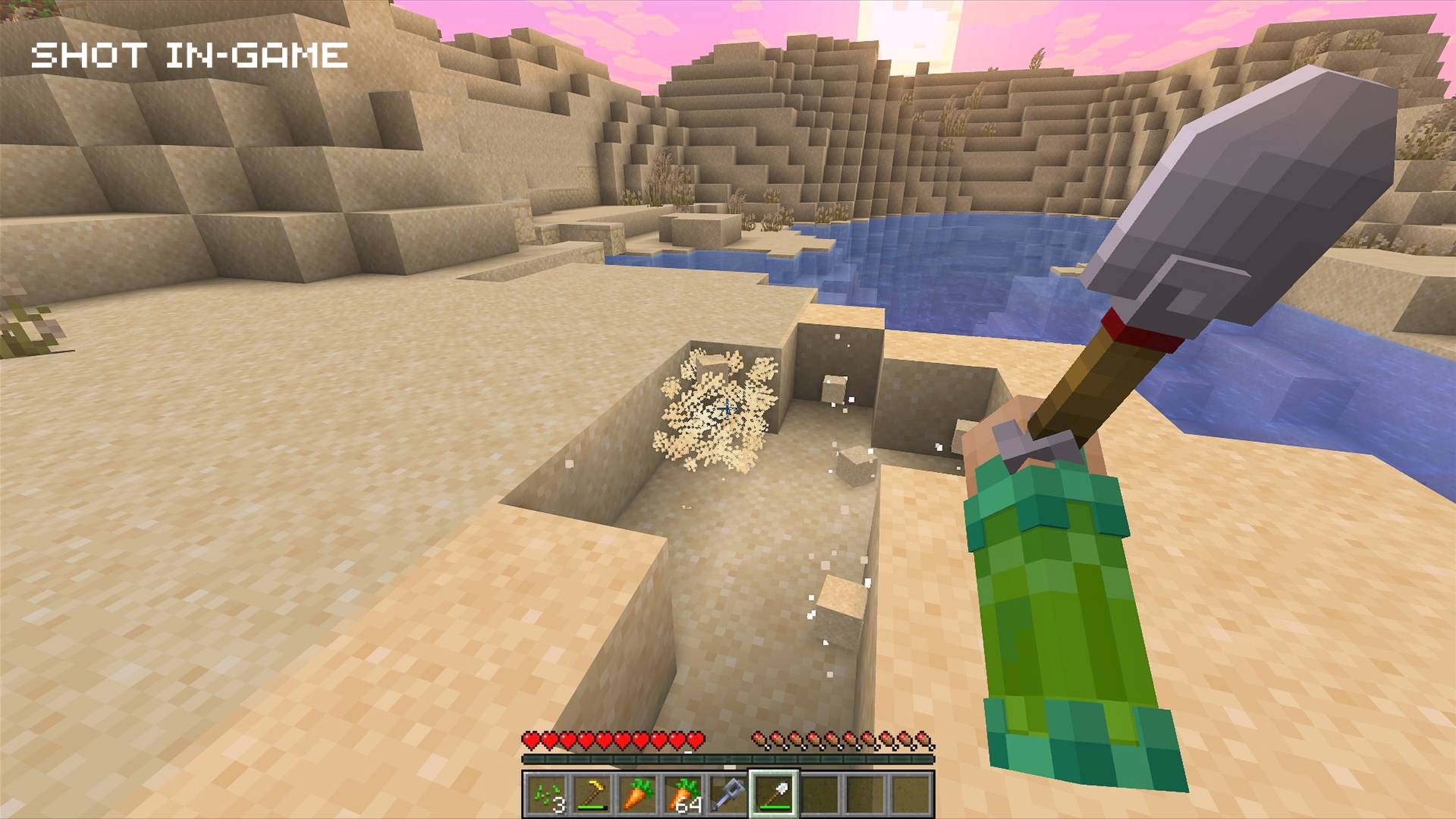
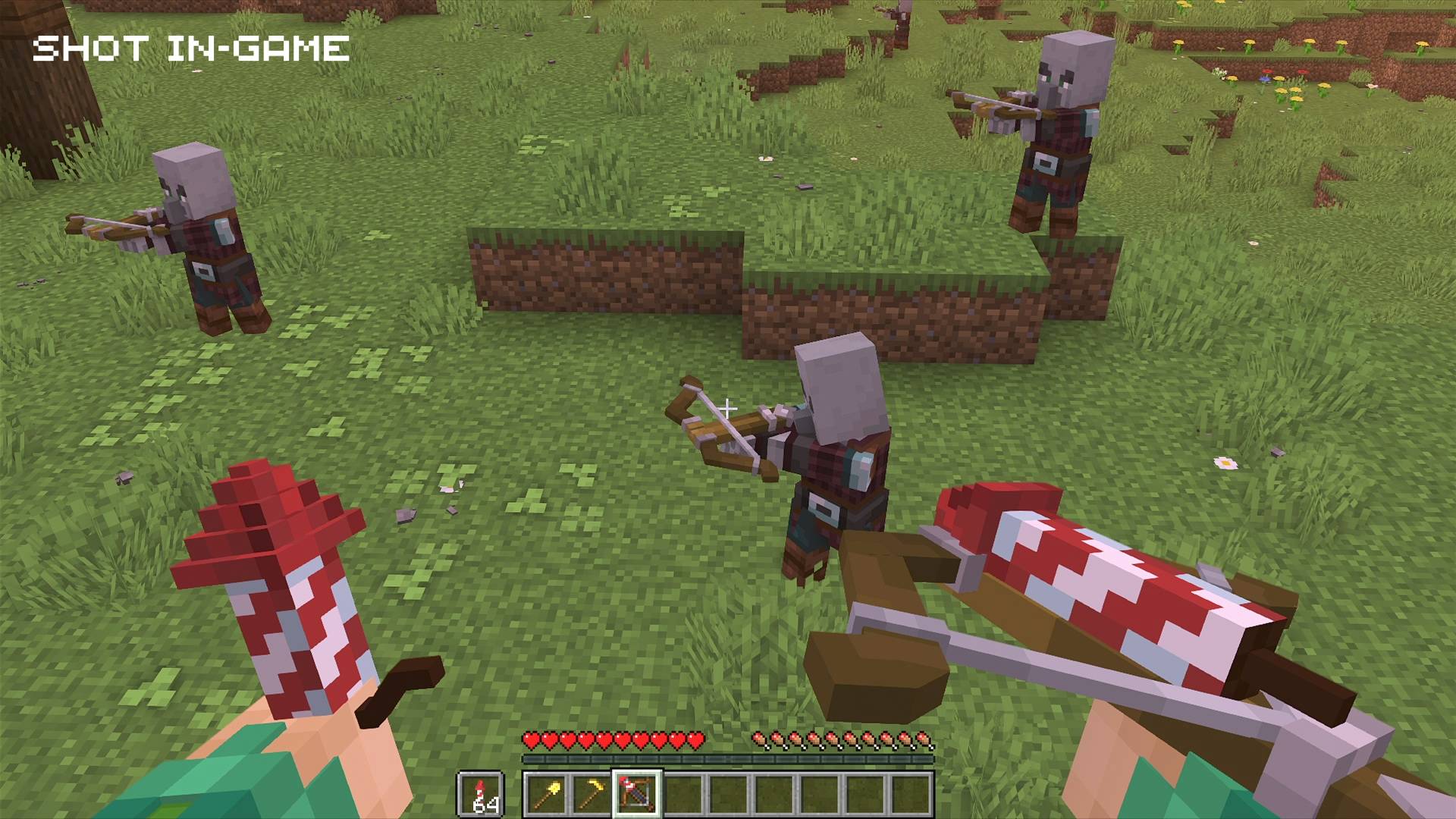
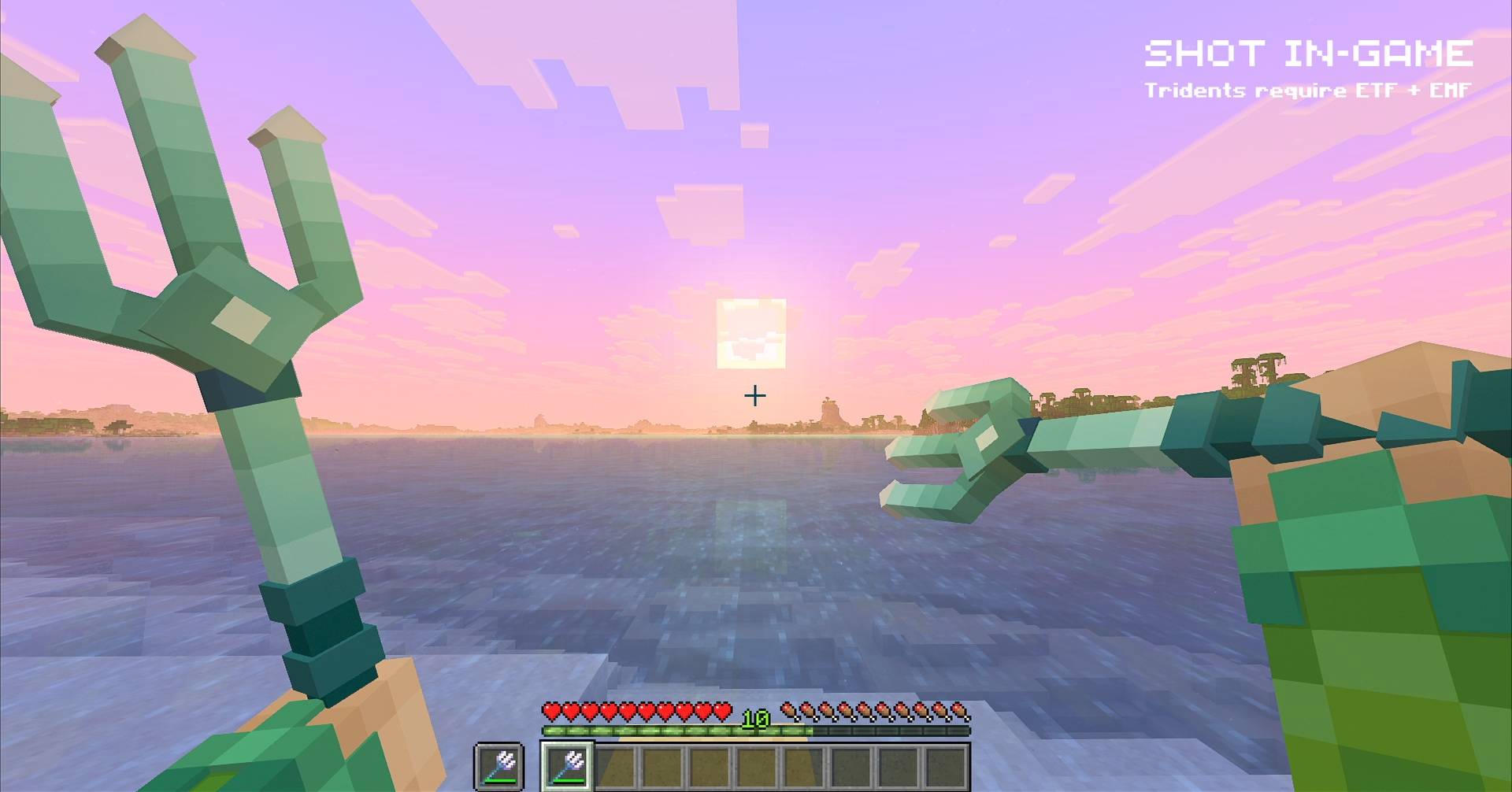
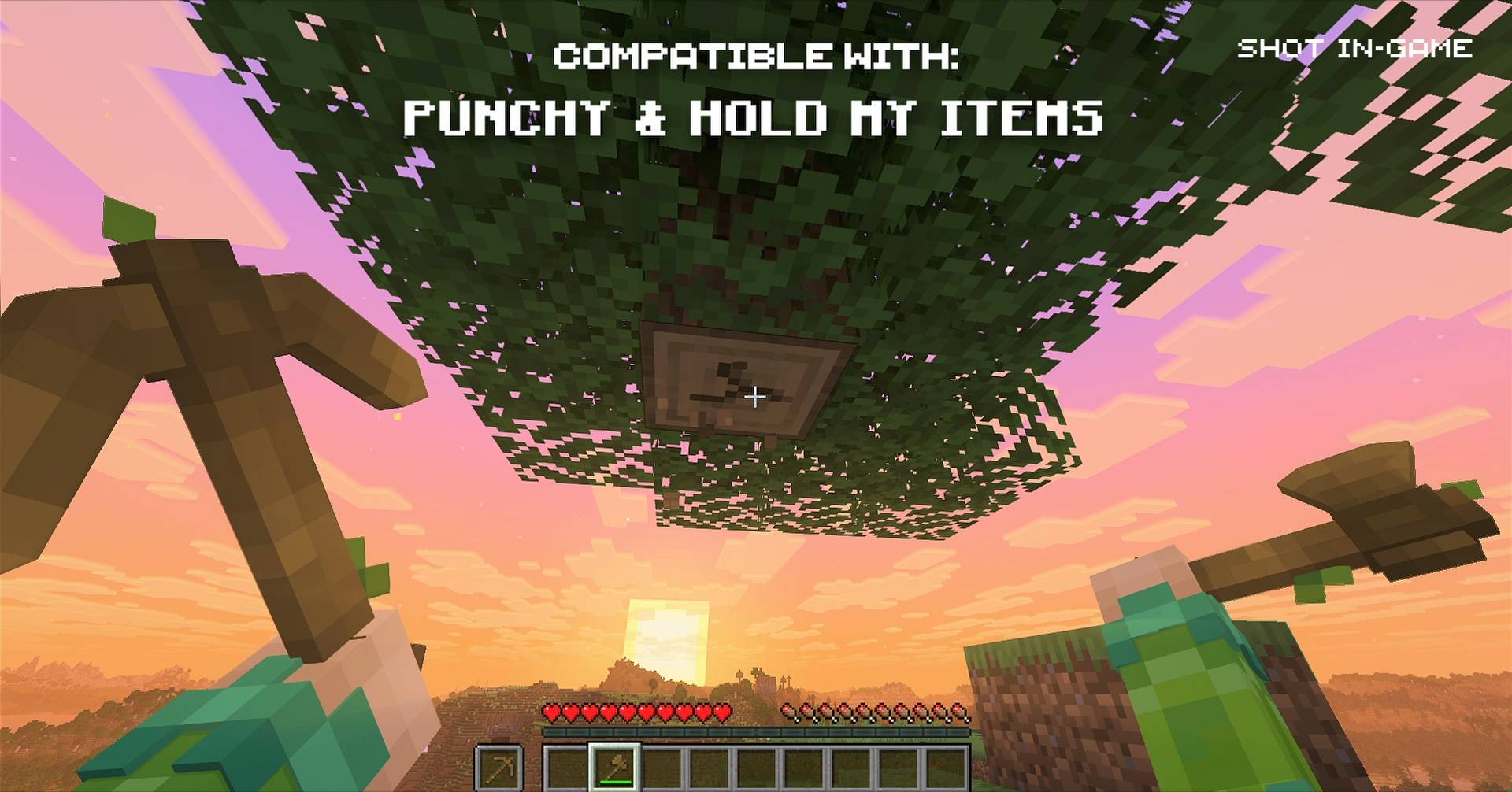
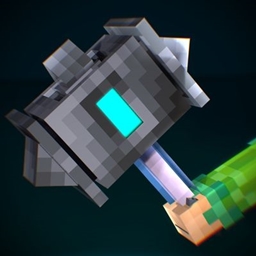
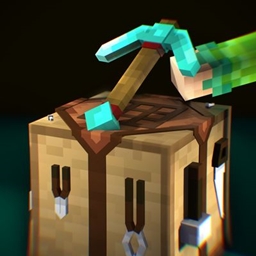
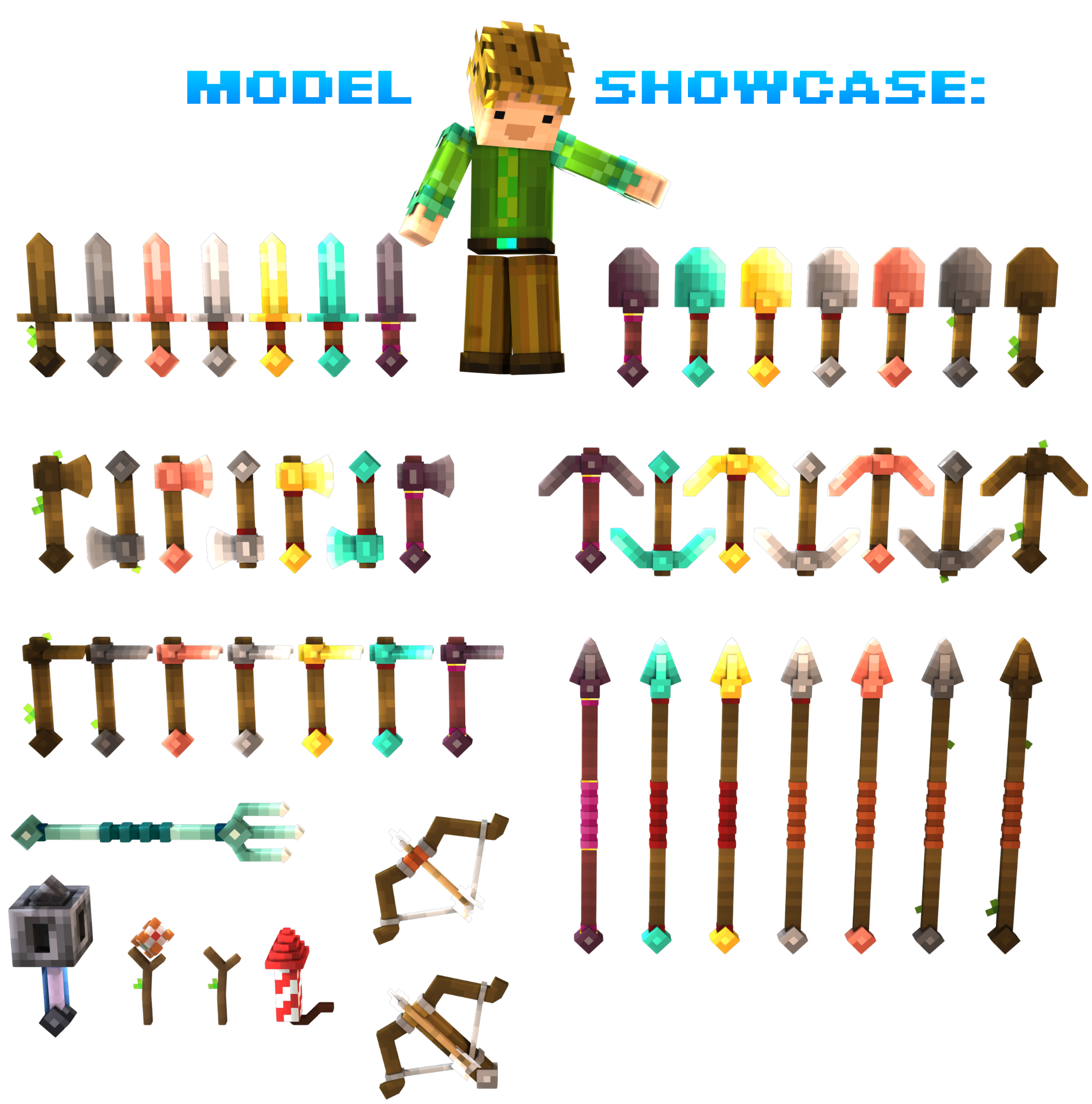
A resourcepack, which makes all the Tools & Weapons actually 3D! It also focuses on adding tier dependant details to make each tool stand out, while feeling cohesive! (3D Bow, 3D Axe, 3D Sword, 3D Pickaxe, etc.)
by MattCrowberry
Download Claim this project
1,903 downloads
0 likes
0 followers
Updated Oct 14, 2026
0 hypes
Follow0
16x Miscellaneous Modern
Advertisement Remove ads with Premium →

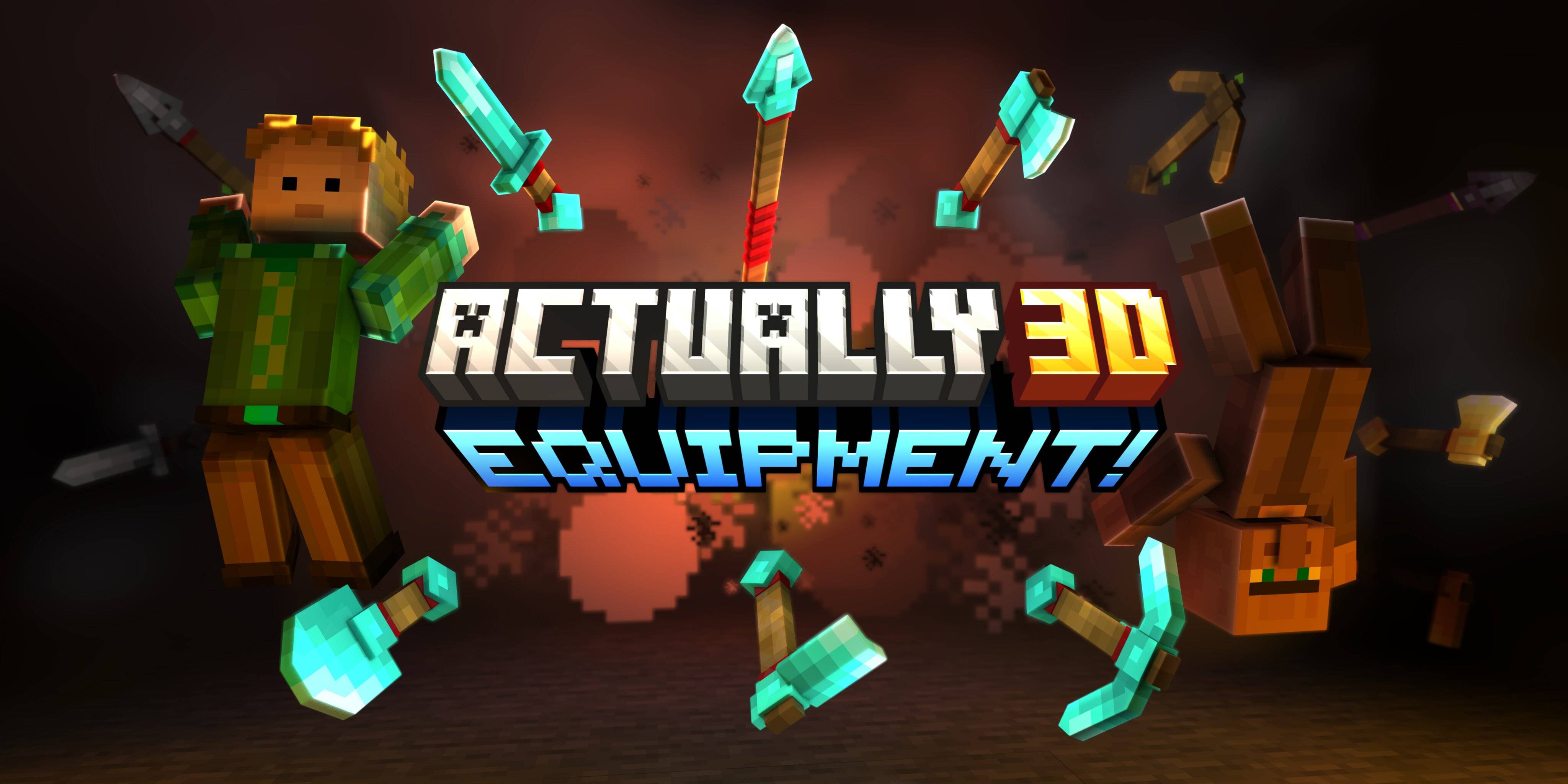
Actually 3D Equipment! logo

Ko-Fi Button Puzzle Button Modrinth Button Modefite Button Discord Button

line separator thin

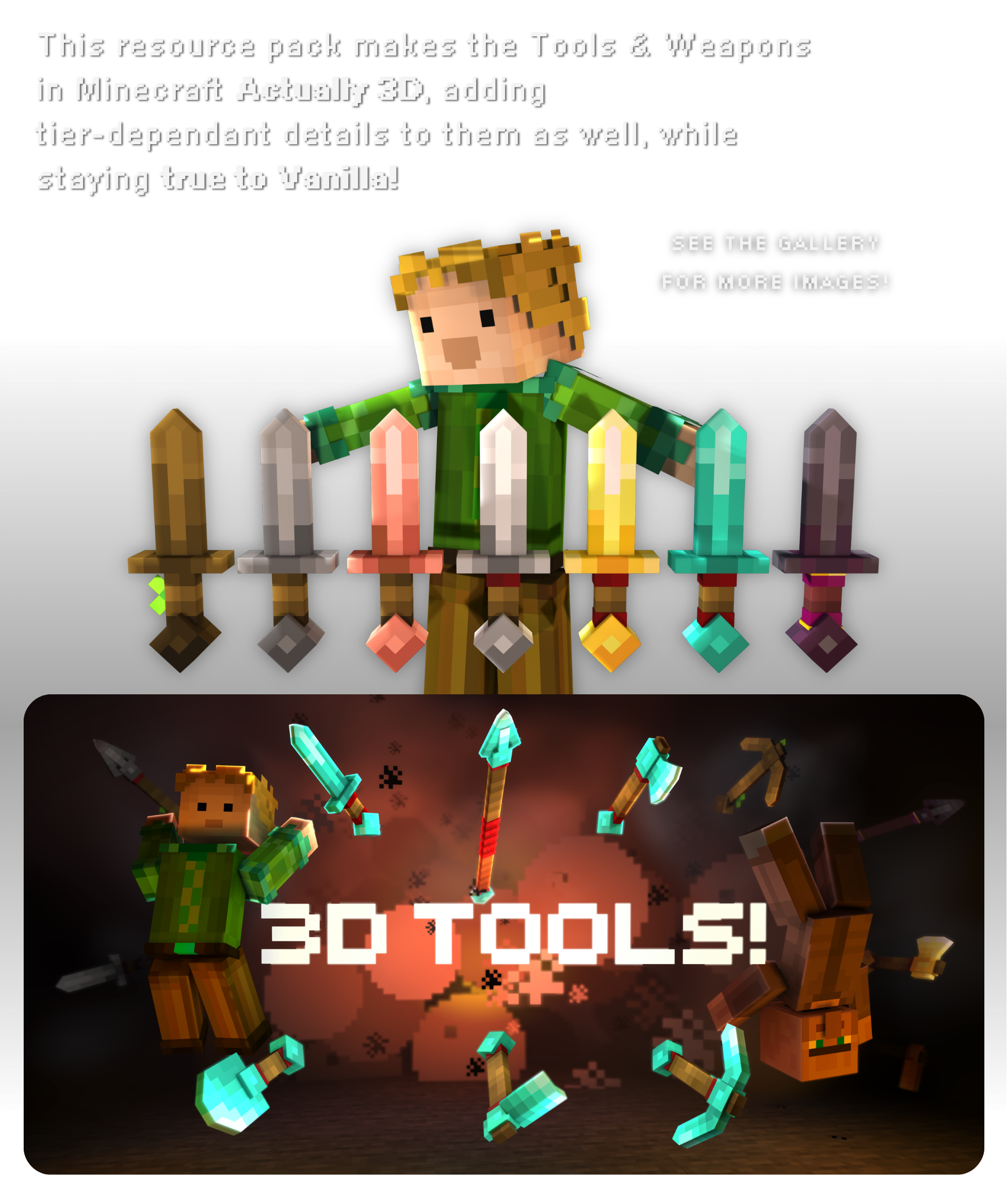
Description 1: This resource pack makes the Tools & Weapons in Minecraft Actually 3D, adding 
tier-dependant details to them as well, while staying true to Vanilla! "showcase images"

line separator thin

Some features require EMF + ETF

line separator thin

Description 2: MODEL SHOWCASE:

line separator thin line separator thin

"do you like the tools and want to get more? get the main pack"

Actually 3D Blocks & Items logo

‎ ‎ ‎ ‎

line separator thin

Terms of Use

By using the resource pack, you agree to follow these terms

‎ ‎ ‎

You are allowed to…

- Use this resource pack in your CurseForge modpacks, as long as you give credit

- Use this resource pack in YouTube videos and on other social media

- Edit the pack as long as it's for personal use only

- Publish forks or edits of the pack, once you get permission

You are not allowed to…

- Redistribute the pack (as your own) without permission

- Publish forks or edits of the pack without permission

line separator thin

A3D Equipment - Initial Release!
MC 1.21.11, 26.1, 26.1.1, 26.1.2, 26.2, 26.3
Release 2026-09-20 Get
r1.0-beta1 - initial release
MC 1.21.11, 26.1, 26.1.1, 26.1.2, 26.2, 26.3
Beta 2026-09-18 Get

Requirements & install

How to use this resource pack in Minecraft
Resolution
16x
Minecraft
1.21.11 – 26.3
Install folder
.minecraft/resourcepacks

How to install resource packs

  1. Download the resource pack .zip file (do not extract it).
  2. In Minecraft open Options → Resource Packs → Open Pack Folder.
  3. Drop the .zip into the resourcepacks folder (.minecraft/resourcepacks).
  4. Move the pack to the Selected column and click Done.
Browse more: 16x resource packs 32x resource packs 64x resource packs 128x resource packs 256x resource packs 512x+ resource packs Resource Packs for 26.3 All resource packs

More from MattCrowberry

Advertisement Remove ads with Premium →

You Might Also Like