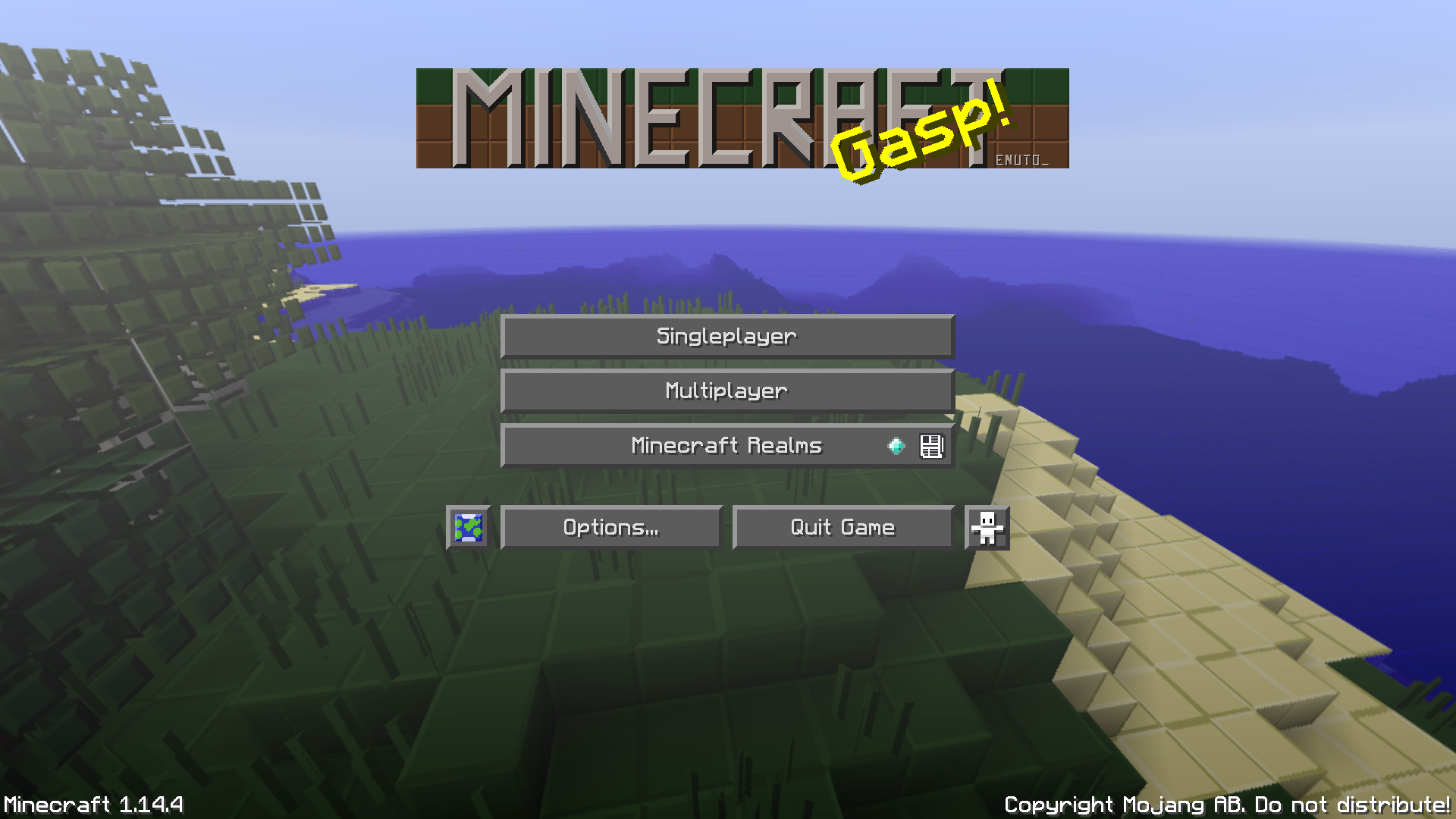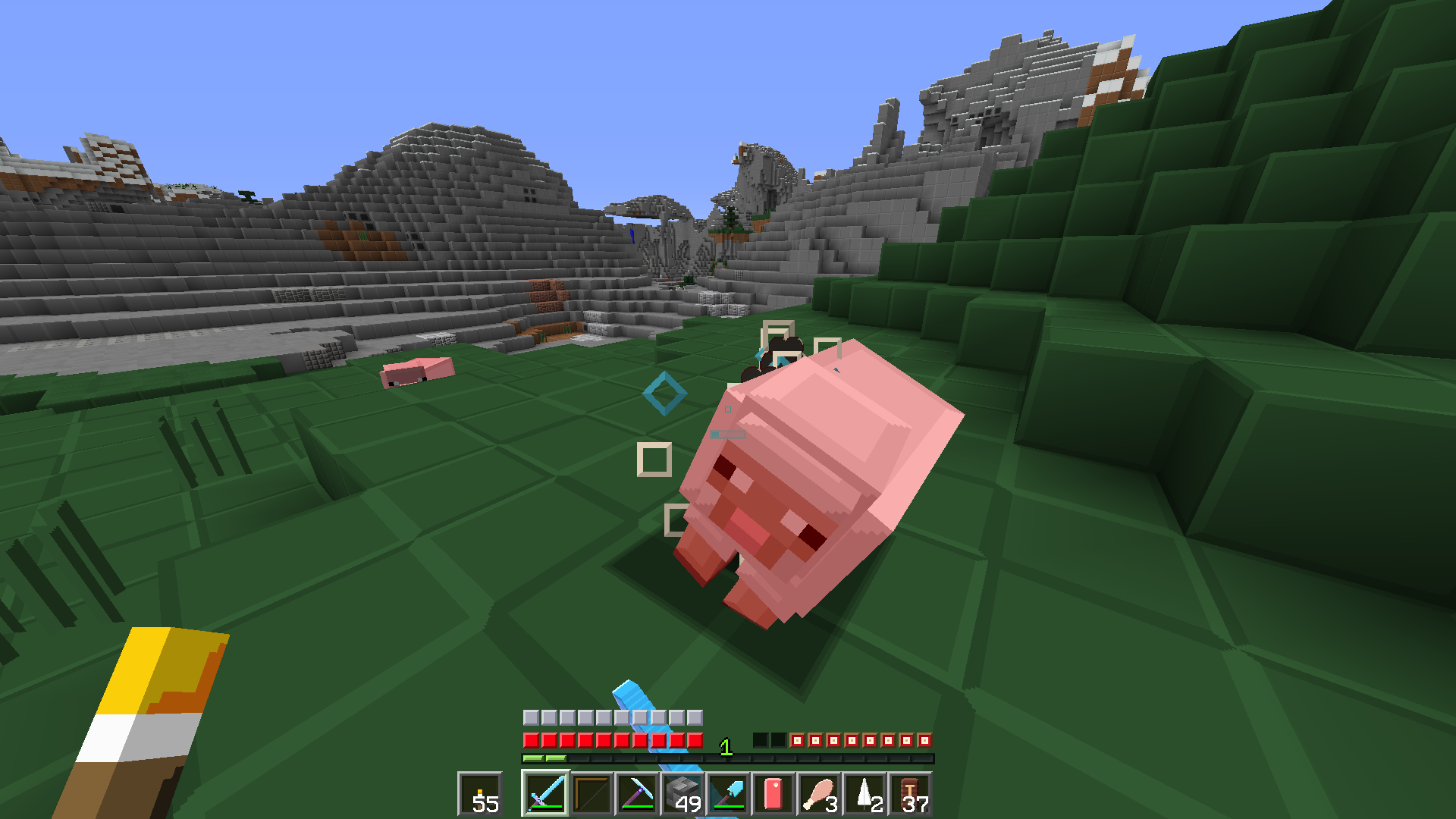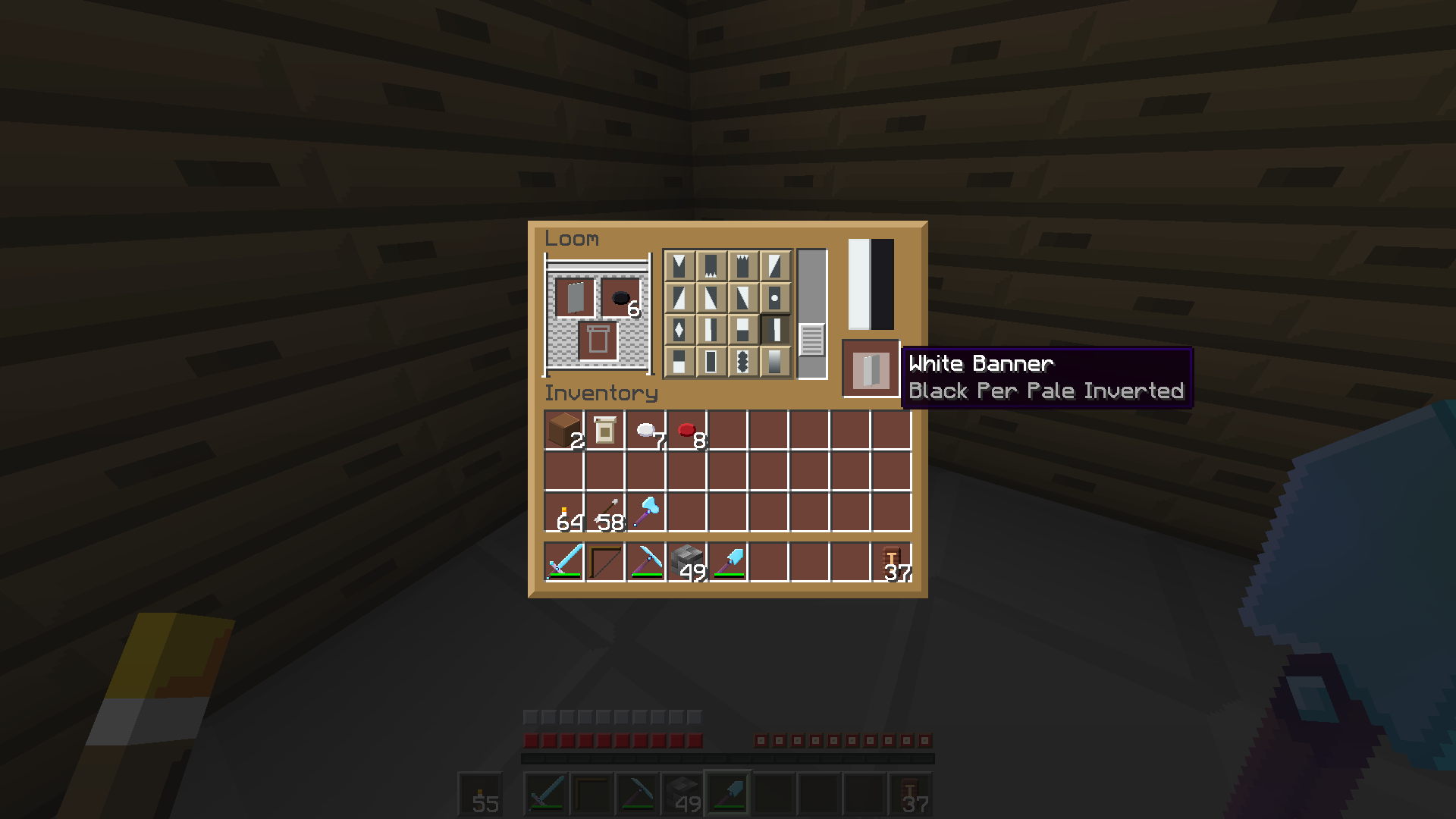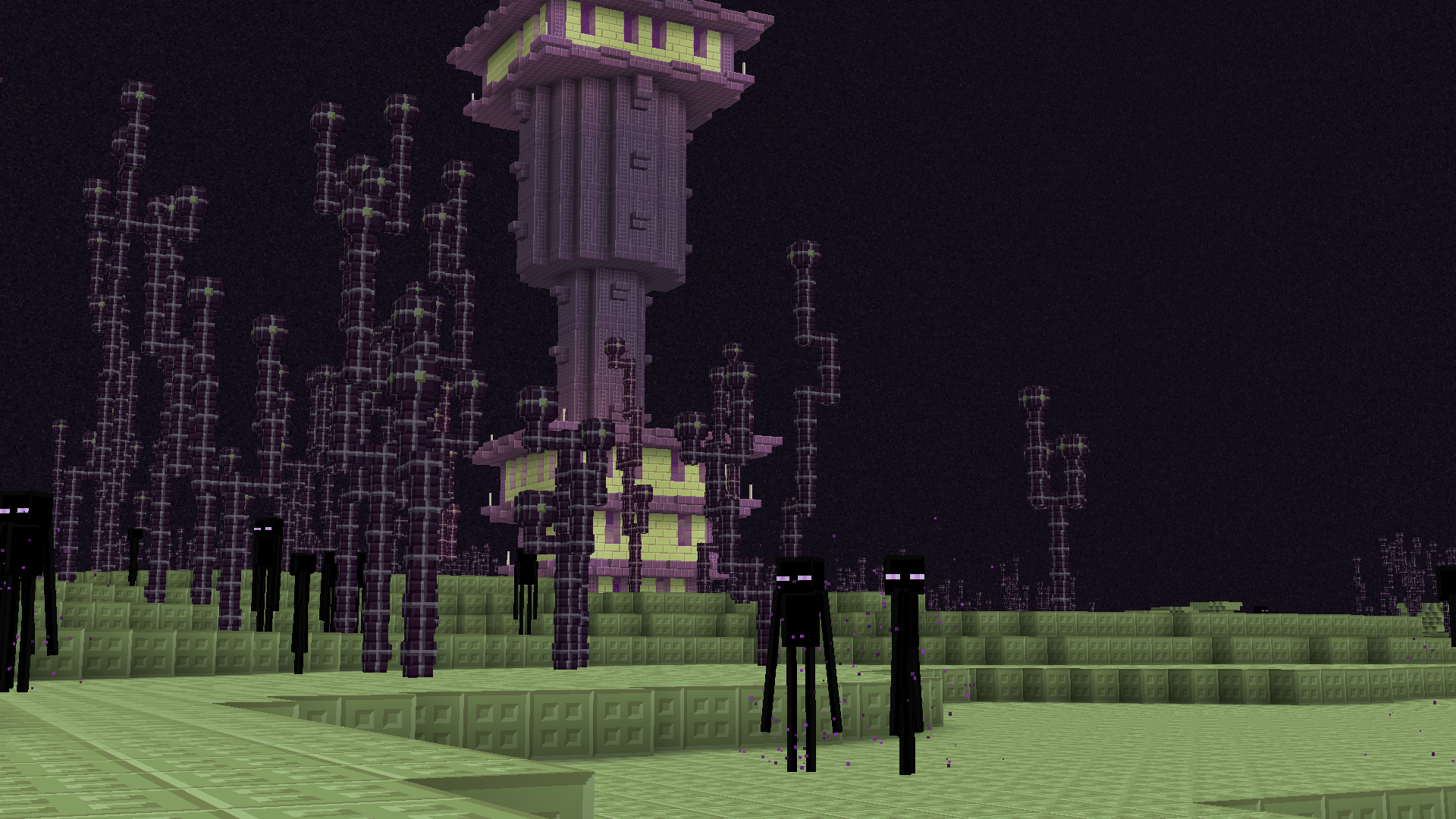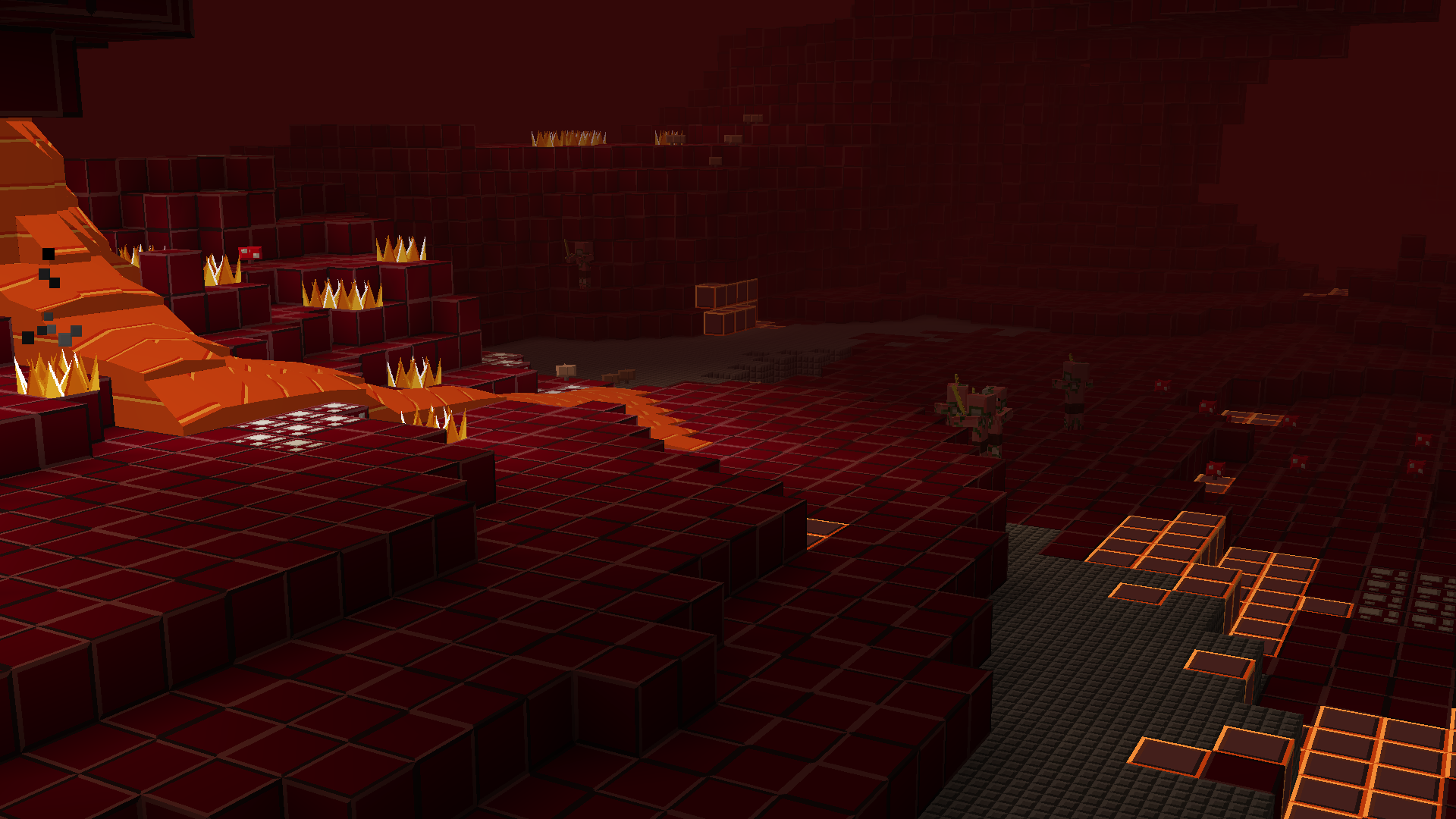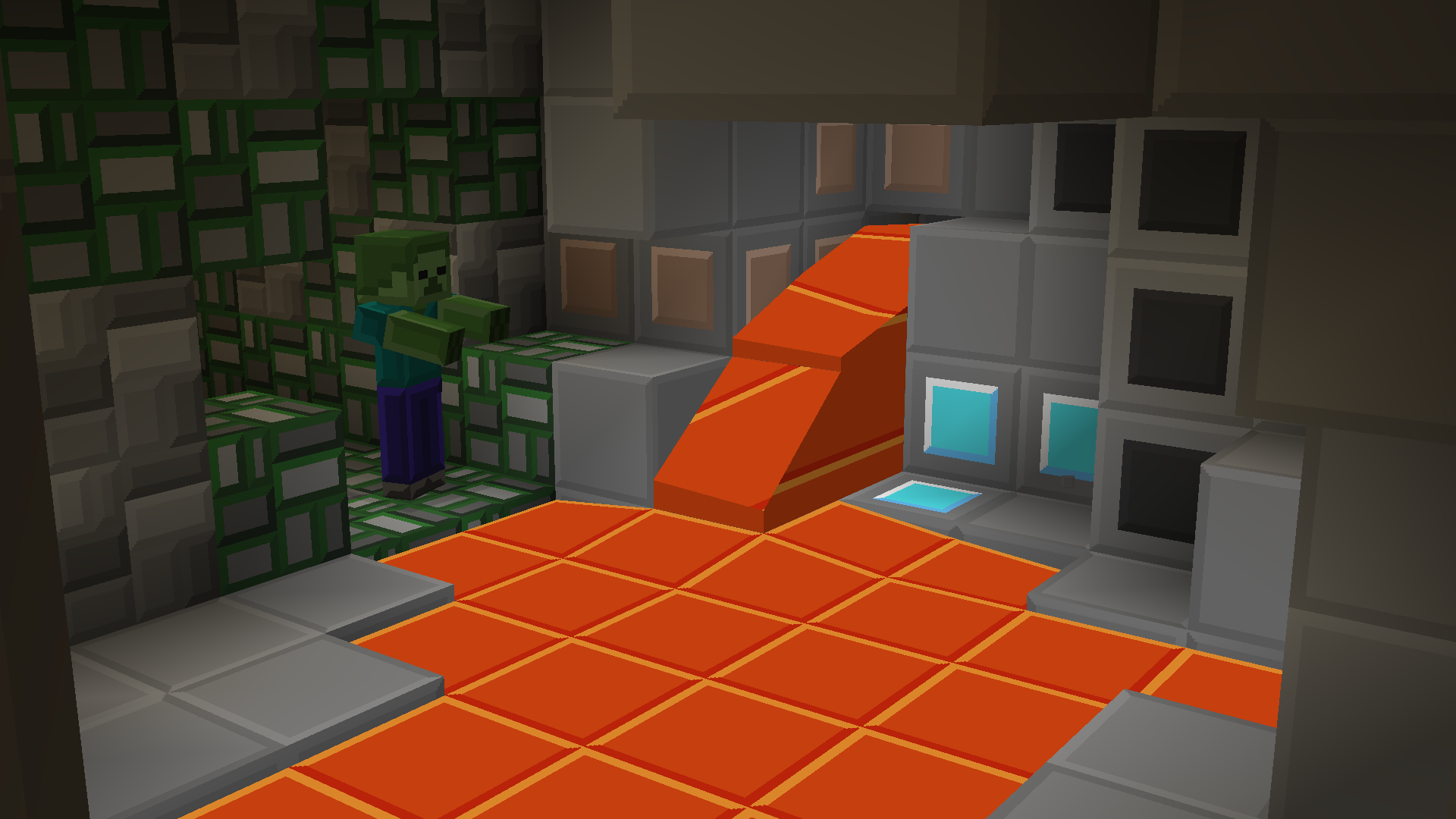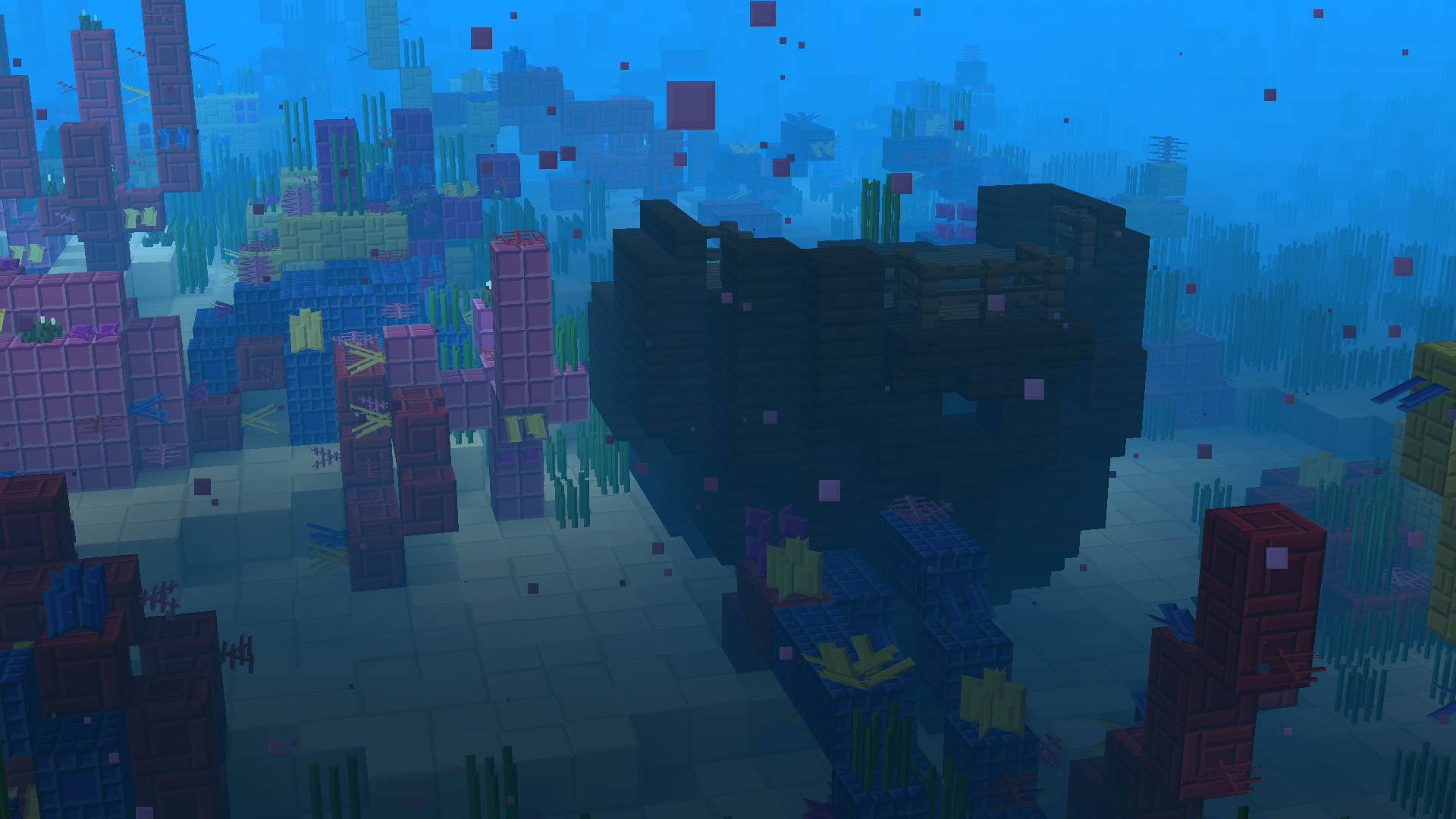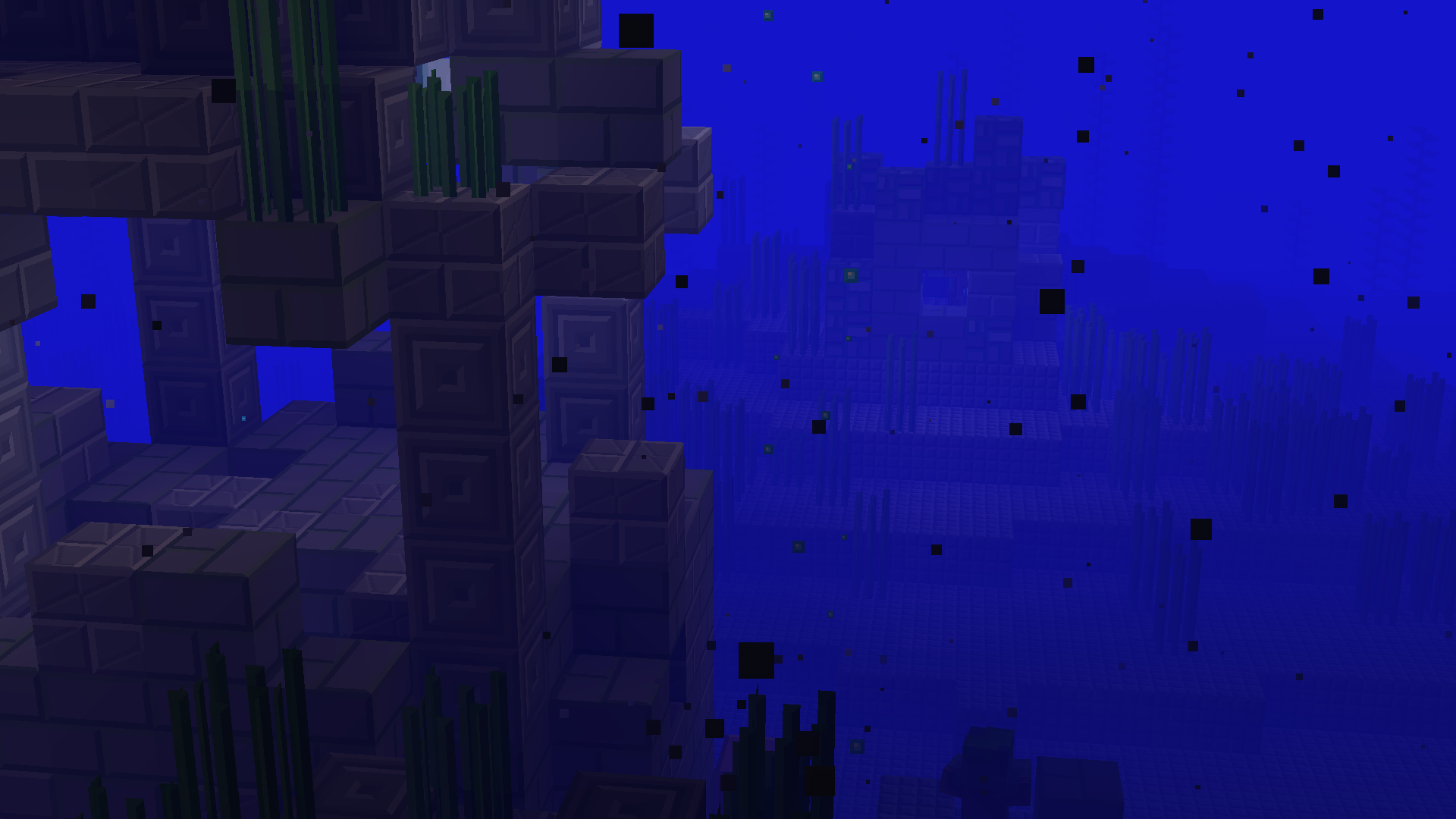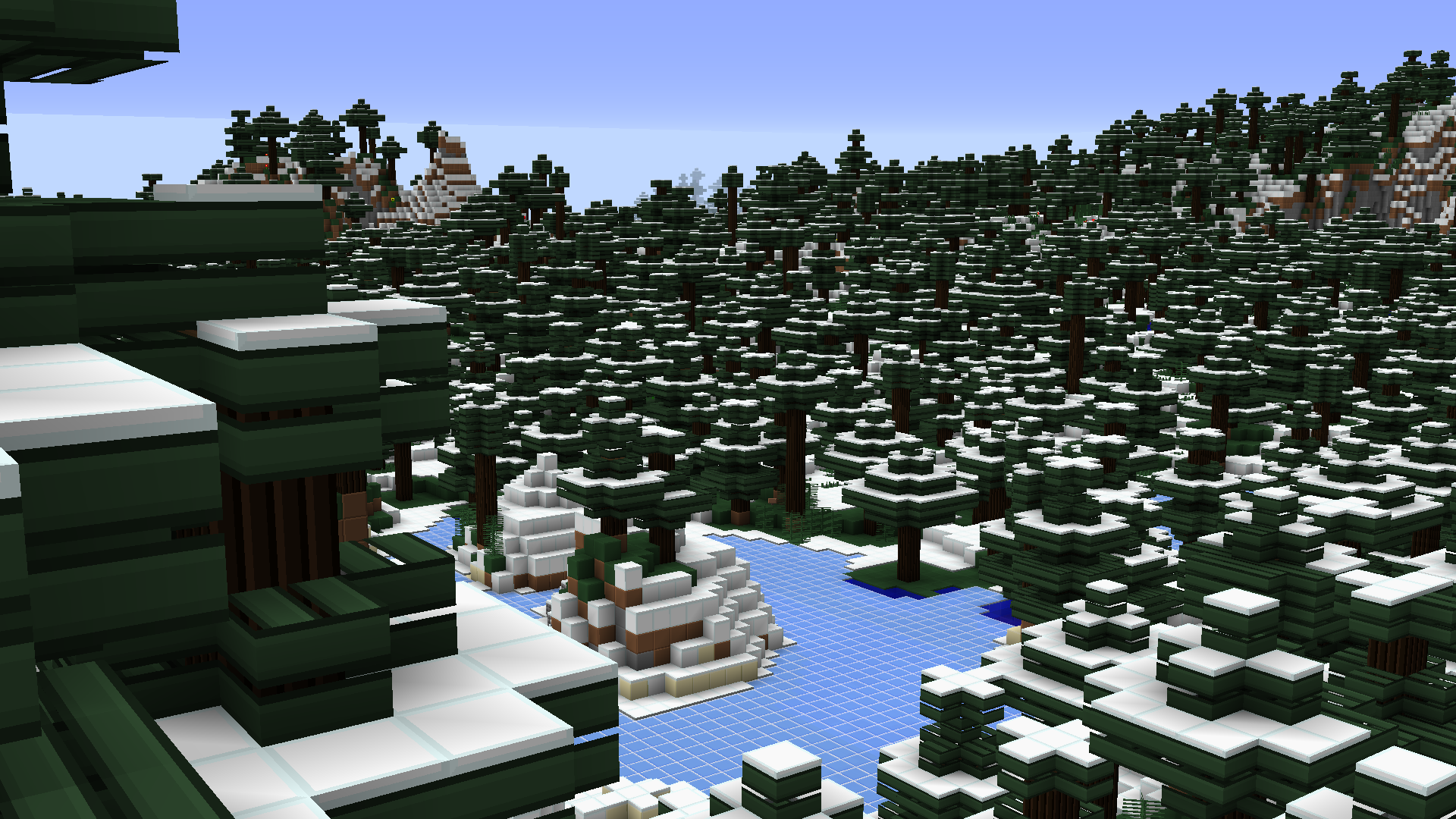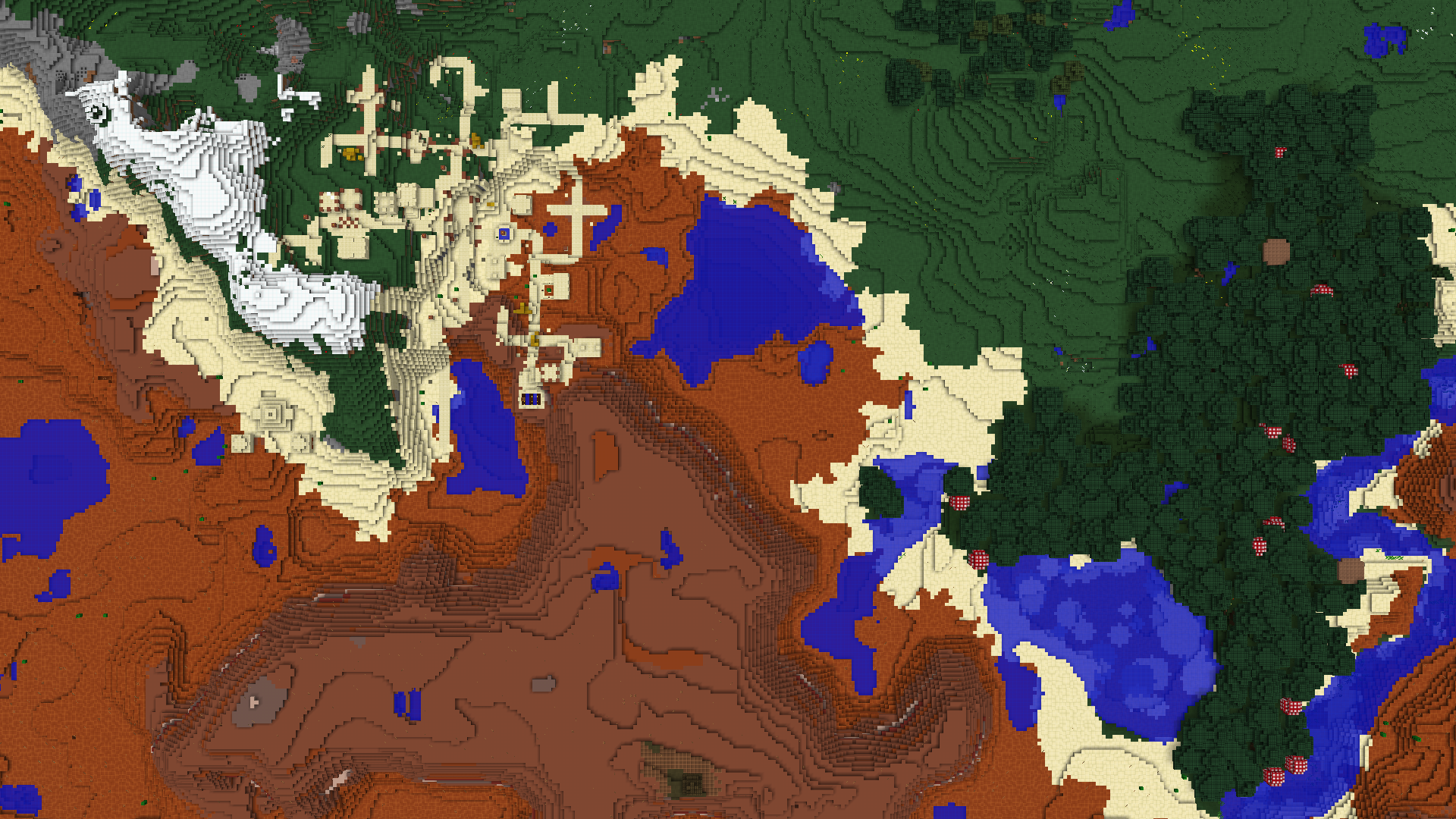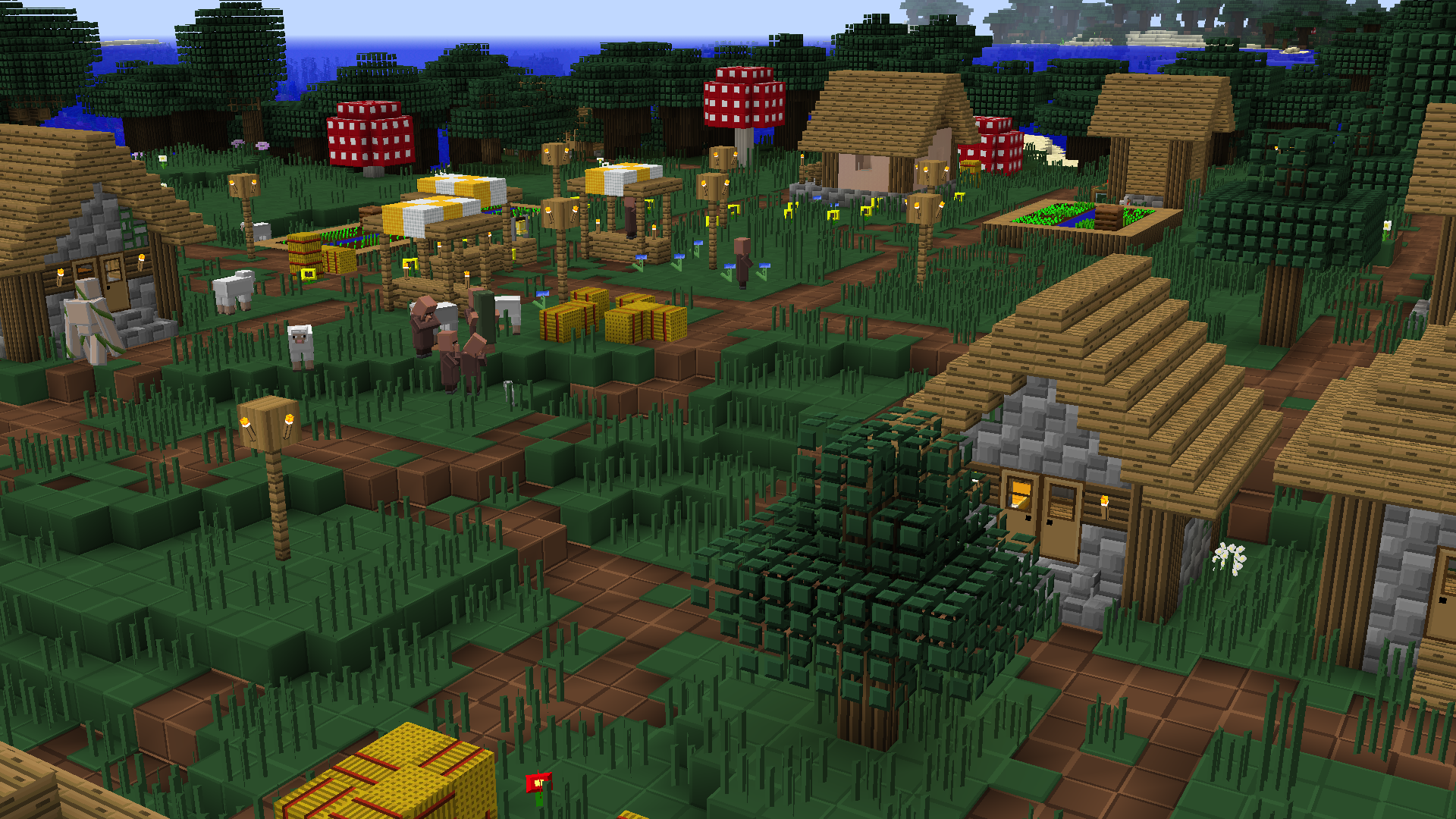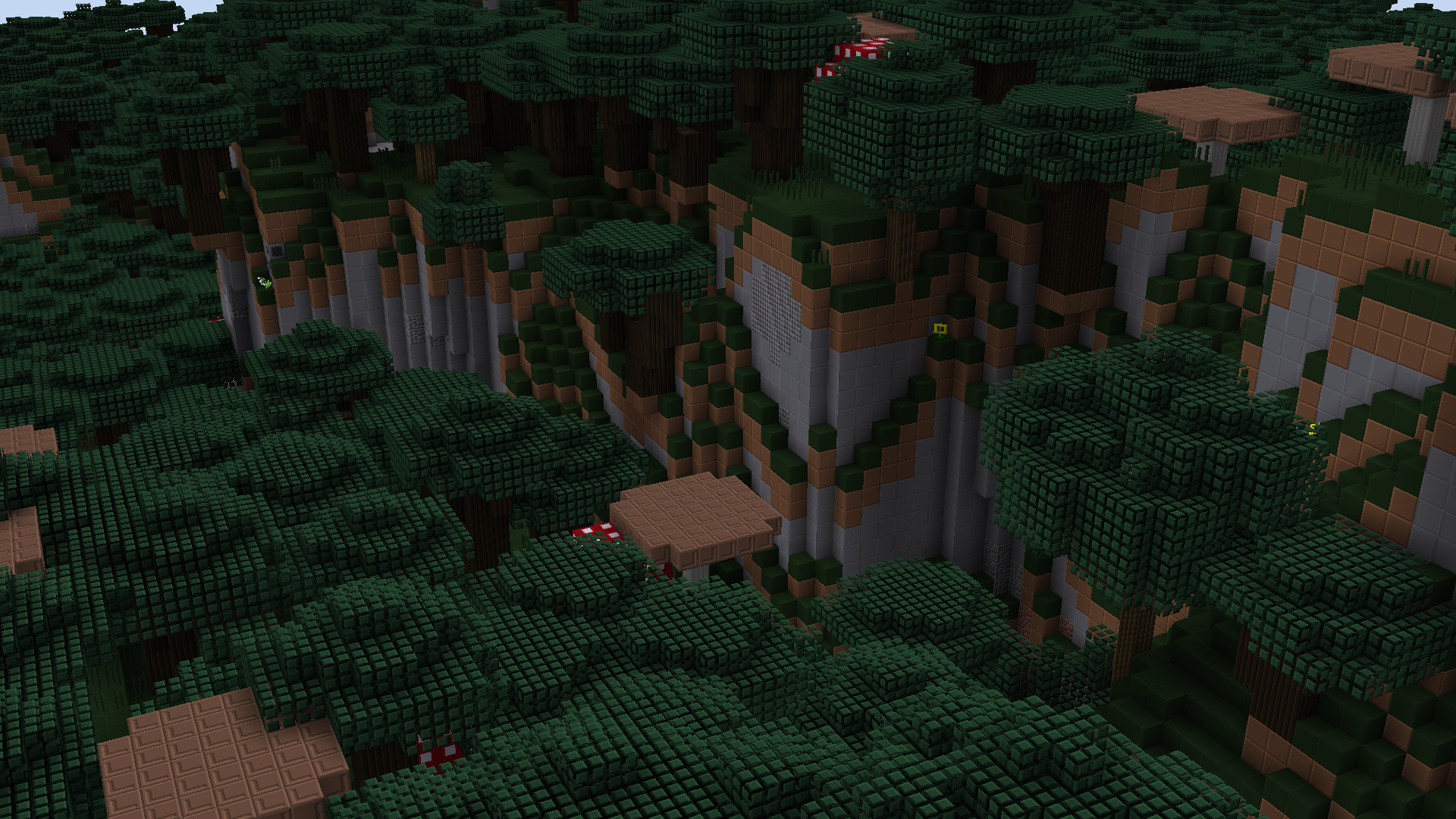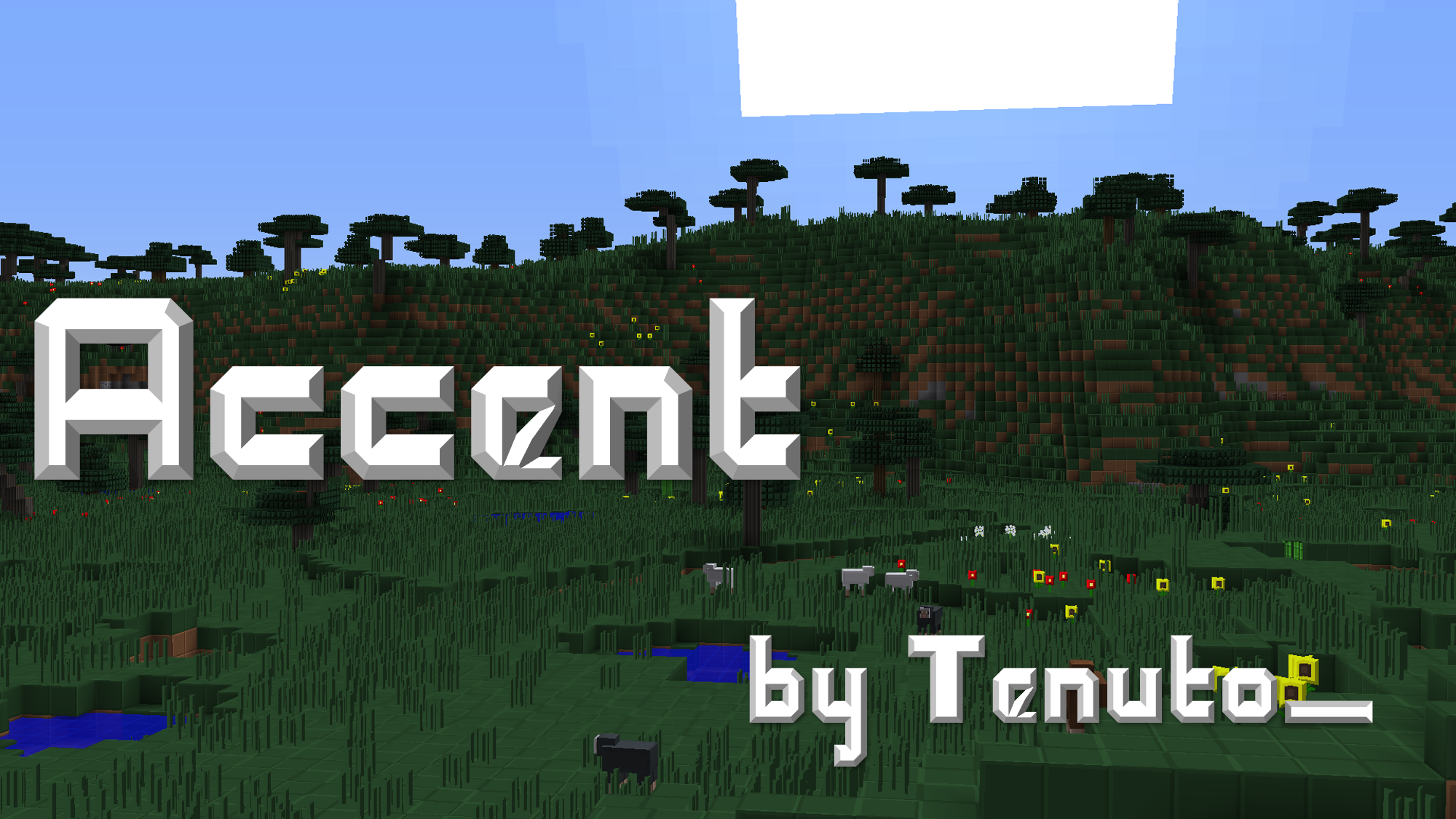
Using only colors found in the Default textures, I kept to a theme of embossing and beveling to create a very simple, blocky, yet aesthetically pleasing look.
The basic idea of this pack is de-noising, efficiency, and really the satisfaction of my own obsessive-compulsive tendencies while not looking cartoon-y.
Backwards compatible with previous versions*
Armour: Like the default, but sans noise. Looks more shiny!
Art: Revamped with a few of my favorite things
Environment: Butts are squares, rain is straight lines, snow is on a grid
Font: Higher res version of default; easier to read when enlarged.
GUI: Simplified and themed
Items: Completely redone, mostly with clean, regular shapes
Misc: General sprucing up including (but not limited to) removal of the vignette and the water overlay. Also, biome colors are removed (swamps are still grey) so that the grass and foliage have a rich color everywhere you go.
Mobs: Simplified, beveled; you're probably getting the idea by now.
Particles: More blocky, keeping the Minecraft spirit, and generally cleaned up
Terrain: Overhauled... obviously. It is a resource pack, after all.
*Wherever possible, I have left old textures that no longer apply to newer versions in the pack, so that the pack still works for older versions as well as the newest.