The resources here are an add-on to the Tiny Pixels pack currently maintained by Pavo_Reality.
Every texture in this pack was created by myself. Any likeness to another's work is merely coincidental given the nature of the pack. The resources are made in an 8x style. Due to certain mods having odd model-shapes, some mods will not be covered in 1.7 or before.
The main reason I am making this is because the mod support I had found elsewhere gave up on attempting to maintain the 8x8 ratio in several cases, as it's quite challenging depending on the block/item in question. I am not saying these packs are bad, I am just saying that I would have done --and am doing-- it differently.
To install the add-on, be sure to download the main pack here, and place it into your resourcepacks folder. To install my add-ons, download either the collection or the separate files one by one and place them all in the resourcepacks alongside the main pack. Make sure that the mod support are closer to the top of the load order, so any default overrides can take effect. I only override main pack textures for the sake of consistency.
Please do not distribute these textures anywhere else. If you wish to share them, please link people here.
Mods Completed:
Minecraft 1.7.10:
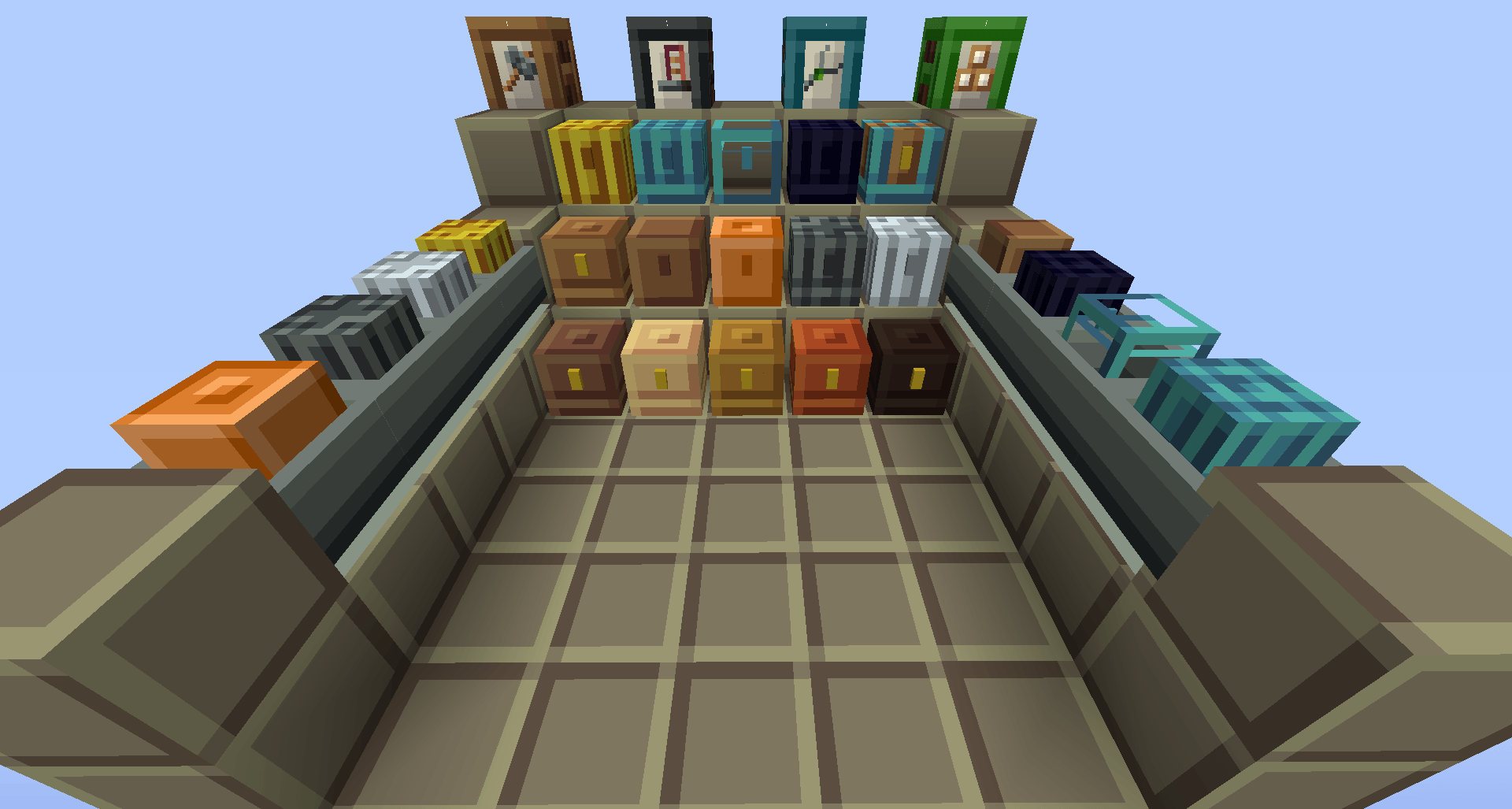
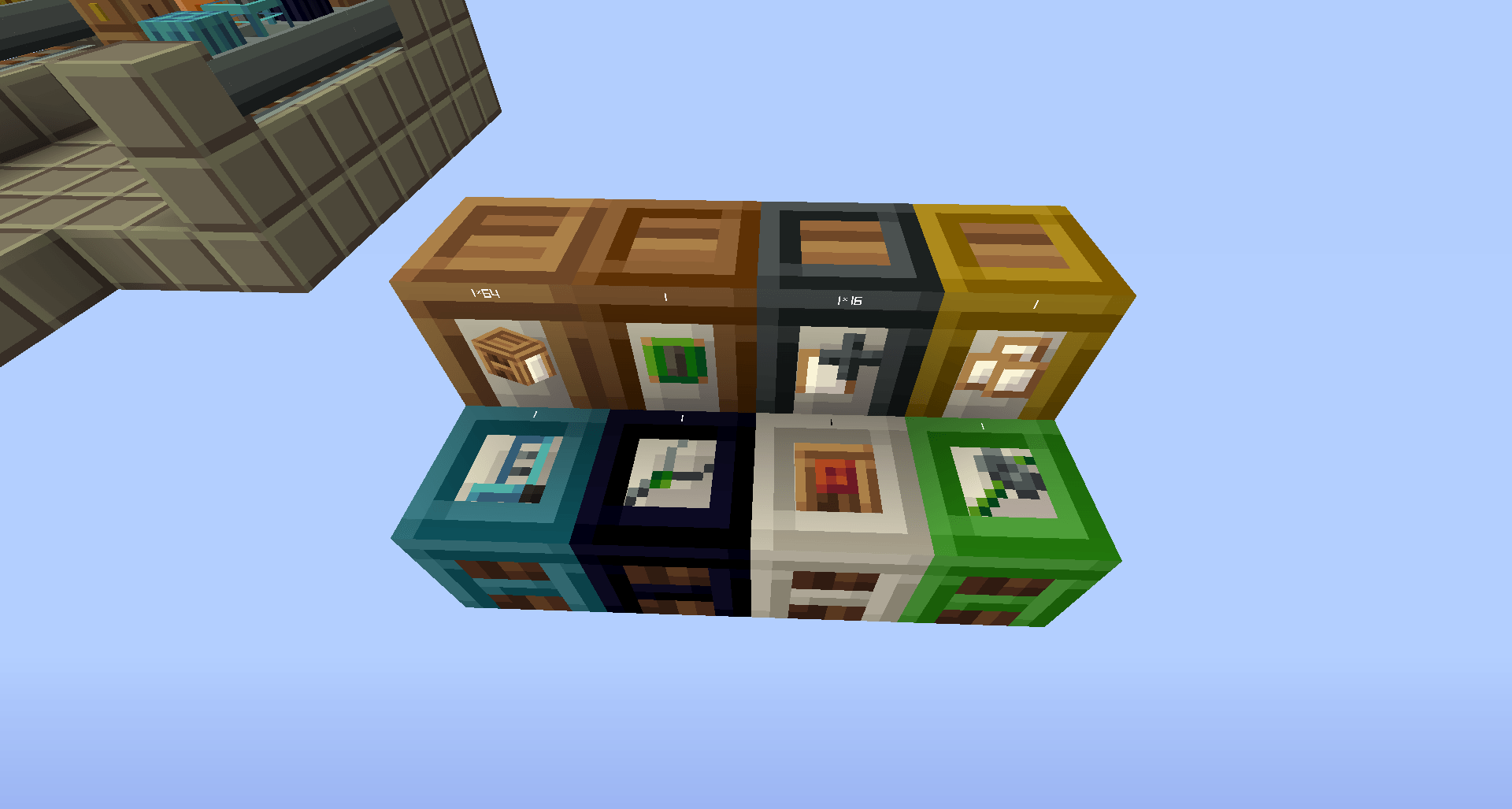
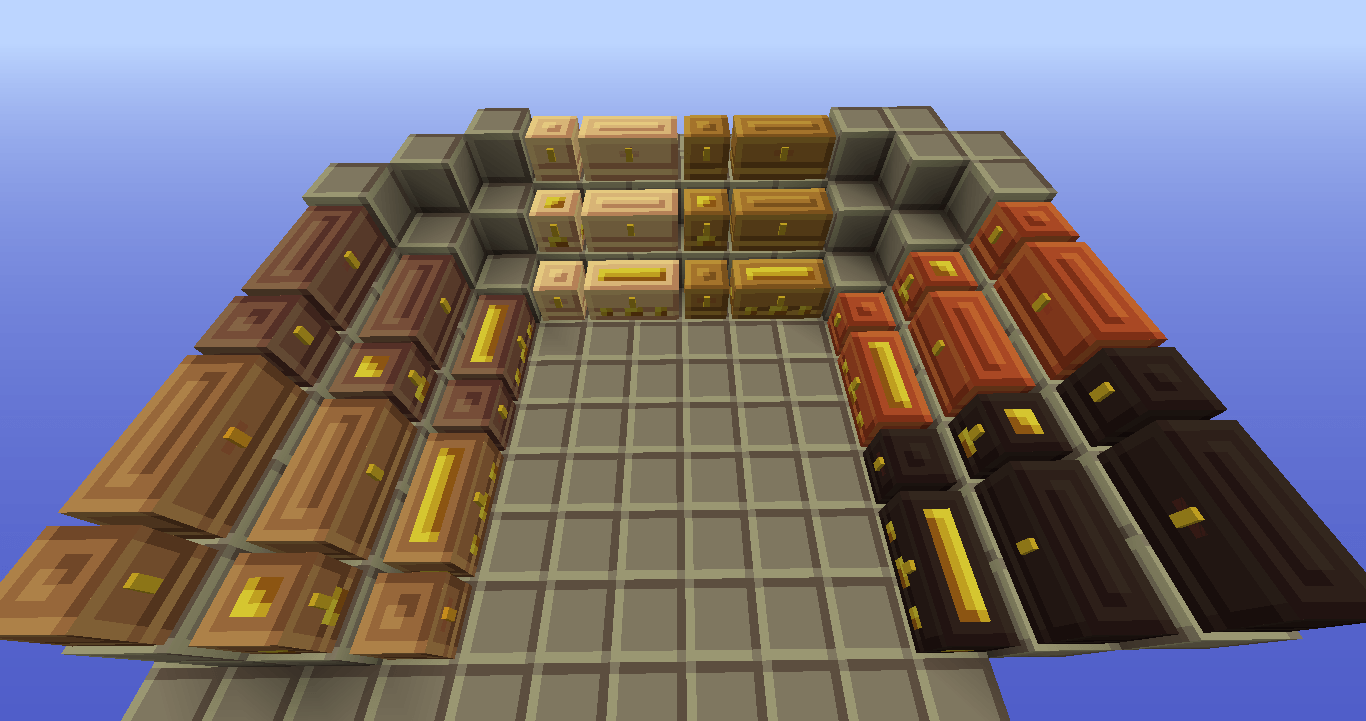
Iron Chests (Re-worked default chests for consistency)
Variety Chests (Re-worked default chests for consistency)
YALSM - Yet Another Leather Smelting Mod