Hunt Other Players
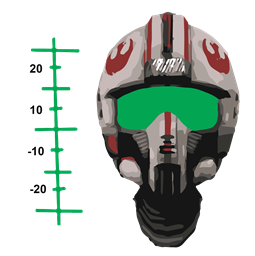
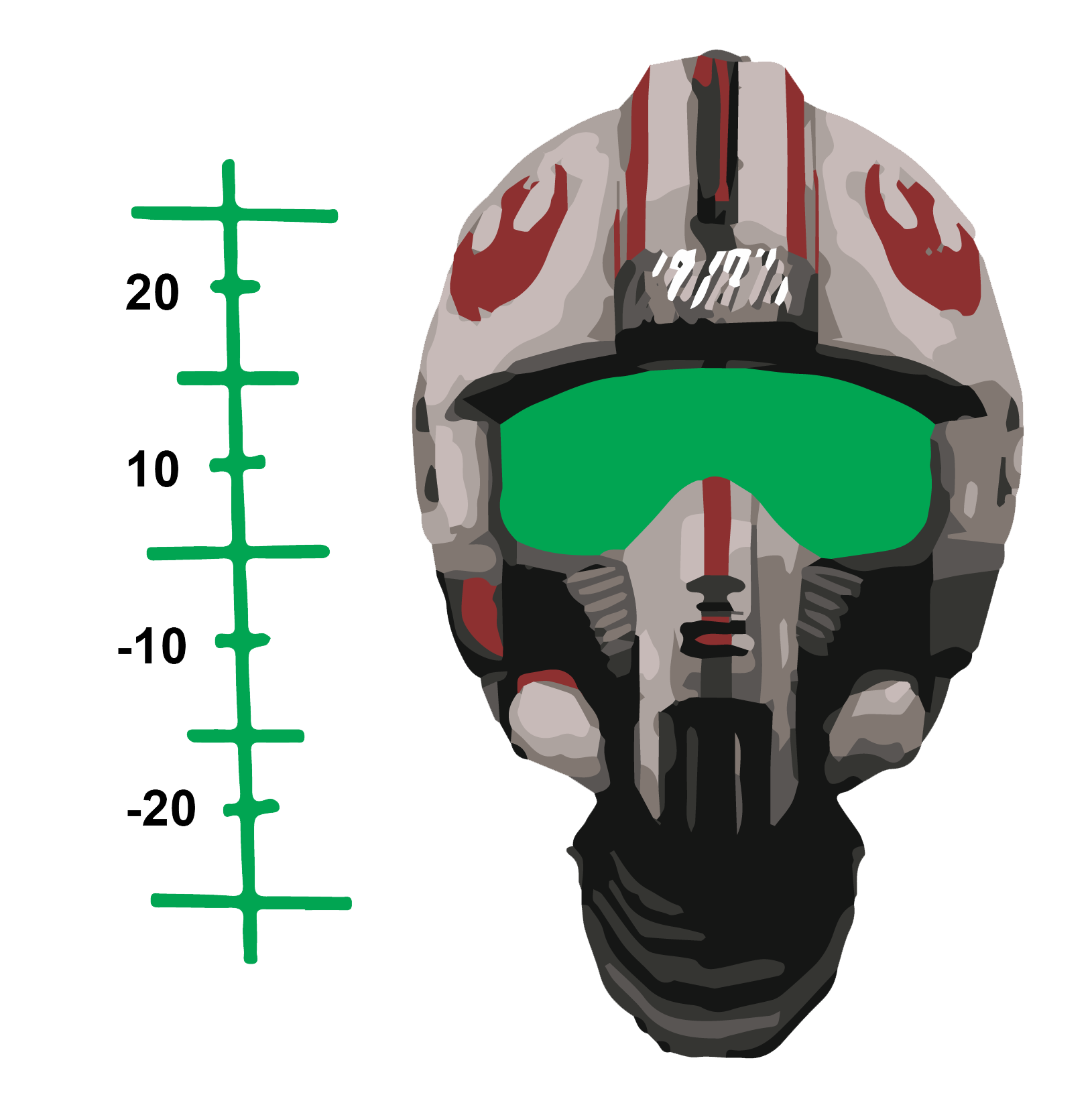
Ptrack is a player tracker that uses the new scoreboard api. The compass locks onto a moving player, and stays locked. Distance and elevation statistics are reported using a HUD type display on newer versions of Bukkit. Older versions of Bukkit are supported with standard messaging.
The distance is reported in blocks and the elevation is displayed relative to the player. Negative numbers indicate lower than the player, positive mean higher. Find your player underground or in the clouds.
Ptrack is designed to work with Pplot. Ptrack will track a moving player, Pplot will list the nearby players and their positions.
Can be used by admins to find players fast, without teleporting.
Players working together may lock onto each other making it possible for them to know exactly where each other is.
Just drop into your plugin directory and go.
/ptrack <player/stop> (alias: /pt)
Player names are completed with a minimum of typing. Command confirmation is employed using a single '/' to confirm.
Permissions are turned off by default to make it easy to get started. Turn on in 'config.yml' as well as set a custom permission node. Standard nodes are 'ptrack.admin' and 'ptrack.ptrack' or op.
Other settings in 'config.yml' are the amount of time it stays on before automatically stopping, and, whether to use the score board api. Ptrack automatically determines the availability of the SB api, and won't use it if it can't find it. Vault is a soft depend, and will be used, if found, to determine the desired permission system.
To change your settings go to the /va_ptrack directory, off of the /plugins directory you dropped this plugin into and find the file name 'config.yml'. Use a text editor like Notepad (plus plus) to change settings as desired. Avoid changing the structure of the file, and avoid using tabs. Getting a new config.yml file is very easy if it gets messed up. Just delete it and let Ptrack create a new one.
Ptrack is from a larger, MySQL based player control plugin, SuperUser. It was pulled out for general usage. If you are using SuperUser, you already have it, named /track.