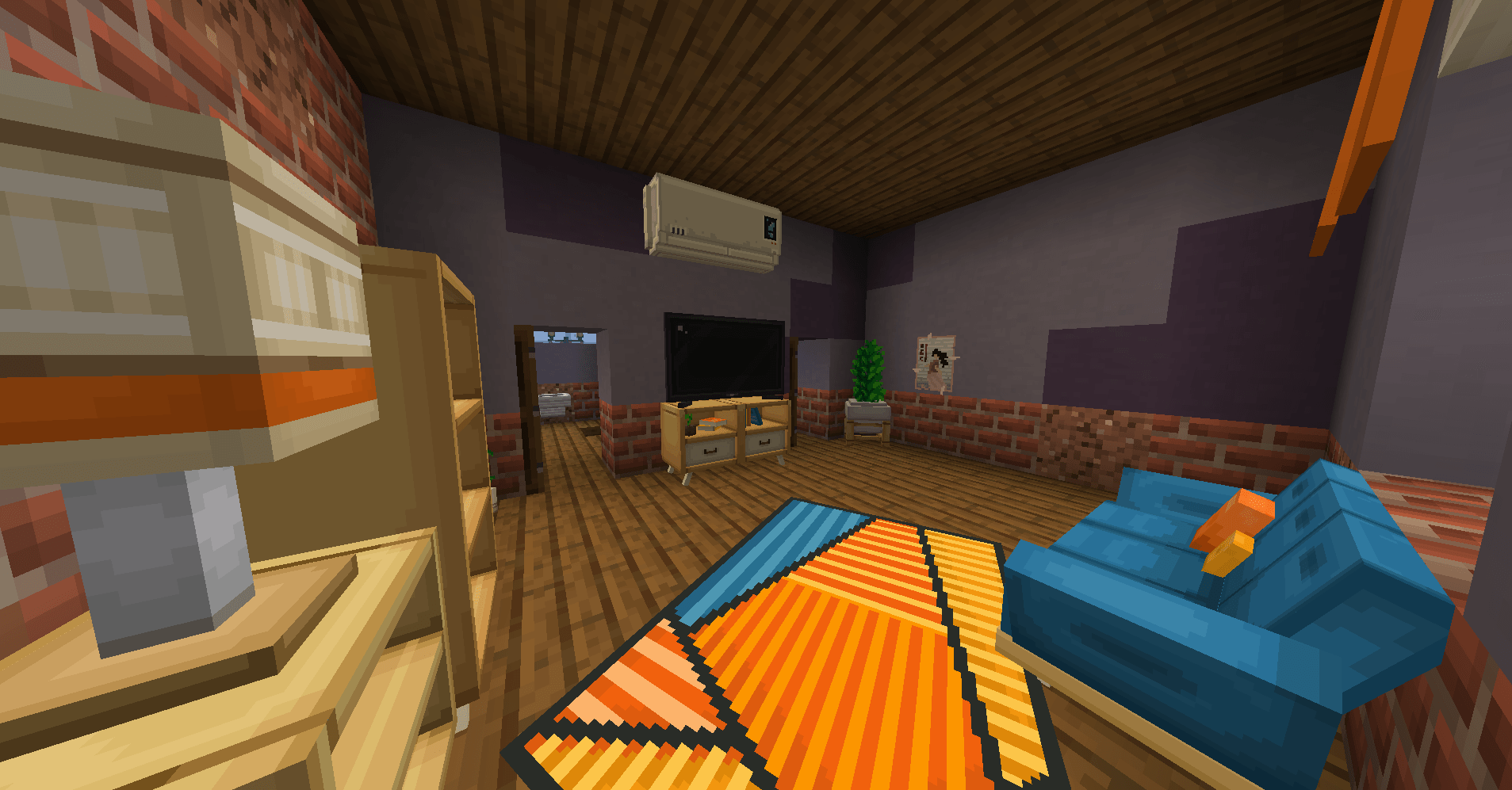
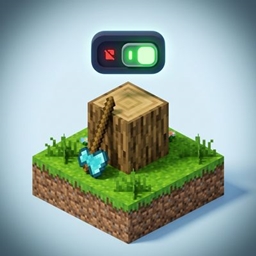
BlockNaVi is a powerful solution for Paper-based servers, allowing you to add unique custom blocks without lag or complex resource pack configuration. The plugin uses ItemDisplay and Interaction for transparent blocks, as well as barriers for solid collision, ensuring minimal server load (MSPT) even with 50,000+ placed models.
Key Features
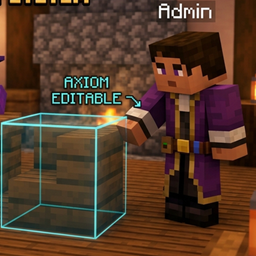
Live Synchronization with Axiom: Adjust the width, height, and depth (X, Y, Z) of any custom block directly in the world using the Axiom mod. With just one command, the new dimensions are instantly applied to all identical blocks on the server along with their physical hitboxes.
Built-in Resource Pack Hosting: The plugin automatically generates a .zip archive and distributes it to players via a built-in HTTP server on port 8080. Includes Anti-DDoS protection (Rate Limit: maximum of 1 request per 5 seconds from a single IP).
Ultimate Optimization (O(1)): Forget about lag when clicking. Textures and invisible hitboxes are linked directly to each other via UUIDs in the PersistentDataContainer. The synchronization of thousands of blocks is processed in batches (500 entities per tick), maintaining a perfect TPS.
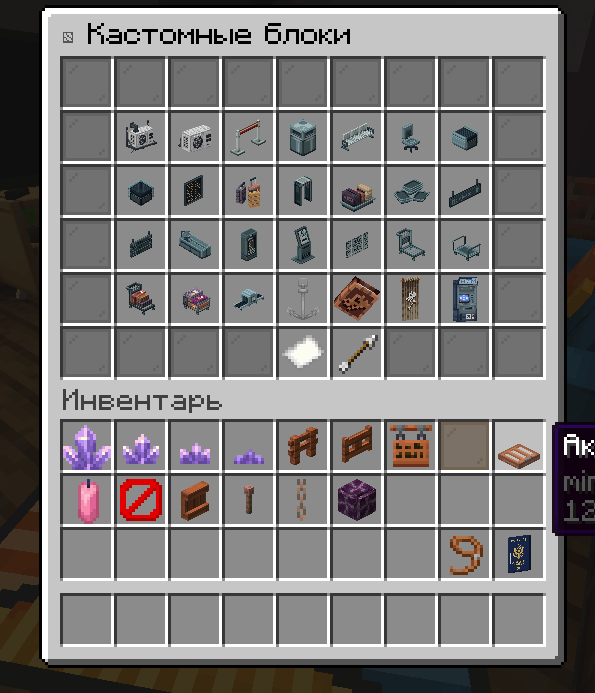
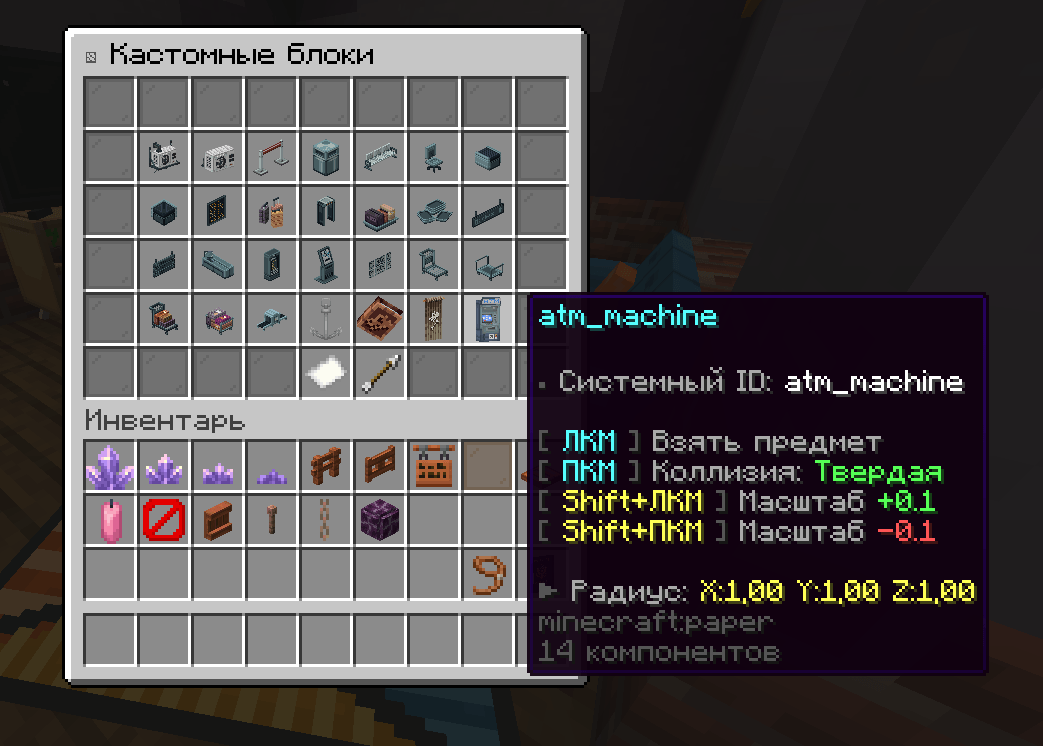
Modern UI: A beautiful in-game menu with pagination for obtaining items, toggling collision (Solid/Transparent), and scaling.
Full Compatibility: Enforcing ignoreCancelled = true ensures that custom blocks cannot be placed or broken in protected regions (WorldGuard and similar plugins).
Commands and Permissions Permission for all commands: blocknavi.admin (by default, accessible only to operators — OP).
/adblock — Open the main custom block management menu.
/adblock sync — Read the new block dimensions from Axiom (within a 5-meter radius) and apply them globally across the world.
/adblock reload — Asynchronously rebuild the resource pack (without freezing the server) and send the updated textures to all online players.
How to Add Your Own Blocks?
Place your .json models in the plugins/BlockNaVi/blocks folder.
Place your .png textures and animations (.mcmeta) in the plugins/BlockNaVi/textures folder.
Run /adblock reload in-game. The plugin will automatically generate atlases, assign CustomModelData, and update the resource pack for all players.
Requirements
Core: Paper (and forks)
Java Version: 21+
Open TCP port (8080 by default) for resource pack distribution. The port can be changed in id_map.yml.
Happy building! If you find this plugin useful, don't forget to leave a review.