Mineuniverse
Resource Packs
Visual Traveler's Titles

Visual Traveler's Titles

RESOURCE PACK
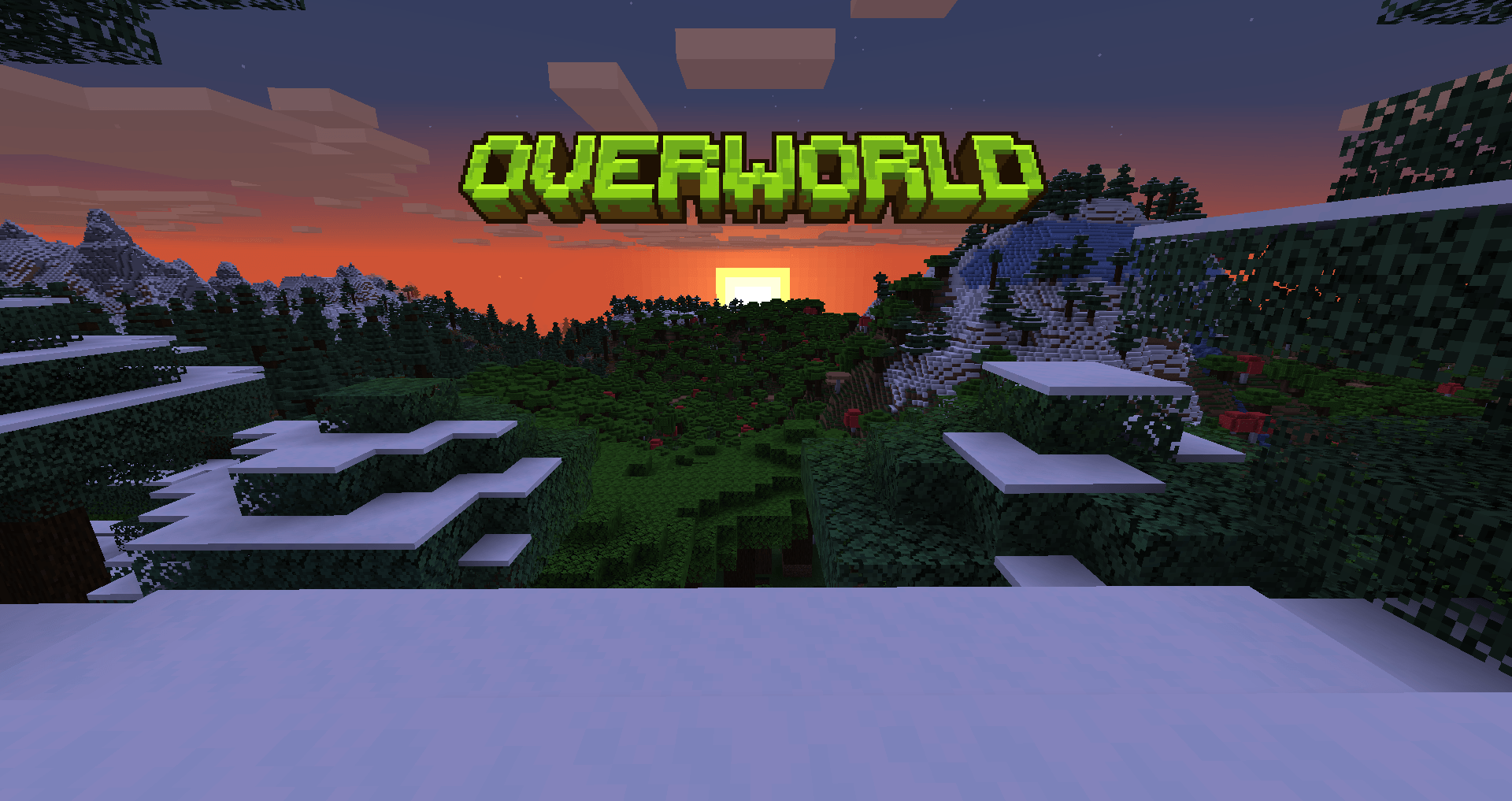
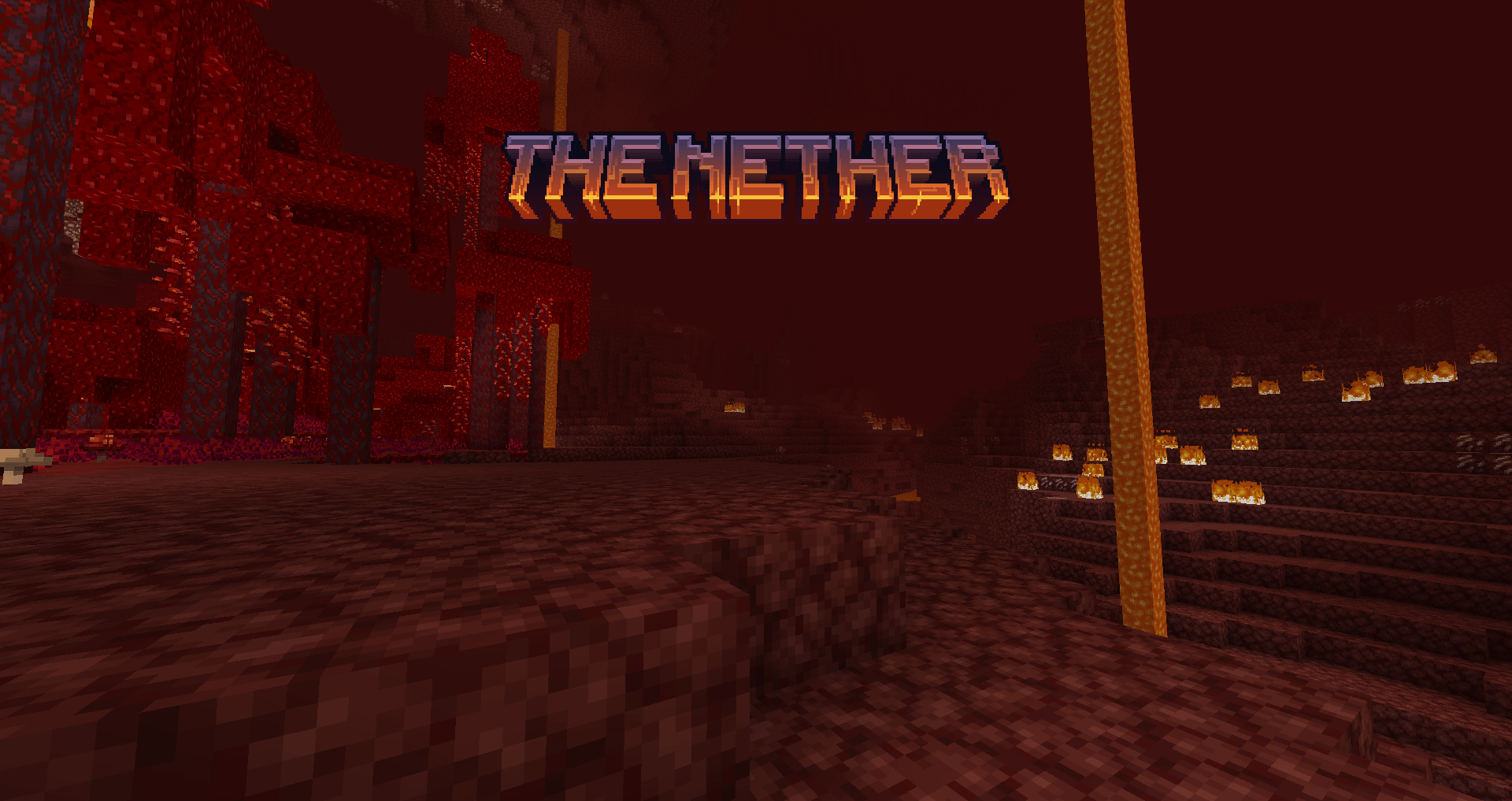
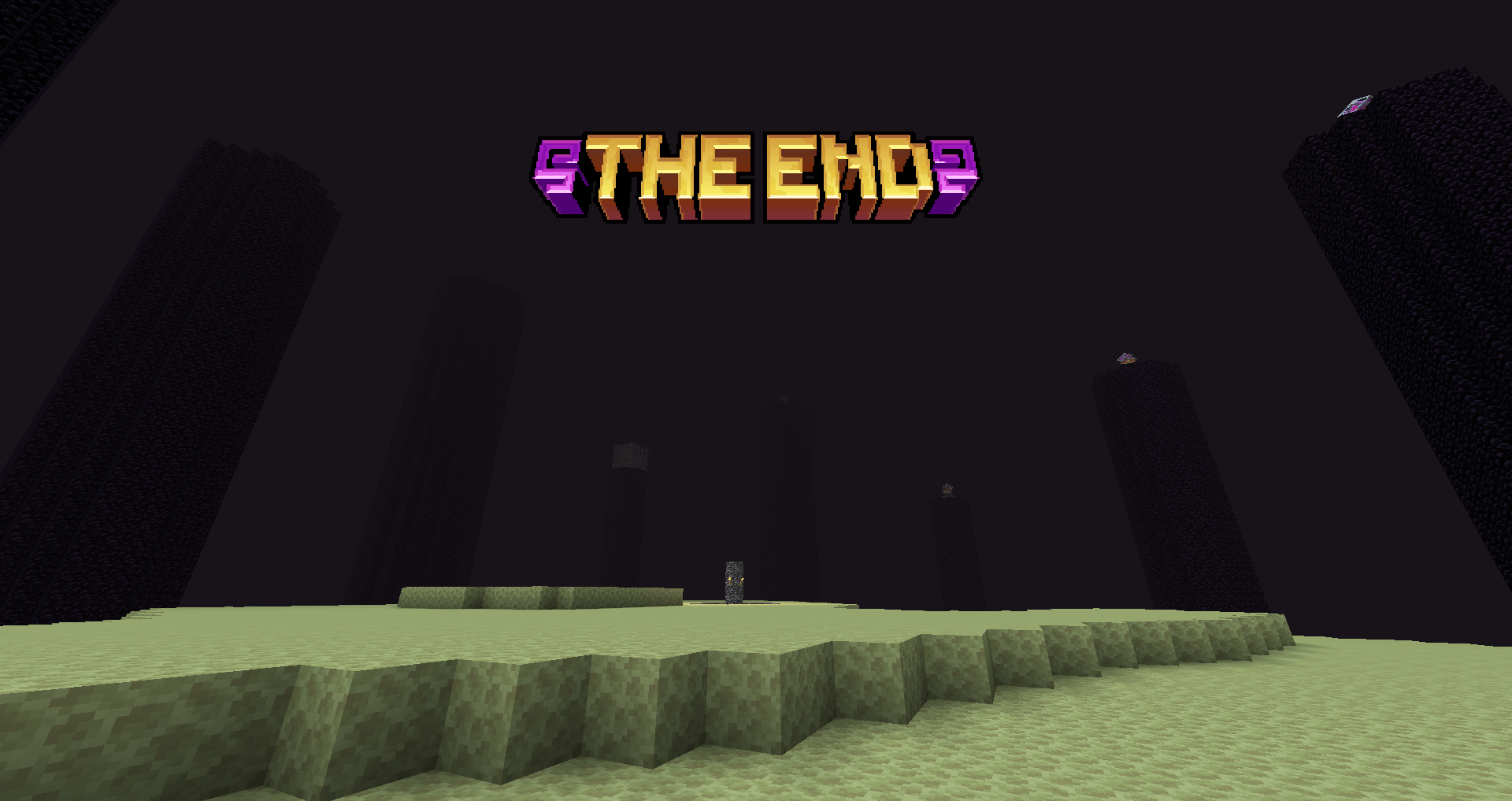
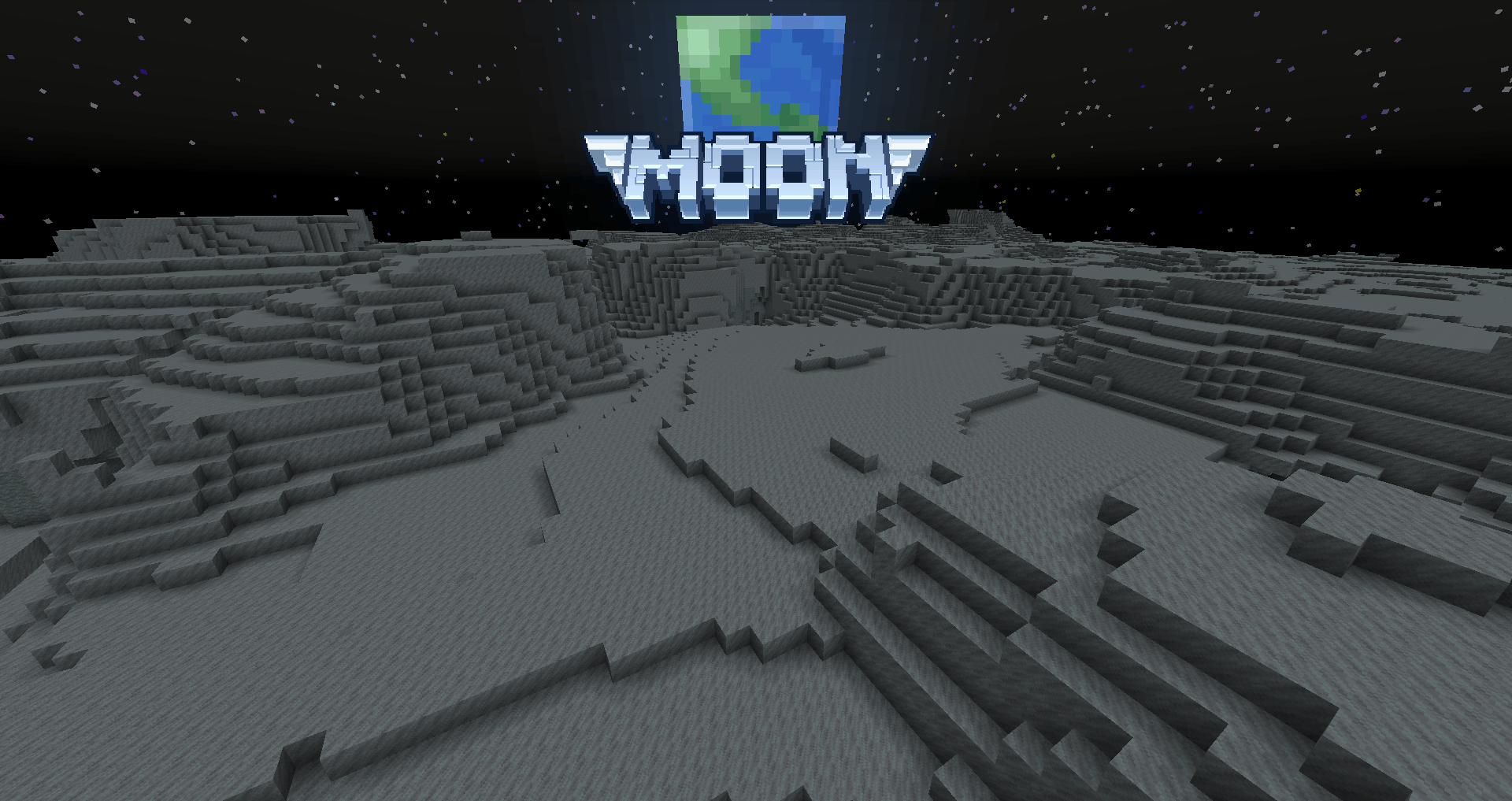
Visual titles when entering dimensions!
by un_roman
Download Claim this project
Add a badge to your pageLink to Visual Traveler's Titles from a README, website or forum post.
Preview: Badge

Badges update automatically and link to the resource pack page on MineUniverse.

12,962,584 downloads
0 likes
0 followers
Updated Oct 14, 2026
0 hypes
Follow0
256x Miscellaneous Mod Support
Advertisement Remove ads with Premium →

Visual Traveler's Titles

The project adds handmade dimension logos for each dimension


Languages

Czech (cs_cz) Chinese (zh_ch, zh_hk, zh_tw) Dutch (nl_nl) English (en_us) French (fr_fr) German (de_de, de_ch) Greek (el_gr) Indonesian (id_id) Italian (it_it) Japanese (ja_jp) Korean (ko_kr) Polish (pl_pl) Portuguese (pt_pt, pt_br, pt_ao) Romanian (ro_ro) Slovak (sk_sk) Spanish (es_es, es_ar, es_cl, es_ec, es_mx, es_uy, es_ve) Ukrainian (uk_ua) Vietnamese (vi_vn)

Legacy

English (en_us) Ukrainian (uk_ua)


Сlick on the button to help with the translation or suggest a new language


Compatibility

Minecraft (Overworld, The End, The Nether) Ad Astra (Glacio, Mars, Mercury, Moon, Venus) Beyond Earth (Deimos, Glacio, Mars, Mercury, Moon, Phobos, Venus) Galacticraft (Asteroids, Moon, Venus) Stellaris (Mars, Mercury, Moon, Venus) Create: Northstar (Mars, Mercury, Moon, Venus) Tropicraft (Tropics) The Aether (Aether) Twilight Forest (Twilight Forest)


Preferences

You can choose the version you want to play with or play with both,

just make sure they are in the same order
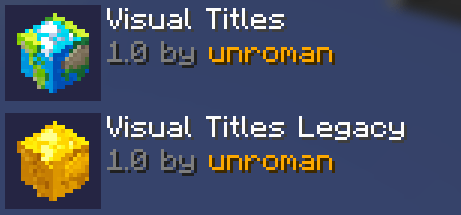
Visual Titles provides translations on some languages, when Legacy have great compatibility
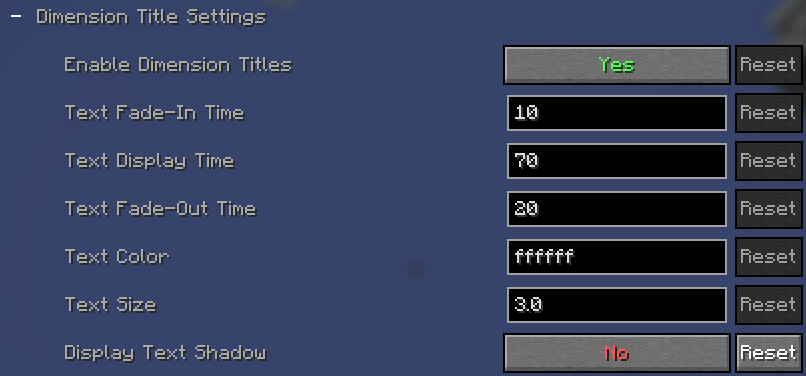
In the mod settings you can Turn Off the shadows for a better look

You can do the same with biomes or turn them off completely


Terms of use

You may modify Visual Traveler's Titles for your own use, but not distribute it. You are still free to create add-ons for Visual Traveler's Titles, as long as you do not use the original original files and textures. Don't re-upload any copy of Visual Traveler's Titles.


If you find any bug or have any other issues, please let me know

Visual Titles 1.3.zip
MC 1.21.4, 1.20.1, 1.21.1, 1.20.4, 1.21.11, 26.1.2
Release 2026-02-13 Get
Visual Titles 1.2.1.zip
MC 1.21.4, 1.20.1, 1.21.1, 1.20.4
Release 2026-01-04 Get
Visual Titles 1.2.zip
MC 1.21.4, 1.20.1, 1.21.1, 1.20.4
Release 2026-01-01 Get
Visual Titles 1.1.zip
MC 1.19.3, 1.18.1, 1.19.4, 1.16.5, 1.18.2, 1.19.2, 1.20.1, 1.20.4, 1.21.1
Release 2025-01-23 Get
Visual Titles.zip
MC 1.19.3, 1.18.1, 1.19.4, 1.16.5, 1.18.2, 1.19.2, 1.20.1, 1.20.4, 1.21.1
Release 2025-01-07 Get
Visual Titles Legacy.zip
MC 1.19.3, 1.18.1, 1.19.4, 1.16.5, 1.18.2, 1.19.2, 1.20.1, 1.20.4, 1.21.1
Beta 2025-01-07 Get
Visual Titles 1.19
MC 1.19.3, 1.19.2, 1.19.1, 1.19
Release 2022-11-01 Get
Visual Titles 1.16
MC 1.16.3, 1.16.1, 1.16, 1.16.5, 1.16.4, 1.16.2
Release 2022-11-01 Get
Visual Titles 1.18
MC 1.18.1, 1.18.2, 1.18
Release 2022-11-01 Get
Visual Titles
MC 1.16.5, 1.16.4
Release 2022-09-26 Get
Visual Titles
MC 1.18.1, 1.18.2
Release 2022-09-26 Get
Visual Titles.zip
MC 1.16.5, 1.18.2
Release 2022-09-23 Get

Requirements & install

How to use this resource pack in Minecraft
Resolution
256x
Minecraft
1.19.3 – 26.1.2
Install folder
.minecraft/resourcepacks

How to install resource packs

  1. Download the resource pack .zip file (do not extract it).
  2. In Minecraft open Options → Resource Packs → Open Pack Folder.
  3. Drop the .zip into the resourcepacks folder (.minecraft/resourcepacks).
  4. Move the pack to the Selected column and click Done.

Packs from 128x upwards need more video memory: install a performance mod such as Sodium for smooth frame rates.

Browse more: 16x resource packs 32x resource packs 64x resource packs 128x resource packs 256x resource packs 512x+ resource packs Resource Packs for 26.1.2 All resource packs

More from un_roman

Advertisement Remove ads with Premium →

You Might Also Like