Mineuniverse
Resource Packs
Vibrant Green

Vibrant Green

RESOURCE PACK
Enhances the green related dye blocks & items in the game.
by Holazas
Download Claim this project
571 downloads
0 likes
Updated Oct 14, 2026
0 hypes
16x
Advertisement Remove ads with Premium →

Vibrant Green

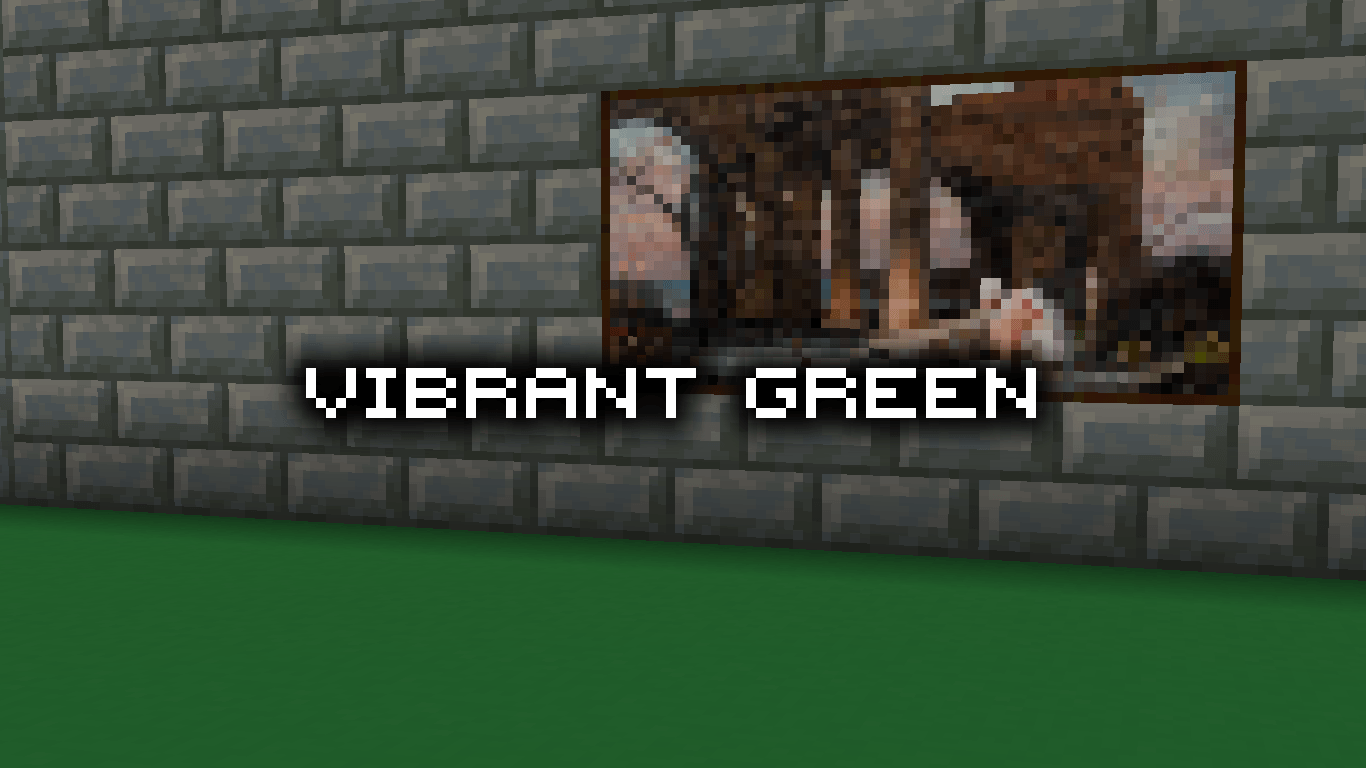
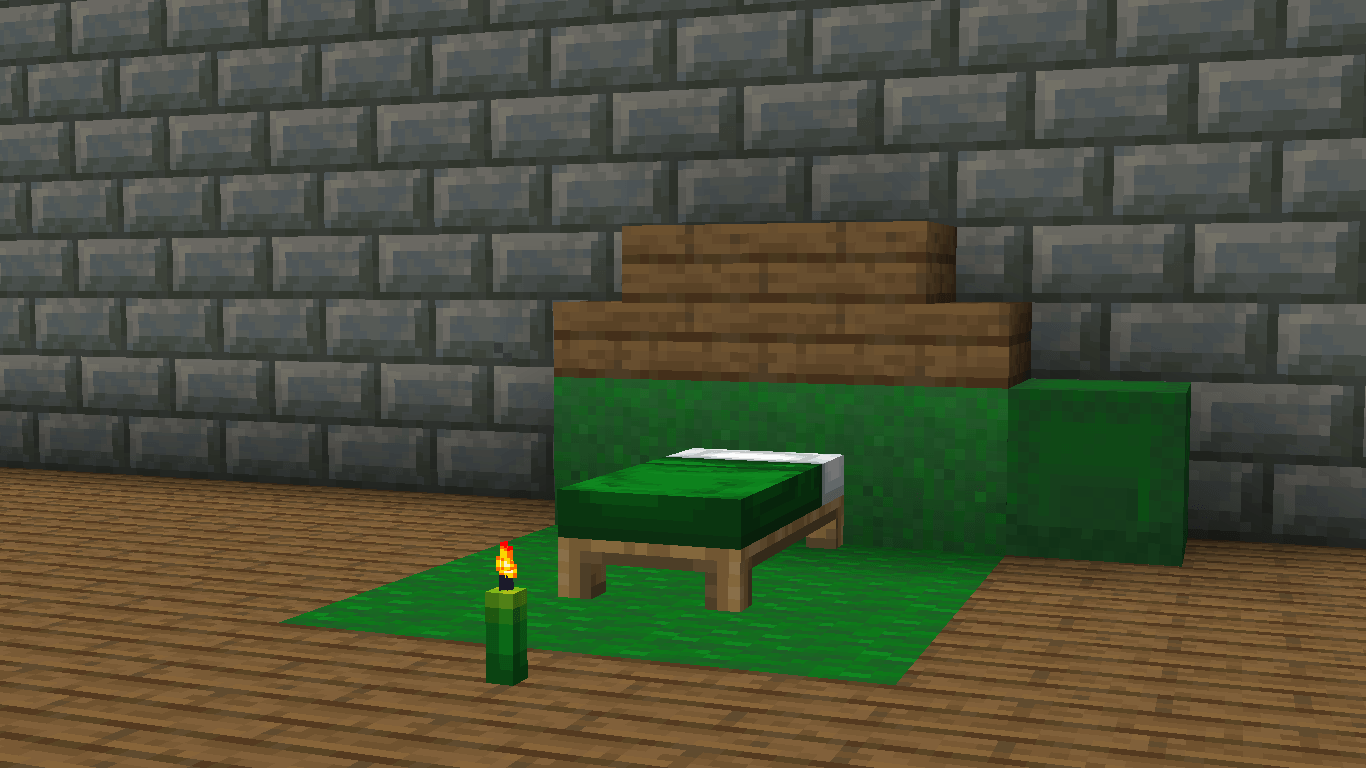
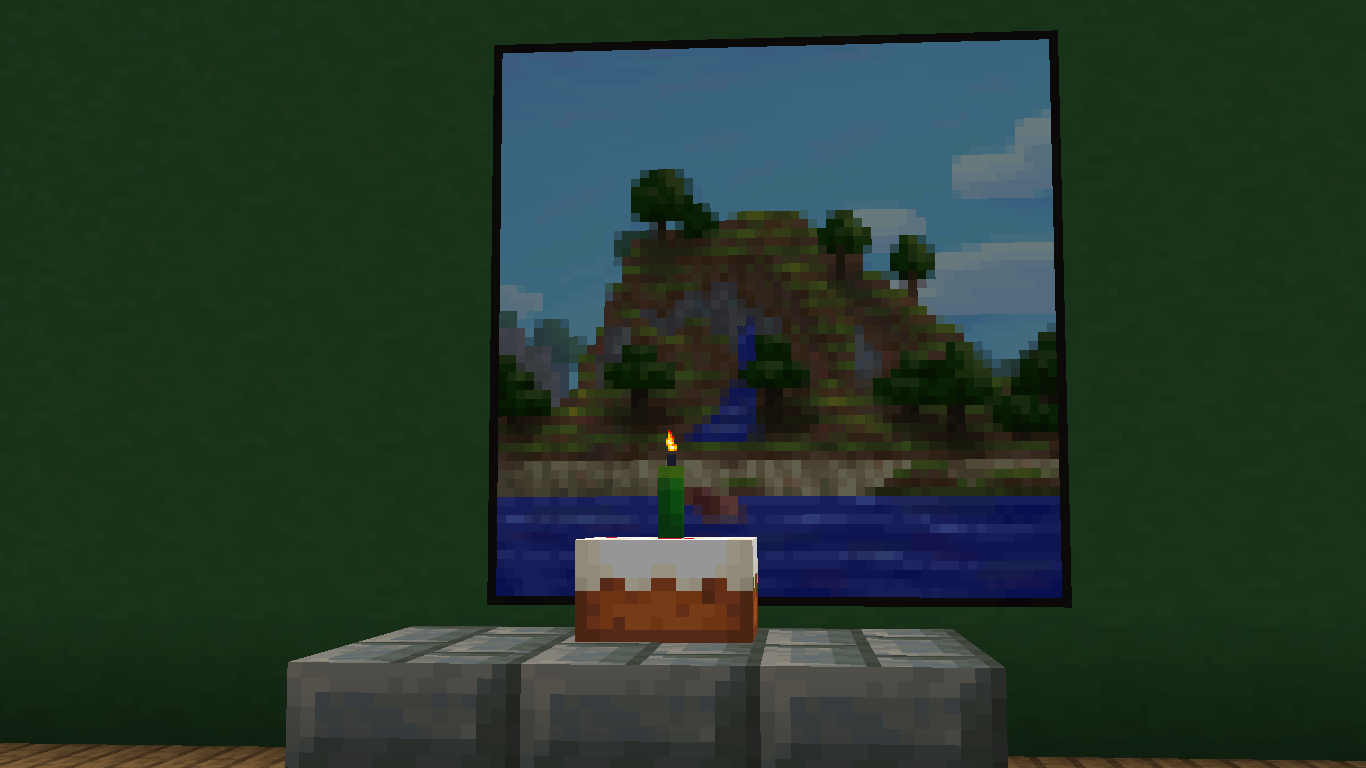
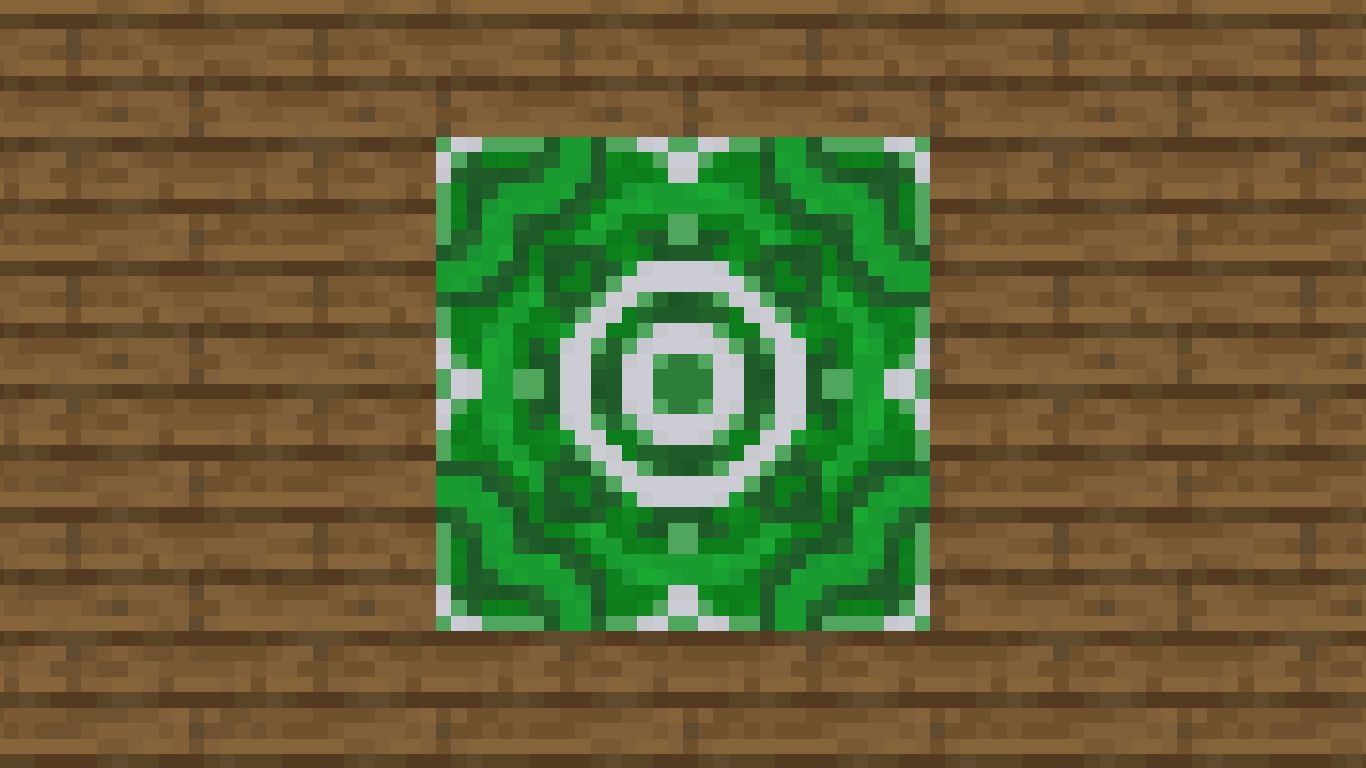
This texture pack enhances every green-dyed block, shifting the color toward a more natural and balanced green tone. The result is a cleaner look that feels modern and elegant, without affecting grass, leaves, or other natural blocks.

All blocks that use green dye now blend better, avoiding the harsh and olive-like old color. It’s a focused change, but one that becomes very noticeable when working with green blocks in detailed designs.

As part of the Enhanced Default project, this pack preserves the vanilla style while refining dyed colors. The goal is consistency and subtle improvement rather than drastic change. A small, precise adjustment that makes green-themed builds feel more natural and visually cohesive.




SUPPORT ME BY CLICKING THIS ADVERTISEMENT


ᴠᴇʀ1.0.1 - Vibrant Green
MC 1.21.2-Snapshot, 1.21, 1.21.6-snapshot, 1.20.2-Snapshot, 1.20.5-Snapshot, 1.21.1-Snapshot, 1.20.2, 1.21.8, 1.20.5, 1.21.5, 1.21.4, 1.21.5-Snapshot, 1.20.6, 1.21.1, 1.21.6, 1.21.3
Release 2025-12-16 Get
ᴠᴇʀ1.0.0 - Vibrant Green
MC 1.21.2-Snapshot, 1.21, 1.21.6-snapshot, 1.20.2-Snapshot, 1.20.5-Snapshot, 1.21.1-Snapshot, 1.20.2, 1.21.8, 1.20.5, 1.21.5, 1.21.4, 1.21.5-Snapshot, 1.20.6, 1.21.1, 1.21.6, 1.21.3
Release 2025-12-14 Get
Better Colors [1.20.2-1.21.8]
MC 1.21.2-Snapshot, 1.21, 1.21.6-snapshot, 1.20.5-Snapshot, 1.21.1-Snapshot, 1.20.2, 1.21.8, 1.20.5, 1.21.5, 1.21.4, 1.21.5-Snapshot, 1.20.6, 1.21.1, 1.21.6, 1.21.3, 1.21.7, 1.20.4
Release 2025-09-25 Get
[Old] Better Dye Colors ver1.0.1
MC 1.20.2, 1.21.2-Snapshot, 1.21, 1.21.6-snapshot, 1.20.5, 1.21.5, 1.20.2-Snapshot, 1.20.5-Snapshot, 1.21.8, 1.21.1-Snapshot, 1.21.4, 1.21.5-Snapshot, 1.20.3-Snapshot, 1.20.3, 1.20.6
Release 2025-09-04 Get

Requirements & install

How to use this resource pack in Minecraft
Resolution
16x
Minecraft
1.21.3 – 1.21.8
Install folder
.minecraft/resourcepacks

How to install resource packs

  1. Download the resource pack .zip file (do not extract it).
  2. In Minecraft open Options → Resource Packs → Open Pack Folder.
  3. Drop the .zip into the resourcepacks folder (.minecraft/resourcepacks).
  4. Move the pack to the Selected column and click Done.
Browse more: 16x resource packs 32x resource packs 64x resource packs 128x resource packs 256x resource packs 512x+ resource packs Resource Packs for 1.21.8 All resource packs

More from Holazas

Advertisement Remove ads with Premium →

You Might Also Like