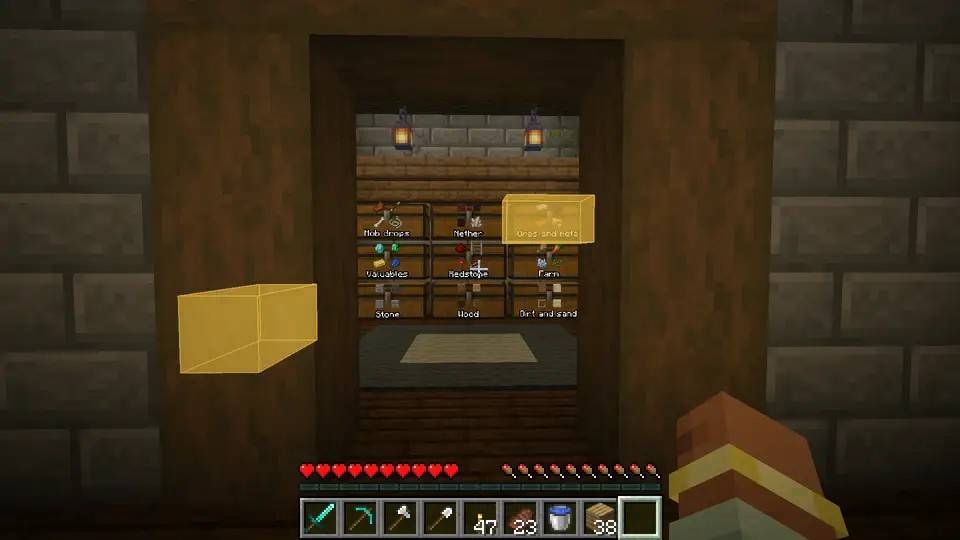
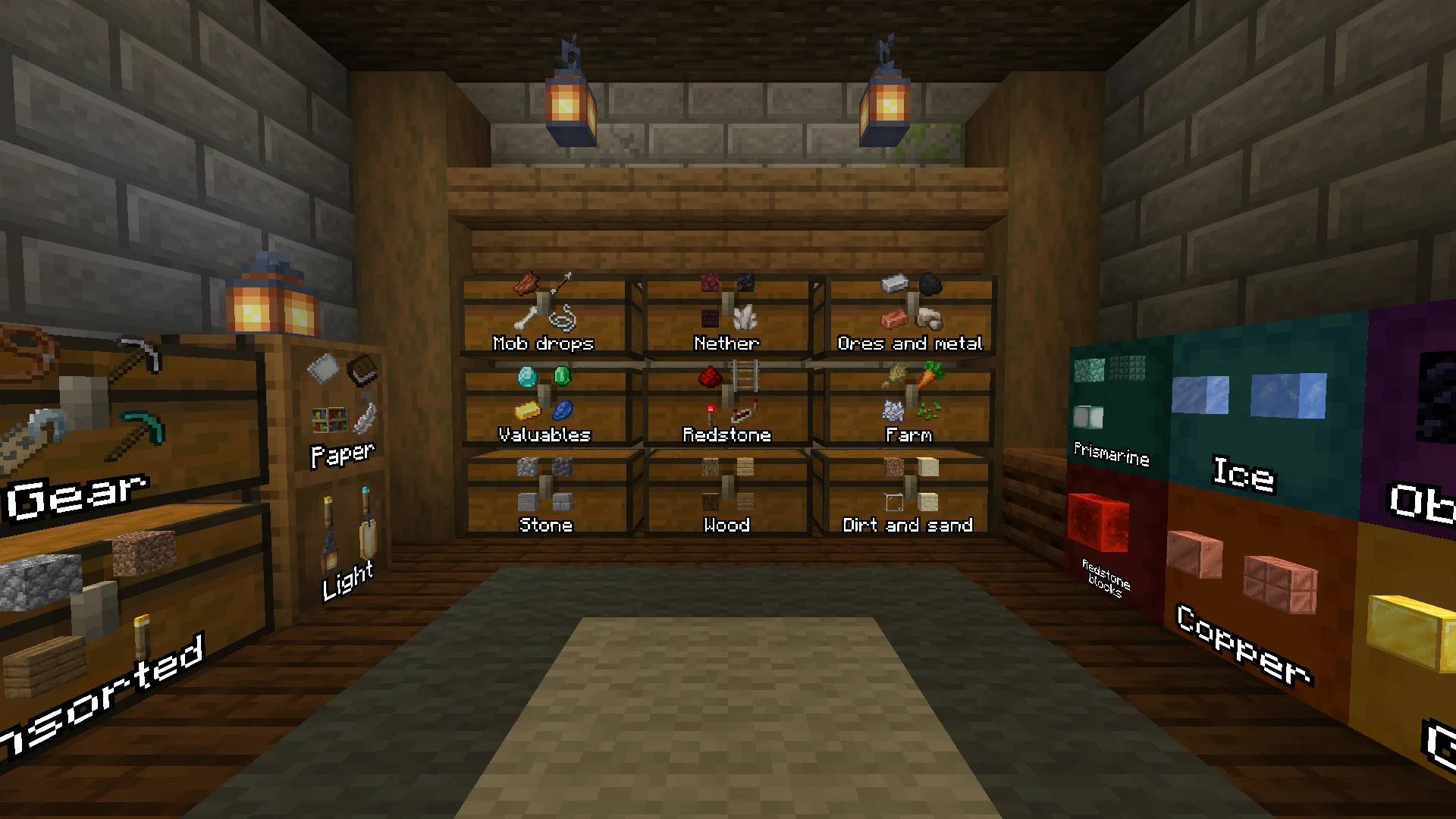
Sort your inventory and chests, send items to the chest they belong in, and find anything you've stored.
Fabric · NeoForge via Sinytra Connector · Client-only · 1.21–1.21.3 · 1.21.10–1.21.11 · 26.x
Playing on NeoForge? Sorted runs on NeoForge 1.21, 1.21.1 and 26.1.2 through Sinytra Connector.
Install Sinytra Connector and Forgified Fabric API next to Sorted. Those three are the versions Connector is made for.
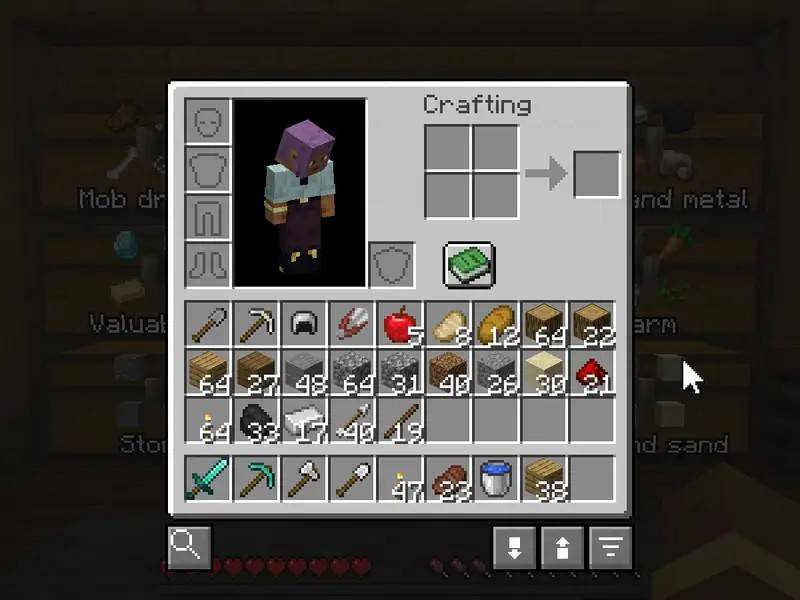
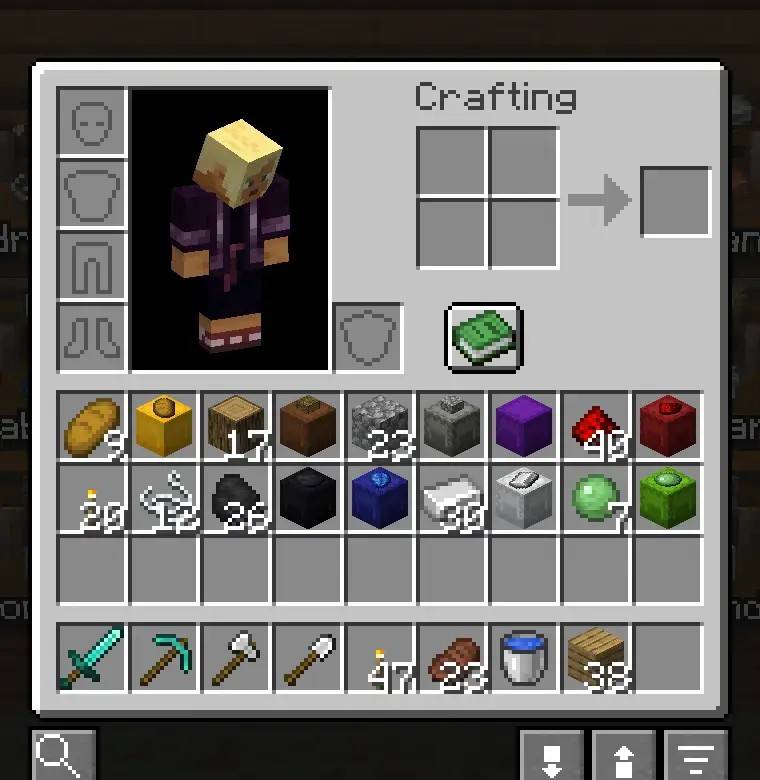
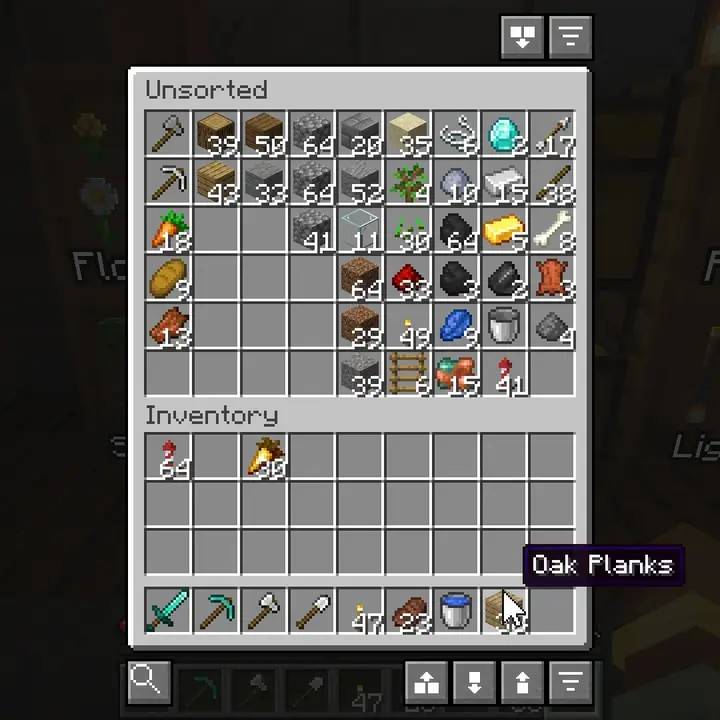
Sorted adds a few buttons to your inventory and chest screens. They sort, move items to and from the chests around you, and search everything you've put away. Nothing is needed on the server.

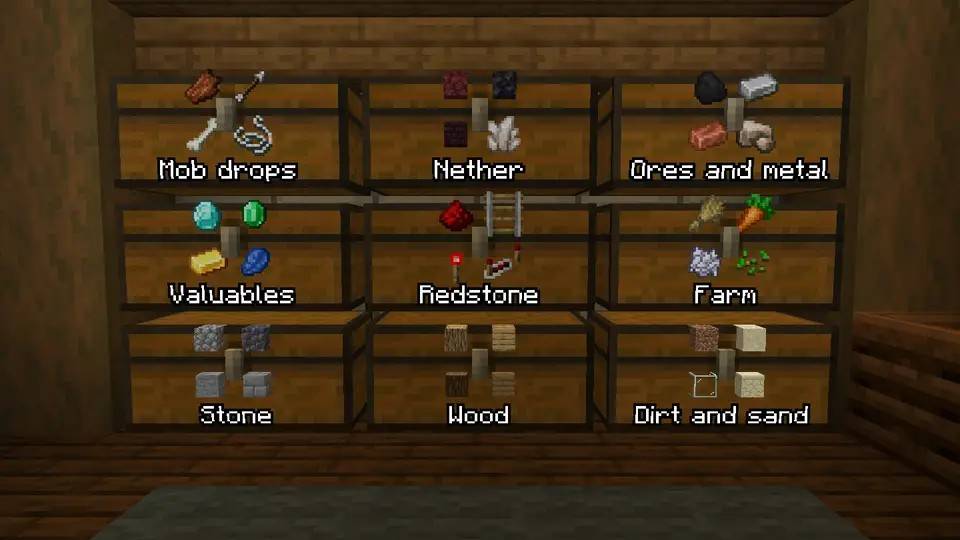
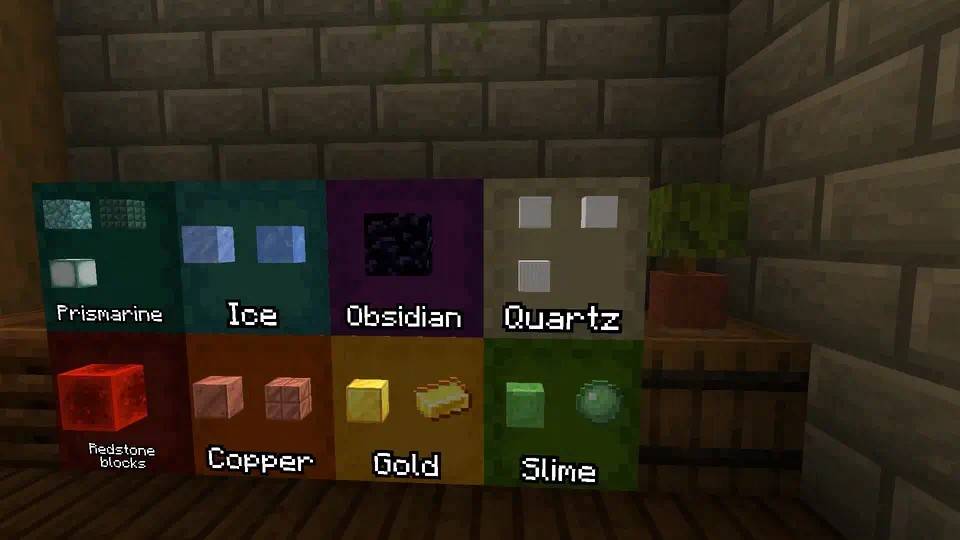
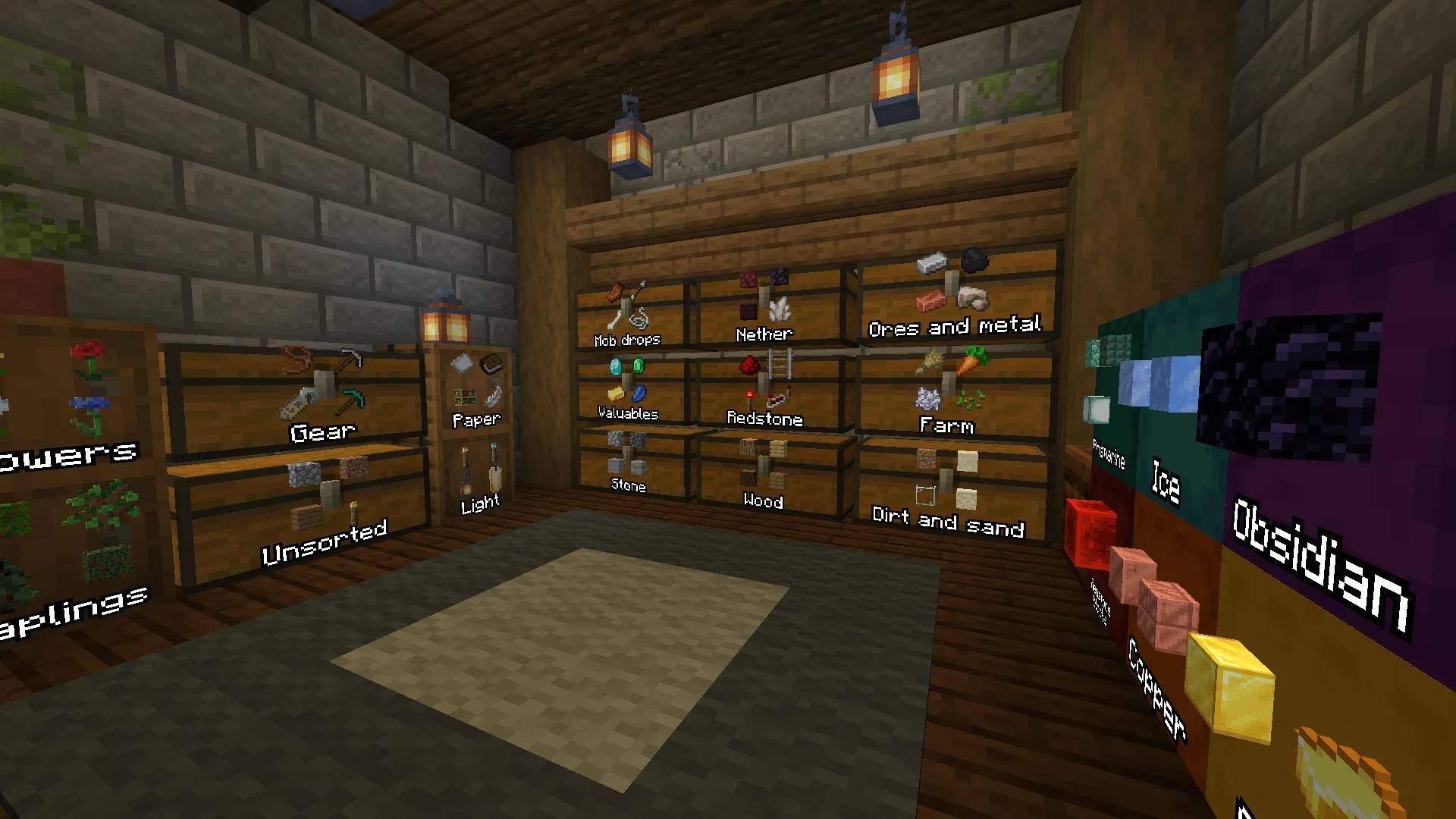
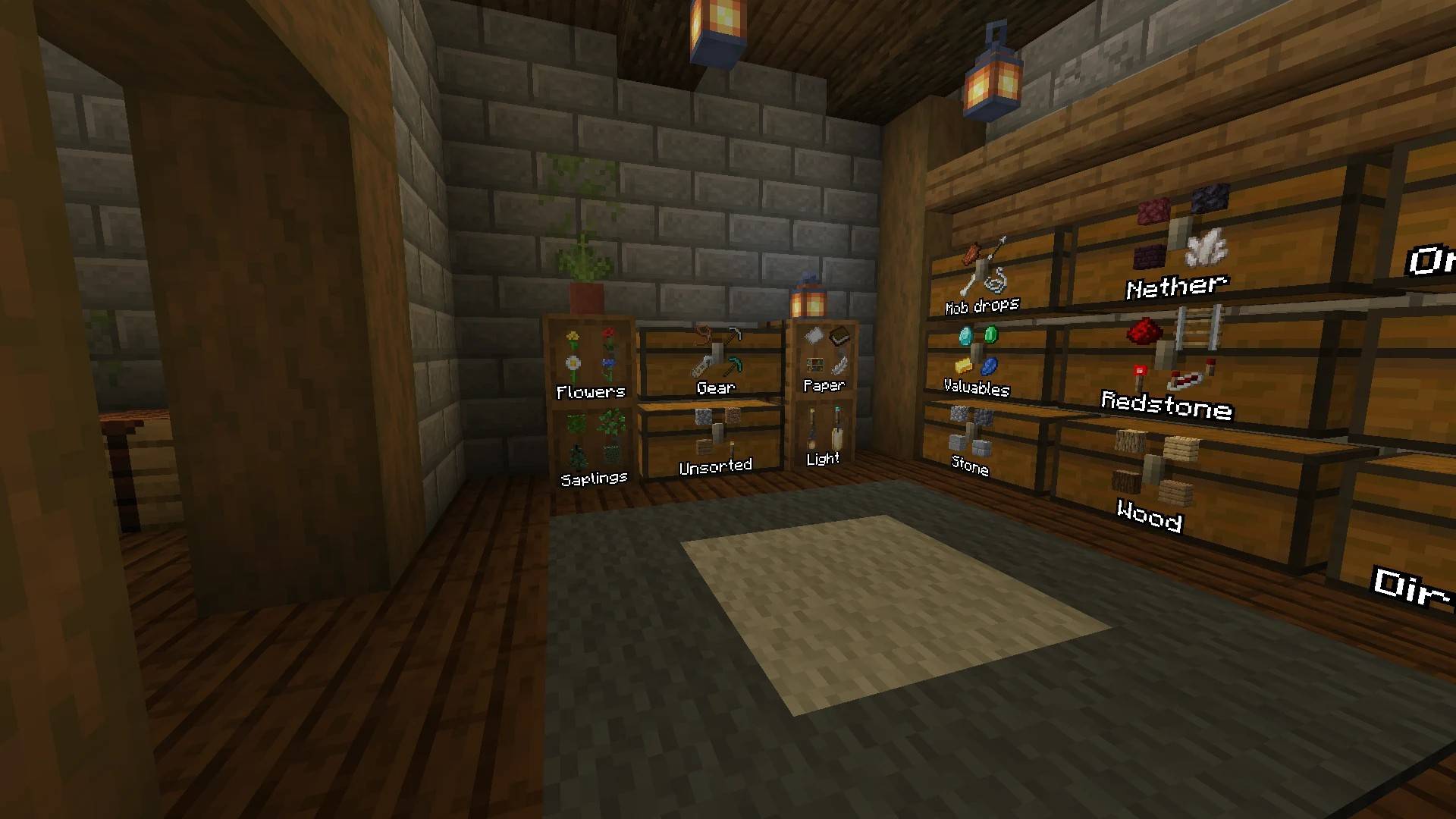
Stand in your storage room and click Quick Stack. Every stack goes to the nearby chest that already holds that item, or the same material: raw iron goes to the chest with your iron. The chests that took something light up for a moment. What has no chest stays with you.
Shift+Click also puts away the items that have no chest yet, in the chest that fits best. Quick Fill tops up the stacks you carry from nearby chests, and Pull All takes a whole chest.
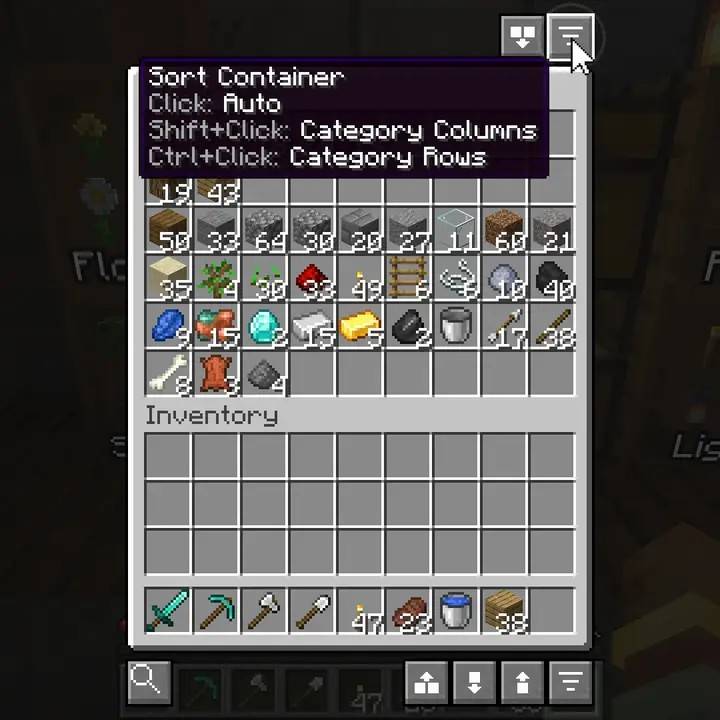
One click sorts the open chest and groups what belongs together. Shift+Click lays it out in columns, Ctrl+Click in rows, Alt+Click compact with no grouping. A chest remembers the layout you picked, and the settings let you choose what a plain click does.

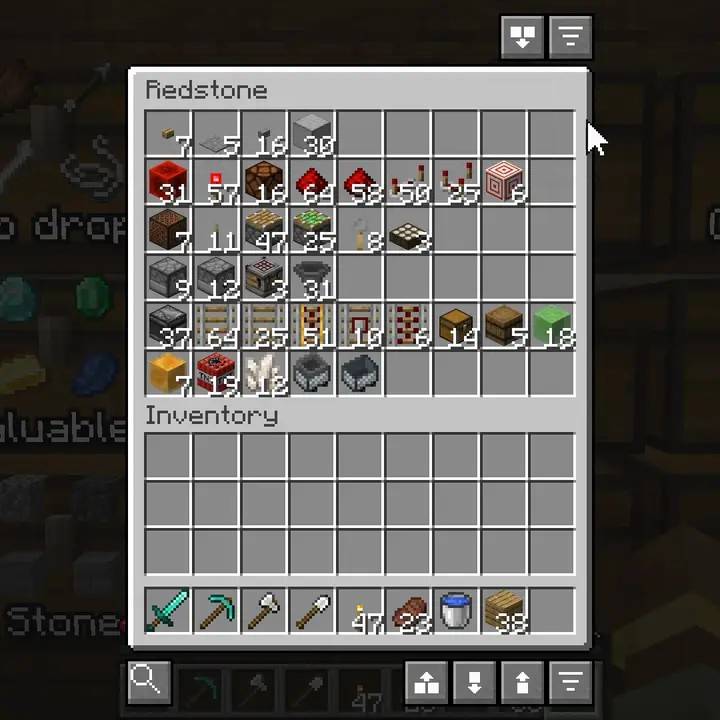
It sorts by what things are, not by name. In a redstone chest the dust, torches, repeaters and comparators share a row, pistons get the next, then droppers, dispensers and hoppers, then rails.

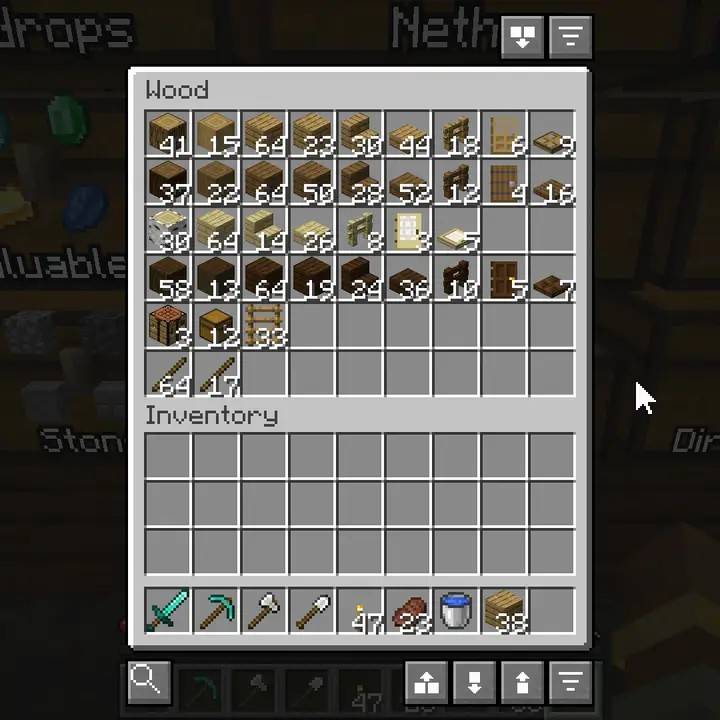
A wood chest in rows gets one kind of wood per row, with logs, planks, stairs and slabs in the same order each time.

Tools, weapons and armour come first, then food, then blocks grouped by material, then the rest. The order is the same every time. Your hotbar isn't touched. Press R with the inventory open, or use the button.

Shulker boxes are sorted by what's in them, so a box of redstone ends up next to your redstone. A shulker box in your inventory also shows its main item on the lid, so you can tell the boxes apart without hovering each one.

Sorting on pickup and sorting a chest when you open it are options, both off by default.
Alt+Click an item and it's no longer sent to chests. Alt+Scroll sets a number instead: keep 2 stacks of rockets, and only what's above that leaves. Hover Quick Stack or Quick Empty, or hold Alt, to see which stacks will stay.

/sorted keep opens the list of rules. You can share a list as a code.
Sorted remembers what was in every chest, barrel and shulker box you've opened, per world and per server. Press ` and type a name: you get the total, and which containers hold it. Click a result and those containers light up in the world, through walls.

What it shows is what was there when you last opened the container. With auto-scan on, containers within reach are read as you walk past.
Placed shulker boxes show what's in them on the lid, with the name if you gave them one. Chests and barrels can do the same, but that's off until you turn it on in the settings. You choose how many items show and from how far.

In singleplayer the contents are read live. On a server they come from what Sorted has recorded, so a container shows up after you've opened it once.
Sorted remembers where everything was in your inventory. When you pick your items back up, they go to the slots they were in, hotbar and armour included.
The buttons use vanilla button frames, so a resource pack that restyles buttons restyles these too. The icons are sprites a pack can replace.
` | Open the search (the same key is ± on some Mac keyboards) |
R | Sort your inventory |
| not set | Open the keep list |
| Click a sort button | Sort |
| Shift+Click | Columns, one kind of thing per column |
| Ctrl+Click | Rows, one kind of thing per row |
| Alt+Click a sort button | Compact, no grouping |
| Alt+Click an item | Keep it, it's never sent to a container |
| Alt+Scroll an item | Keep a number of stacks of it |
| Hold Alt | Show which stacks are kept |
/sorted config | Settings, with or without Mod Menu |
/sorted keep | The keep list |
/sorted menuguard [on\|off\|status] | Leave server menus alone, per server |
/sorted storage [add] | Show, or add, the last container screen you opened from another mod |
Sorted runs on your client only, so it works on vanilla servers and Realms. It moves items with the same clicks you would make, at a limited rate (15 a tick by default, about 300 a second).
Whether you're allowed to use it is up to the server. Check the rules if you're not sure.
Tested before each release: 1.21.11 and 26.3, on Fabric.
Built from the same code but not tested each release: 1.21–1.21.3, 1.21.10, 26.1–26.2, and NeoForge with Connector. Bugs there get fixed too, so please report them.
The chest buttons show on vanilla chests, barrels and shulker boxes. A storage mod can add its own
containers, and then sorting, Quick Stack, Quick Fill, search and the labels work on them too. For a
mod that hasn't, open one of its containers, close it and run /sorted storage add.
These work without that, tested on Fabric 1.21.1:
Making a mod? The storage API, and the lookup API BuildPrint uses, are on the Sorted wiki with examples. Neither needs a hard dependency on Sorted.
Use Sorted in any modpack, on CurseForge, Modrinth or anywhere else. You don't need to ask. A link back to this page is welcome.
Sorted is made by VoxelSprout — client-side mods that feel like they shipped with the game, plus free browser tools for builders.
Bugs, ideas and early builds: Discord · Enjoying the mods? Support on Ko-fi