See where your items will go before you click.
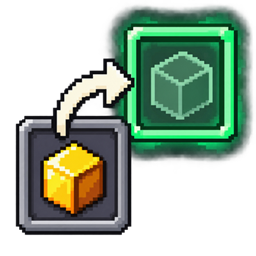
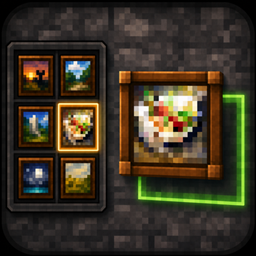
Hold Shift and hover over an item to highlight its destination slots before using Shift + Left Click.
The preview accounts for occupied slots, stack limits and merging with existing items. In a furnace, for example, coal goes into the fuel slot while raw meat goes into the cooking slot.
When a transfer spreads items across multiple slots, every destination is highlighted.