Mineuniverse
Log in Register
Mods

Shared Pets

Share ownership of tamed wolves and cats with other players via in-game GUI — co-owners, follow modes, ownership transfer, multiplayer-ready.
by Tomokisan
Download Claim this project
15,759 downloads
0 likes
Updated Jul 6, 2026
0 hypes
Mobs Server Utility Utility & QoL

Shared Pets

Share your tamed wolves and cats with other players!

Shared Pets lets multiple players co-own tamed animals on a server. Assign co-owners, configure follow modes, and transfer full ownership — all through an in-game GUI, without any commands.


✨ Features

👥 Co-ownership

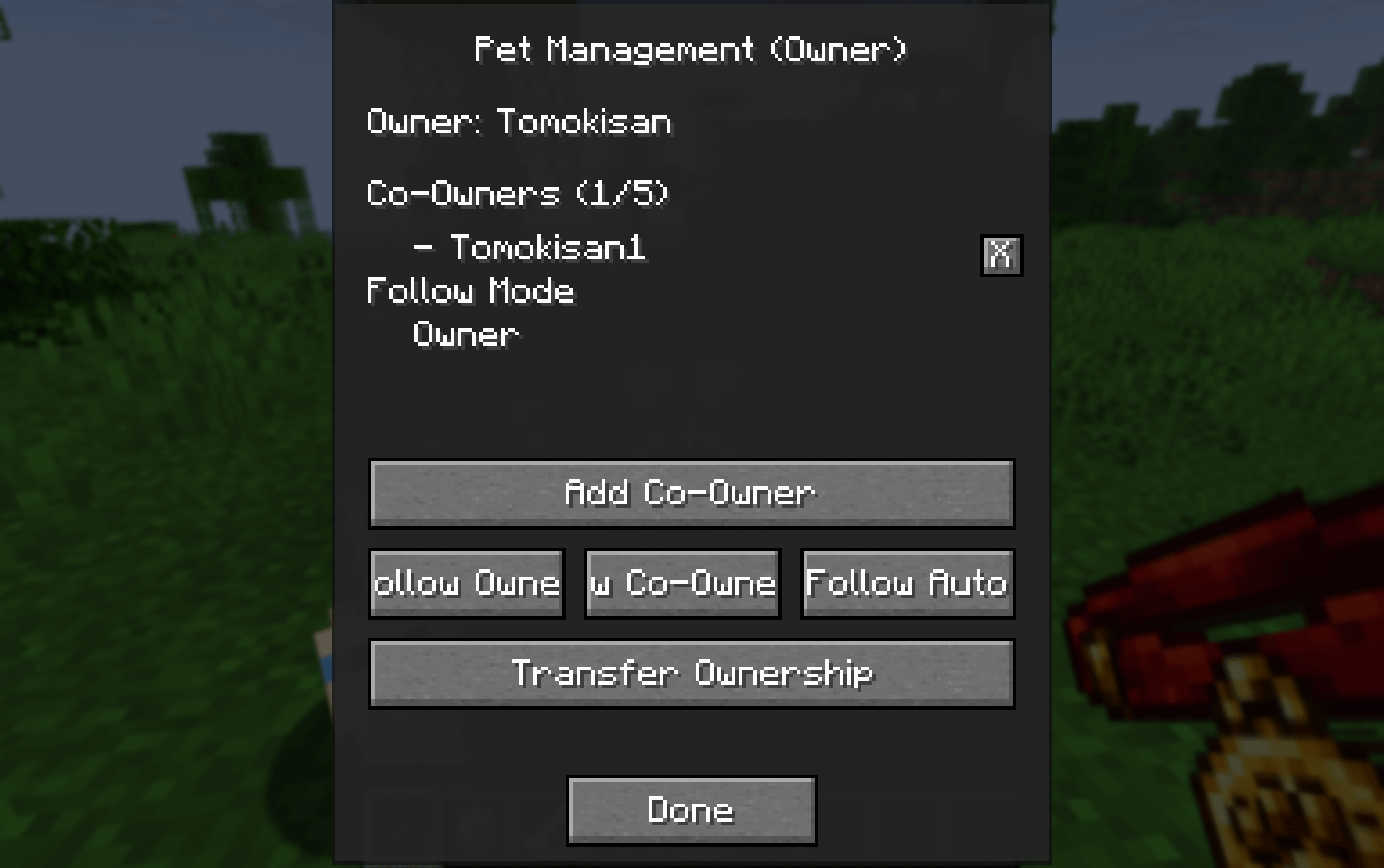
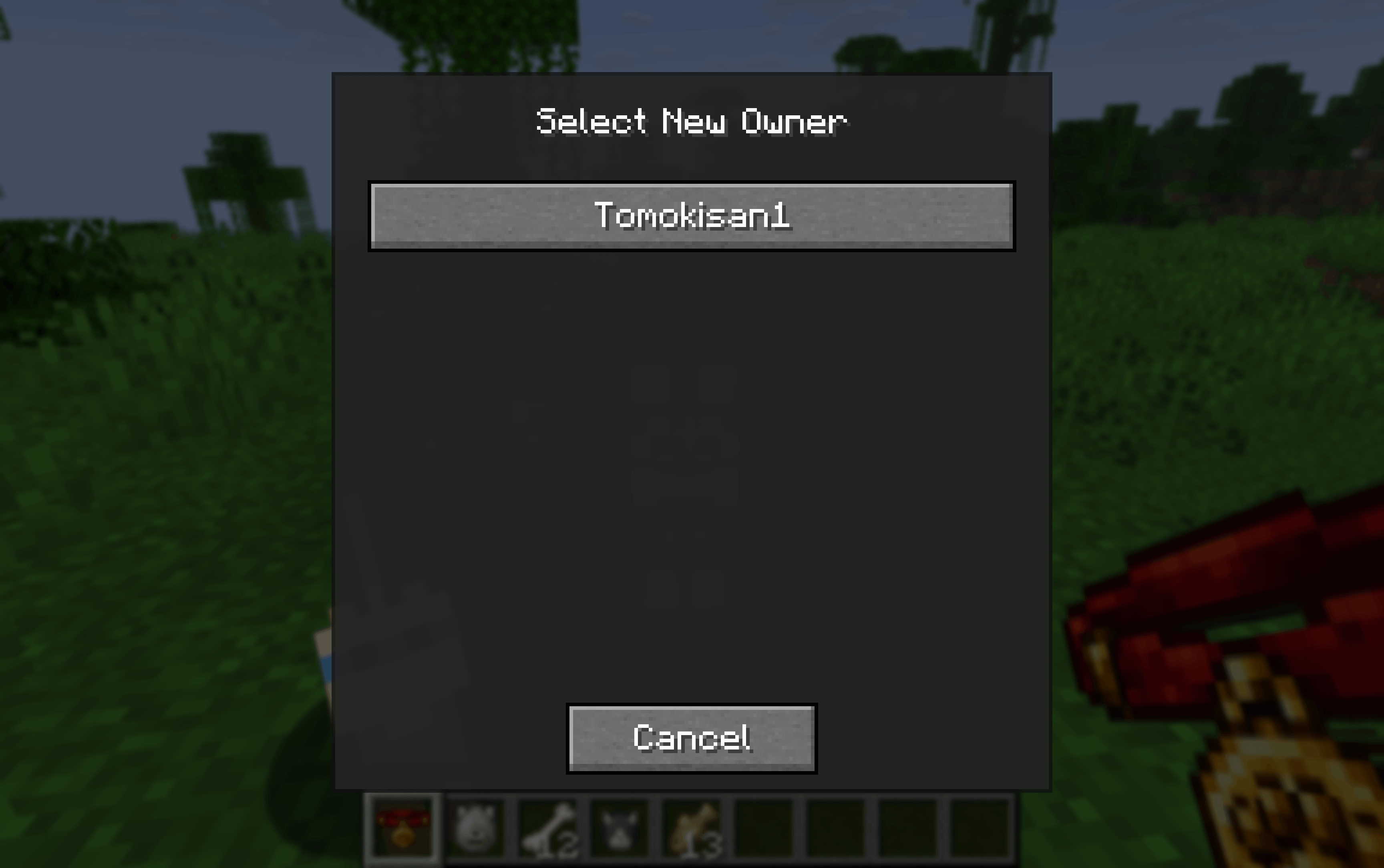
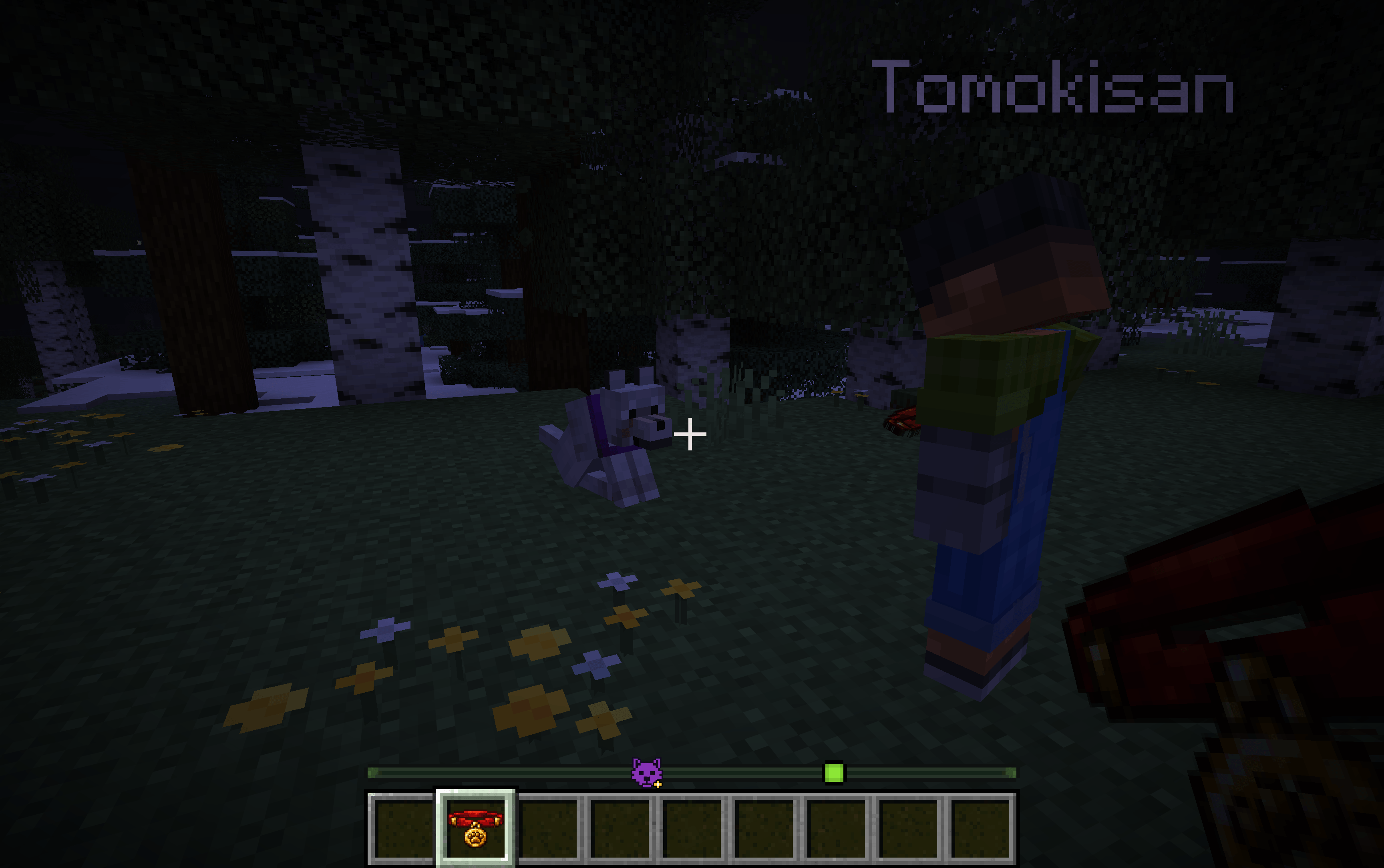
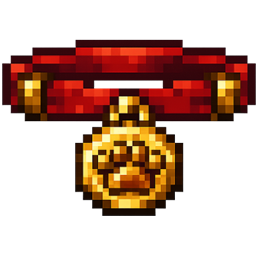
  • Craft a Shared Collar and right-click your tamed wolf or cat to open the management GUI

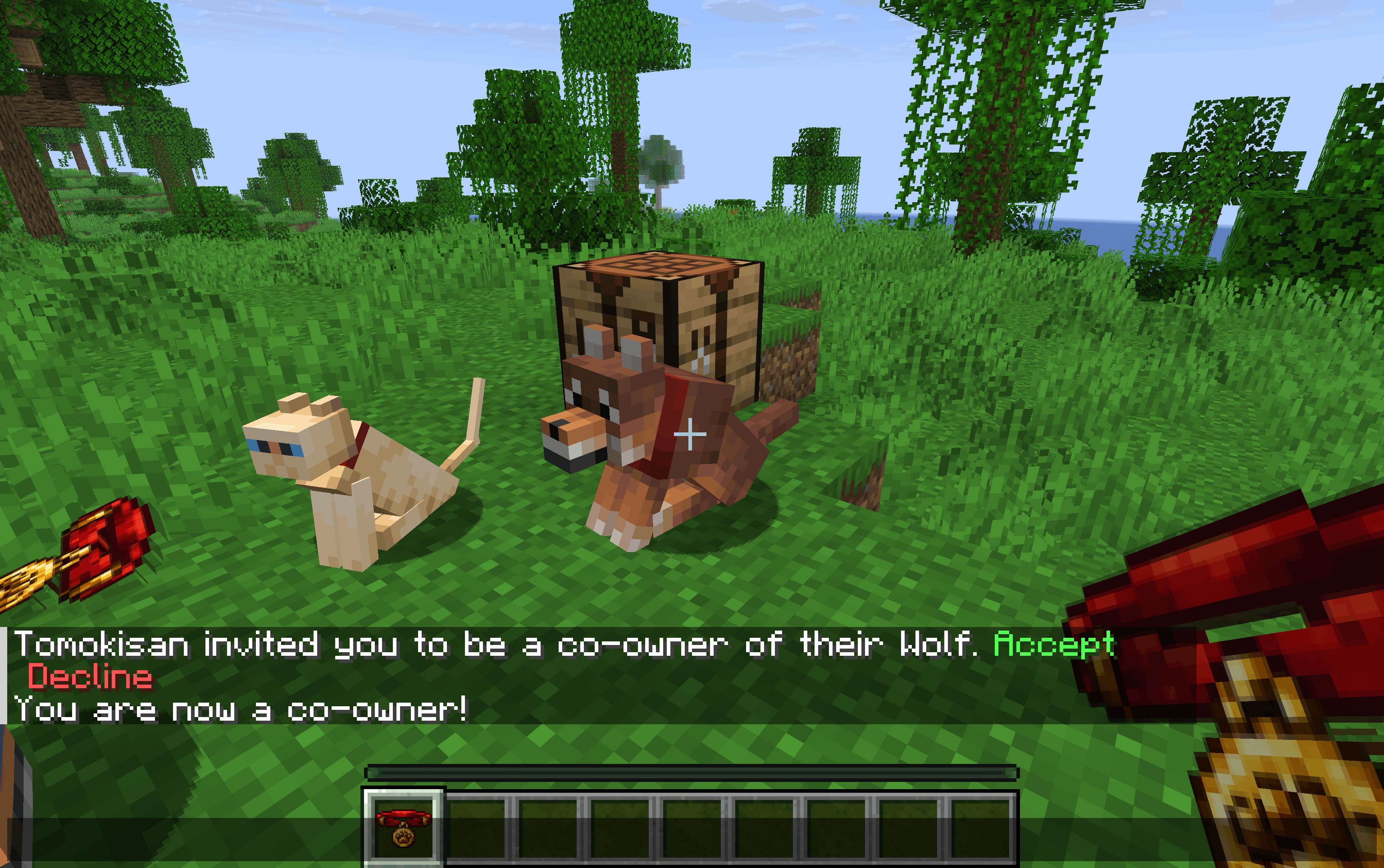
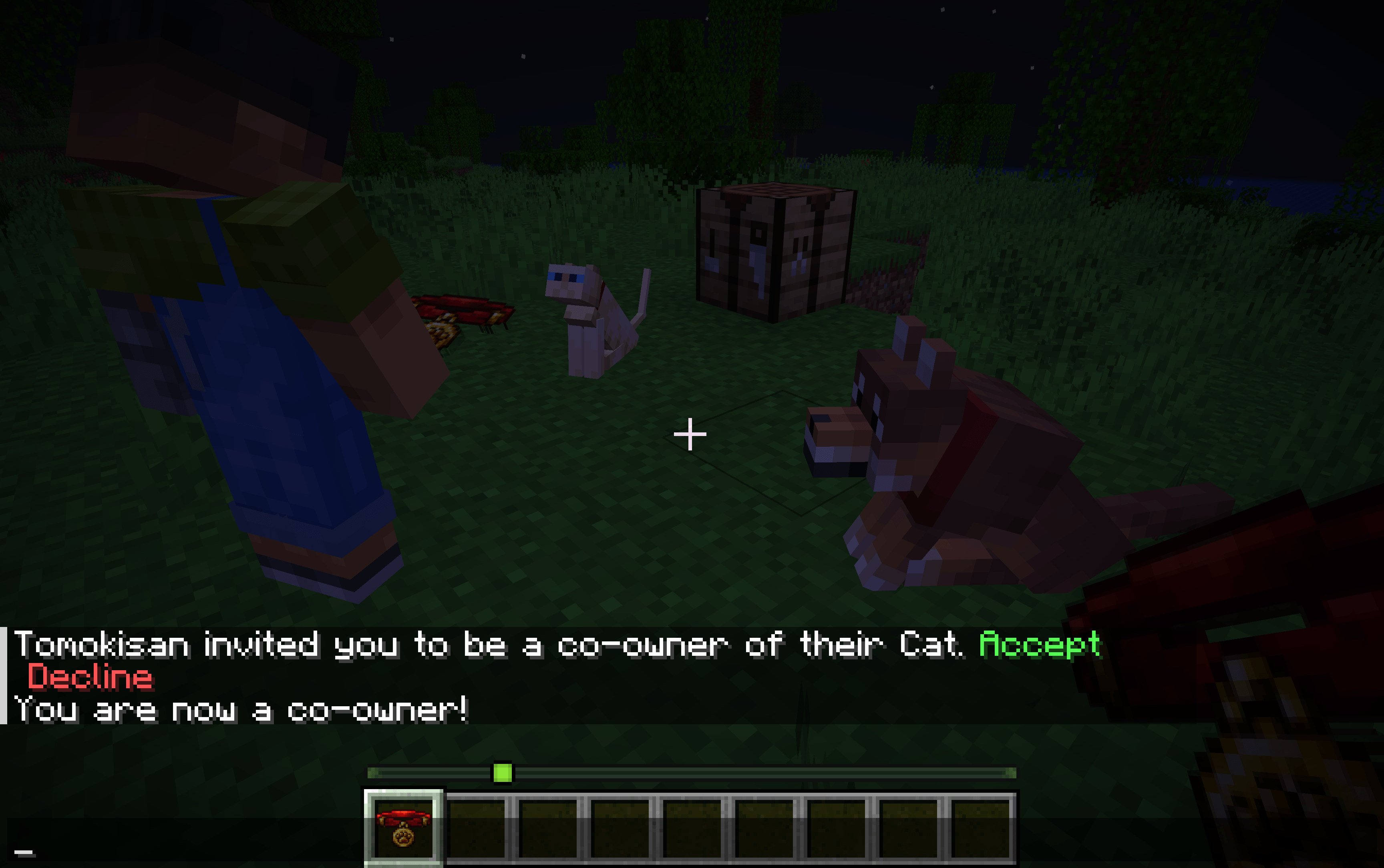
  • Invite up to 5 co-owners per pet — they receive a clickable chat message to [Accept] or [Decline]

  • Co-owners can sit / stand the pet just like the owner

  • Invitations expire automatically after 60 seconds

    🔁 Ownership Transfer

  • Transfer full ownership to another online player

  • The target must [Accept] or [Decline] via chat

  • On acceptance: the new owner takes over and the co-owner list is reset

    🐺 Wolf Follow Modes (configurable per wolf)

    Mode Behaviour
    Owner Follows the main owner (falls back to a co-owner if owner is offline)
    Co-Owner Follows a specific co-owner you select
    Auto Follows the nearest owner or co-owner

    Wolves also defend all owners and co-owners and assist when any of them attacks — owners and co-owners can never be targeted by their own wolf.

    🐱 Cat Support

  • Co-owners can sit / stand cats

  • Cats follow co-owners when the main owner is offline

    🌐 Multiplayer-friendly

  • Everything works when the main owner is offline

  • Data is saved via NBT directly on the entity — no extra files needed

  • Fully synced between server and clients


📖 How to Use

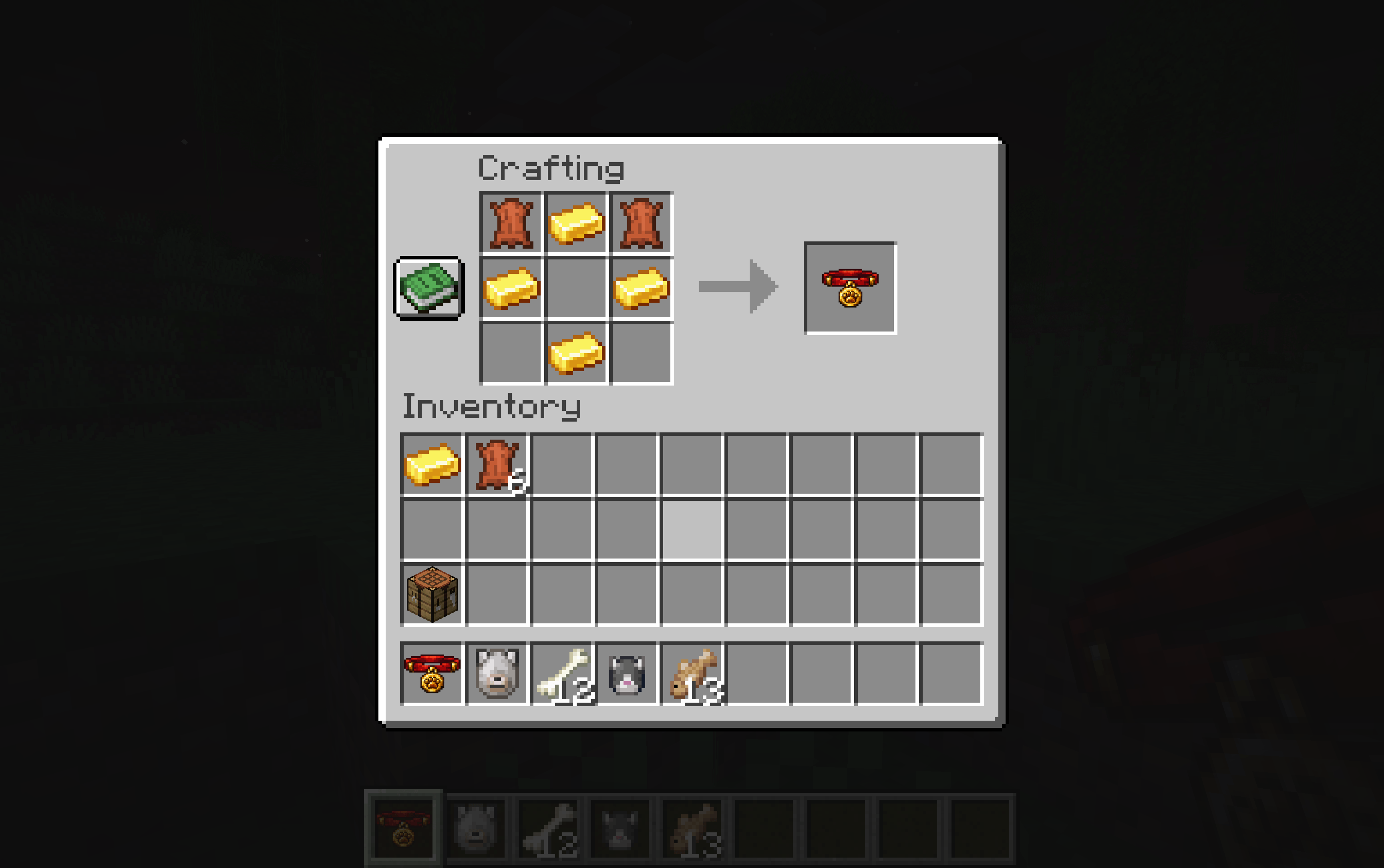
  1. Craft a Shared Collar (2 Leather + 4 Gold Ingots)
  2. Right-click your tamed wolf or cat while holding the collar
  3. Use the GUI to:
    • Invite co-owners (they get a clickable chat notification)
    • Configure wolf follow mode
    • Transfer ownership

🌍 Translations

English · Français · Español · Deutsch · Italiano · Português (BR)


🔧 Compatibility

Minecraft Fabric Forge NeoForge
1.20.1 – 1.20.4
1.20.5 – 1.20.6
1.21.1
1.21.11
26.1 – 26.1.2

Required on both client and server. The GUI screens (owner management, co-owner selection, ownership transfer) run client-side.

shared_pets-neoforge-26.1-1.0.1.jar
MC Client, NeoForge, Server, 26.1, 26.1.1, 26.1.2
Release 2026-04-19 Get
shared_pets-fabric-26.1-1.0.1.jar
MC Client, Fabric, Server, 26.1, 26.1.1, 26.1.2
Release 2026-04-19 Get
shared_pets-forge-1.20.4-1.0.0.jar
MC Client, Forge, 1.20.4, Server
Release 2026-02-20 Get

More from Tomokisan

Better Tipped Arrows
715
Pets Locator
5,697
Forgotten Recipes – Uncraftable Items Made Craftable
2,811
Sketchy Books
2,555
Animal Brush
2,182
Smarter Copper Golems
1,826

You Might Also Like

Liberty's Villagers
Quality of Life and AI improvements for Villagers
9,968,428
No More Pop-ups
A Minecraft mod to remove in-game pop-ups
996,708
BetterRandomSourceConcurrencyCrash
Improved logging of crashes caused by mods accessing RandomSources from the wrong thread
99,371
Exit Confirmation
Often accidentally closed Minecraft? This mod might help!
99,067
NoDynamicFps
Adds an option to disable Vanilla's Dynamic FPS implementation
99,004
Immersive Crafting
Adds crafting recipes to immersive portals
9,998