Mineuniverse
Mods
Scalpel (Modpack Utility)

Scalpel (Modpack Utility)

MOD
Cut unwanted items, blocks and entities out of your modpack before they load, along with their recipes, tags, loot and world generation, or just hide them.
by RinkyNooble
Download Claim this project
54 downloads
0 likes
Updated Oct 14, 2026
0 hypes
Bug Fixes Performance Server Utility Utility & QoL
Advertisement Remove ads with Premium →

Scalpel

Scalpel is for modpack makers. List the items, blocks and entities you don't want, and Scalpel cuts them out while the game loads, along with their recipes, tags, loot and world generation.

Hiding content still leaves it loaded. Scalpel stops it from loading, so you can add a big decoration or palette mod and only pay for the parts you keep. When you'd rather keep something working and just get it out of sight, Scalpel can hide it instead.

Existing worlds can break. Blocks that are cut from a world that already has them turn into air or placeholders. Set up Scalpel and your rules before a world is created, and treat rule changes like adding or removing a mod.

Needed on both client and server, with the same rules files. Players with different rules can't join, and the log says why.

How it works

You write rules in plain text files in config/scalpel/:

redact any  examplemod:*
remove any  palettemod:*
keep   block palettemod:red_bricks
hide   item  examplemod:creative_*
  • keep protects content from every other rule
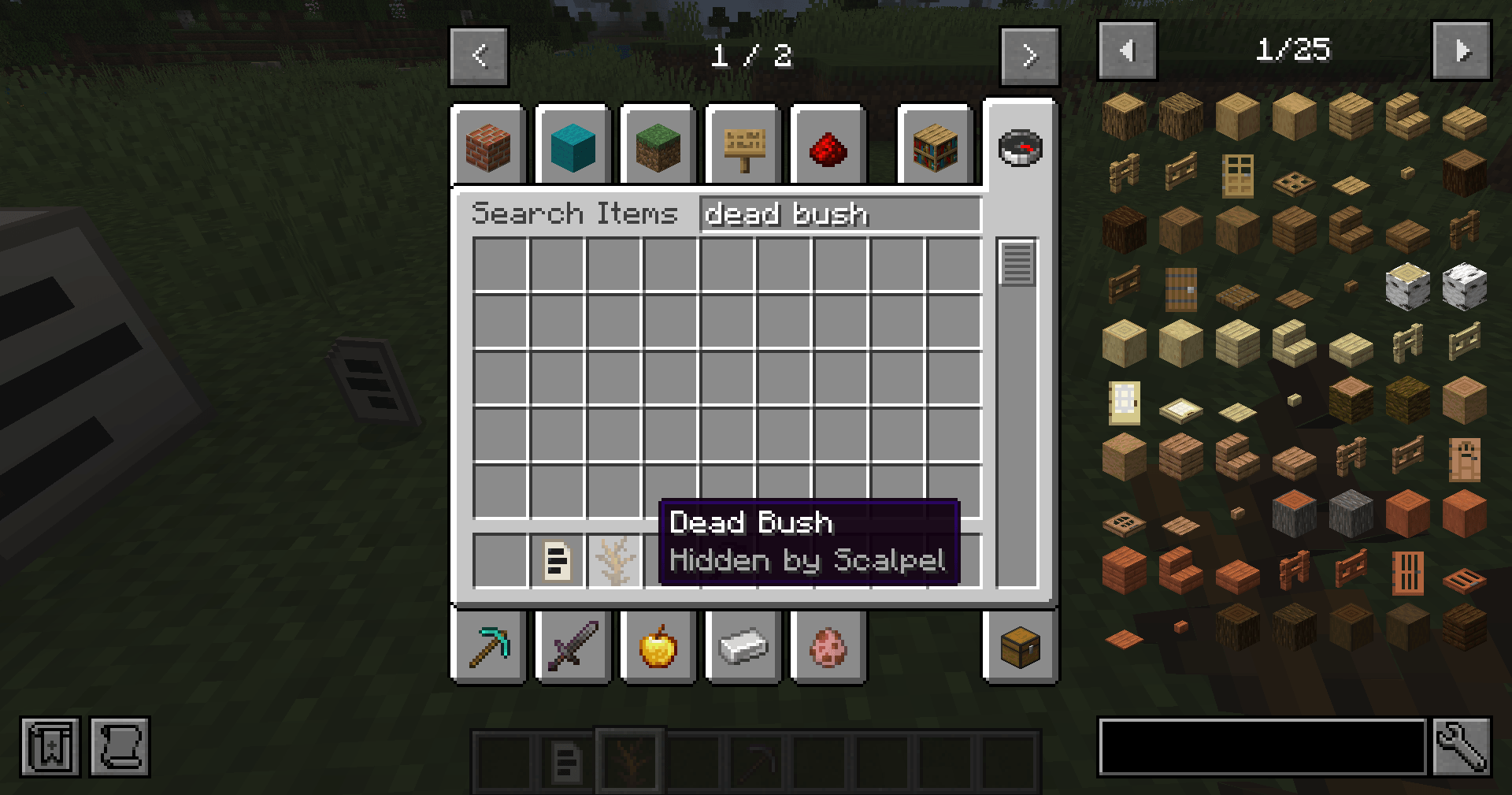
  • hide keeps the content working, but takes it out of JEI, EMI and the creative tabs
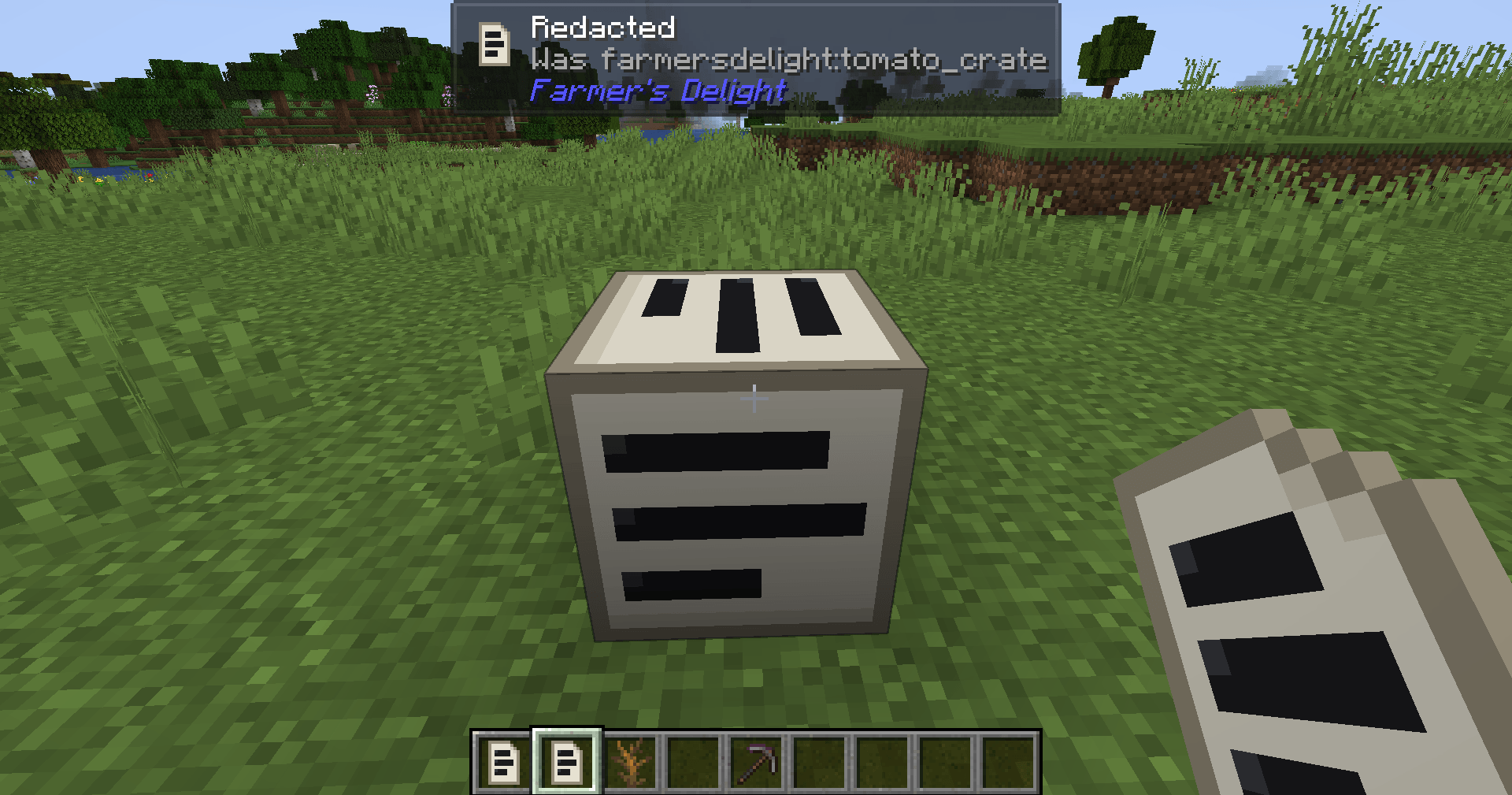
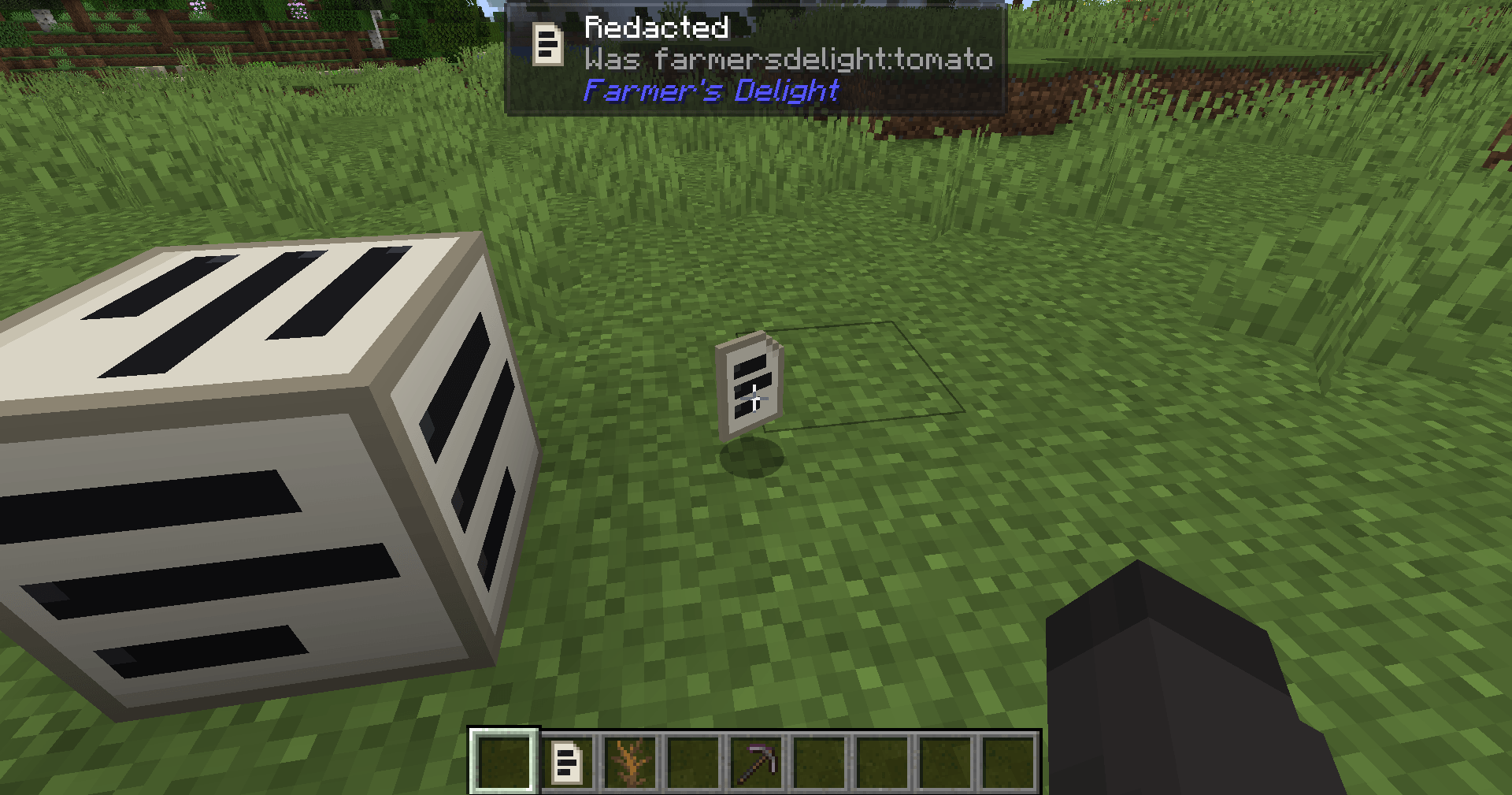
  • redact swaps the content for a blank "Redacted" placeholder, the safe choice
  • remove stops the content from existing at all

When rules overlap, the gentler one wins.

Patterns can be exact ids, wildcards like examplemod:*_slab, or regular expressions.

What it cleans up

Recipes, tags, loot tables, advancements, world generation, structures, creative tabs, villager trades and JEI / EMI all stop showing or using what you cut. Recipes that used a cut item can be removed or rewritten without it. Hidden content keeps all of that and only disappears from JEI, EMI and the creative tabs.

Tools

  • Dry run mode, so you can see what would be cut first
  • A report that lists everything cut or hidden, grouped by mod, plus rules that matched nothing
  • /scalpel test, /scalpel find and /scalpel explain to check patterns and see what uses an id

Good to know

  • Minecraft 1.20.1, Forge 47 or newer.
  • JEI, EMI and Jade support is built in and optional.
  • Removing content that another mod still looks up can crash that mod. Use redact first, and run /scalpel find <id> before switching a rule to remove.

Full documentation and source: https://github.com/RinkyDinkyNooble/scalpel

scalpel-forge-1.20.1-0.2.3.jar
MC Client, 1.20.1, Forge, Server
Release 2026-10-16 Get
scalpel-forge-1.20.1-0.2.2.jar
MC Client, 1.20.1, Forge, Server
Release 2026-10-01 Get
scalpel-forge-1.20.1-0.2.1.jar
MC Client, 1.20.1, Forge, Server
Release 2026-09-30 Get
scalpel-forge-1.20.1-0.2.0.jar
MC Client, 1.20.1, Forge, Server
Release 2026-09-28 Get
scalpel-forge-1.20.1-0.1.1.jar
MC Client, 1.20.1, Forge, Server
Release 2026-09-27 Get
scalpel-forge-1.20.1-0.1.0.jar
MC Client, 1.20.1, Forge, Server
Release 2026-09-24 Get

More from RinkyNooble

Advertisement Remove ads with Premium →

You Might Also Like