Badges update automatically and link to the mod page on MineUniverse.
⚠️ Note: Gallery images were enhanced with the assistance of AI tools.

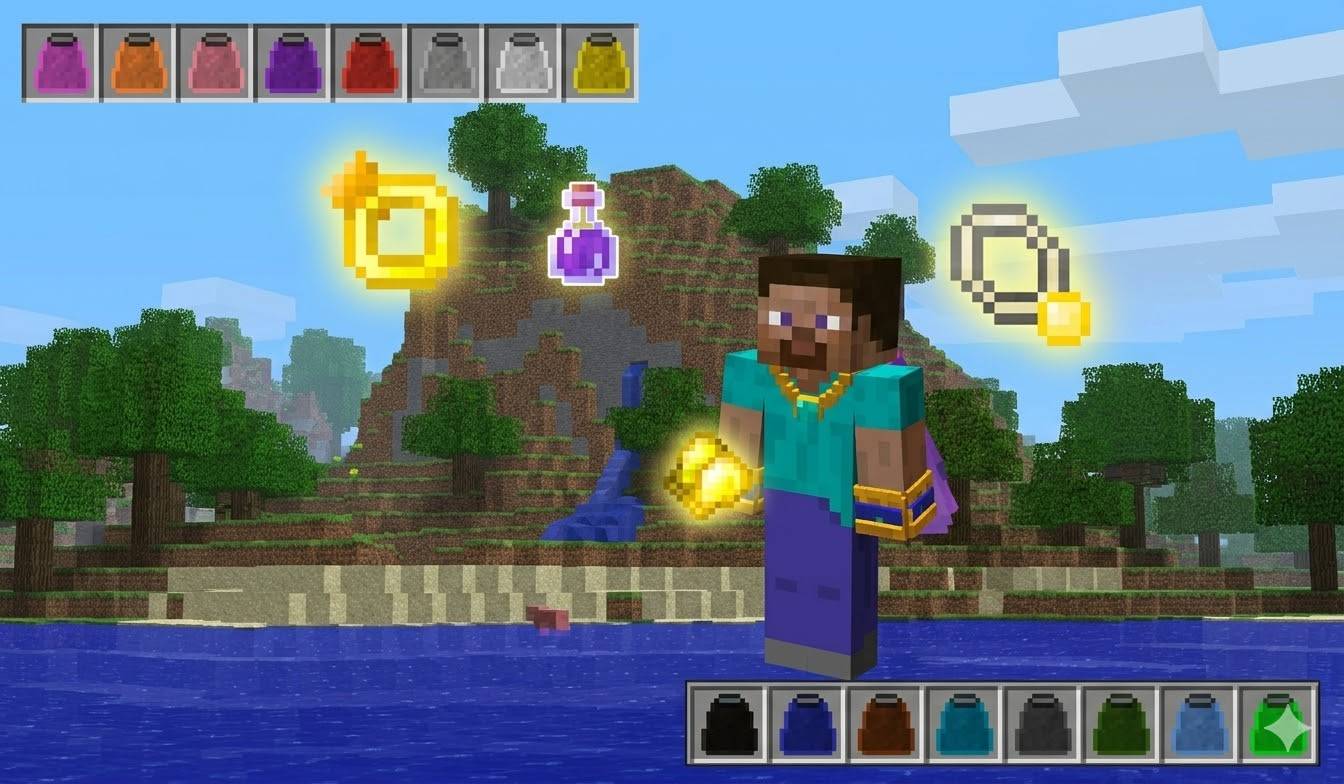
RPG Inventory was originally created by SonarPowered (also known as Phylogeny), a talented developer who brought a revolutionary RPG experience to Minecraft 1.7.10. The mod allows you to equip various classes of accessories to enhance your character's stats and abilities. By utilizing a fully custom inventory system with new slots for jewelry and gear—such as necklaces, rings, bracelets, capes, and gloves—you can boost your jump height, movement speed, defense, attack damage, health regeneration, and experience gain, among other benefits. It became a staple of countless adventure modpacks, beloved by the 1.7.10 community for its depth and immersion.
Despite being one of the most beloved mods of the 1.7.10 era, RPG Inventory has been nearly impossible to find in a working state. The community has searched for years across forums, Discord servers, and mod repositories with little success. After extensive research, the "all_Addons v3" version was finally located.
We discovered a critical issue: a missing "addonBasic.items.weapons.ItemArcherBow" class crashed the game on any item use (RPGEventHooks.interceptRightClick). Using bytecode surgery via JByteMod, Joäo Merry and Claude successfully removed the broken reference. Flutes, lances, CustomNPC+ items, and all right-click items are now 100% fixed and functional.
No additional dependencies are required; the mod works completely standalone.
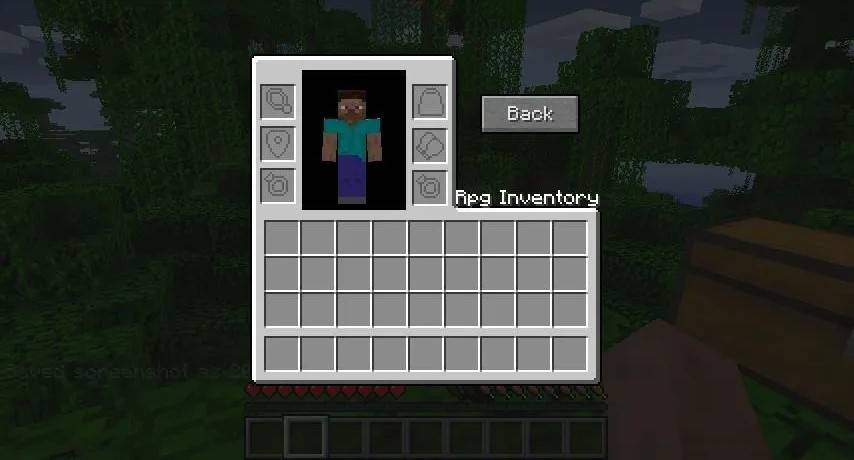
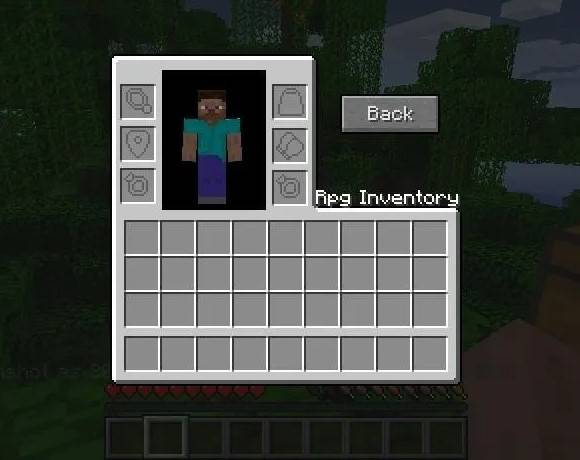
To access the expanded accessory inventory screen, first open your standard player inventory, then press the designated key (default binding: End). Customizable Keybindings: If you prefer a different key, you can easily rebind it. Navigate to Pause -> Controls, then locate and modify the setting under the RPG Inventory section.
Material type determines the unique buff it provides:
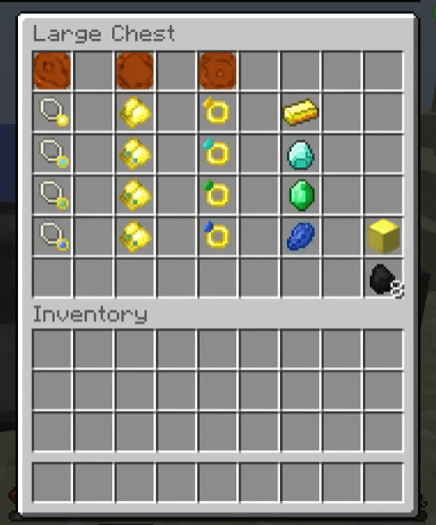
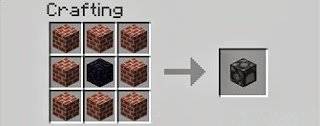
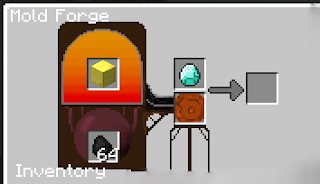
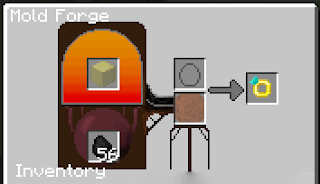
Advanced crafting: jewelry creation
More from this guide will be added to the post soon!