Mineuniverse
Data Packs
Inhabitants - Bogre Classic Lair

Inhabitants - Bogre Classic Lair

DATA PACK
Restores the original Bogre cabin structure from Inhabitants 1.0.0 for use with 1.1.0+
by JoaoMerry
Download Claim this project
Add a badge to your pageLink to Inhabitants - Bogre Classic Lair from a README, website or forum post.
Preview: Badge

Badges update automatically and link to the data pack page on MineUniverse.

50 downloads
0 likes
0 followers
Updated Oct 14, 2026
0 hypes
Follow0
Adventure Fantasy
Advertisement Remove ads with Premium →

Inhabitants — Bogre Classic Lair

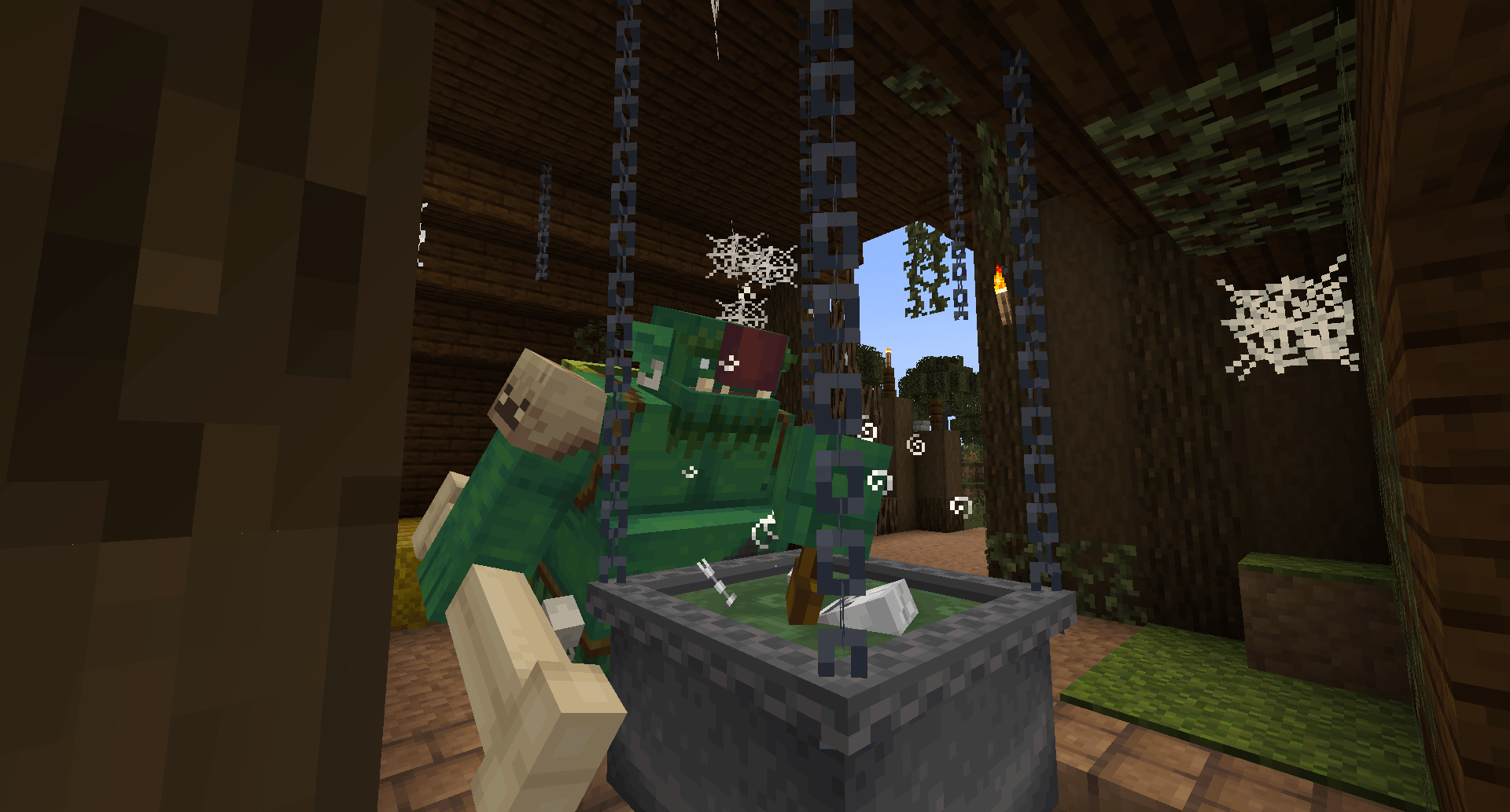
Restores the original Bogre cabin from Inhabitants 1.0.0, fully compatible with 1.1.0 and all its new features.


What does this datapack do?

With the release of Inhabitants 1.1.0, the Bogre received a brand new lair — but not everyone loved the redesign. This datapack brings back the original cozy, creepy cabin from version 1.0.0, while keeping every single new mechanic from the update: the new cooking GUI, the new foods, the Javelin, the Spike Drill, and everything else.

The best of both worlds. The soul of the old, the features of the new.


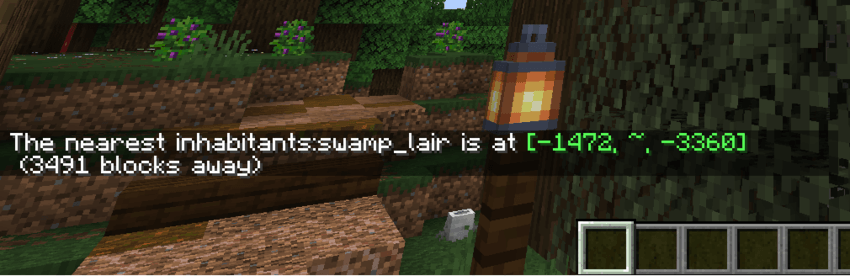
Locating the Bogre's Lair

You can still find the lair using the structure locate command:


📦 Requirements

  • Inhabitants 1.1.0+
  • Forge 1.20.1

📝 Notes

  • Only affects newly generated chunks. Already explored areas will keep the new lair design.
  • Fully compatible with all world generation mods.

Credits

Original Bogre cabin structure by the Inhabitants team — @JeremySeq & @CatalystMods. This datapack simply restores it for those who preferred the classic look.


Inhabitants-Bogre-Classic-Lair.zip
MC 1.20.1
Release 2026-04-13 Get

Requirements & install

How to use this data pack in Minecraft
Mods needed
None, works in vanilla
Minecraft
1.20.1
Install folder
saves/<world>/datapacks

How to install data packs

  1. Download the data pack .zip file (do not extract it).
  2. New world: click Data Packs on the world creation screen and drop the .zip in. Existing world: open .minecraft/saves/<world>/datapacks.
  3. Put the .zip into the datapacks folder of the world (servers: world/datapacks).
  4. Run /reload in game (or rejoin the world) and check it with /datapack list.
Browse more: Data Packs for 1.20.1 All data packs

More from JoaoMerry

Advertisement Remove ads with Premium →

You Might Also Like