UPnP is a service that is enabled on every router by default allowing applications like Discord to automatically open a port forwarding temporarely.
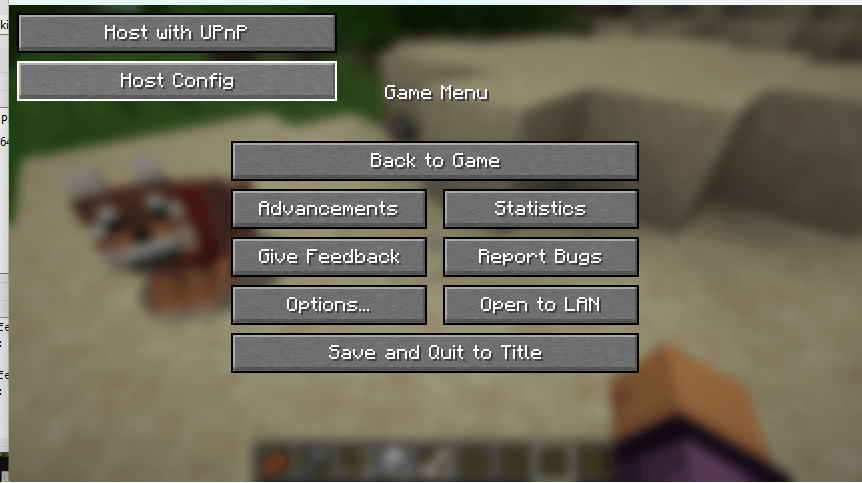
You open a singleplayer world, then pause, then Host using UPnP
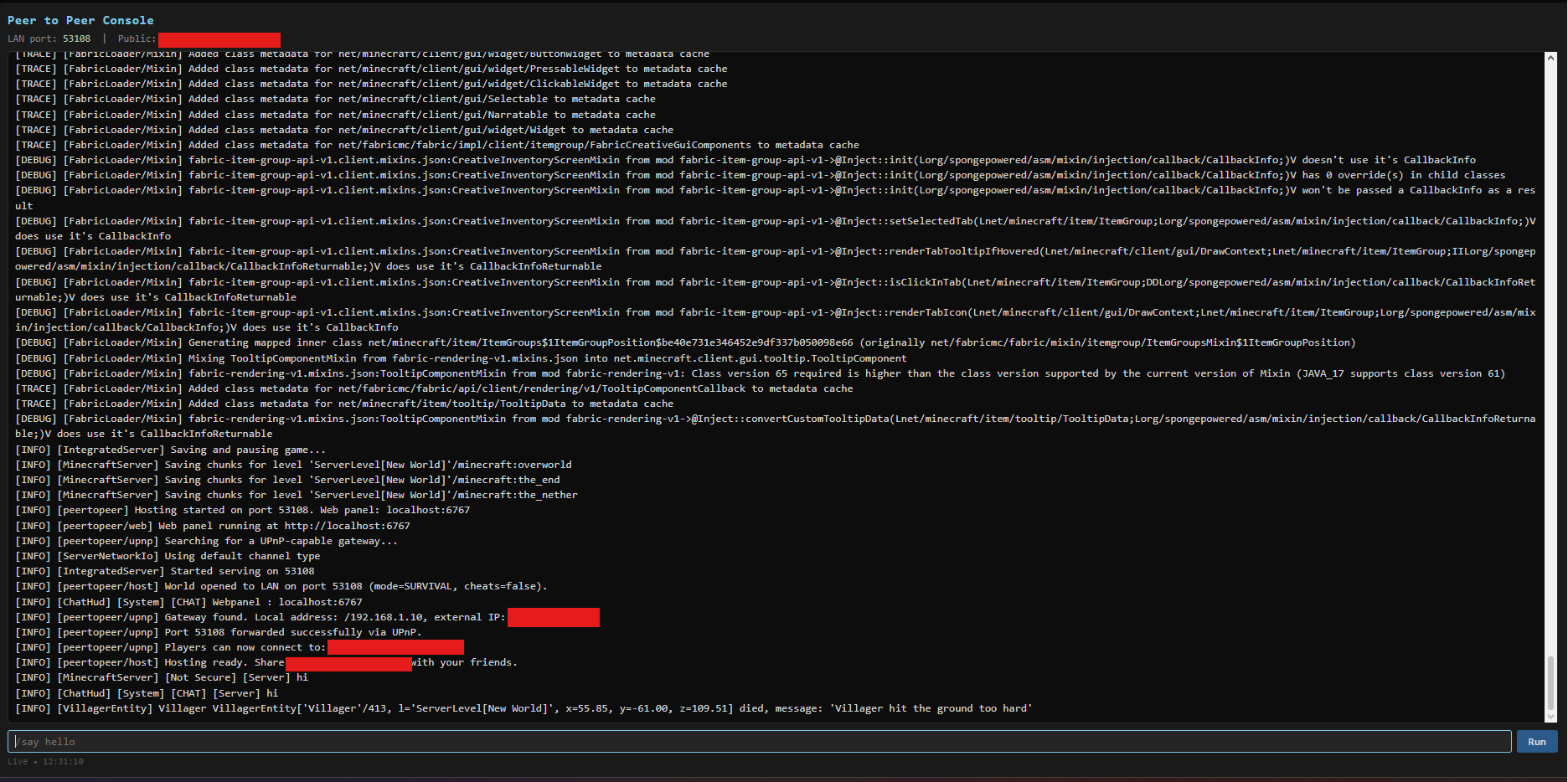
Yes! Once you click the host using UPnP button in the pause menu, it will give you a link to your server console.
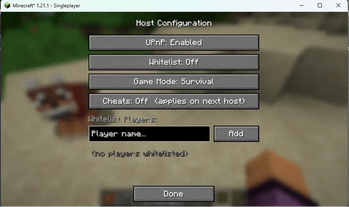
Yes! In the pause menu, underneath the Host using UPnP button there is a Host Config button
Go to localhost:6767 (your server console) and copy the IP + Port given and send it to them
No! Not at all! They can just go into Multiplayer -> Add server and enter your ip as the server ip.
Yes! Your friends need the same mods though or else they won't be able to connect.
I was tired at 2 am in the morning and thought this was P2P when the mod was done. I'm too lazy to rename it in Minecraft, but this mod isn't Peer to Peer