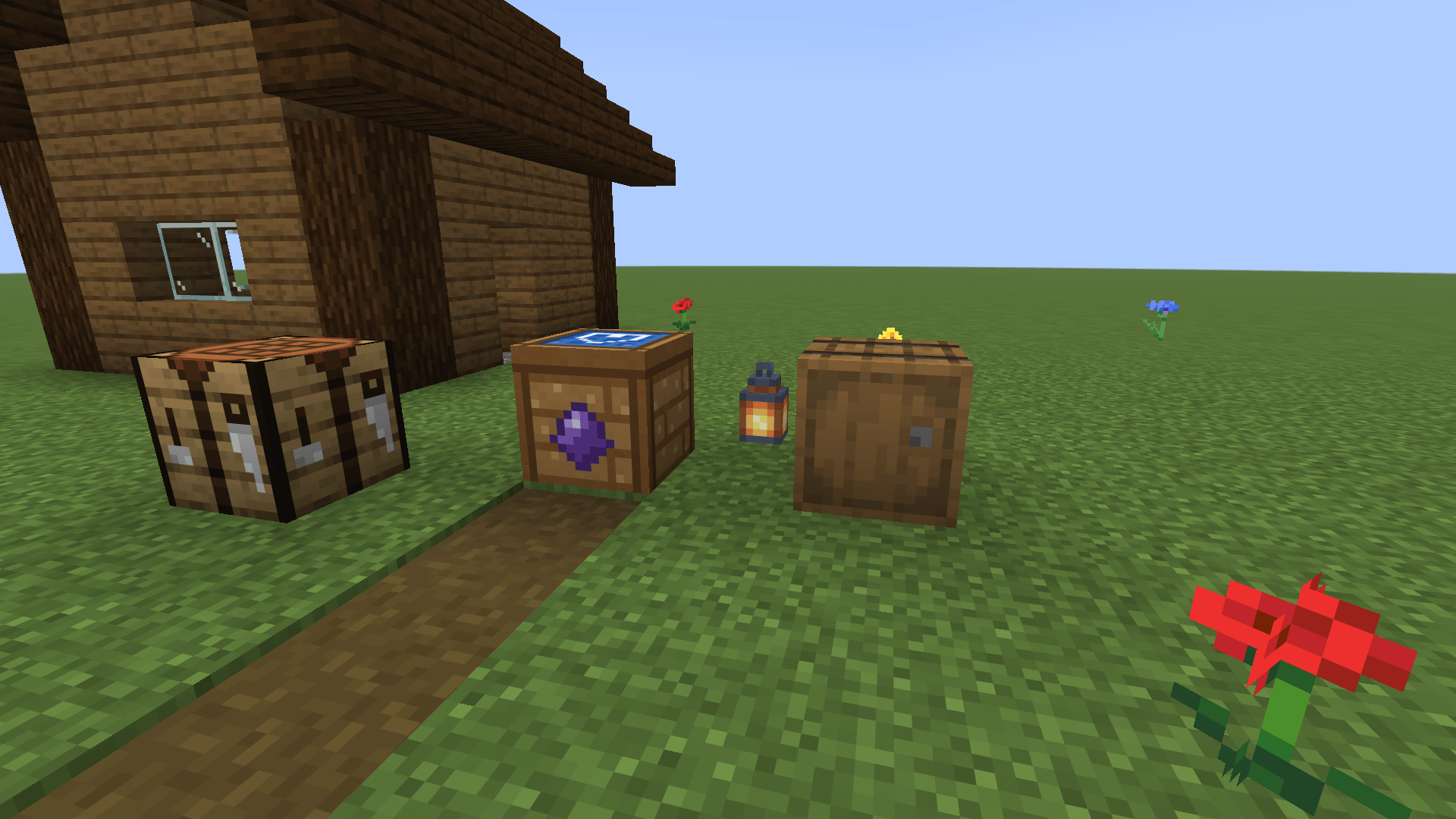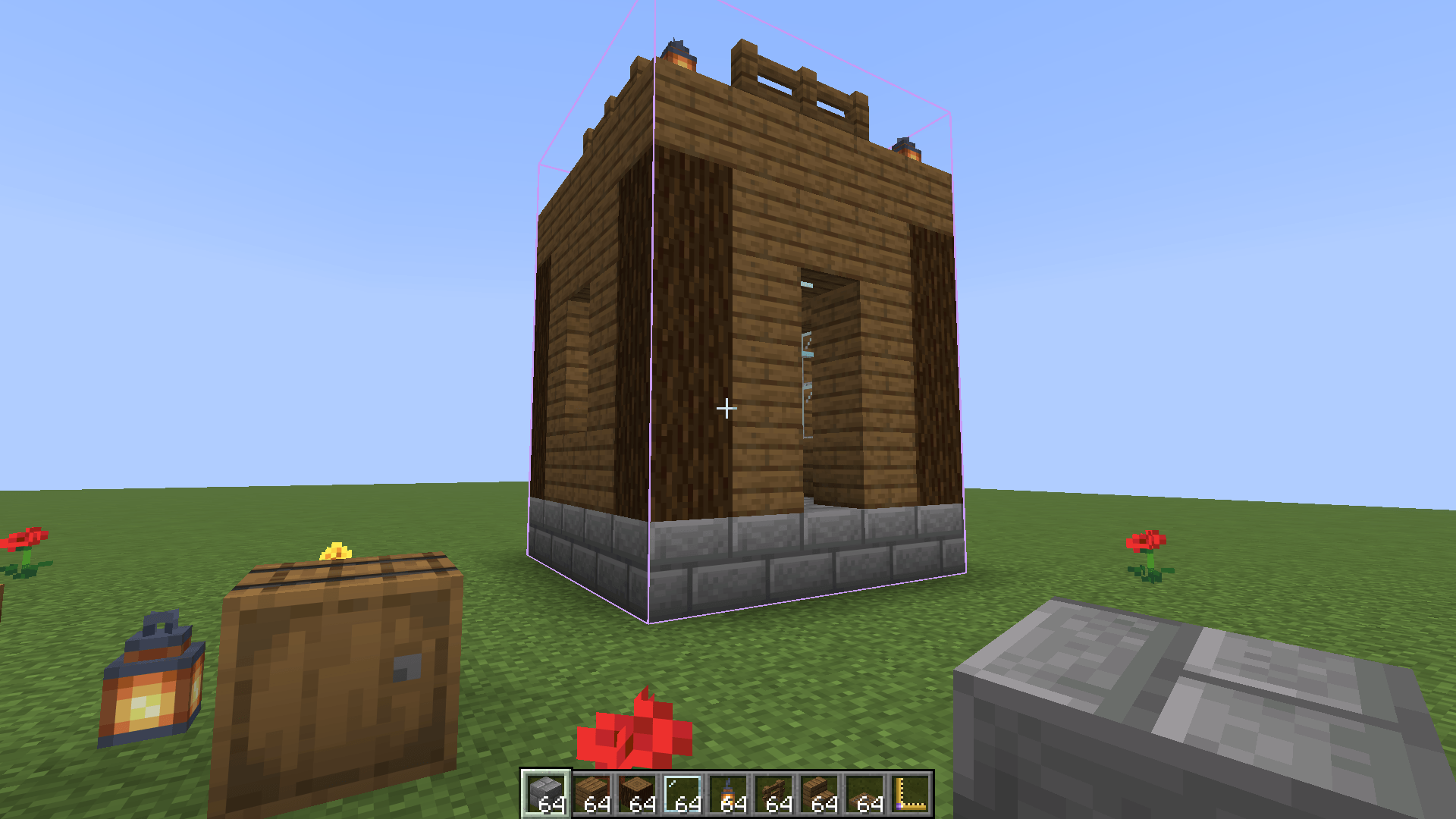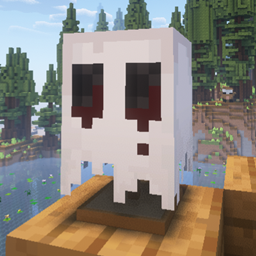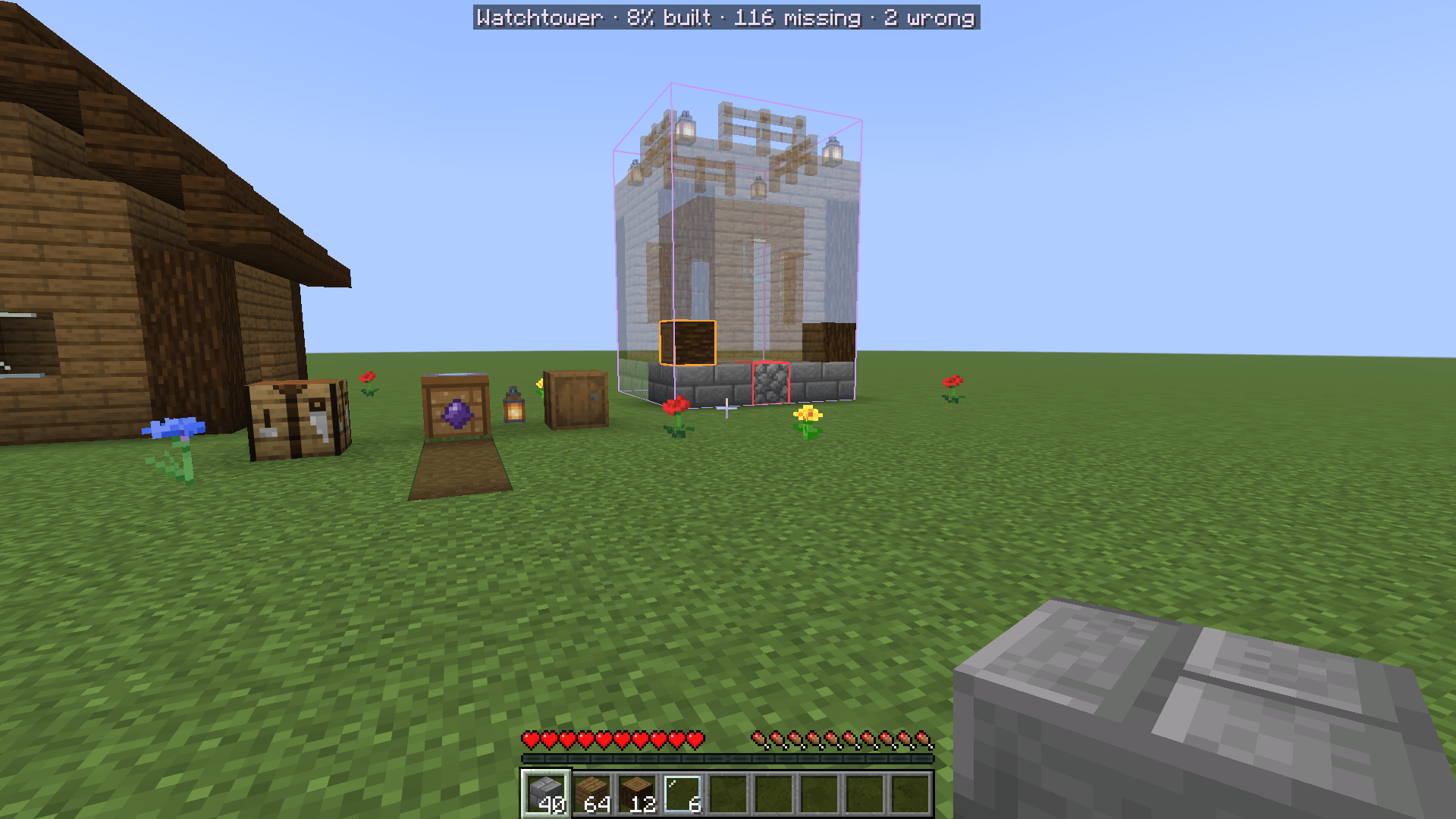
Design it in creative, then build it for real. A Prototype Bench takes you, and your friends, into a creative workshop: a copy of the real area around the bench, or flat ground. Design something there with everything creative gives you, save it as a template, and back in survival the bench shows it as ghost blocks right where you designed it, with the blocks still to place, the wrong ones, and the materials you need. Built around one rule: nothing made in creative ever reaches survival, and nothing you carry in is ever lost.
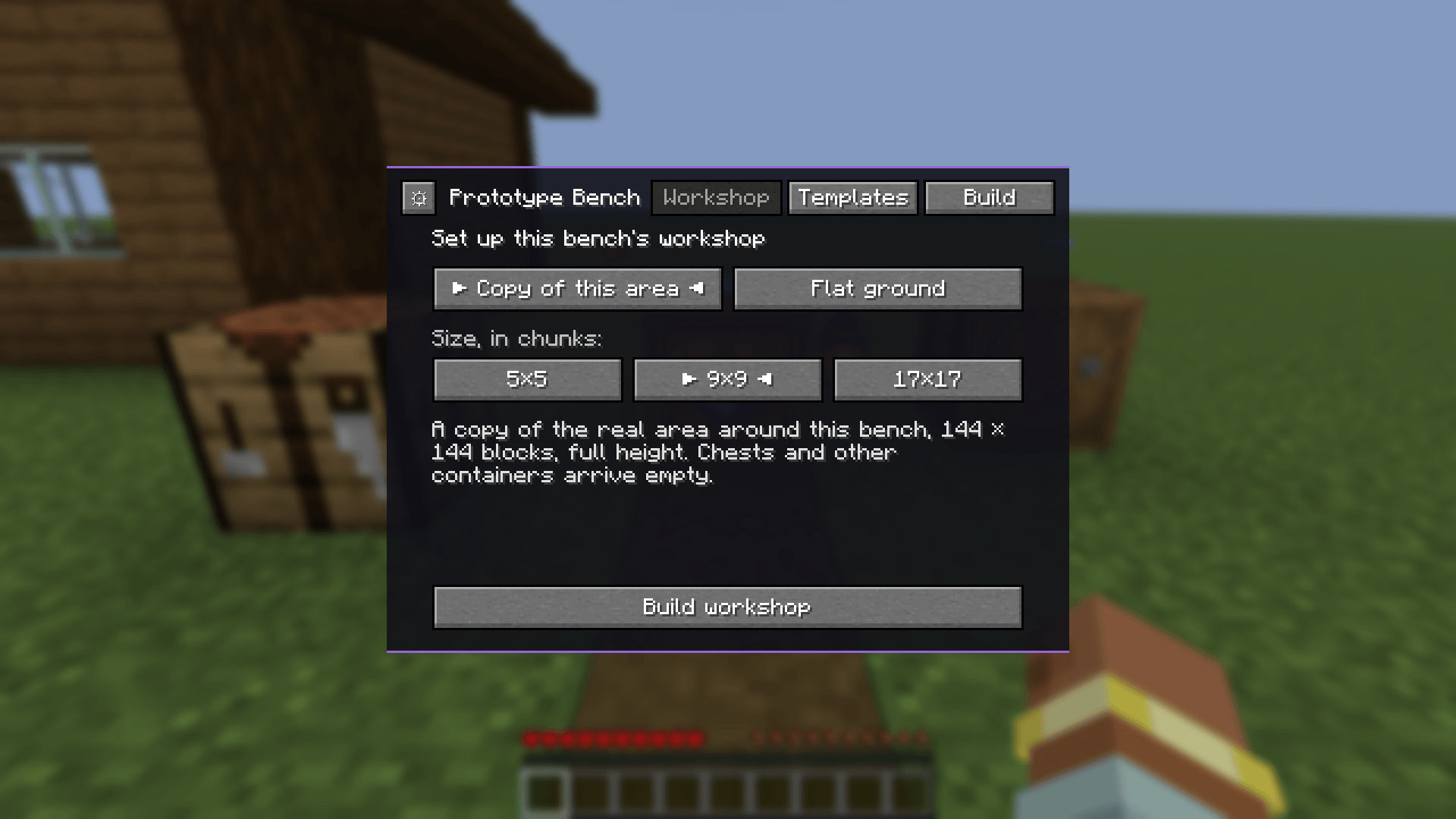
A workshop beside your world. Use a Prototype Bench and choose a copy of the area around it (5×5, 9×9 or 17×17 chunks, full height, your builds included) or flat ground of construction blocks, deep enough to dig into, which a design leaves out. Step in, and you are standing in the same spot of the copy, in full creative: the whole creative inventory, flying, instant breaking. Everyone who uses the same bench shares the same workshop, so you can design together. Chests and other containers in the copy arrive empty. It is always midday and never rains there.
Your survival things wait for you. Your inventory, armour, ender chest, XP, effects, health and hunger are put
aside when you enter and given back exactly when you leave, by the bench, the pause menu or /prototype leave. Log
out inside, crash, or remove the mod: you come back outside, as you were.
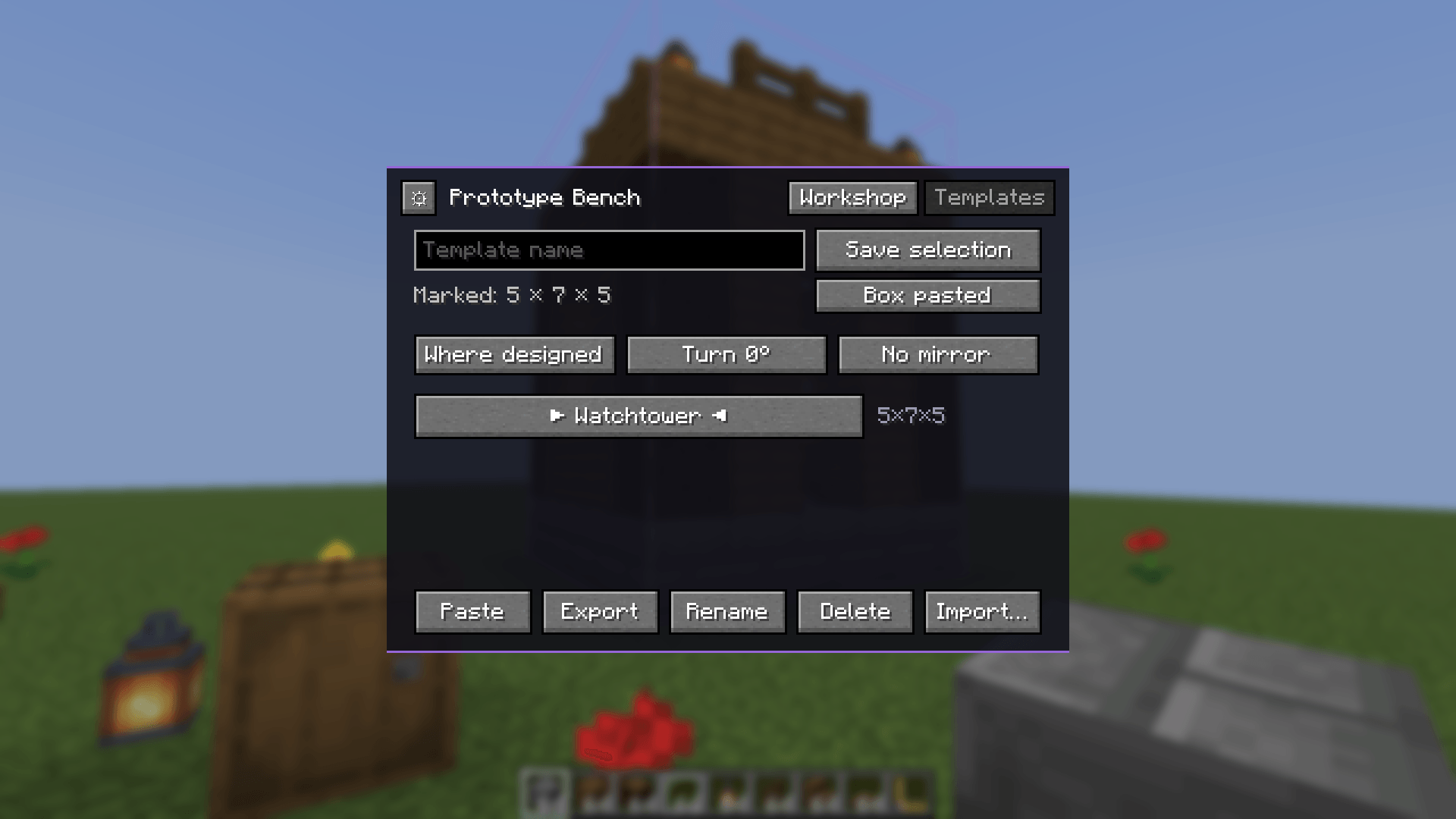
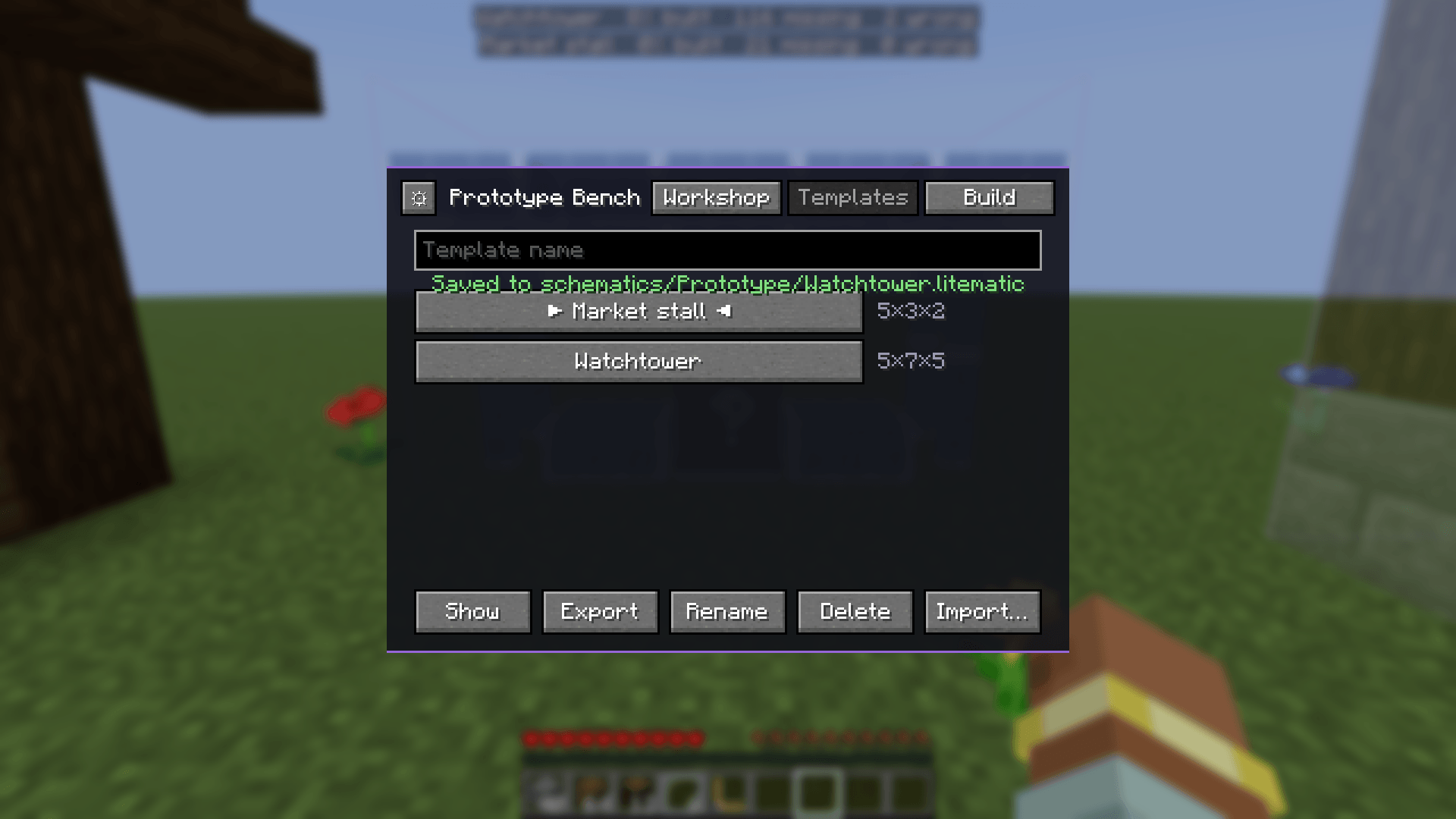
Templates. Mark a box with the Prototype Square (left-click one corner, right-click the other), name it, and save it. Templates are shared by everyone on the world. Paste one back into a workshop where it was designed or at a corner, turned and mirrored, to keep working on it.
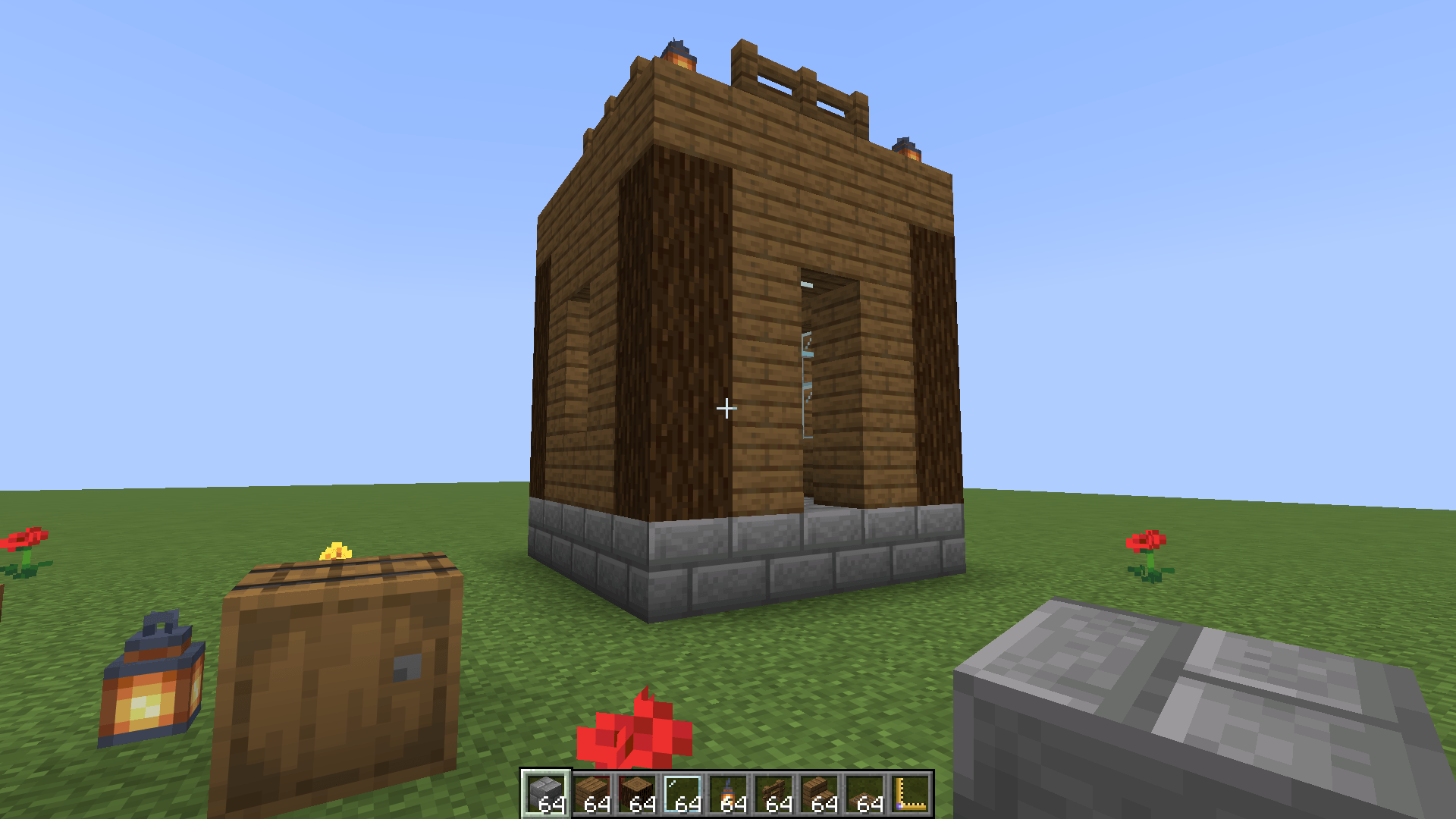
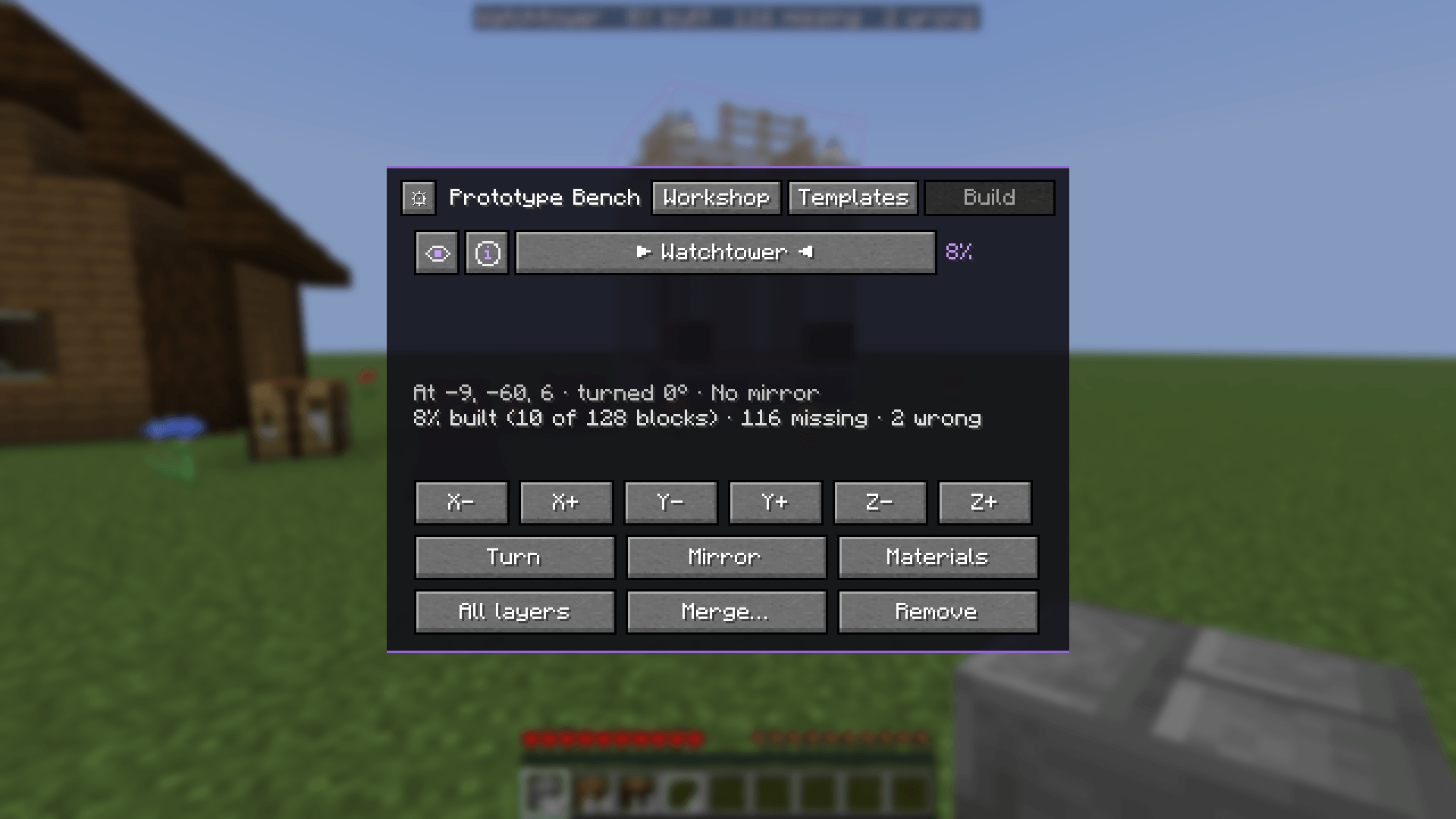
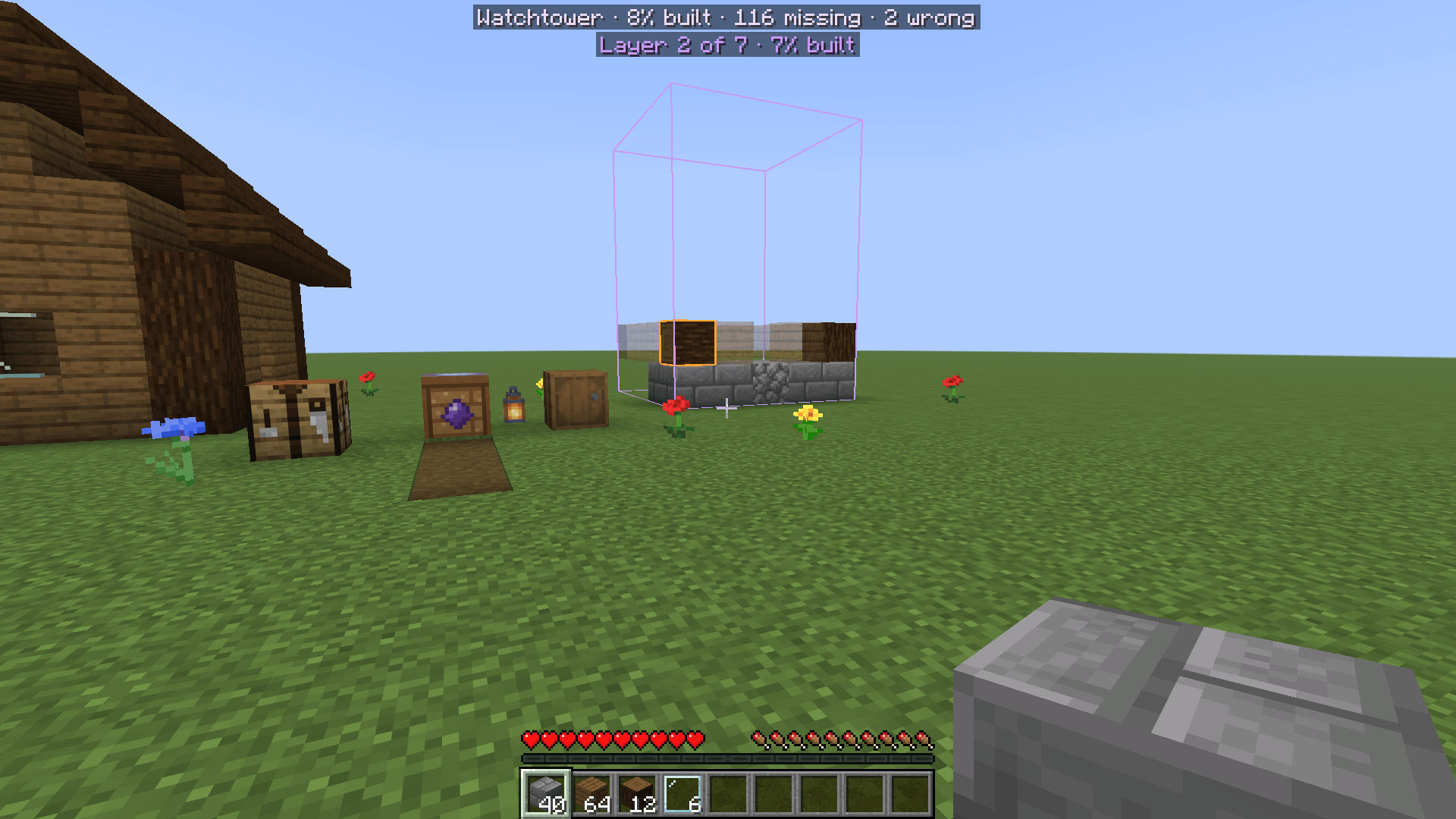
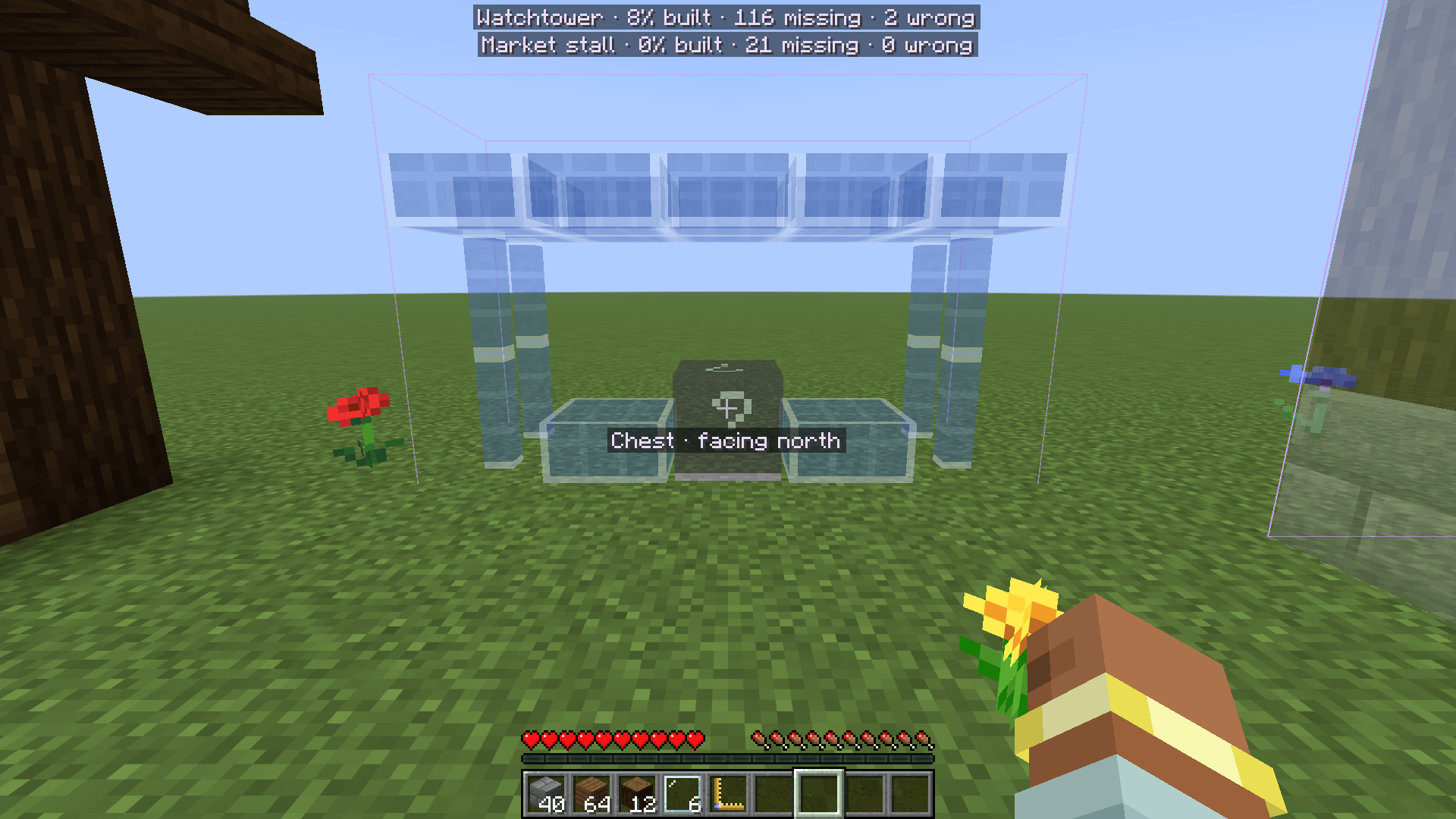
Build it for real. At a bench outside, Show a template: it appears as translucent ghost blocks exactly where you designed it, for every player. Place a block and its ghost disappears at once. A wrong block gets a red outline, the right block turned the wrong way an orange one, and a line in the corner counts what is built, missing and wrong. Page Up / Page Down show one layer at a time. The bench's Build tab moves it (by 1 or 16), turns it and mirrors it. Each build there has an eye, to hide its ghosts just for you, and an info sign, to turn its progress line off; both are remembered between sessions.
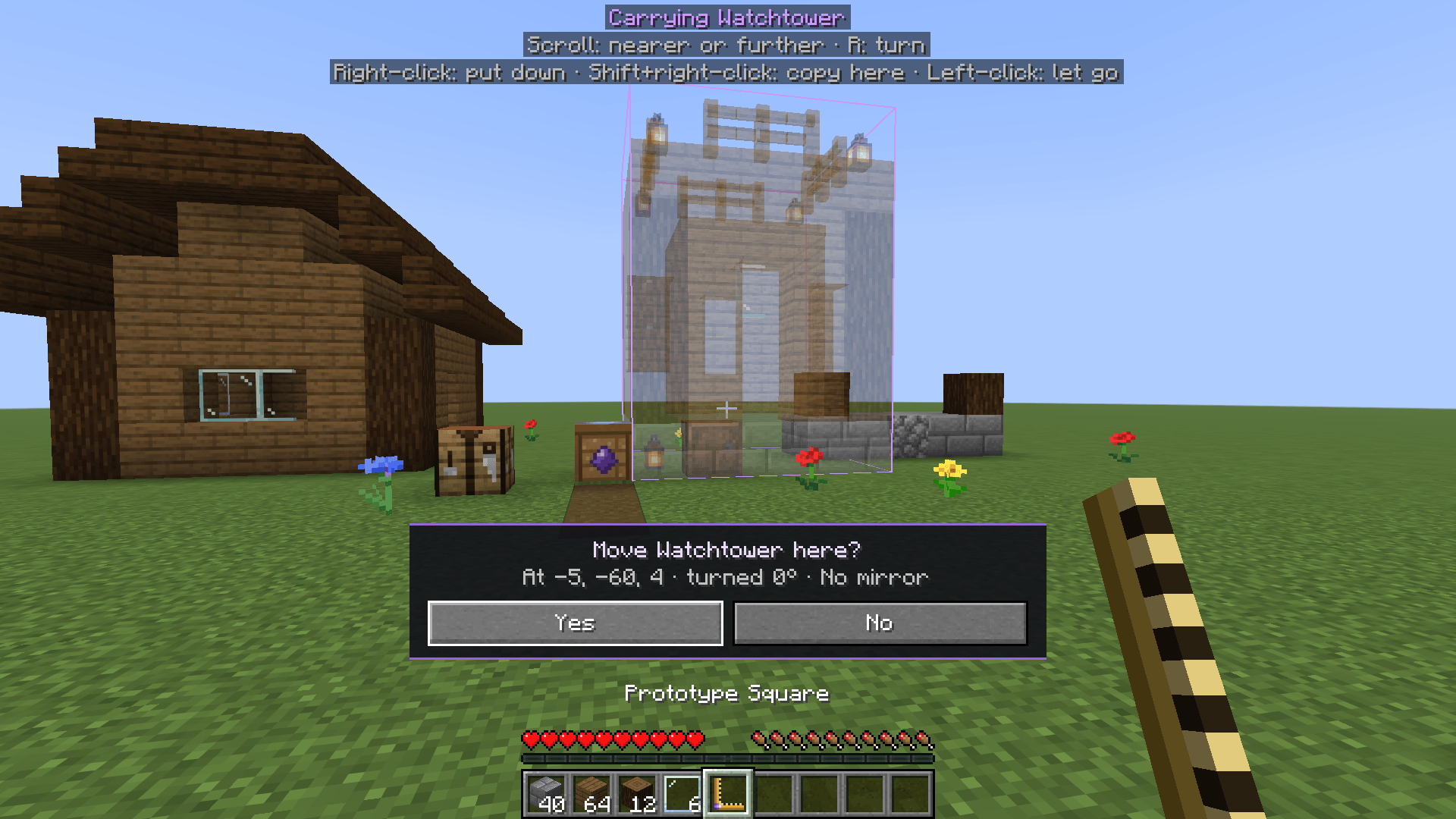
Carry it where you want. Get a Prototype Square from any bench, right-click a shown build's ghosts, and it hangs where you look: the scroll wheel moves it nearer or further, R turns it, and a right-click asks "Move it here?" before it goes down. Shift+right-click leaves a copy and keeps carrying, to repeat a segment along a wall. Merge… joins several shown builds into one template, and inside a workshop Box pasted marks everything you pasted, ready to save as one.
Placeholders and construction blocks. The workshop's Prototype creative tab has placeholders, a block, slab, stairs, wall, fence and pane, that mean "any block of this shape": built for real, any slab on the same half counts, any wall, any pane, and so on. The construction block means "doesn't matter": shown builds and the materials list leave it out, and flat workshops are made of it, so the ground never ends up in a design.
Every ghost has a name. Look at a ghost and its block is named under the crosshair, or what should be there, over a wrong block. Chests, shulker boxes, banners and heads, which the game cannot draw see-through, show as framed "?" boxes.
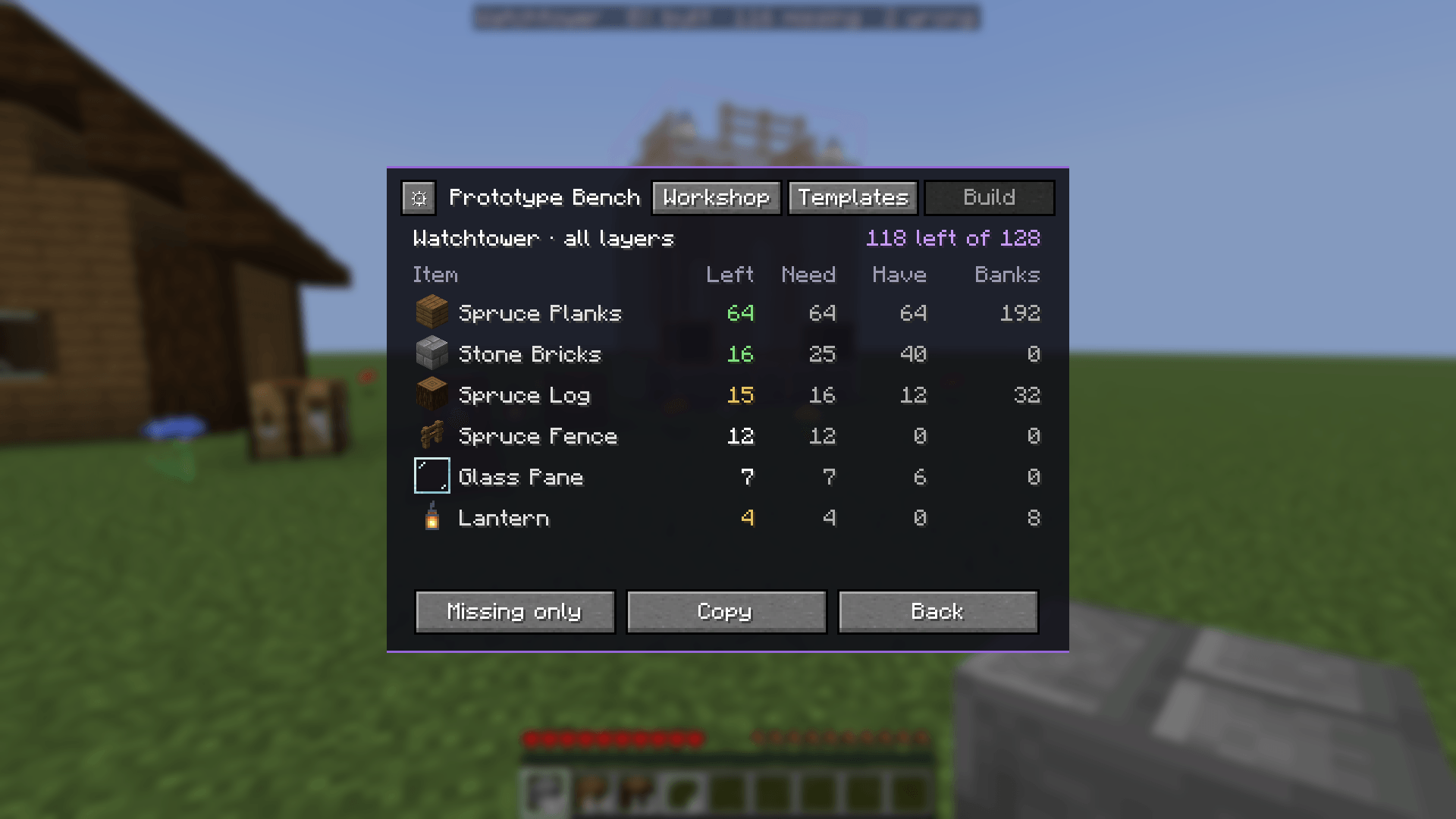
A materials list. For every item the build needs: how many are left to place, how many you carry, and, with Coffers: Shared Bank installed, how many are in your banks. Copy it as text to share.
Litematica, if you use it (optional). Export any template as a .litematic straight into your schematics folder,
and import any .litematic (from Litematica, a download, or an older Minecraft version) as a template. With Litematica
installed, a shown template can also be a Litematica placement, for its Easy Place and material list, and it follows
when you move the template.
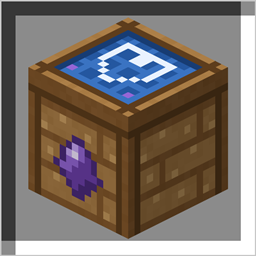
A Cartography Table in the centre, four Amethyst Shards in a plus around it.
Your player file always holds your survival self, even while you are inside, so a crash, a logout or removing the mod
can never leave you in survival with creative items. Portals, ender pearls, /tp and mods that teleport through
vanilla cannot carry anything or anyone out of a workshop; you cannot die inside; creative play earns no advancements.
Coffers is switched off for you while you are inside, so nothing can be banked there. All of this is checked by
automated tests, one for each way out, also run beside Coffers, Collective and Open Parties and Claims.
/prototype leave: leave a workshop./prototype status: whether you are in a workshop, and which./prototype plots, /prototype audit: every workshop, and a check that everyone is where they should be (operators)./prototype rescue <player>: give a player back their survival self by hand, if ever needed (operators).<world>/prototype/config.json, travelling with the world: allowedSizes (5, 9, 17), allowFlat, whoMayEnter
(everyone or ops) and maxTemplateBlocks (2 097 152).
Each player's own, from the bench's ⚙ or config/prototype-client.json: whether putting a carried build down asks
first, whether the Square's directions show on screen, and where the progress line sits (top left, centre or right;
centre by default, clear of most minimaps).
<world>/dimensions/prototype/. Removing the mod leaves your world and your
players exactly as they were; that folder can then be deleted.