






Loading...
Beta Modpages Unclaimed

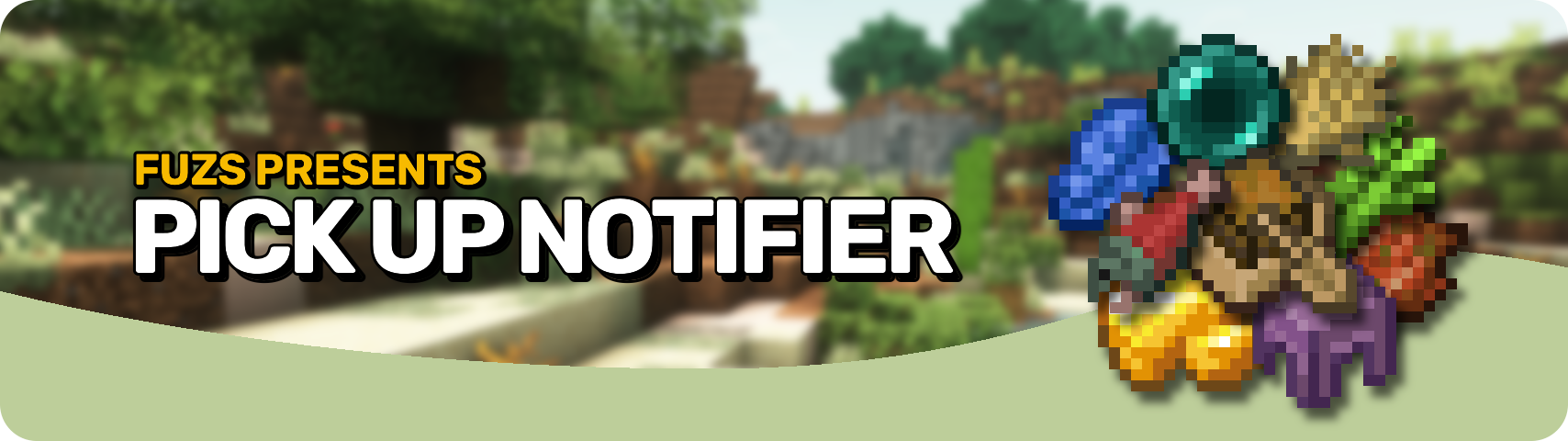
Pick Up Notifier

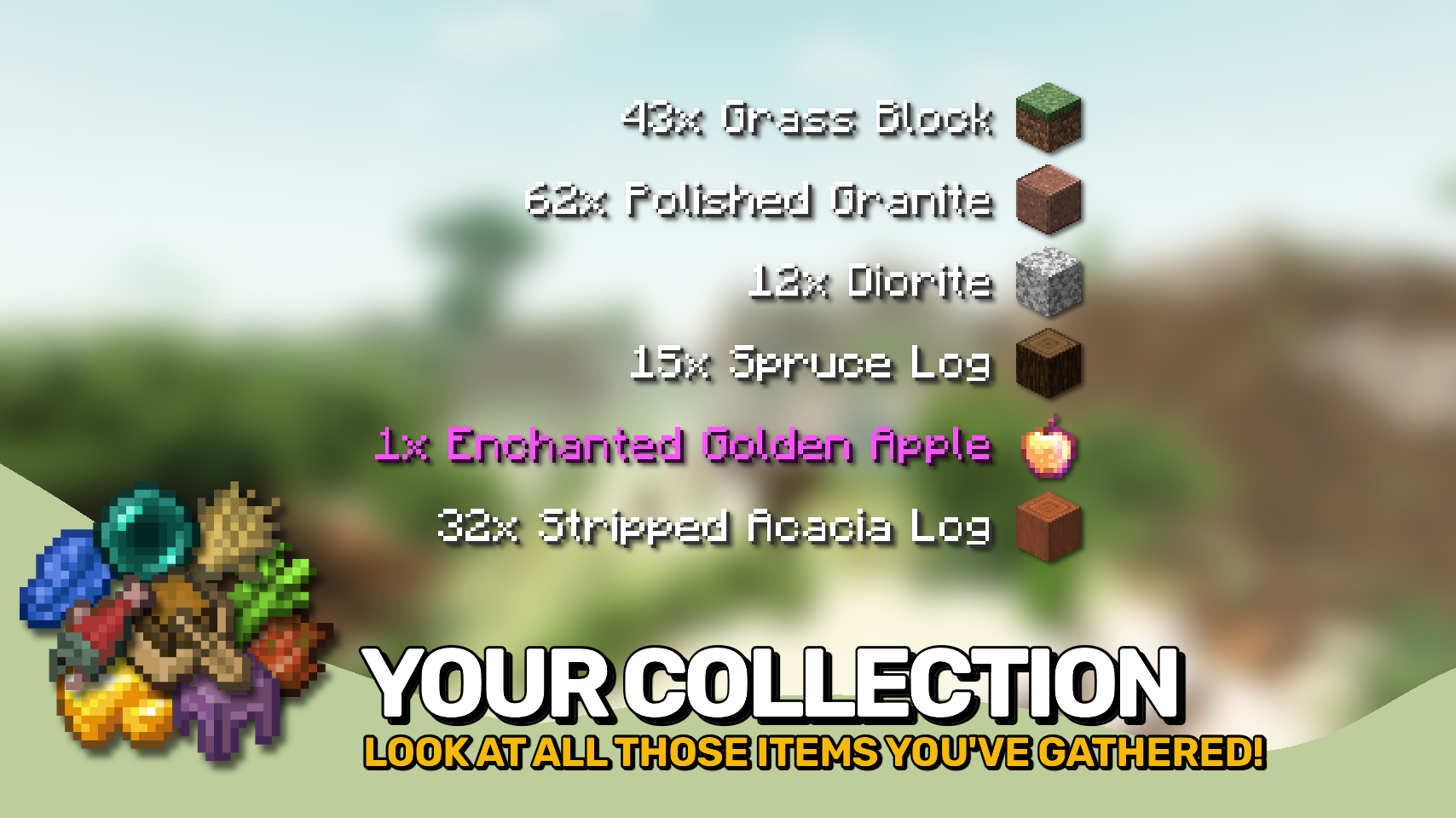
Be notified about all the things you've just collected.

Likes
74379896 Downloads
Created by

Description

Pick Up Notifier keeps track of everything you collect and displays it in a clean on-screen list, making it easy to see exactly what you've picked up while mining, exploring, farming, or fighting mobs. ✨

Items, experience, and recovered arrows appear as compact notifications that update in real time as more resources are gathered. Entries smoothly fade away after a short time and can automatically combine with similar pickups to keep the display tidy. 📦

The appearance and behavior of the notification list are highly configurable, allowing you to customize its position, scale, styling, animations, display duration, and much more. 🎛️


  • 📦 Track Every Pickup: See collected items, experience, and recovered arrows in a convenient on-screen list.
  • 🔄 Smart Entry Updates: Similar pickups can merge together, while existing entries are refreshed whenever more of the same item is collected.
  • Smooth Animations: Notifications fade away and slide off-screen naturally instead of disappearing abruptly.
  • 🔢 Detailed Information: Optionally display pickup counts, item names, inventory totals, and item icons.
  • 🎨 Fully Customizable Display: Adjust screen position, scale, colors, backgrounds, spacing, and more.
  • ⏱️ Configurable Behavior: Control how long entries remain visible, how many can be shown, and how they are grouped.
  • 🌐 Client-Side Friendly: Works in singleplayer, on modded servers, and even on vanilla servers without requiring installation.

INSTALLATION REQUIRED ON CLIENT & OPTIONAL ON SERVER

REQUIRES PUZZLES LIB TO BE INSTALLED (FABRIC & NEOFORGE)

REQUIRES FABRIC API TO BE INSTALLED (FABRIC)

REQUIRES FORGE CONFIG API PORT TO BE INSTALLED (FABRIC)

If available for a mod, configuration is possible directly from in-game using the mod menu (requires Mod Menu by Prospector to be installed on Fabric).

For manual configuration using an external text editor all files are found at .minecraft/config, named as MOD_ID-client.toml, MOD_ID-common.toml, or MOD_ID-server.toml, depending on the type of config. Not all types might exist for a mod, if any at all.

🌟 Thanks to TeamCoFH for the original idea of this mod in a very old version of their CoFH Core mod from the 1.6 era of modded Minecraft!



AD Become Premium to remove Ads!

What means Verified?

  • Compatibility: The mod should be compatible with the latest version of Minecraft and be clearly labeled with its supported versions.
  • Functionality: The mod should work as advertised and not cause any game-breaking bugs or crashes.
  • Security: The mod should not contain any malicious code or attempts to steal personal information.
  • Performance: The mod should not cause a significant decrease in the game's performance, such as by causing lag or reducing frame rates.
  • Originality: The mod should be original and not a copy of someone else's work.
  • Up-to-date: The mod should be regularly updated to fix bugs, improve performance, and maintain compatibility with the latest version of Minecraft.
  • Support: The mod should have an active developer who provides support and troubleshooting assistance to users.
  • License: The mod should be released under a clear and open source license that allows others to use, modify, and redistribute the code.
  • Documentation: The mod should come with clear and detailed documentation on how to install and use it.

AD Become Premium to remove Ads!

How to Install

1

Download Forge & Java

Download Forge from the offical Site or here. If you dont have Java installed then install it now from here. After Downloading Forge you can run the file with Java.

2

Prepare

Lounch Minecraft and select your Forge istallation as Version this will create a Folder called Mods.

3

Add Mods

Type Win+R and type %appdata% and open the .minecraft Folder. There will you find your Folder called Mods. Place all Mods you want to play in this Folder

4

Enjoy

You are now Ready. Re-start your Game and start Playing.

More Mods like this

Controlling

Adds a search bar to the Key-Bindings menu

Cupboard

Cupboard provides code, frameworks, and utilities for minecraft mods

Crafting Tweaks

Allows you to rotate, balance or clear the crafting matrix by the press of a button, in any (supported) crafting window.

NetherPortalFix

Ensures correct destinations when travelling back and forth through Nether Portals in Multiplayer.

KleeSlabs

Break only the half of a double slab that you're looking at.

Configured

Automatic in-game configuration menus for every mod!

TrashSlot

Adds a trash slot to the inventory screen that allows deletion of unwanted items.

Essential Mod

The best way to play Minecraft. Enhanced Minecraft features in one simple mod. Fast, friendly, and for everyone!