PartyLink is a multiplayer-focused Fabric mod that adds a complete custom party system to Minecraft. Invite your friends, create persistent groups, share XP, manage party roles, customize your HUD, ping locations, and play together with a polished MMO-inspired interface.
PartyLink is designed for survival servers, RPG modpacks, co-op adventures, and any multiplayer world where players want a better way to stay connected as a group.
PartyLink gives Minecraft a real party system. Players can invite others, join groups, manage members, and keep parties persistent across sessions.
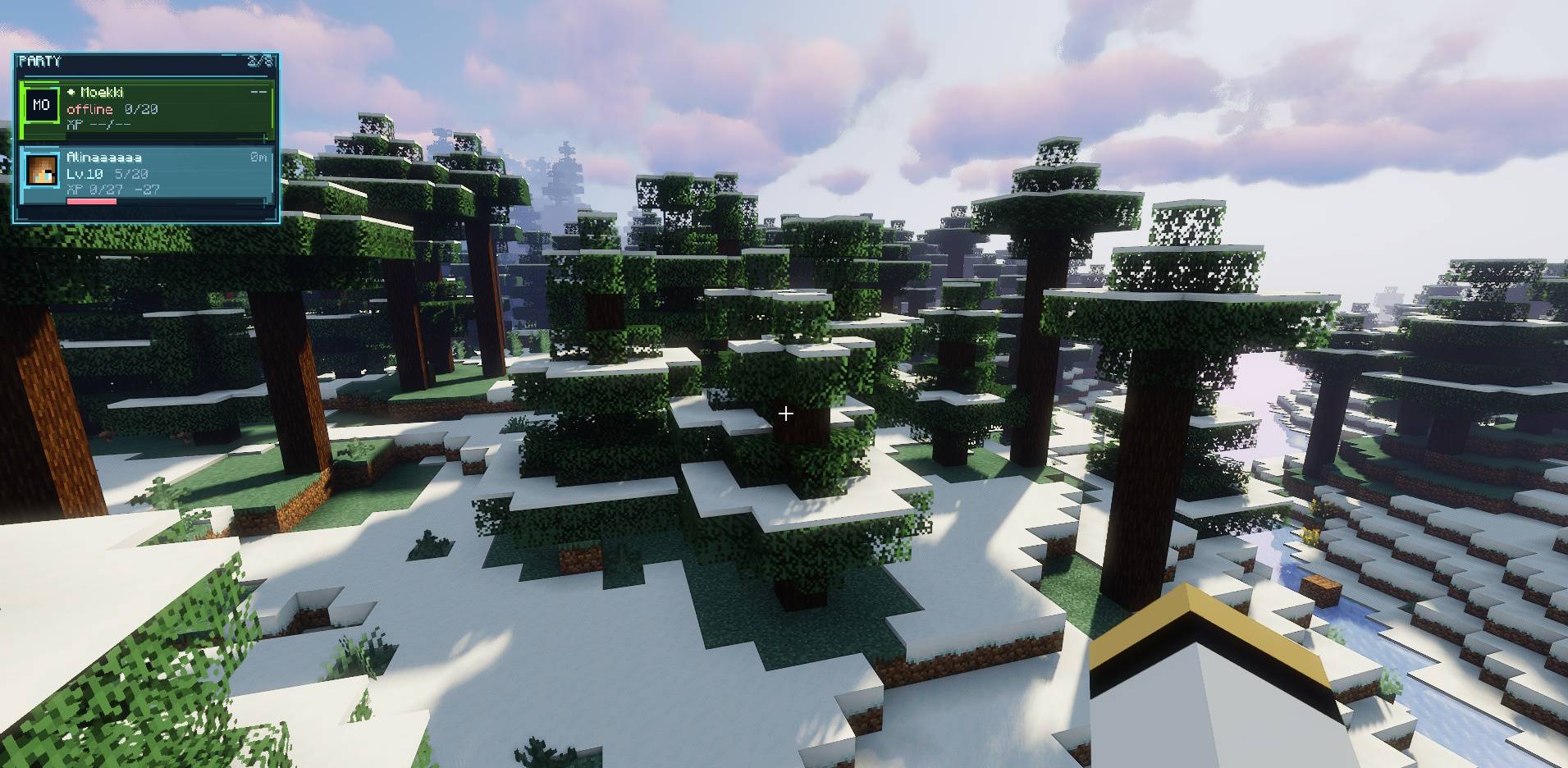
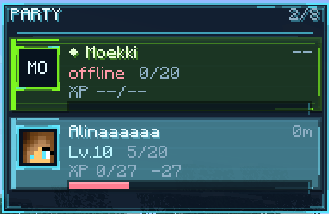
PartyLink includes a fully custom party HUD with a clean, futuristic MMO-inspired style. It is built to feel like a real multiplayer interface instead of a simple command-only system.
The HUD can display:
Each player can customize their own HUD without changing the HUD of other party members.
PartyLink can share experience between party members, making cooperative gameplay more rewarding.
The radius can be configured from 10 to 200 blocks, depending on the server configuration.
Shared XP is distributed using real XP orb behavior, meaning Mending can still repair armor, tools, and weapons properly.
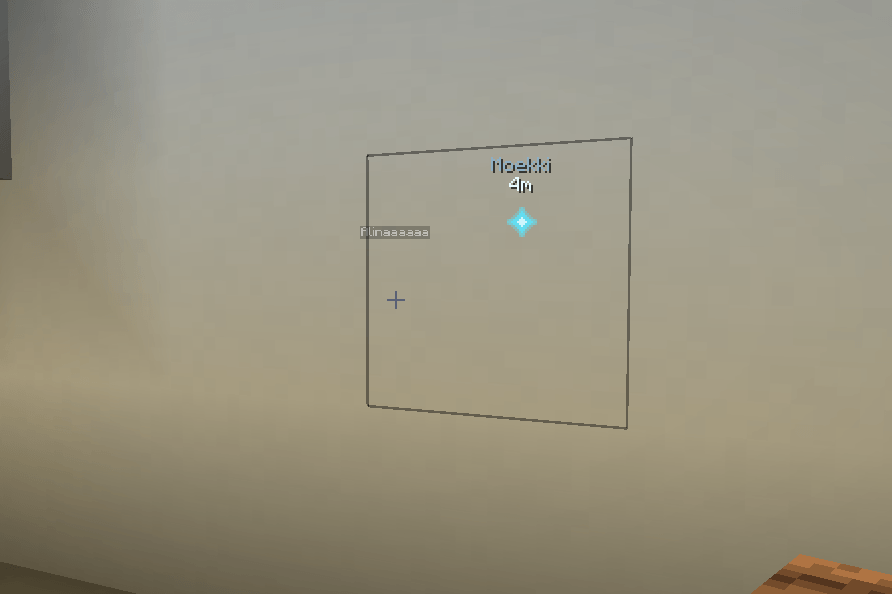
PartyLink includes a lightweight party ping system for better communication during exploration, combat, mining, and dungeon runs.
/party ping to ping the block or location you are looking at.partyPingAllowed=true
PartyLink can protect party members from damaging each other. This is useful for survival servers, RPG servers, and co-op modpacks where friendly fire should be optional.
partyPvpAllowed=true
PartyLink includes a simple role system for managing permissions.
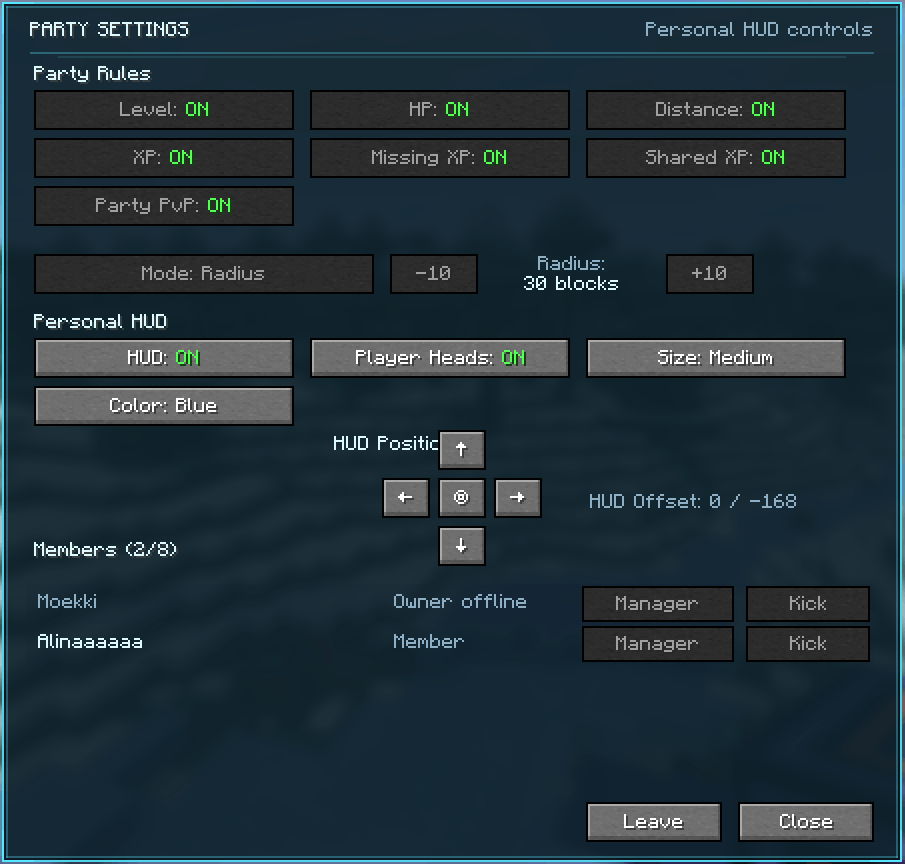
The custom Party Settings screen allows players to manage both party-wide rules and personal HUD preferences.
Open it with:
/party settings
Or use the configurable keybind:
PartyLink → Open Party Settings
| Command | Description |
|---|---|
/party invite <player> |
Invite a player to your party. |
/party accept |
Accept a pending party invite. |
/party leave |
Leave your current party. |
/party list |
Show all current party members. |
/party kick <player> |
Kick a player from the party if you have permission. |
/party disband |
Disband the party as the owner. |
/party ping |
Ping the block/location you are looking at for your party. |
/party hud |
Toggle your party HUD. |
/party hud on |
Enable your party HUD. |
/party hud off |
Disable your party HUD. |
/party settings |
Open the PartyLink settings screen. |
Server owners can configure PartyLink through:
config/partylink.properties
sharedXpAllowed=true partyPvpAllowed=true partyPingAllowed=true maxSharedXpRadius=200 keepParties=true maxPartySize=8 serverLanguage=EN
| Option | Description |
|---|---|
sharedXpAllowed |
Controls whether Shared XP can be used on the server. |
partyPvpAllowed |
Controls whether parties can use Party PvP protection. |
partyPingAllowed |
Controls whether party pings can be used. |
maxSharedXpRadius |
Maximum allowed Shared XP radius. Limited to 10-200 blocks. |
keepParties |
Controls whether parties stay saved after logout or server restart. |
maxPartySize |
Maximum party size. Can be set up to 8 players. |
serverLanguage |
Server-side message language. Supports EN and DE. |
🧩 PartyLink API for Mod Developers
PartyLink includes a public API that allows other mods to integrate with the party system without accessing internal classes.
com.mki.partylink.api
PartyLinkApiPartyLinkEventsPartyViewPartySnapshotPartyRolePartyShareModePartyXpShareContextPartyLinkApi.isInParty(player);
PartyLinkApi.areInSameParty(playerA, playerB);
PartyLinkApi.getParty(player);
PartyLinkApi.getPartyMembers(player);
PartyLinkApi.getOnlinePartyMembers(player);
PartyLinkApi.getRole(player);
PartyLinkApi.isOwner(player);
PartyLinkApi.isManager(player);if (!PartyLinkApi.canPartyMembersDamage(attacker, victim)) { // cancel custom damage }PartyLinkApi.shareExperience(sourcePlayer, amount);This respects PartyLink's Shared XP settings, server config, radius/mode, and Mending-compatible XP orb behavior.
PartyLinkEvents.MEMBER_JOINED.register((party, memberId) -> { // react to party member joining });PARTY_CREATEDPARTY_DISBANDEDMEMBER_JOINEDMEMBER_LEFTMEMBER_KICKEDROLE_CHANGEDSETTINGS_CHANGEDSHARED_EXPERIENCEPartyLinkApi.API_VERSION
Current API version: 1
PartyLink is a Fabric mod and should be installed on both the server and the client for the full experience.
mods folder.PartyLink is built to make multiplayer Minecraft feel more connected, more cooperative, and more polished. Whether you are exploring, fighting, mining, farming XP, or playing on an RPG server, PartyLink gives your group the tools to play together like a real party.
Create a party. Share XP. Ping locations. Protect your teammates. Play together.