Badges update automatically and link to the mod page on MineUniverse.
TL;DR; I won't maintain the 1.20.5+ versions myself anymore, at least for now. There are ports by Sakura-Ryoko. They will be here once they are more stable, see the post for the links and details before then.
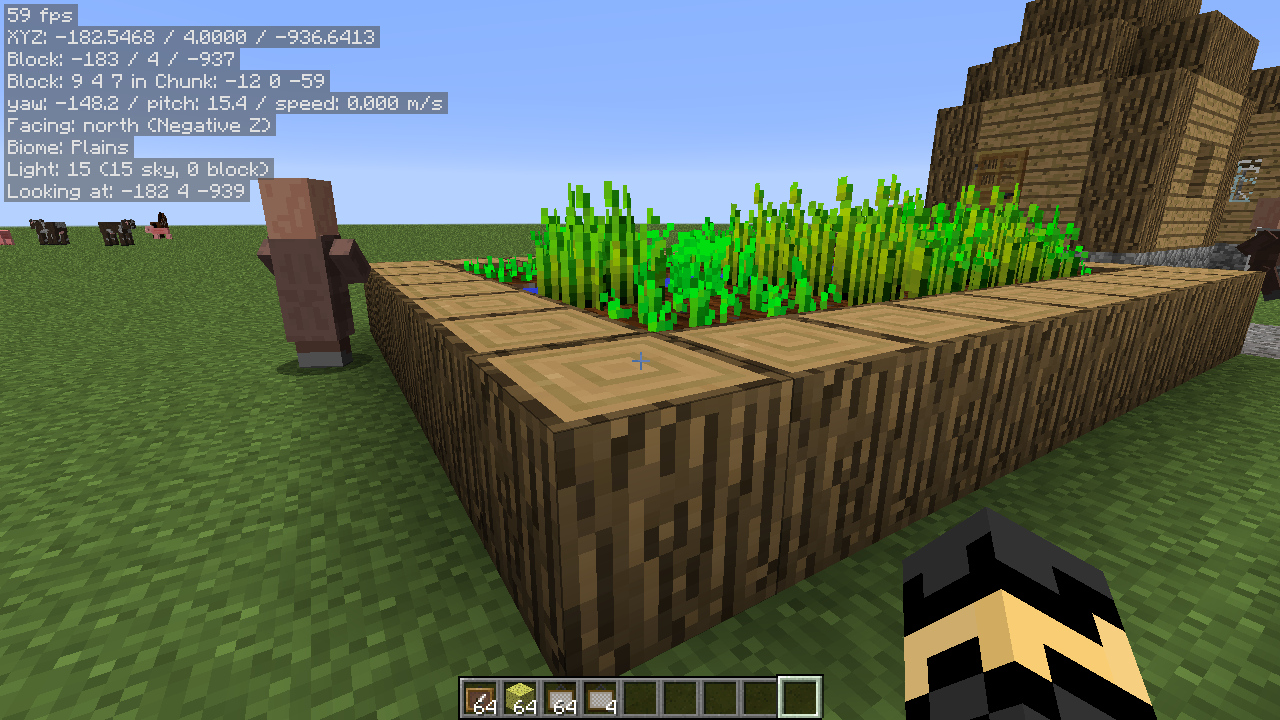
A client-side mod that allows displaying various "info lines" on the screen ("mini-F3"). The alignment (screen corner), background and text color and font size are configurable. Note: This is a client-side-only mod! You can't put it on a server.
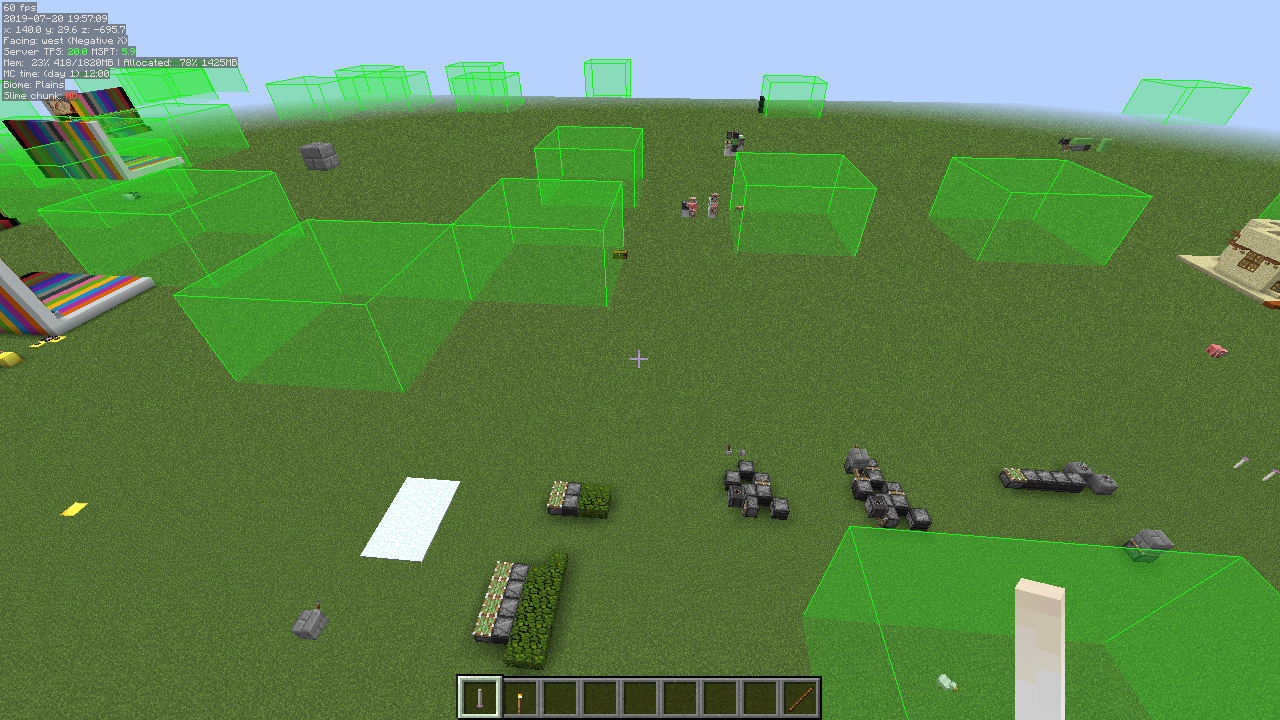
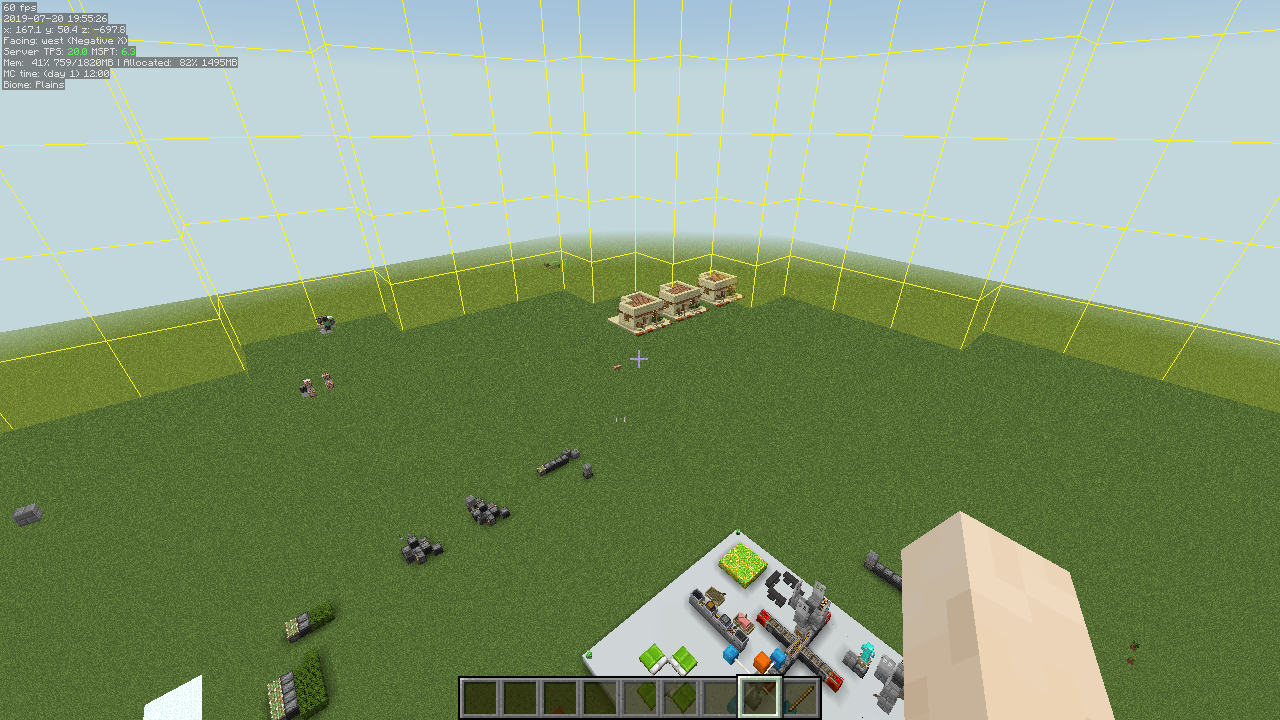
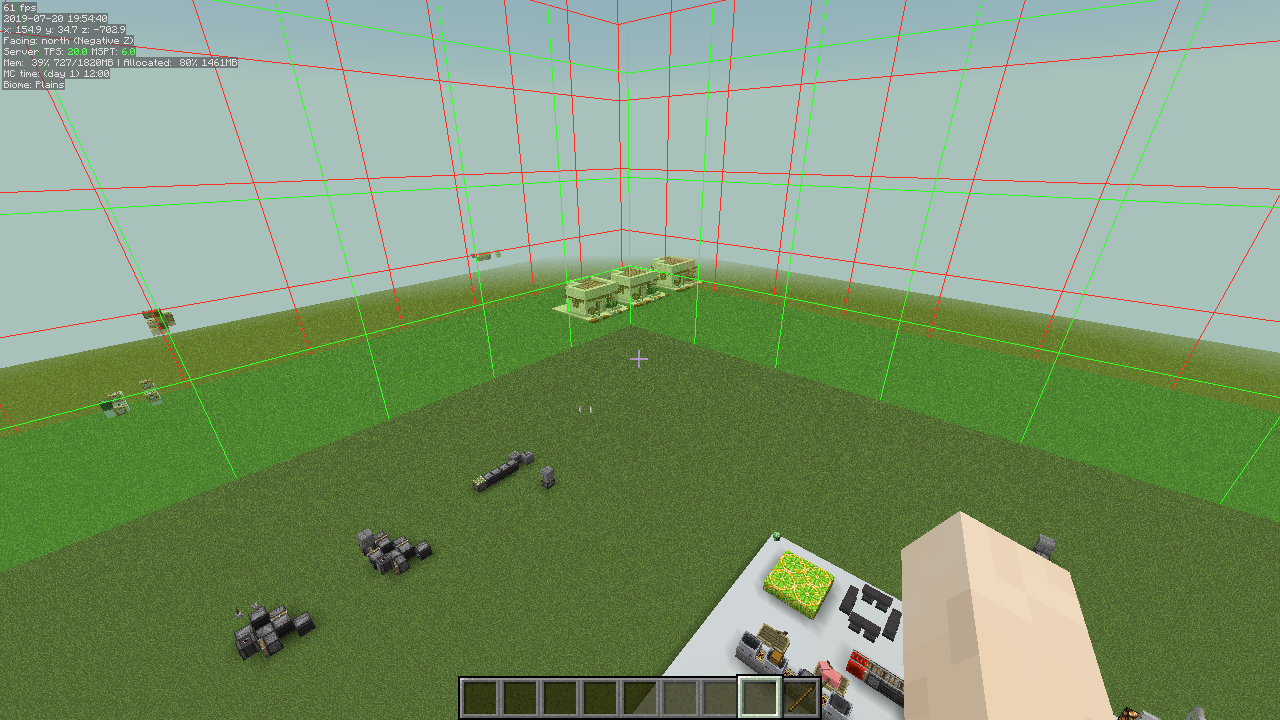
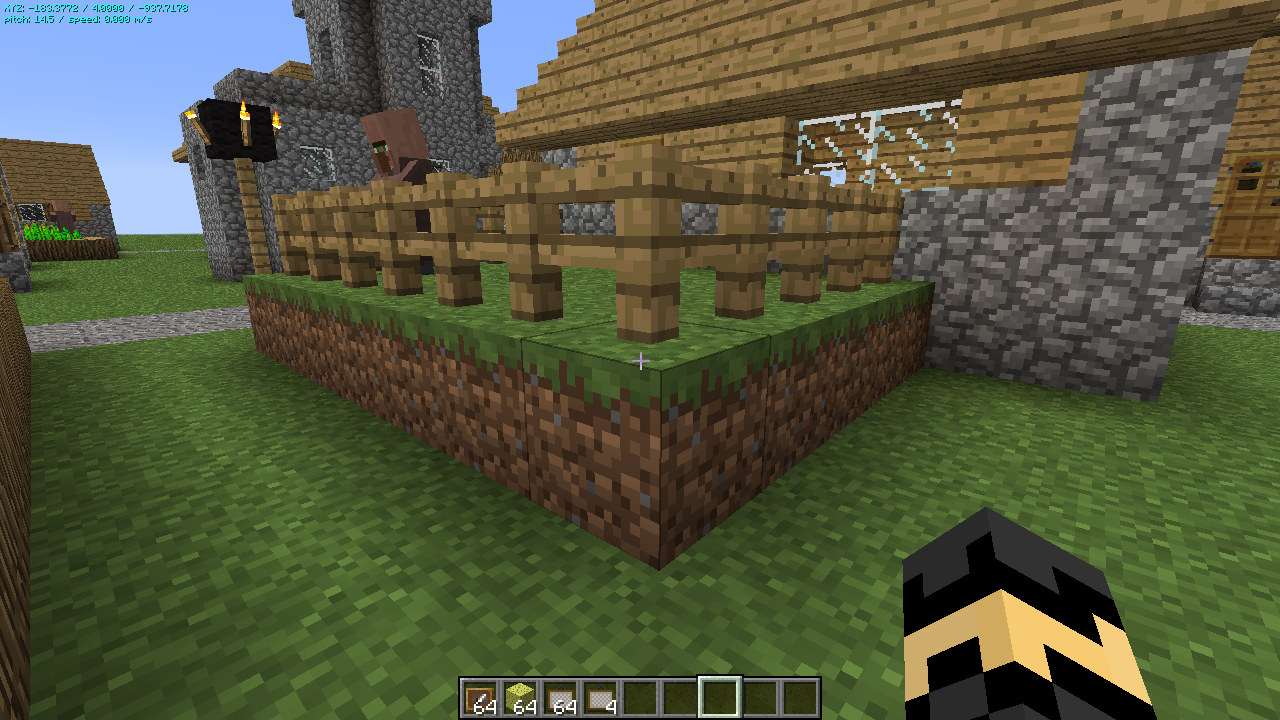
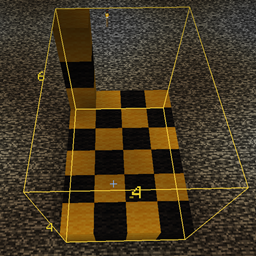
The mod also has various "overlay renderers", such as:
(note that many of these currently are only available in the more recent LiteLoader, Rift and Fabric versions.)
The mod also adds hotkeys for toggling on/off the vanilla debug renderers for blocks collision boxes, heightmap, entity path finding etc.
The displayed information lines can also be toggled on/off with hotkeys, and the HUD itself can be toggled ON and OFF.
Some example screenshots are on the Images page.
NOTE: MiniHUD also requires the MaLiLib library mod.
Be sure to download the correct version of both mods from the Files page!
https://www.curseforge.com/minecraft/mc-mods/malilib
In the current 0.19.0-dev versions for MC 1.16+, there are a bunch of features that are temporarily ported over from the main development version on 1.12.2. Due to it being a temporary port, I didn't bother trying to fix everything that is broken due to there being missing things in malilib, and there is currently also a bug in malilib's Color Edit menu in 1.13.2+ which causes the alpha channel (transparency) to reset to fully opaque when you use the Color Editor menu.
So currently, until the new malilib and other mod updates with the latest code from 1.12.2 can happen, you just have to manually fix the color value after using the color editor. Basically you just need to change the first two letters (after the #) in the hex color code from FF (fully opaque) to something between 30 to 60 or so, and then toggle off/on the overlay or shape in question to update it.
The mod's main rendering toggle key is by default H.
The in-game config menu hotkey is by default H + C.
For the more recent versions of MiniHUD that use malilib, all the hotkeys are in MiniHUD's own in-game config menu, which by default opens with H + C.
For the old Forge versions of the mod, the keybinds can be changed in the vanilla Controls menu.
For the old Forge versions:
NOTE: The information below this is outdated and doesn't include everything that is in the recent LiteLoader, Rift and Fabric versions of the mod.
Look through the in-game config menu to see everything that is available in addition to the things mentioned below.
The following information is currently available:
Starting from version 0.13.0, there is now a region file boundary overlay renderer. The default hotkey to toggle it ON/OFF is Toggle (H) + J.
Note: Starting from version 0.9.0, you can change all these quick toggle keys via the config file or the in-game config menu.
Note: Starting from version 0.11.0, you can change the order of these info lines via the config file or the in-game config menu.
To temporarily (= not saved in the configs) toggle the info types while in-game, do this:
Below are the bit mask values for the different information types. This is now redundant, just use the on/off options in the in-game config menu instead!
These were removed entirely in version 0.11.0.
There are a few things that can be adjusted either via the in-game configuration menu or in the configuration file.
Note: The custom format string for the coordinates has to have three float number format specifiers.
An example of that would be "X: %.1f Y: %.1f Z: %.1f" (without the quotes) to give an output like: X: 1234.2 Y: 64.0 Z: 4321.7.
Starting from mod version 0.12.0, there are hotkeys to toggle ON/OFF the debug renderers that exist in vanilla, but are normally not usable/accessible. The hotkeys for these can be set in the Hotkeys config category. Note: The neighbor updates debug renderer only works in single player.
Note: The pathfinding debug renderer also only works in single player, unless another mod sends the appropriate custom payload vanilla packet from the server, to add the path data to the debug renderer. Currently I'm not aware of any such mods however.
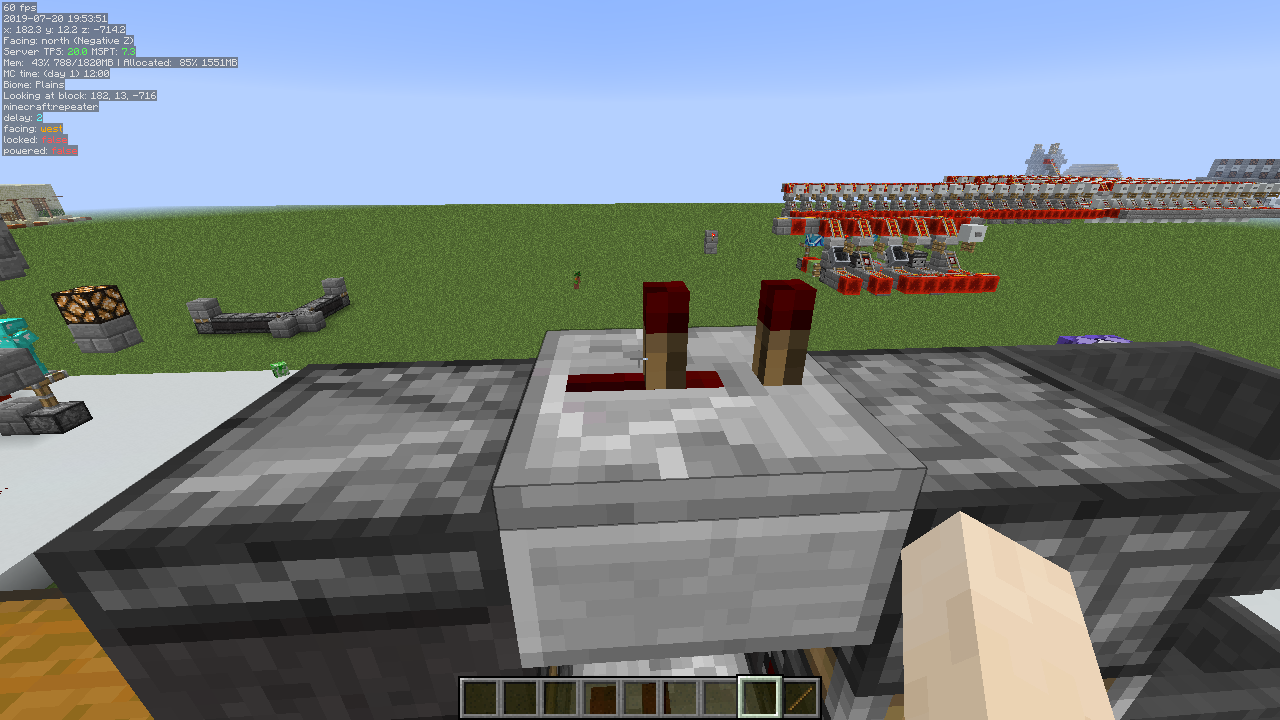
Some example screenshots of the debug renderers: Collision boxes: 
Height map: 
Neighbor updates: 
Pathfinding: 
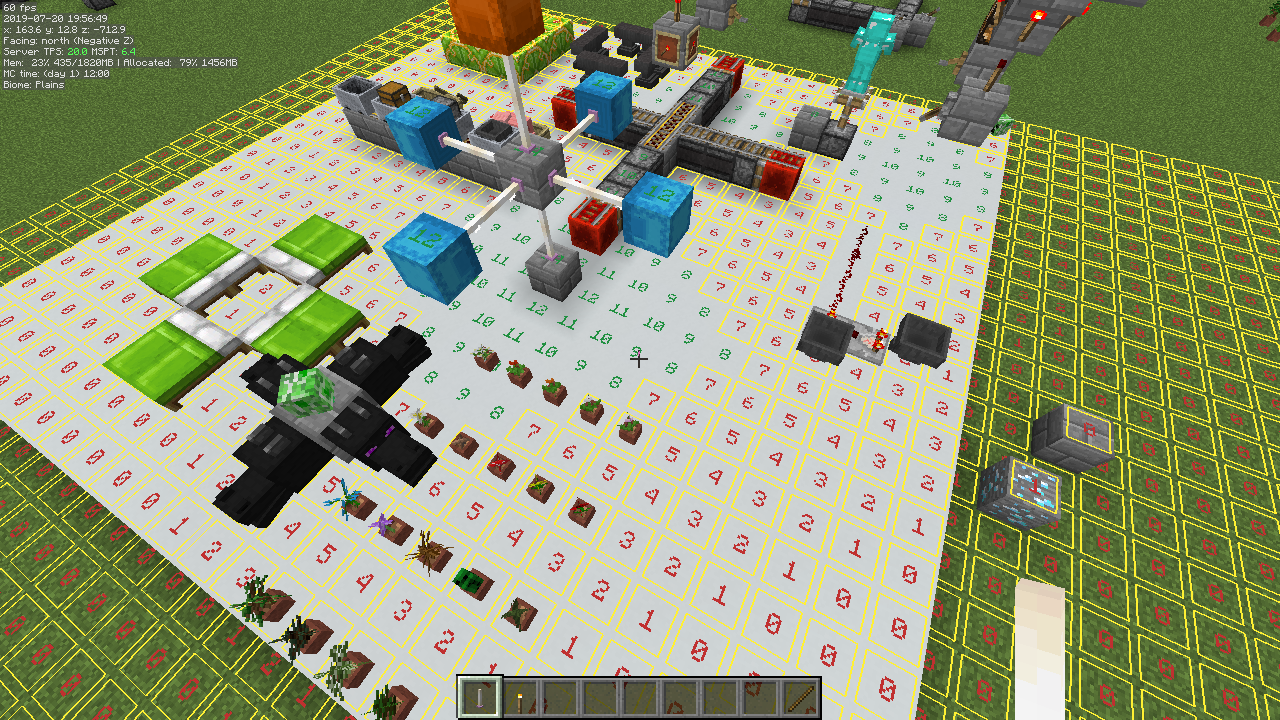
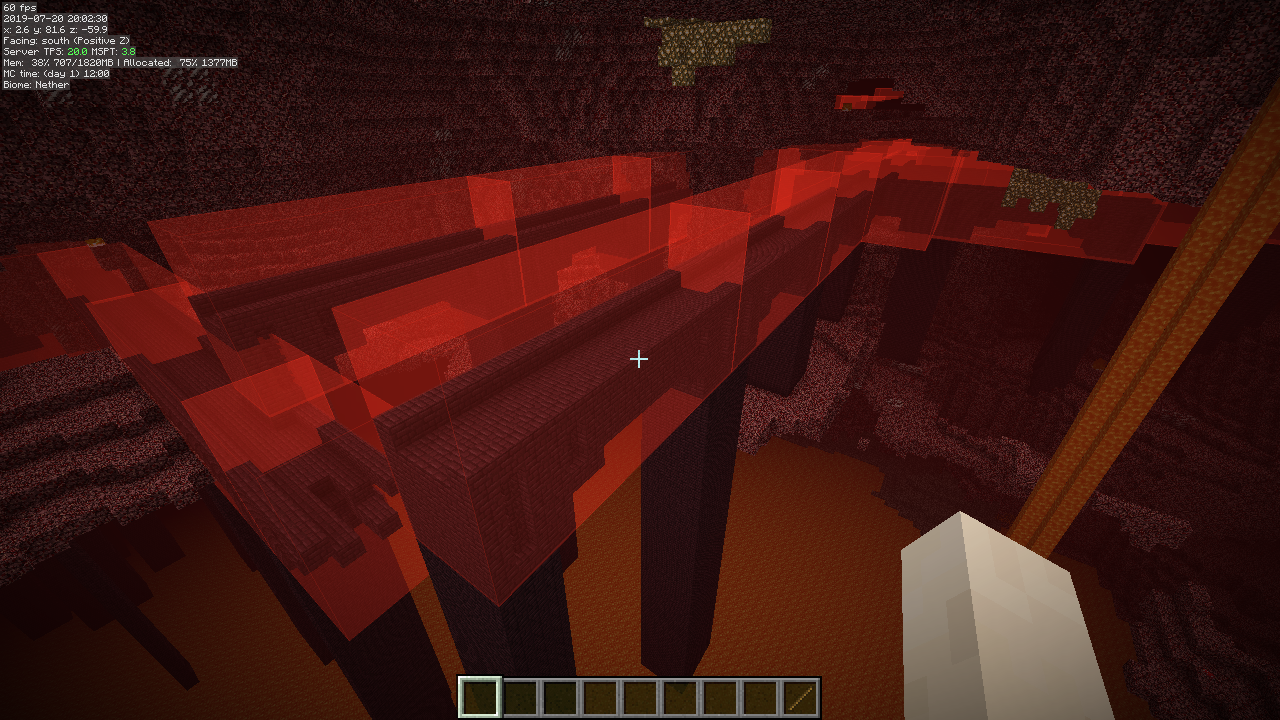
Solid block faces: 
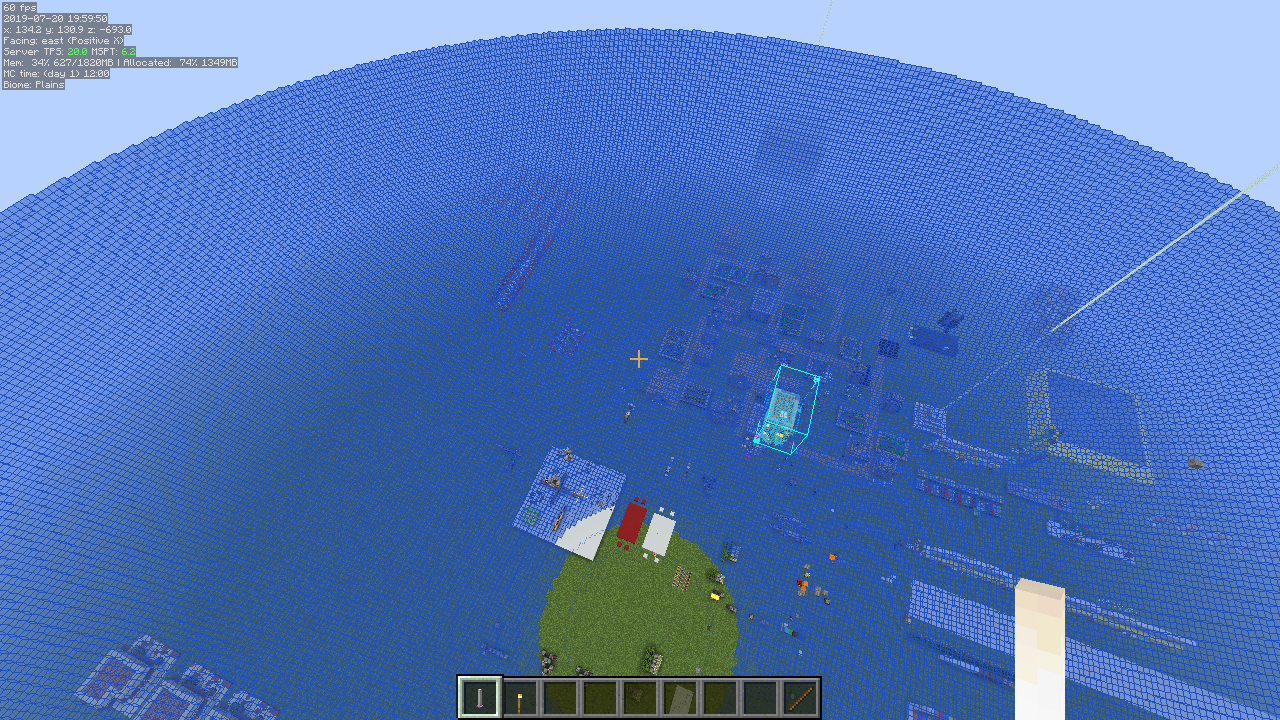
Water: 
There are (at least at times) versions of my mods available for the latest Minecraft snapshots here: https://masa.dy.fi/mcmods/client_mods/
That page also sometimes includes newer development builds than what is available here on CurseForge.
If you encounter bugs, then try to update all the mods (from the ones that you use) from that page to see if the issue has been fixed already.
(There are at times changes in malilib or the mods that require both of them to be updated at the same time!)
If you have questions or need help with something, the best/fastest way to get answers is on my Discord server.