Mineuniverse
Resource Packs
Minecraft unOfficial Recipe Experiments

Minecraft unOfficial Recipe Experiments

RESOURCE PACK
Minecraft unOfficial experimental extra recipes data pack.
by Holazas
Download Claim this project
65 downloads
0 likes
Updated Oct 14, 2026
0 hypes
16x Miscellaneous Traditional
Advertisement Remove ads with Premium →

Minecraft's unOfficial Recipes Experiments

This datapack provides experimental recipes changes to Minecraft.

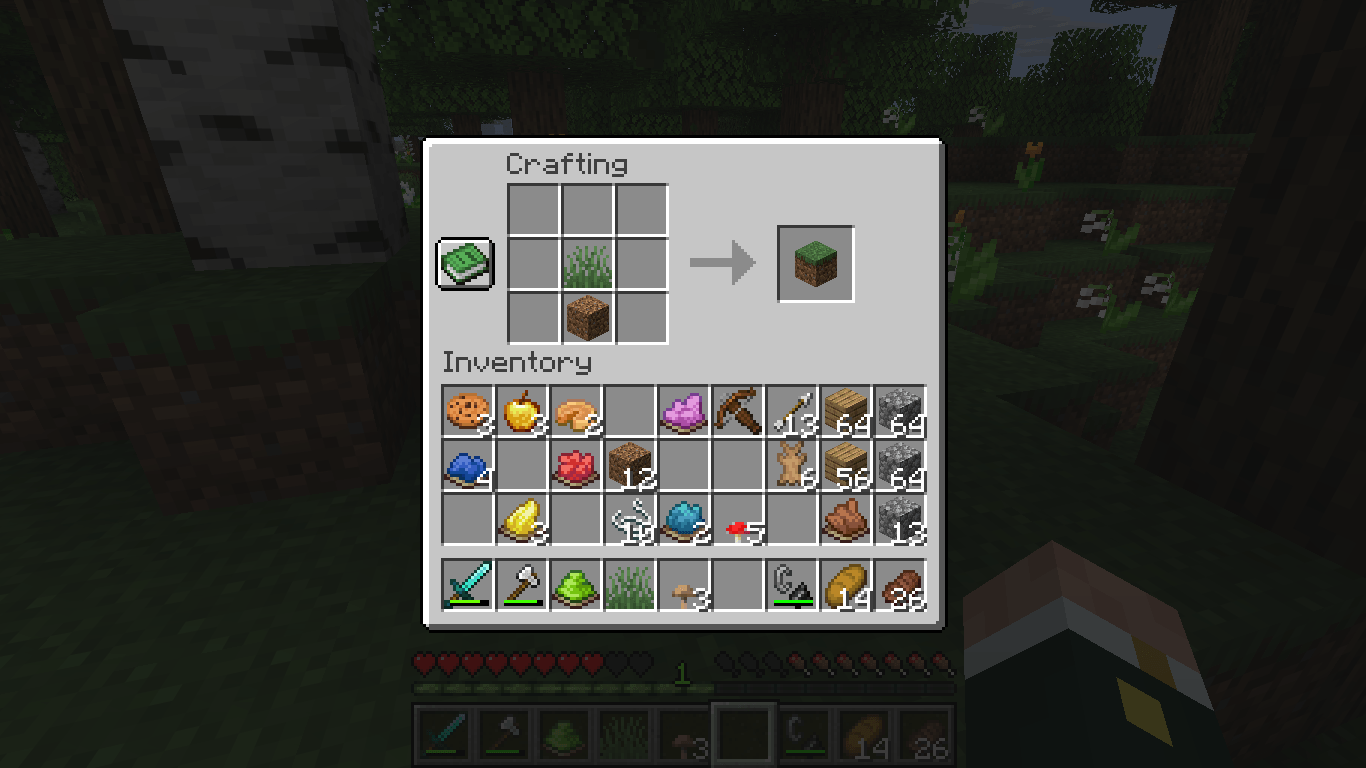
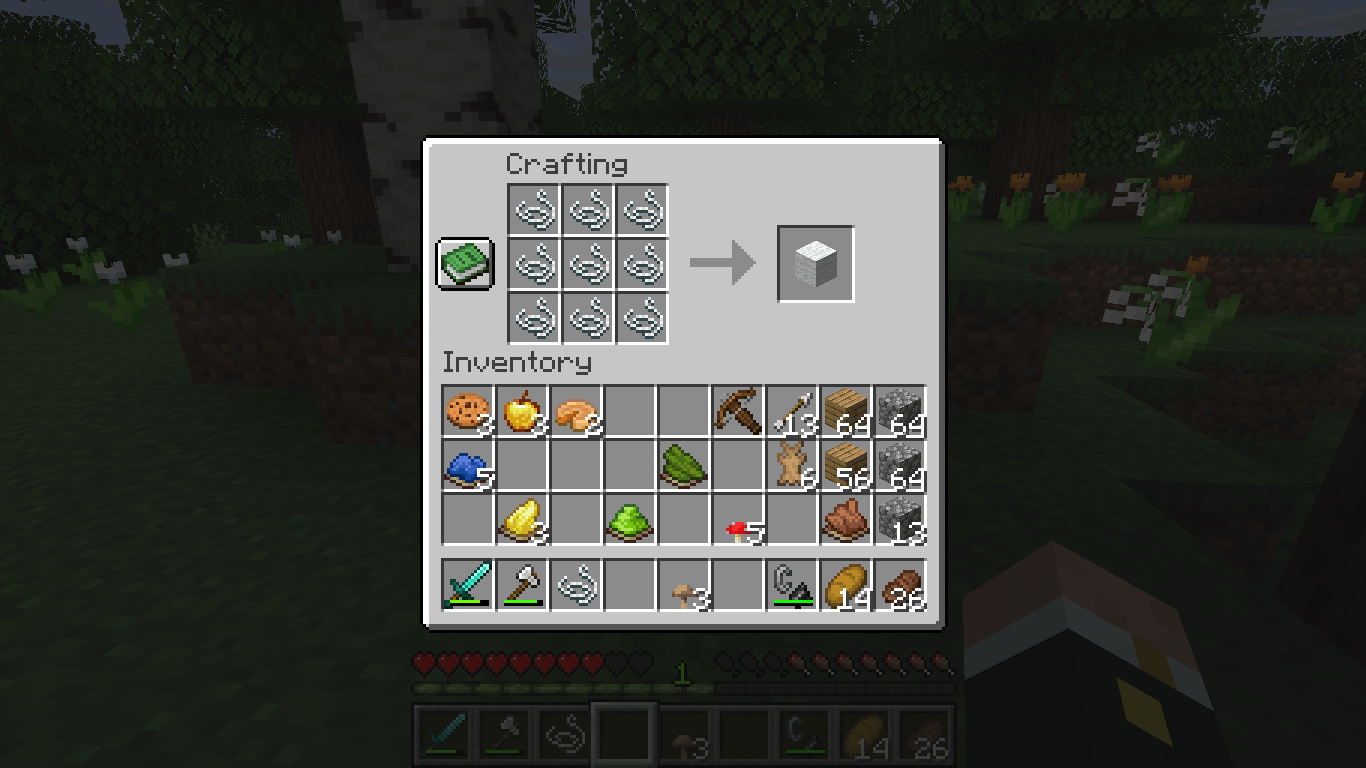
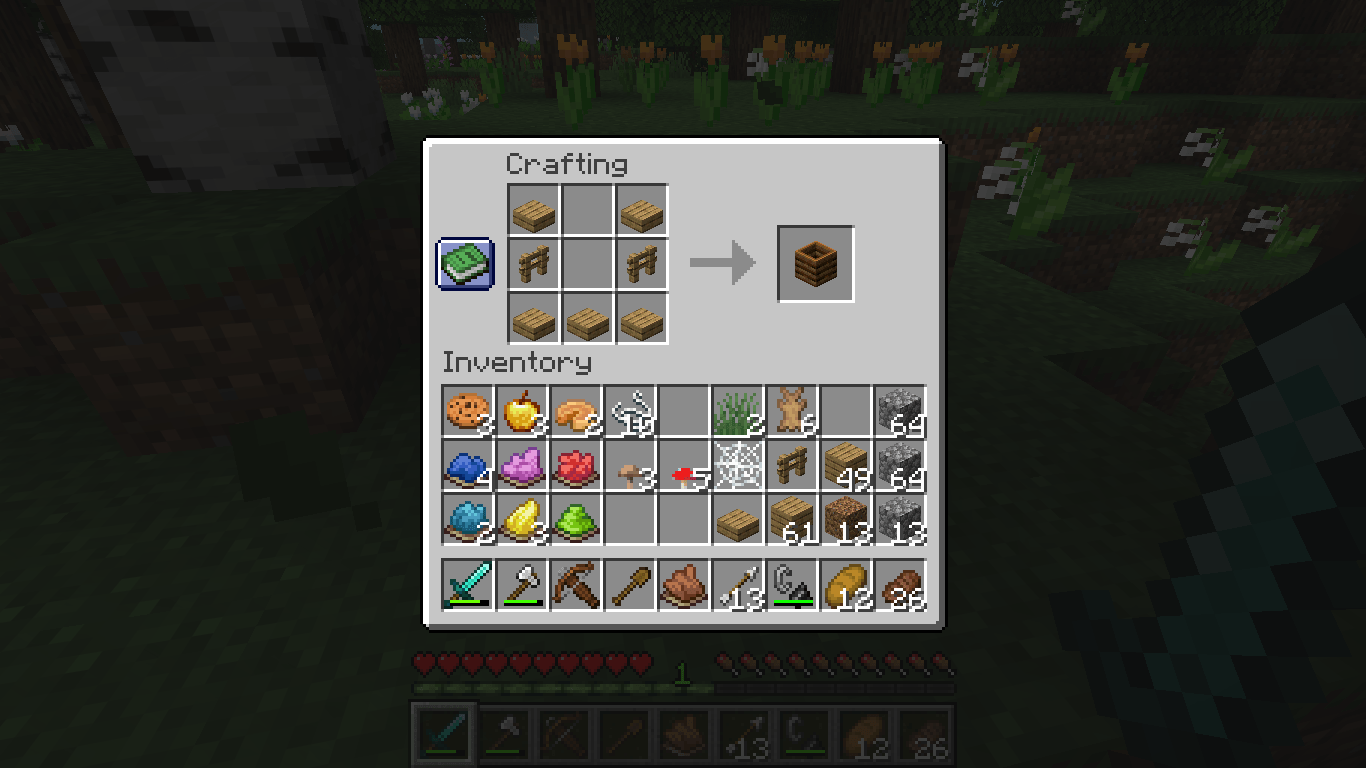
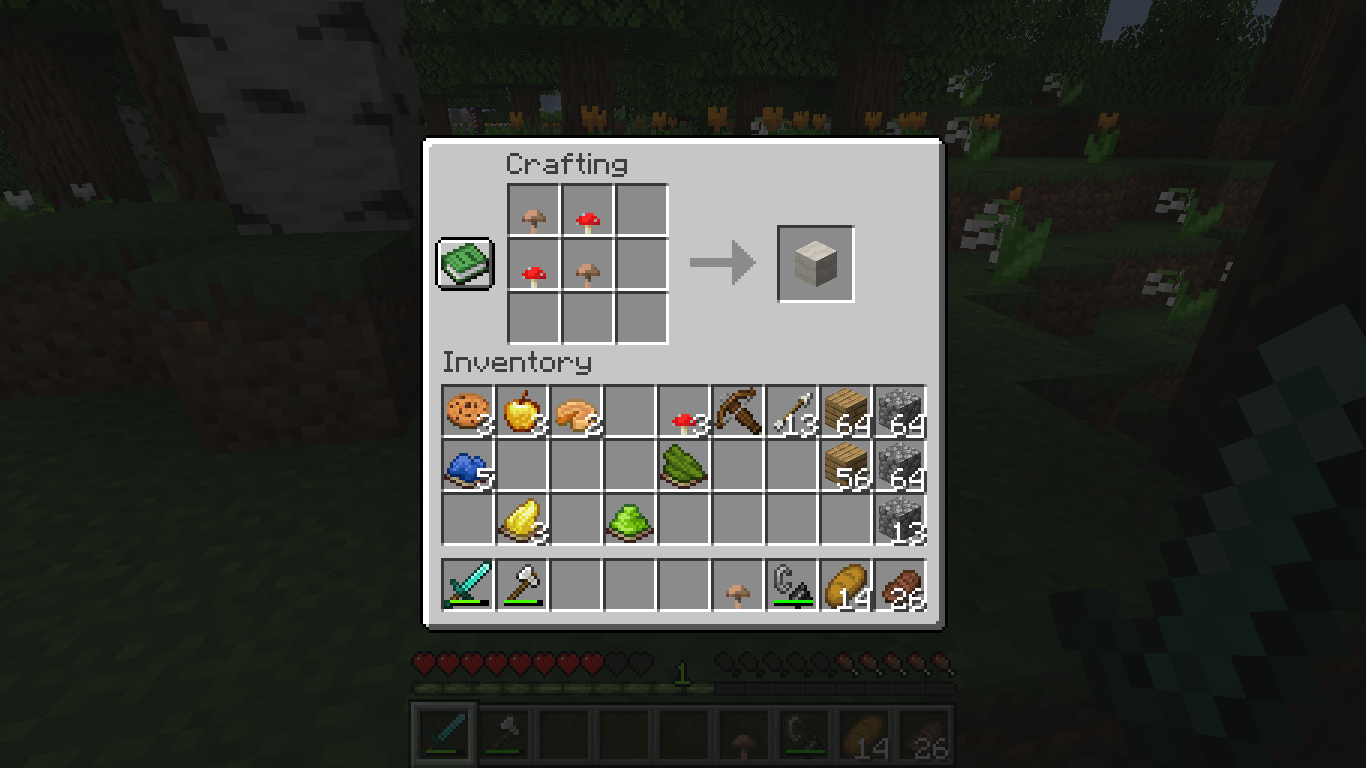
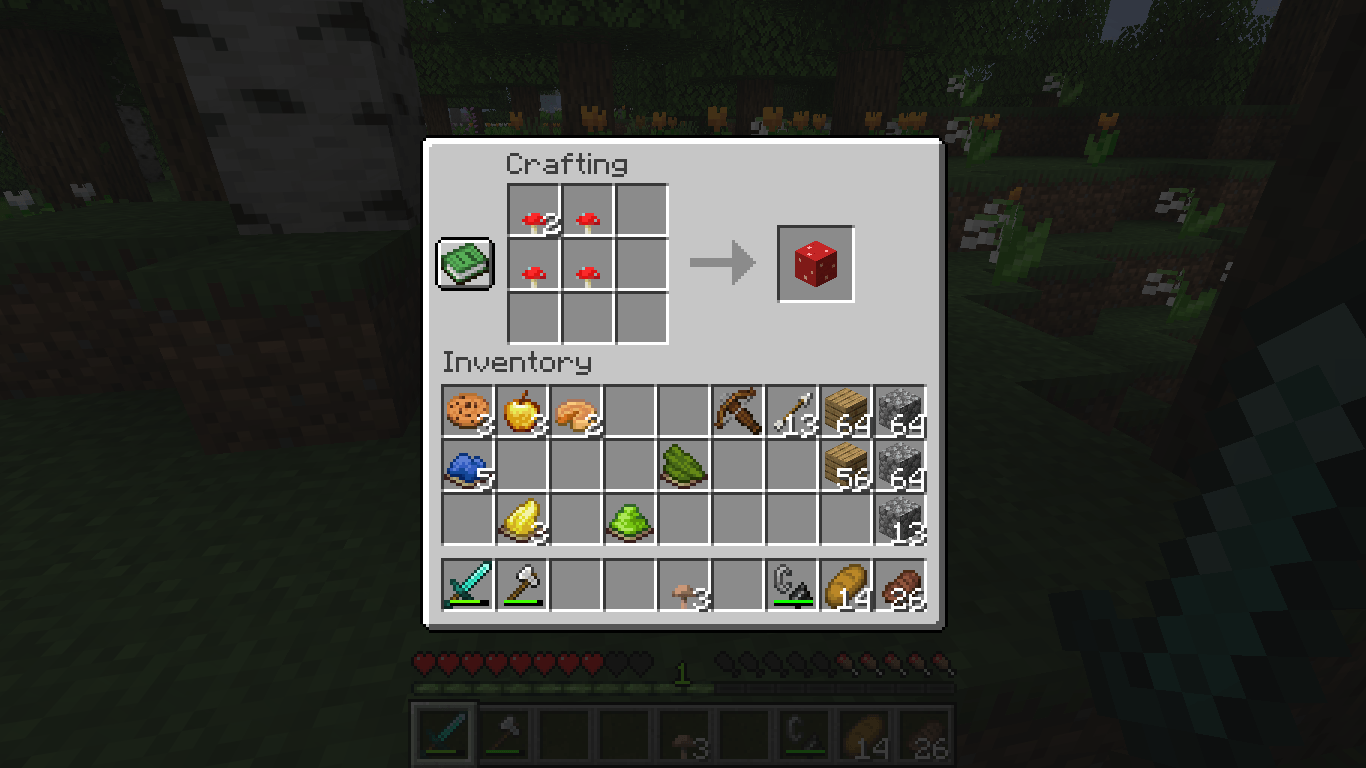
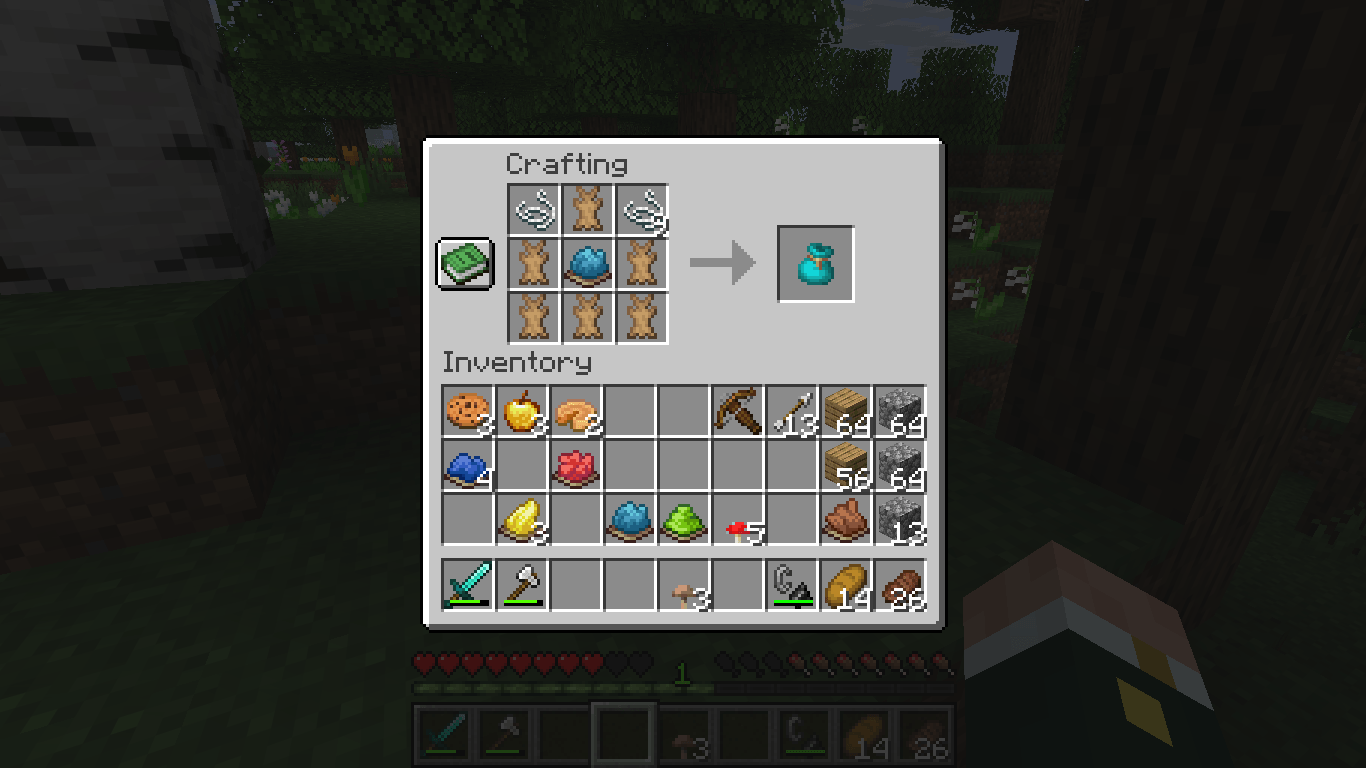
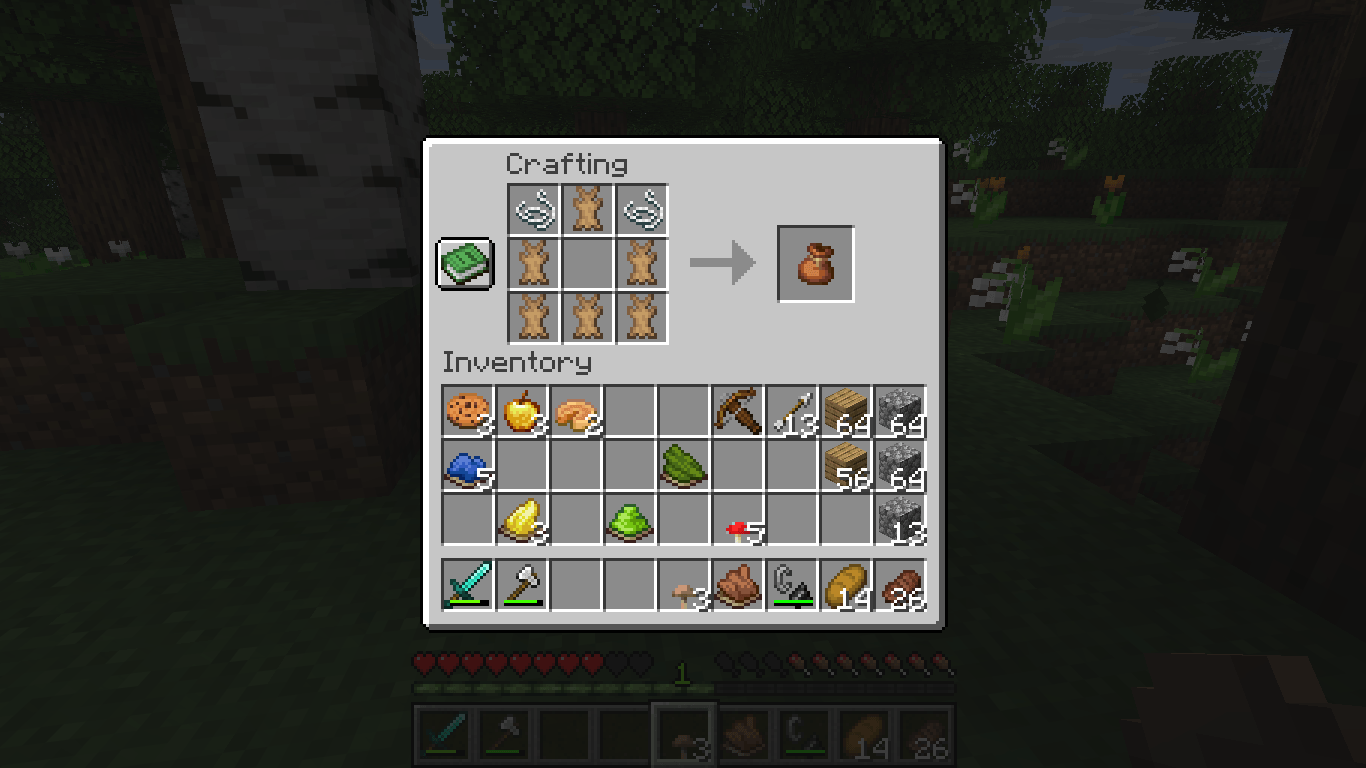
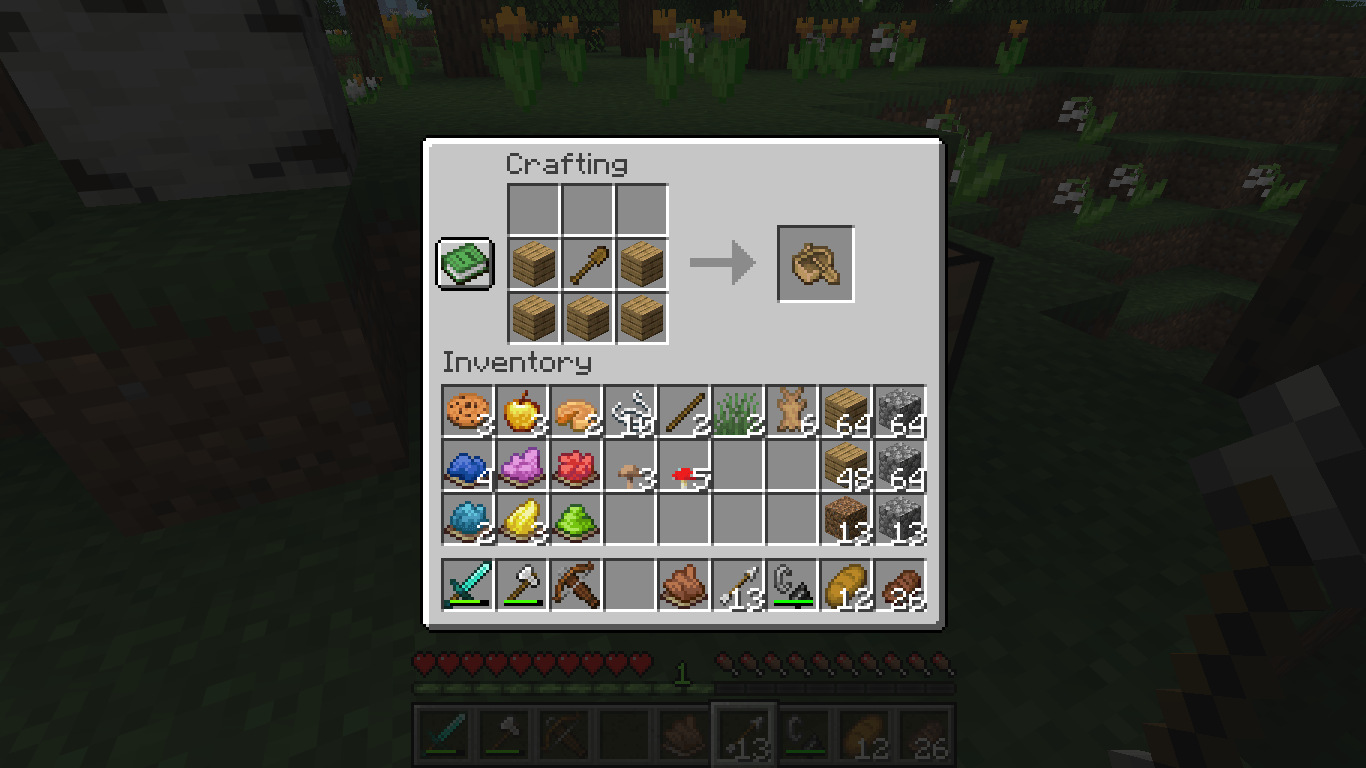
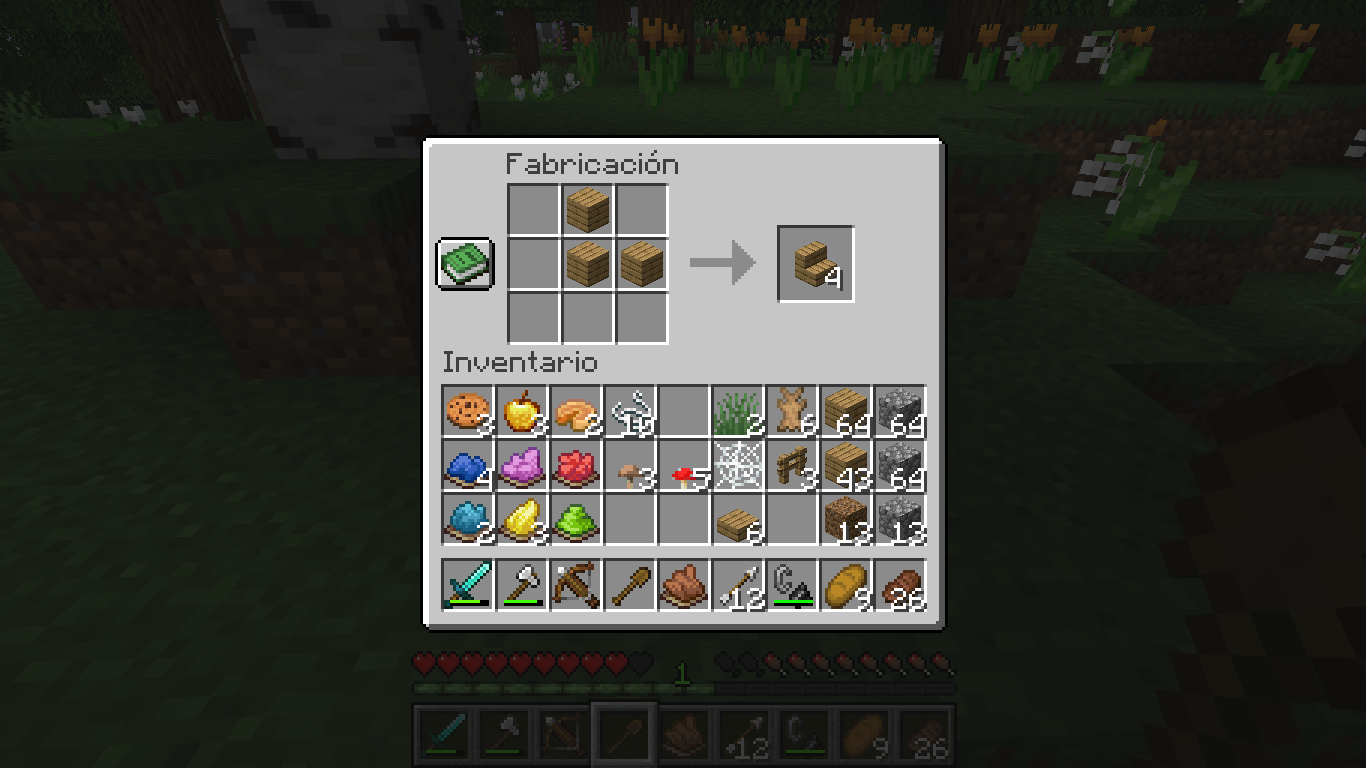
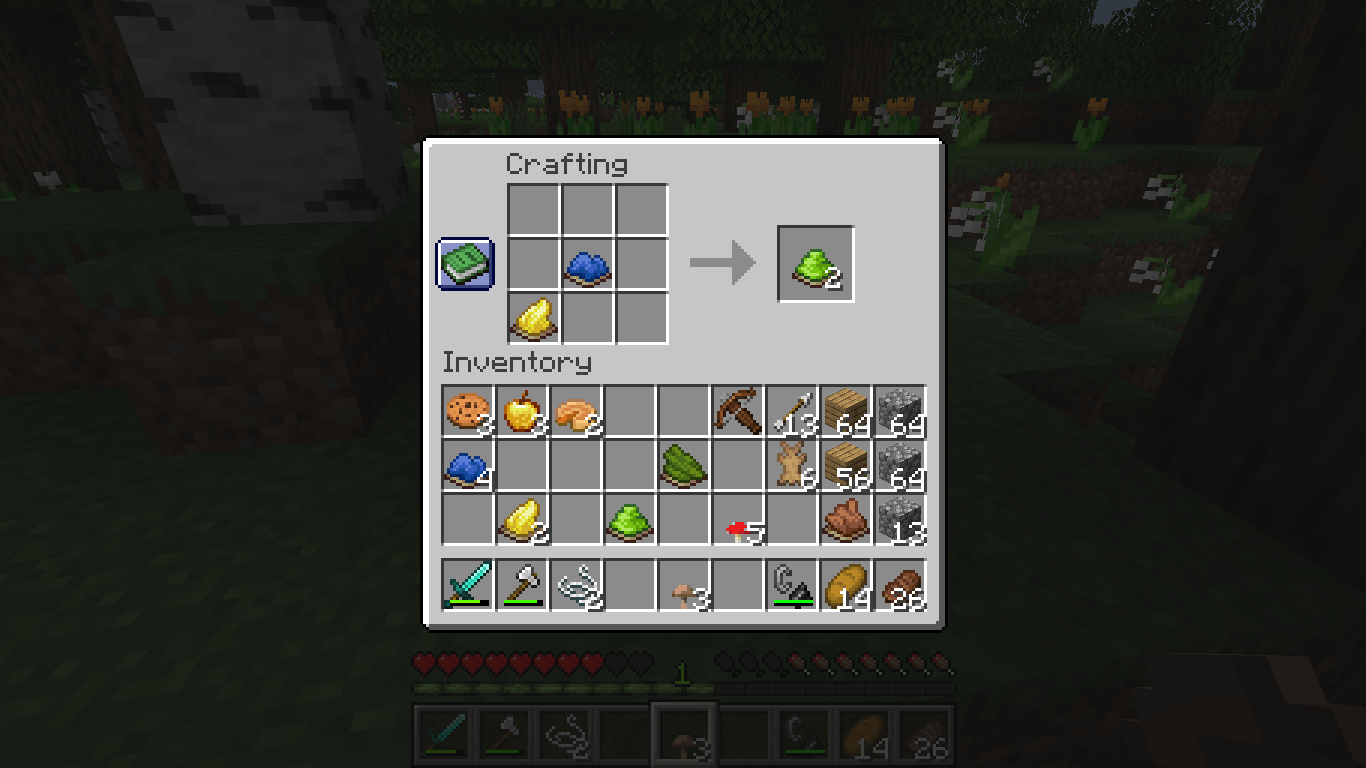
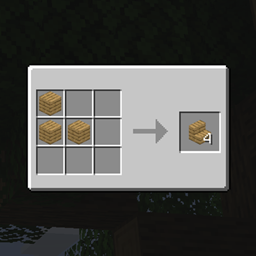
One of the most forgotten features of Minecraft makes an unexpected return to the eyes of the public: The Minecraft Experiments now receive a unOfficial addition with the Recipes Experiment data pack, like an alternative recipe for the Lime Dye, by combining yellow and blue dyes, or a brand new recipe for the Grass Block. This awesome pack also modifies existing recipes, giving every Stairs recipe the correct amount per used block, or bringing back the old recipe of the forgotten Bundle, for all of his dyes variants.

This data pack belongs to the Minecraft unOfficial Project.


License

This project is licensed under the GNU General Public License (GPL).

You are free to use, copy, modify, and distribute this project. However, if you distribute modified versions, you must also release the source code and keep the same GPL license.

This ensures that the project and all its derivatives remain free and open for everyone.

Extra Clause: Minecraft developers are allowed to use these resources if they intend to implement them natively in the game.

ver1,3
MC 1.21.2-Snapshot, 1.21, 1.21.6-snapshot, 1.20.5-Snapshot, 1.21.1-Snapshot, 1.20.2, 1.21.8, 1.20.5, 1.21.5, 1.21.4, 1.21.5-Snapshot, 1.20.6, 1.21.1, 1.21.6, 1.21.3, 1.21.7, 1.20.4
Release 2026-07-03 Get

Requirements & install

How to use this resource pack in Minecraft
Resolution
16x
Minecraft
1.21.3 – 1.21.8
Install folder
.minecraft/resourcepacks

How to install resource packs

  1. Download the resource pack .zip file (do not extract it).
  2. In Minecraft open Options → Resource Packs → Open Pack Folder.
  3. Drop the .zip into the resourcepacks folder (.minecraft/resourcepacks).
  4. Move the pack to the Selected column and click Done.
Browse more: 16x resource packs 32x resource packs 64x resource packs 128x resource packs 256x resource packs 512x+ resource packs Resource Packs for 1.21.8 All resource packs

More from Holazas

Advertisement Remove ads with Premium →

You Might Also Like