Manage LuckPerms roles with an in-game GUI — and show animated prefixes over the head, in the Tab and in chat.
Forge • Minecraft 1.20.1 • Requires LuckPerms 5.4+ • Server (client optional for animations)
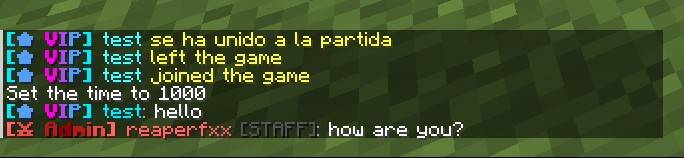
LuckPerms GUI & NameTags gives LuckPerms a visual, in-game admin interface and finally shows the player's role over the head, in the Tab list and in chat — with smooth animations (rainbow, moving gradient, pulse, glow). Create and edit groups, design prefixes/suffixes with a color palette and live preview, and assign players to roles — all without typing a single command.
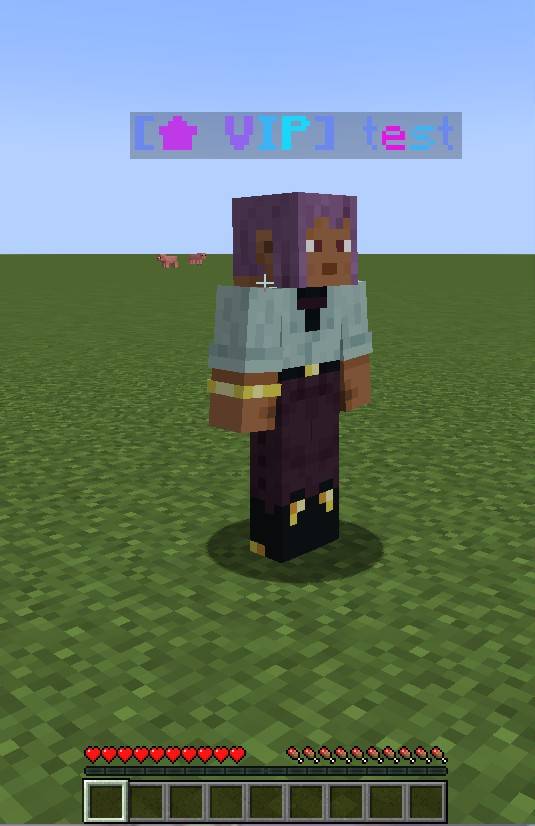
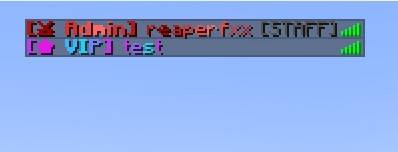
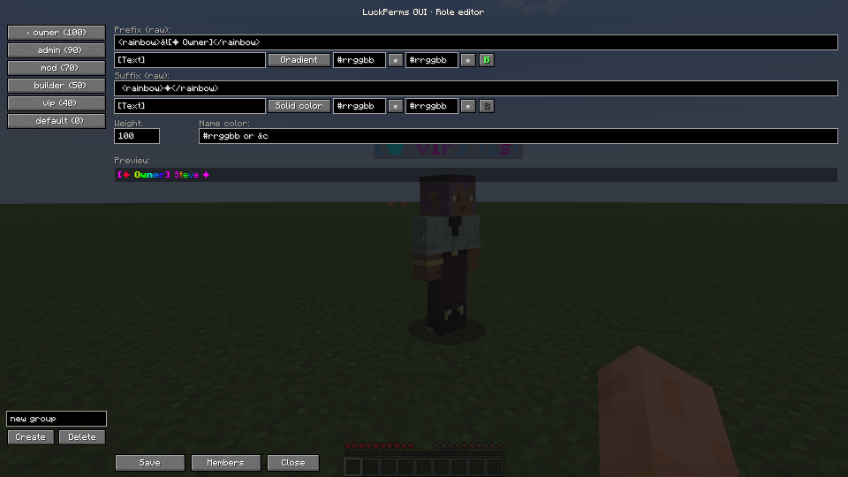
Open the editor with /luckpermsgui gui (or /lpgui), a configurable key, or the ⚙ Roles button in the inventory and the Esc menu (OP only). Pick a group on the left and edit its prefix and suffix in two compact blocks: type the text, choose an animation, pick colors from the palette and toggle bold — the preview animates live as you type. Advanced users can edit the raw tag string directly.
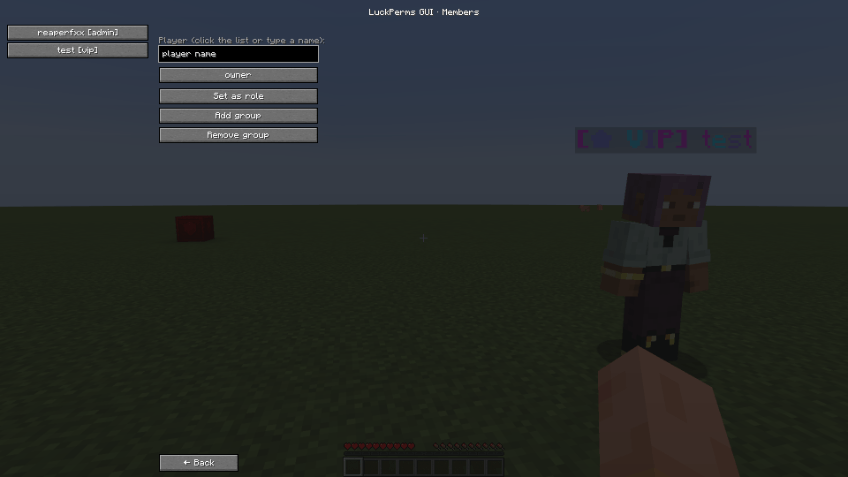
In the Members tab, click an online player (or type any username, even offline) and choose a group: Set as role (primary group), Add group or Remove group. Changes are written straight to LuckPerms.
Prefixes and suffixes support legacy codes, hex colors, gradients and animated tags. Animated effects move on clients that have the mod; vanilla clients see a static snapshot.
| Effect | Tag / code | Animated |
|---|---|---|
| Legacy / hex color | &c &#ff8800 <#ff8800> | — |
| Gradient (static) | <gradient:#ff0000:#00ff00>...</gradient> | — |
| Rainbow | <rainbow>...</rainbow> | yes |
| Moving gradient | <flow:#00ffff:#ff00ff>...</flow> | yes |
| Pulse | <pulse:#2ecc71:#16a085>...</pulse> | yes |
| Glow wave | <wave:#f1c40f>...</wave> | yes |
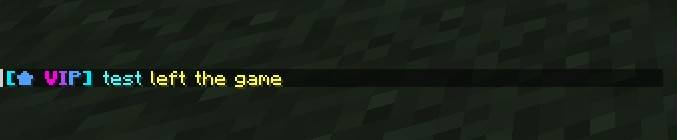
Join and leave messages also show the player's role with its colors.

Note: if you run another chat-formatting mod, set chat.chatEnabled = false in the config to avoid double chat.
LuckPerms (Forge) is required — install it on the server:
🔗 LuckPerms on CurseForge