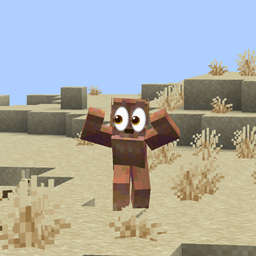
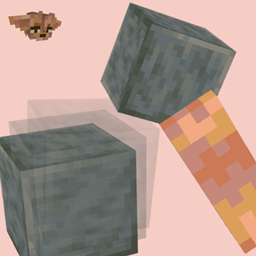
A survival-friendly implementation of the ability to view block history via a new item — the magnifying glass.
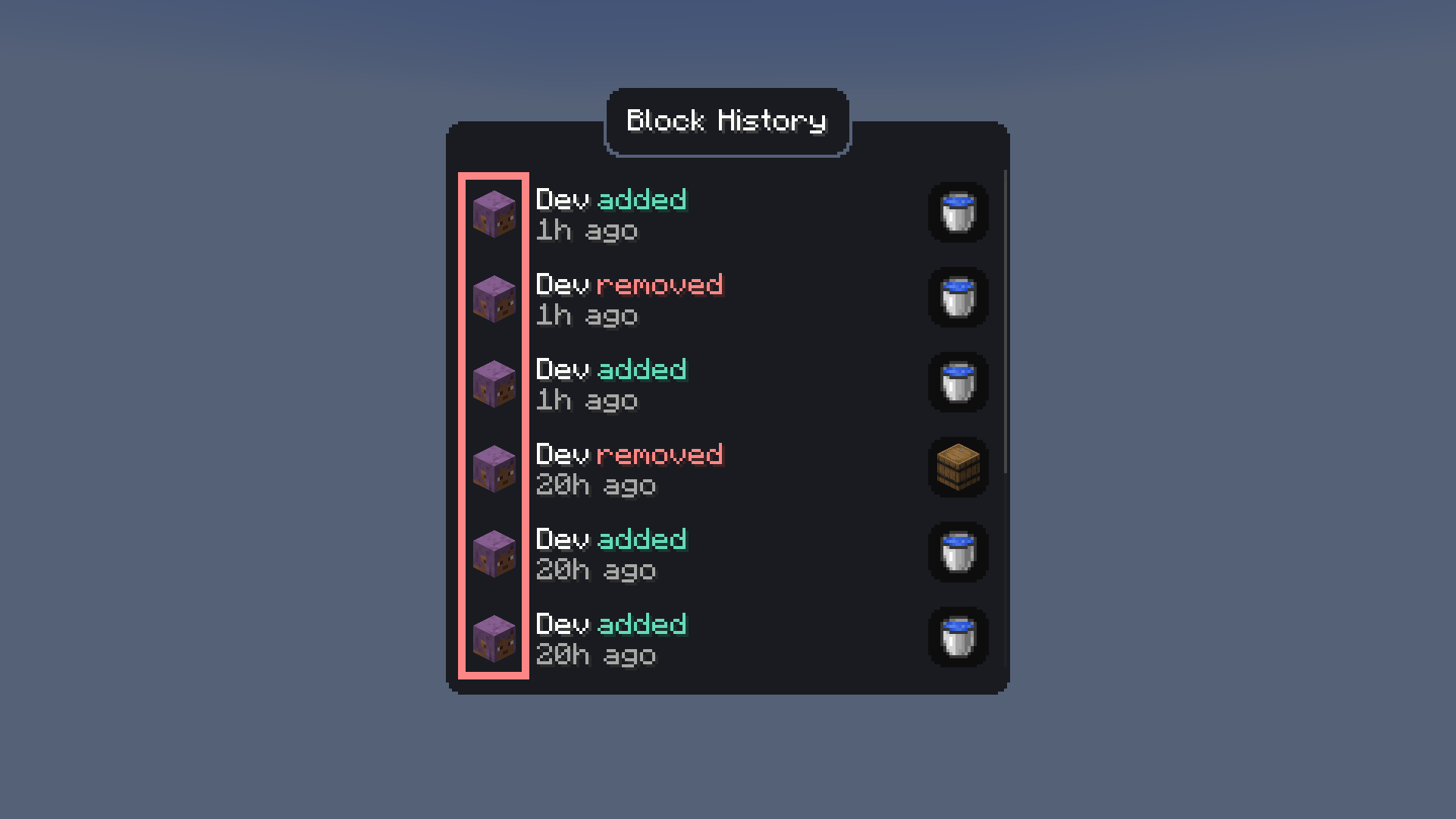
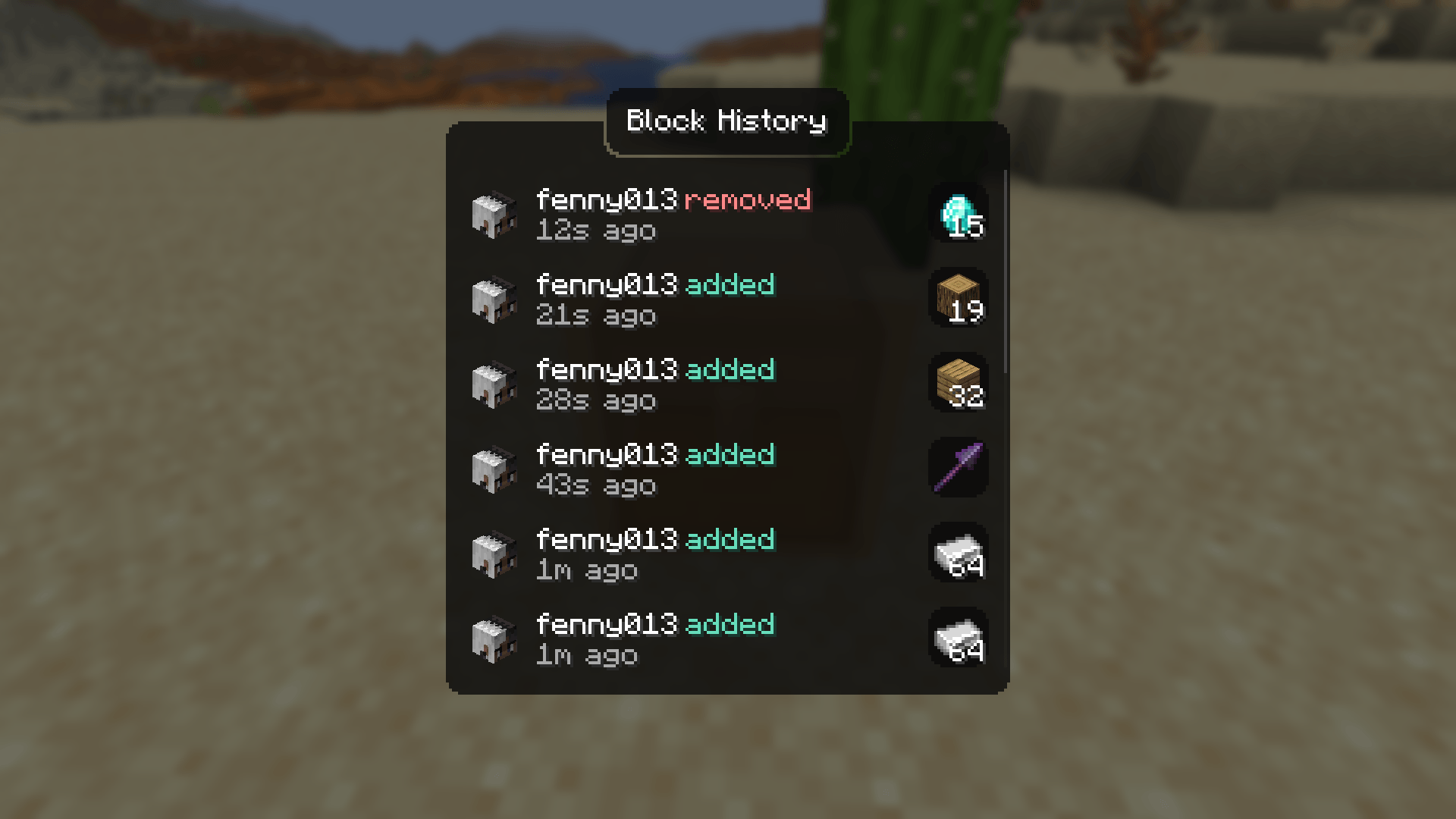
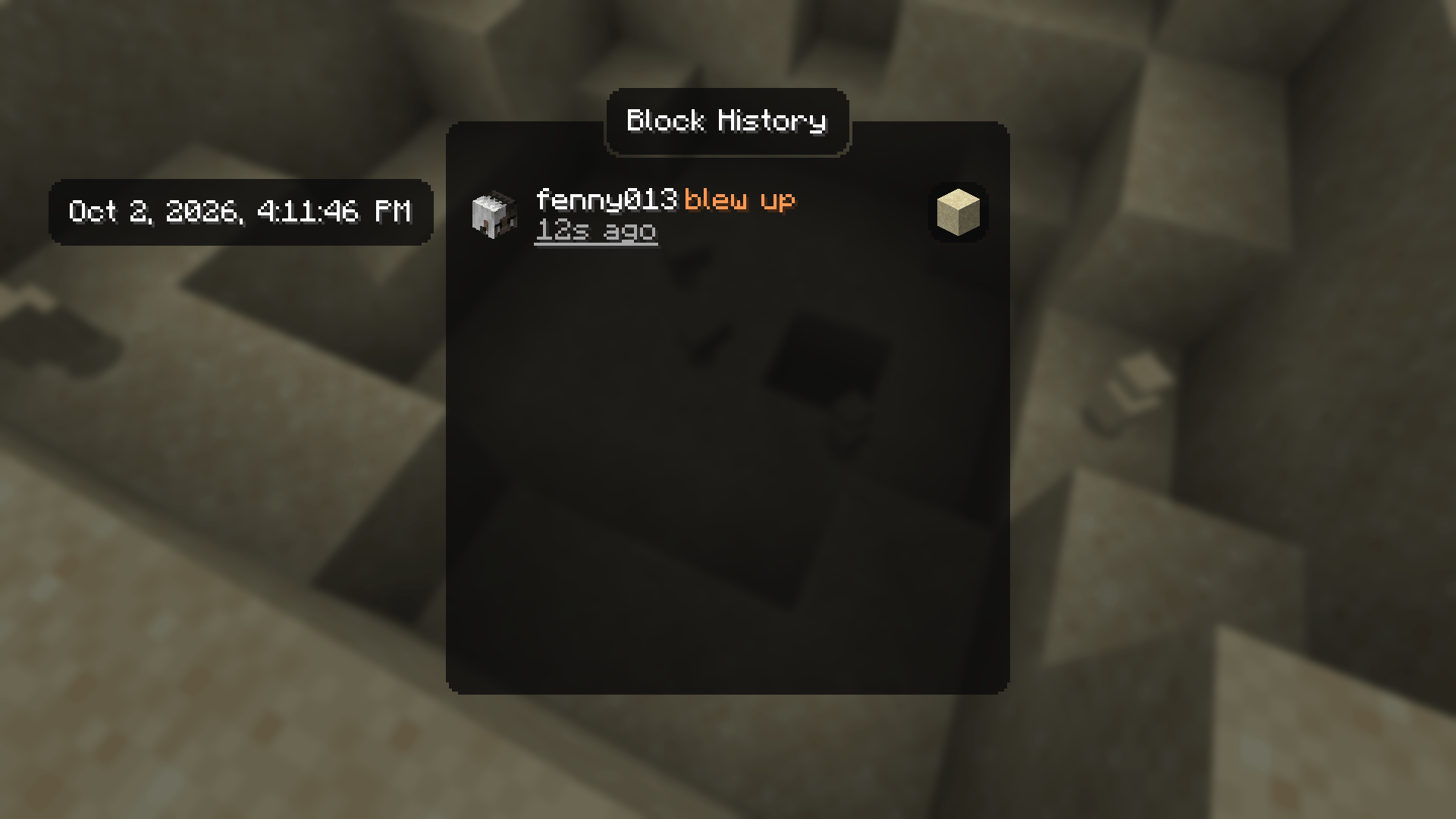
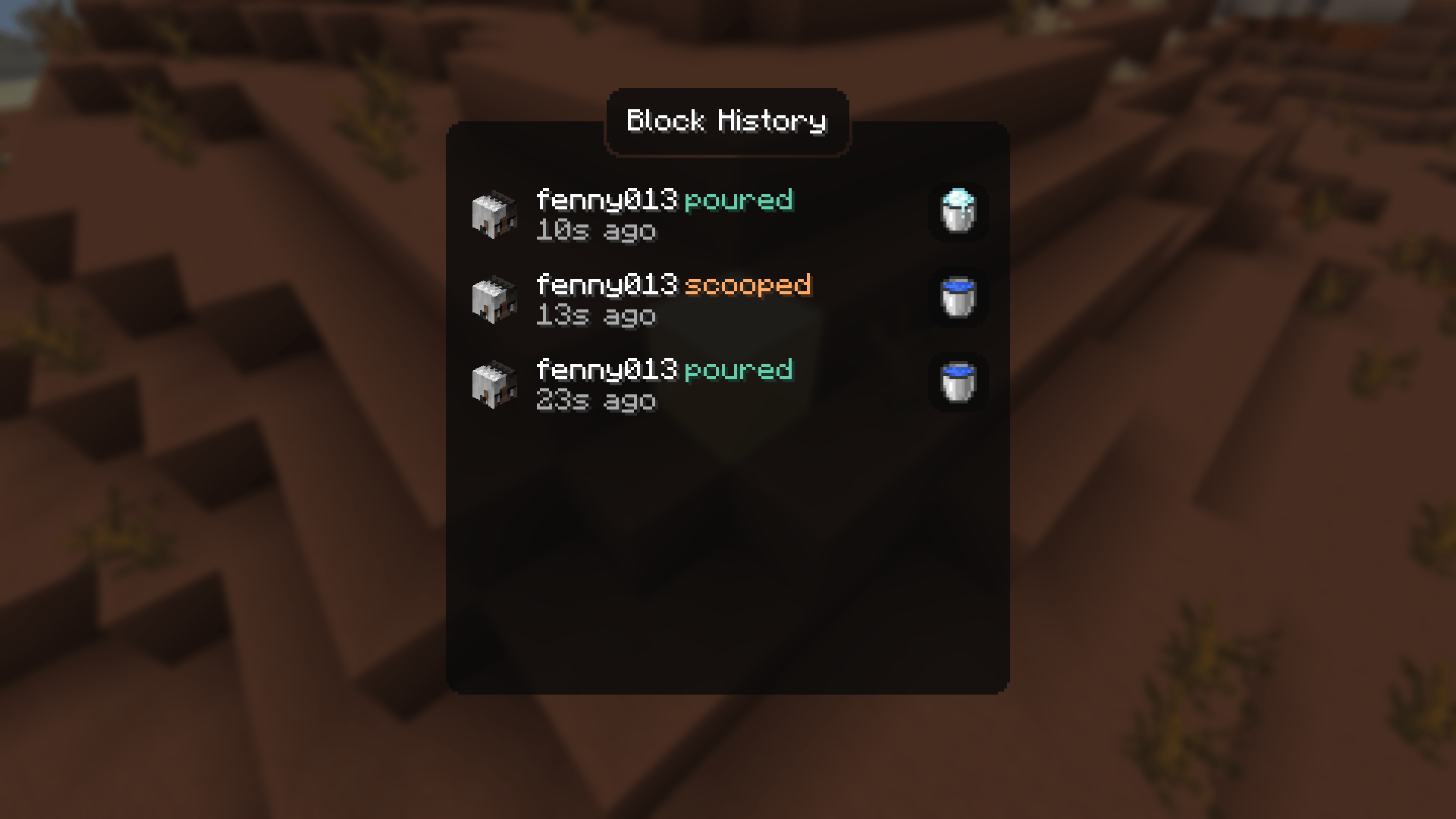
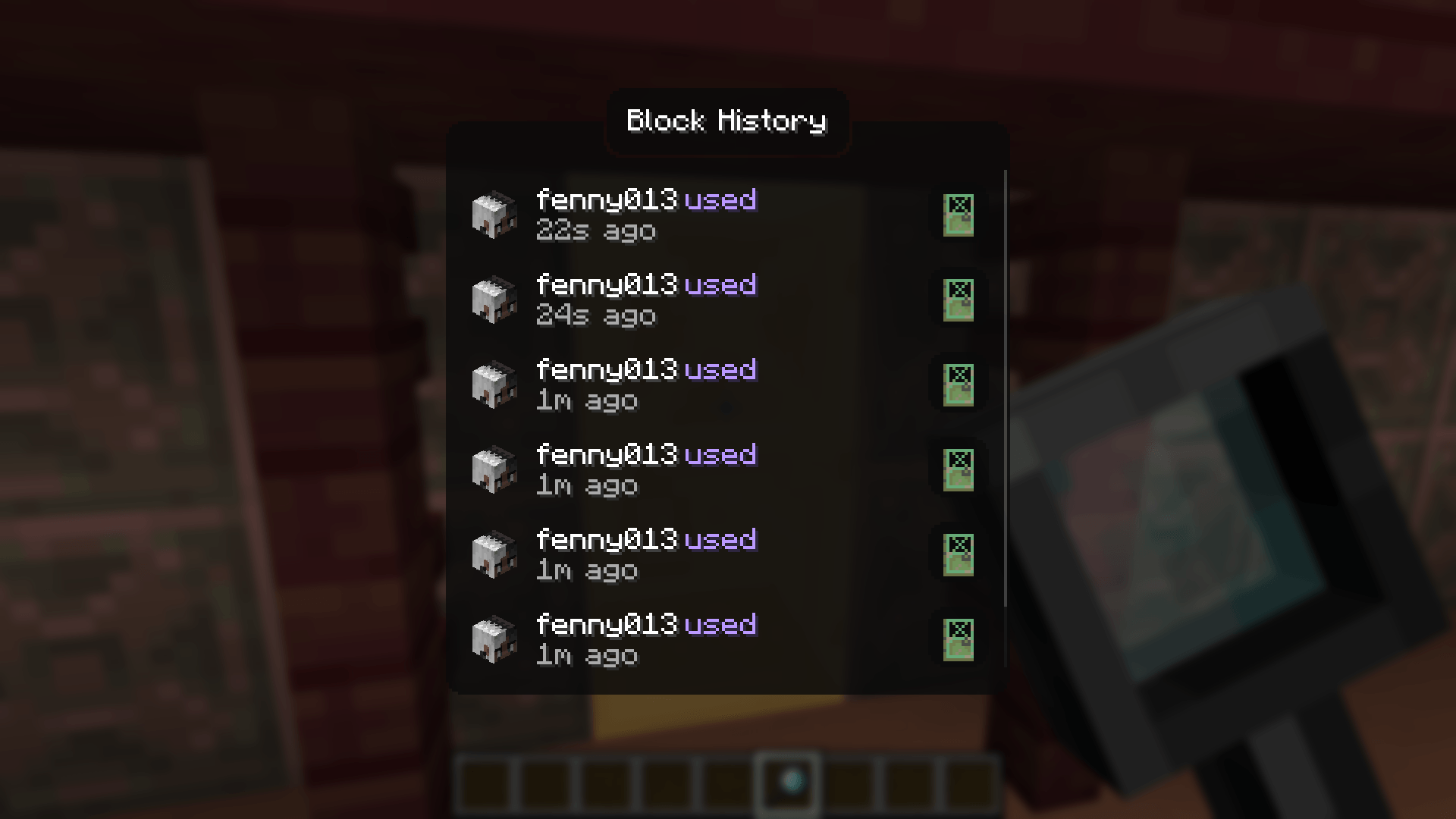
Every block break, place, container transaction, entity kill, redstone interaction, and explosion is logged to a SQLite database with full player attribution. Right-click any block with the magnifier to open a GUI showing its complete history, including player heads, item icons, and relative timestamps.

Features
- Magnifier Item - craftable tool (256 durability) for inspecting block history at a glance
- Block Event Logging - breaks, places, fluid changes with player, position, and timestamp
- Container Diffing - snapshots container contents on open/close, logs individual item additions and removals with full NBT data (enchantments, lore, etc.)
- Entity Kill Logging - tracks entity kills by players
- Redstone Interaction Logging - button, lever, door, trapdoor, pressure plate, note block, fence gate, repeater, comparator usage
- Anvil Tracking - logs anvil use and breakage
- Explosion Logging - logs every block destroyed by player-caused explosions
- History GUI - custom screen with player heads, item icons, color-coded actions, relative timestamps, and full tooltips on hover
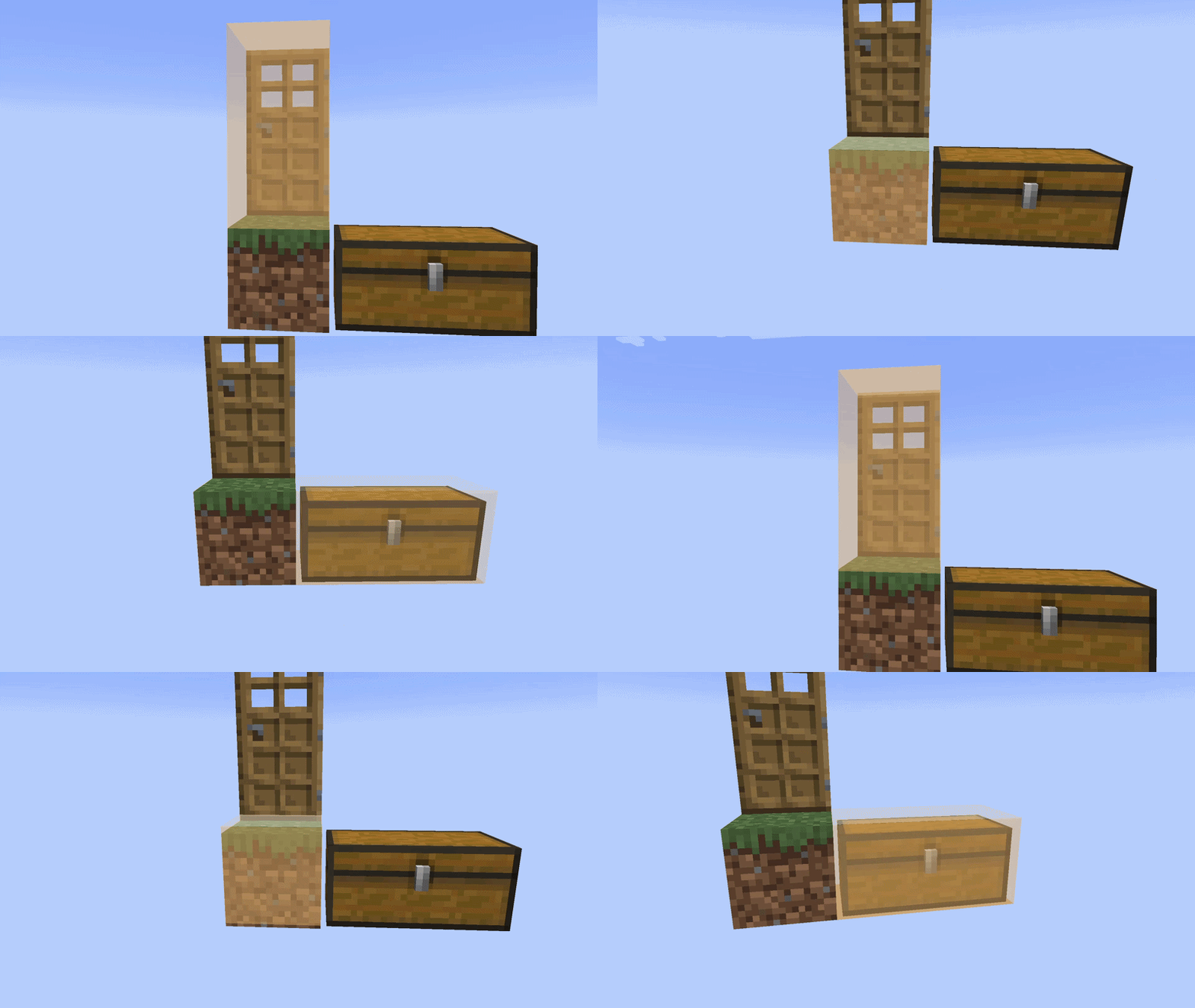
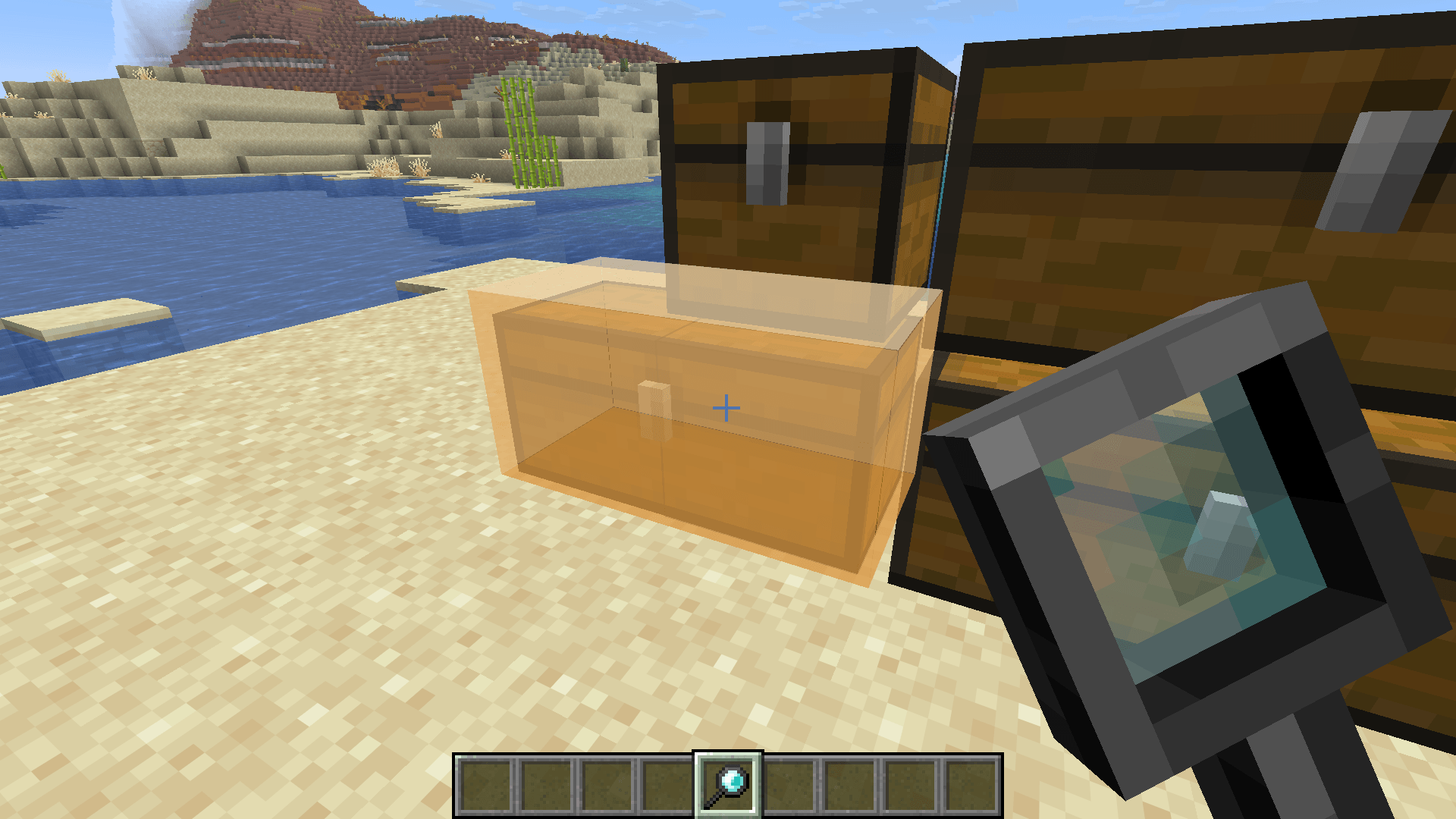
- Block Glow Overlay - semi-transparent highlight on the targeted block with smooth animation
/inspect Command - query player or block history from chat with autocomplete- SQLite Database - persistent storage with WAL mode, async batched writes, in-memory caching
- Configurable - database path, batch settings, glow animation toggle, player head rendering toggle
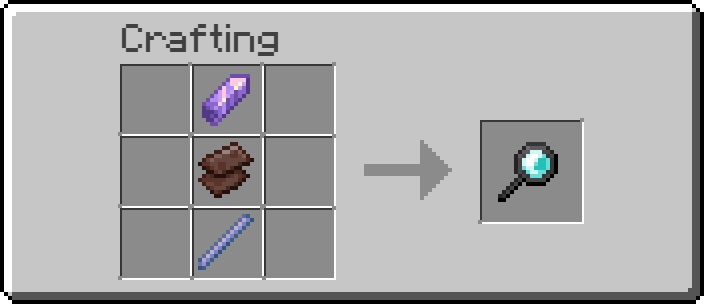
Crafting Recipe
Usage
- Craft the magnifier and hold it in your main hand
- Sneak + scroll to adjust inspection depth offset
- Right-click on a block to view its history
- The targeted block is highlighted with a colored glow overlay
Dependencies