InSight Chests (Tactile Storage)
Development Status & Future Ports
InSight Chests is an active, ongoing project. Support for additional Minecraft versions, as well as ports to NeoForge and Fabric, is planned. While specific release dates cannot be guaranteed due to work and study commitments, this mod is actively maintained and refined for the long term.
Update Notice: Temporary Pause on Updates and Bug Fixes
Due to a heavy study and work schedule, I am unable to update the mod or fix bugs at the moment. I will be available to resume development on October 16th. All feedback and bug reports submitted in the meantime will be read and carefully considered. Thank you for your patience and understanding!
Overview
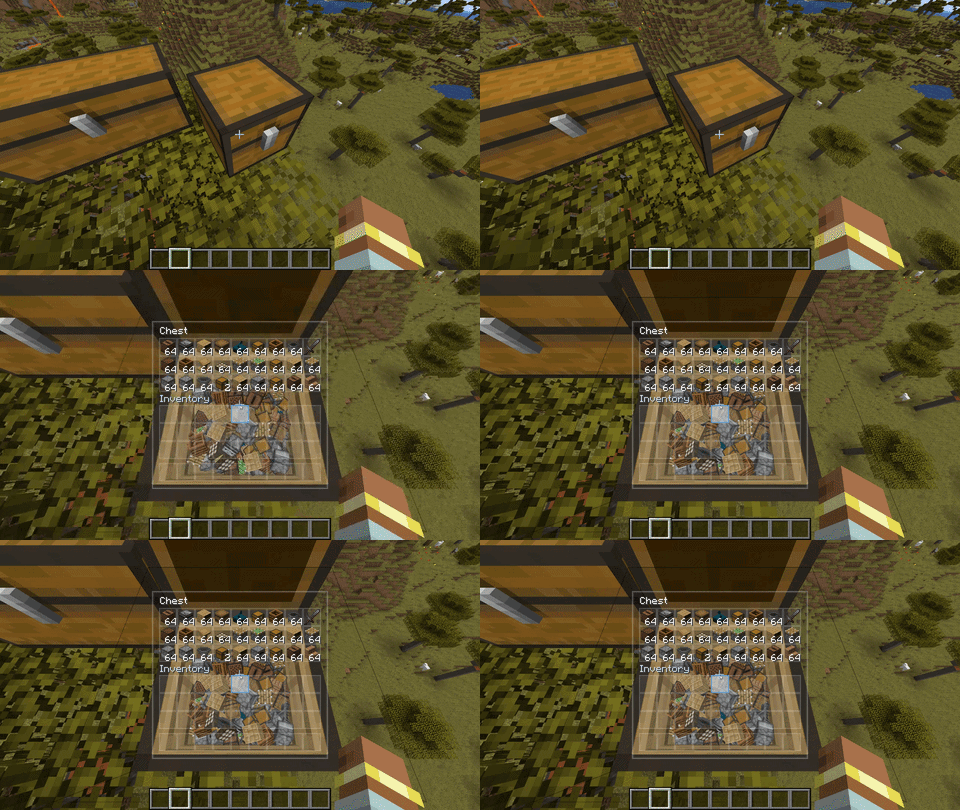
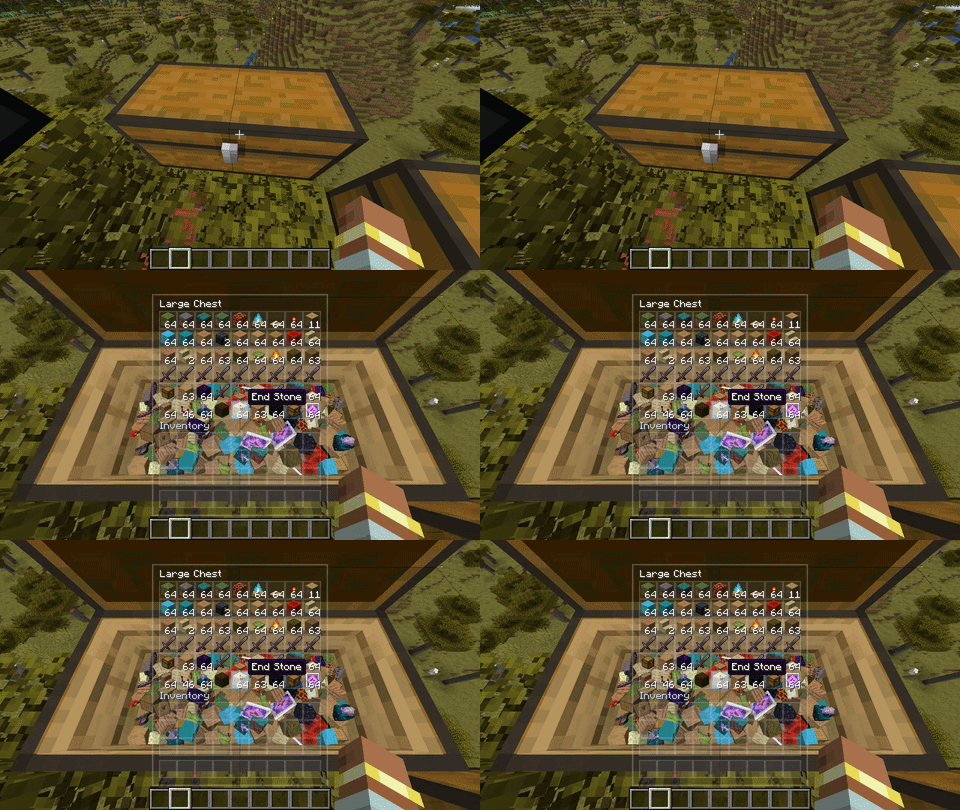
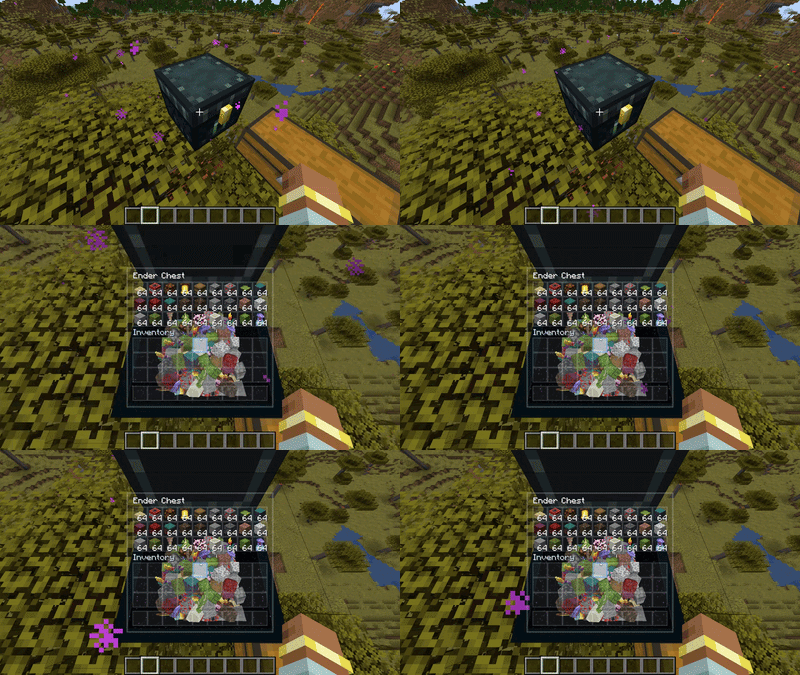
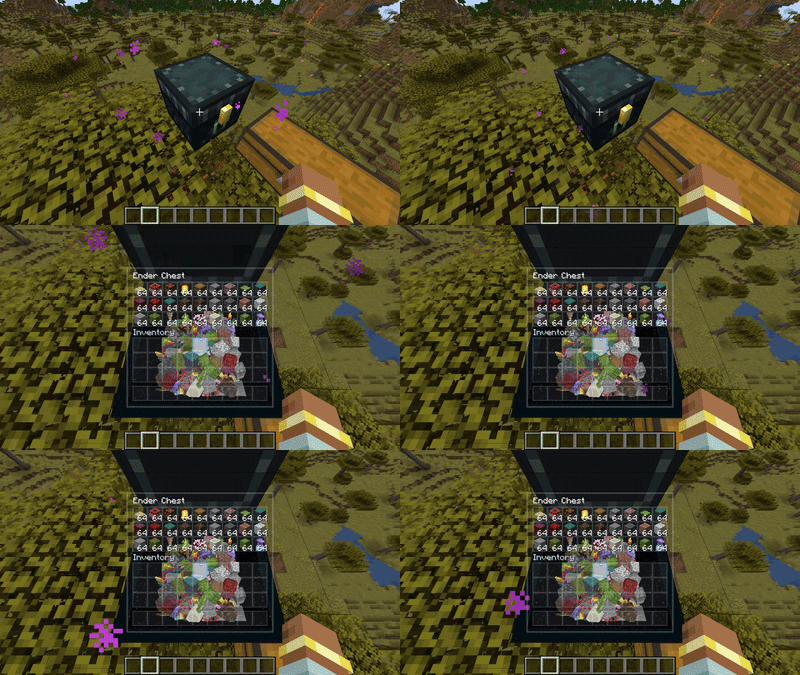
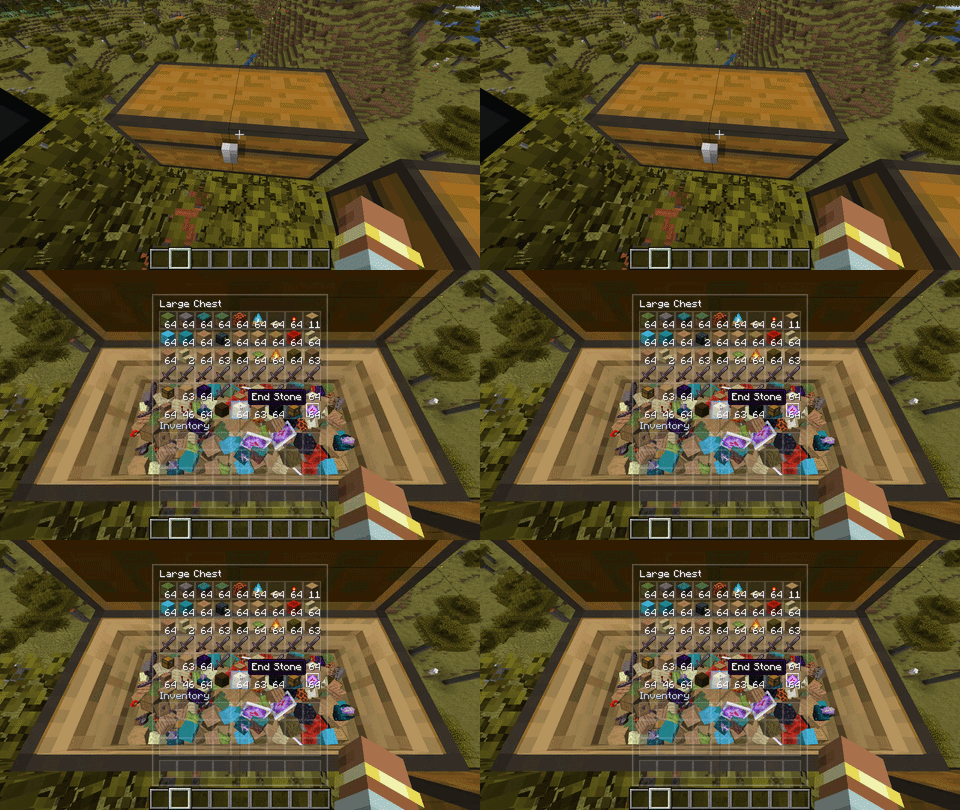
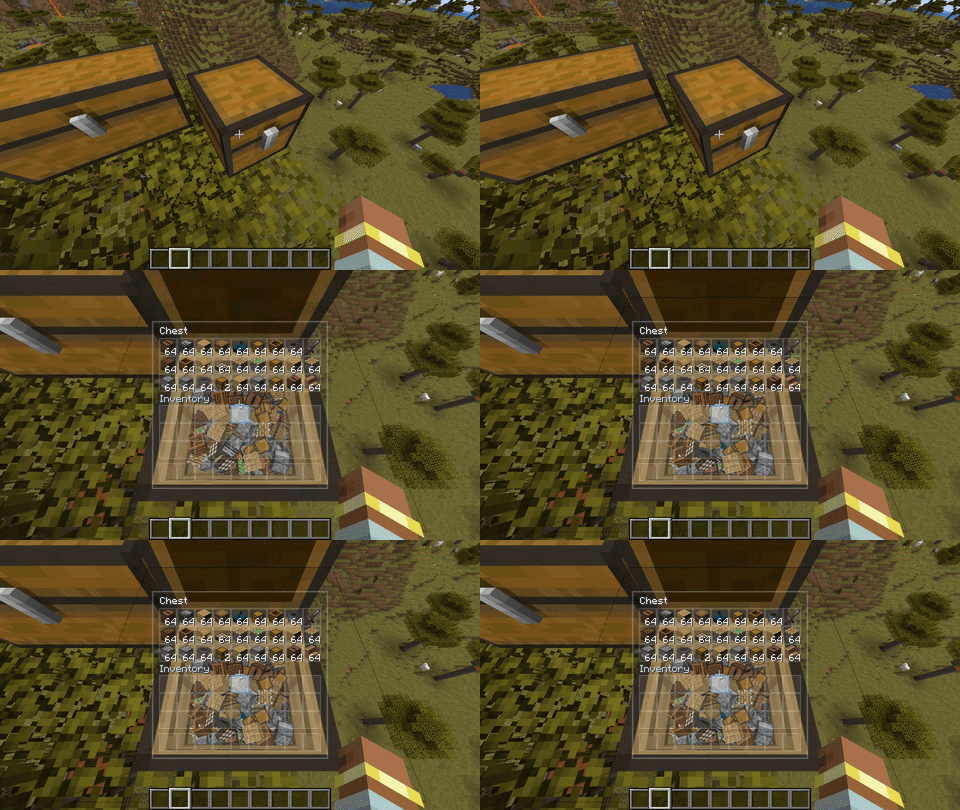
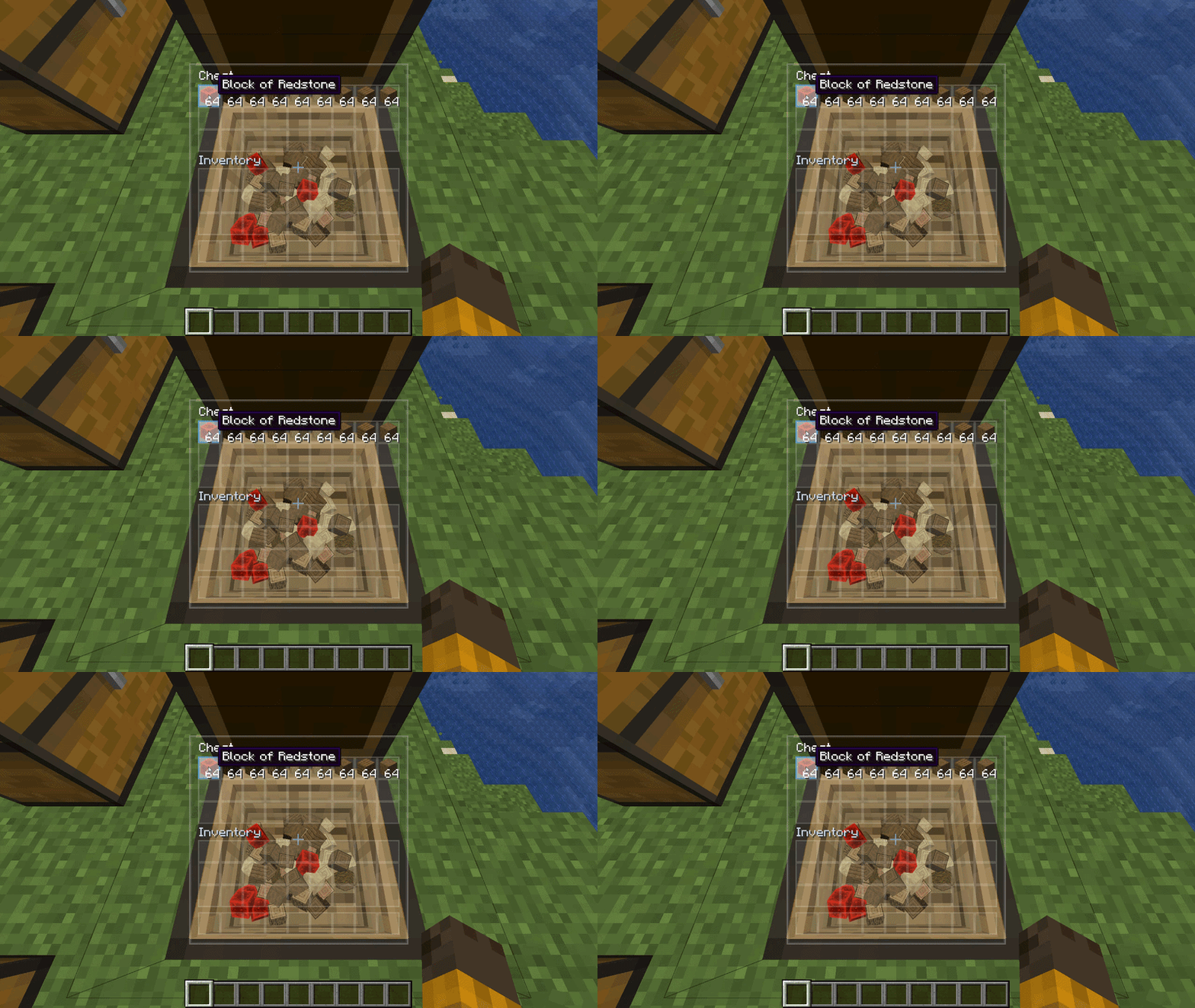
InSight Chests overhauls how you interact with storage in Minecraft. Instead of covering your entire view with a flat, opaque menu, the mod introduces a smooth cinematic camera transition, a sleek semi-transparent frosted glass interface, and genuine 3D physical item rendering inside the open chest cavity.
Items inside your containers are no longer static 2D icons on a gray grid—they exist as physical 3D objects with collision, tumbling, and stacking physics, directly reacting to surrounding light, torches, day/night cycles, and shaderpacks.
Key Features
- Cinematic Camera Transition: When opening a chest, your camera smoothly glides forward and angles down into the cavity for an intimate, tactile view. Closing the chest returns your perspective seamlessly to your original view.
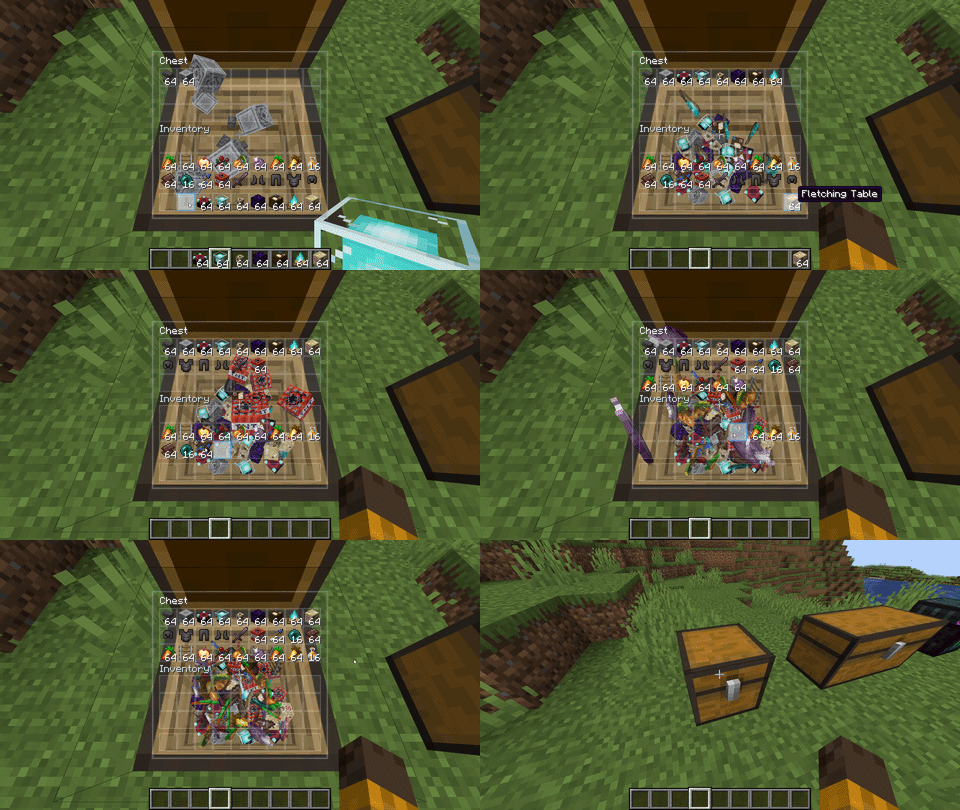
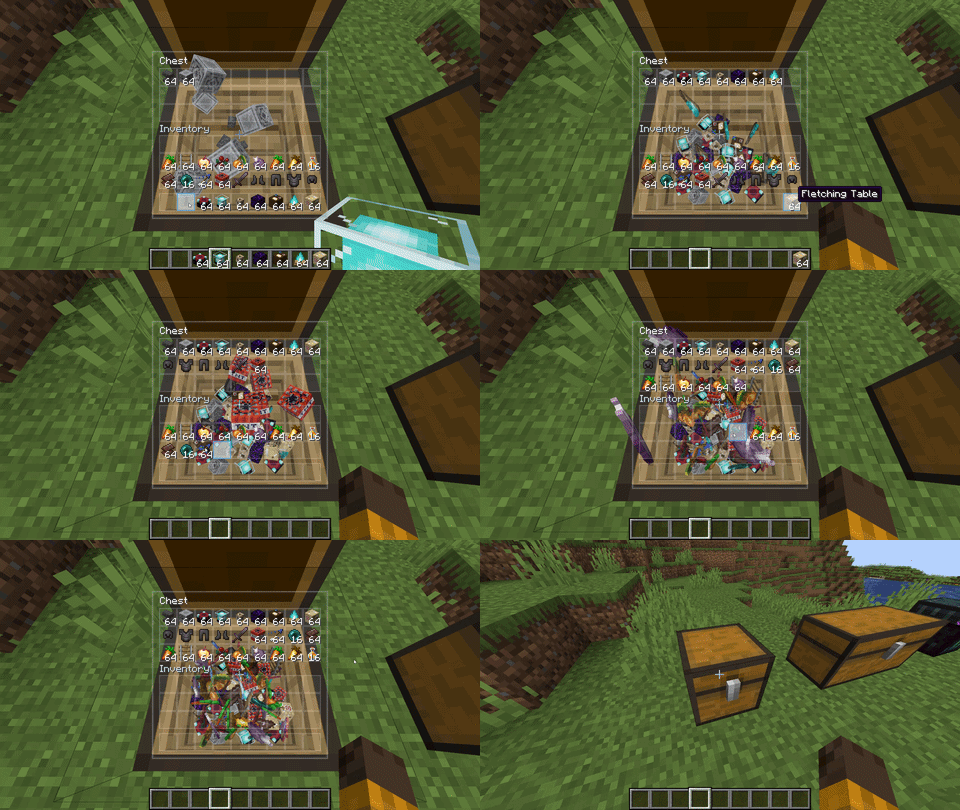
- Physical 3D Item Simulation: Items drop, settle, tumble, and stack inside the container in real time. Dropping an item onto a pile causes realistic dynamic shifting.
- Hybrid Frosted Glass UI: Replaces the bulky vanilla inventory backdrop with a sleek, translucent glass panel. Standard inventory slots and drag-and-drop mechanics remain 100% familiar and responsive.
- Configurable Screen Positioning: Move the inventory panel to the Right (default), Left, or Center of your screen so your view of the 3D chest interior is completely unobstructed.
- Authentic Dual-Path Cavity Shading: The 3D chest interior dynamically responds to torches, sunlight, and total darkness. Fully engineered to support both vanilla lighting and deferred shader pipelines (Iris, Oculus, OptiFine).
- Interactive Slot Glow: Hovering over any slot in your inventory highlights its physical 3D counterpart inside the chest with a luminous pulse.
- Full Iron Chests Compatibility: Complete client-side integration for the Iron Chests mod, featuring custom interior mineral cavities, transparent glass rendering for Crystal Chests, and oversized GUI auto-scaling.
- Entity & Keybind Safety: Chest minecarts, chest boats, pack animals, player inventory hotkeys (
E), and external mod keybinds are protected by multi-layer guards to prevent accidental perspective shifts.
Visual Showcase
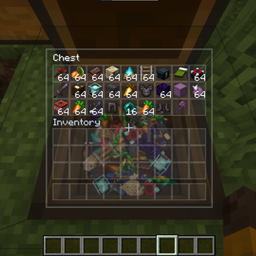
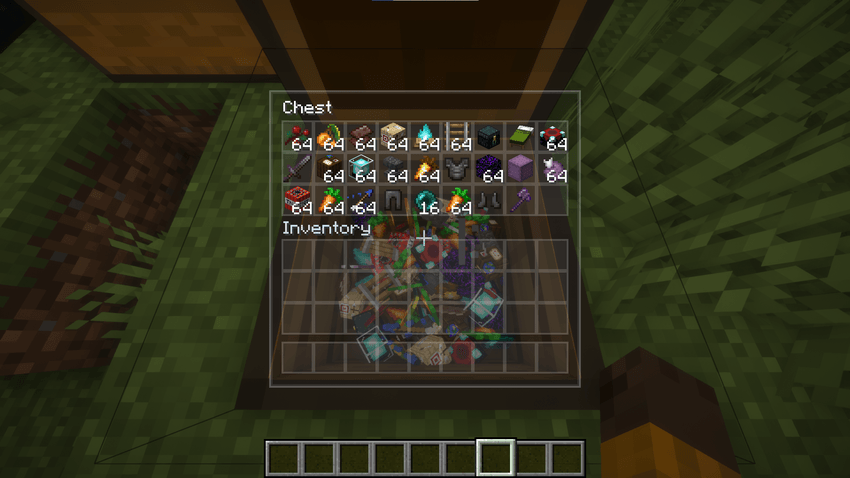
Ender Chest
Double Chest
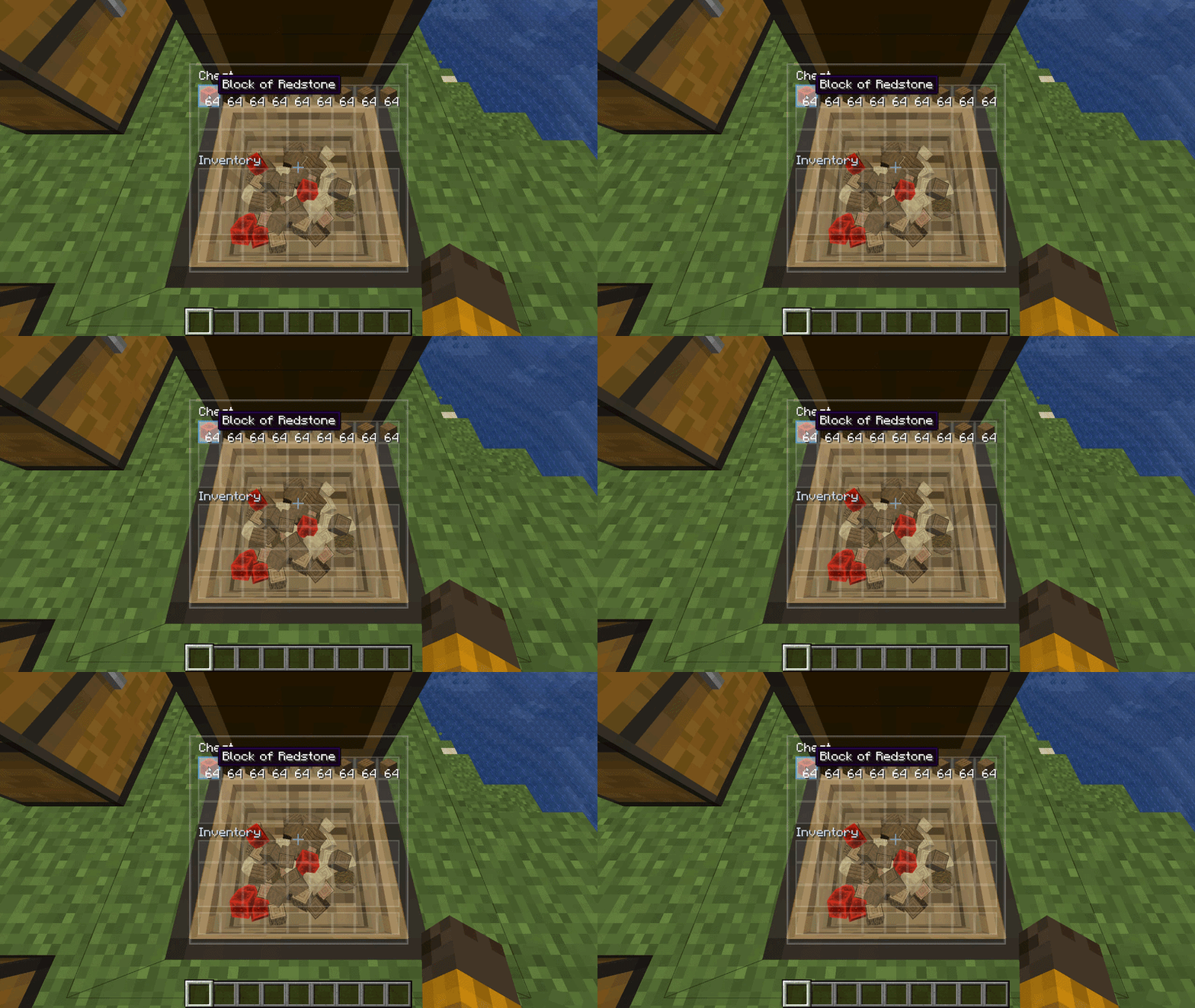
Single Chest
Dynamic Interaction & Physics
Configuration Guide
The configuration file is located at .minecraft/config/insightchests-client.toml and can be edited with any text editor or via in-game config menus.
General Settings
physicsMode (Default: FULL)
Controls physical item behavior inside the chest:
FULL: Full physics simulation with collision, tumbling, stacking, and avalanche effects.STATIC: Items drop and settle in place without continuous dynamic collisions.OFF: Disables 3D item simulation entirely while keeping the custom UI and camera.
enableCameraTransition (Default: true)
Enables or disables the camera transition when opening and closing chests.cameraSpeed (Default: 1.0, Range: 0.1 – 5.0)
Multiplier for camera transition speed. Higher values are snappier; lower values are slower and more cinematic.
Interface (GUI) Settings
guiPosition (Default: RIGHT)
Determines where the chest inventory panel sits on your screen:
RIGHT: Pins the panel to the right screen edge, leaving the center clear for the 3D chest view.LEFT: Pins the panel to the left screen edge.MIDDLE: Original centered position (overlaid directly on the chest view).
uiBackgroundOpacity (Default: 0.25, Range: 0.0 – 1.0)
Transparency of the frosted glass panel backdrop (0.0 is completely transparent, 1.0 is solid).uiBlurIntensity (Default: 0.75, Range: 0.0 – 1.0)
Intensity of the frosted glass blur shader behind the inventory panel.hoverHighlight (Default: true)
When true, hovering over an item slot in the GUI illuminates and pulses the corresponding 3D item inside the chest.
Rendering & Performance Settings
hollowChestModel (Default: true)
Renders a 9-pixel-deep 3D hollow interior over the vanilla chest top face when opened.representationCap (Default: 5, Range: 1 – 16)
Maximum number of 3D item models rendered per stack of non-block items (tools, weapons, food, ingots).blockRepresentationCap (Default: 3, Range: 1 – 16)
Maximum number of 3D models rendered per stack of block items (stone, dirt, ores, leaves). Kept separate to preserve FPS with full block chests.renderBatchSize (Default: 4, Range: 1 – 16)
Number of standard items batched before flushing GPU draw calls. Higher values improve FPS; set to 1 if an exotic mod item renders with visual artifacts.enableVanillaGlobalItemCap (Default: false)
Smart dynamic balancer for Vanilla chests (Single, Double, Ender). Automatically scales down duplicate representations in fully packed chests to prevent GPU bottlenecks, while guaranteeing that every non-empty slot always retains at least 1 visual item model.singleChestGlobalCap (Default: 32, Range: 27 – 128)
Ceiling for total 3D items rendered in a single Vanilla chest (27 slots) when enableVanillaGlobalItemCap is active.doubleChestGlobalCap (Default: 64, Range: 54 – 256)
Ceiling for total 3D items rendered in a double Vanilla chest (54 slots) when enableVanillaGlobalItemCap is active.
Compatibility Settings (Iron Chests Mod)
enableIronChests (Default: true)
Enables 3D visual physics and hollow interior integration for Iron Chests (Dirt, Copper, Iron, Gold, Diamond, Crystal, Obsidian).ironChestsOversizedGuiScale (Default: 0.80, Range: 0.5 – 1.0)
Proportional GUI scale factor for oversized Iron Chests (Gold with 81 slots, Diamond / Crystal / Obsidian with 108 slots) so large interfaces scale cleanly without covering the entire screen.enableIronChestsGlobalItemCap (Default: false)
Independent dynamic model balancer for Iron Chests. Allows capping massive 81-slot and 108-slot chests without altering the uncapped density of Vanilla chests.ironChestsCopperCap (Default: 54, Range: 45 – 180)
Ceiling for total 3D items rendered in Copper Chests (45 slots).ironChestsIronCap (Default: 64, Range: 54 – 216)
Ceiling for total 3D items rendered in Iron Chests (54 slots).ironChestsGoldCap (Default: 96, Range: 81 – 324)
Ceiling for total 3D items rendered in Gold Chests (81 slots).ironChestsDiamondCap (Default: 128, Range: 108 – 432)
Ceiling for total 3D items rendered in Diamond, Crystal, and Obsidian Chests (108 slots).
Compatibility
- 100% Client-Side: Safe to join any vanilla, Forge, or hybrid multiplayer server. The server does not need the mod installed.
- Modded Items: Fully supported out of the box. Any modded item—including custom 3D models, tools, and animated items—renders inside the chest using Minecraft's native model registry.
- Modded Chests: Supports vanilla chests, ender chests, trapped chests, and modded chest variants that inherit vanilla chest classes (such as Quark wood chests). Iron Chests (
ironchest) is natively supported with tailored mineral cavities, glass transparency, and oversized GUI scaling. Other storage systems (such as Barrels or Sophisticated Storage) open their native interfaces cleanly without interference.
- Shaderpack Support: Fully compatible with Iris, Oculus, and OptiFine. Tested extensively on BSL, Complementary, MakeUp-UltraFast, and others.
Performance & Optimization Notes
Rendering dozens of physical 3D item models inside an active level scene is inherently demanding, especially with deferred shaderpacks enabled. InSight Chests includes several layers of optimization:
- Dual-path vertex lighting for vanilla and shader environments.
- Smart draw-call batching to minimize GPU overhead.
- Independent item density caps (
enableVanillaGlobalItemCap, enableIronChestsGlobalItemCap) allowing players to configure Vanilla and massive modded chests separately.
If you experience framerate drops when opening massive chests under demanding shaderpacks, consider enabling enableIronChestsGlobalItemCap = true and setting blockRepresentationCap = 2 or 3 in your config.
Version History
Version 1.0.4
- Full Iron Chests Mod Compatibility: Added native client-side 3D physics and hollow interior rendering for all tiers of the Iron Chests mod (
ironchest): Dirt, Copper, Iron, Gold, Diamond, Crystal, and Obsidian Chests.
- Crystal Chest Transparency: Features a transparent glass interior cavity with alpha blending, allowing players to see straight through the chest walls into the surrounding world.
- Normalized Cavity UV Mapping: Standardized UV coordinate generation (
0.0F to 1.0F) across cavity floors and walls, eliminating texture distortion and tile slicing on mineral textures (such as Diamond block).
- Oversized GUI Scaling: Added
ironChestsOversizedGuiScale (default 0.80, range 0.5–1.0) to automatically scale massive 81-slot and 108-slot container interfaces, including matrix scaling, slot clicks, scroll wheel handling, and tooltip positioning.
- Separated Global Item Cap: Split the Smart Global Item Cap into two independent systems: Vanilla (
enableVanillaGlobalItemCap, singleChestGlobalCap, doubleChestGlobalCap) and Iron Chests (enableIronChestsGlobalItemCap, ironChestsCopperCap, ironChestsIronCap, ironChestsGoldCap, ironChestsDiamondCap), allowing players to cap heavy modded chests without affecting Vanilla chest density.
- Fixed Player Inventory Interception on Keybind (
E): Pressing the inventory key while the crosshair is aimed at a chest no longer triggers the chest camera transition or interior rendering.
- Atomic Interaction Token Cleanup: Ensured click interaction tokens are zeroed out across all early exit paths, preventing other mod GUIs (backpacks, keybinds, quest books, mod menus) from ever being intercepted.
Version 1.0.3
- Fixed Adjacent Container Interference: Opening non-chest containers (such as Barrels or modded storage blocks) placed next to a chest no longer incorrectly triggers InSight Chests or points the camera toward the neighbor chest.
- Fixed Portable Container Edge Cases: Opening handheld containers (backpacks, pouches) while crosshairs hover near placed chests will no longer activate the 3D cavity.
- Refined Render Pipeline: Optimized internal model submission and container synchronization to reduce draw call overhead under heavy shaders.
- Added Smart Global Item Cap: Introduced intelligent balancing to limit excessive duplicate models in full chests without losing individual slot representations.
Version 1.0.2
- Fixed unlit/black chest cavities in vanilla environments without shaders.
- Fixed permanently full-bright chest cavities under deferred shaderpacks.
- Implemented runtime dual-path lighting system (
POSITION_TEX_COLOR for vanilla, POSITION_TEX_LIGHTMAP_COLOR for shaders).
- Fixed transparent/cutout blocks (leaves, glass) rendering corrupted or solid-black on chest reopen.
- Fixed double chest inventory panel overlapping the hotbar.
- Added
guiPosition option (RIGHT, LEFT, MIDDLE) with RIGHT as default.
- Separated
blockRepresentationCap (default 3) from representationCap (default 5).
- Suppressed block highlight outline inside the 3D chest view.
- Silenced benign OpenGL 1282 log spam under Iris/Oculus.
Version 1.0.1
- Initial shader compatibility fixes and lighting pipeline refinements.