Close menu
Mods
Browse
Plugins
Bukkit, Spigot & Paper plugins
Maps
Adventure, parkour & survival maps
Resource Packs
Textures from 16x to 512x+
Data Packs
Vanilla-friendly game changes
Shaders
Iris & OptiFine shader packs
Mod Packs
Curated mod collections
Minecraft Versions
Everything for one version
Mod Compatibility
Find mods that work together
Search everything
Mods, packs, shaders & more
Servers
Players
Wiki
Tools
Games
Farms
More
News
How to Craft
Mob Drops
Villager Trades
Biome Spawns
Minecraft Skins
Server of the Month
App
More
News
How to Craft
Mob Drops
Villager Trades
Biome Spawns
Minecraft Skins
Server of the Month
App
Log in
Register
Log in
Register
Resource Packs
Icon Fresh
RESOURCE PACK
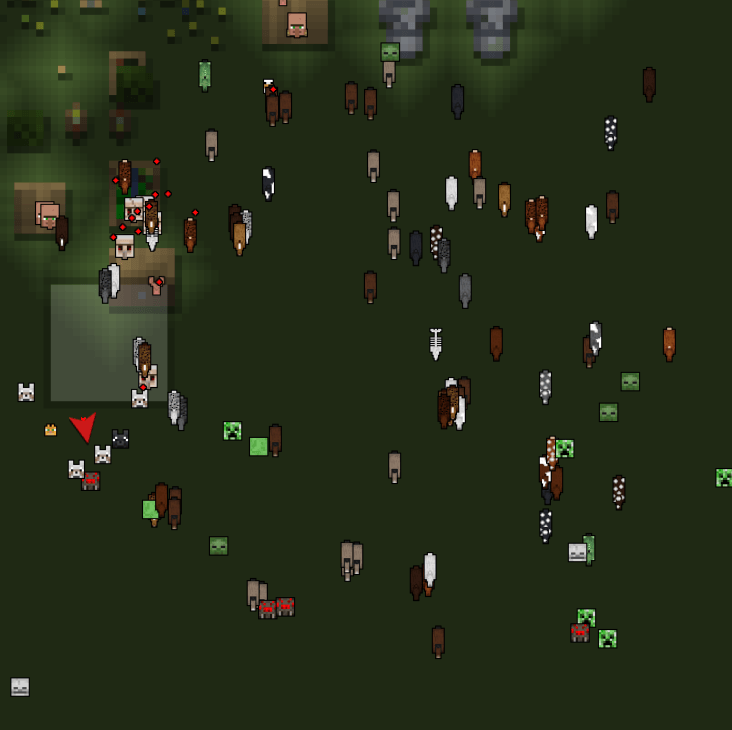
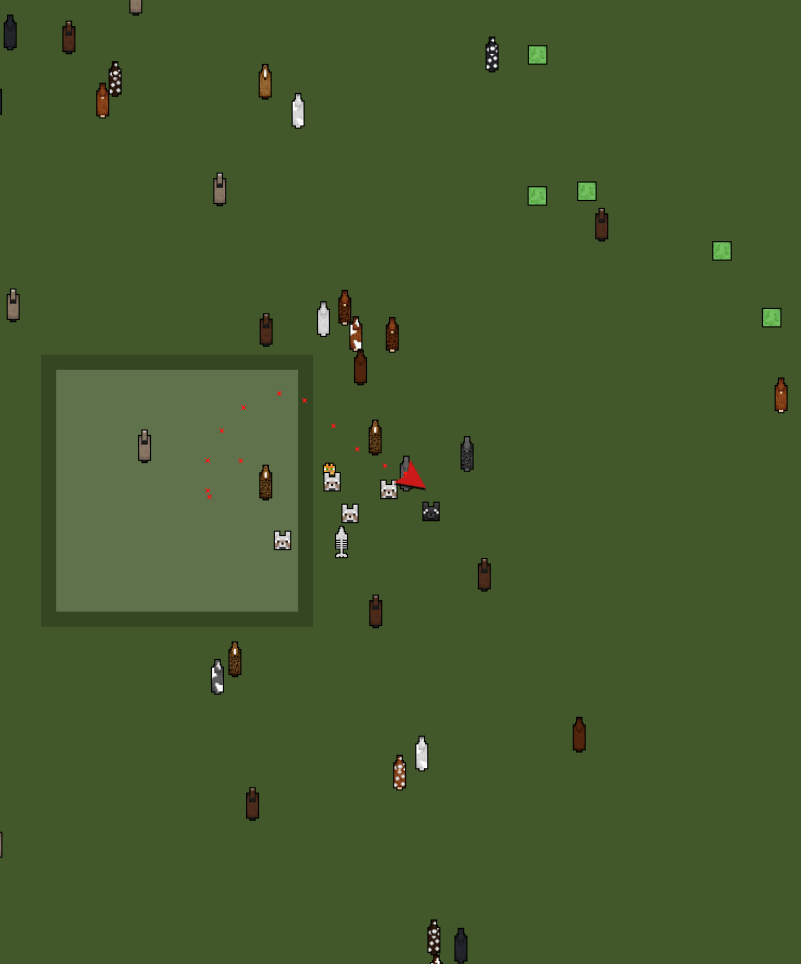
Adds icons Minecraft combined with Fresh Animations Xaero's Minimap and WorldMap
by
godkyo98
Download
Report
Claim this project
Add a badge to your page
Link to Icon Fresh from a README, website or forum post.
Card
Available
Downloads
Version
Dark
Light
Flat
Flat square
For the badge
HTML
BBCode
Markdown
Image URL
<a href="https://mineuniverse.net/resource-pack/icon-xaero-s-x-freshanimations"><img src="https://mineuniverse.net/api/project-badge/icon-xaero-s-x-freshanimations/card.svg" alt="Icon Fresh on MineUniverse" width="420" height="110"></a>
Copy code
Badges update automatically and link to the resource pack page on MineUniverse.
5,749,426 downloads
0 likes
0 followers
Updated Oct 14, 2026
0 hypes
Follow
0
64x
Mod Support
Share
Copy link
Copy for Discord
Reddit
X
Home
/
Resource Packs
/
64x
/
Icon Fresh
Advertisement
Remove ads with Premium →
Description
Files (6)
Screenshots (5)
I'm back with a much requested resource pack to play with
Fresh Animations
Requirements :
Xaero's Minimap
Resource packs are only updated when someone requests more updates and according to Fresh
Support for all versions.
From version 1.21.5 onwards, you should use 0.2.
Thank you for following the development of the projects
Icon Project Co-Project :
Icon Xaero's
and
Icon Journey
Support Me:
Support Resource Pack:
Fresh Animations
Fresh Animations Extensions
Fresh Skeleton Physics
Icon Fresh 0.5
MC 26.1, 26.1.1, 26.1.2, 26.2, 26.3
Release
2026-09-27
Get
Icon Fresh 0.4
MC 1.21.9, 1.21.10, 1.21.11, 26.1, 26.1.1, 26.1.2, 26.2
Release
2026-01-01
Get
Icon Fresh 0.3
MC 1.17.1, 1.21, 1.18.1, 1.16.5, 1.19.3, 1.20.2, 1.19.4, 1.21.8, 1.17, 1.20.5, 1.21.5, 1.18, 1.21.4, 1.20.1, 1.20, 1.20.6, 1.21.1, 1.21.6, 1.21.3, 1.21.7, 1.19.1, 1.20.4, 1.18.2
Release
2025-09-18
Get
Icon Fresh 0.2
MC 1.17.1, 1.21, 1.18.1, 1.16.5, 1.19.3, 1.20.2, 1.19.4, 1.17, 1.20.5, 1.21.5, 1.18, 1.21.4, 1.20.1, 1.20, 1.20.6, 1.21.1, 1.21.3, 1.19.1, 1.20.4, 1.18.2, 1.19.2, 1.20.3, 1.19
Release
2025-04-26
Get
Icon Fresh 1.1.zip
MC 1.21, 1.21.4, 1.21.3, 1.21.1, 1.21.2
Release
2025-03-06
Get
Icon Xaero's X FreshAnimations
MC 1.20.2, 1.21, 1.20.5, 1.21.4, 1.20.3, 1.20.1, 1.20, 1.20.6, 1.20.4, 1.21.3, 1.21.1, 1.21.2
Release
2024-12-14
Get
Requirements & install
How to use this resource pack in Minecraft
Resolution
64x
Minecraft
1.21.9 – 26.3
Install folder
.minecraft/resourcepacks
How to install resource packs
1
Download the resource pack .zip file (do not extract it).
2
In Minecraft open Options → Resource Packs → Open Pack Folder.
3
Drop the .zip into the resourcepacks folder (.minecraft/resourcepacks).
4
Move the pack to the Selected column and click Done.
Browse more:
16x resource packs
32x resource packs
64x resource packs
128x resource packs
256x resource packs
512x+ resource packs
Resource Packs for 26.3
All resource packs
Advertisement
Remove ads with Premium →
More from godkyo98
Fishing Server
58
Kyo Economy
52
Scoreboard Server
48
Anvil Server
30
Anti Alt Server
26
Claim Server
24
Advertisement
Remove ads with Premium →
You Might Also Like
aBTV texture Pack 64px Full 3D POM
Stylized Minecraft Texture Pack. FREE
99,530
[WIP] Ovo's Rustic: Redemption
A fan continuation of the OG Ovo's Rustic pack
97,617
Pink Scythe
Cooler texture for a netherite sword!
9,972
TextureRevamp 64x
TextureRevamp 64x is an upscaled texture pack for Minecraft, enhancing the original visuals while maintaining the classic feel. It supports parallax effects, adding depth and detail to the game environment.
9,967
DocBroek's Dragon Purple Wing Elytra
Turns Elytra into a purple dragon wing!
9,917
Faithful 64x - Clear Glass
Remove annoying square lines on every glass block/pane. Support connected textures.
9,749
Report Mod
Reason
Malicious content
Copyright violation
Broken download
Spam
Other
Your email (optional)
Details
Cancel
Submit Report