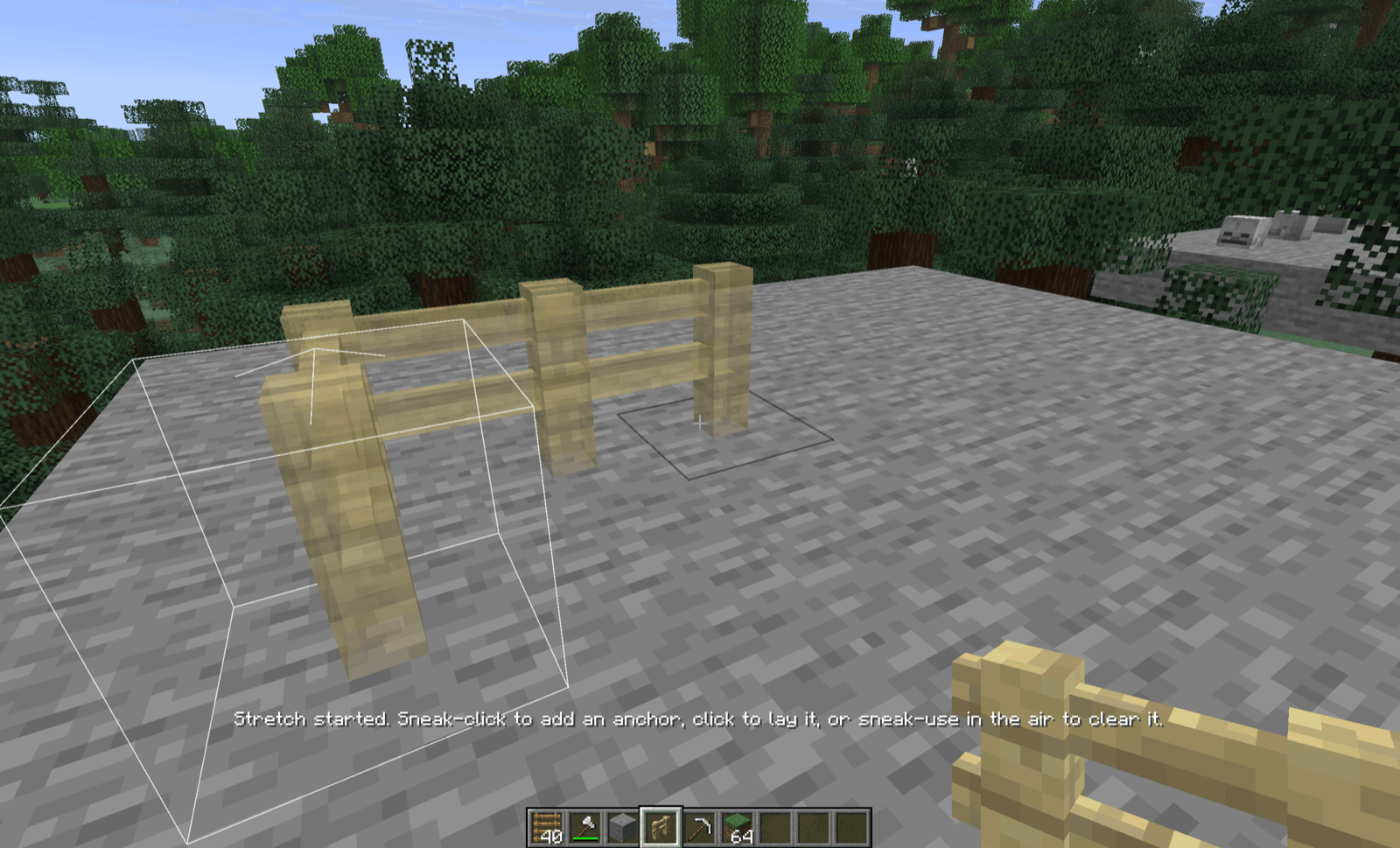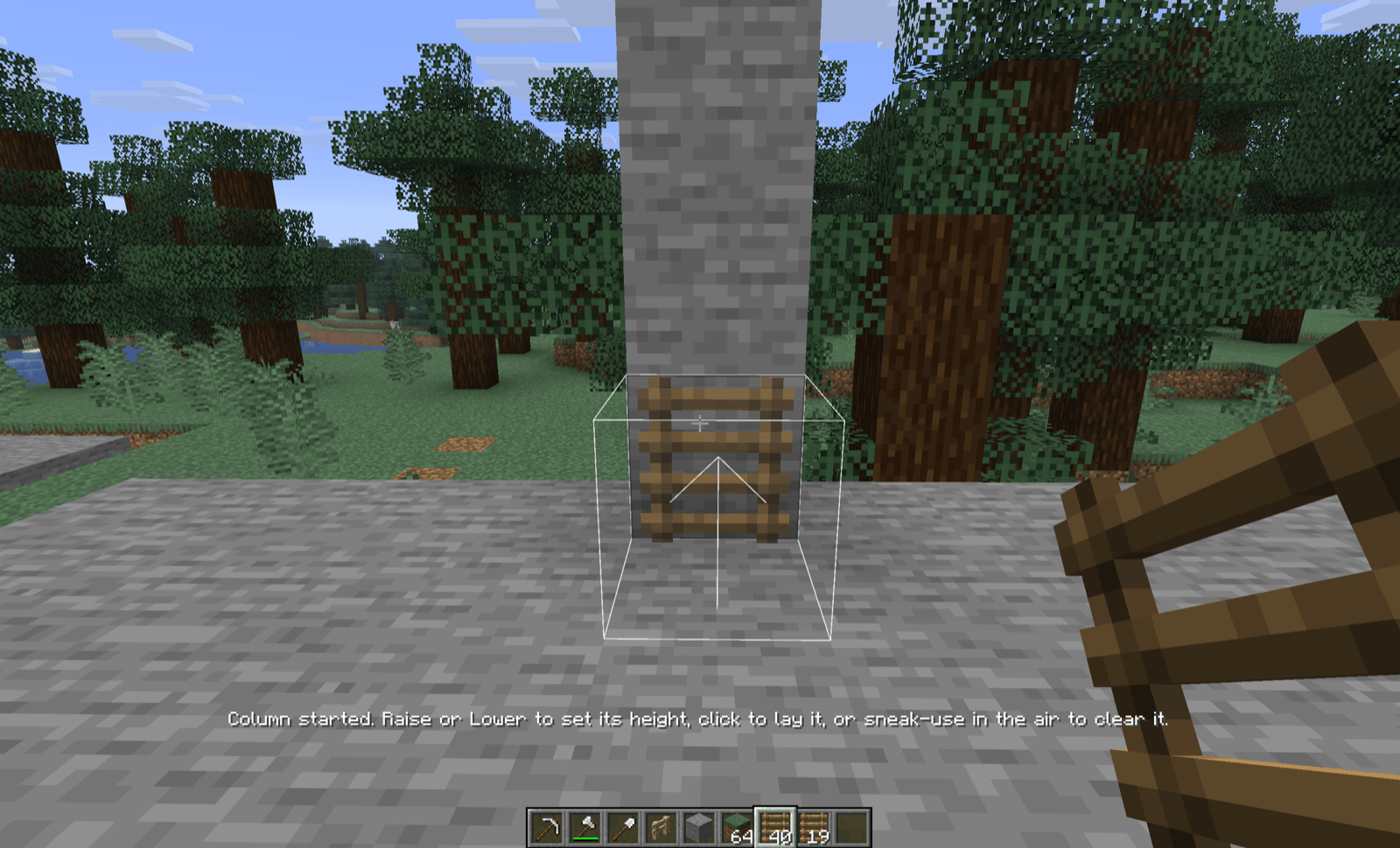
Groundworks allows to place multiple copies of a block in one drag, see a preview before confirming the placement, turn, raise and lower the block, and take a line back up in one go. Perfectly working with vanilla blocks.
Because I've been spoiled by the way other automation games and many Minecraft mods allow easy block placement and dismantle.
NeoForge, Minecraft 26.1.2 only. Groundworks is early work, so please report any issues you find on GitHub.
To play Groundworks beside every other FactoryWorks mod, install the FactoryWorks Showcase modpack from CurseForge.
R to turn the next placement a quarter from the way you look, and Shift+R to turn it back. With nothing in hand that places, aim at a block already standing and press R to turn it in place.G or B to move the next placement one block up or down, so you can place in mid-air or at a height you can't aim at.G or B to set its height, click to lay it. A tall ladder is one gesture, however far above you it climbs.Which blocks and items each feature reaches is data. Each feature has one tag, shipped with defaults, which a datapack changes with no code: groundworks:plan_opt_in, groundworks:rotates_in_place, groundworks:stretches, groundworks:stretches_vertically, and the families under groundworks:dismantle_family/. The server config's planOptInNamespaces gives every block of a mod a preview in one line.
Groundworks is also a library. A mod plans its own items' placements, stretches and dismantles through it, and draws its own additions through its hooks, so everything on one screen places, previews and dismantles one way. Beltworks is built this way, and bundles Groundworks inside its jar.
None beyond NeoForge. Groundworks is needed on both the client and the server.
MIT. The cover art uses Minecraft's block textures, which remain Mojang's. Source is on GitHub.