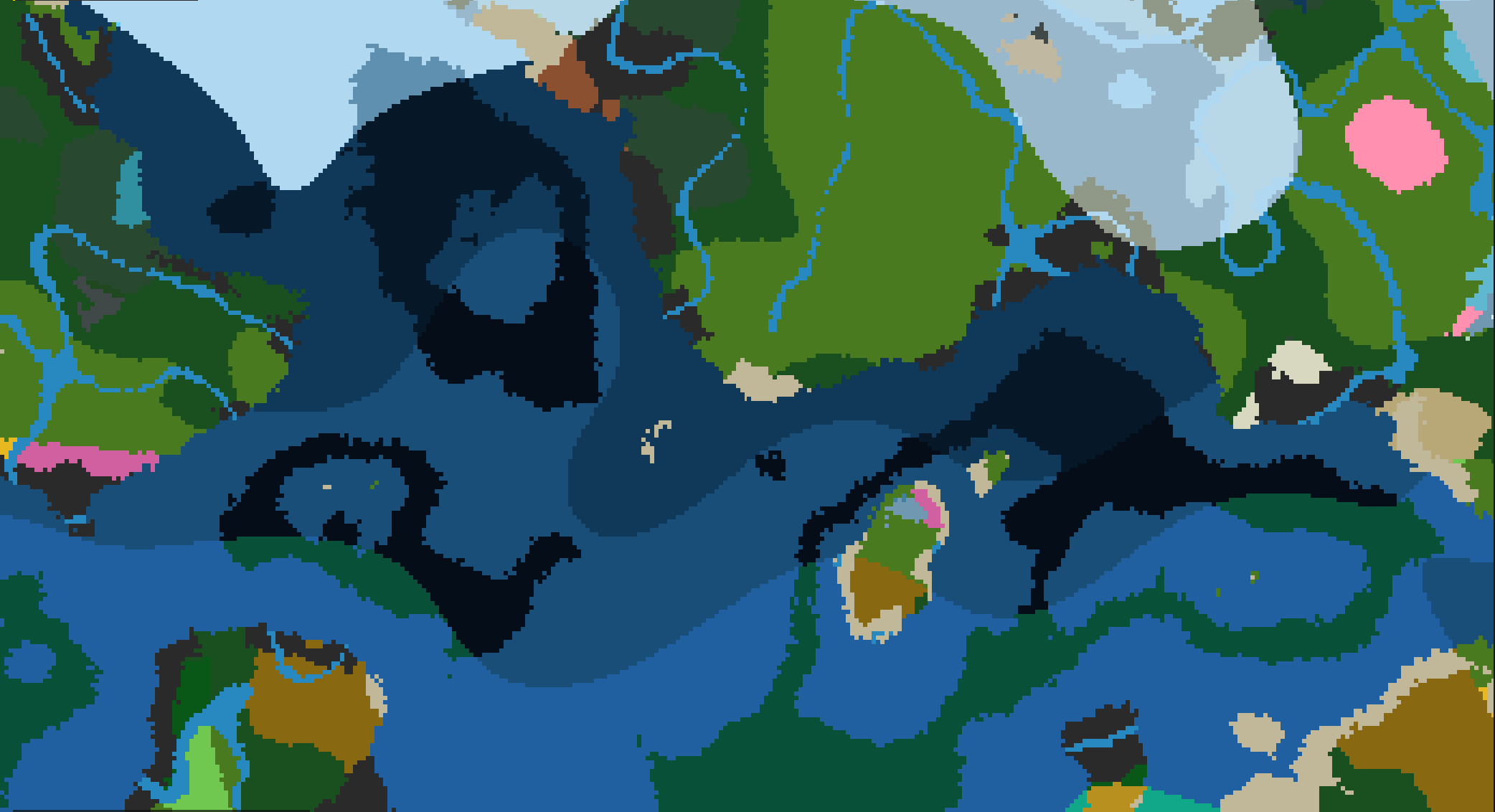
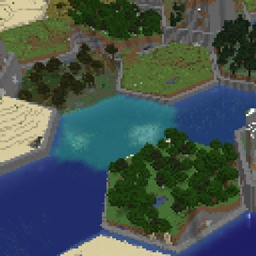
Biomes stop being a patchwork. GeoGradient lays climate across the world in latitude bands, so you ride from equatorial jungle through temperate forest into tundra and finally polar ice, the way a real globe is arranged.
Minecraft 1.21.1 on Fabric or NeoForge, and 1.20.1 on Fabric or Forge. Needs Architectury API.
⭐ What It Does
- Climate follows latitude - hot at the equator, cold at the poles, with the full cycle repeating every two globe-widths so the world stays infinite.
- You set how big the globe is - anywhere from 1,000 to 1,000,000 blocks from a pole to the nearest equator.
- The bands are not straight lines - noise warps every border, so a coastline of climate wanders instead of ruling a stripe across the map.
- Transitions are blended, not butted together - each boundary gets a cosine-blended zone sized as a fraction of the narrower neighbor.
- Start where you want on the globe - an optional spawn latitude drops a new world at the equator, at a pole, or anywhere between.
- Terrain shape is untouched - it hooks vanilla's biome source and, when present, TerraBlender. Mountains and caves stay exactly as your other mods made them.
📋 Requirements
- Minecraft 1.21.1 on Fabric or NeoForge, and 1.20.1 on Fabric or Forge.
- On 1.21.1: Architectury API 13.0.8 or later; on Fabric also Fabric Loader 0.16.9, Fabric API 0.110.0 and Cloth Config API 15.0.140 or later; on NeoForge, NeoForge 21.1 or later.
- On 1.20.1: Architectury API 9.2.14 or later; on Fabric also Fabric Loader 0.14.23, Fabric API 0.90.4 and Cloth Config API 11.1.136 or later; on Forge, Forge 47.4 or later.
📥 Installation
- Install your loader and Architectury API, plus Fabric API and Cloth Config if you are on Fabric.
- Install with the CurseForge app, or download the jar for your version and loader into your
mods folder.
- Create a world and travel north or south. The climate changes as you go.
⚙️ Configuration
Settings are read when the Overworld loads. On Fabric the file is config/geogradient.json; on NeoForge and Forge it is config/geogradient-common.toml.
| Setting |
Default |
What it does |
globe_size |
10,000 |
Blocks from a pole to the nearest equator, 1,000 to 1,000,000. The full cycle repeats every two of these. |
border_amplitude |
200 |
Maximum Z-axis warp applied to biome borders by noise, in blocks, 0 to 10,000. |
border_frequency |
0.002 |
Frequency of that border noise, 0.0001 to 0.1. Lower is broader waves, higher is tighter ripples. |
spawn_latitude |
0.0 |
Where a new world spawns, -1.0 at the equator to 1.0 at the north pole. 0.0 leaves spawn alone. |
blend_fraction |
0.15 |
Width of the blended transition at each band boundary, 0.0 to 0.5, as a fraction of the narrower band. |
NeoForge and Forge enforce those ranges. On Fabric a value outside its range is clamped when the world loads.
🖥️ Compatibility
- Existing worlds. Chunks generated before you added the mod keep their biomes; only new columns follow the climate bands. Expect a visible seam at the edge of explored terrain.
- Client or server. It changes world generation, so it goes on the server and on every client.
- Spawn is set once. The override runs on first world load and leaves a marker in the world folder, so changing
spawn_latitude later does not move an existing world's spawn.
- TerraBlender is used when it is installed, and skipped cleanly when it is not.
- Terrain shape, caves and structures are untouched, so mods that change those work alongside it.
🐛 Support
- Leave a comment on this page.
- Include your Minecraft version, your loader and its version, the mod version, and your other mods.
📄 License
License terms are in the Alkeari License Agreement.
If you want to see how it works, you can read the source code at github.com/Alkeari/GeoGradient-PUBLIC.