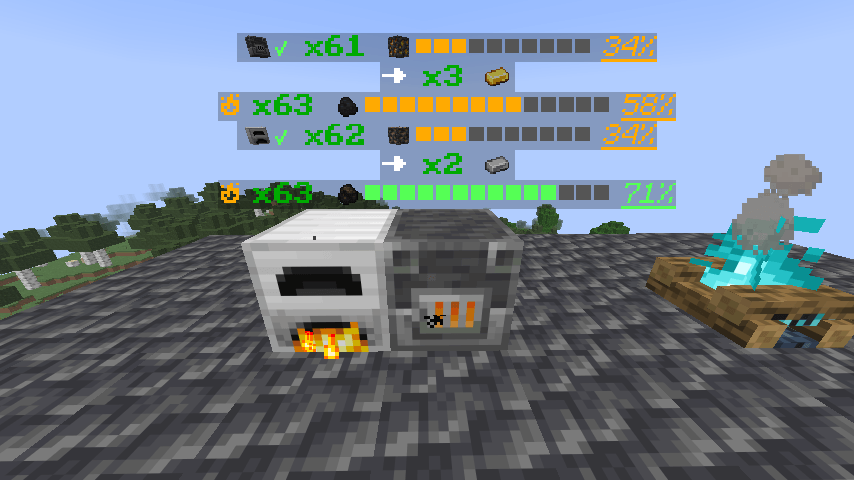
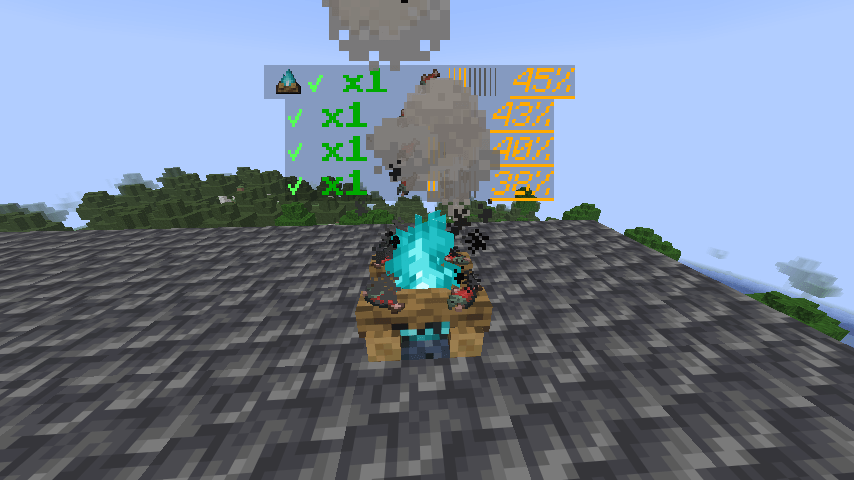
See exactly what your furnaces are doing—without constantly opening them.
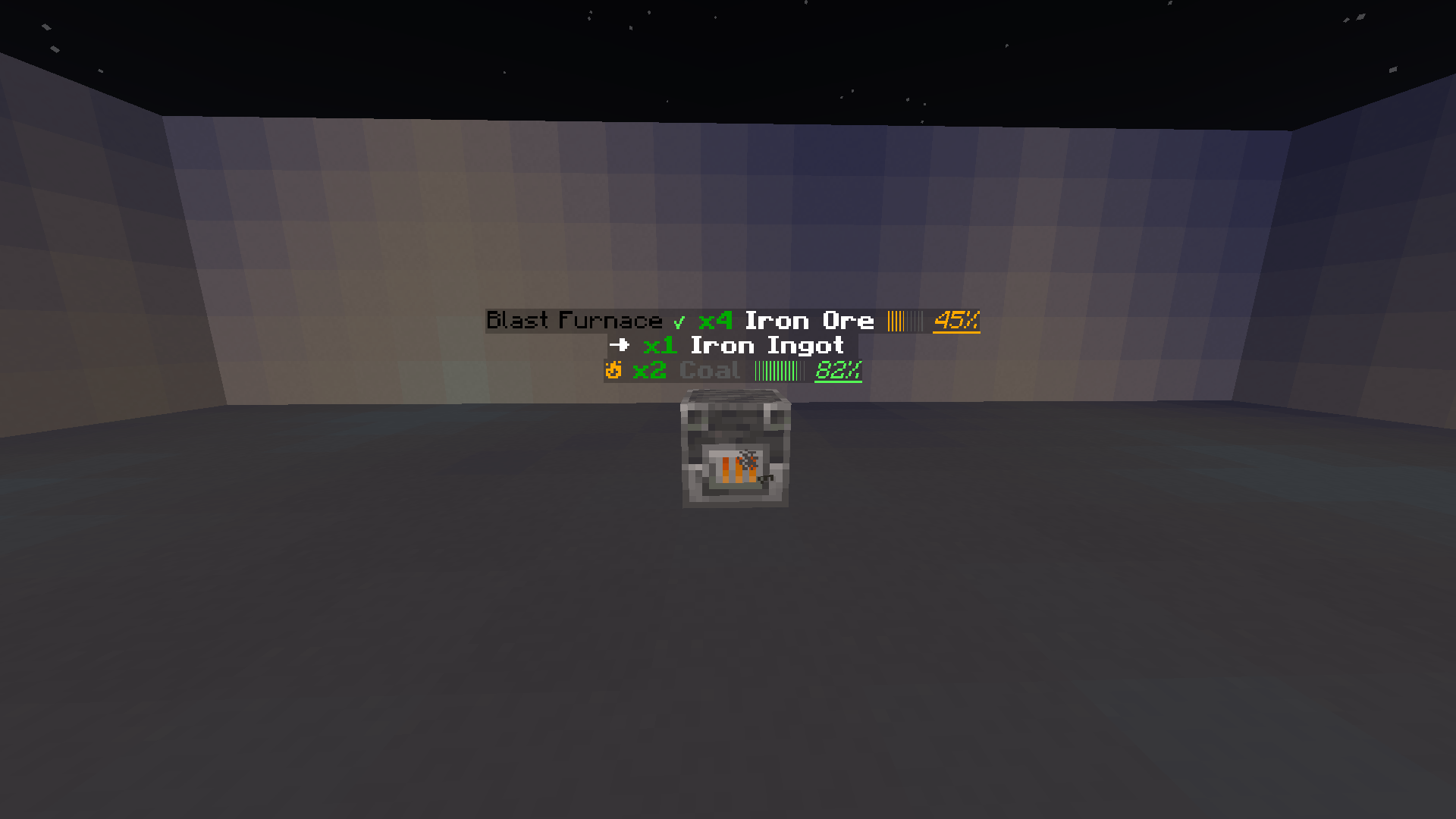
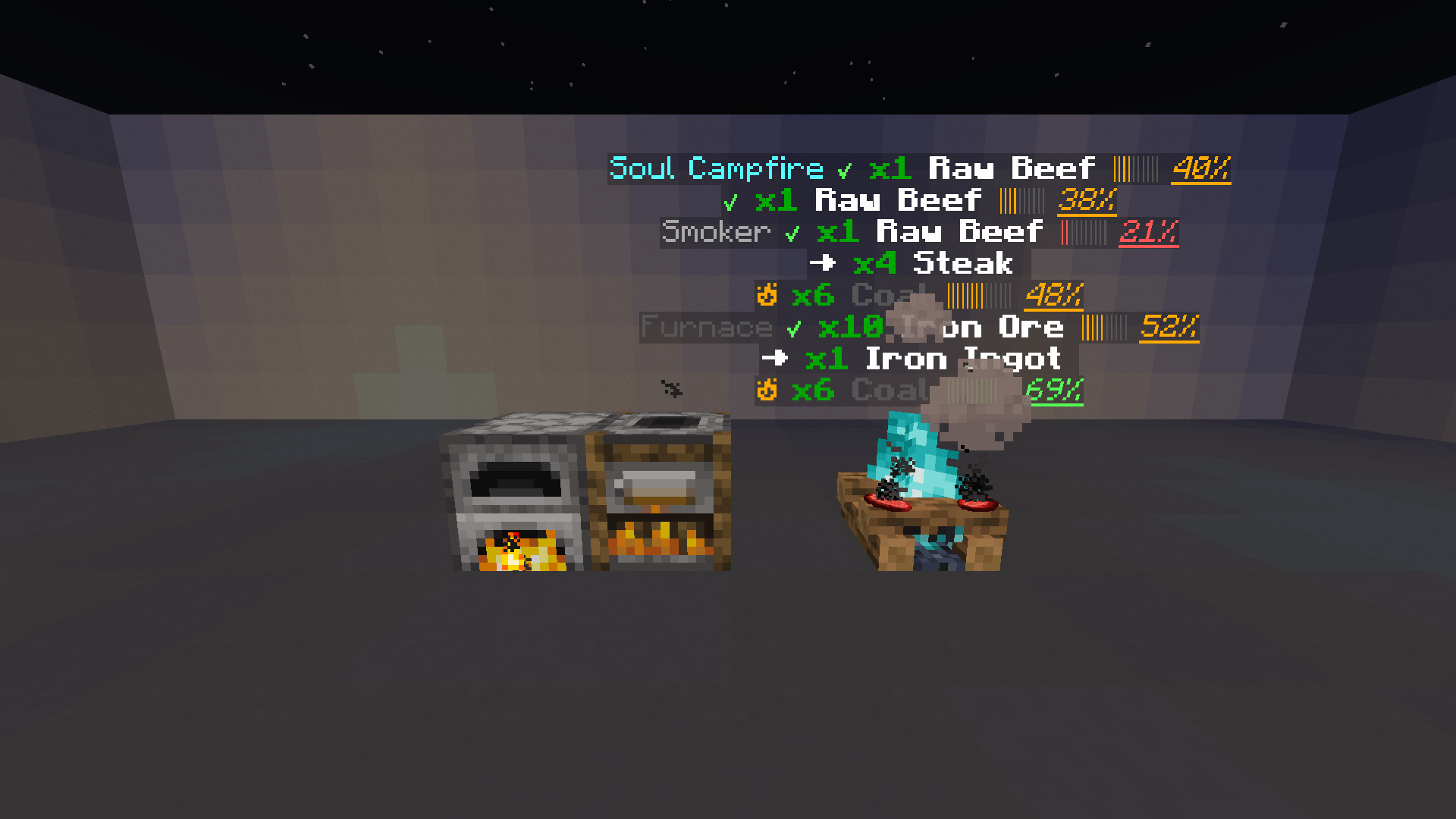
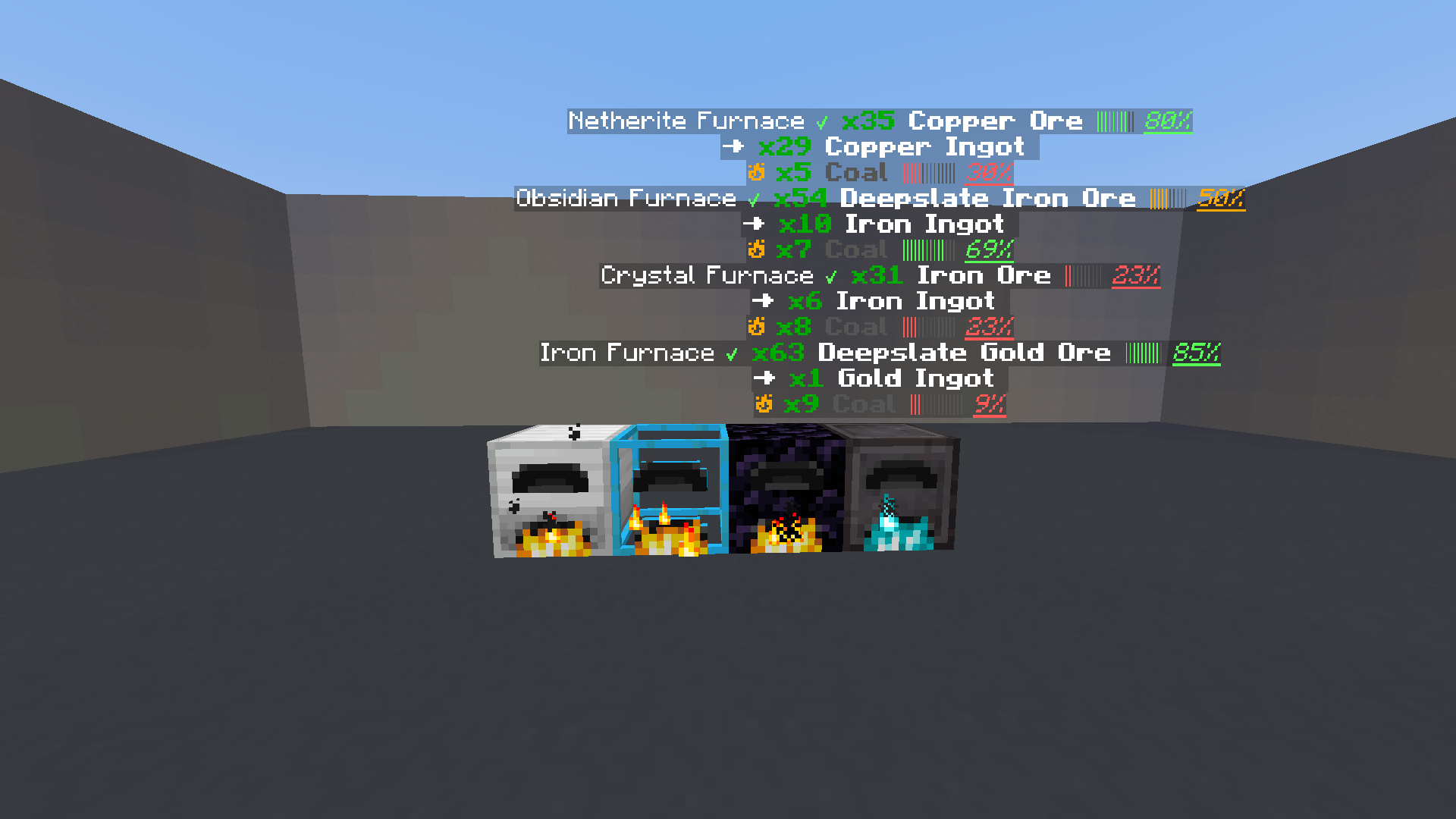
Furnace Overlay is a lightweight quality-of-life mod that displays clean, real-time cooking and smelting information directly above supported blocks. Quickly check progress, remaining fuel, completed output, and nearby machines while continuing to build, explore, or manage your base.
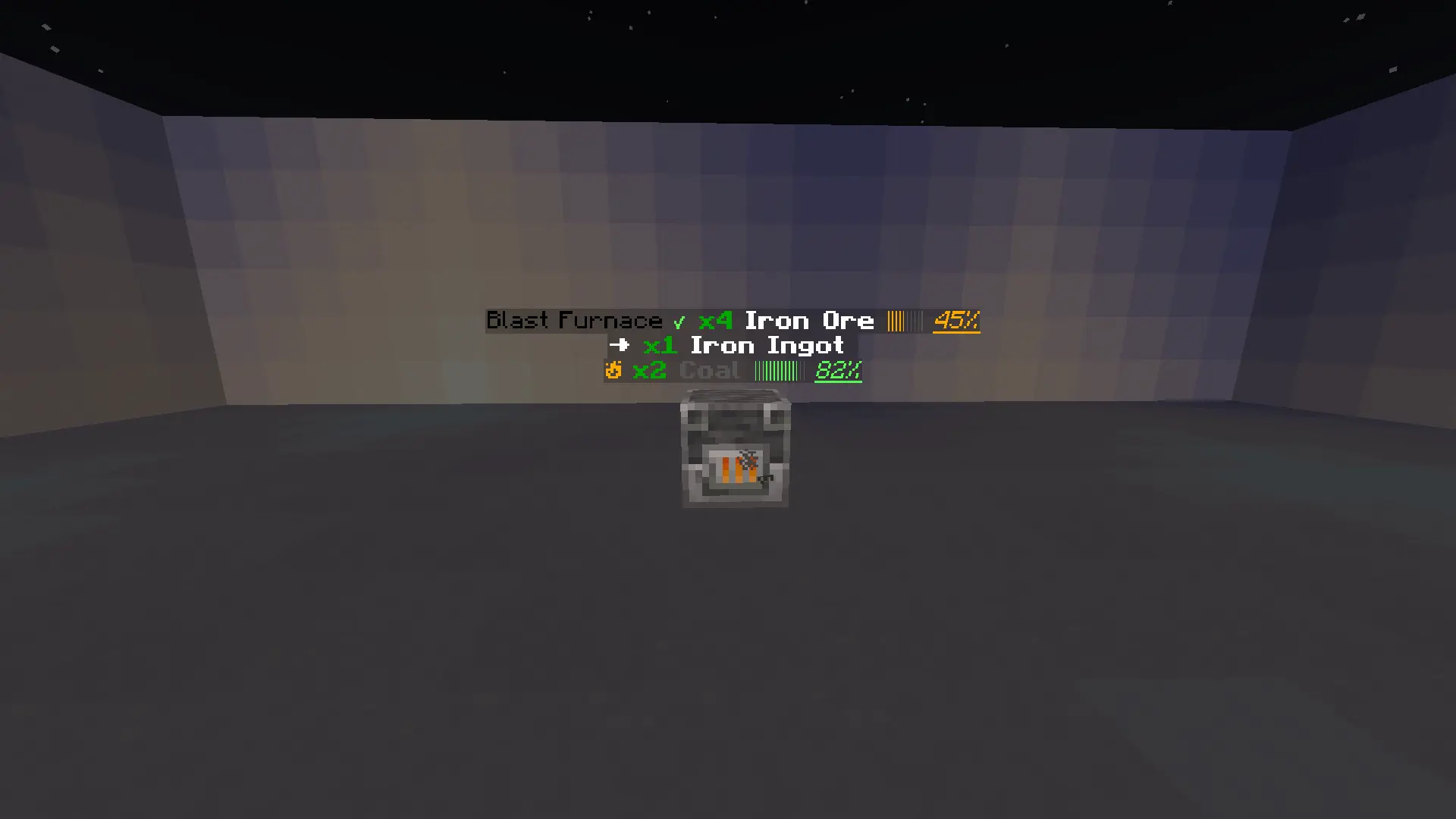
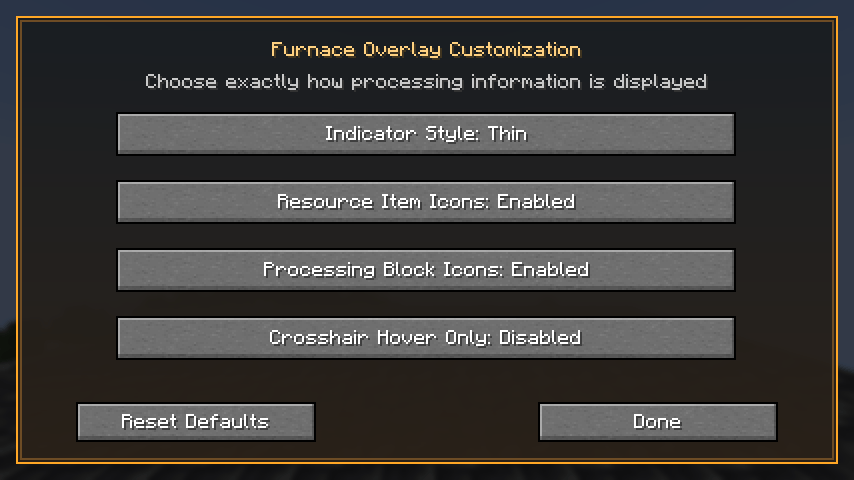
Press the , key by default to open the Furnace Overlay customization screen. This key can be changed through Minecraft's standard Controls menu.
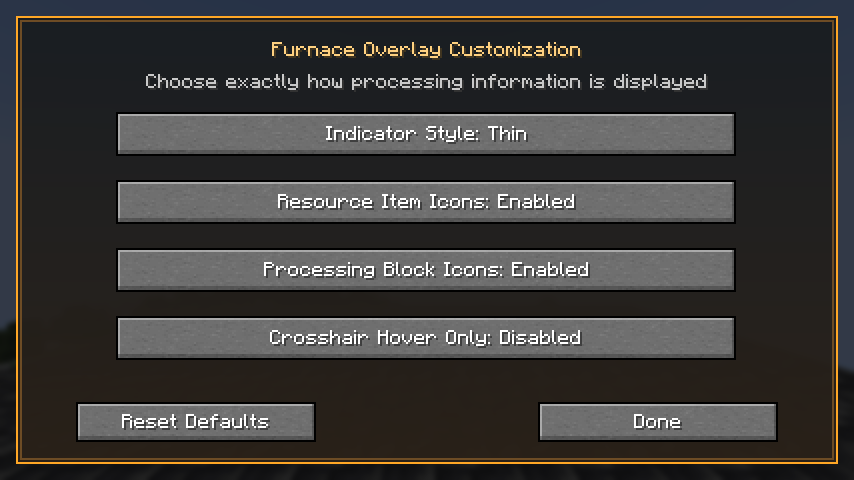
Available customization options include:
Customization settings are saved automatically between game sessions.
Furnace Overlay automatically detects modded items and recipes used inside compatible cooking blocks.
Dedicated compatibility is included for the furnace tiers and speed upgrades provided by Iron Furnaces. Iron Furnaces is completely optional and is not required to use Furnace Overlay.
Iron Furnaces compatibility has been tested and confirmed on:
Iron Furnaces compatibility is not currently supported by the Forge version of Furnace Overlay.
Other custom furnace mods that use completely different block-entity or inventory systems may require dedicated compatibility support.
Furnace Overlay supports Minecraft 26.2 on the following platforms:
Make sure you download the Furnace Overlay file created for your chosen mod loader.
Furnace Overlay must be installed on both the client and server for multiplayer. Singleplayer is fully supported because Minecraft runs an integrated server internally.
All Rights Reserved.