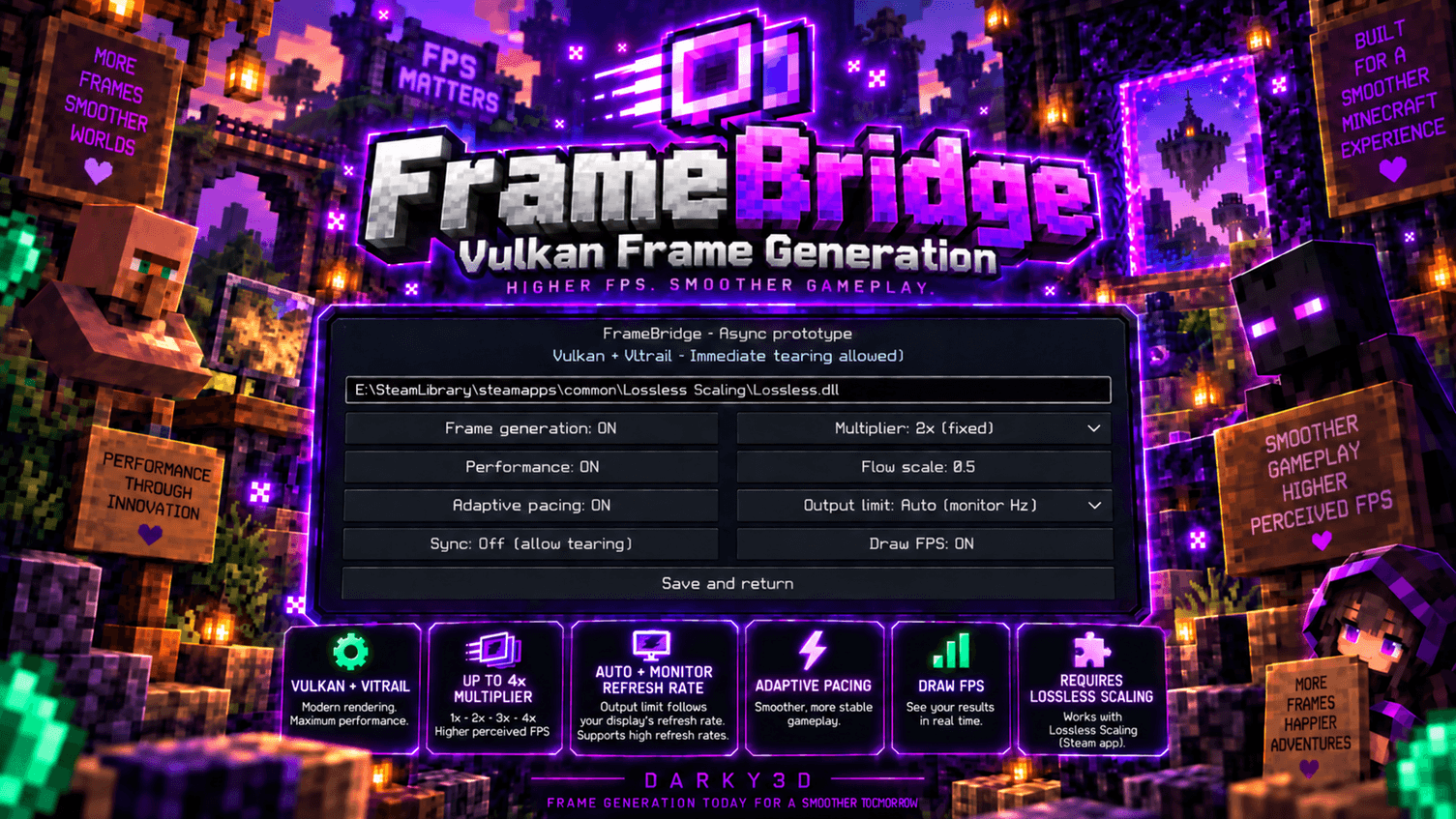
FrameBridge adds Lossless Scaling frame generation directly to Minecraft’s Vulkan renderer for smoother gameplay and higher perceived FPS.
Press F8 to open the settings menu.
Press F9 to quickly toggle frame generation.
FrameBridge requires a legitimate installation of Lossless Scaling.
Set the path to Lossless.dll in the FrameBridge settings.
Default Steam example:
C:\Program Files (x86)\Steam\steamapps\common\Lossless Scaling\Lossless.dll
If your Steam library is on another drive, it may look like:
D:\SteamLibrary\steamapps\common\Lossless Scaling\Lossless.dll
FrameBridge does not include or redistribute Lossless Scaling or Lossless.dll.
FrameBridge is compatible with Vitrail Shaders.
Vitrail is optional and is not required for FrameBridge to work.
FrameBridge is experimental and may cause graphical issues, crashes, or compatibility problems.
All Rights Reserved
Created by darky3d.