FF Entity Painting
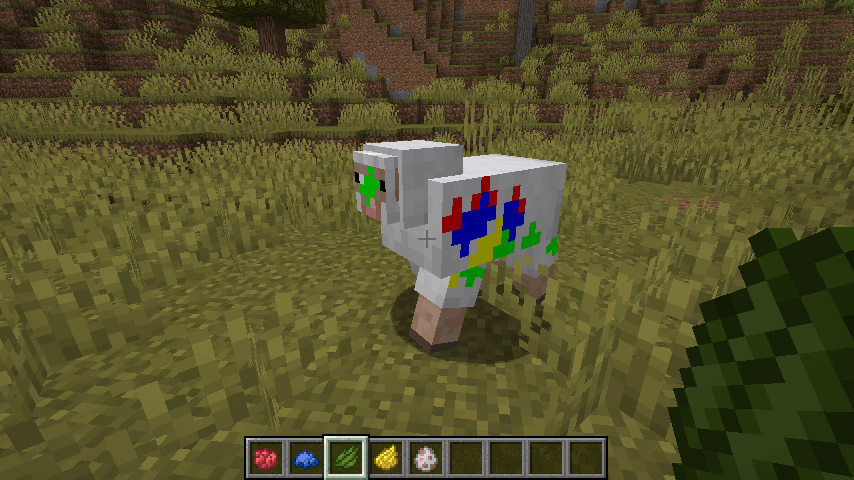
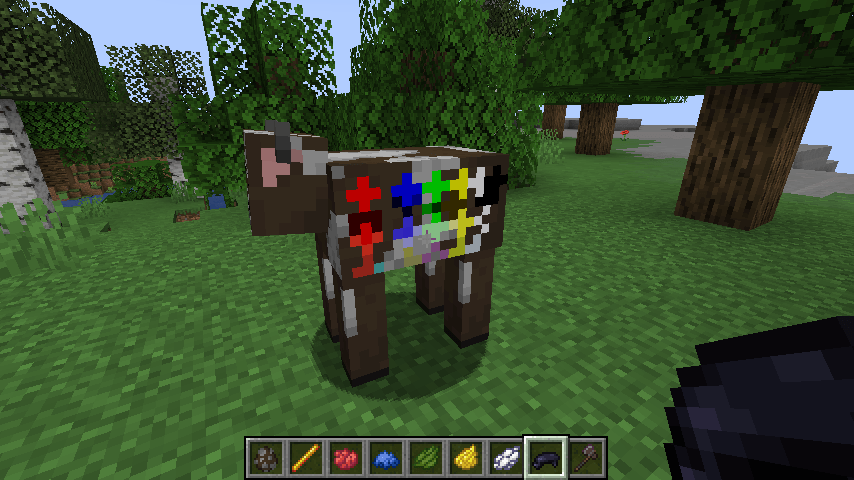
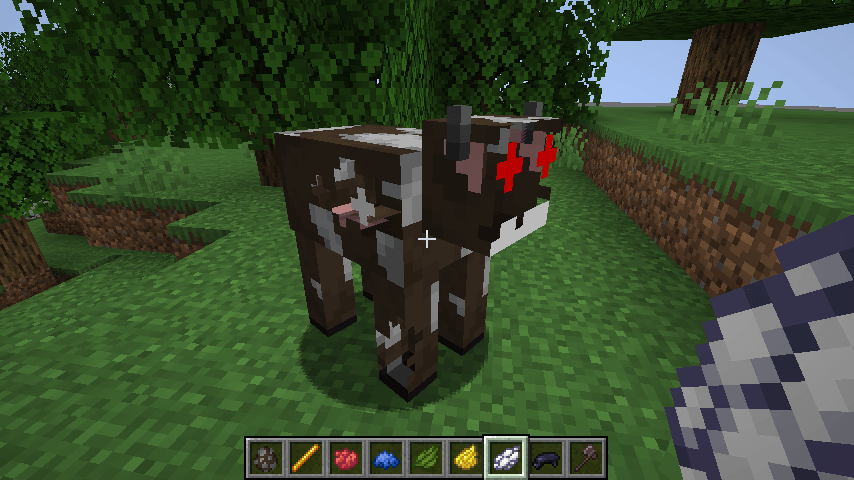
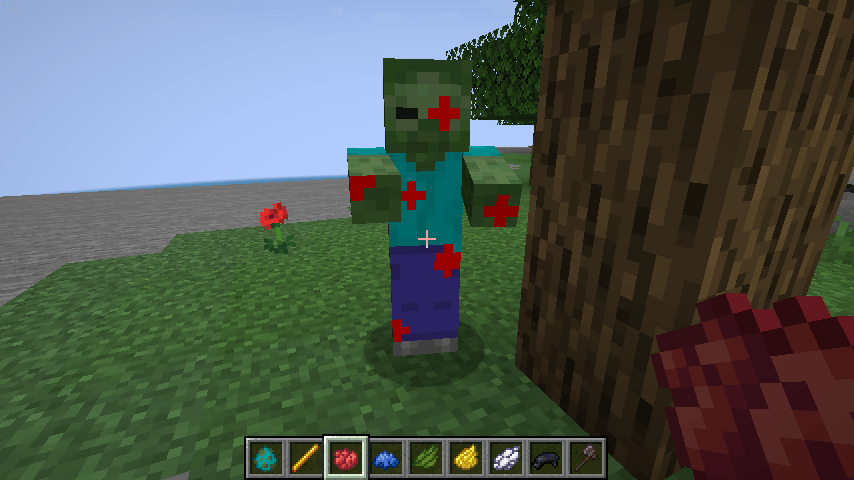
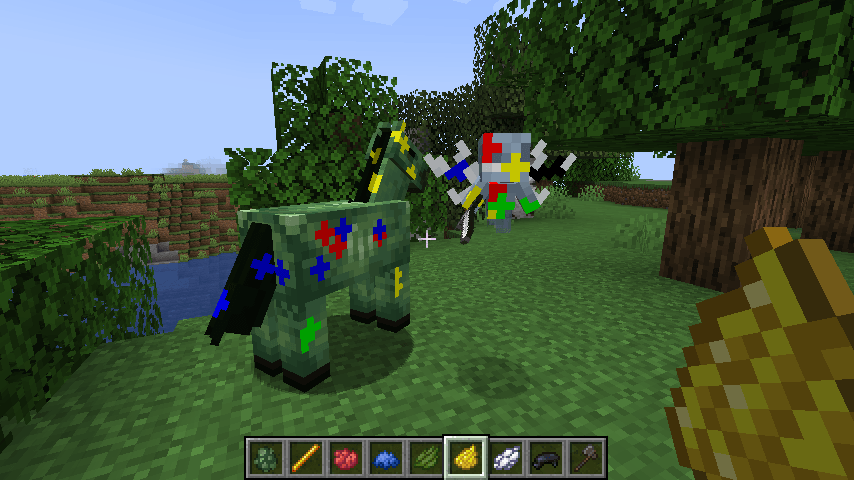
Grab a brush and give that cow some flair! FF Entity Painting lets you paint right onto mobs and fully network the result, using layers and blending modes just like an art program. It is intended to be a library for other mods to make use of. For an example see FFEntityDirt!
Heads up: this mod is still experimental. Painting has been checked in game, but multiplayer and some mobs still need more testing.

How it works
- Find the six paint tools, the eraser and the Mob AI Wand in the Entity Paint Tools creative tab.
- In first person, right-click a living mob to paint the exact spot you're looking at. Mobs from other mods work too, even ones animated with GeckoLib. Mobs wearing armor, a saddle or a carpet need it taken off first.
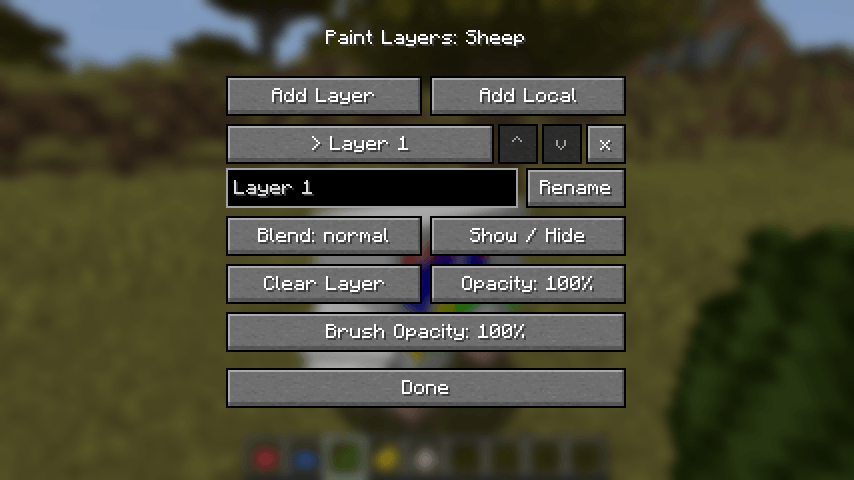
- Sneak and right-click to open the layer manager: add, rename, reorder, hide, fade, blend (more than twenty blend modes, from multiply to hue and color) and clear layers.
- Change the brush opacity for soft blushes that build up, or fade a whole layer at once.
- Local layers are visible only to you, which makes them perfect for trying out a design.
- Servers and maps can set up team layers that only some players can see or paint.
- Paint is saved with the mob and shared with everyone on the server.

Configuration
You can adjust:
- How many layers a mob can have and the paint resolution
- Painting reach and brush size
- Creative-only painting, and whether players keep their paint after death
- Your own settings for saving local layers and measuring mob shapes
Operators also get /entitypaint commands to inspect, fill, copy and clear paint and manage layers.
Mod compatibility
- Sodium: works just like without it.
- Entity Texture Features: paint lands on whichever texture variant is showing.
- Entity Model Features: custom models can be painted too. On Minecraft 1.21.11 a part a resource pack gives its own texture takes no paint.
- GeckoLib: mobs animated with GeckoLib can be painted, bone by bone.
- 3D Skin Layers: the 3D hat, jacket, sleeves and pants on a player's skin take paint, and it lines up for players who see them flat.
- Epic Fight: players and the mobs Epic Fight animates can be painted, and the paint lines up with what they show without Epic Fight (NeoForge 1.21.1).
- Other mob mods: their mobs can be painted out of the box, and a mod can opt its mobs out if painting doesn't suit them.
- Iris: paint with shaders on. Painted mobs lose their PBR normal and specular maps while shaders are on.
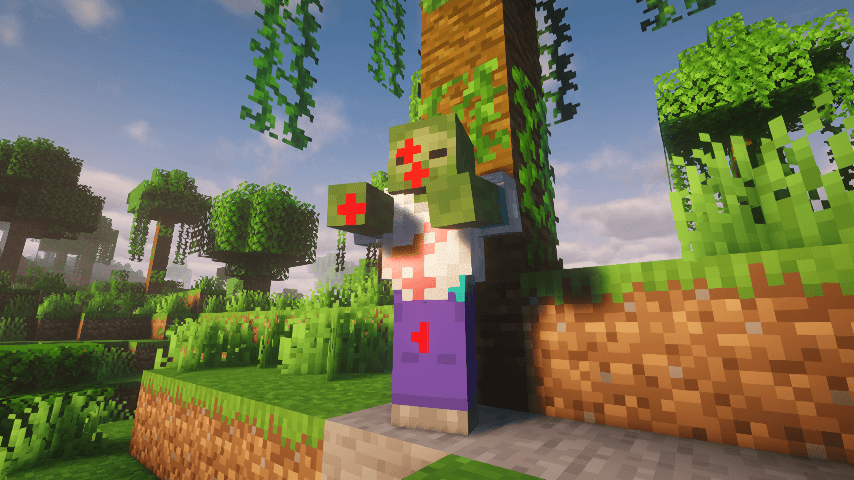
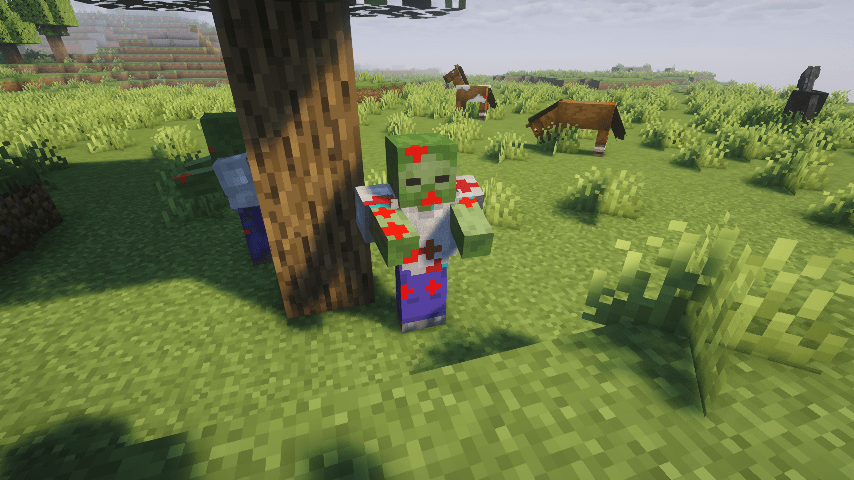
- FF Entity Dirt: builds on this mod to add dirt, soot, snow and battle scars.
Version differences
- Switching loaders: paint is saved per loader, so paint made in a NeoForge world won't line up if you open that world with Fabric (and the other way around).
For datapack makers
Add any mob to the ffentitypainting:unpaintable entity tag to keep it from ever being painted, players included, or write exclusion rules (by type, baby, name or dimension). Resource packs can also fix modded mobs with texture aliases and model exclusions. Functions can also use the /entitypaint commands to set up paint and team layers, like a capture-the-flag banner mob layer that only one team can see. Click the Wiki link in the sidebar and open the Datapacks page for details.
For mod developers
Other mods can add brushes, paint from the server, keep protected layers, set who sees and paints each layer, opt their own mobs out of painting, show a mob's paint on statues and portraits, preview a brush stroke, and more. Click the Wiki link in the sidebar for the API guide and examples.
What's with the FF prefix?
It stands for Fyxe's Features! It's a clean way to easily find all of my mods when changing configs or creating packs. Mods that are a part of the "FF" system are usually smaller and unintrusive.
Feedback
If you have any ideas for improvements, questions, or concerns, I am open to communicating through email: [email protected]