Mineuniverse
Resource Packs
Enchanting Table XP Bar

Enchanting Table XP Bar

RESOURCE PACK
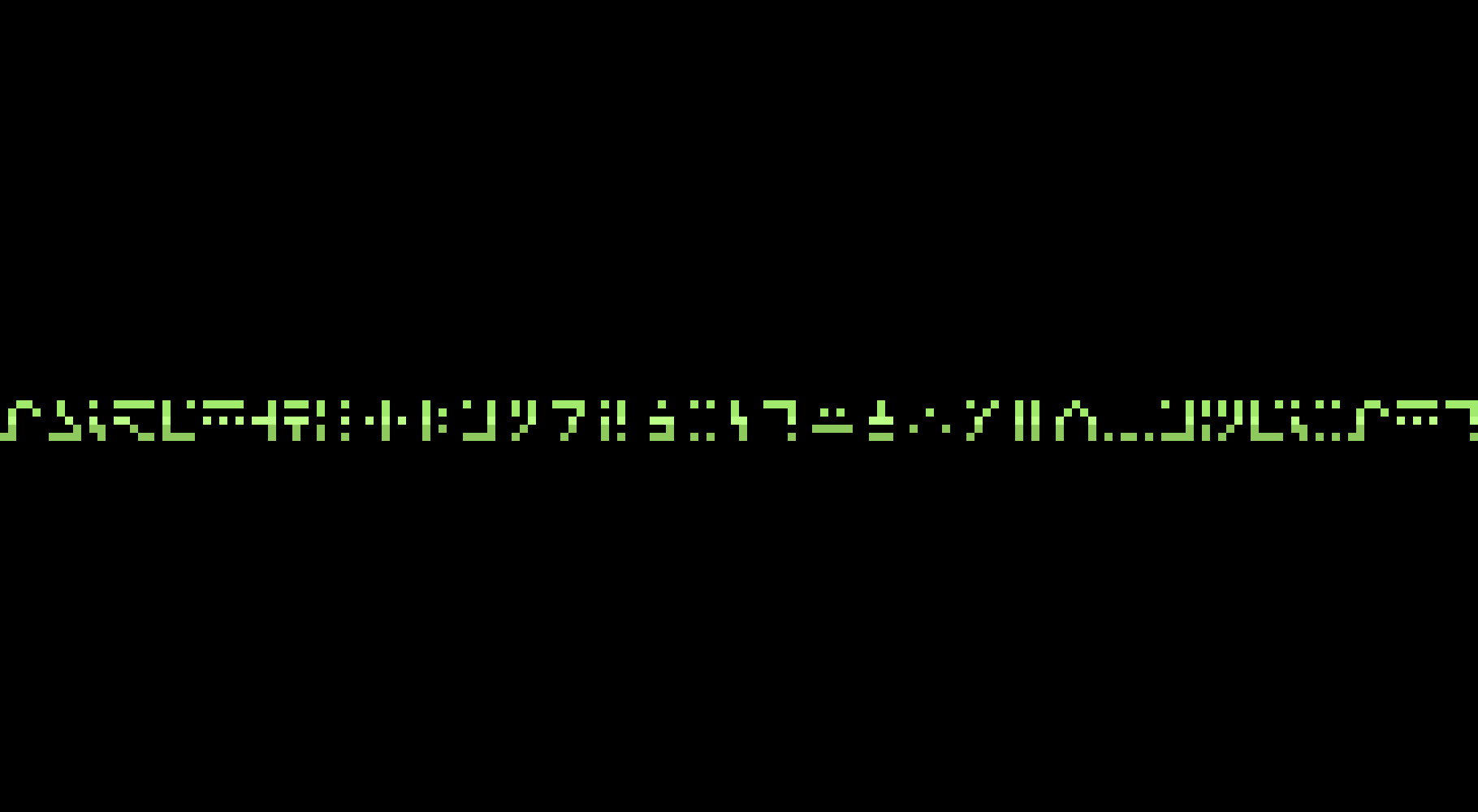
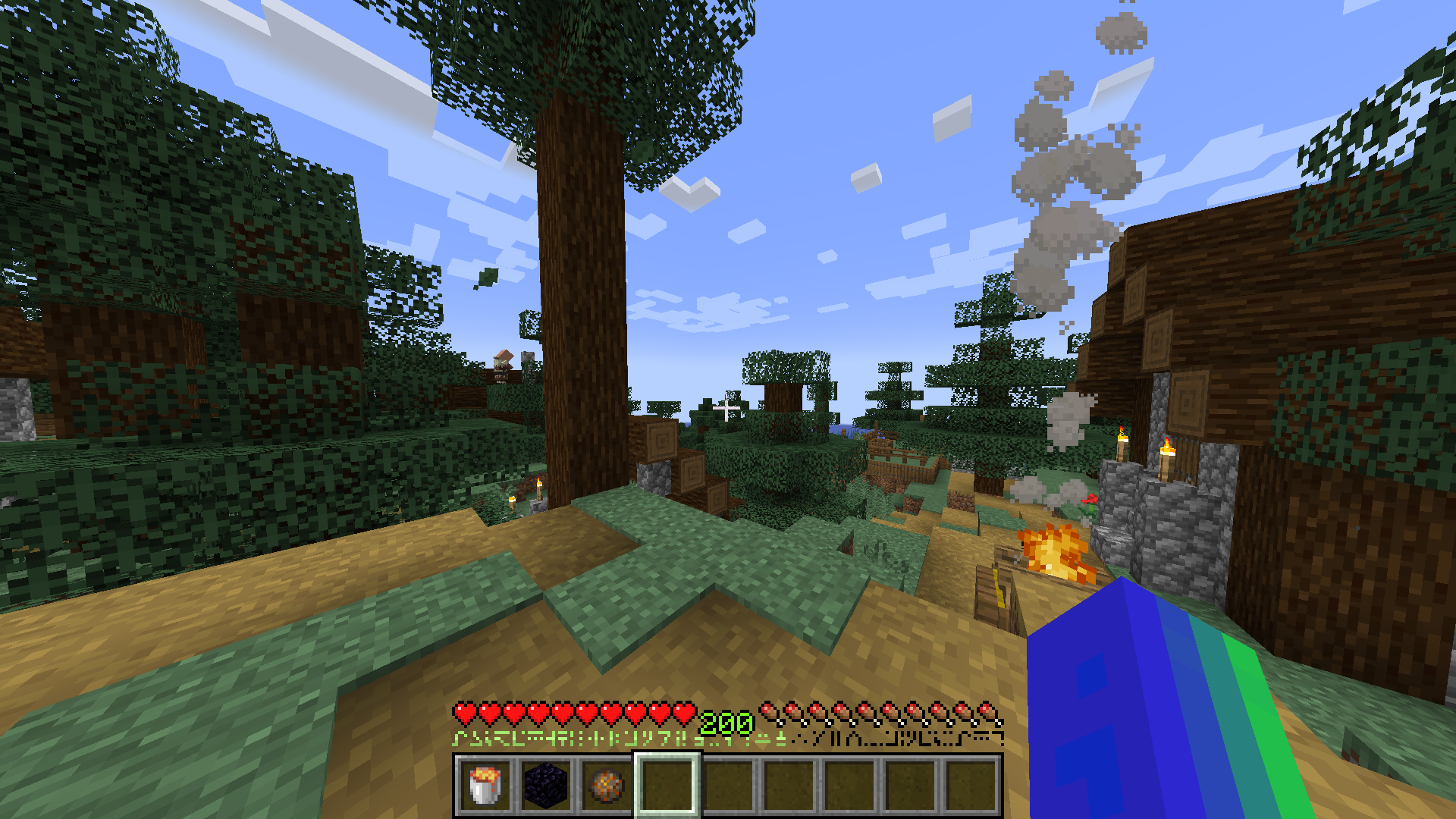
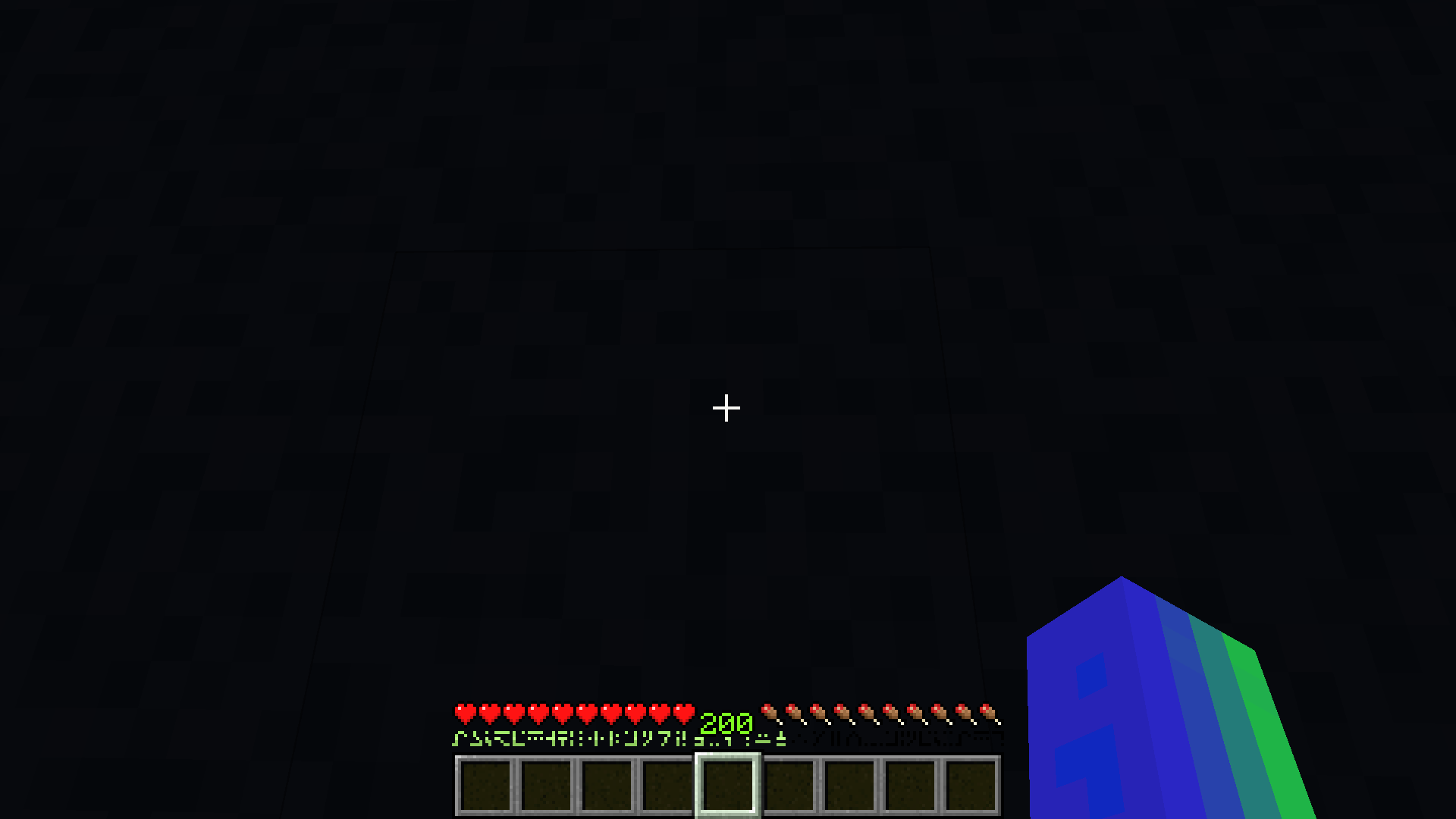
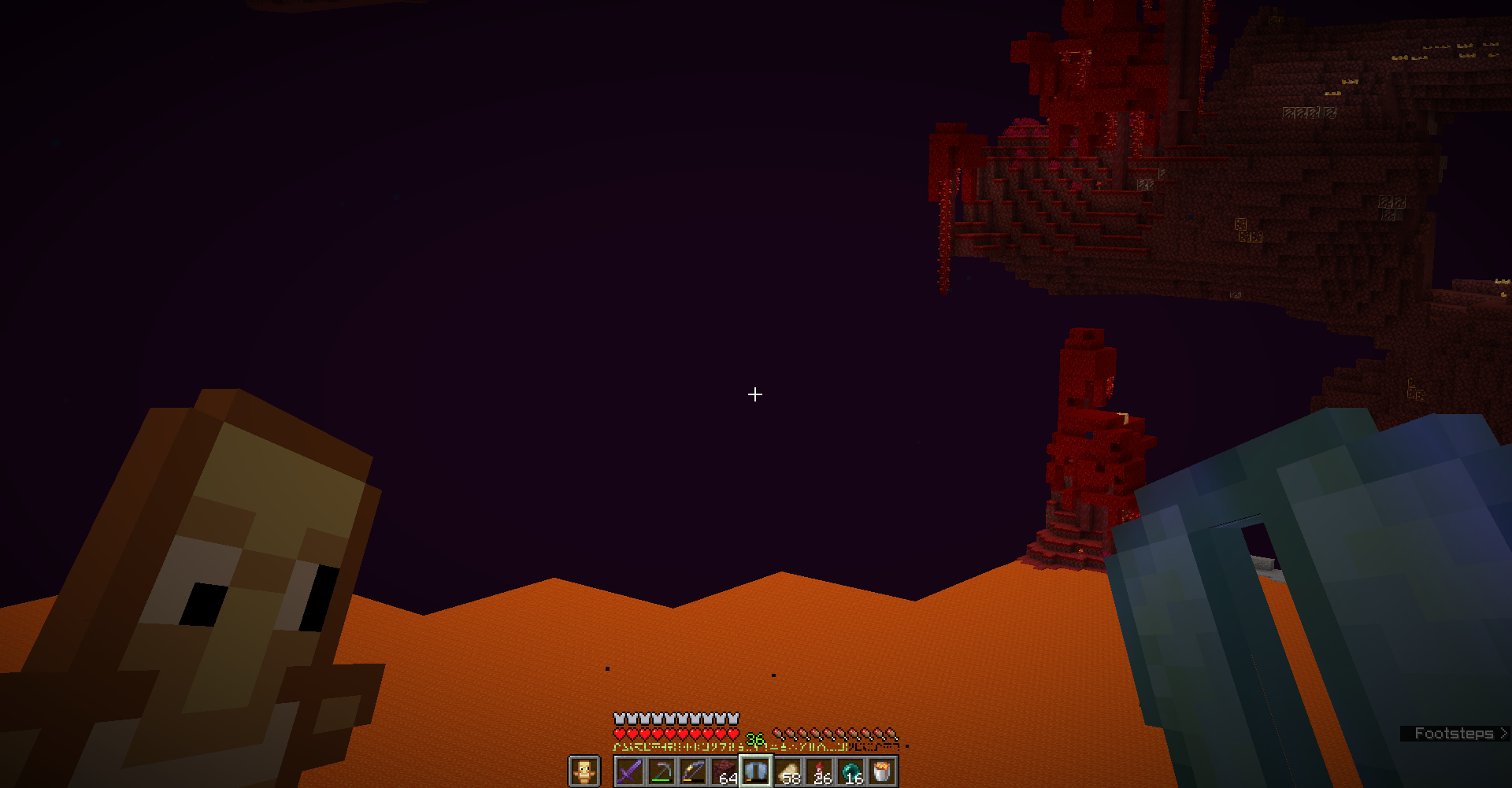
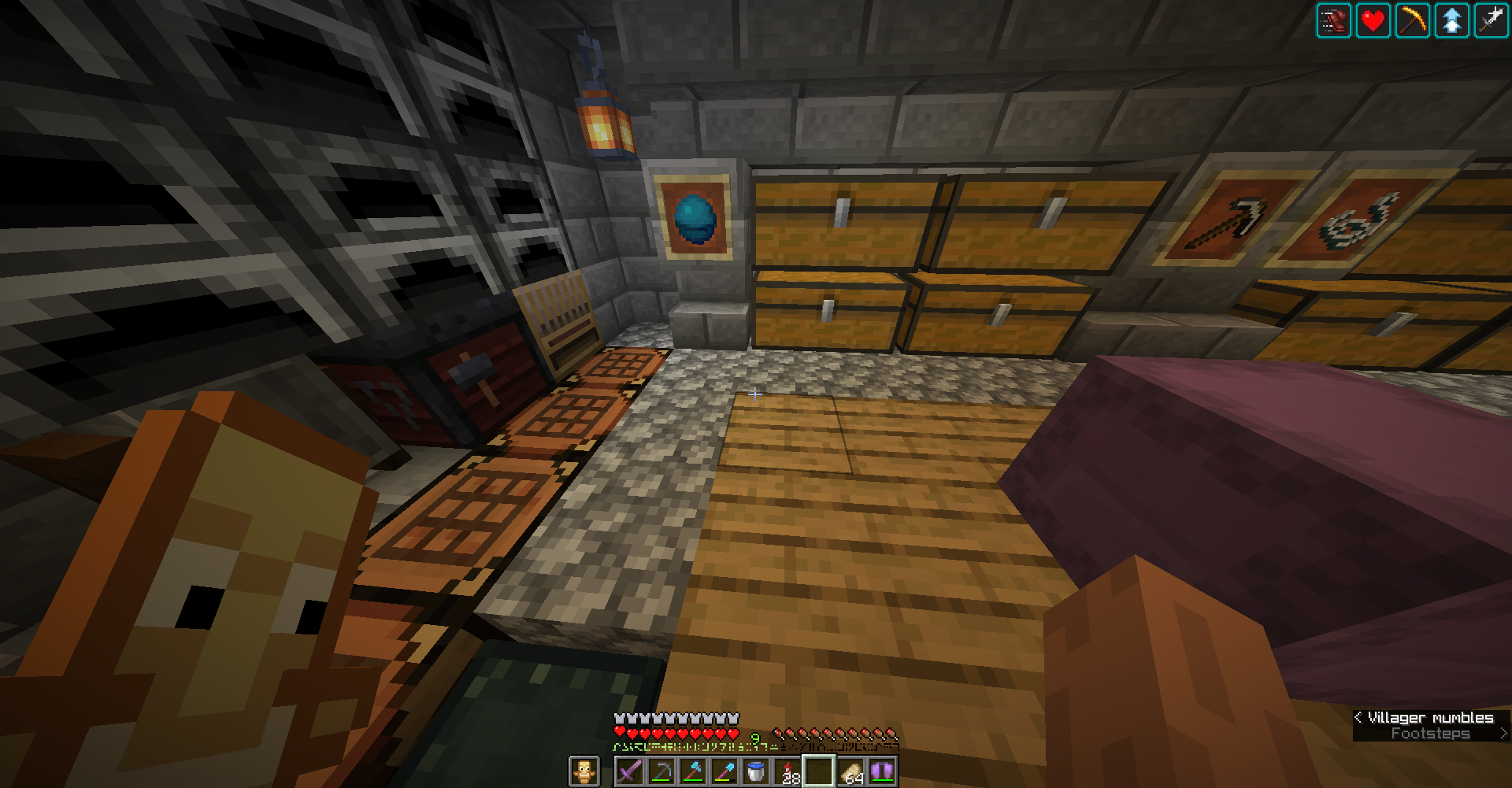
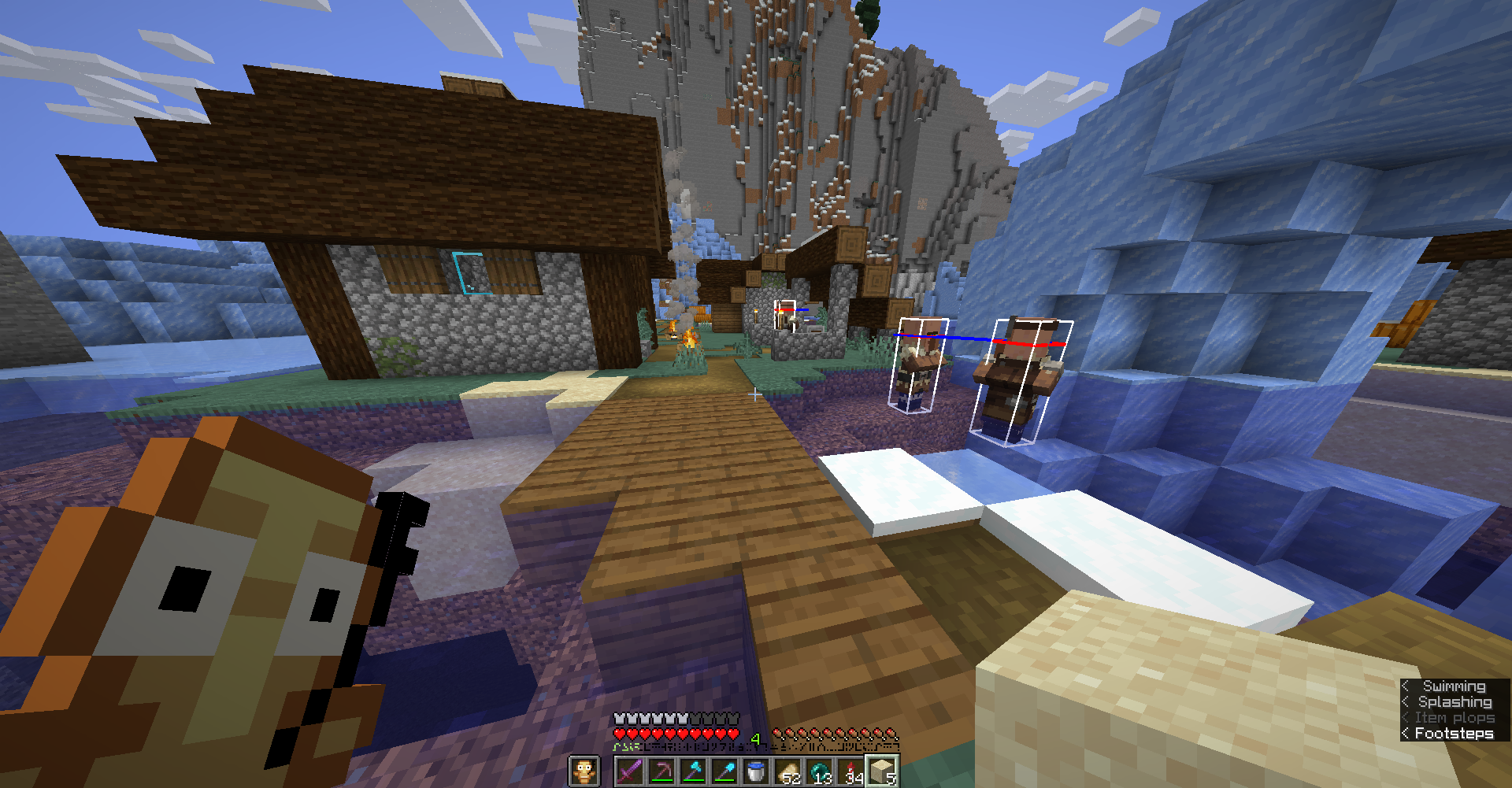
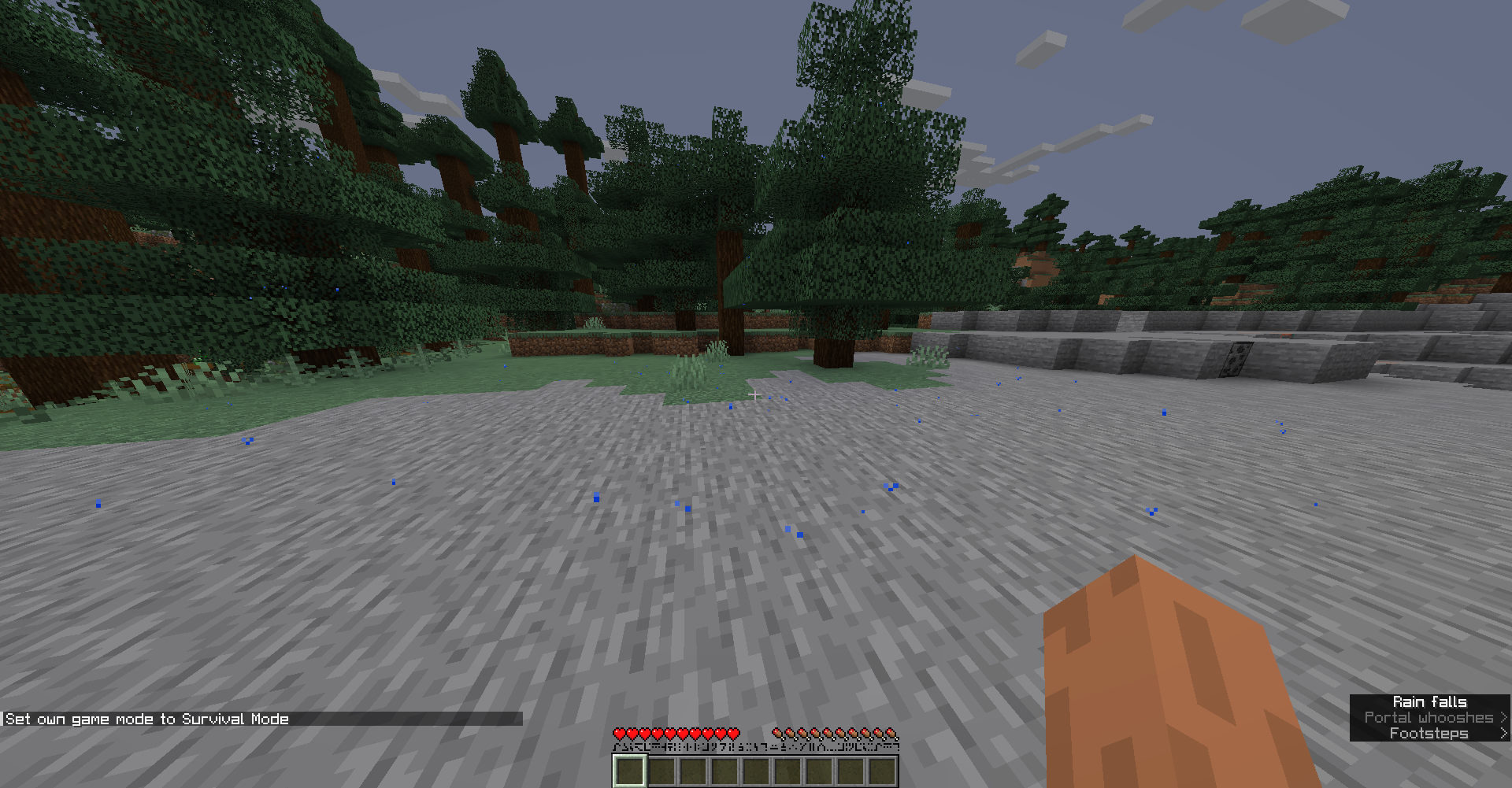
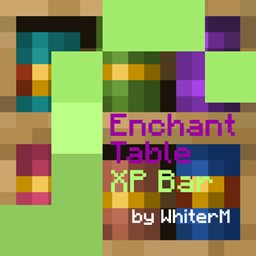
Changes XP Bar to look like Enchanting Table language (Standard Galactic Alphabet)
by whiterm5
Download Claim this project
2,943 downloads
0 likes
Updated Oct 14, 2026
0 hypes
16x Miscellaneous
Advertisement Remove ads with Premium →

This pack changes XP bar to look like Enchanting Table language or Standard Galactic Alphabet. It works on 1.7.2 - 1.21.5 (or higher) - tested on 1.6, 1.7.2, 1.8, 1.12.2 and 1.21.5. I was inspirated by pack which DashPum4 was using and I decided to do it by my self (I wanted to do some changes on this idea). I wanted to make it a bit closer to the original XP bar (different green layers). 


If you don't like my design check out these packs:

https://www.planetminecraft.com/texture-pack/yolkky-s-experience-bar-java-edition/

https://www.planetminecraft.com/texture-pack/exp-bar-to-enchantment-text/

https://www.planetminecraft.com/texture-pack/intergalactic-xp-bar/

https://www.planetminecraft.com/texture-pack/animated-rainbow-standard-galactic-alphabet-experience-bar-optifine-required/


Optifine is not required

You can use this pack in modpacks, but you can't pass off as one's own!!!


All bugs report me please!!!


My other useful projects:

Texture packs: Clear Lava and Water: https://www.curseforge.com/minecraft/texture-packs/clear-water-and-lava

                         Mr. Totem (Antimated Totem of Undying): https://www.curseforge.com/minecraft/texture-packs/mr-totem

Mods: Shatr (Adds a lots of funny things, 1.16.5): https://www.curseforge.com/minecraft/mc-mods/shatr

 

Enchanting_Table_XP_Bar_by_WhiterM_v.1.0.0.zip
MC 1.16.3, 1.13.1, 1.9.3, 1.8.7, 1.7.4, 1.7.7, 1.7.6, 1.17.1, 1.9.1, 1.21, 1.21.6-snapshot, 1.7.5, 1.16.1, 1.18.1, 1.14.3, 1.15, 1.16, 1.13, 1.7.3, 1.7.2, 1.16.5, 1.10.2, 1.19.3
Release 2025-04-13 Get

Requirements & install

How to use this resource pack in Minecraft
Resolution
16x
Minecraft
1.16.1 – 1.21.6-snapshot
Install folder
.minecraft/resourcepacks

How to install resource packs

  1. Download the resource pack .zip file (do not extract it).
  2. In Minecraft open Options → Resource Packs → Open Pack Folder.
  3. Drop the .zip into the resourcepacks folder (.minecraft/resourcepacks).
  4. Move the pack to the Selected column and click Done.
Browse more: 16x resource packs 32x resource packs 64x resource packs 128x resource packs 256x resource packs 512x+ resource packs Resource Packs for 1.21.6-snapshot All resource packs

More from whiterm5

Advertisement Remove ads with Premium →

You Might Also Like