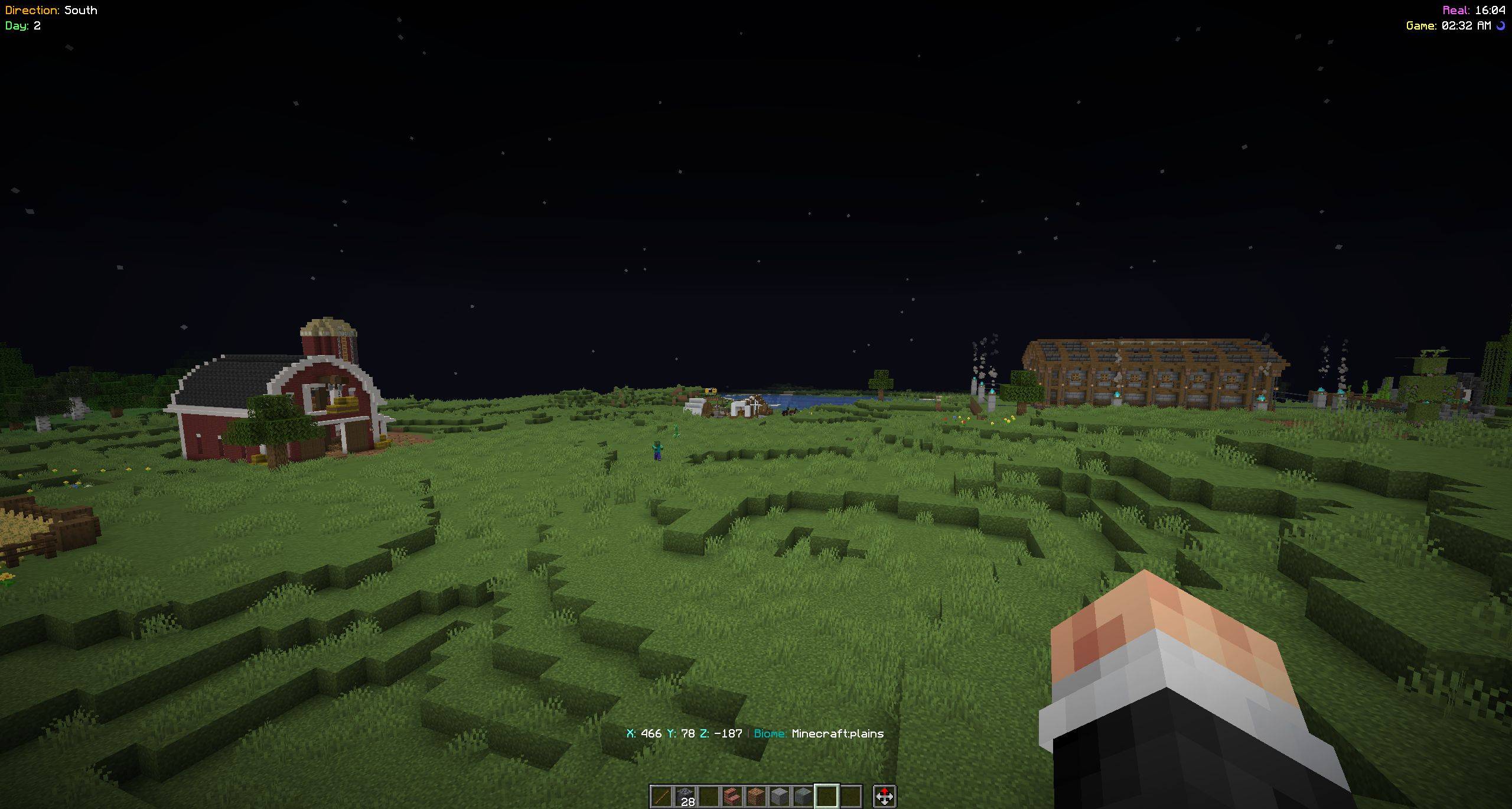
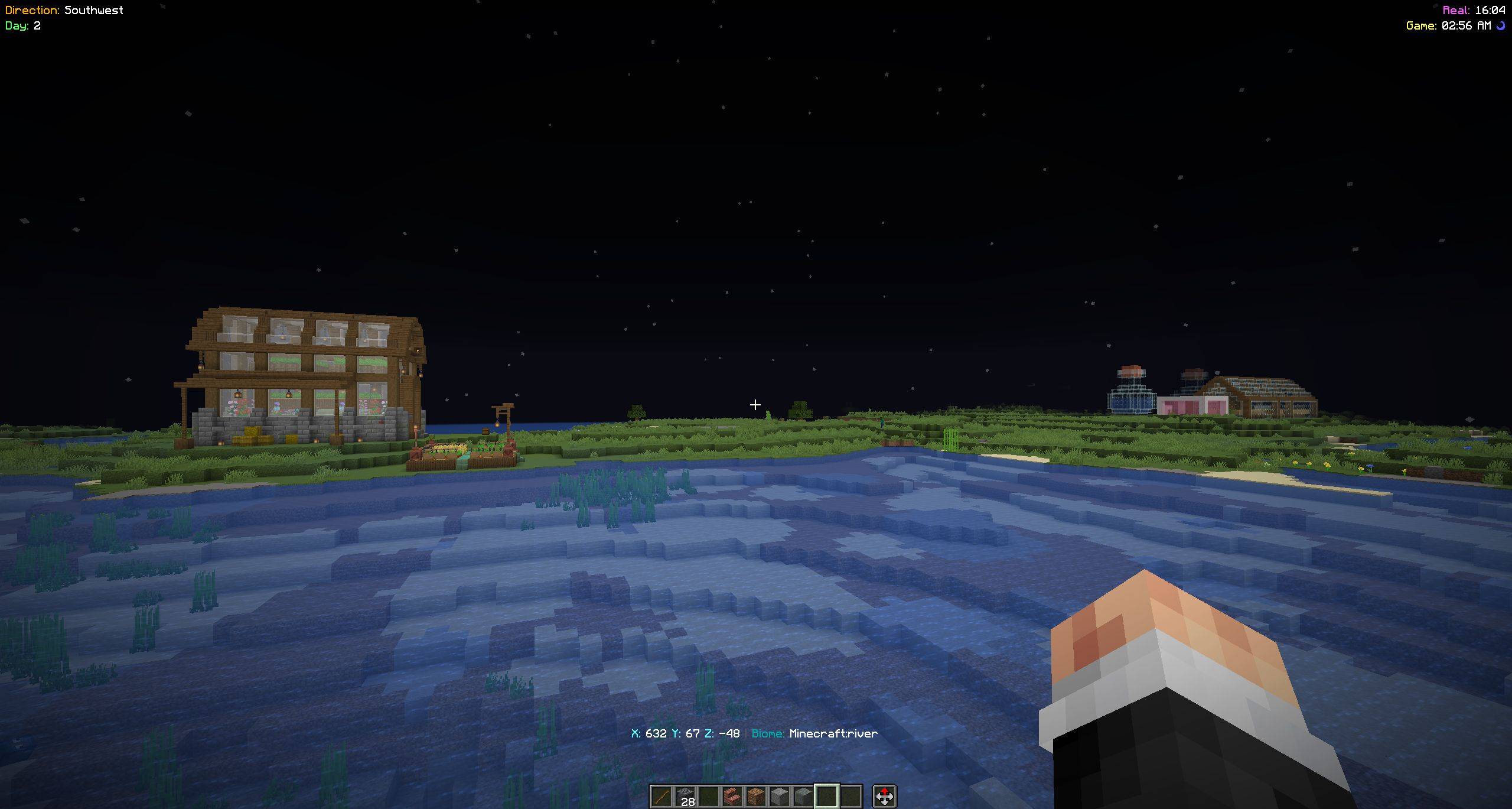
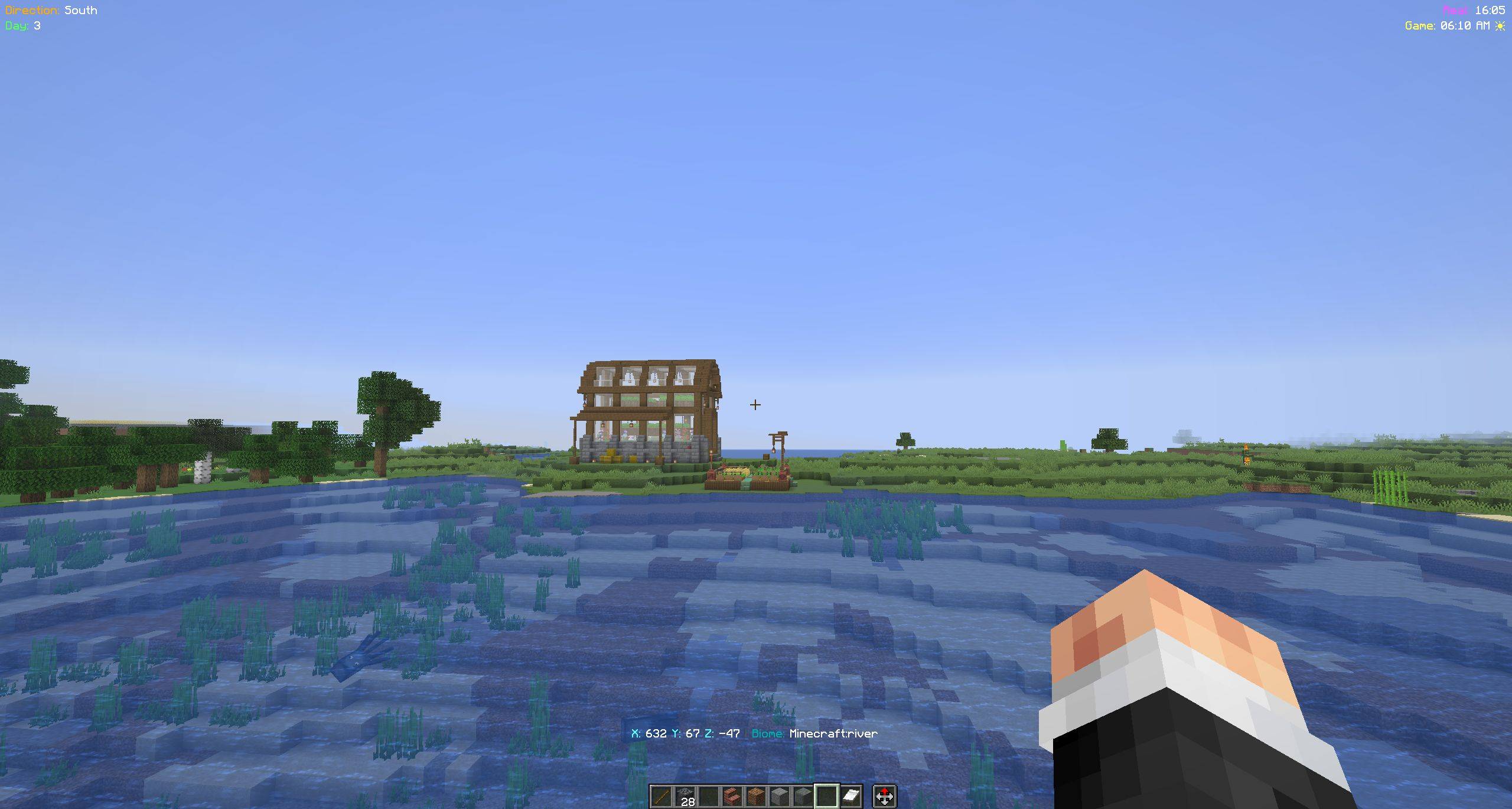
The Direction HUD mod displays useful player information such as facing direction, world time, coordinates, and more directly on the screen. All HUD elements are configurable and can be toggled on or off using commands. The state is saved between game sessions.
Direction Display Shows cardinal (N, S, E, W) and intercardinal directions (NE, NW, SE, SW) in the top left corner.
Minecraft Days Displays the number of days passed in the current world (top left).
Time Display Shows both:
Coordinate Display Shows current X, Y, Z coordinates above the hotbar.
Biome Display Shows the current biome next to the coordinates.
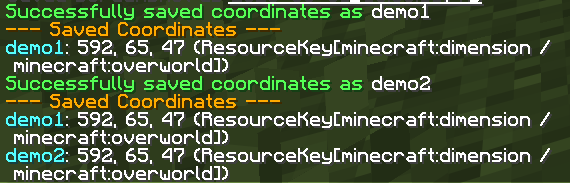
Coordinate Saving Save your current location with a custom name and retrieve it later.
Toggleable Features Each HUD element can be enabled or disabled independently using commands.
Persistent Config
All preferences and saved coordinates are stored in:
config/direction-hud.json
Minimalist UI Clean, readable overlays with subtle backgrounds for visibility.
config/direction-hud.json/dh namespace to avoid conflicts with other mods/dh commands/dh direction <on|off>
Toggle direction display
/dh days <on|off>
Toggle Minecraft days display
/dh time <on|off>
Toggle real-world and in-game time display
/dh coords <on|off>
Toggle coordinate display
/dh coords save <name>
Save current coordinates with a custom name
/dh coords list
List all saved coordinates
/dh biome <on|off>
Toggle biome display
The mod uses a JSON-based configuration file:
config/direction-hud.json
This file stores:
.properties to .json/dh to avoid mod conflicts