Still getting frustrated because you can't find things due to too many chests? Custom Chest Name offers you a solution to this problem: by simply naming your chests, you can quickly find sorted items.
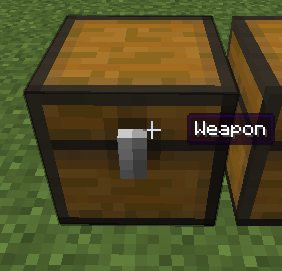
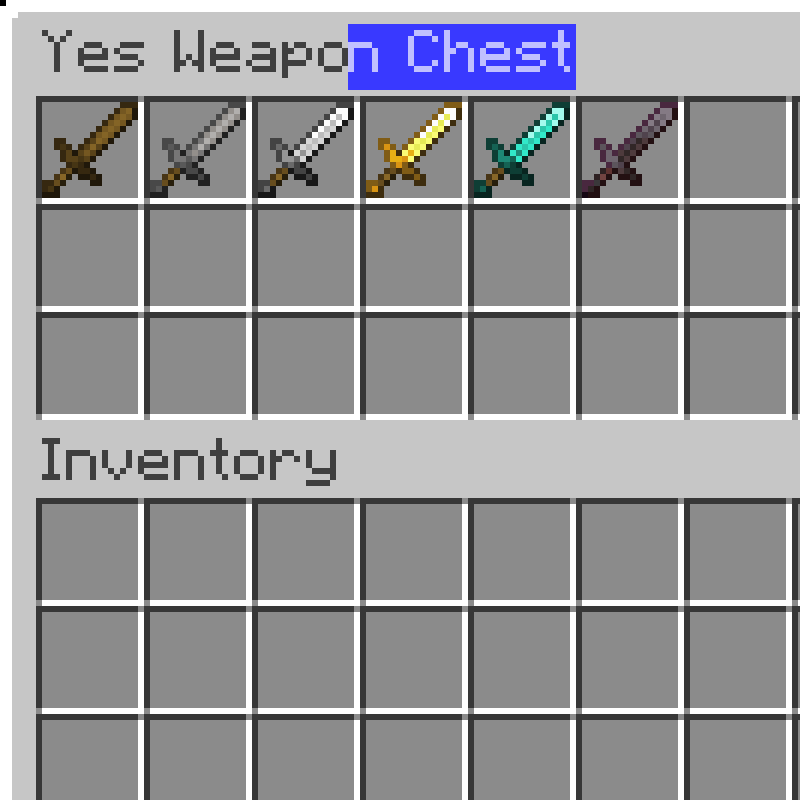
You only need to open the chest and click on the chest's name to start renaming. You can also rename it by sneaking and right-clicking the chest with a renamed name tag in hand (and it won't be consumed).
When the Jade mod is installed and Tooltips are enabled, Custom Chest Name will automatically disable the Tooltip to the right of the crosshair.
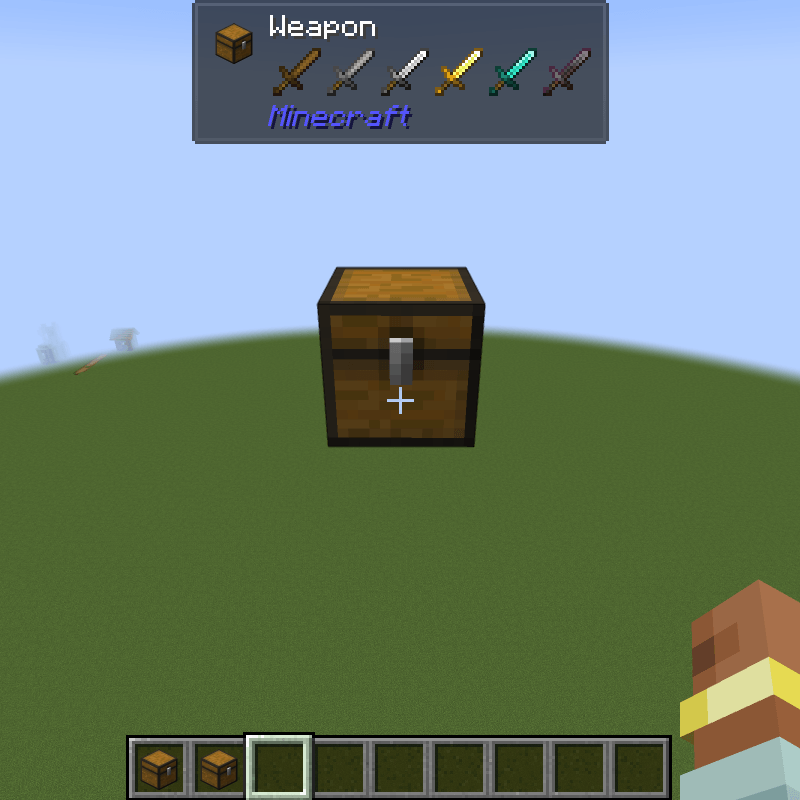
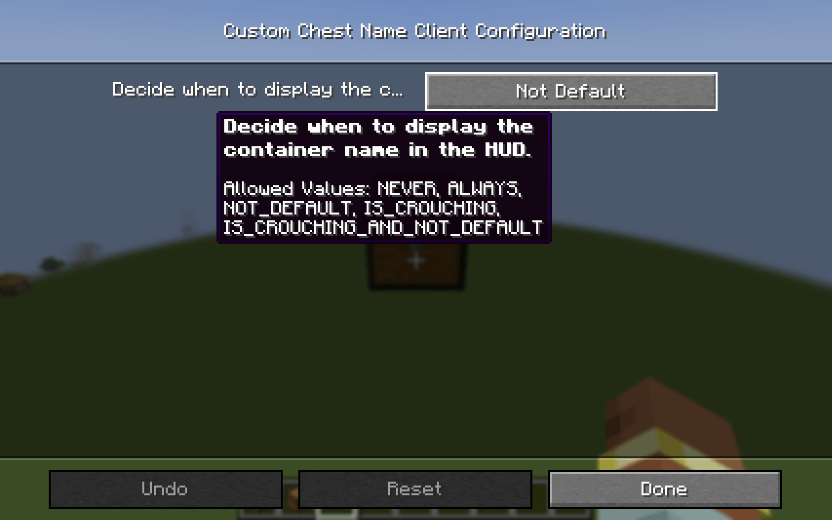
You can change the display mode to one of the following options in the configuration:
Neoforge Configuration Screen(The Forge version can only modify the config file)