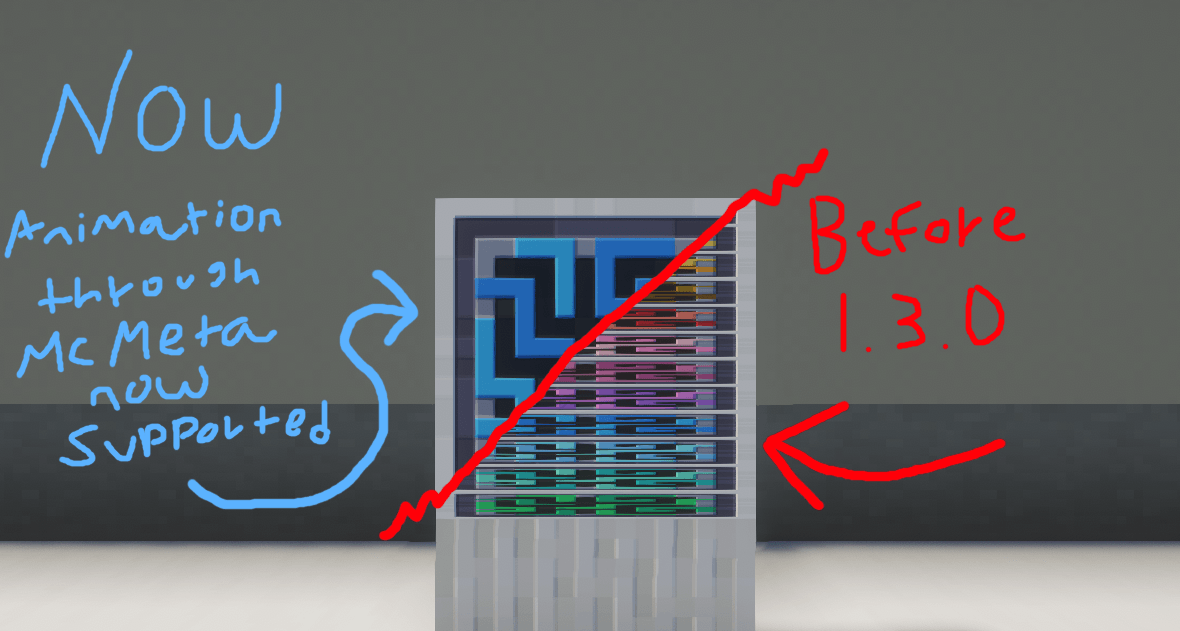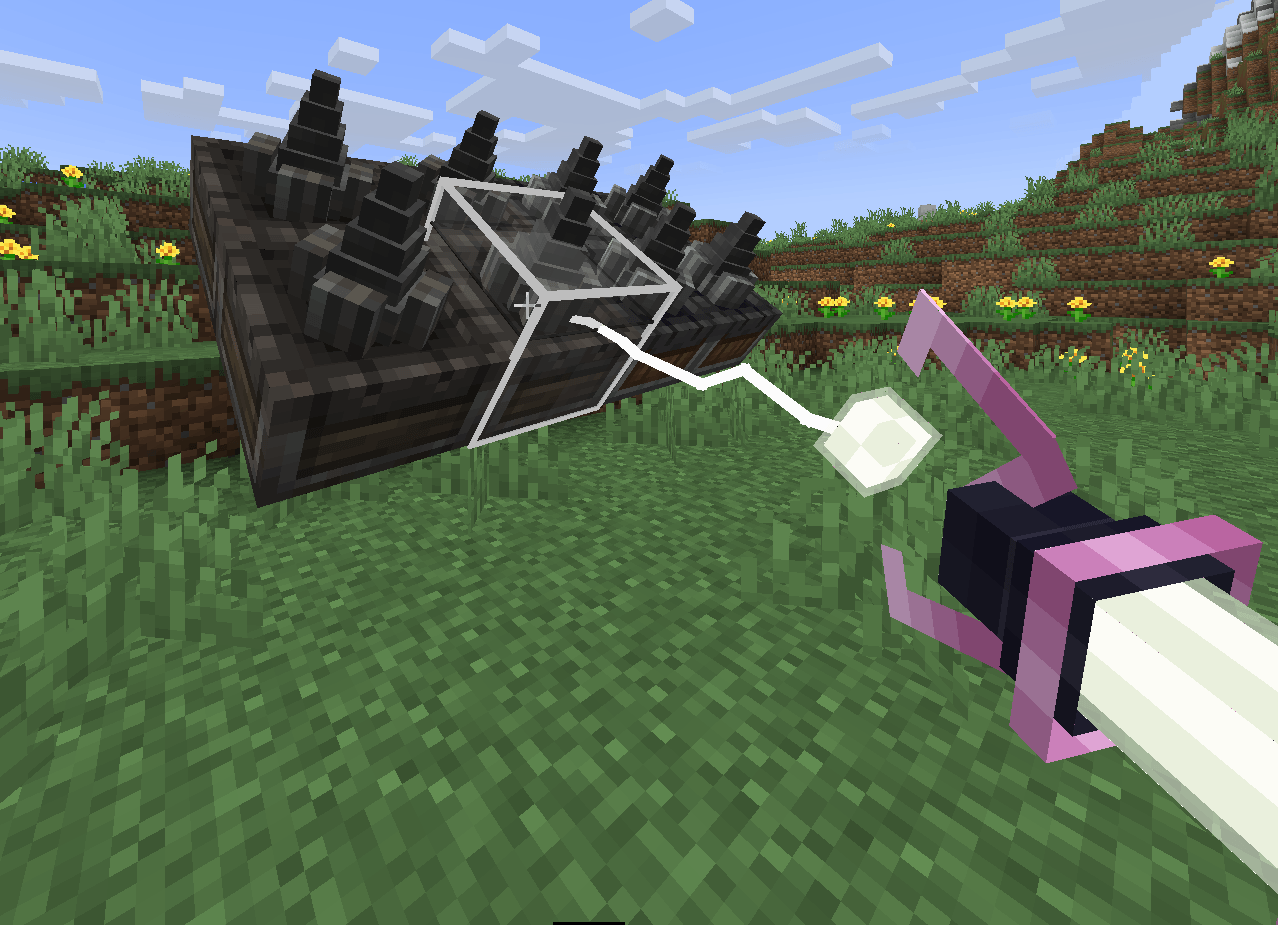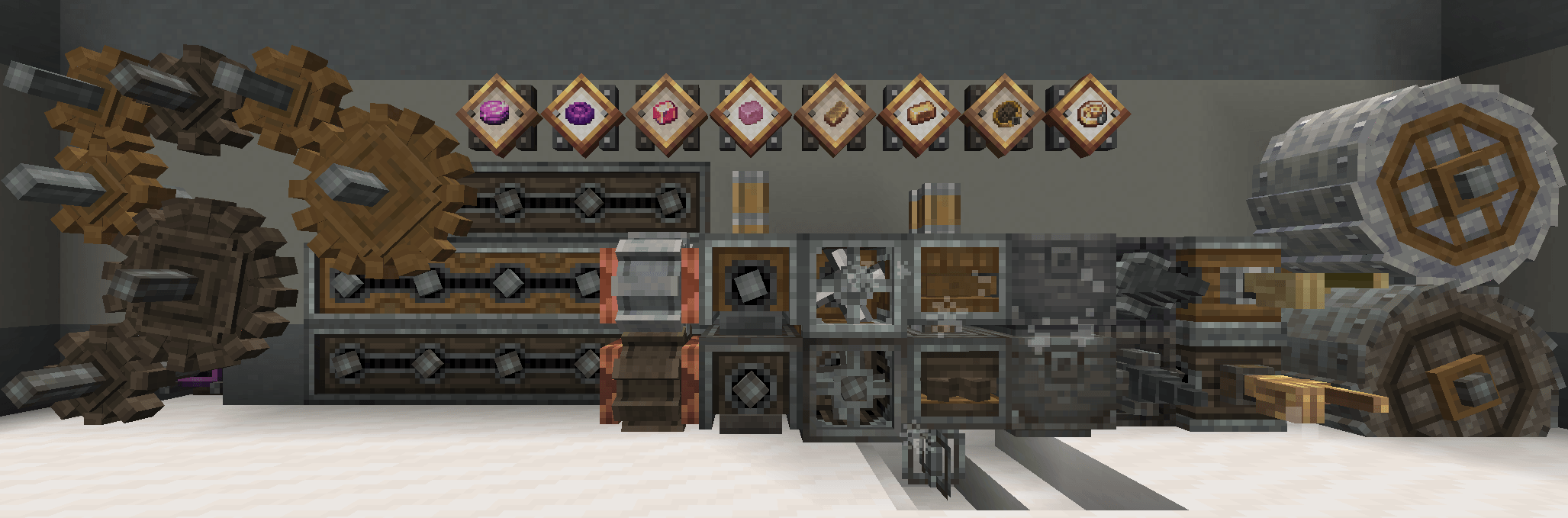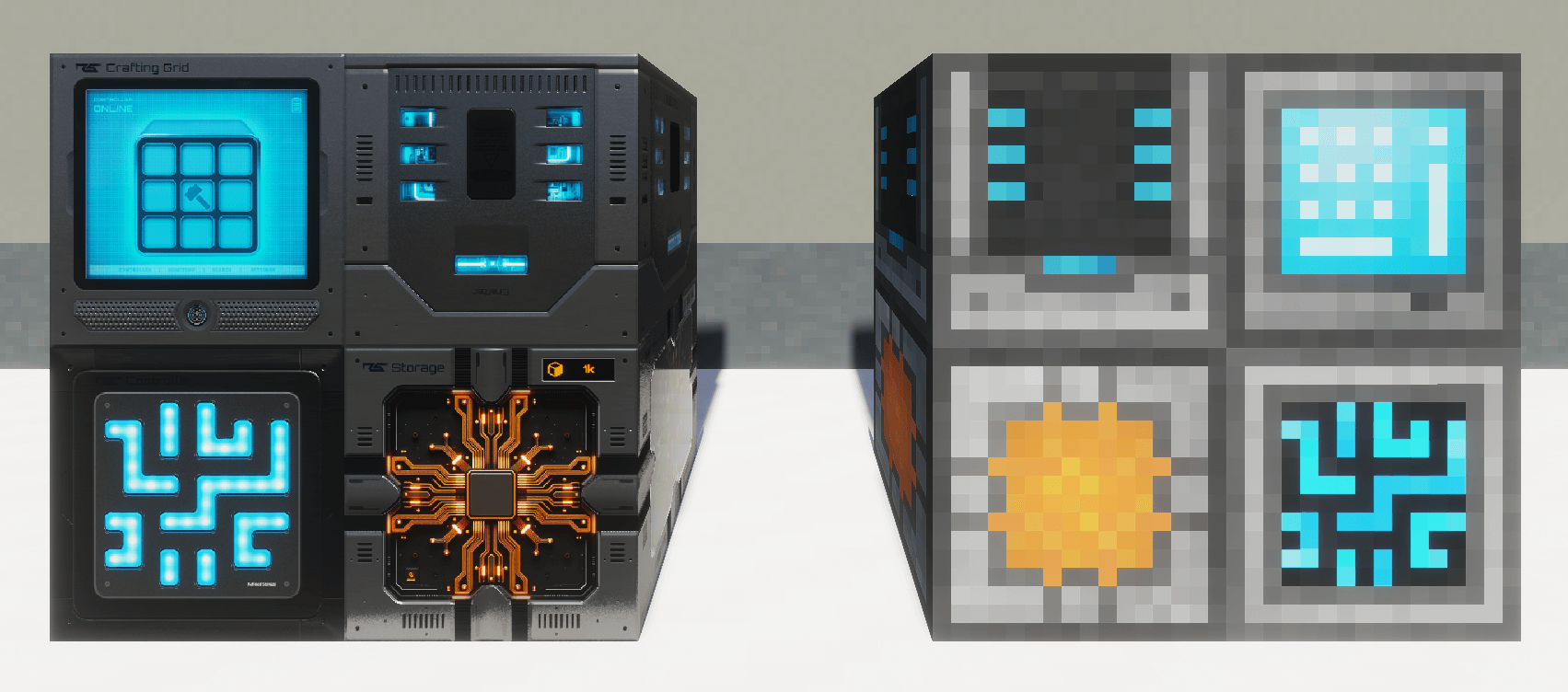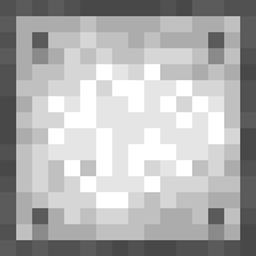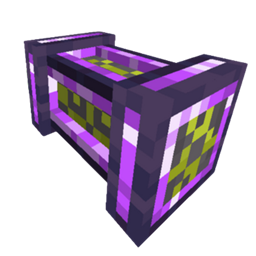
Craftmark lets modpack authors give blocks a different skin depending on how they were crafted — the same machine built from brass looks brass, built from steel looks steel, built normally looks normal. Per-instance, not per-block: two barrels can sit side by side wearing different skins.
You've integrated recipes across mods — a storage controller crafted from Create's brass, a furnace built from Thermal's ingots. The recipes tell that story; the blocks don't. A resource pack can't help: it retextures every copy, however it was obtained. Craftmark makes the skin follow the individual crafted item:
craftmark:brass barrel) — one recipe script and you'll see it work in two minutes.Requires: NeoForge 1.21.1, installed on client and server. Data can be applied through recipes editors like KubeJs or CraftTweaker, given out as quest rewards, or just through commands.
Optional Dependencies:
Optional dependencies add new features, but the mod works perfectly fine without them.
Permissions:
📚 Author Documentation
On first launch, Craftmark creates a craftmark_variants/ folder in your Minecraft instance directory (next to mods/, config/, saves/) and seeds a ready-to-edit brass example:
craftmark_variants/
└── brass/                                   ← one folder = one variant (id: craftmark:brass)
    └── assets/minecraft/textures/block/
        ├── barrel_side.png
        ├── barrel_top.png
        ├── barrel_bottom.png
        └── barrel_top_open.png
Inside a variant folder you use the exact resource-pack layout of the original textures. brass/assets/minecraft/textures/block/barrel_side.png replaces the vanilla sprite minecraft:block/barrel_side. The rule is simply: put your PNG where the original lives, under your variant folder.
The brass folder is already there. With cheats on, run:
/give @p minecraft:barrel[craftmark:variant="craftmark:brass"]
Place it — brass barrel. It's brass in your hand, inventory, on the ground, and in item frames; break it and the drop keeps its skin and won't stack with plain barrels. Edit the PNGs in craftmark_variants/brass/ and press F3+T to see changes live.
craftmark_variants/ — lowercase letters, numbers, _ . -: ruby, steel, diamond… Its id becomes craftmark:<folder>.assets/:
craftmark_variants/ruby/assets/refinedstorage/textures/block/controller.pngrefinedstorage:block/controller)/give @p refinedstorage:controller[craftmark:variant="craftmark:ruby"]assets/<ns>/textures/; mirror that whole path inside your folder.assets/<ns>/textures/item/…). Most blocks skin perfectly with the folder above — mirror the texture path and you're done. But a few blocks use a shared, generic texture for one face. A classic example: a machine whose bottom is somemod:block/bottom rather than somemod:block/<that-machine>/bottom. If you mirror the path you'd expect, nothing happens — the file stitches, but no face actually uses it, so that face stays vanilla.
For those stubborn faces there's an optional shortcut — reach for it only when a face refuses to skin. Instead of hunting for the texture path, you name the block and the face directly:
craftmark_variants/<variant>/by_block/<block-namespace>/<block-path>/<face>.pngFor example, to skin the Refined Storage storage monitor's stubborn bottom under the brass variant:
craftmark_variants/brass/by_block/refinedstorage/storage_monitor/bottom.png<face> is one of:
top.png — the upward facebottom.png — the downward facefront.png — the face the block faces (e.g. a furnace's lit face)back.png — the face opposite the frontleft.png / right.png — the left/right face as you look at the frontside.png — all four horizontal faces at onceThe four horizontal faces are relative to the block's front, so the skin follows the block however it's rotated — front.png always lands on the front. A specific face (e.g. front.png) takes priority over side.png.
Good to know:
top/bottom work on every block. front/back/left/right need a block with a horizontal facing — vanilla blocks and mods that rotate via a facing or custom direction property (e.g. Refined Storage) both work; for blocks with no facing (or placed pointing up/down), use side.png.Commands are for testing; in a real pack you tag the crafted output so players earn the skin. In kubejs/server_scripts/:
ServerEvents.recipes(event => {
    event.shapeless(
        Item.of('refinedstorage:controller', '[craftmark:variant="craftmark:ruby"]'),
        ['refinedstorage:controller', 'mymod:ruby']
    ).id('mypack:ruby_controller');
});
Every resource (re)load logs one line per variant folder found:
craftmark: variant craftmark:brass: 4 texture(s) stitched
Count lower than expected = a path didn't match. F3+T re-runs the scan and re-reads new folders.
This mod will eventually be ported to recent versions like 26.1.2, but only when all major features are implemented and any bugs are fixed. I have 2-3 more content updates planned before porting.
If you find a bug or have suggestions for the mod, let me know in the Curseforge comments or the Discord server. For bug reports, make sure you are on the most recent version of the mod and give me steps so I can reproduce the bug.
Crafted by JaquavionBennet & ClaudeCode Fable 5.