Mineuniverse
Resource Packs
Connected Textures for Galacticraft

Connected Textures for Galacticraft

RESOURCE PACK
Gives Galacticraft connected textures using the ConnectedTexturesMod (CTM).
by Roelymole
Download Claim this project
56,836 downloads
0 likes
Updated Oct 14, 2026
0 hypes
32x Mod Support
Advertisement Remove ads with Premium →

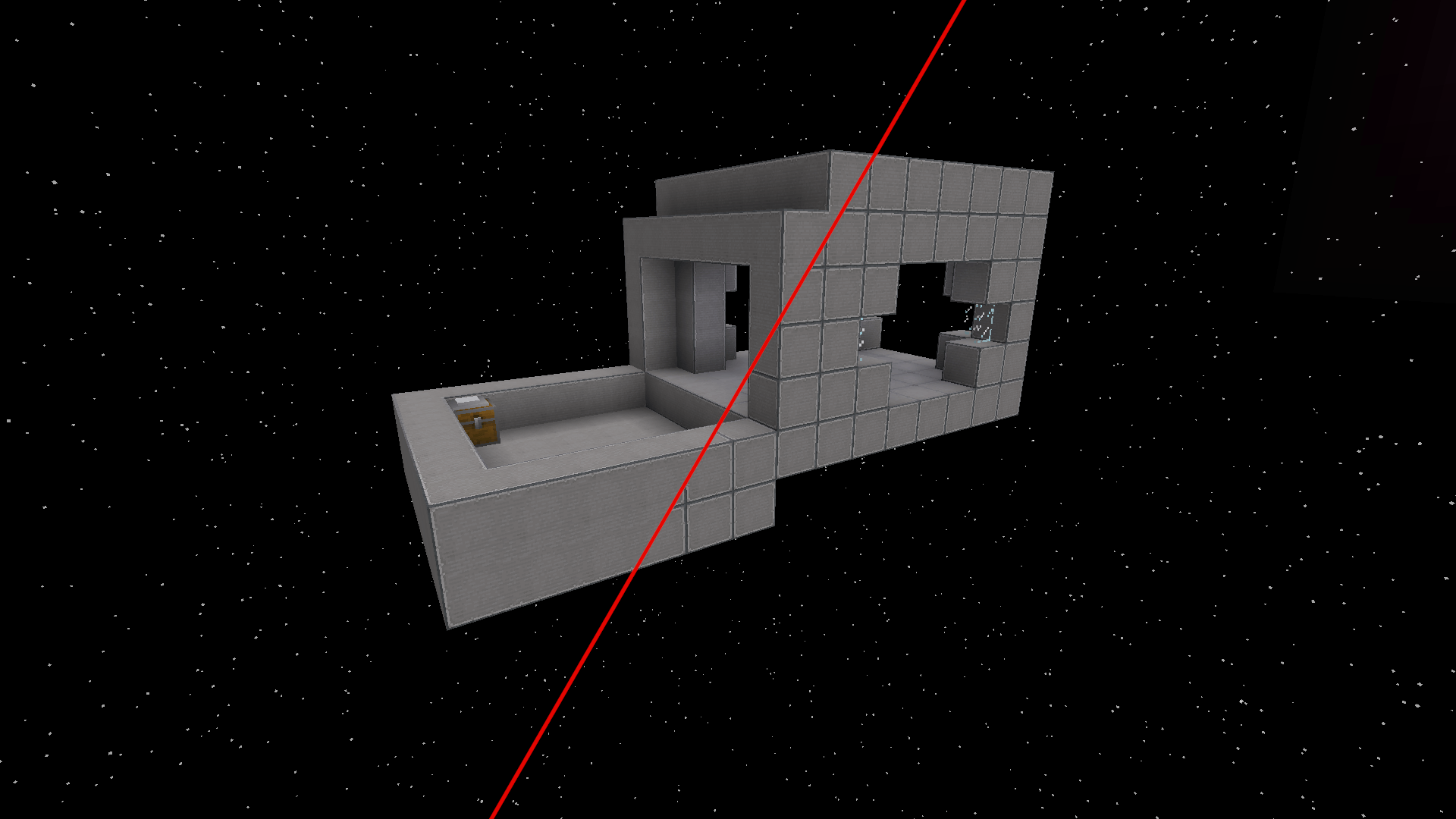
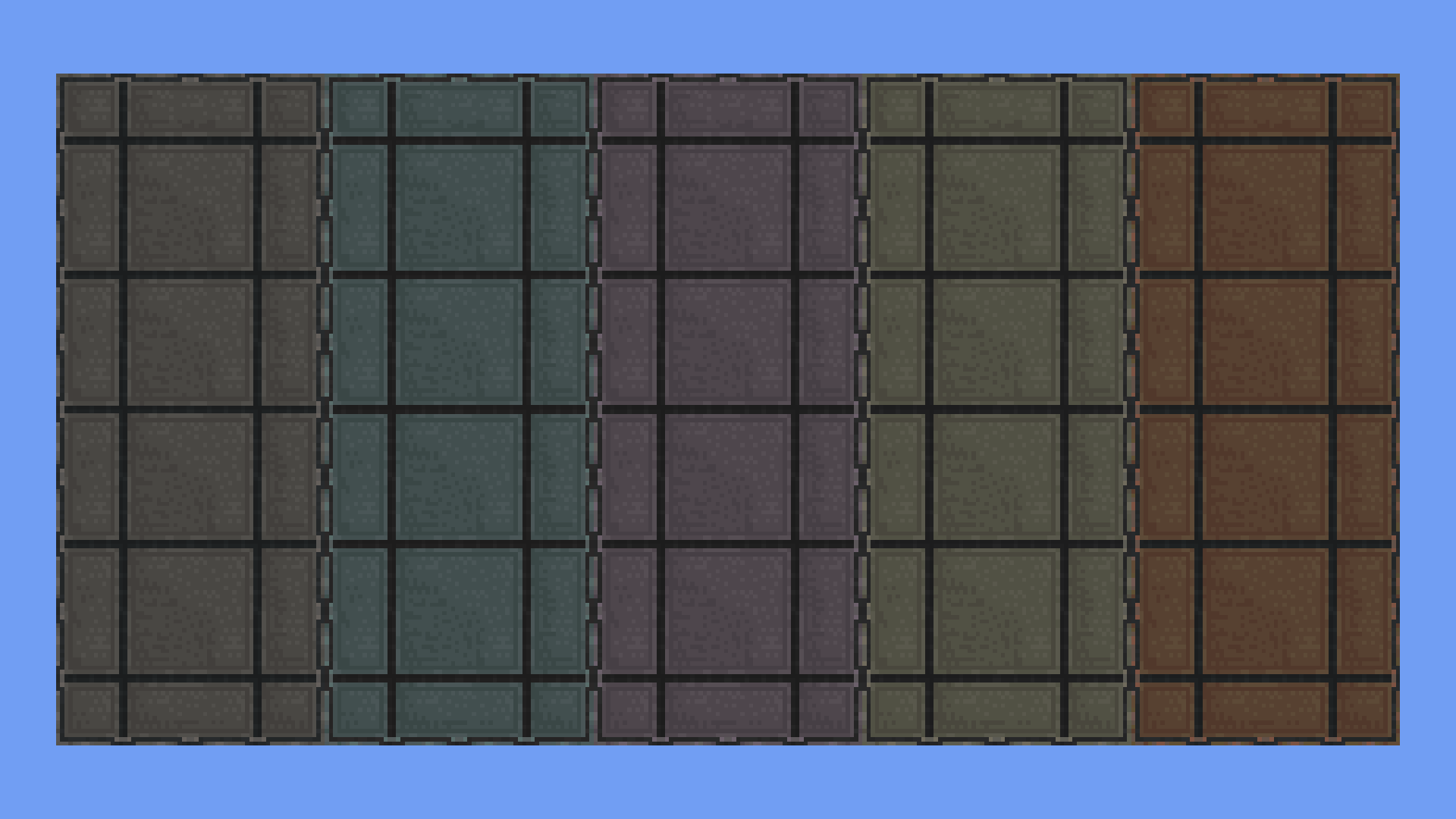
Make your Galacticraft experience more seamless with connected textures for Airlocks as well as Galacticraft's Copper, Tin, Aluminium, Titanium and Lead Blocks.

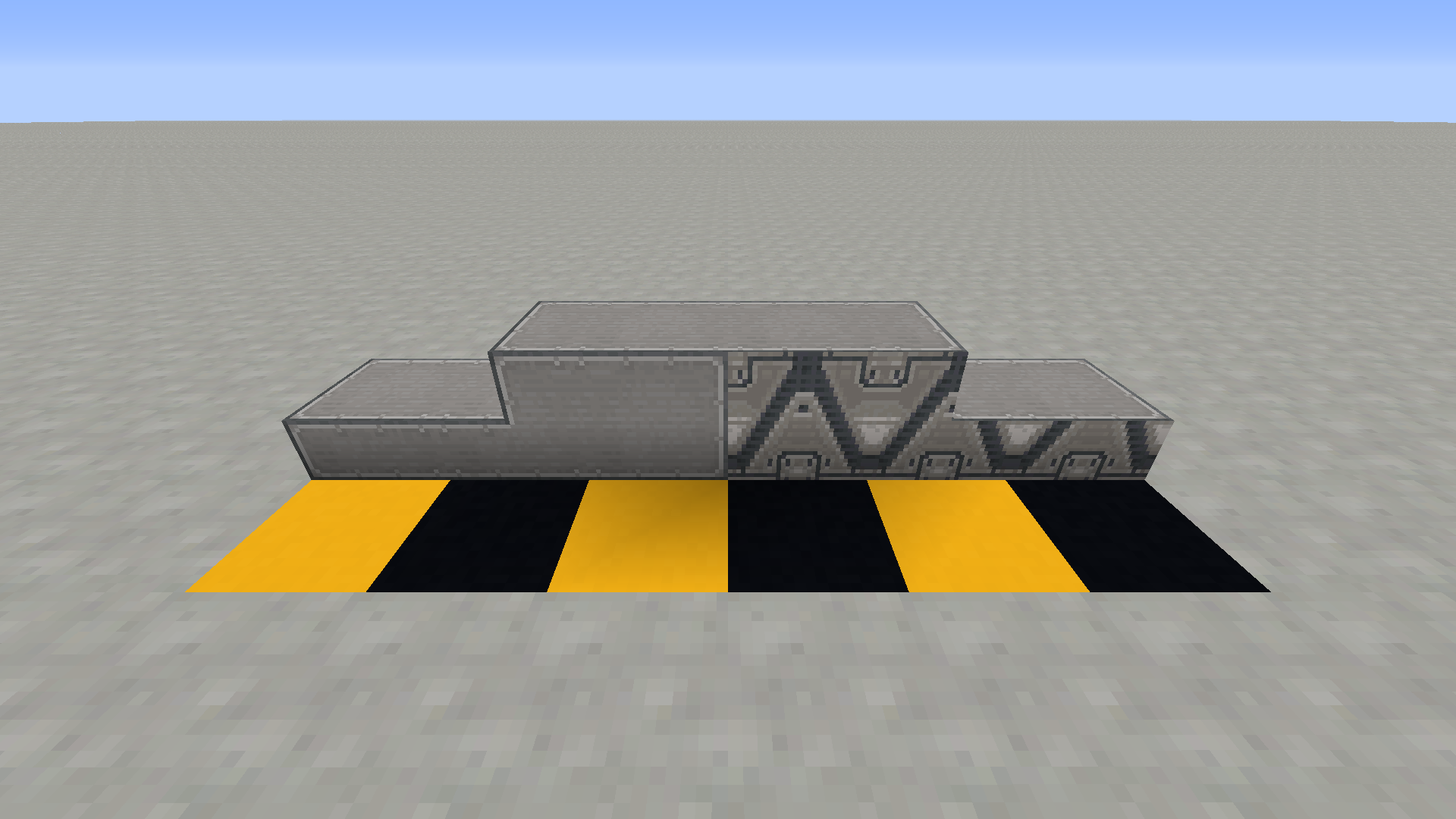
All of the blocks that look similar to Tin Wall Blocks have been given a connected texture overhaul too. These include Tin Wall Block Slabs, Stairs and Walls, the tops and bottoms of Tin Decoration Blocks, Slabs, Stairs and Walls, Sealable Pipes and Cables and most importantly Hidden Redstone Wires and Repeaters (your secret is safe with me). 

An Airlock with connected textures
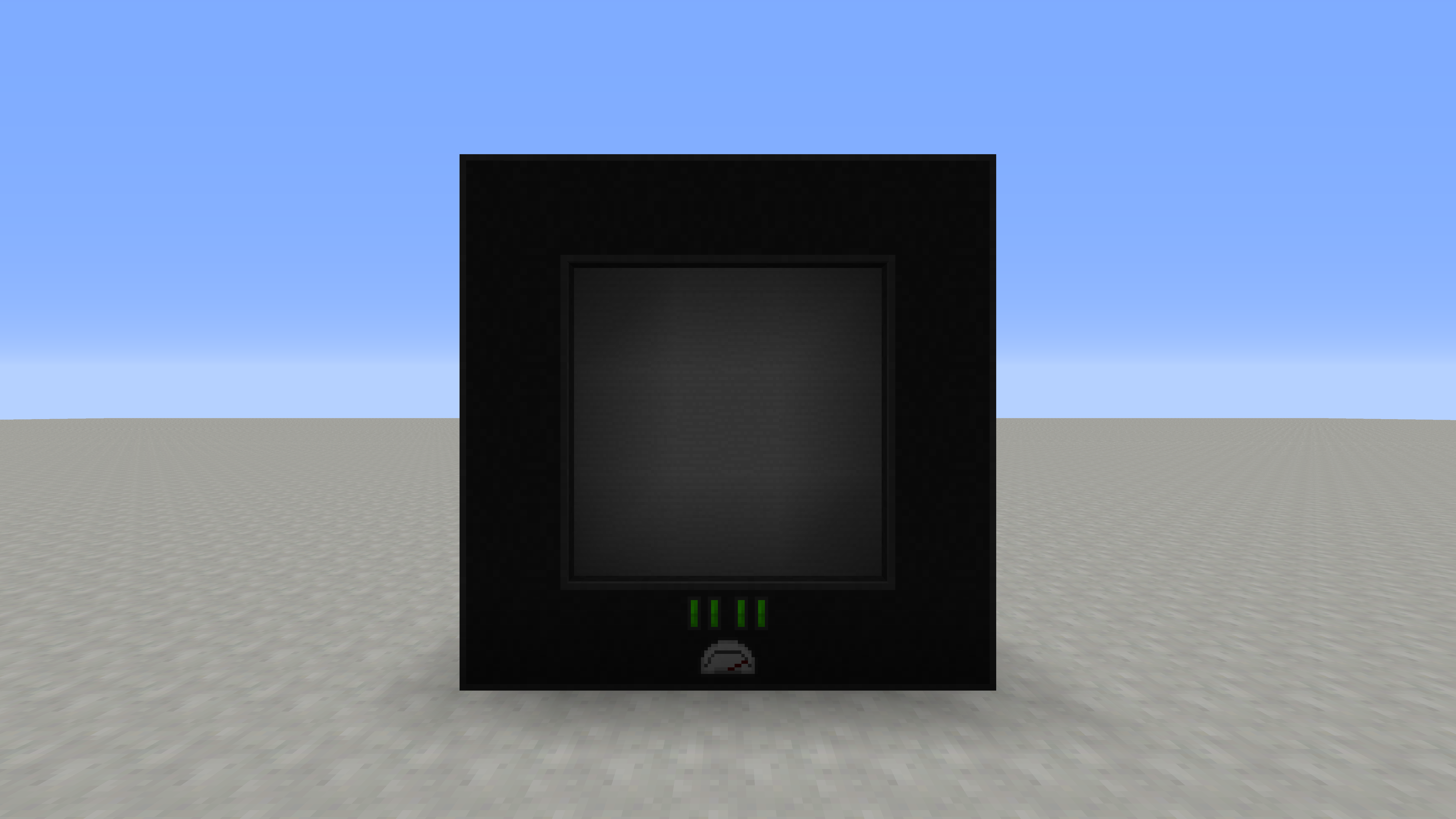
An Air Lock with connected textures.


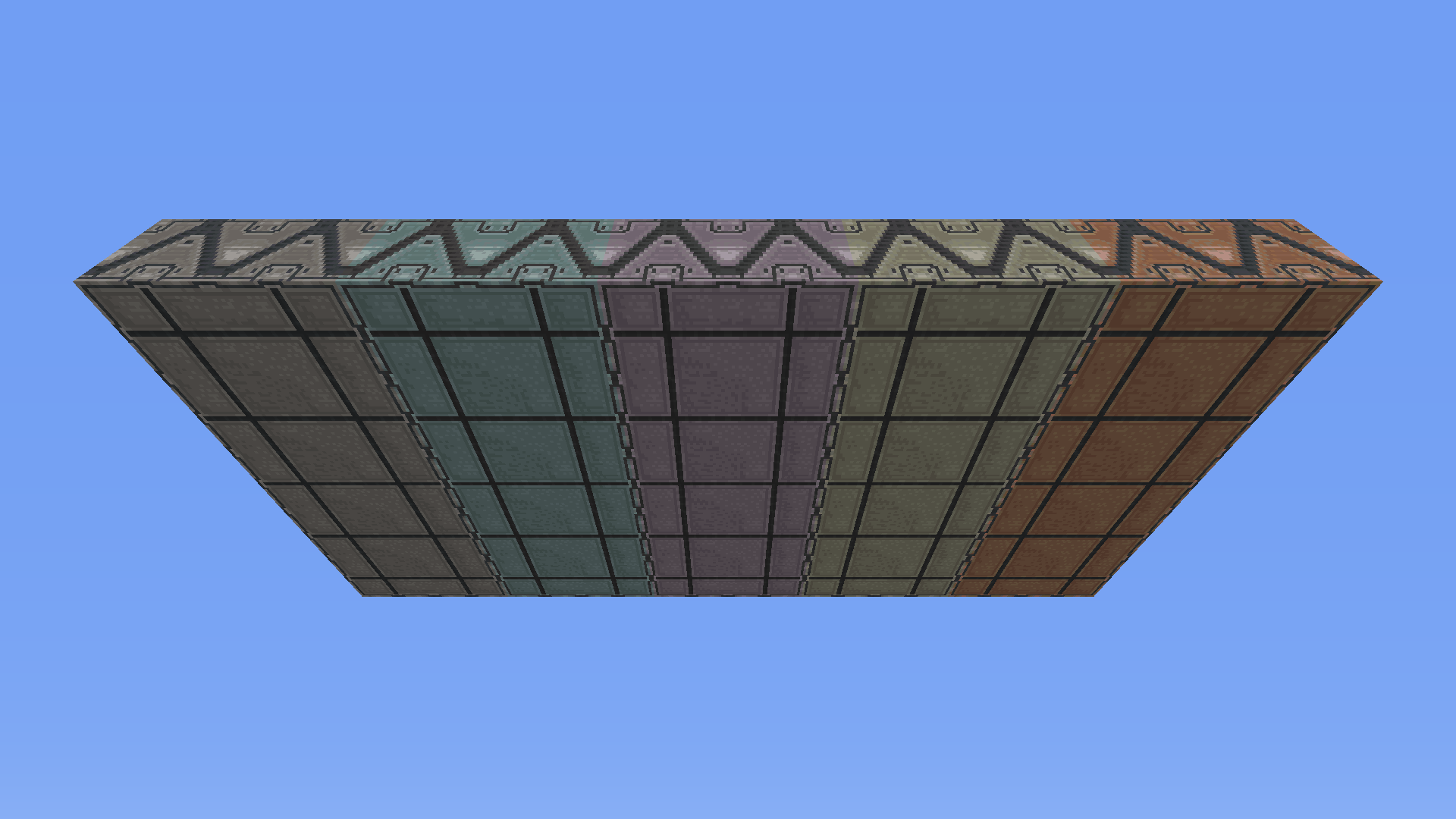
Galaticraft's Metal Blocks with connected textures
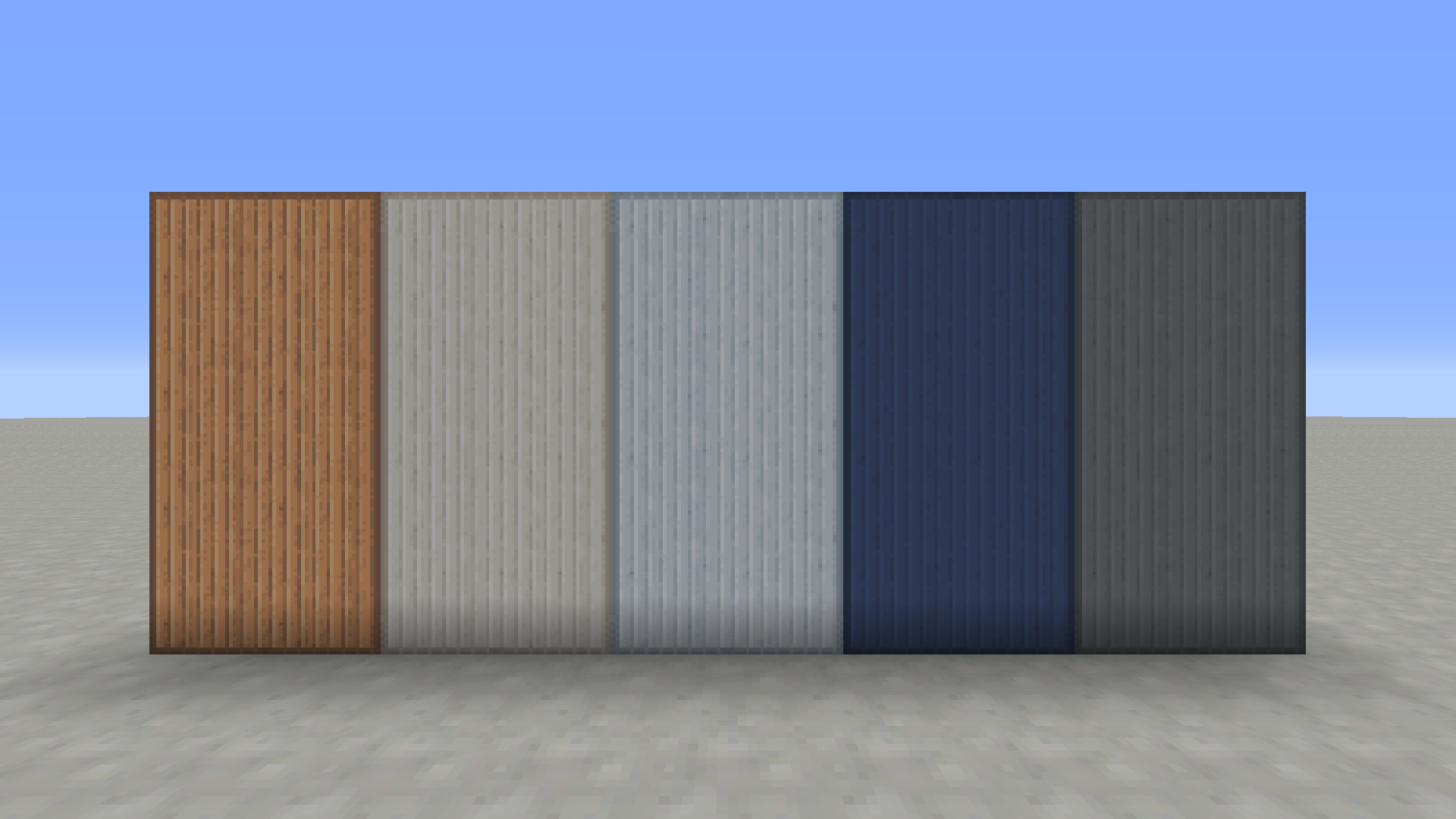
Galacticraft's Metal Blocks


Sealable Pipes and Cables with connected textures
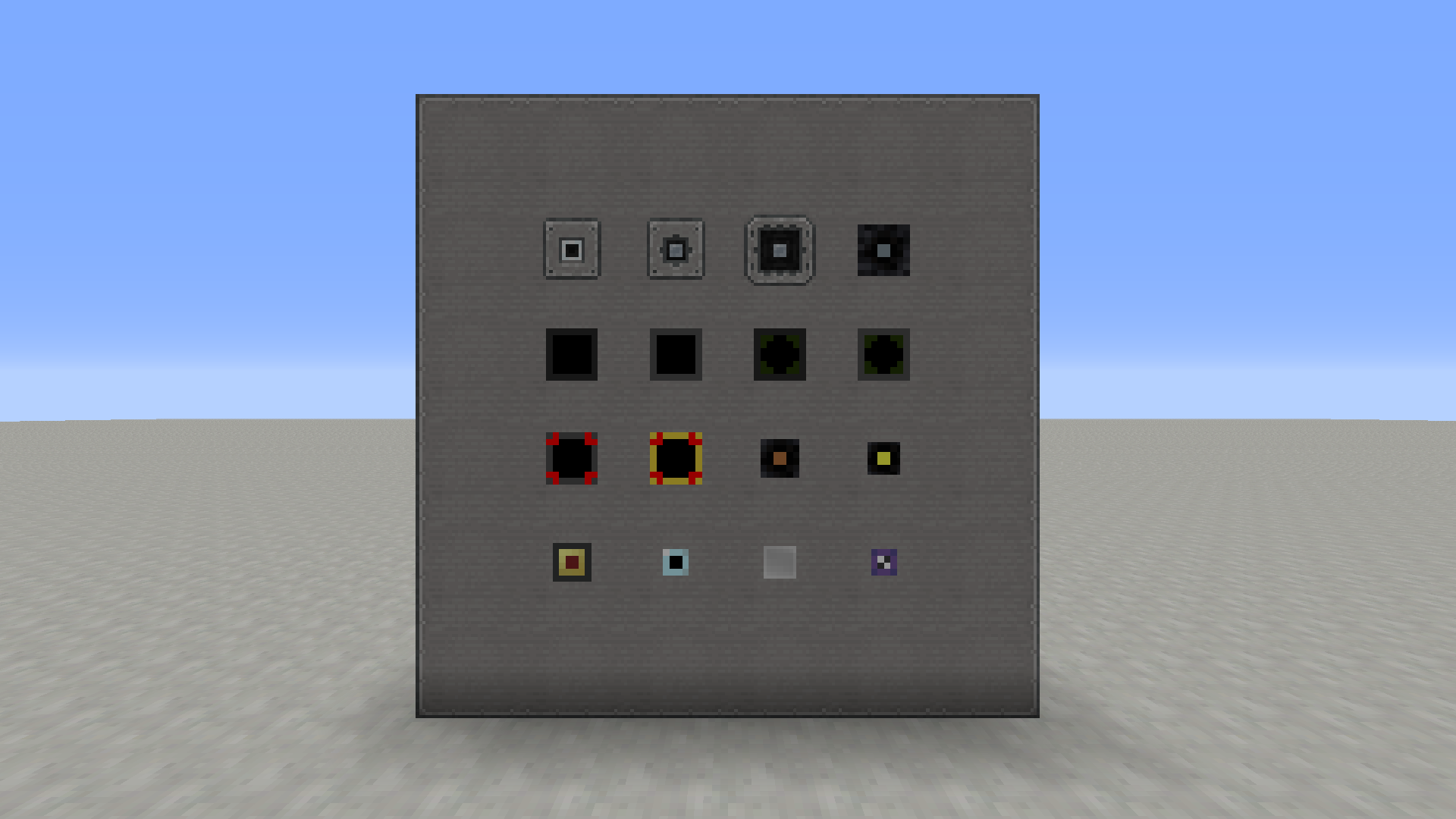
Sealable Pipes and Cables


Connected texture support for the Galaxy Space addon
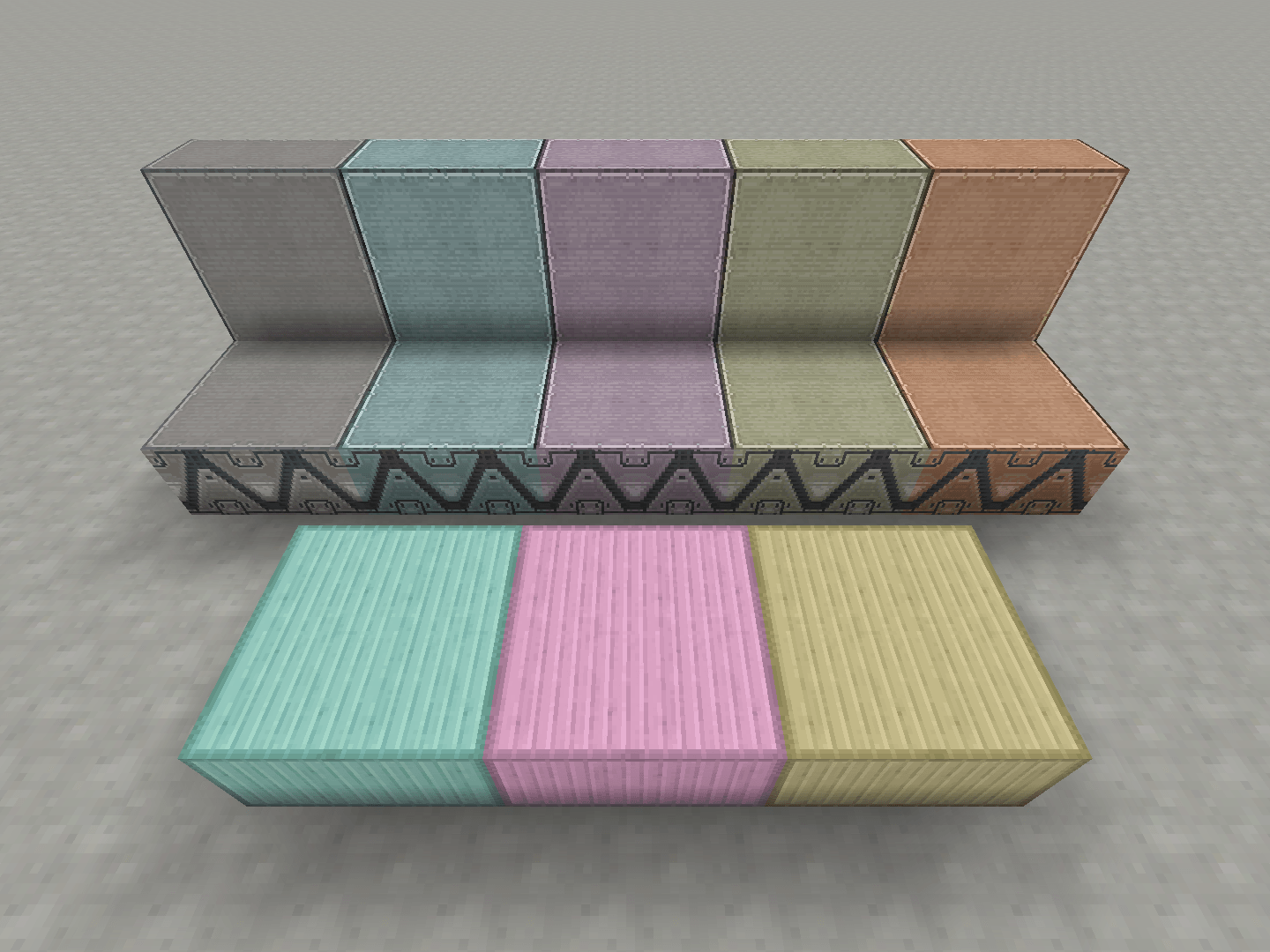
Galaxy Space's metal/decoration blocks with connected textures


Connected texture support for the More Planets addon
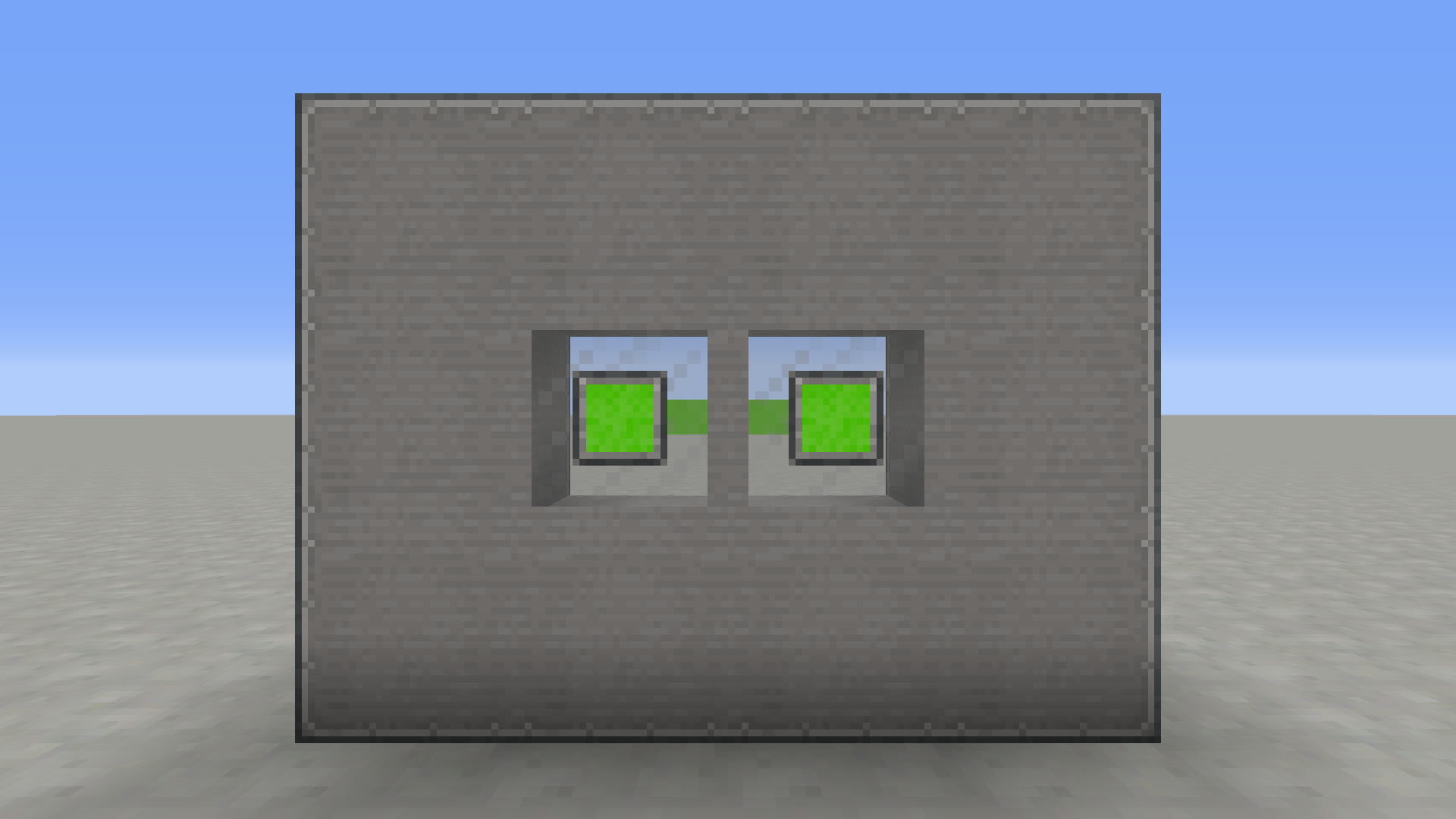
More Planets' Sealable Nuclear Waste Rods with connected textures


The ConnectedTexturesMod (CTM) is required for this resource pack to work.

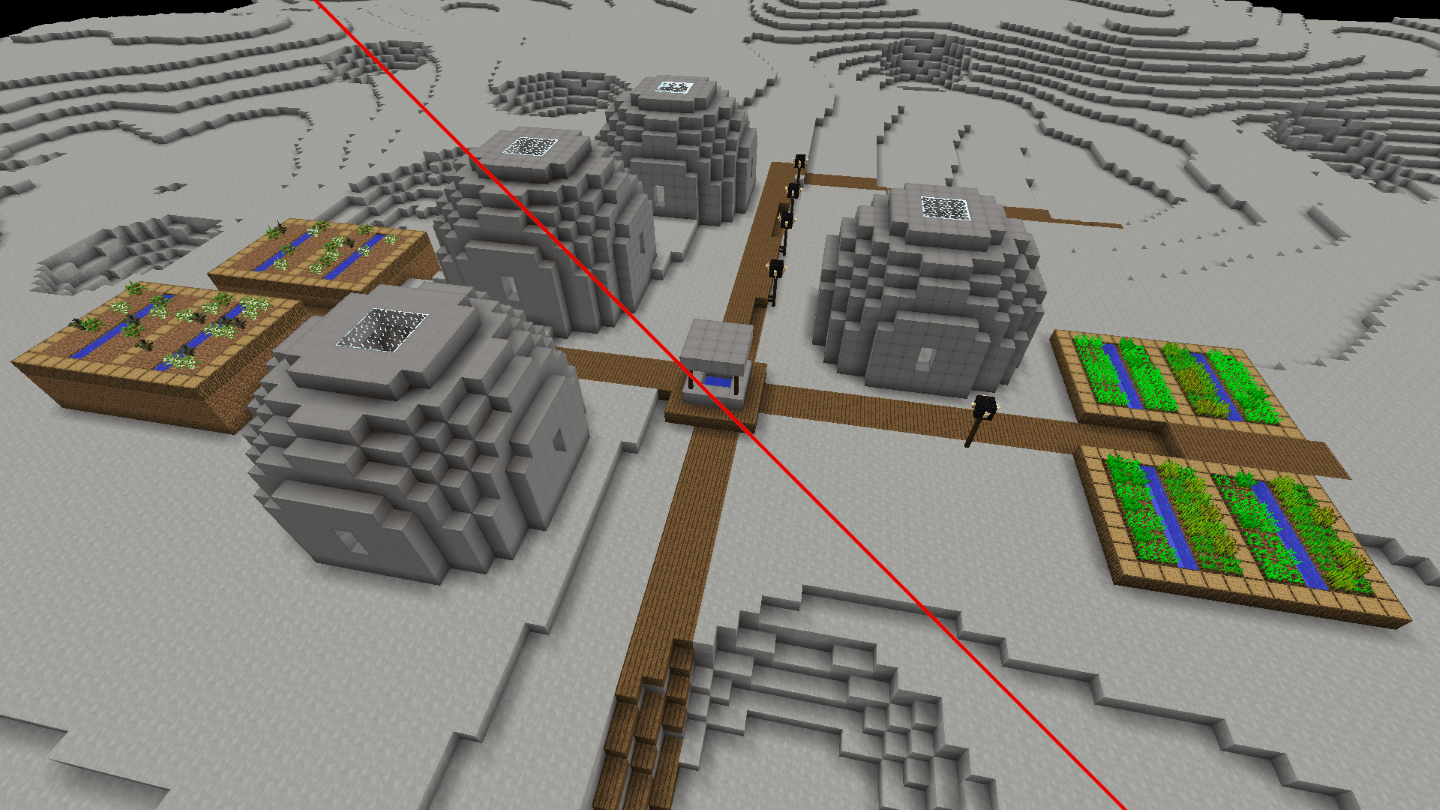
The Connected Textures for Galacticraft resource pack was initially created for use in my First Mole on the Moon modpack.

You might also be interested in my Space Age resource pack, which makes blocks from other mods fit with the Galacticraft style, or my White Airlocks resource pack, which gives Galacticraft's Airlocks white connected textures.

Galacticraft CTM - v1.1.0
MC 1.12.2
Release 2024-12-04 Get

Requirements & install

How to use this resource pack in Minecraft
Resolution
32x
Minecraft
1.12.2
Install folder
.minecraft/resourcepacks

How to install resource packs

  1. Download the resource pack .zip file (do not extract it).
  2. In Minecraft open Options → Resource Packs → Open Pack Folder.
  3. Drop the .zip into the resourcepacks folder (.minecraft/resourcepacks).
  4. Move the pack to the Selected column and click Done.
Browse more: 16x resource packs 32x resource packs 64x resource packs 128x resource packs 256x resource packs 512x+ resource packs Resource Packs for 1.12.2 All resource packs

More from Roelymole

Advertisement Remove ads with Premium →

You Might Also Like