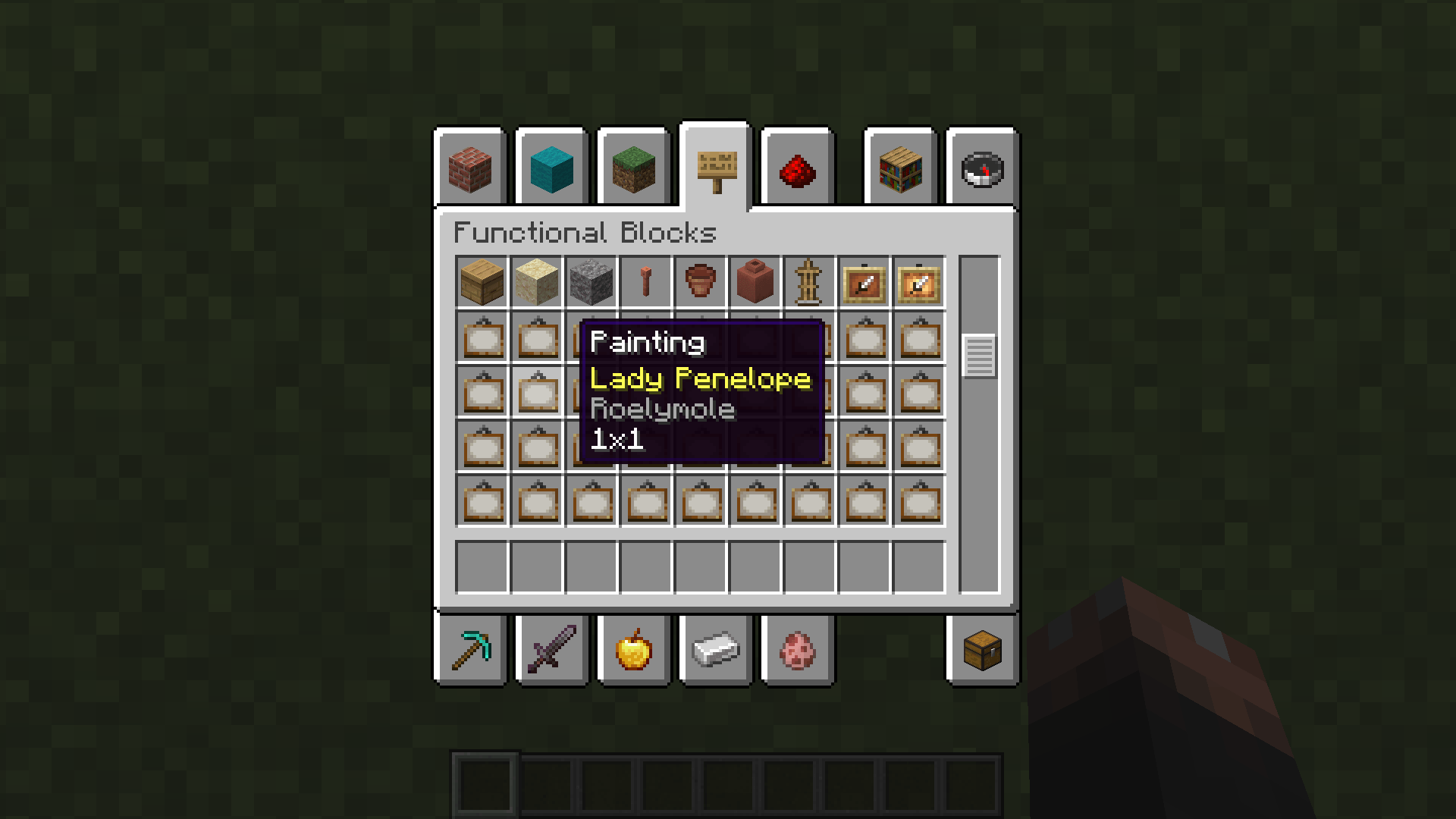
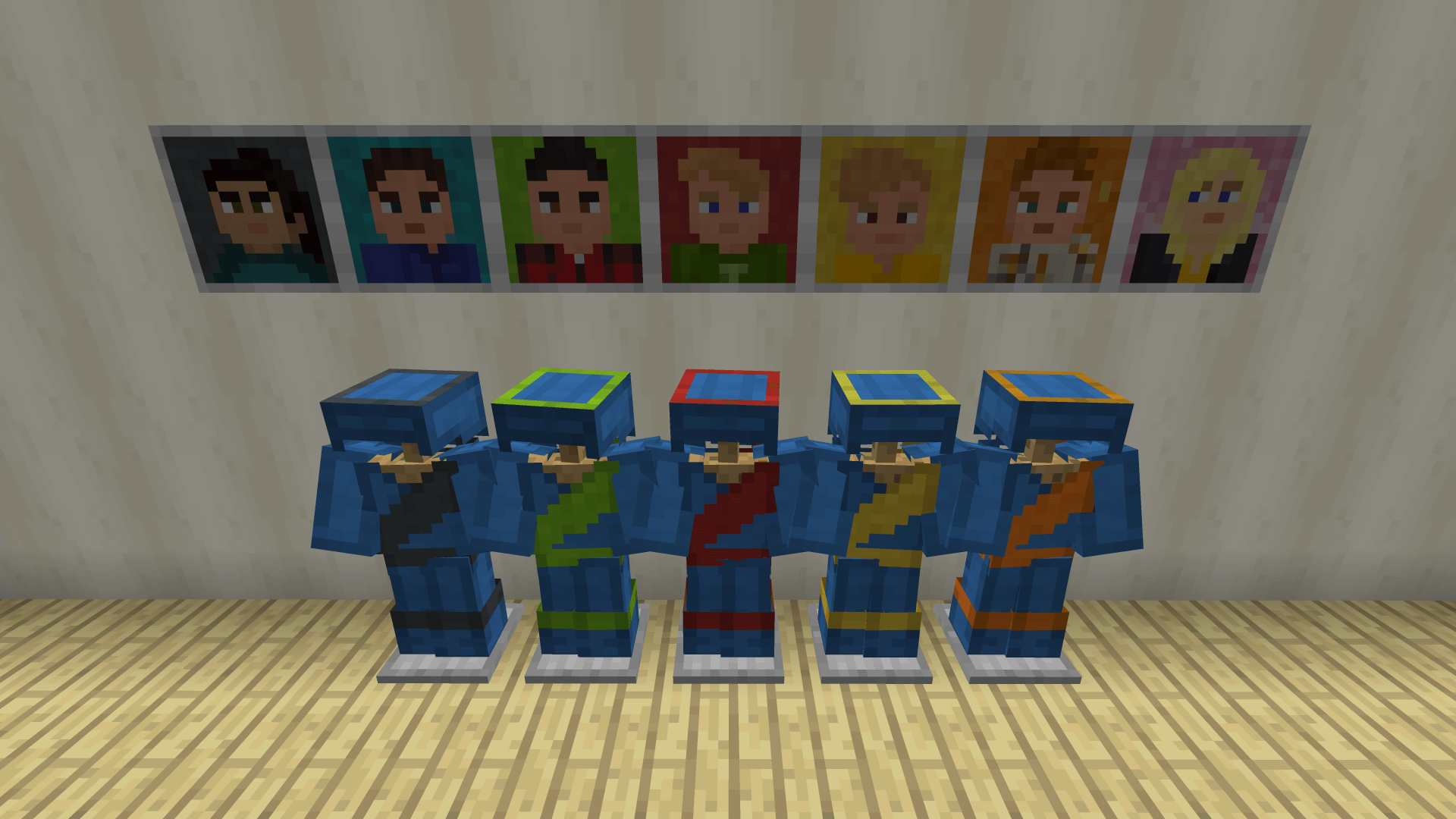
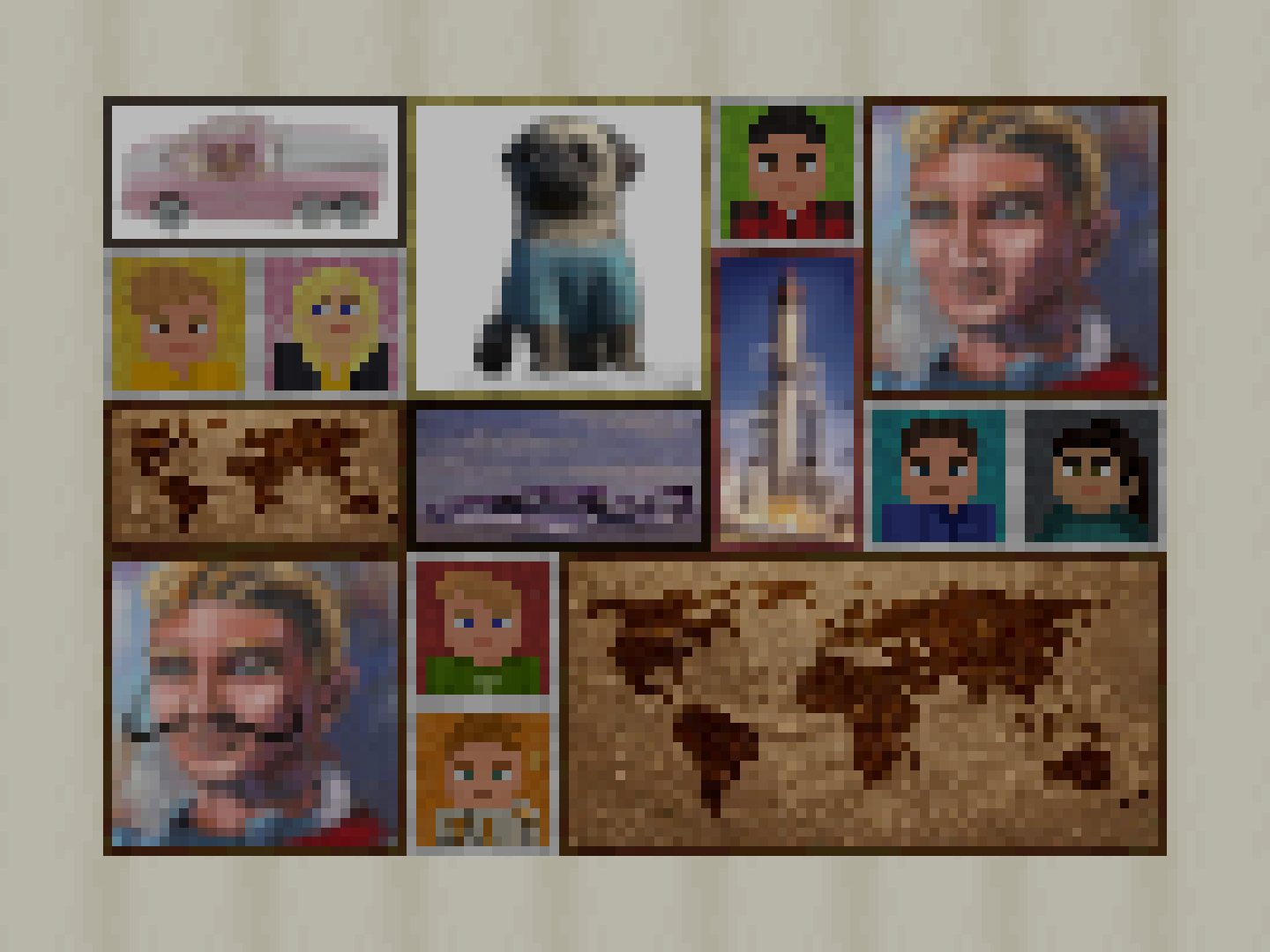
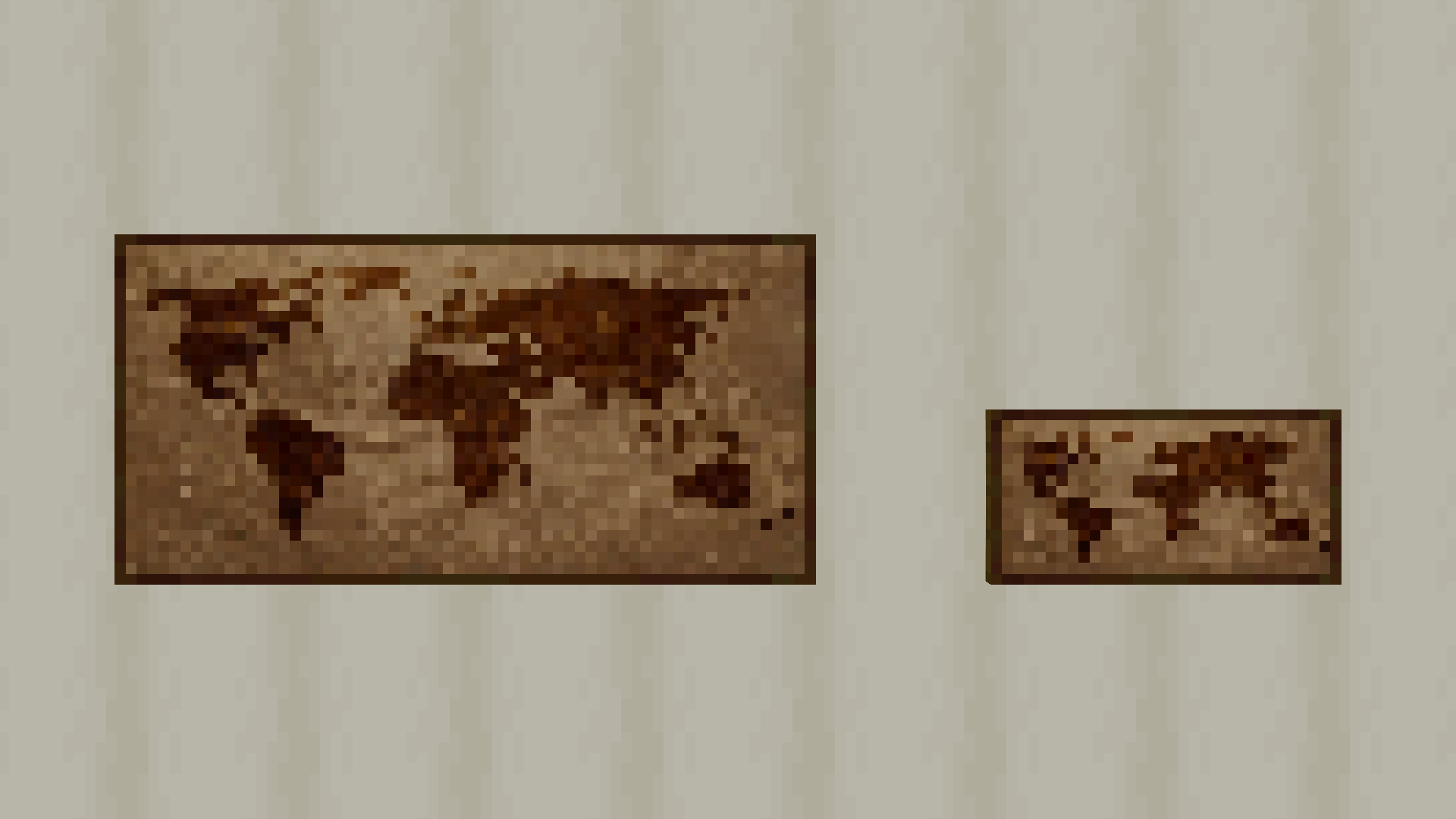
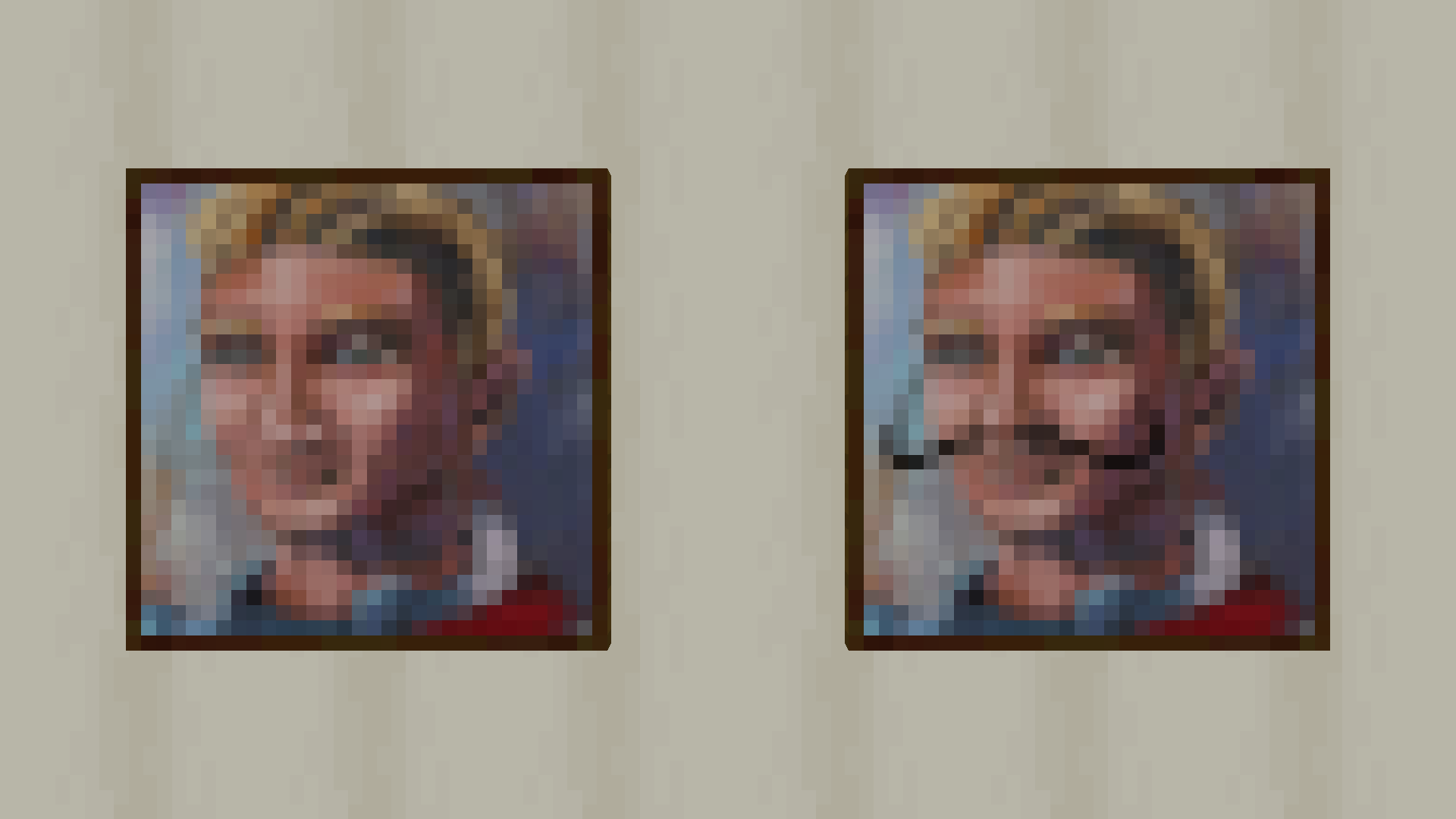
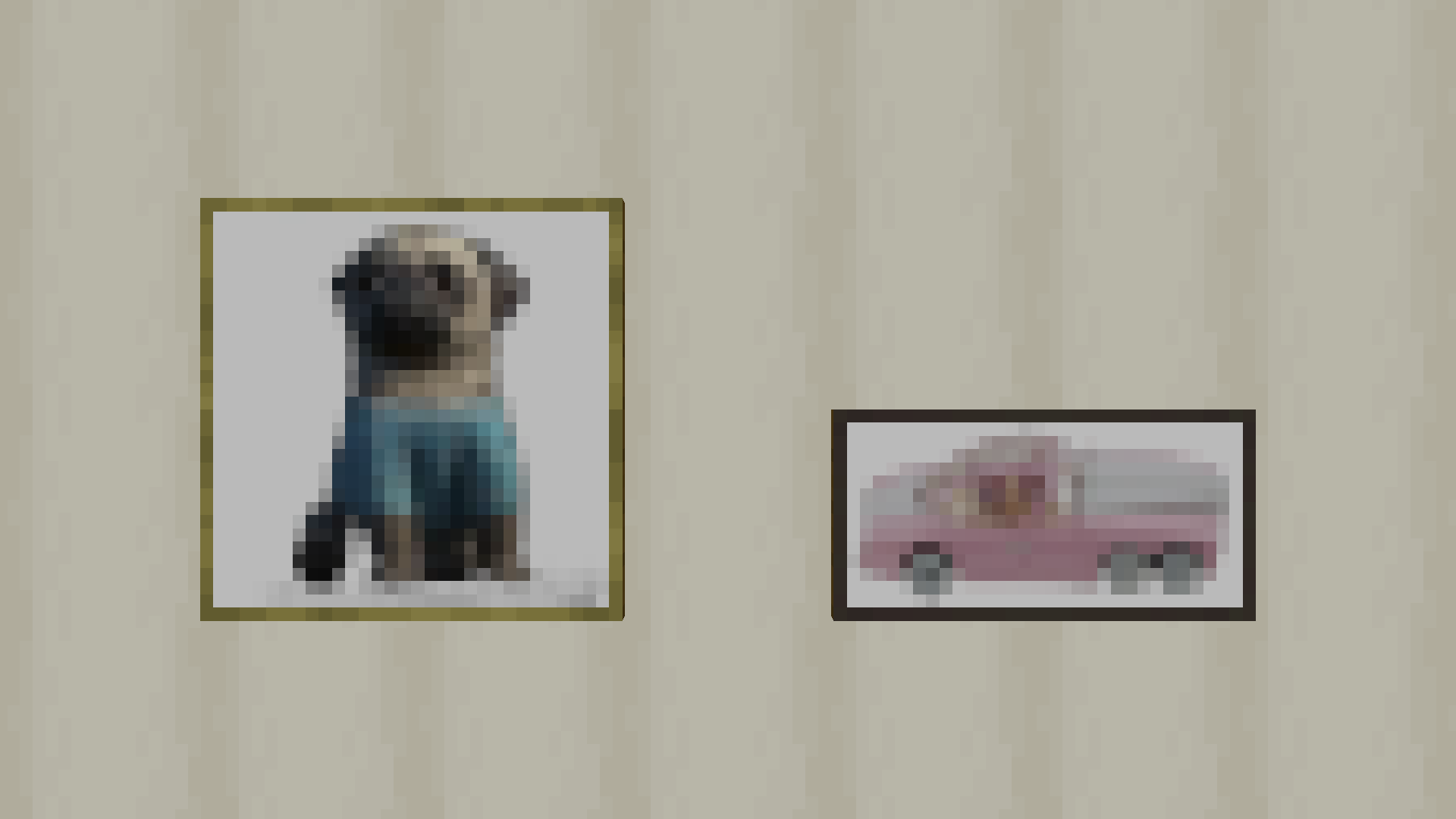
A data pack version of the Thunderbirds resource pack (a version is also available for Bedrock).
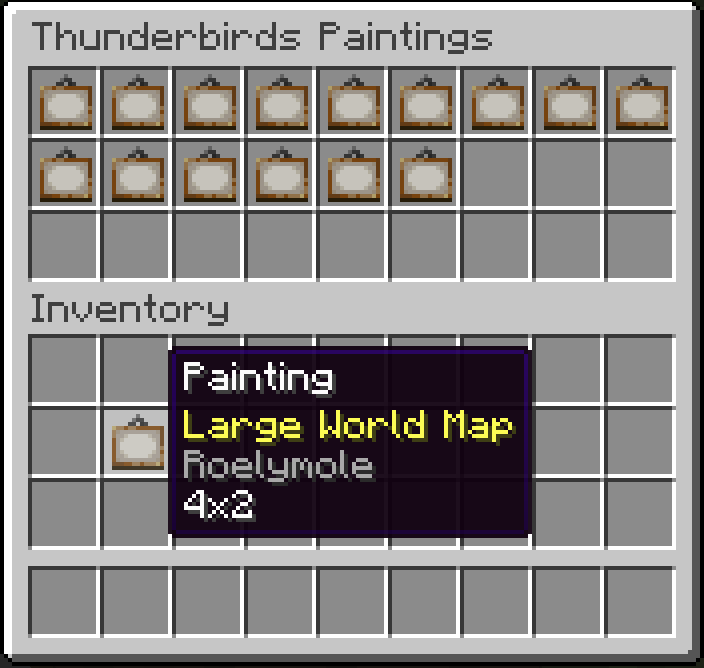
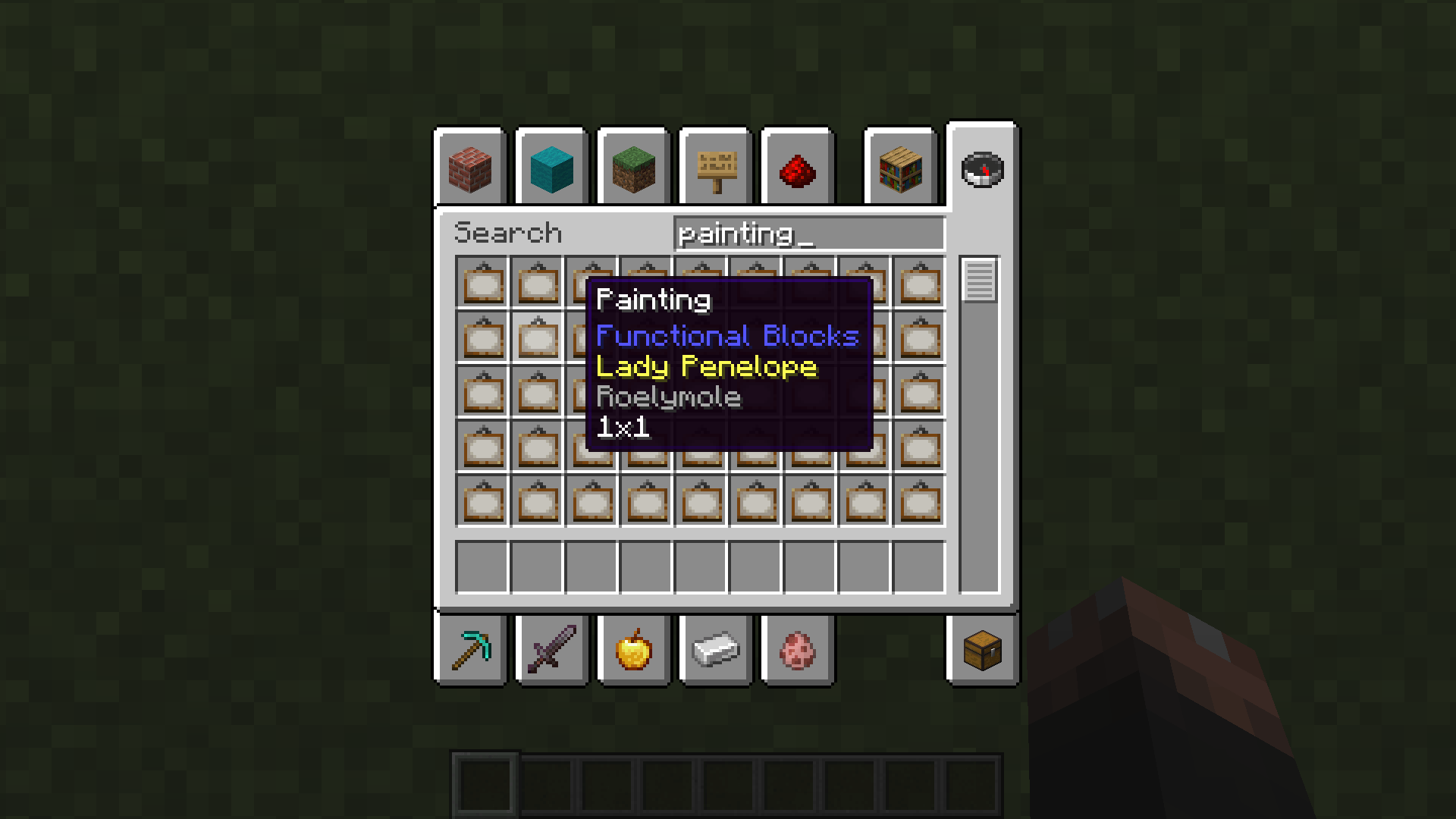
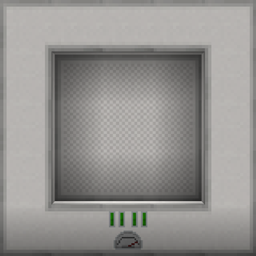
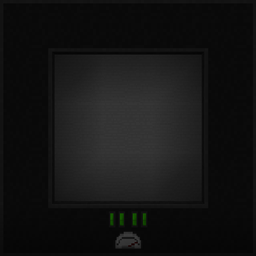
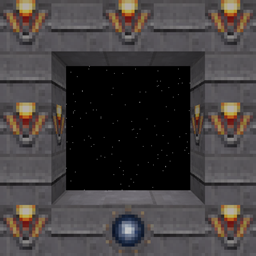
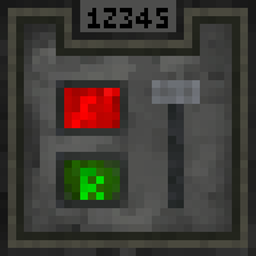
The resource pack only version overrides the Leather Armour textures and several of the paintings, however this data pack preserves the default textures and adds the Thunderbirds uniform and Thunderbirds paintings as custom items.
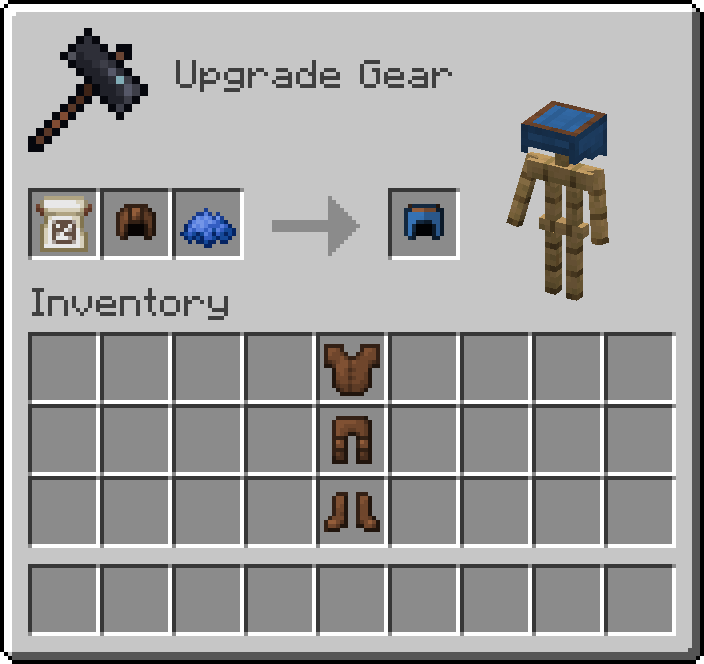
There is a custom smithing recipe to obtain the Thunderbirds Uniforms from Leather Armour. You will need to put the Globe Banner Pattern (for International Rescue) and a piece of Blue Dye in the Smithing Table together with the piece of Leather Armour of your choice in order to create that piece of the Thunderbirds Uniform.
Thunderbirds Uniform Smithing Recipe

The Globe Banner Pattern can be only be obtained from a Master Cartographer Villager for 8 Emeralds. The Globe Banner Pattern will not be consumed, but will be returned to your inventory, so you should not need to buy too many.
To install:
Download the data pack and place it in the datapacks folder of the world in your saves folder for which you would like Thunderbirds-style uniforms and paintings.
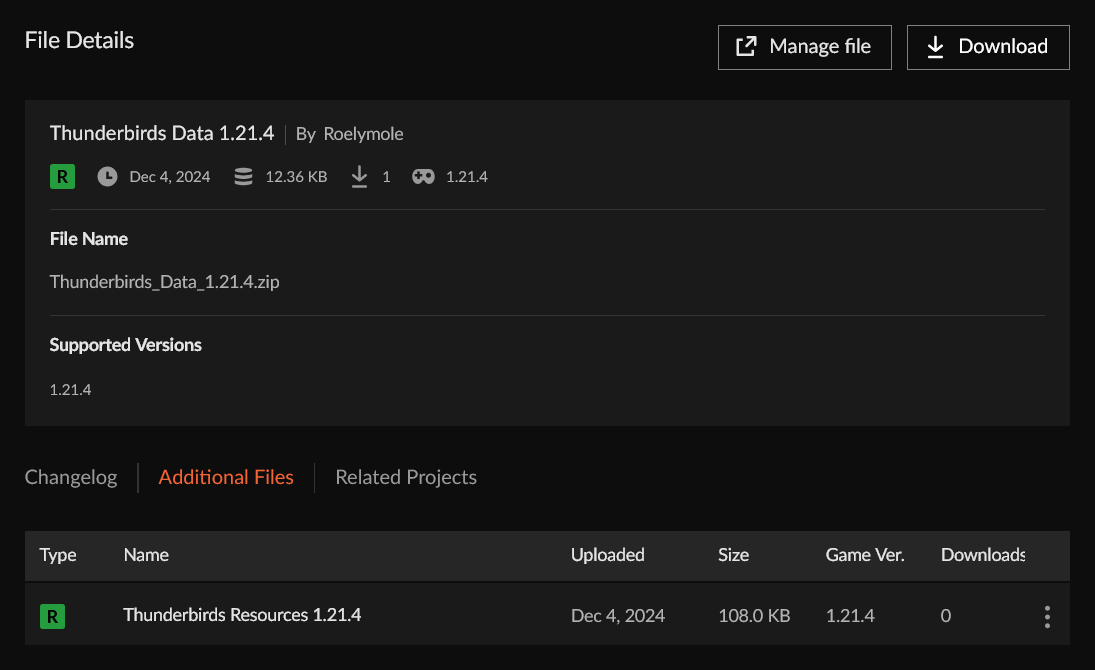
Download the corresponding resource pack from the additional files section of the data pack you have just downloaded and place it in the resourcepacks folder (on the same level as the saves folder). This is not to be confused with the standalone resource pack mentioned above that overrides the textures.
Make sure the resource pack is selected by visiting Options... > Resource Packs... in the Game Menu (Esc).
Alternatively, you can use the following links:
A screenshot of where to find the resource pack