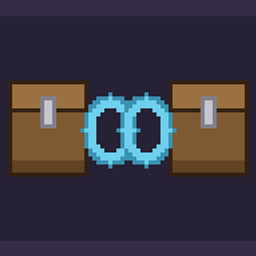
ChestLink is a server-side Fabric mod that links vanilla chests through named channels. Every chest in a channel uses the same 27-slot inventory. Chest screens, hoppers, droppers, and comparators all use the shared items.
This document is also available in 中文.
Download the JAR from the releases page.
Install Fabric Loader on the server, then put Fabric API and the ChestLink JAR in the server's mods directory. Clients do not need ChestLink or Fabric API.
For single-player use, install the same files in the local game instance.
Use the following commands. When you run link or unlink, look at a chest within five blocks.
/chestlink link <channel>
/chestlink unlink
/chestlink list
These commands require permission level 2.
link creates the channel if needed. The first chest supplies the channel's starting items. A chest joining an existing channel must be empty.
unlink removes the chest from its channel. If other linked chests remain, the items stay in the channel and the removed chest becomes empty. If you unlink the last chest, the shared items move into that chest and the channel is deleted.
list shows each channel and the dimension and coordinates of its chests.
You can link single chests and trapped chests. A chest with an unopened loot table cannot join a channel. Breaking a linked chest follows the same item rules as unlink.
Channels can link chests across dimensions. You can use a channel through any chest whose chunk is loaded, even when its other chests are in unloaded chunks.
Unlink every chest before removing ChestLink if you want to keep the channel items. Minecraft does not show those items after the mod is removed.