Mineuniverse
Resource Packs
Boat Cybertruck

Boat Cybertruck

RESOURCE PACK
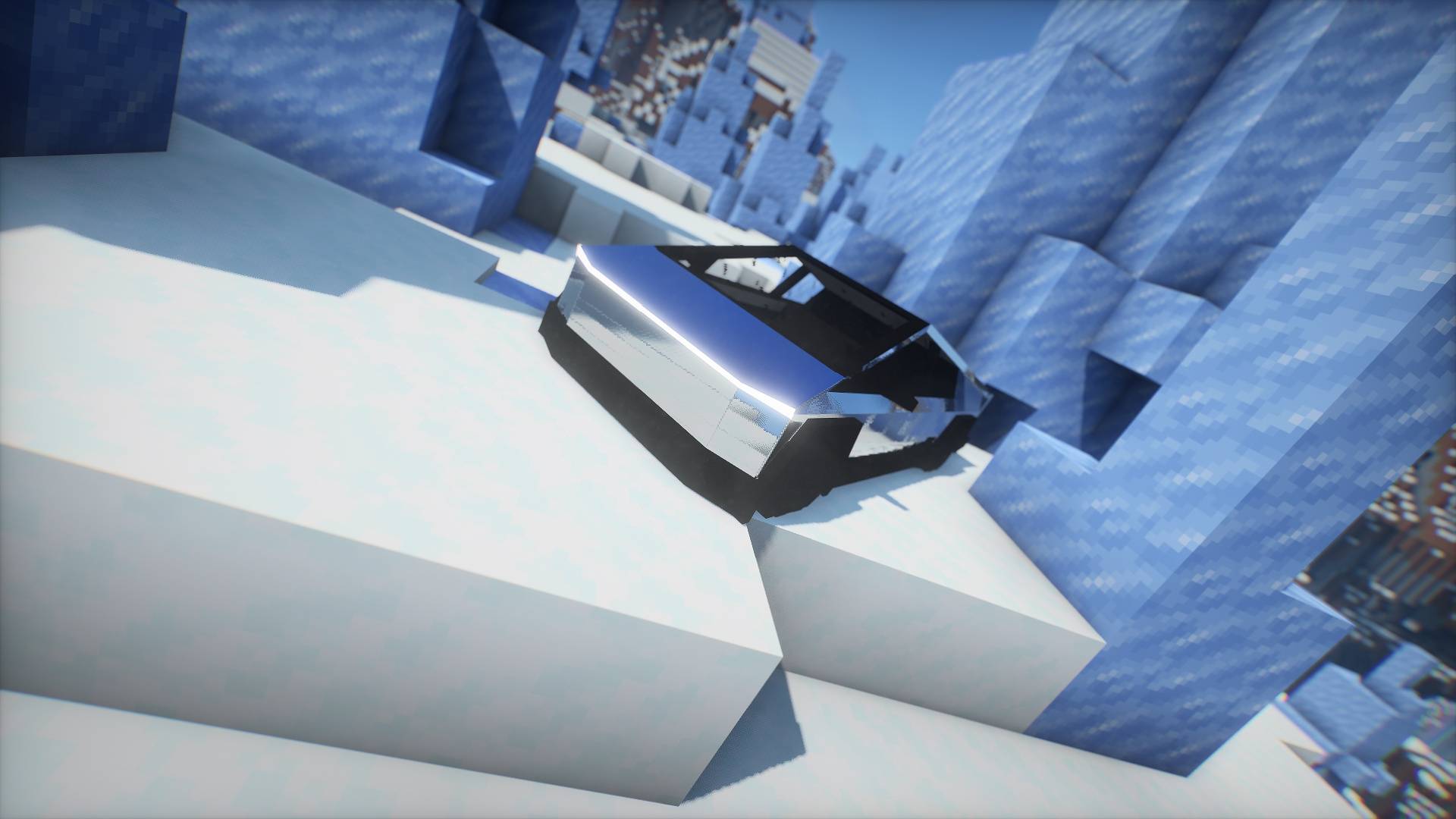
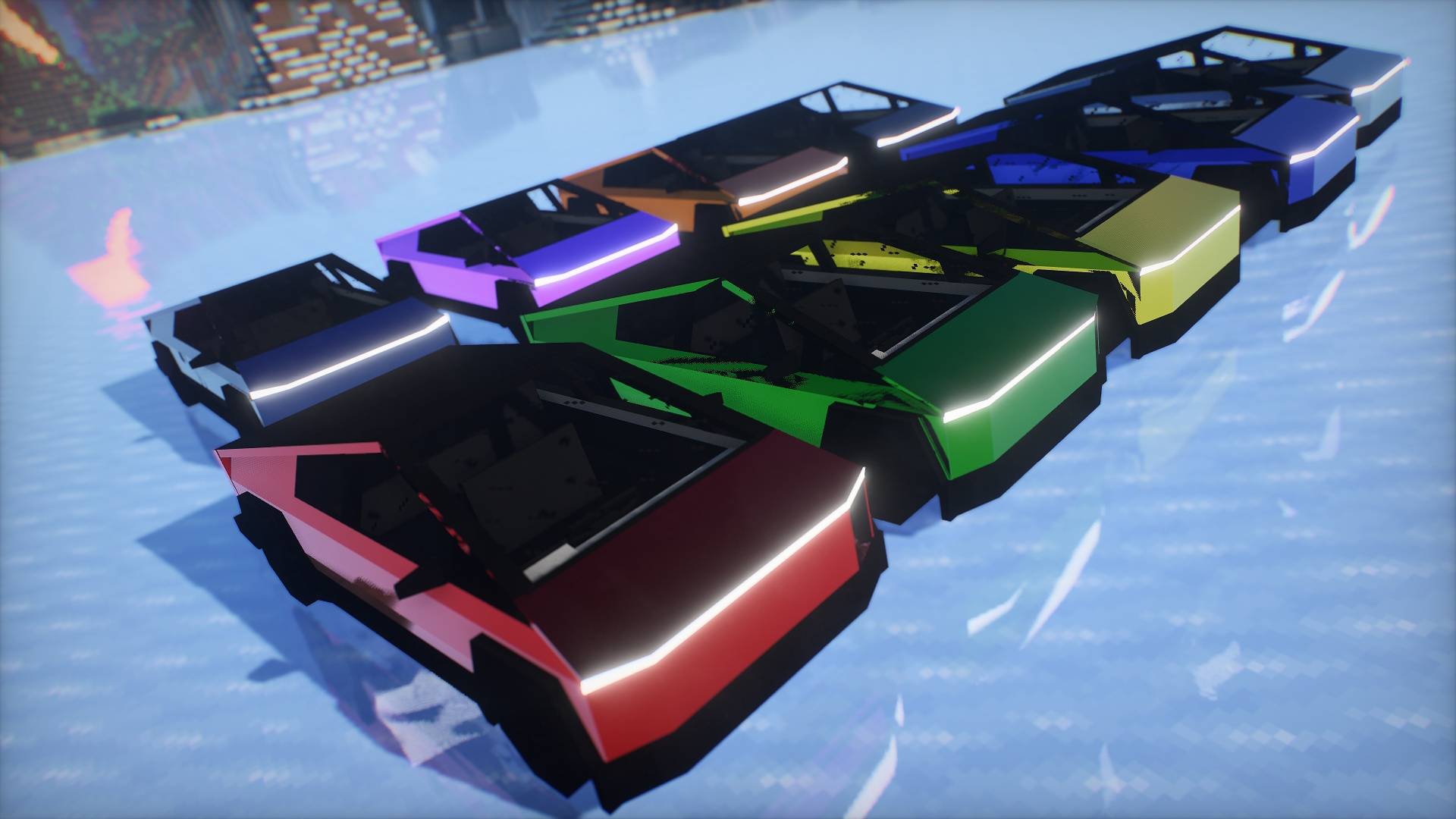
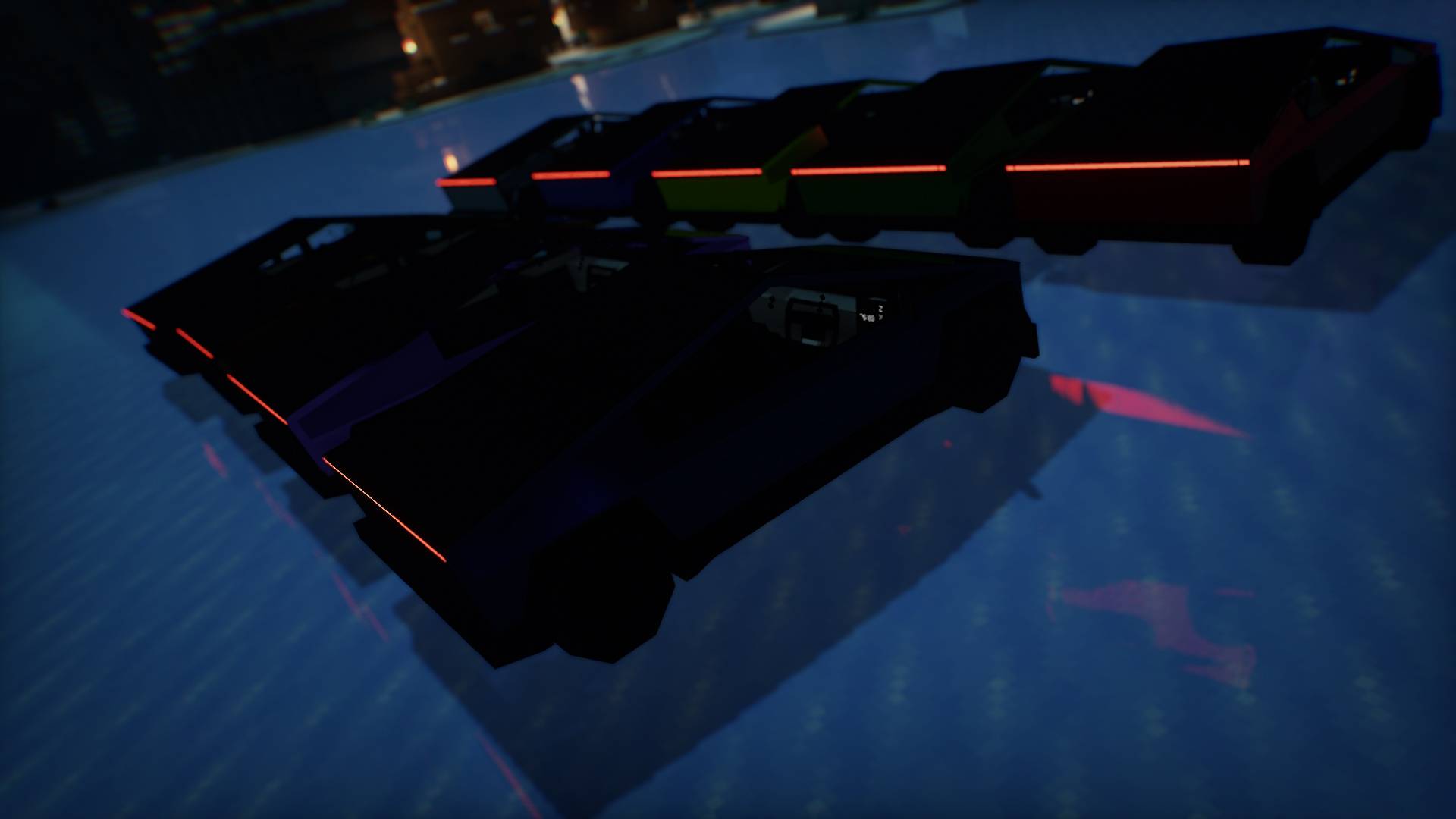
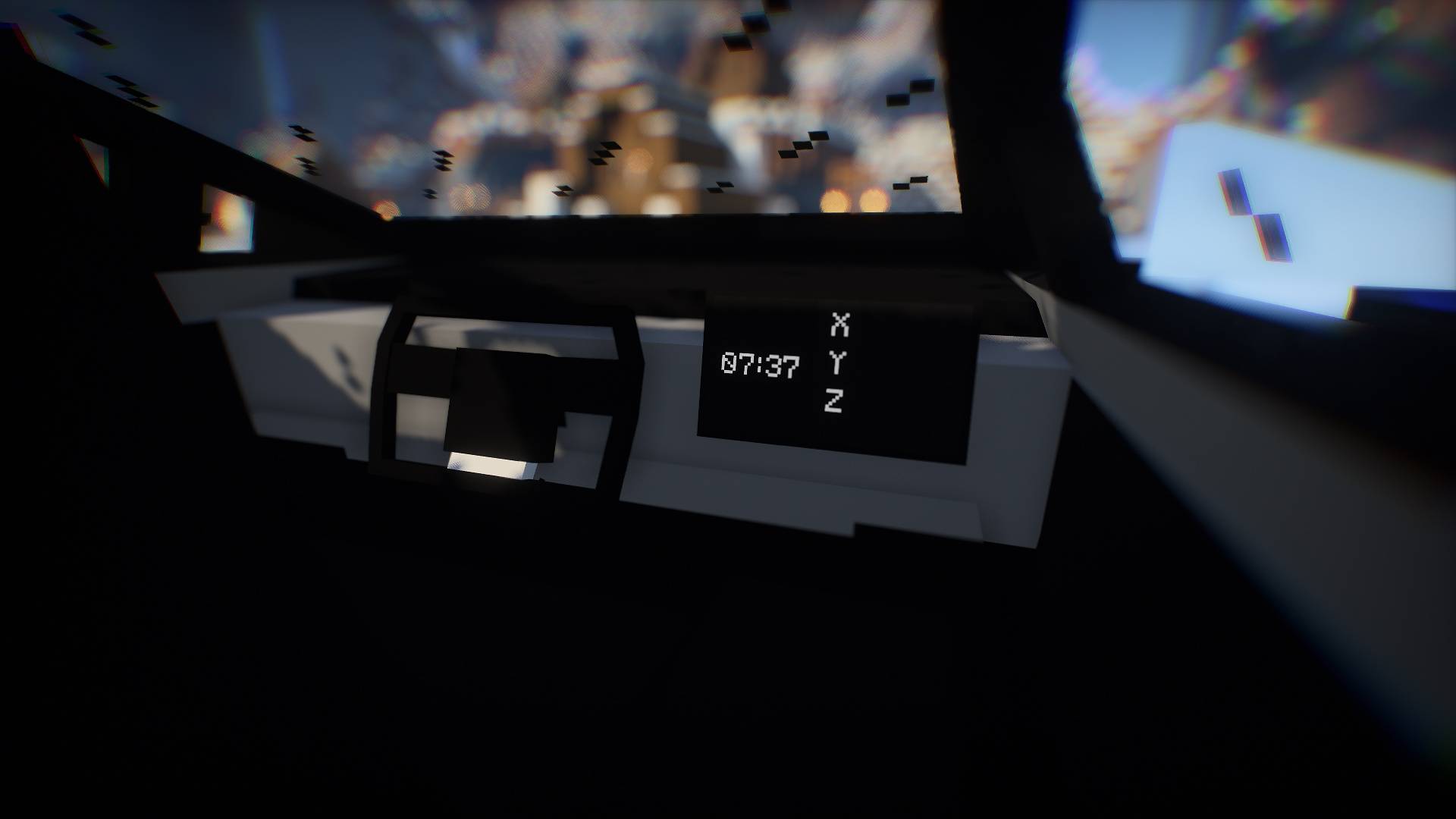
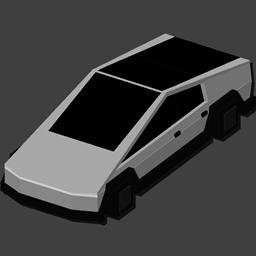
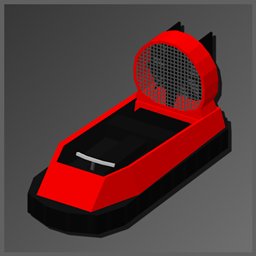
Replace the Minecraft boat with a Cybertruck-style design
by 6MHz
Download Claim this project
983 downloads
0 likes
Updated Oct 14, 2026
0 hypes
512x and Higher Animated Modern Photo Realistic
Advertisement Remove ads with Premium →

BuyMeACoffee


Boat Cybertruck

requires ETF Plus EMF or OptiFine

Replace the Minecraft boat with a Cybertruck-style design.
This is an unofficial project.

Requires OptiFine or EMF + ETF to support custom models.

License & Usage

All Rights Reserved (ARR)

✅ Personal use is allowed.

✅ Use in videos and livestreams is allowed. Credit is not required, but appreciated.

❌ Redistribution is not allowed.

❌ Modified versions may not be redistributed.

BoatCybertruck 1.0.1
MC 1.21, 1.19.3, 1.20.2, 1.19.4, 1.21.8, 1.20.5, 1.21.5, 1.21.4, 1.20.1, 1.20, 1.20.6, 1.21.1, 1.21.6, 1.21.3, 1.21.7, 1.20.4, 1.19.2, 1.20.3, 1.21.2, 1.21.9, 1.21.10, 1.21.11
Release 2026-04-09 Get
BoatCybertruck 1.0.0
MC 1.21, 1.21.8, 1.21.5, 1.21.4, 1.21.1, 1.21.6, 1.21.3, 1.21.7, 1.21.2, 1.21.9, 1.21.10, 1.21.11
Release 2026-03-06 Get

Requirements & install

How to use this resource pack in Minecraft
Resolution
512x+
Minecraft
1.21.4 – 1.21.11
Install folder
.minecraft/resourcepacks

How to install resource packs

  1. Download the resource pack .zip file (do not extract it).
  2. In Minecraft open Options → Resource Packs → Open Pack Folder.
  3. Drop the .zip into the resourcepacks folder (.minecraft/resourcepacks).
  4. Move the pack to the Selected column and click Done.

512x packs need a strong GPU and at least 4 GB of RAM for Minecraft; a performance mod such as Sodium is strongly recommended.

Browse more: 16x resource packs 32x resource packs 64x resource packs 128x resource packs 256x resource packs 512x+ resource packs Resource Packs for 1.21.11 All resource packs

More from 6MHz

Advertisement Remove ads with Premium →

You Might Also Like