Automatically mutes the game while the Minecraft window is unfocused, then restores your exact volume the moment you come back. When you alt-tab away or go AFK, the mod stores your current master volume and sets it to 0%; when the window regains focus, your previous volume is restored — so the game never keeps blasting audio in the background, and you never have to touch the volume slider yourself.
📦 Install on the client. No server installation required — it works on any server (vanilla or modded) and in singleplayer.
🎮 Singleplayer note: Works perfectly in singleplayer — just drop it into your mods folder as usual.
ℹ️ Purely client-side: it only changes YOUR game's master volume. It never affects the server or other players, and it does not fight the volume slider while you are actively playing — it only acts when the window's focus actually changes.
Please report any bugs, errors, or feature suggestions on Discord: https://discord.gg/4XUPywnEyE
How it works:
Localization: fully translated into 10 languages — English, Russian, Simplified Chinese, Spanish, French, German, Japanese, Brazilian Portuguese, Korean, and Italian.
Configuration
Config file: config/automuteonafk.json
It is created with sensible defaults on first launch and loaded on startup.
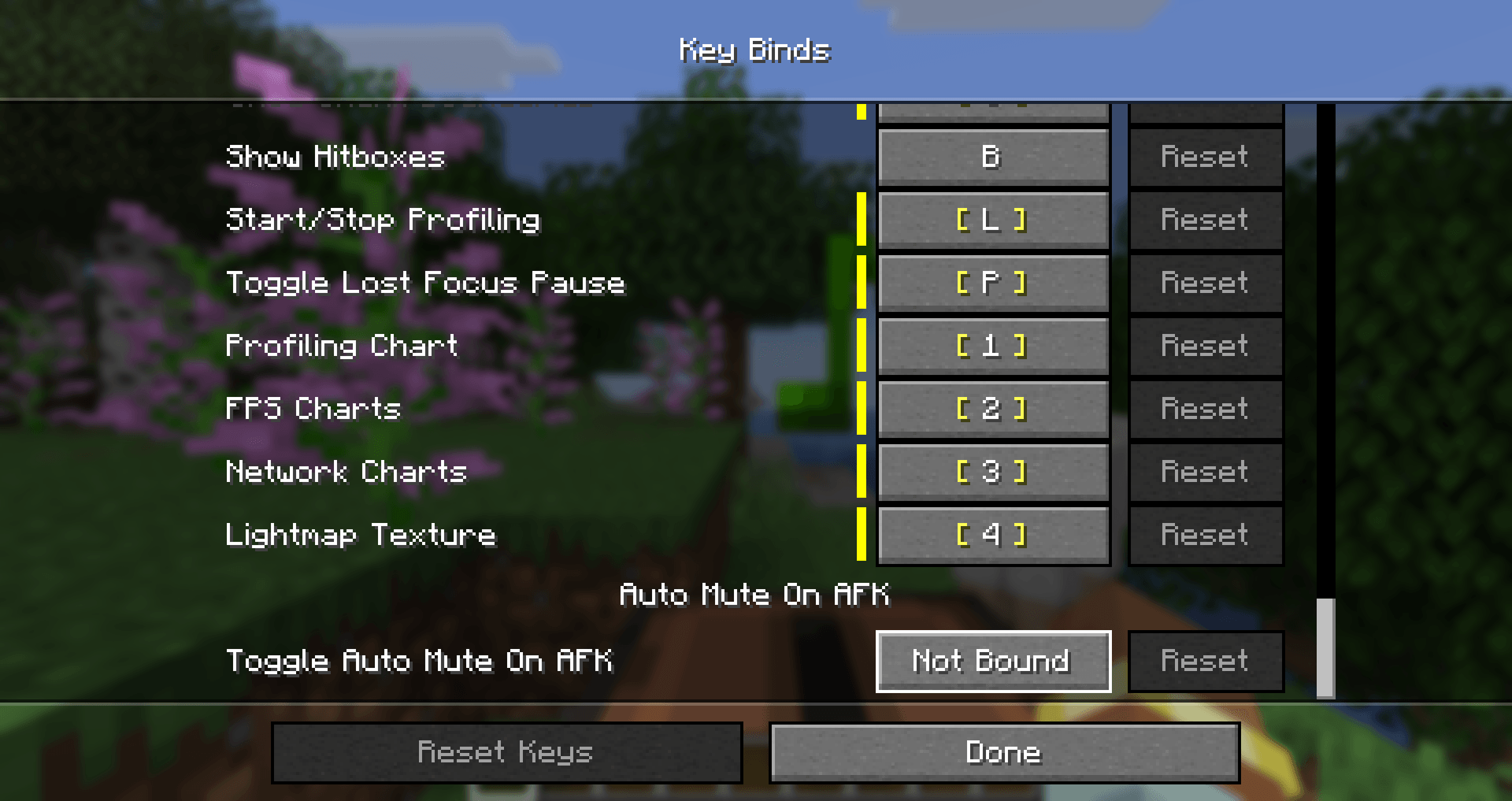
You can also toggle the mod in-game without touching the file: open Options > Controls > Key Binds, find the Auto Mute On AFK category, and bind the Toggle Auto Mute On AFK key (unbound by default). Pressing it enables/disables the mod instantly and saves the new state.
Available options
enabled
true (default), the mod is active and mutes/restores on focus changes.false, the mod does nothing (you can also flip this with the toggle hotkey).showMessages
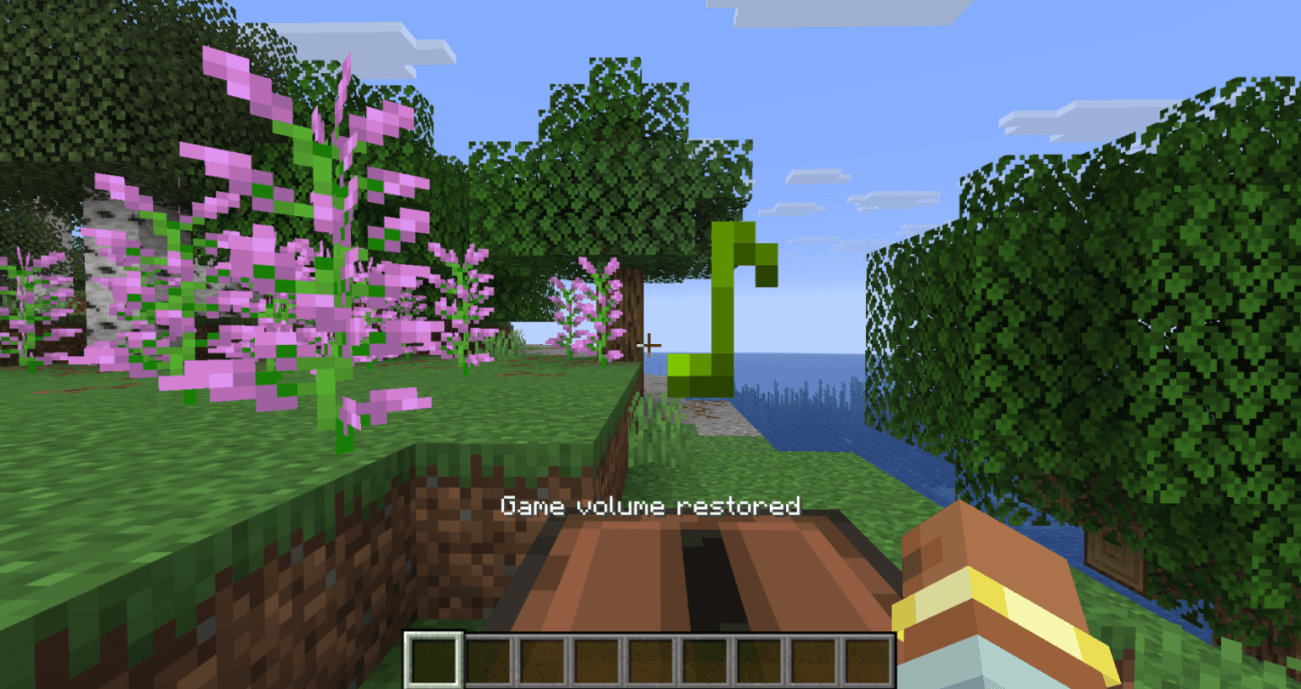
true (default), a short action-bar message is shown when the game is muted or restored. Set to false for silent operation.Examples
Default behavior (mute on unfocus, with messages):
{
"enabled": true,
"showMessages": true
}
Mute silently, without any on-screen messages:
{
"enabled": true,
"showMessages": false
}
Keep the mod installed but turned off (re-enable any time with the hotkey):
{
"enabled": false,
"showMessages": true
}