English | 简体中文
An automatic torch placement and light level overlay mod for Minecraft 1.7.10~26.3 on NeoForge, Forge, and Fabric.
Digging out an area is tedious, and placing torches by hand makes it easy to miss spots. Existing light level overlays also do not handle the special spawning conditions of drowned and swamp slimes, which makes building swamp mob farms or lighting riverbeds inconvenient. That is why this mod was created.
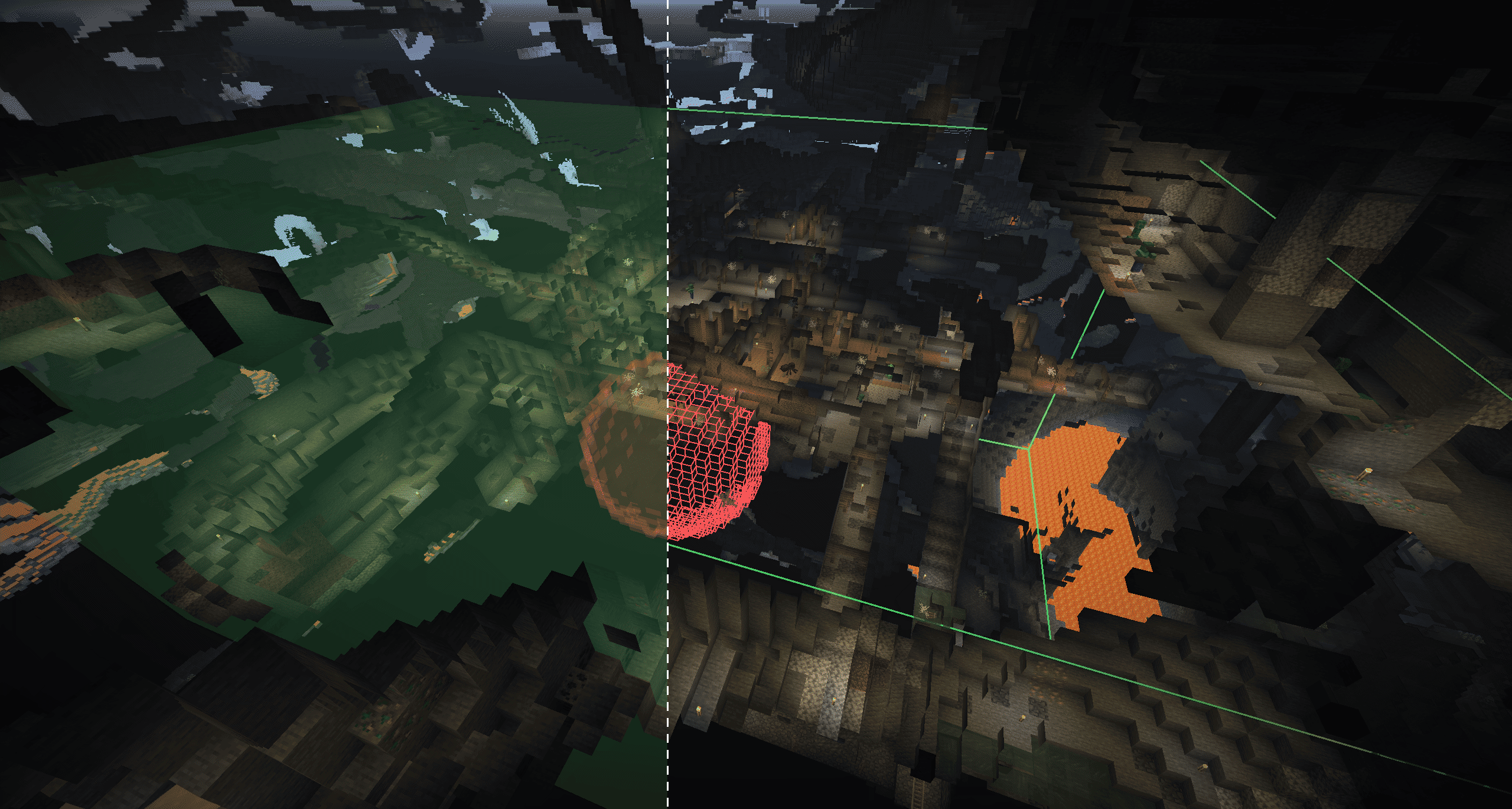
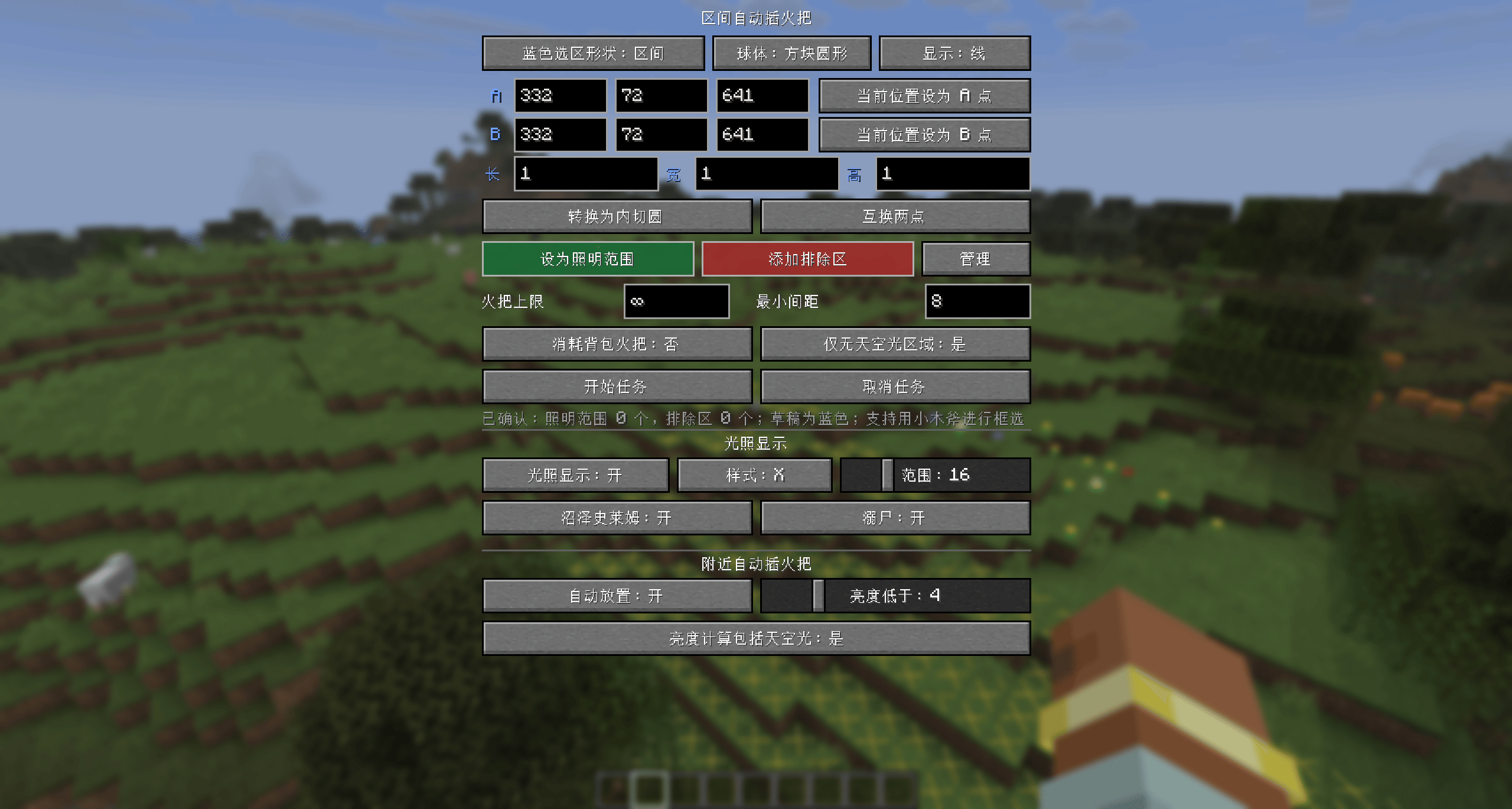
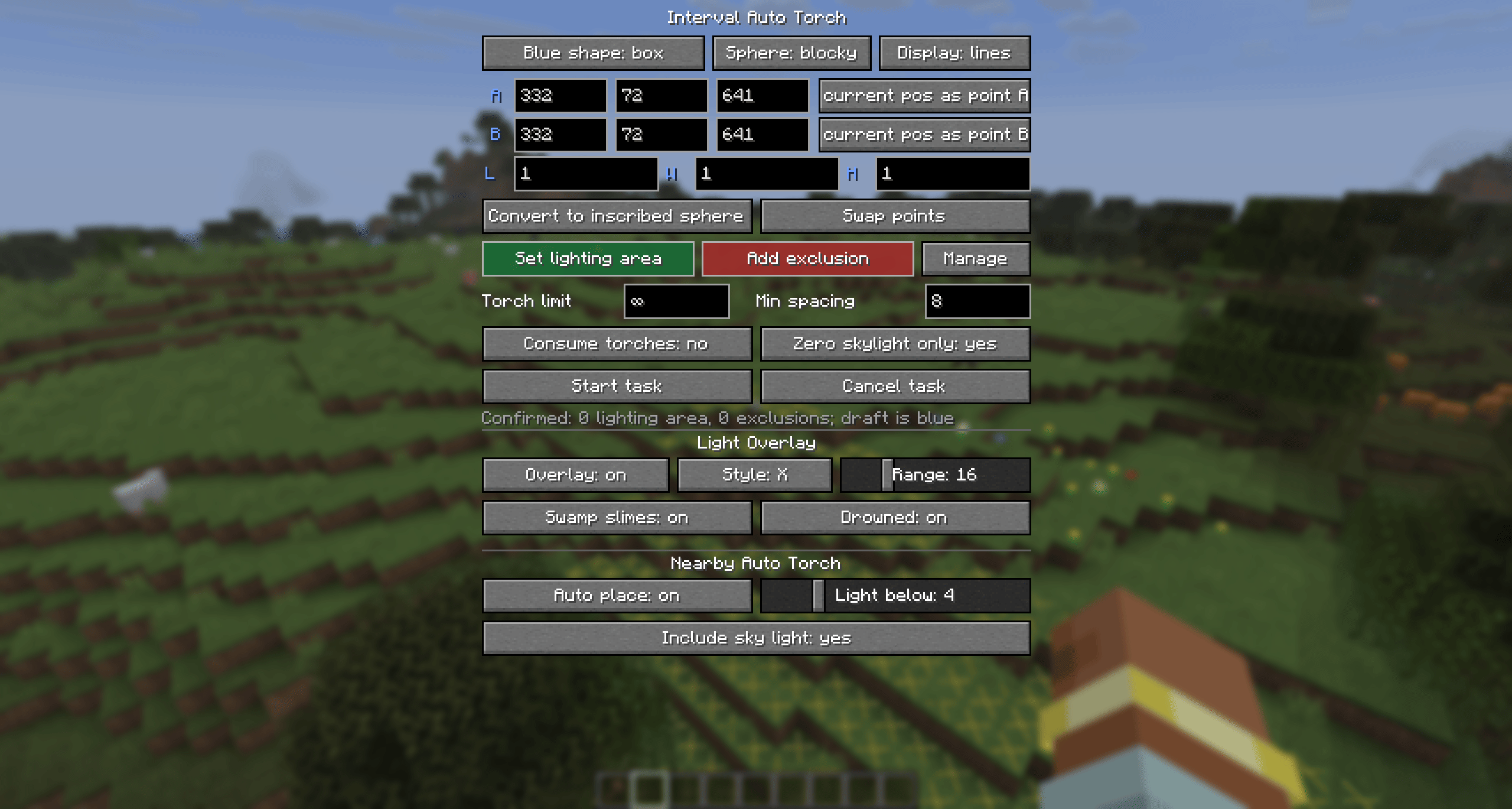
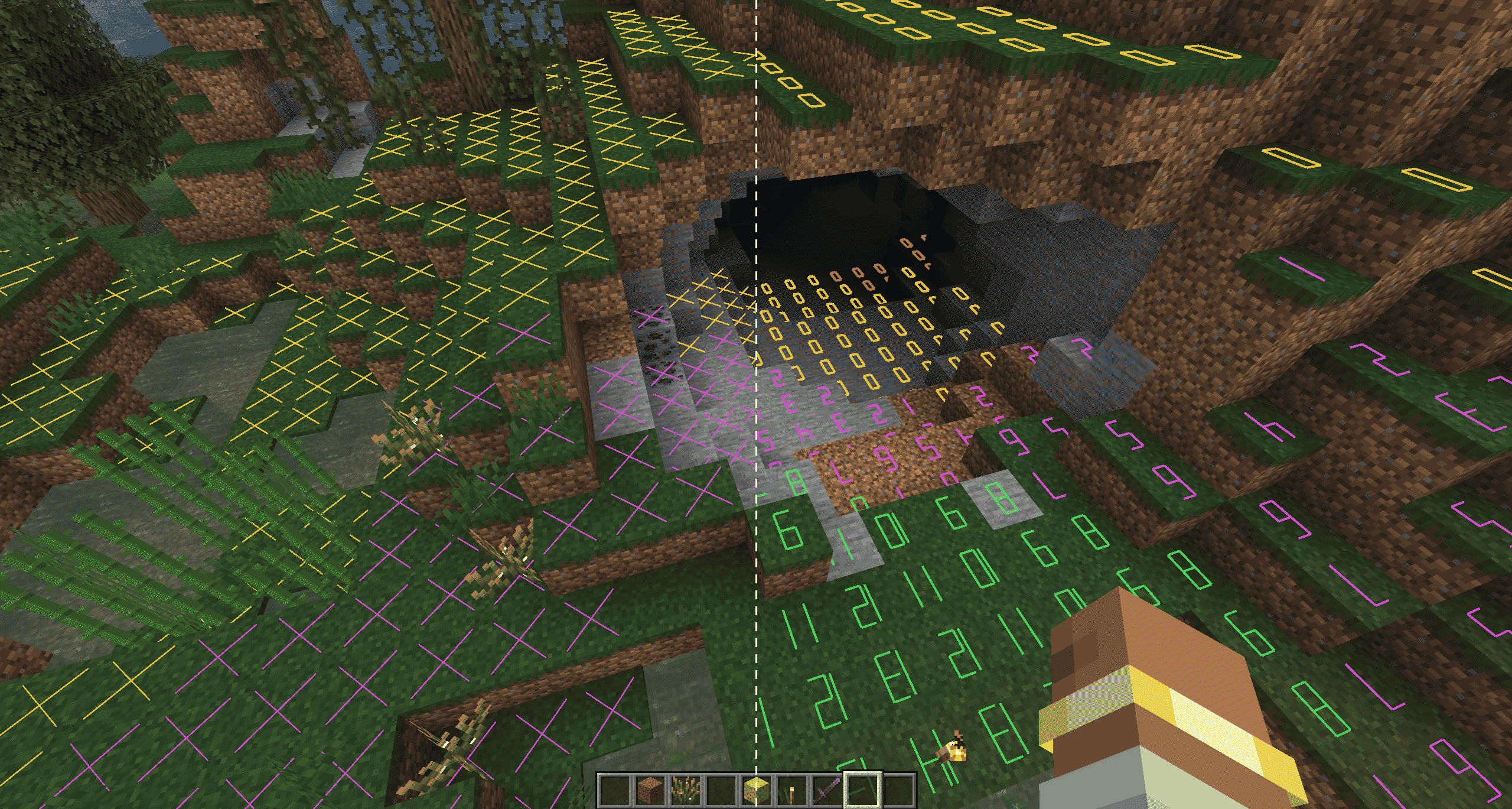
G by default to open the selection panel, where you can configure automatic torch placement within an area or near the player.F7 by default to toggle the light level overlay, including special checks for drowned and swamp slimes.| Nearby Torch Placement | Light Level Overlay | Area Torch Placement |
|---|---|---|
| Client-side only | Client-side only | Client and server |
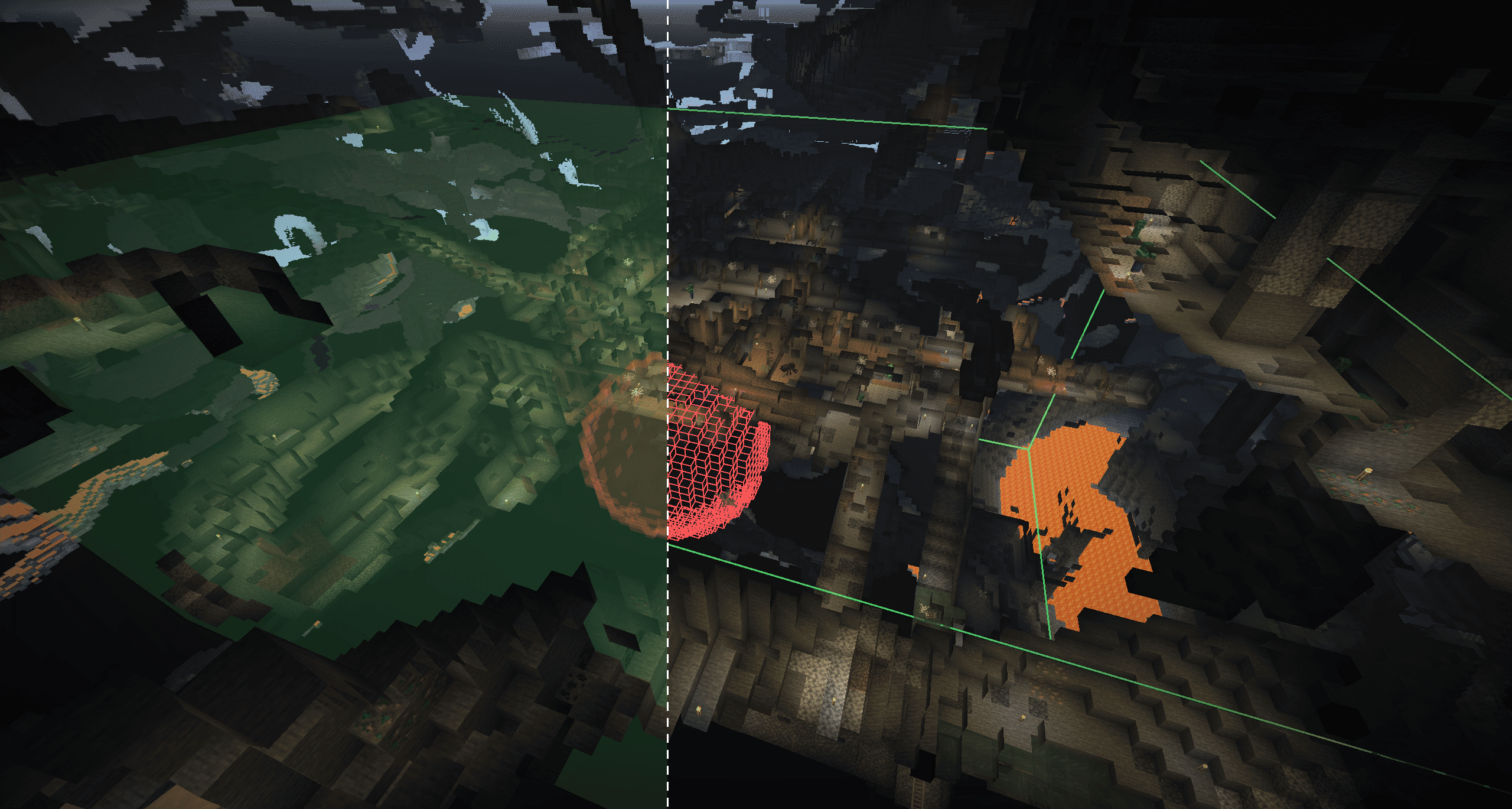
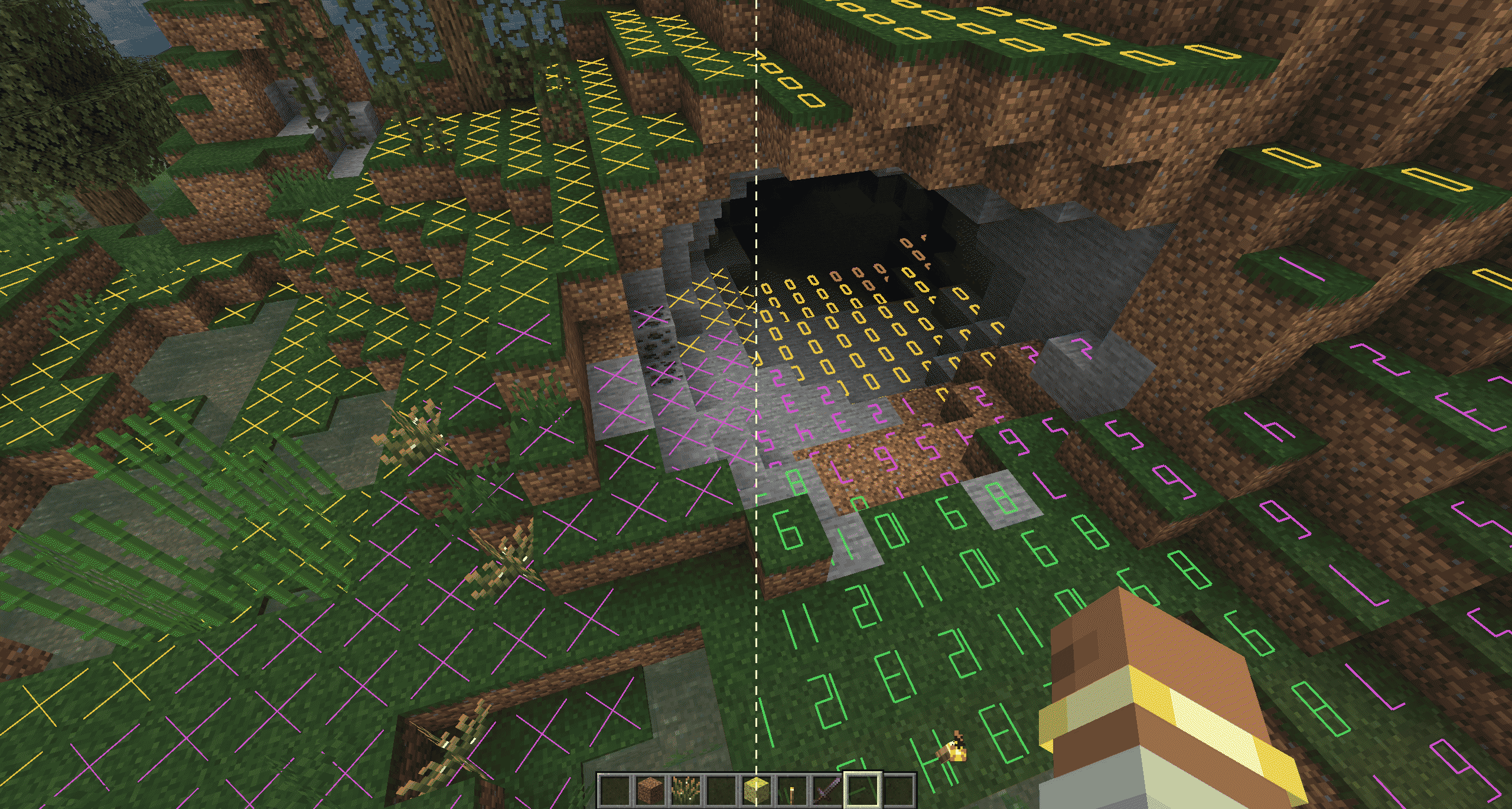
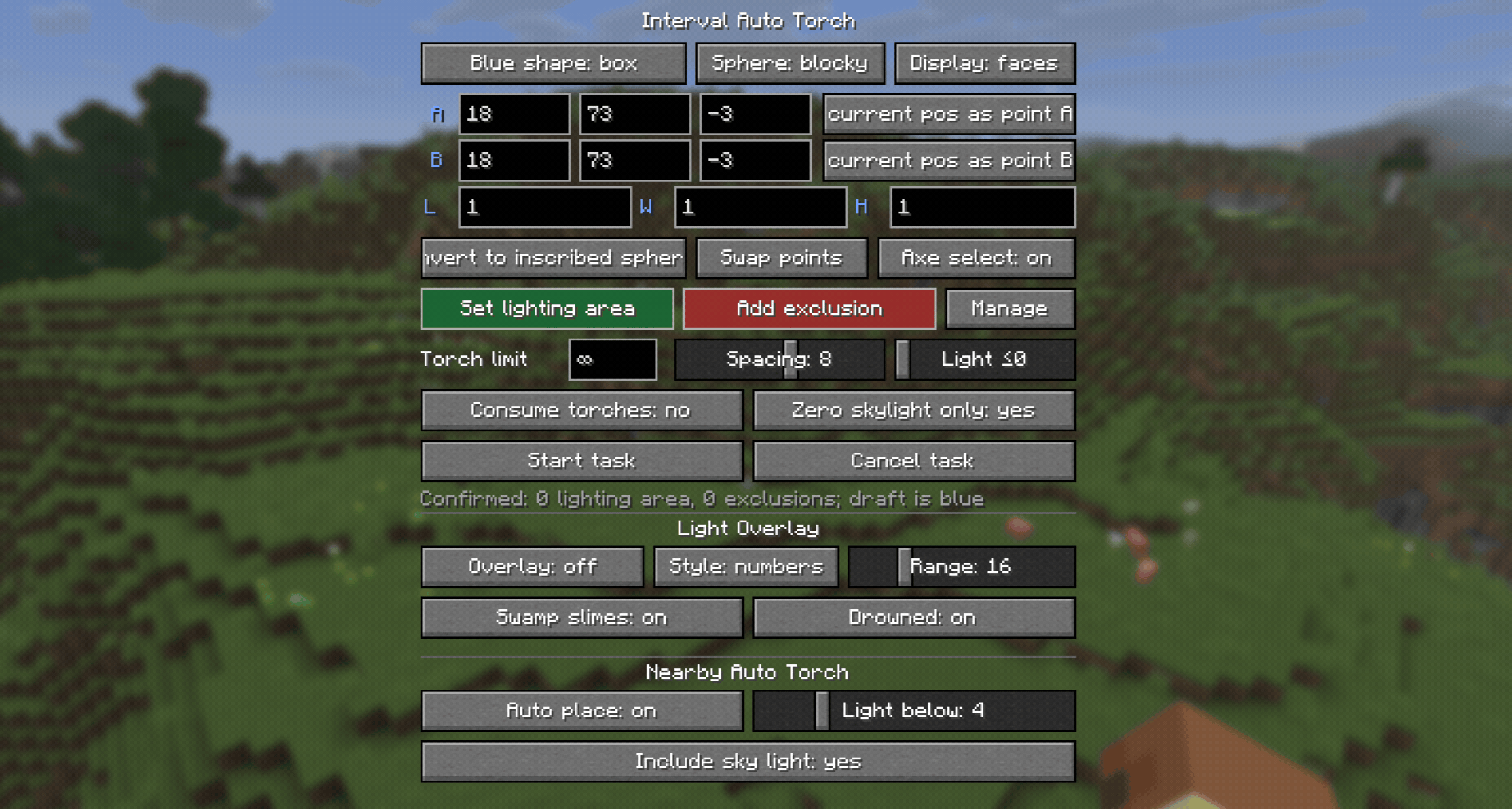
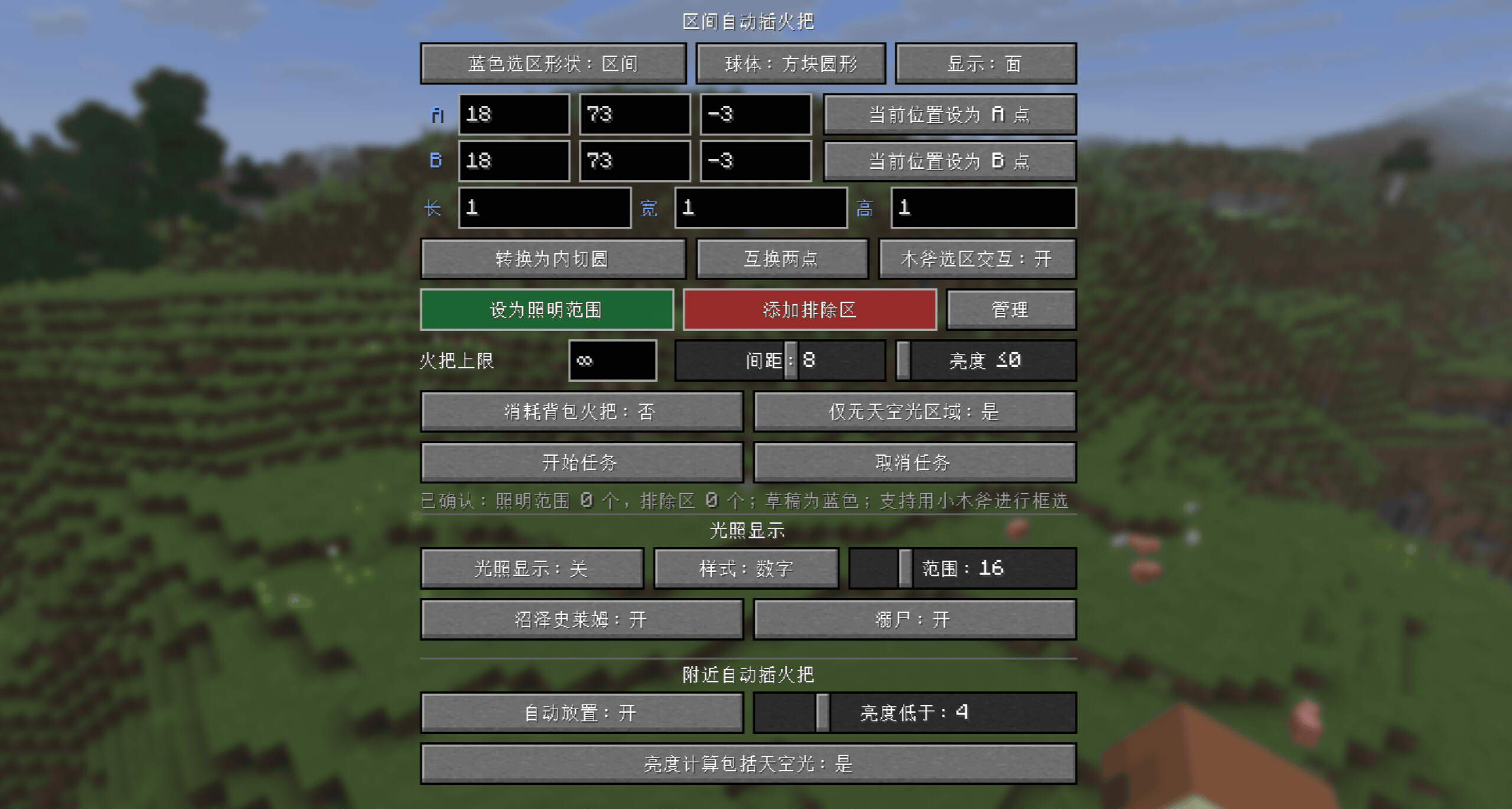
G by default to open the selection panel and F7 to toggle the light level overlay. Both key bindings can be changed.X markers, numeric light levels, and boxed numeric light levels. The display range is 1-64 blocks horizontally and up to 64 blocks both above and below vertically (64 blocks maximum), with performance optimizations.| Color | Meaning |
|---|---|
| Red | Mobs can spawn at any time |
| Yellow | Mobs can spawn at night |
| Green | Mobs cannot spawn |
| Purple | Swamp slimes can spawn at night |
| Cyan | Drowned can spawn |
Start Task. One lighting area and multiple exclusion areas are supported.F7 by default to toggle it, or configure it in the G panel.X markers, numeric light levels, and boxed numeric light levels are supported.0 means unlimited. You can also choose whether regular torches in the inventory are consumed.Two types of configuration files are generated automatically after the first launch. Boolean options in configuration files use true or false without quotation marks.
File: config/autotorch-client.toml
[nearbyAutoTorch]
# Whether nearby automatic torch placement is enabled.
enabled = false
# Attempt to place a torch when the light level is below this value. Range: 1-16.
lightThreshold = 4
# true: use the greater of block light and sky light; false: use block light only.
includeSkyLight = true

[lightOverlay]
# Whether the light level overlay is enabled.
enabled = false
# Whether see-through rendering is enabled so markers can be seen through blocks.
renderThrough = false
# true: numbers rotate with the view; false: numbers remain fixed.
numberRotation = true
# Horizontal display range centered on the current camera. Range: 1-64 blocks.
horizontalRange = 16
# Number of blocks scanned downward from the current camera. Range: 0-64; the sum with upRange must not exceed 64.
downRange = 16
# Number of blocks scanned upward from the current camera. Range: 0-64; the sum with downRange must not exceed 64.
upRange = 4
# Display style: 0 = X markers, 1 = numbers, 2 = boxed numbers.
mode = 0
# Whether to mark locations that meet the vanilla spawning conditions for swamp slimes.
detectSwampSlimes = false
# Whether to mark locations that meet the vanilla spawning conditions for drowned.
detectDrowned = false

[selectionOverlay]
# Whether to display the lighting area and exclusion areas.
enabled = true
# true: show outlines only; false: show translucent faces.
linesOnly = false
# Whether to use smoother rendering for spherical selections.
smoothSpheres = false

[lightingTaskDefaults]
# Default maximum number of torches per task. Range: 0-4096; 0 means unlimited.
maxTorches = 0
# Default minimum spacing between torches. Range: 1-12 blocks.
minSpacing = 8
# Process positions whose block light is at or below this value. Range: 0-15; 0 means block light 0 only.
lightThreshold = 0
# Whether to process only positions without sky light by default.
undergroundOnly = true
# Whether Creative mode consumes torches from the inventory by default.
creativeConsumeTorches = false
# Whether Survival mode consumes torches from the inventory by default in single-player.
# In multiplayer, the server's gameplay.survivalConsumesTorches setting takes precedence.
survivalConsumeTorches = true
# Whether left- and right-clicking with a wooden axe selects points A and B.
woodenAxeSelectionEnabled = trueFile: <world directory>/serverconfig/autotorch-server.toml
Single-player location: config/autotorch-server.toml
26.3 renamed the configuration to
autotorch-synced.tomlin NeoForge.
[limits]
# Maximum allowed length of any side of a cuboid. Range: 1-321 blocks.
maxBoxAxisLength = 321
# Maximum allowed radius of a spherical selection. Range: 1-160 blocks.
maxSphereRadius = 160
# Maximum number of exclusion areas allowed in a single task. Range: 0-32.
maxExclusions = 32
# Maximum number of torches that can be set for a single task. Range: 1-4096.
maxTorchesPerTask = 4096
# Whether clients may set the maximum torch count to 0 (unlimited).
allowUnlimitedTorches = true
# Lower and upper bounds for torch spacing configurable by clients. Both range from 1-12.
minSpacing = 1
maxSpacing = 12
# Maximum number of tasks that can run concurrently across the server. Range: 1-1024.
maxConcurrentTasks = 64

[gameplay]
# Whether Survival mode tasks must consume regular torches from the player's inventory.
survivalConsumesTorches = true

[performance]
# Maximum number of blocks scanned by each task per tick. Range: 1-120000.
scanBudgetPerTaskTick = 12000
# Maximum number of torches placed by each task per tick. Range: 1-64.
placeBudgetPerTaskTick = 8
# Maximum total number of blocks scanned by all tasks per server tick. Range: 1-240000.
globalScanBudgetPerTick = 24000
# Maximum total number of torches placed by all tasks per server tick. Range: 1-256.
globalPlaceBudgetPerTick = 16
# Maximum number of attempts to find a valid torch position near each dark position. Range: 1-128.
randomPlacementAttempts = 32/setblock command.