Mineuniverse
Resource Packs
Anime Icons Xaero's

Anime Icons Xaero's

RESOURCE PACK
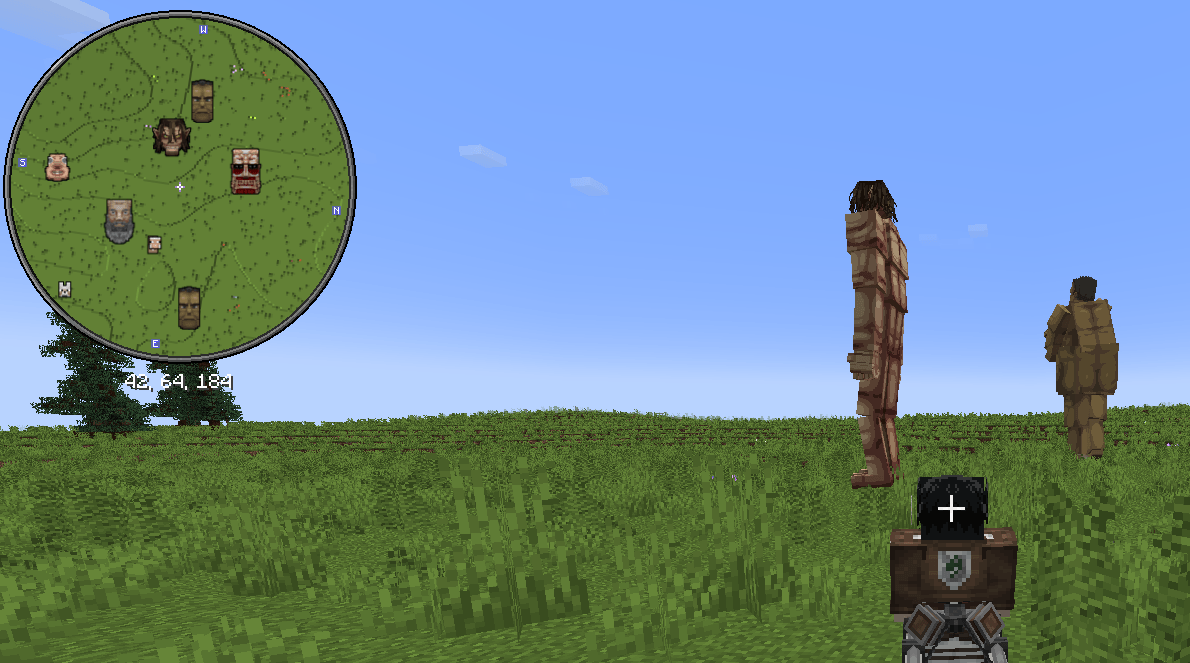
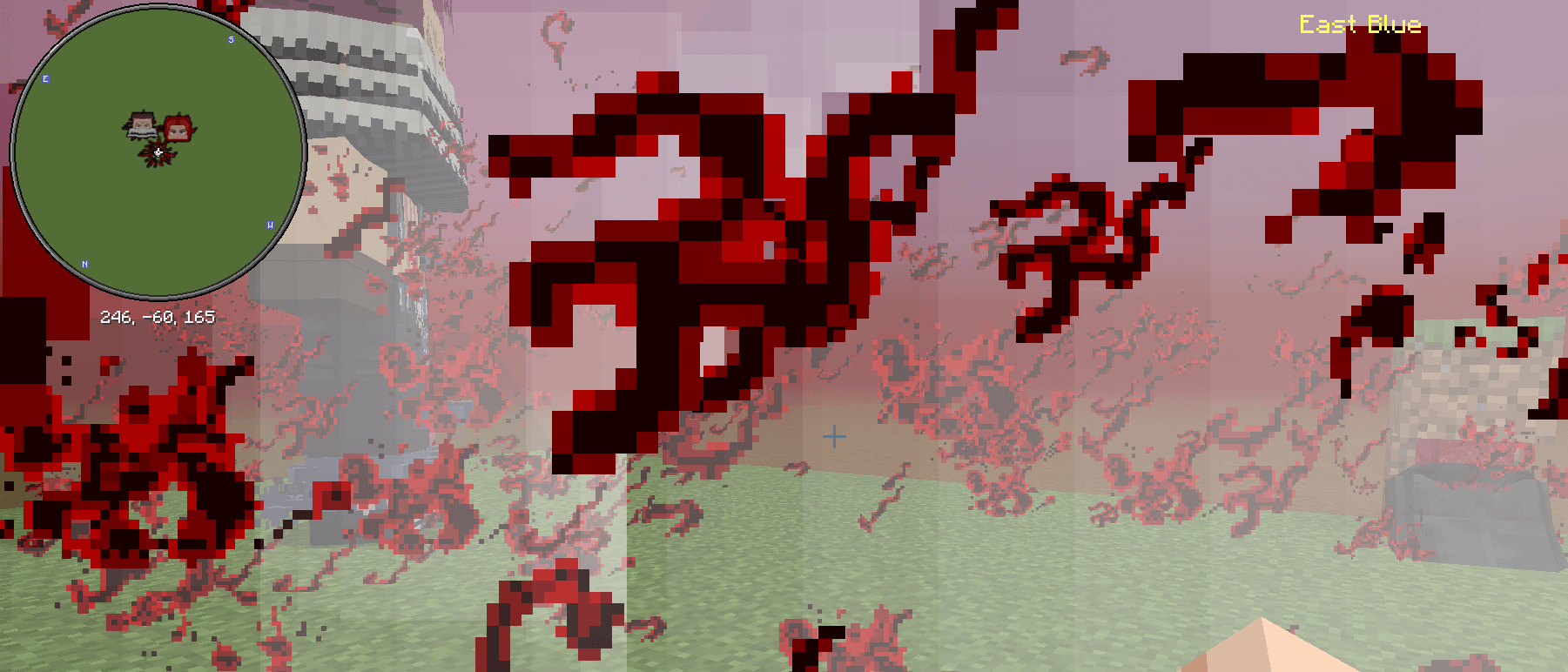
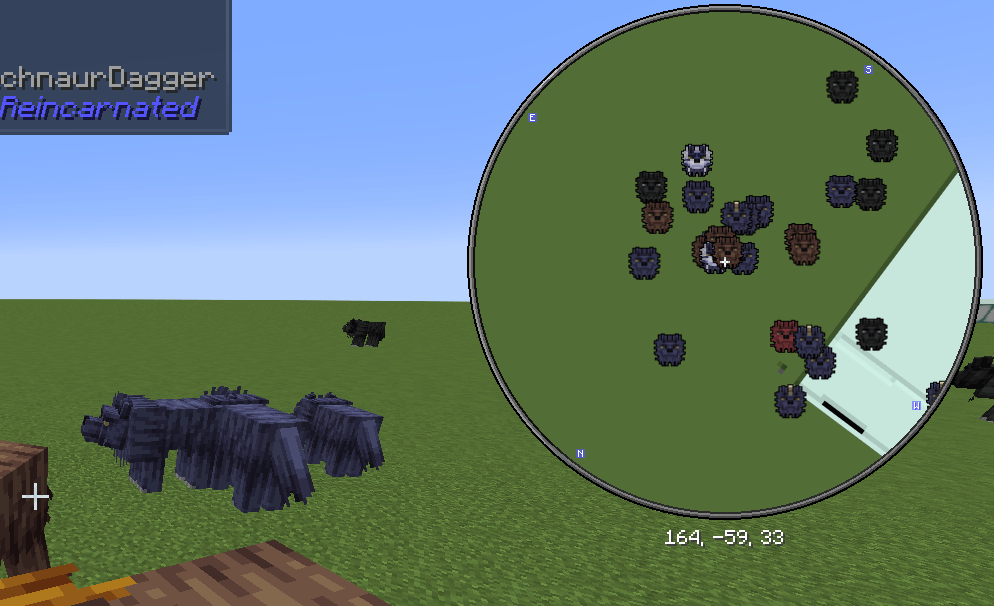
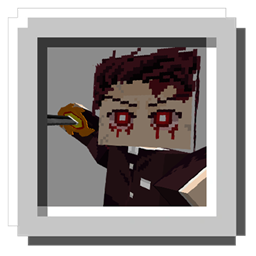
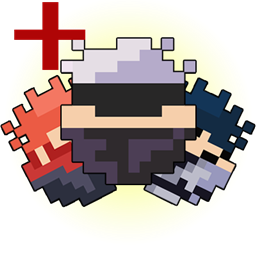
Adds Xaero Minimap Icons for some Anime Mods.
by TechnoDagger
Download Claim this project
Add a badge to your pageLink to Anime Icons Xaero's from a README, website or forum post.
Preview: Badge

Badges update automatically and link to the resource pack page on MineUniverse.

101,143 downloads
0 likes
0 followers
Updated Oct 14, 2026
0 hypes
Follow0
64x Mod Support
Advertisement Remove ads with Premium →

                                 Supports 1.16.5 to 1.21.1

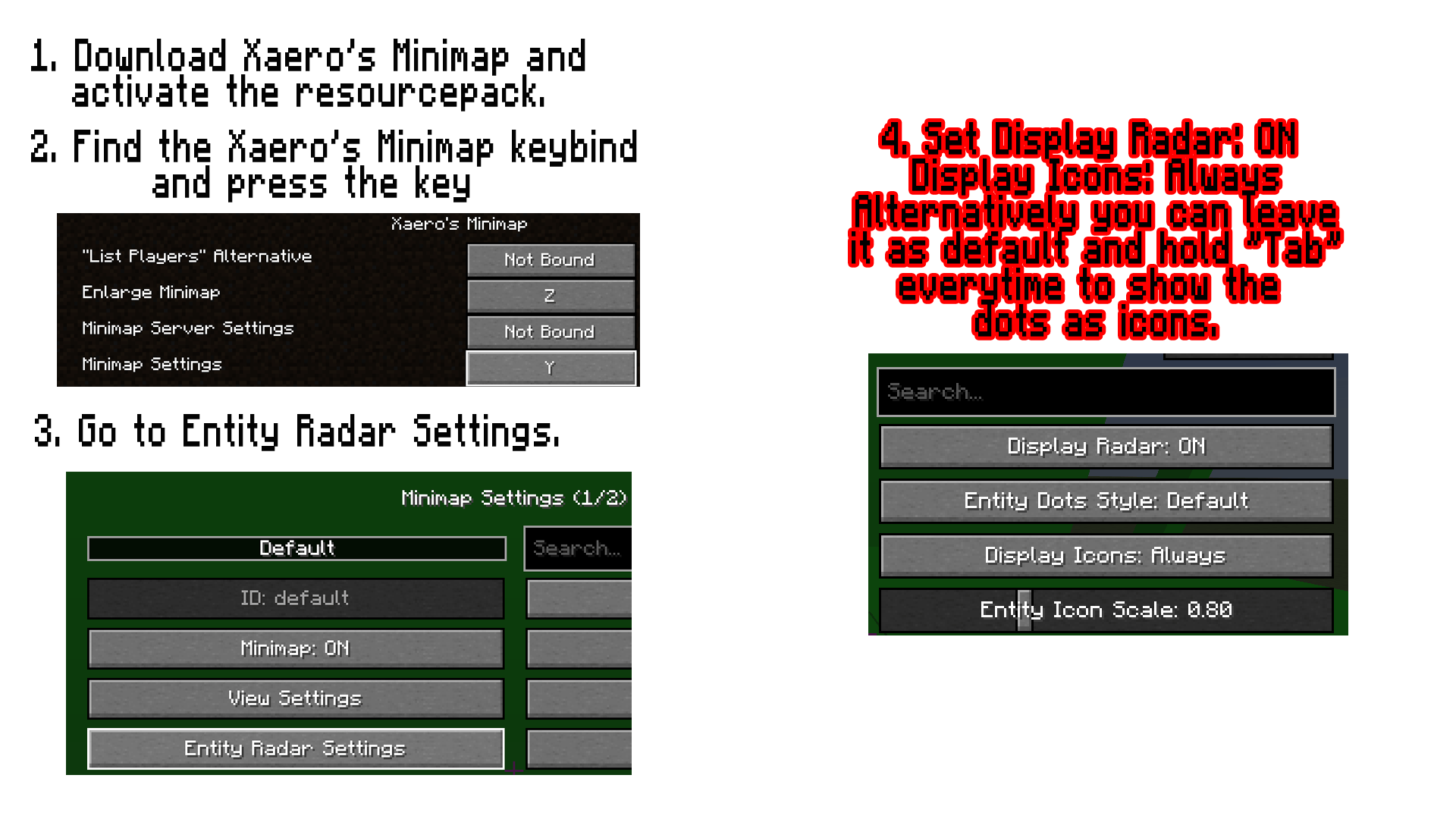
  • Requirement: Xaero's minimap
  • The resourcepack is able to be used in any version of the mods that is supported although if there are new renamed mobs or new mobs, it won't be have an icon.
  • The current list of supported mods are the ones I play with the most but feel free to comment and suggest some anime mods to make Xaero's compatible with.
  • Feel free to comment if there are icons that are not bugged or not done. And if you want more anime mods to make compatible with Xaero's minimap.
  • Why are they all under one file? For me, it is better to manage this way and it won't have any effect on whether or not you download all of the mods or not.

Mods Supported:

You don't need all the mods listed here, it will work regardless.


Anime Icons Xaero's v7.1.zip
MC 1.16.5, 1.20.1, 1.21.1
Release 2026-10-16 Get
Anime Icons Xaero's v7.zip
MC 1.16.5, 1.20.1, 1.21.1
Release 2026-10-04 Get
Anime Icons Xaero's v6.zip
MC 1.16.5, 1.20.1, 1.21.1
Release 2026-08-27 Get
Anime Icons Xaero's v5.zip
MC 1.16.5, 1.20.1, 1.21.1
Release 2026-06-22 Get
Anime Icons Xaero's v4.zip
MC 1.16.5, 1.20.1, 1.21.1
Release 2026-04-21 Get
Anime Icons Xaero's v2.zip
MC 1.16.5, 1.20.1, 1.21.1
Release 2026-04-16 Get
Anime Icons Xaero's v3.zip
MC 1.16.5, 1.20.1, 1.21.1
Release 2026-04-16 Get
Anime Icons Xaero's v1.zip
MC 1.20.1, 1.21.1
Release 2026-04-12 Get

Requirements & install

How to use this resource pack in Minecraft
Resolution
64x
Minecraft
1.16.5 – 1.21.1
Install folder
.minecraft/resourcepacks

How to install resource packs

  1. Download the resource pack .zip file (do not extract it).
  2. In Minecraft open Options → Resource Packs → Open Pack Folder.
  3. Drop the .zip into the resourcepacks folder (.minecraft/resourcepacks).
  4. Move the pack to the Selected column and click Done.
Browse more: 16x resource packs 32x resource packs 64x resource packs 128x resource packs 256x resource packs 512x+ resource packs Resource Packs for 1.21.1 All resource packs

More from TechnoDagger

Advertisement Remove ads with Premium →

You Might Also Like