Mineuniverse
Data Packs
Void Particles

Void Particles

DATA PACK
Adds the void fog & particles removed in Minecraft 1.8
by Holazas
Download Claim this project
273 downloads
0 likes
Updated Oct 14, 2026
0 hypes
Adventure Miscellaneous
Advertisement Remove ads with Premium →

Minecraft's unOfficial Void Particles

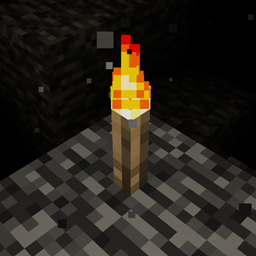
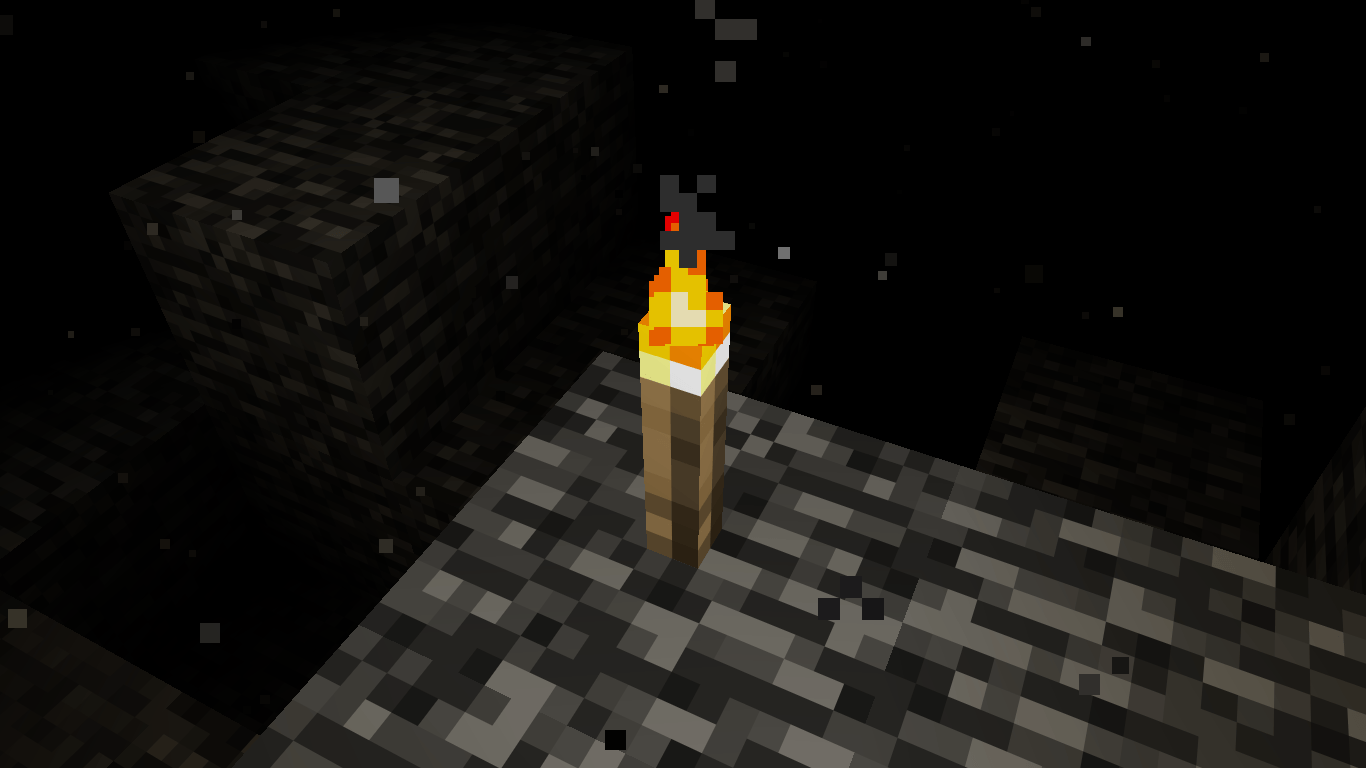
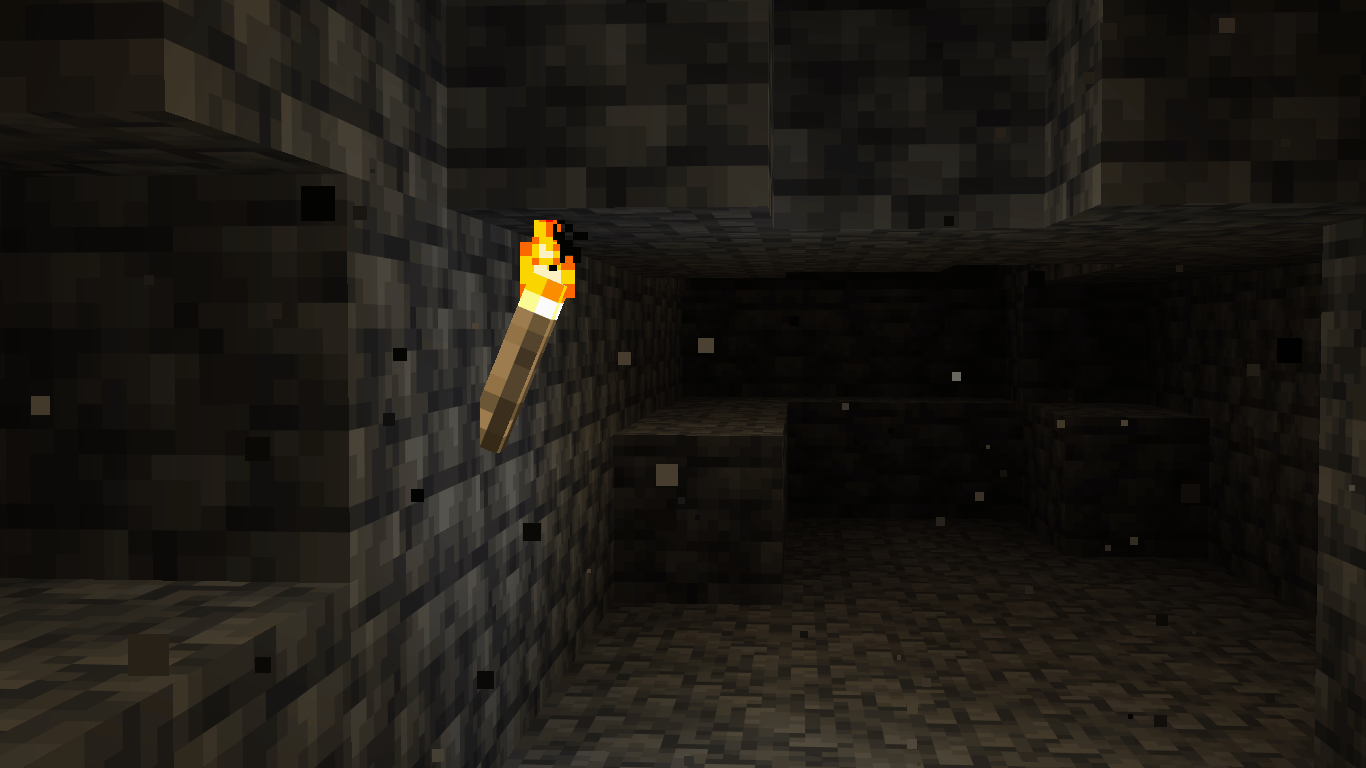
This datapack brings back the void fog from Minecraft 1.8

When a player crosses Y=-47, the fog of the void will begin to cover their vision; and when crossing Y=-59, the player will suffer Blindness, as they get very close to the edge of the world.

This datapack executes the commands (particles & blindness) for each player within the area of ​​effect (Y=-47 downwards). This could cause performance issues when multiple players are in the area of ​​effect.

To learn the basic commands of this datapack, the operator should use the following command: /function void_fog:help

This data pack belongs to the Minecraft unOfficial Project.


License

This project is licensed under the GNU General Public License (GPL).

You are free to use, copy, modify, and distribute this project. However, if you distribute modified versions, you must also release the source code and keep the same GPL license.

This ensures that the project and all its derivatives remain free and open for everyone.


SUPPORT ME BY CLICKING THIS ADVERTISEMENT

ver1.0-advancements
MC 1.21.2-Snapshot, 1.21, 1.21.6-snapshot, 1.20.2-Snapshot, 1.20.5-Snapshot, 1.21.1-Snapshot, 1.20.2, 1.21.8, 1.20.5, 1.21.5, 1.21.4, 1.21.5-Snapshot, 1.20.6, 1.21.1, 1.21.6, 1.21.3
Release 2026-03-23 Get

Requirements & install

How to use this data pack in Minecraft
Mods needed
None, works in vanilla
Minecraft
1.21.2-Snapshot – 1.21.8
Install folder
saves/<world>/datapacks

How to install data packs

  1. Download the data pack .zip file (do not extract it).
  2. New world: click Data Packs on the world creation screen and drop the .zip in. Existing world: open .minecraft/saves/<world>/datapacks.
  3. Put the .zip into the datapacks folder of the world (servers: world/datapacks).
  4. Run /reload in game (or rejoin the world) and check it with /datapack list.
Browse more: Data Packs for 1.21.8 All data packs

More from Holazas

Advertisement Remove ads with Premium →

You Might Also Like