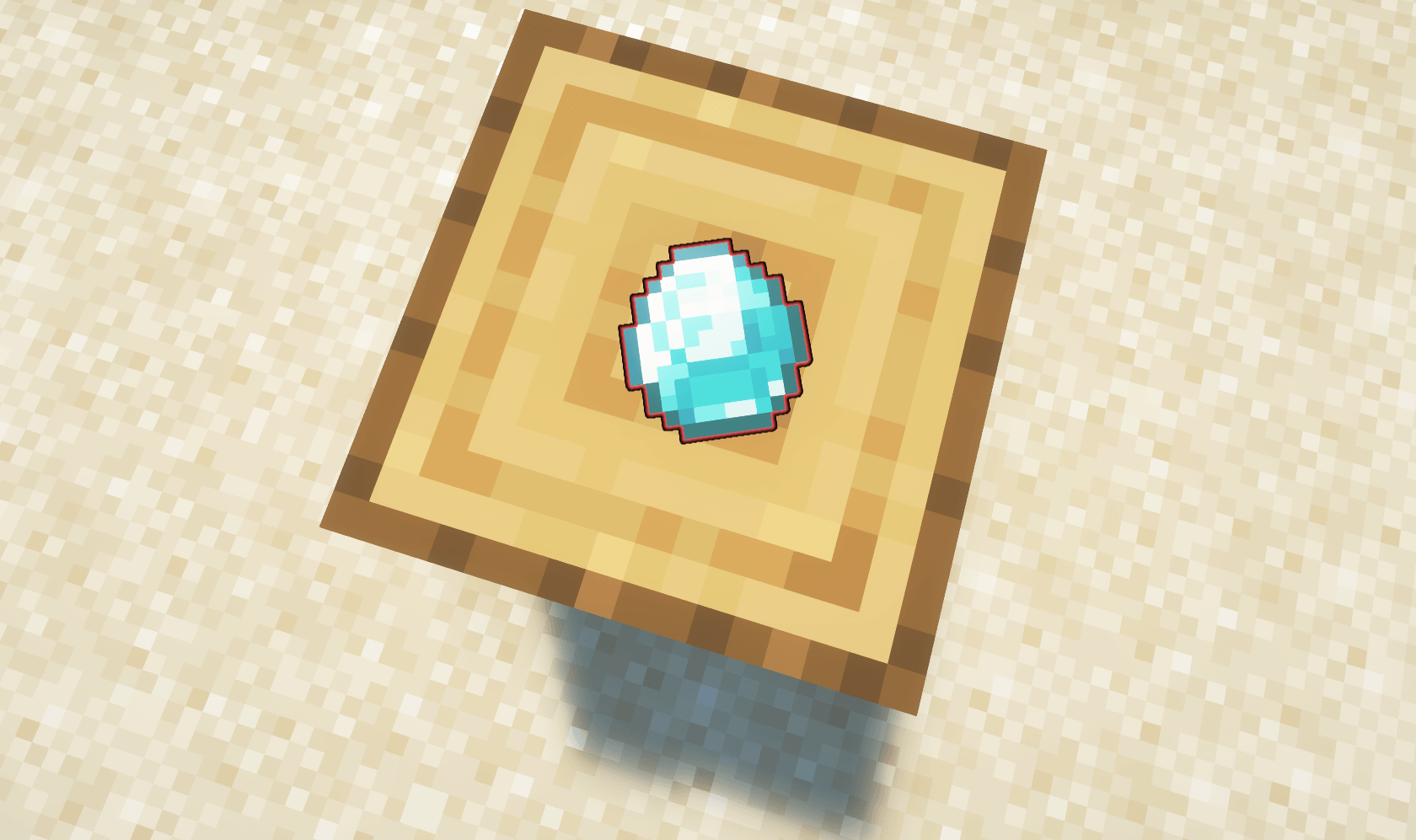
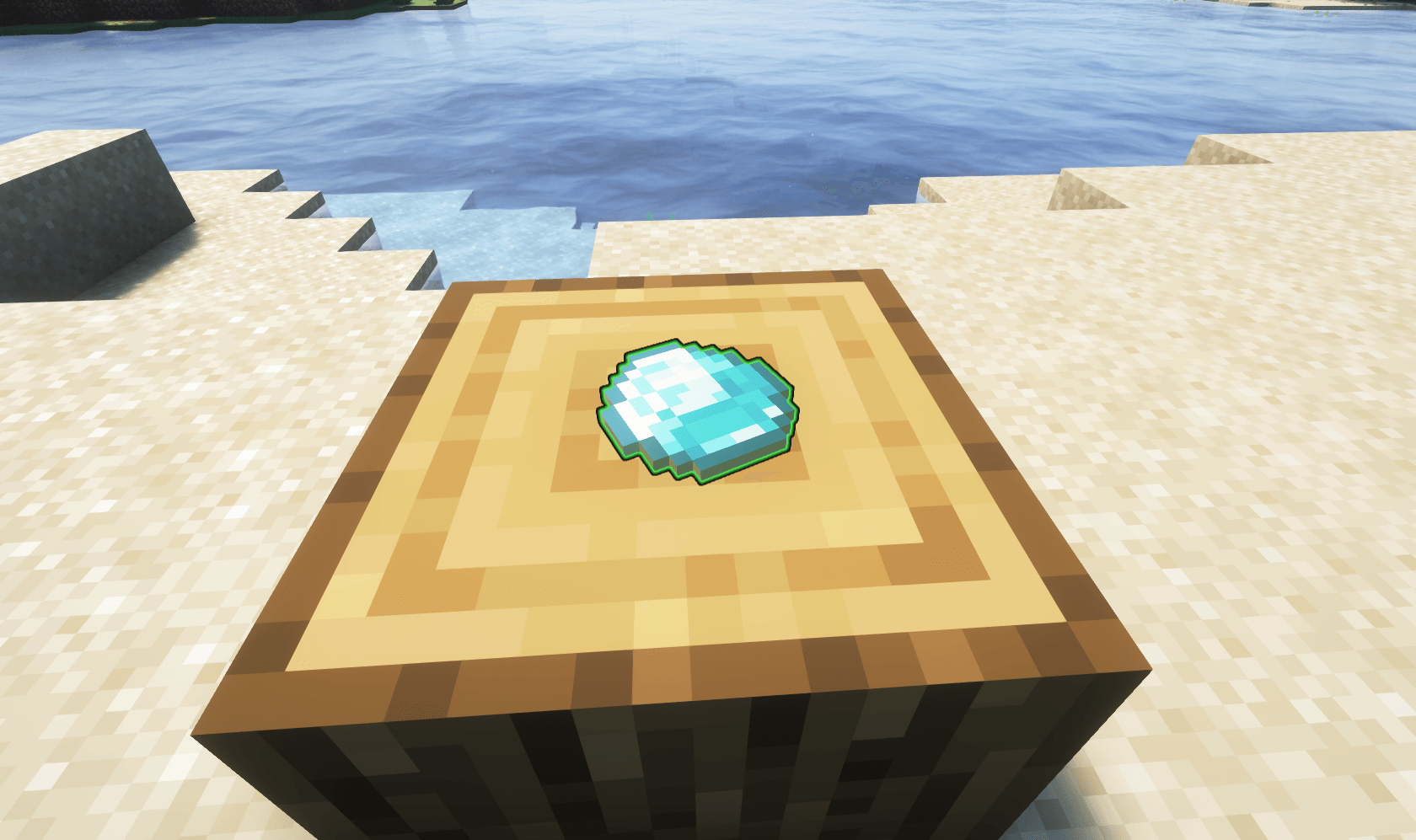
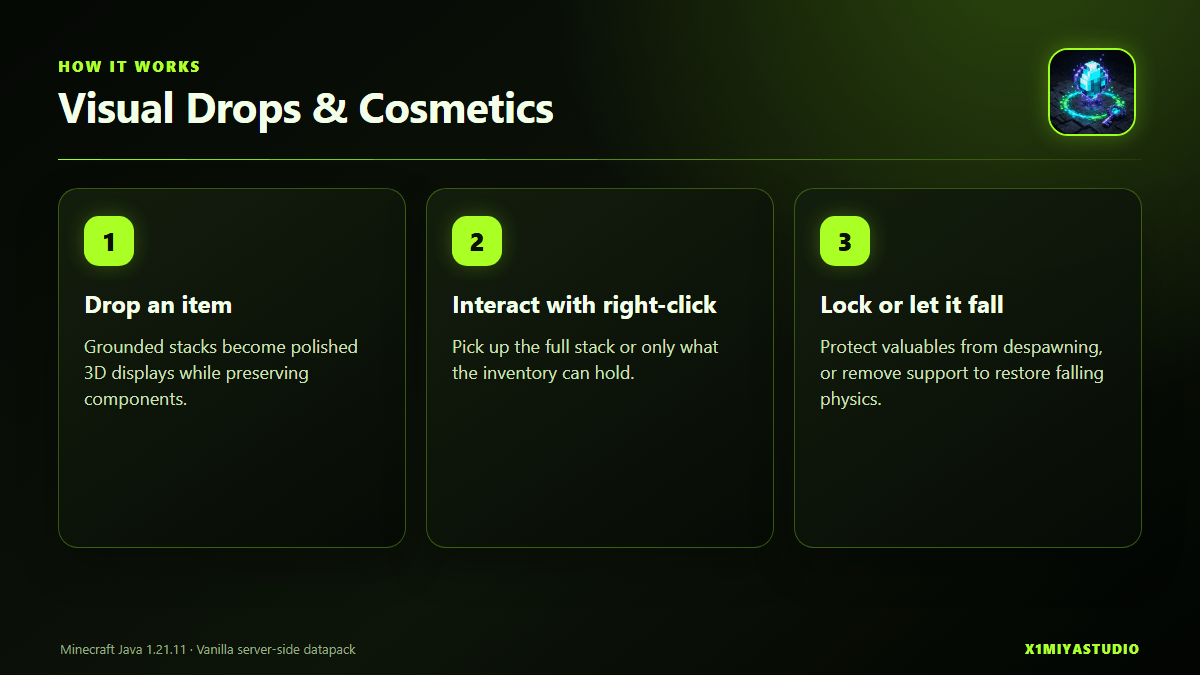
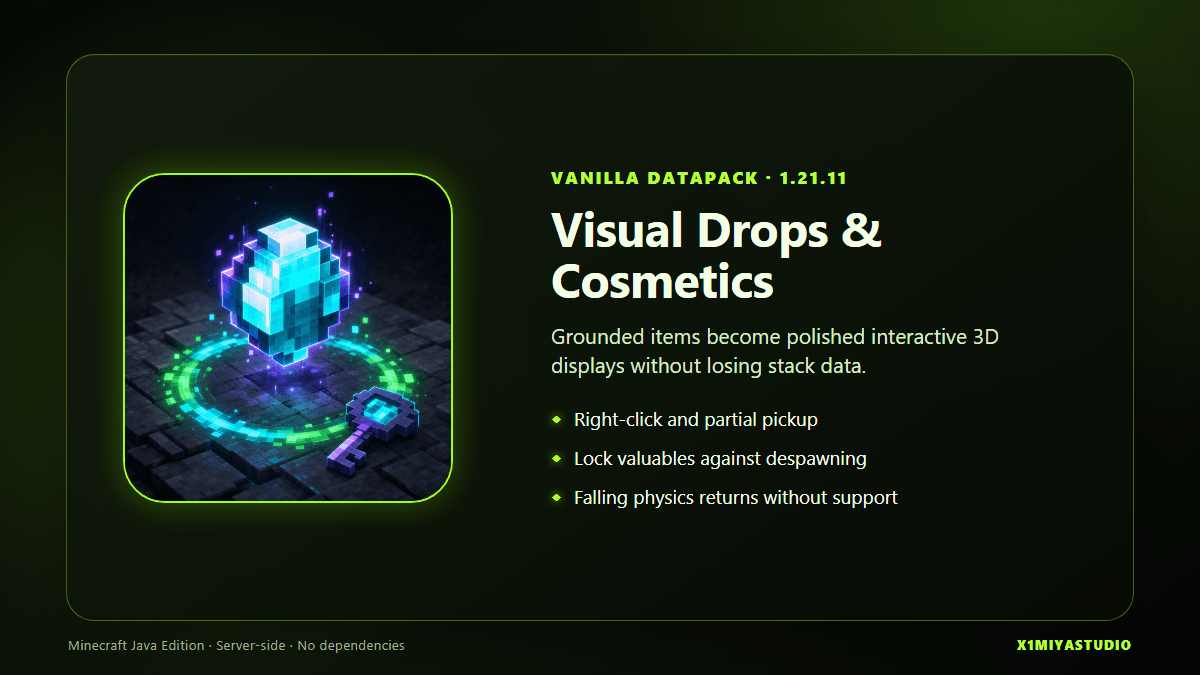
Visual Drops & Cosmetics replaces grounded vanilla item entities with polished 3D displays and interaction hitboxes while preserving the complete item stack.
Visual and interaction changes
- Block-like and flat items receive more natural ground poses.
- Item count, damage, enchantments, and custom components are preserved.
- Players pick grounded displays up with right-click.
- If the inventory has only partial space, the remaining count stays visible on the ground.
- A full inventory leaves the item in place and shows feedback.
- Removing the supporting block returns the item to falling physics until it settles again.
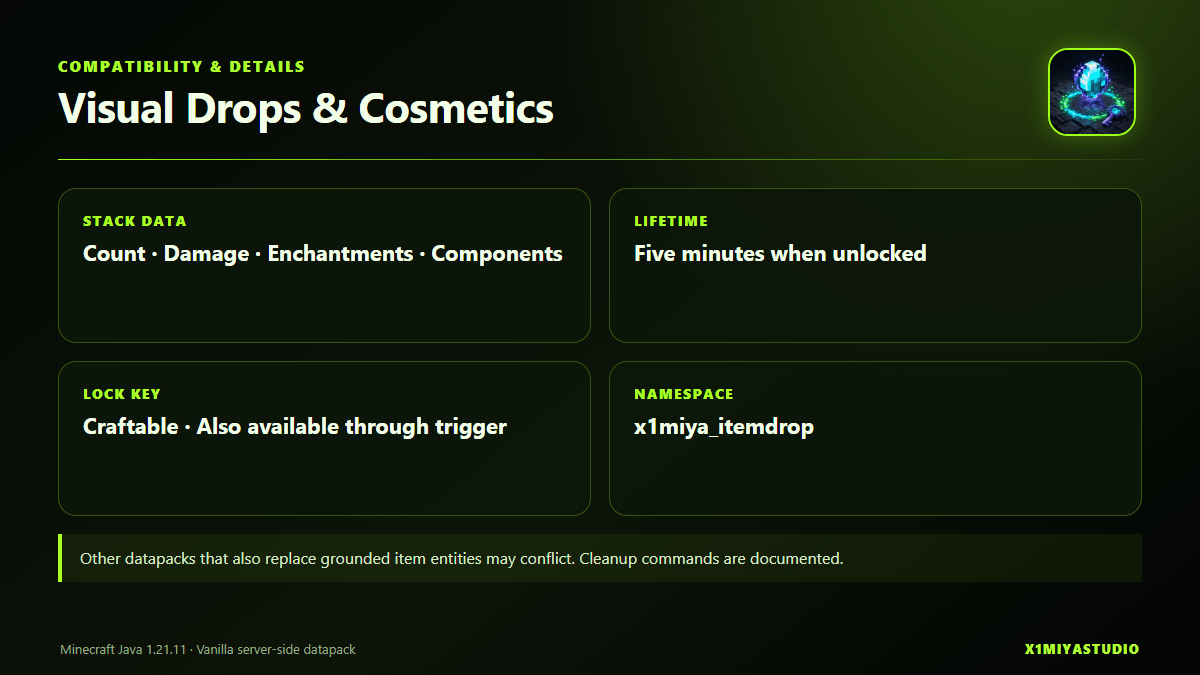
- Unlocked drops keep the vanilla-style five-minute lifetime.
Because this datapack replaces the presentation and pickup flow of grounded item entities, other datapacks that also replace or heavily modify dropped items may conflict.
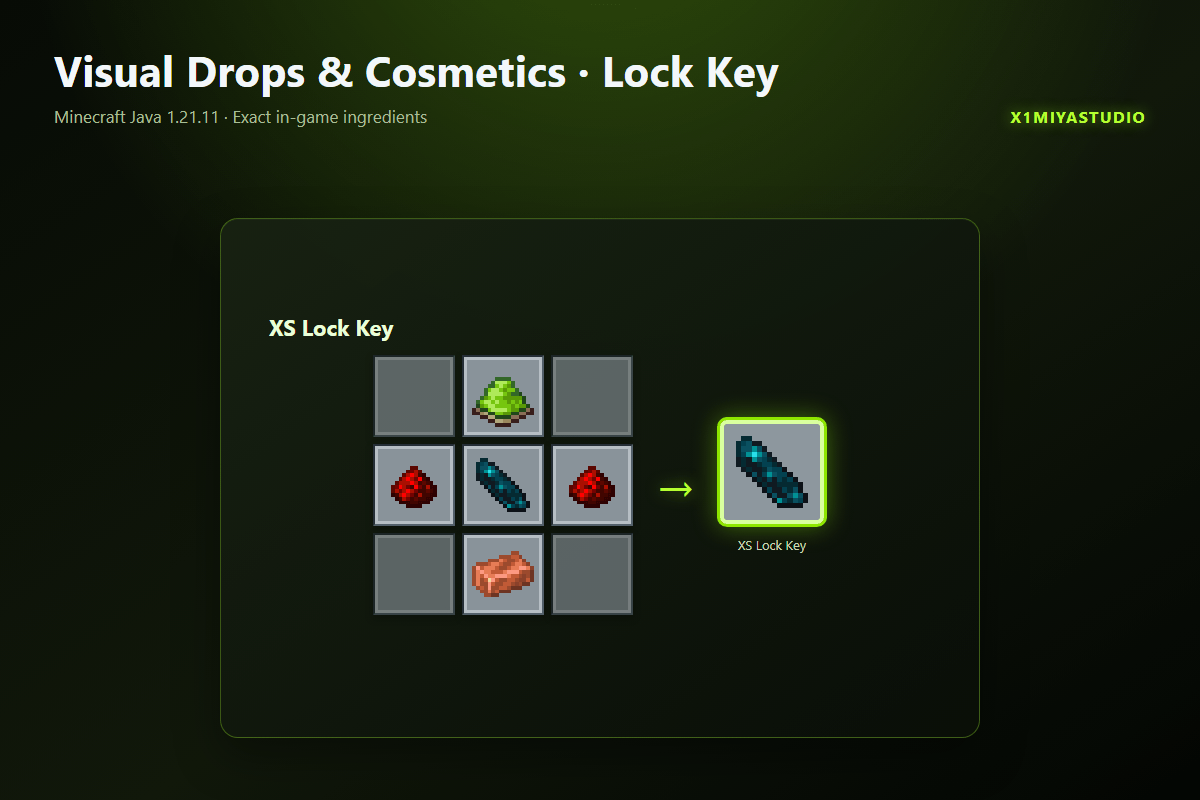
XS Lock Key
 !
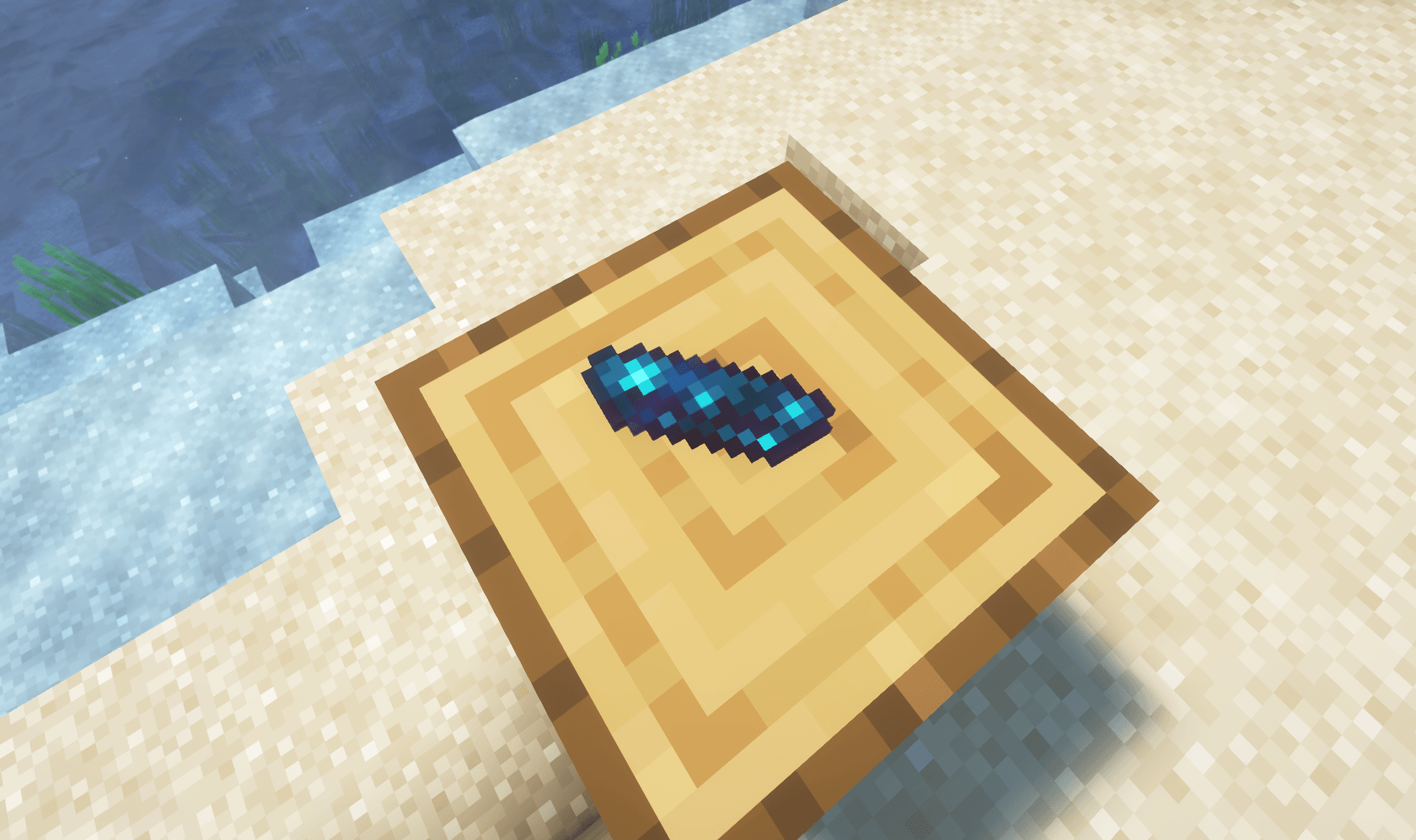
The XS Lock Key is crafted with lime dye, redstone, an echo shard, and a copper ingot. Hold the key and right-click a grounded display to toggle its lock.
!
The XS Lock Key is crafted with lime dye, redstone, an echo shard, and a copper ingot. Hold the key and right-click a grounded display to toggle its lock.
- Locked drops receive visual feedback.
- Locked drops do not despawn after five minutes.
- Unlocking restores the normal lifetime.
- Non-operators can request a key with
/trigger x1di.lock_key.
- Operators can use
/function x1miya_itemdrop:tool/give_lock_key.
The exact crafting recipe is shown in the project gallery.
Uninstall and cleanup
Pick up important displayed items before removal. If an operator needs to remove remaining internal display entities, use:
kill @e[tag=x1di.display]
kill @e[tag=x1di.hitbox]
kill @e[tag=x1di.internal]
After cleanup, remove the ZIP and run /reload.
Compatibility
- Minecraft Java Edition 1.21.11
- Vanilla datapack; data pack format 94.1
- Server side required; no client mod or resource pack
- No dependencies
- License: All Rights Reserved
- Designed around vanilla dropped items and their components
Installation
- Download the English release from this project.
- Place the ZIP in
<world>/datapacks/.
- Enter the world or run
/reload.
- Drop a disposable block and flat item to verify the display and pickup behavior.
Visual Drops & Cosmetics is an independent X1miyaStudio project created by X1miya. It is not an official Minecraft product. All Rights Reserved.