Mineuniverse
Data Packs
Ventura Recipes

Ventura Recipes

DATA PACK
Adds Omnitools and countless QOL recipes to make things a little easier!
by GoldFeech
Download Claim this project
276 downloads
0 likes
0 followers
Updated Oct 14, 2026
0 hypes
Follow0
Adventure Fantasy Miscellaneous Utility
Advertisement Remove ads with Premium →

This datapack adds QOL features including:


OMNITOOLS

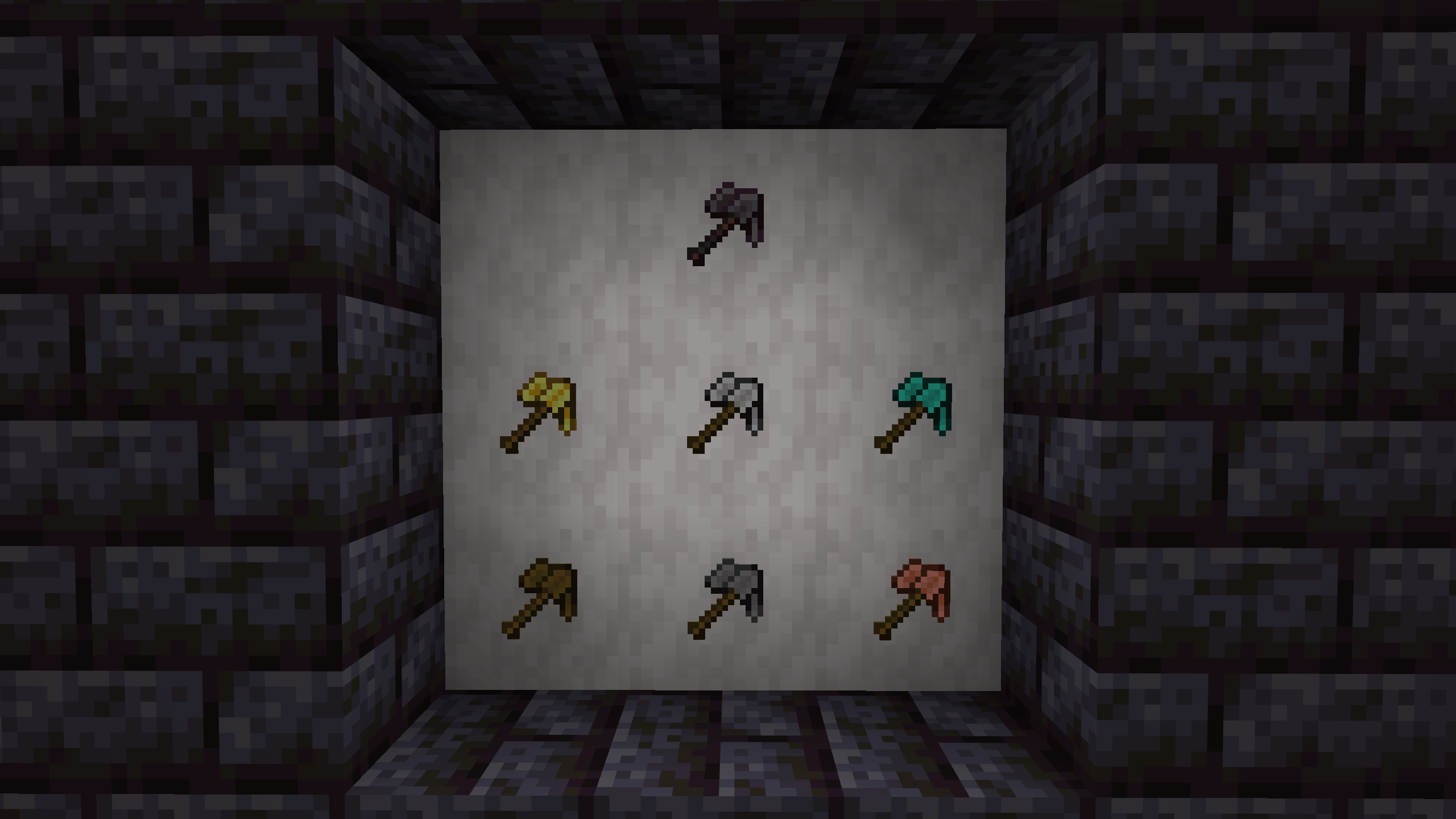
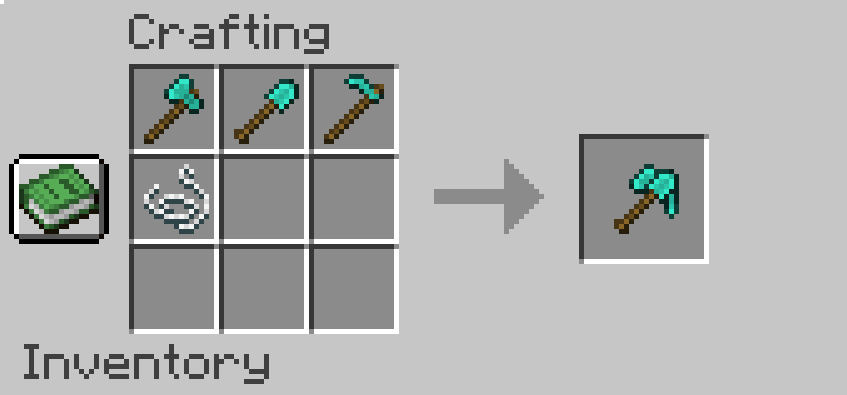
OMNITOOLS are a brand new tool that can do it all! Crafted with an axe, pickaxe, and hoe wrapped together with a bit of string, they can break just about anything! They can strip wood, flatten the ground into dirt paths, till the ground into farmland, and scrape oxidization off copper! There's no more need for hotbar clutter now with OMNITOOLS! 

Recipes

Just like grandma's but I made em'.

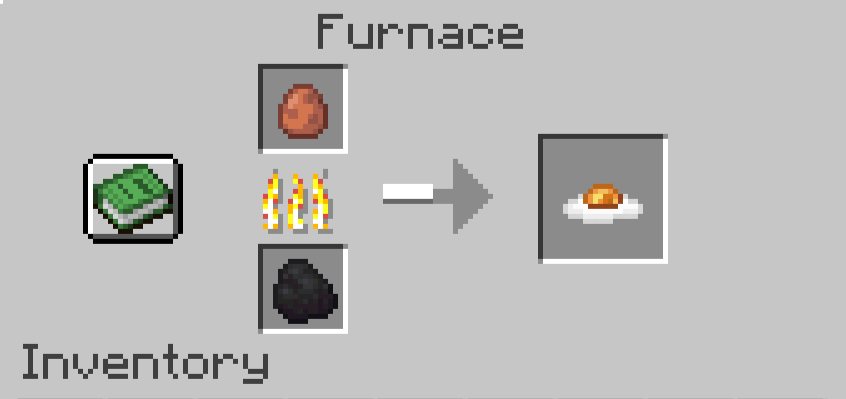
Plenty of conveniant recipes have been added making storage for certain items easier, allowing for transfer between items that would make sense, some items getting crafting recipes to make them renewable, and some more for variety.

Some major examples include the Recursive Stonecutter (all stonecutter recipes are able to craft back into each other) and Slab-to-Block Recipes (all slabs are able to craft back into their respective block.)


Resource Pack

This data pack requires the "Ventura Assets" resource pack. Otherwise there will be missing textures for some items.

Ventura Recipes 1.4.0
MC 26.1
Release 2026-06-13 Get
Ventura Recipes 1.3.0
MC 1.21.11
Release 2026-02-03 Get
Ventura Recipes 1.2.1
MC 1.21.11
Release 2026-01-16 Get
Ventura Recipes 1.2.0
MC 1.21.11
Release 2025-12-14 Get
Ventura Recipes 1.1.0
MC 1.21.8, 1.21.6, 1.21.7
Release 2025-09-17 Get
Ventura Recipes 1.0.0
MC 1.21.8, 1.21.7, 1.21.6
Release 2025-09-13 Get

Requirements & install

How to use this data pack in Minecraft
Mods needed
None, works in vanilla
Minecraft
1.21.6 – 26.1
Install folder
saves/<world>/datapacks

How to install data packs

  1. Download the data pack .zip file (do not extract it).
  2. New world: click Data Packs on the world creation screen and drop the .zip in. Existing world: open .minecraft/saves/<world>/datapacks.
  3. Put the .zip into the datapacks folder of the world (servers: world/datapacks).
  4. Run /reload in game (or rejoin the world) and check it with /datapack list.
Browse more: Data Packs for 26.1 All data packs

More from GoldFeech

Advertisement Remove ads with Premium →

You Might Also Like