Mineuniverse
Data Packs
Uncrafting_dp

Uncrafting_dp

DATA PACK
Now it is possible to disassemble items to recover resources
by user_y217fa31fonbicfk
Download Claim this project
376 downloads
0 likes
Updated Oct 14, 2026
0 hypes
Tech Utility
Advertisement Remove ads with Premium →

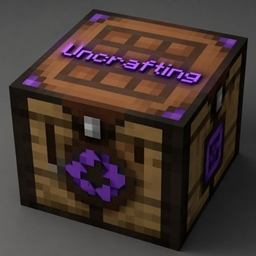
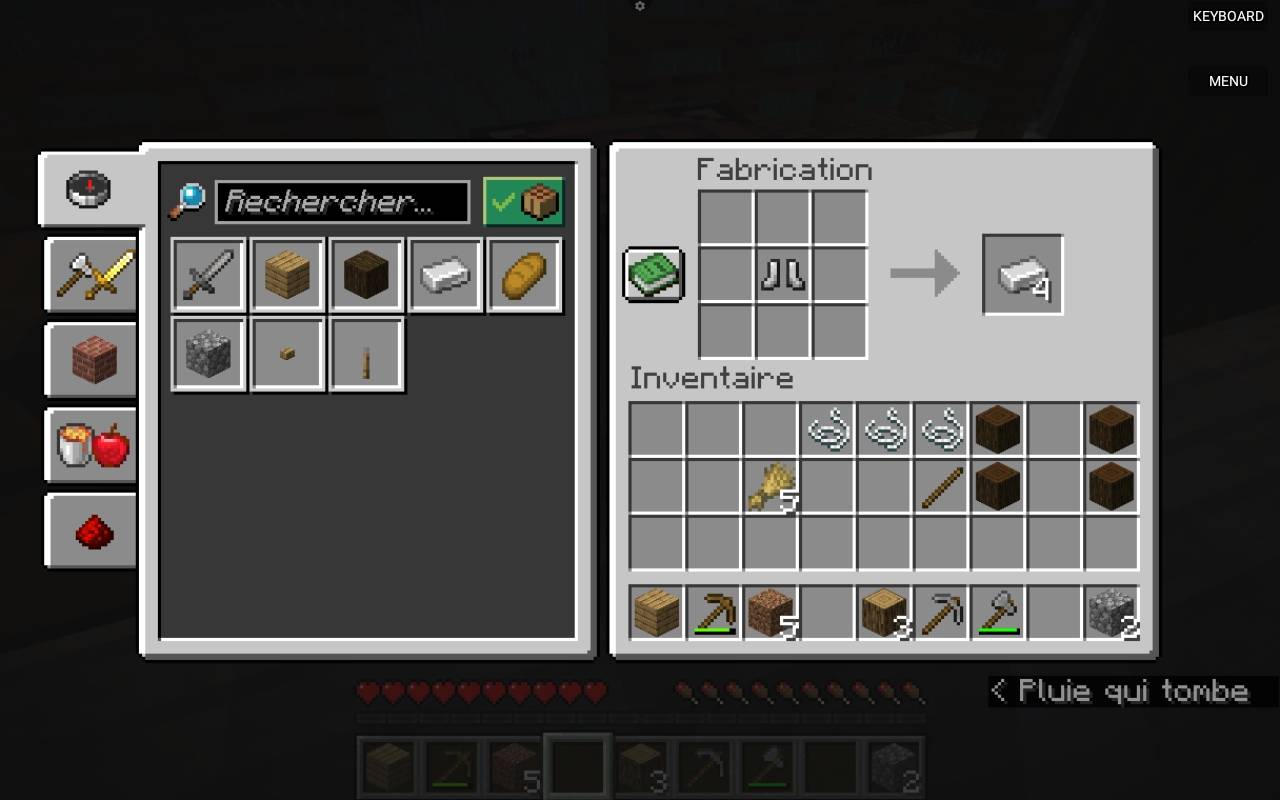
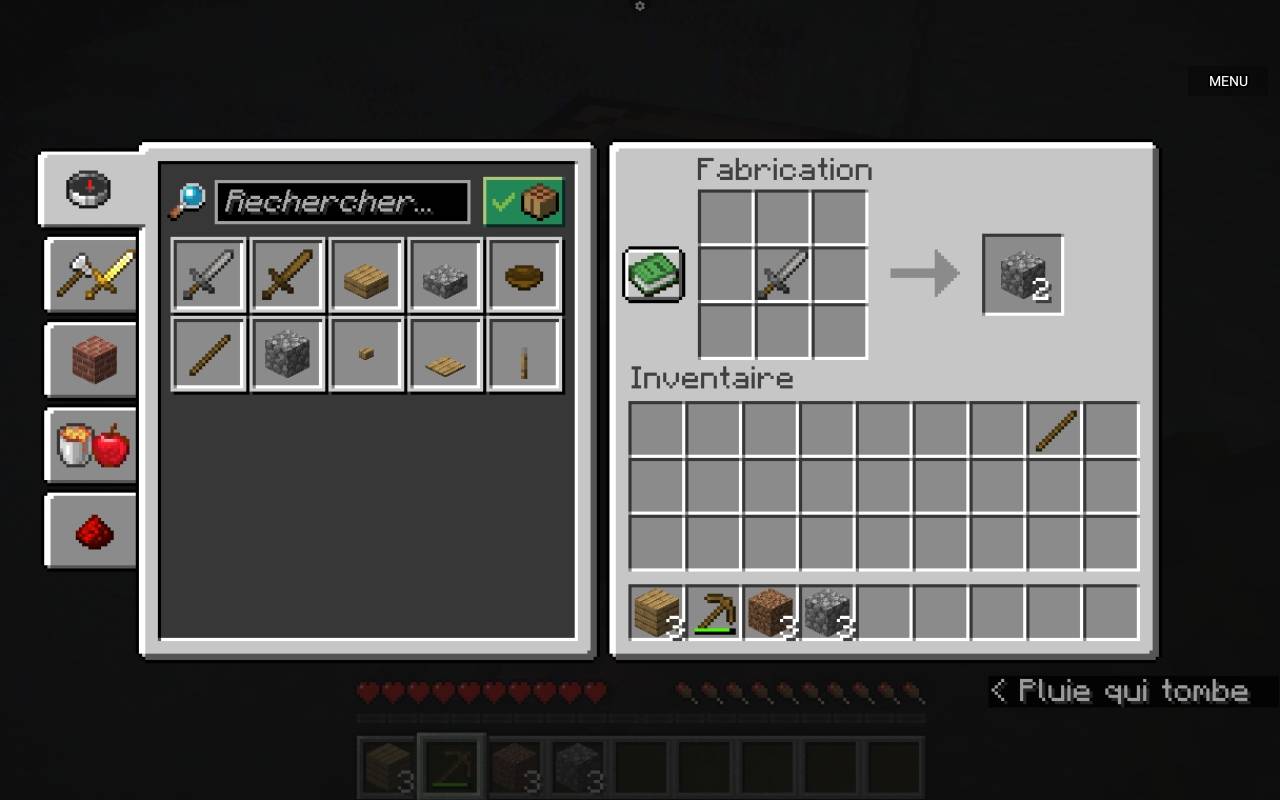
Ever found yourself swimming in unused iron swords or stacks of leather boots you'll never wear? Uncrafting is a lightweight datapack that lets you break down your equipment directly in the crafting table — no mods, no special blocks, no commands.


Simply place any supported item in the crafting grid and recover the raw materials it was made from. Weapons, tools, armor, redstone components, and miscellaneous items can all be deconstructed. It's the recycling system Minecraft always needed.


Compatible with vanilla Minecraft. Drop it in your datapack folder and play.)


A complete list of crafting recipes can be found on the datapack wiki. Uncrafting wiki

Uncrafting1.03
MC 1.21, 1.21.6-snapshot, 1.21.8, 1.21.5, 1.21.6, 1.21.7, 1.21.9-snapshot, 1.21.9, 1.21.10, 1.21.11, 26.1, 26.1.1, 26.1.2
Release 2026-04-17 Get

Requirements & install

How to use this data pack in Minecraft
Mods needed
None, works in vanilla
Minecraft
1.21.8 – 26.1.2
Install folder
saves/<world>/datapacks

How to install data packs

  1. Download the data pack .zip file (do not extract it).
  2. New world: click Data Packs on the world creation screen and drop the .zip in. Existing world: open .minecraft/saves/<world>/datapacks.
  3. Put the .zip into the datapacks folder of the world (servers: world/datapacks).
  4. Run /reload in game (or rejoin the world) and check it with /datapack list.
Browse more: Data Packs for 26.1.2 All data packs
Advertisement Remove ads with Premium →

You Might Also Like