Mineuniverse
Data Packs
Tropicraft x Cobblemon!

Tropicraft x Cobblemon!

DATA PACK
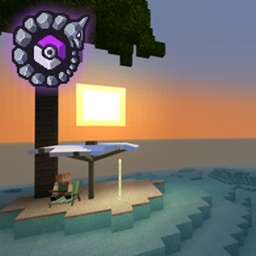
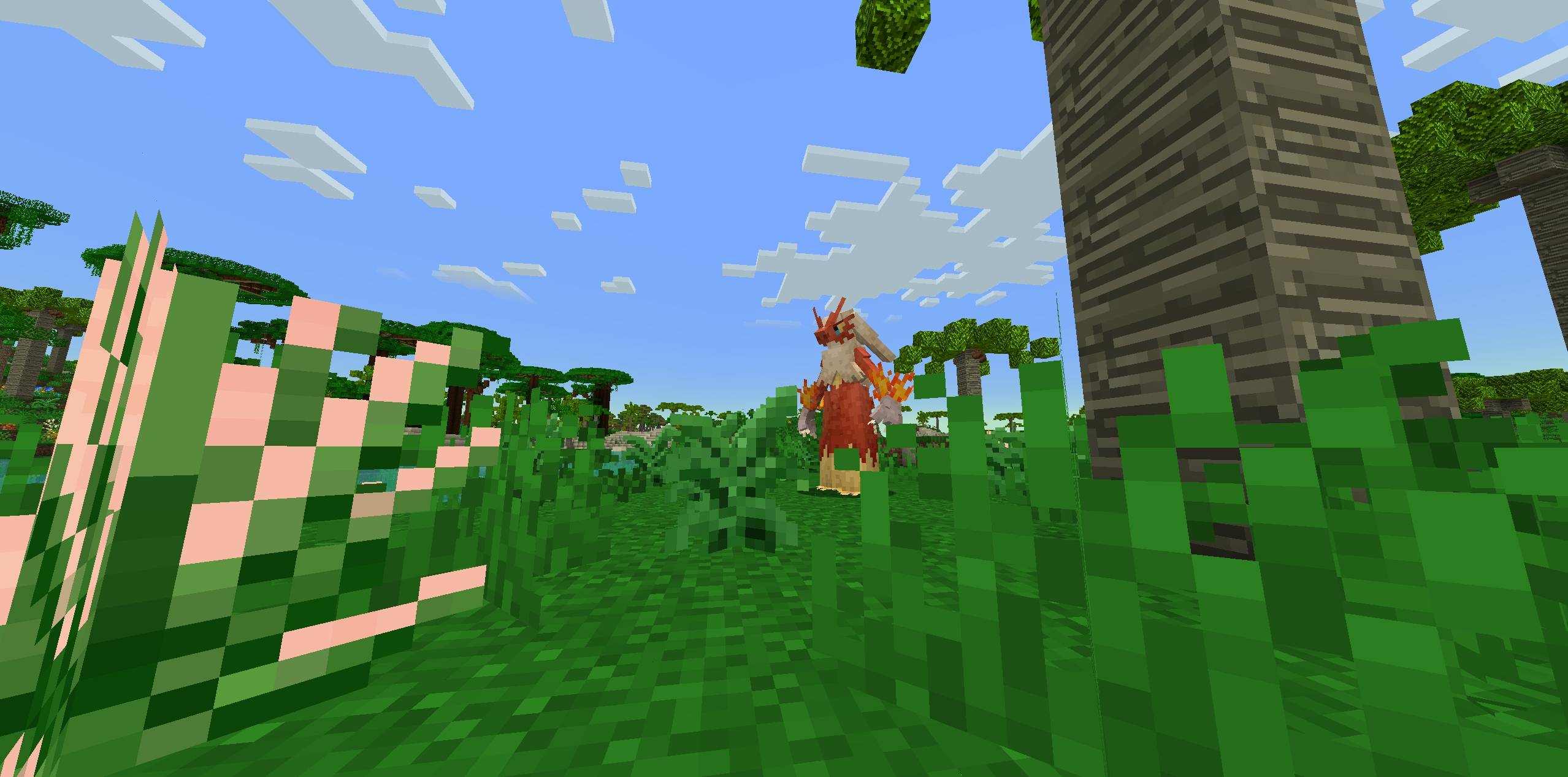
This Datapack adds Cobblemon Spawns to the Tropicraft Dimension!
by flutzyy_
Download Claim this project
1,291 downloads
0 likes
0 followers
Updated Oct 14, 2026
0 hypes
Follow0
Adventure Miscellaneous Mod Support Utility
Advertisement Remove ads with Premium →

Transform Tropicraft's tropical paradise into a thriving Pokemon ecosystem! This datapack brings 160+ Pokemon to life across sun-soaked beaches, dense rainforests, crystalline oceans, and volcanic peaks. Every biome pulses with carefully selected Pokemon that belong in a tropical setting!

This pack was created for my up-coming Modpack "Cobblemon (RPG)"!

Features:

  • 160+ Pokemon across 8 fully populated biomes
  • Exclusive fishing spawns in 3 water biomes (Beach, Ocean, River)
  • Themed encounters - Pokemon match each biome's tropical atmosphere
  • Starter Pokemon lines - Find Squirtle, Totodile, Mudkip, and more!
  • Dragon-filled mountains - Tropical Peaks features pseudo-legendaries
  • Evolution-appropriate spawns - Proper level caps for all Pokemon

Perfect for: Modpack creators, server owners, and players who want a fully-featured Pokemon experience in the Tropicraft dimension!

All the spawns! :

Installation:

  1. Download the datapack
  2. Place in world/datapacks or Open Loader's/Other datapack loaders data folder
  3. Run /reload
  4. Start exploring!

Requires: Cobblemon 1.6.1+ and Tropicraft mod


Also check out: 

Eternal Starlight x Cobblemon!

Bygone x Cobblemon!

This project can also be found on Modrinth!

https://modrinth.com/datapack/tropicraft-x-cobblemon

TropicraftSpawns1.1.zip
MC 1.21.1
Release 2025-12-05 Get
TropicraftSpawns1.0.zip
MC 1.21.1
Release 2025-11-30 Get

Requirements & install

How to use this data pack in Minecraft
Mods needed
None, works in vanilla
Minecraft
1.21.1
Install folder
saves/<world>/datapacks

How to install data packs

  1. Download the data pack .zip file (do not extract it).
  2. New world: click Data Packs on the world creation screen and drop the .zip in. Existing world: open .minecraft/saves/<world>/datapacks.
  3. Put the .zip into the datapacks folder of the world (servers: world/datapacks).
  4. Run /reload in game (or rejoin the world) and check it with /datapack list.
Browse more: Data Packs for 1.21.1 All data packs

More from flutzyy_

Advertisement Remove ads with Premium →

You Might Also Like