Mineuniverse
Data Packs
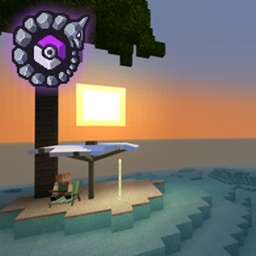
Eternal Starlight x Cobblemon!

Eternal Starlight x Cobblemon!

DATA PACK
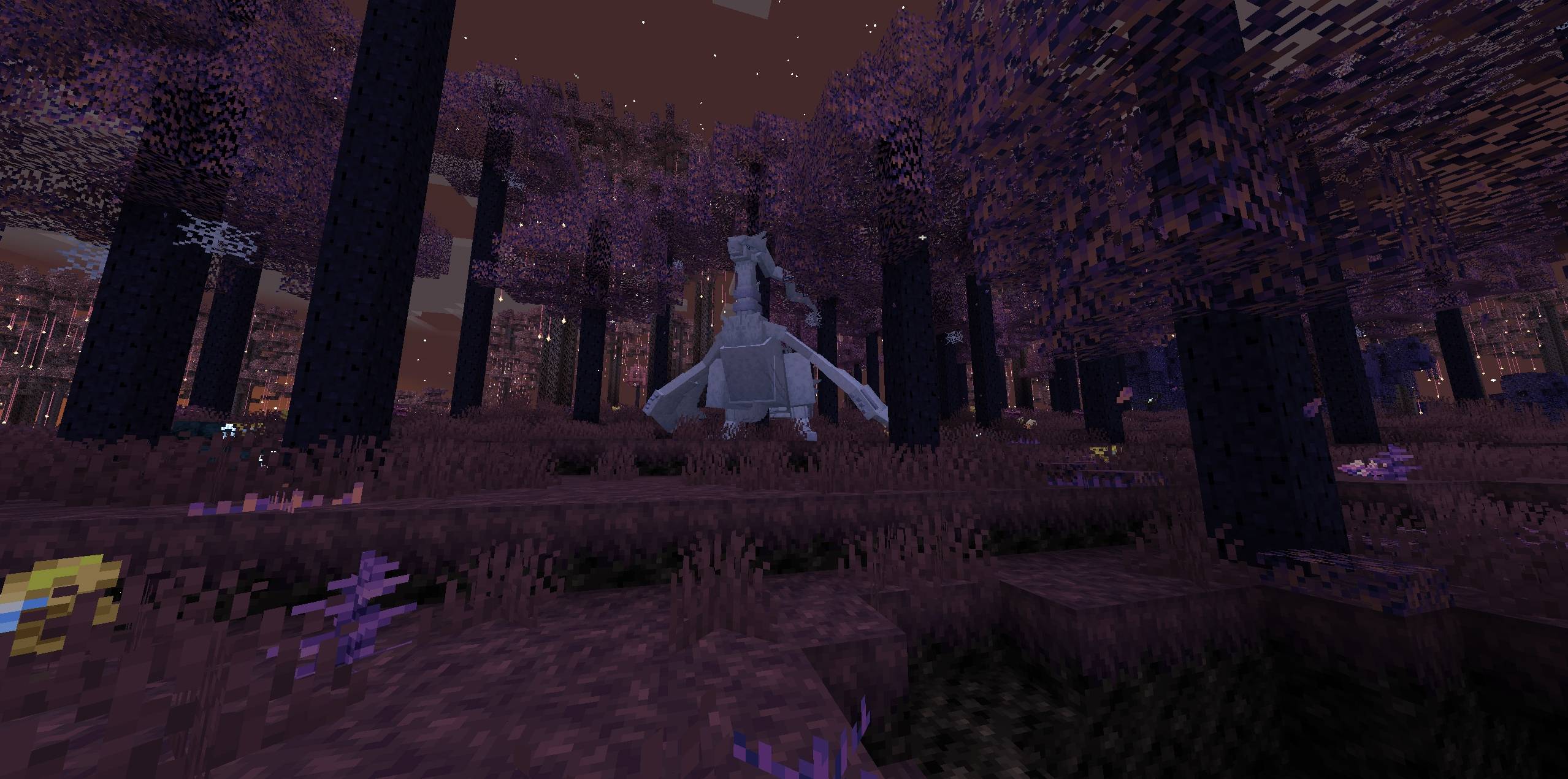
This datapack adds spawns to the Eternal Starlight dimension for Cobblemon!
by flutzyy_
Download Claim this project
4,179 downloads
0 likes
0 followers
Updated Oct 14, 2026
0 hypes
Follow0
Adventure Miscellaneous Mod Support
Advertisement Remove ads with Premium →

This comprehensive spawn datapack adds 300+ carefully curated Pokemon spawns across all 14 biomes in the Eternal Starlight dimension. Each biome has been meticulously themed with Pokemon that fit its unique atmosphere! Ranging from the shadowy Starlight Forests to the frigid Permafrost regions and the mysterious Abyss!

This pack was created for my up-coming Modpack "Cobblemon (RPG)"!

Features!

  • 300+ Pokemon across 14 fully populated biomes
  • 28 Legendary Pokemon (2 per biome)
  • Exclusive fishing spawns in 6 water biomes
  • Themed encounters - Pokemon match each biome's atmosphere
  • Day/night spawns - Some Pokemon only appear in darkness
  • Endgame content - Dense Forests feature higher level Pokemon

Perfect for: Modpack creators, server owners, and players who want a fully-featured Pokemon experience in the Eternal Starlight dimension!

All the spawns! :

Installation

  1. Download the datapack
  2. Place in world/datapacks or Open Loader's/Other datapack loaders data folder
  3. Run /reload
  4. Start exploring!

Requires: Cobblemon 1.6.1+ and Eternal Starlight mod


Also check out:

Tropicraft x Cobblemon!

Bygone x Cobblemon!

This project can also be found on Modrinth!
https://modrinth.com/datapack/eternal-starlight-x-cobblemon

EternalStarlightSpawns1.0.zip
MC 1.21.1
Release 2025-11-30 Get

Requirements & install

How to use this data pack in Minecraft
Mods needed
None, works in vanilla
Minecraft
1.21.1
Install folder
saves/<world>/datapacks

How to install data packs

  1. Download the data pack .zip file (do not extract it).
  2. New world: click Data Packs on the world creation screen and drop the .zip in. Existing world: open .minecraft/saves/<world>/datapacks.
  3. Put the .zip into the datapacks folder of the world (servers: world/datapacks).
  4. Run /reload in game (or rejoin the world) and check it with /datapack list.
Browse more: Data Packs for 1.21.1 All data packs

More from flutzyy_

Advertisement Remove ads with Premium →

You Might Also Like